Softpedia
 

WINDOWS CATEGORIES:


GLOBAL PAGES >>
SOFTPEDIA REVIEWS >>
MEET THE EDITORS >>

WEEK'S BEST

  • DAEMON Tools Pro (...
  • FlashFXP [ DISCOUN...
  • PowerISO 4.9
  • WebcamMax [DISCOUN...
  • Zemana AntiLogger ...
  • System Mechanic Pr...
  • Glary Utilities Pr...
  • All My Movies [DIS...
  • Ad-Aware Internet ...
  • Atlantis Word Proc...
  • Home > Windows > Multimedia > Graphic > Digital Photo Tools
     Report malware

    Image Compressor 2008 Pro Edition 6.8.0.0

    download button

    Part of the Image Resizers download hub (+7 others)
    Downloads: 253,002  View global page  Tell us about an update
    User Rating:
    Rated by:
    Good (3.8/5)
    56 user(s)
    Developer:

    License / Price:

    Size / OS:

    Last Updated:

    Category:

    Demo / USD 99.99 buy button
    9.5 MB / Windows All
    [view history]
    C: \ Multimedia \ Graphic \ Digital Photo Tools

     Read user reviews (0)  Send to friend   Follow (0 users)

    EDITOR'S RATING

    Softpedia Editor's Review for Image Compressor 2008 Pro Edition

    The one and only compression software that compress your JPEG file with barely noticeable quality loss

    Written by Elena Opris on November 9th, 2011

    Wouldn't you like to be able to easily transfer image files over the internet? That's not always possible, due to the fact that files like these usually have a large size (especially photographs with a high resolution).

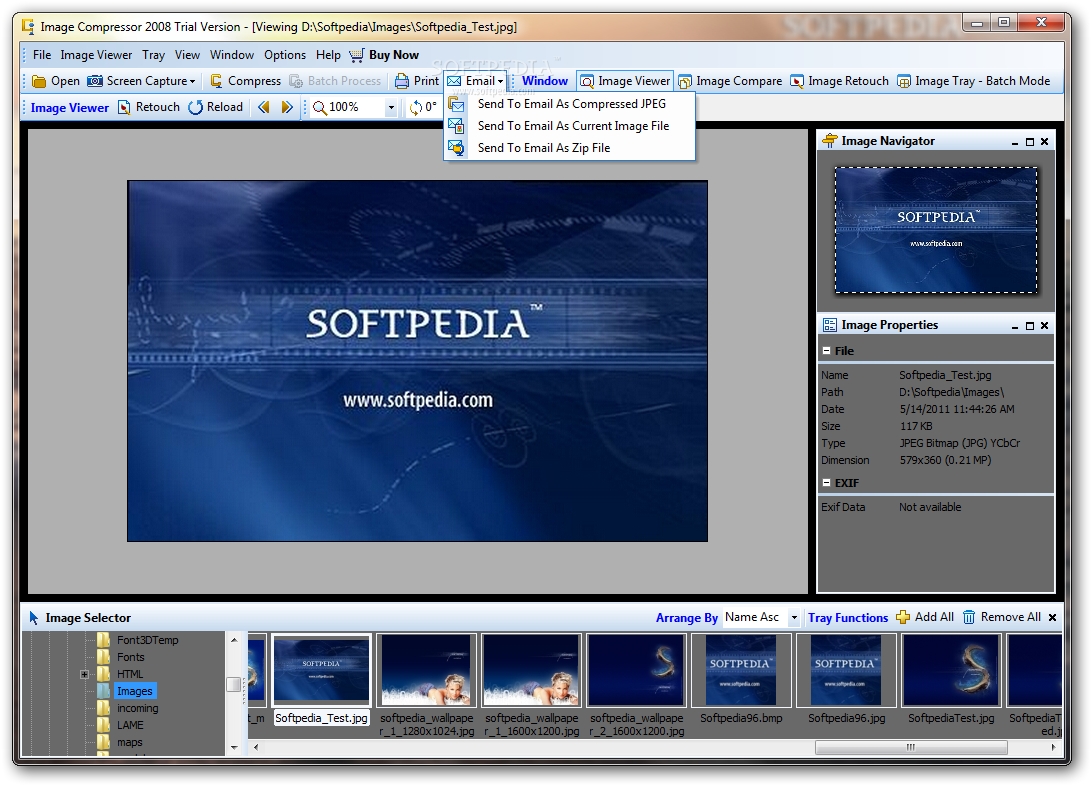
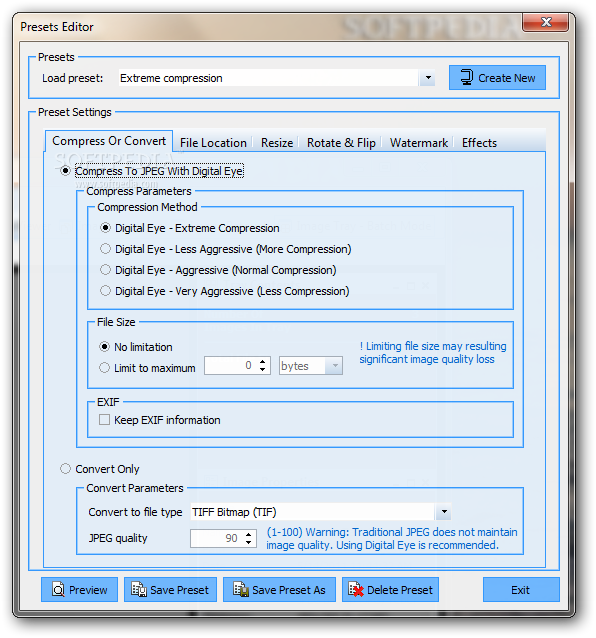
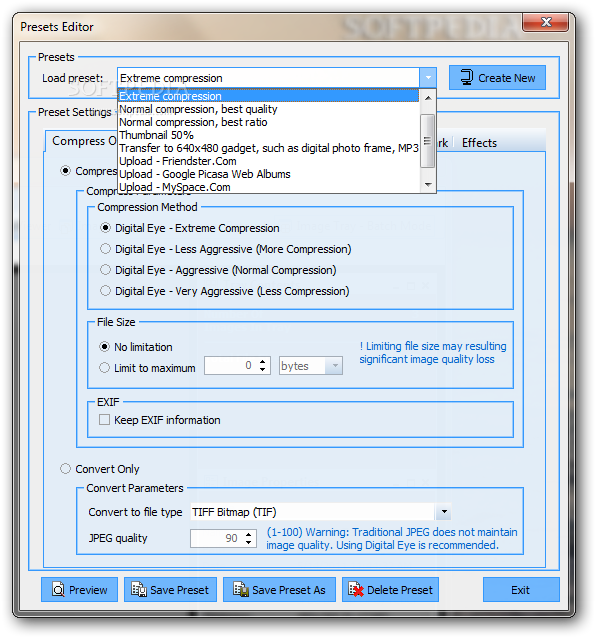
    Image Compressor 2008 Pro Edition is a compression tool that solely focuses on image files. It can convert them to a size that is small enough to be sent online, but while fairly maintaining image quality.

    This software recognizes most commonly used image file types, including but not limited to JPEG, TIFF, PSD, RAW, and it only converts them to the JPEG format.

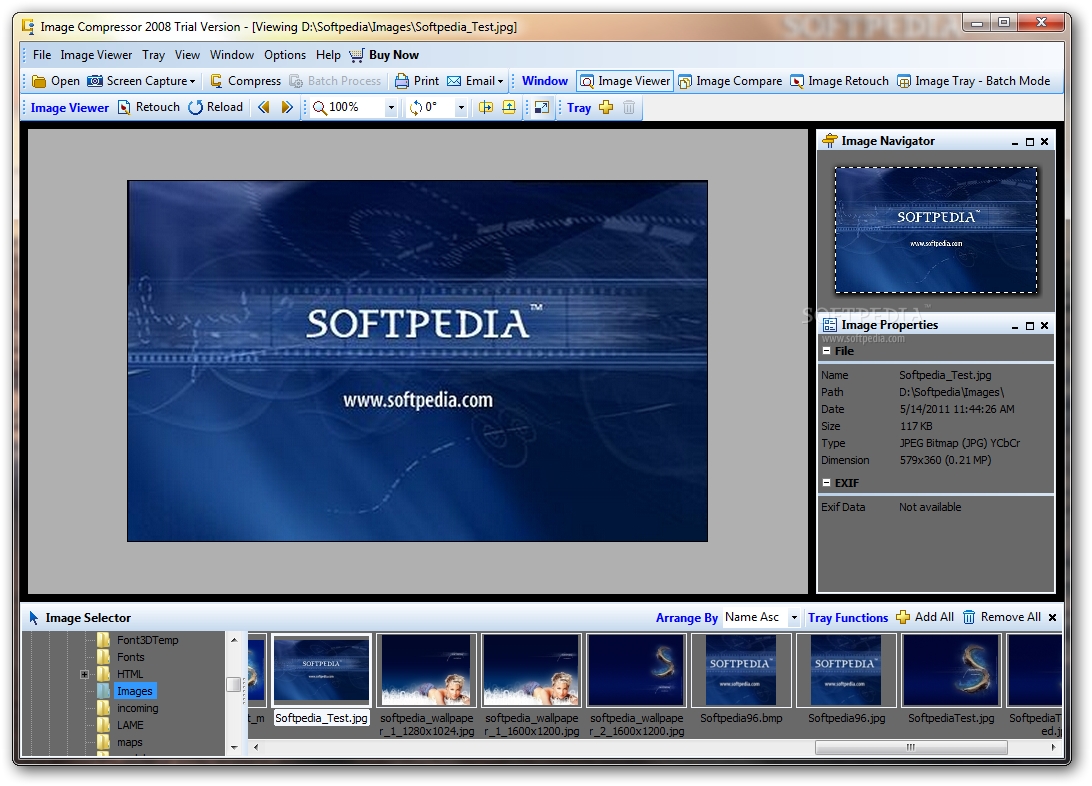
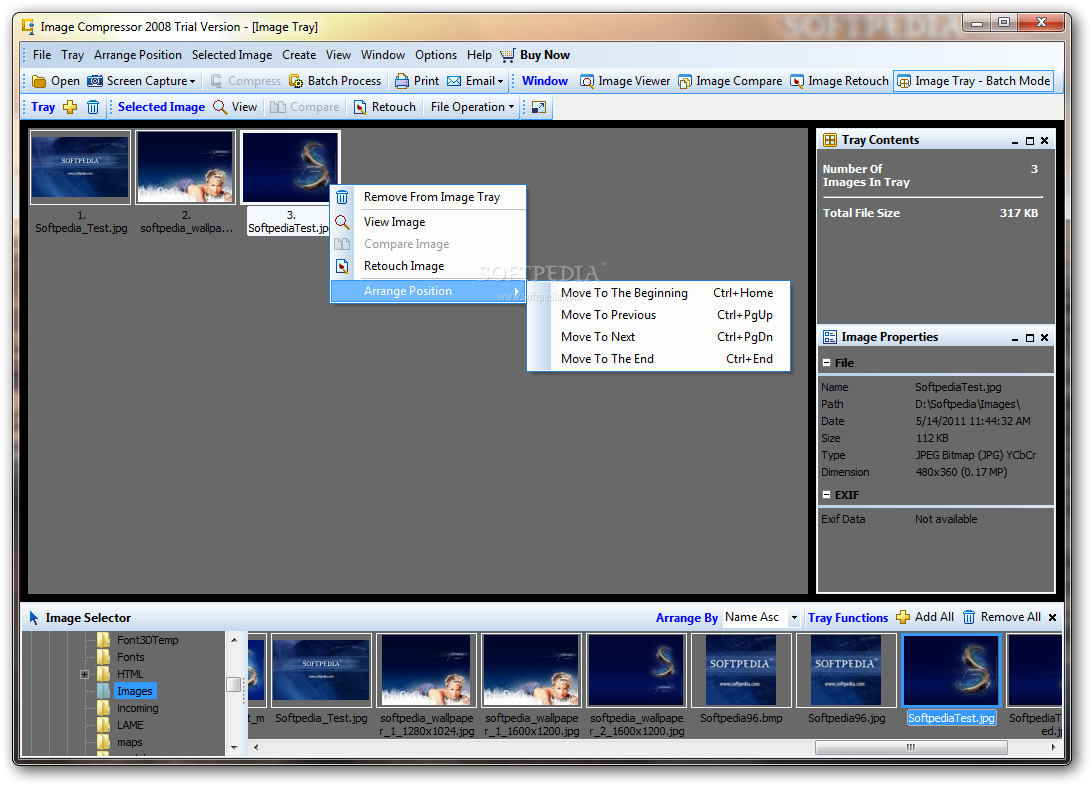
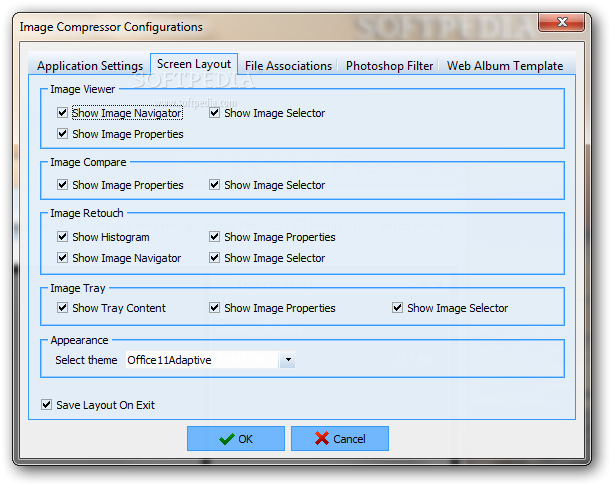
    The user interface of Image Compressor is pretty hectic (especially if you want to retouch an image), so you have to really explore it the first time you open it.

    We first tried compressing a small JPG image. The quality was maintained, and the size was reduced by almost a half. When we opened a large PNG file for compression, the size was massively reduced (by over 90%), but the quality was damaged as well (and that was clearly seen).

    Also, the trial version can be only used for testing the software, because every compressed image comes with a Image Compressor 2008 Pro Edition stamp on it, so the image is basically unusable.

    CPU and memory are minimally used, but this software seems to be very cluttered for the one function it was designed to do. Its price is kind of high, as well.

    But overall, Image Compressor 2008 Pro Edition is a fairly decent software for compressing images.


    Read an in-depth analysis in our professional review for Image Compressor 2008 Pro Edition

    Image Compressor 2008 Pro Edition description

    Here are some key features of "Image Compressor 2008 Pro Edition":

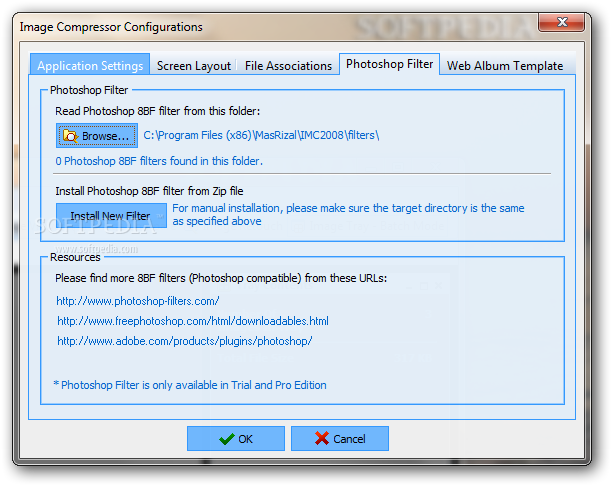
    · Adobe Photoshop 8BF Filter Plugin Support. Use Photoshop plugin without Photoshop. Batch Image Exporter. Export your images to multi page PDF, TIFF, Microsoft Word, PowerPoint, or ZIP file.
    · EXIF Editor.
    · Internet Image Grabber
    · Visual Image Finder.
    · Power Enlarger. Increase image size well over 500% and keep the sharpness intact. BONUS: 10 Essential Digital Photo Utilities
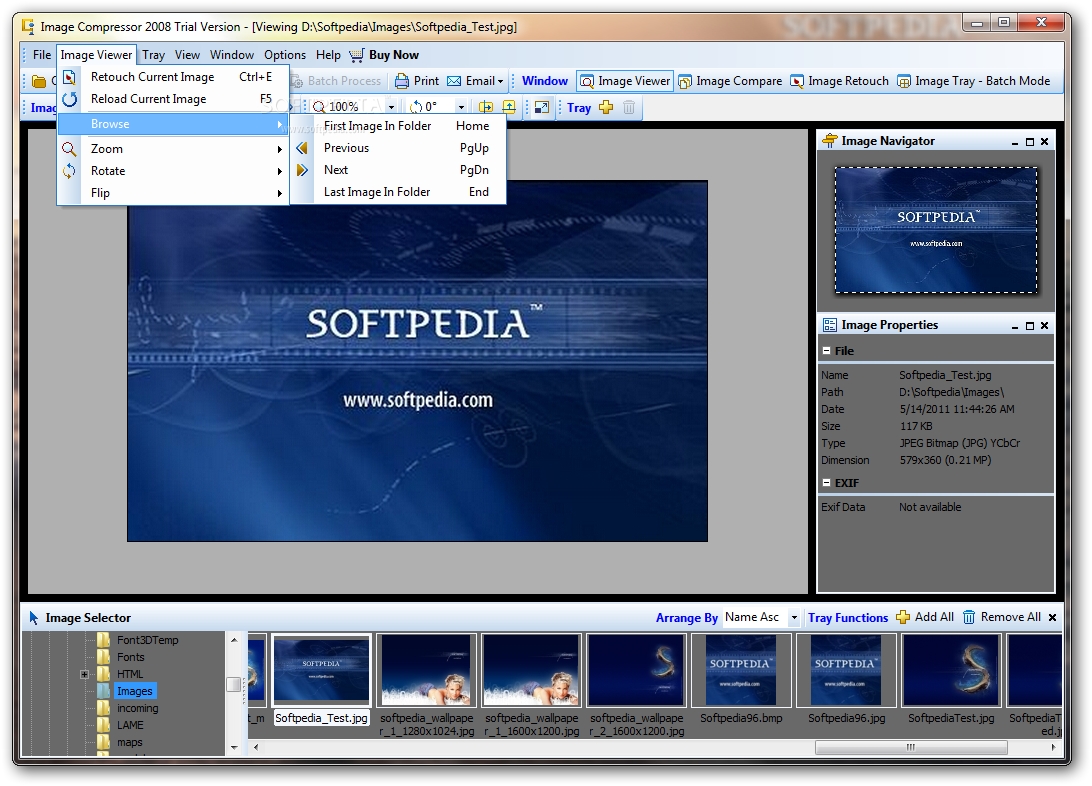
    · Image Viewer. Views more than 50 image types including the latest DSLR RAW.
    · Image Comparer. Compares 2 images side-by-side
    · Image Retouch. Retouch your photo with easy to use tools. Includes: Color management, JPEG artifact reducer, face enhancer, image merging and many more.
    · Web Photo Album Creator. Creates animated, interactive web photo album.
    · Batch Image Converter. Convert from any supported image formats to JPEG, PNG, TIFF, BMP or PDF.
    · Batch Image Resizer. Resize multiple images with 11 filters or let Image Compressor choose the best one automatically for you.
    · Batch Image Rotator. Rotate, straighten or auto skew multiple images directly. Batch Image Watermarker. Add your copyright, or visual date time stamp to multiple images. Support both text based and image based watermark.
    · Batch Image Processing. Apply special effect to multiple images at once.
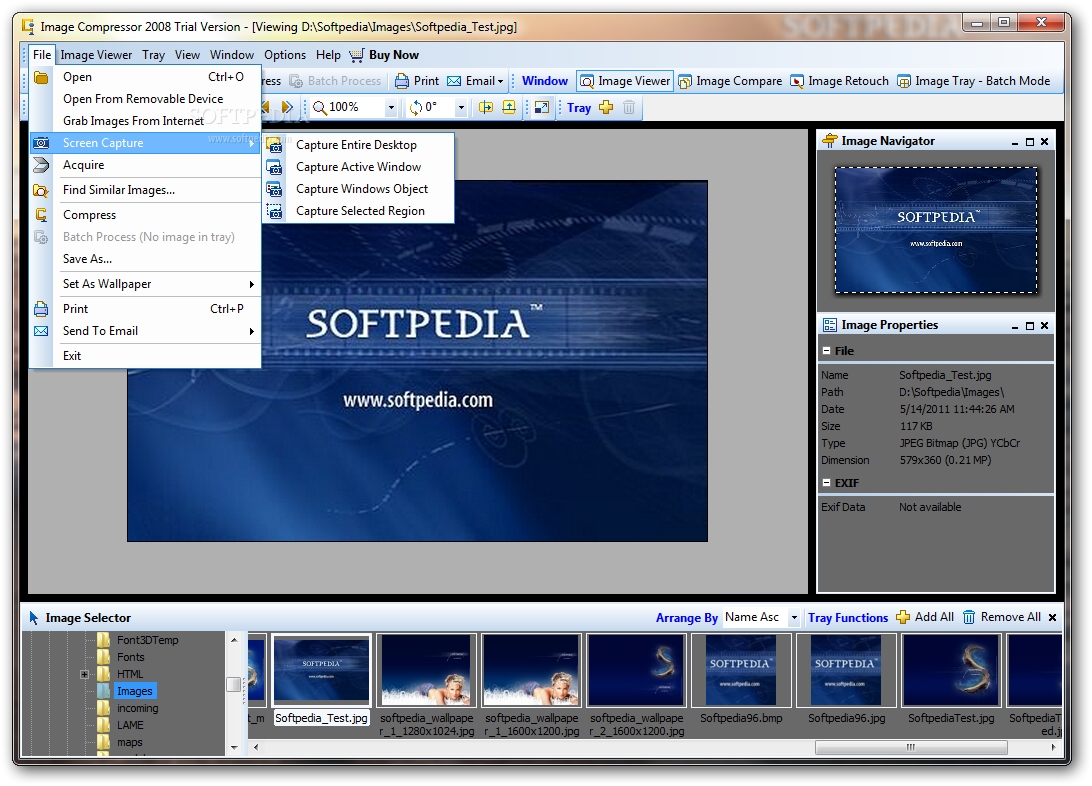
    · Screen Capture. Capture whole screen, active window, any object or any region on your screen

    Requirements:

    · CPU Intel Pentium IV 1.2GHz. 2GHz or more is very recommended for desktop PC.
    · Intel Centrino 1.5GHz or more for notebook.
    · RAM 256MB. 512MB or more is very recommended.
    · Increase your Windows swap file size if necessary.
    · Display A 24-bit color monitor with 1024x768 resolution is recommended.
    · Hardware accelerator is not required.
    · Hard drive space A minimum of 10MB required to install Image Compressor.
    · More free space is required to compress your images.
    · Other Internet connection required for registration and some other options.

    Limitations:

    · Compressed images will be watermarked.
    · The Watermark and Effects features are disabled.

    What's New in This Release: [ read full changelog ]

    · Add more DSLR RAW Cameras
    · Even faster processing
    · Fix file association issue

       Softpedia guarantees that Image Compressor 2008 Pro Edition 6.8.0.0 is 100% CLEAN, which means it does not contain any form of malware, including spyware, viruses, trojans and backdoors. [read more >]


    TAGS:

    compress image | image compression | jpeg compressor | compress | compressor | compression


    HTML code for linking to this page:


    Go to top

    WindowsGamesDriversMacLinuxScriptsMobileHandheldNews

    SUBMIT PROGRAM   |   ADVERTISE   |   GET HELP   |   SEND US FEEDBACK   |   RSS FEEDS   |   UPDATE YOUR SOFTWARE   |   ROMANIAN FORUM