
View, organize, and edit images using a set of advanced tools, import photos from connected cameras, rate pictures and set map locations, and adjust objects’ colors. #Photo editor #Photo studio #Graphic editor #Designer #Panorama #Effect

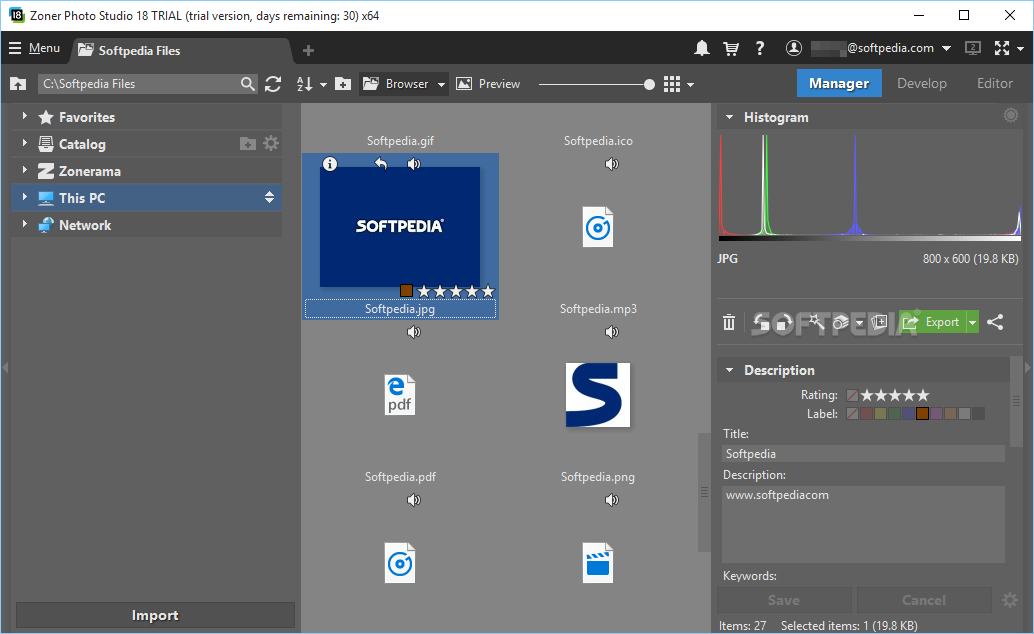
Zoner Photo Studio X is a professional software application specialized in managing large collections of images and editing photos.
The tool impresses with a coherent feature structure that allows you to quickly get an idea about how to make the most out of its features. A tutorial is also displayed when you run the utility for the first time so you can get acquainted with its key functions.
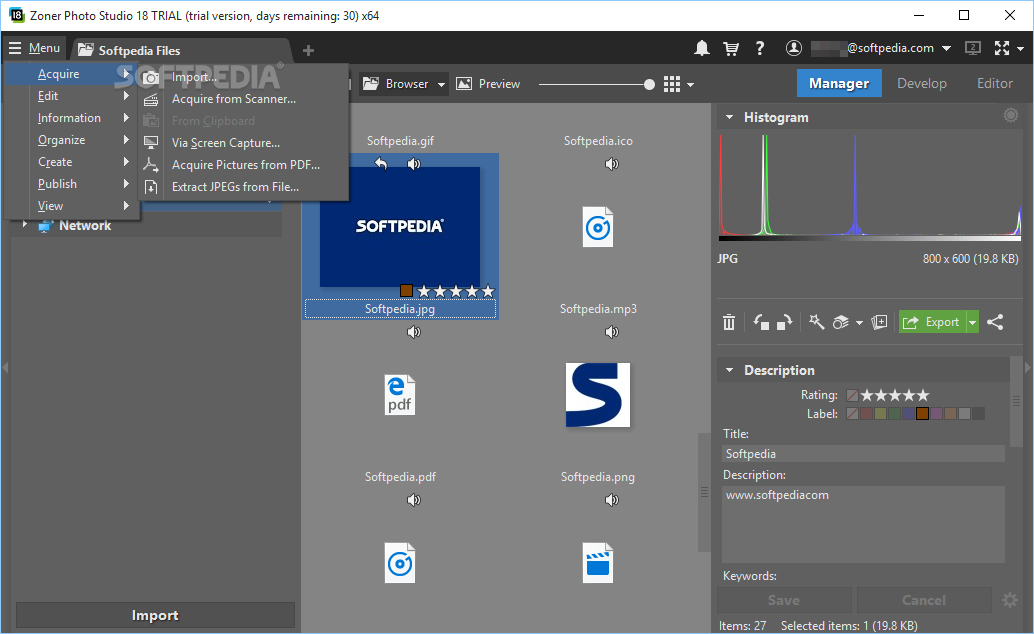
When it comes to photo importing tasks, you should know the program is able to automatically add photos from a connected camera. Plus, the best part about this process is that images are automatically sorted, and you may also rename and back them up.
You may acquire files from a scanner, take screenshots using different modes (e.g. whole screen, active window), extract photos from PDF files, and grab JPEG images from files.
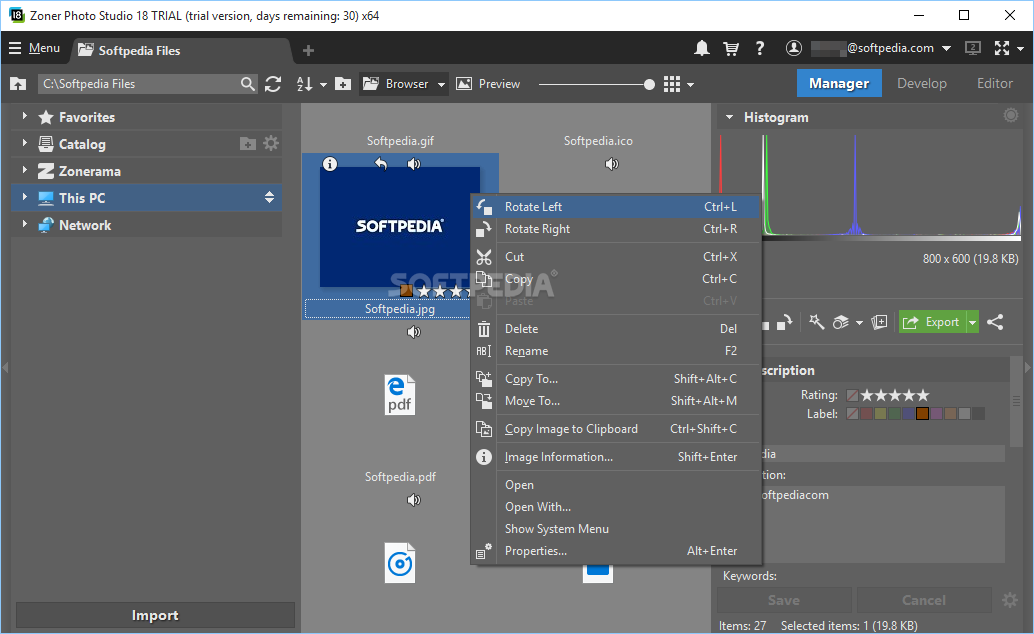
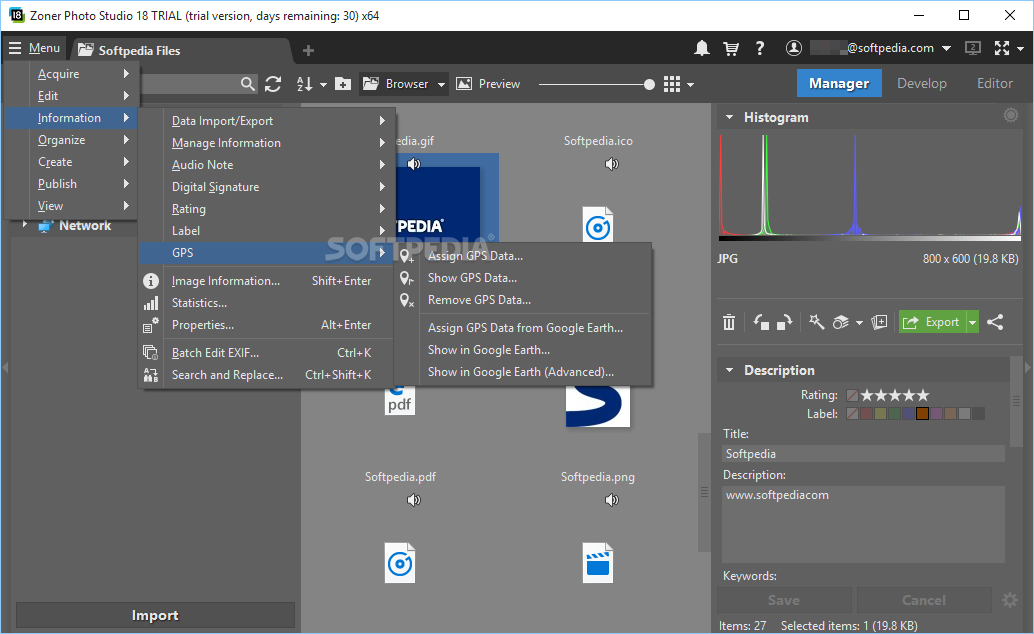
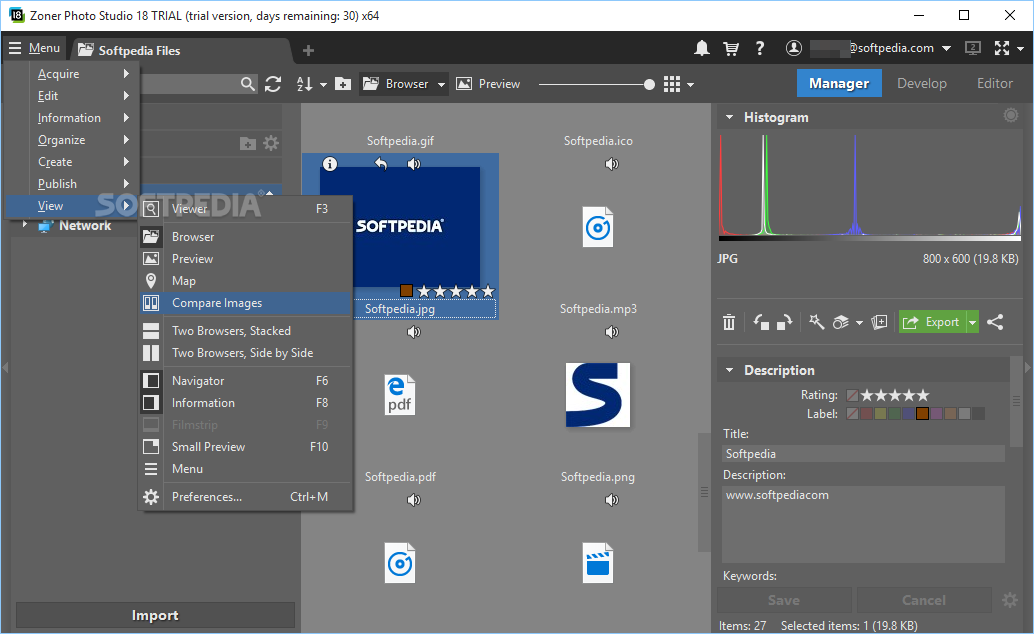
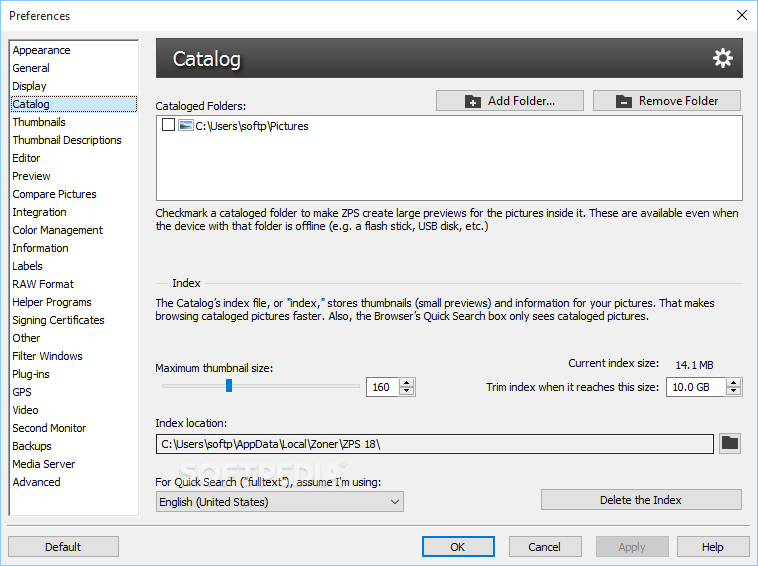
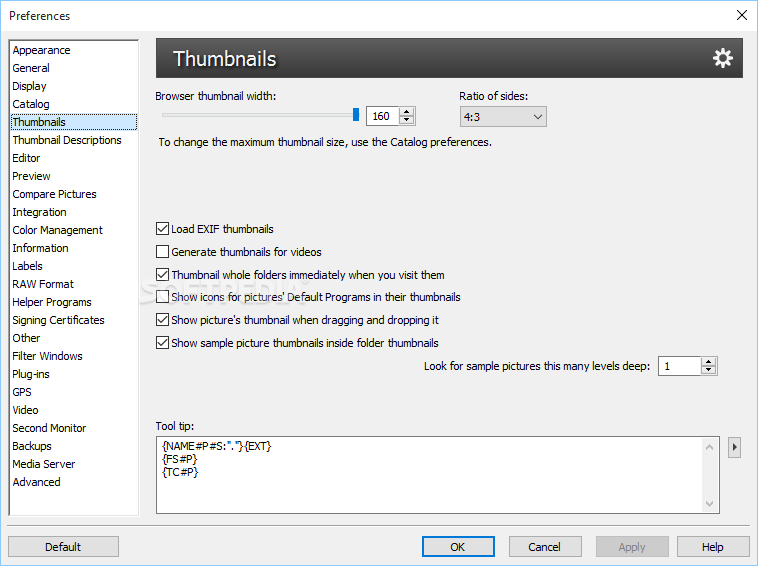
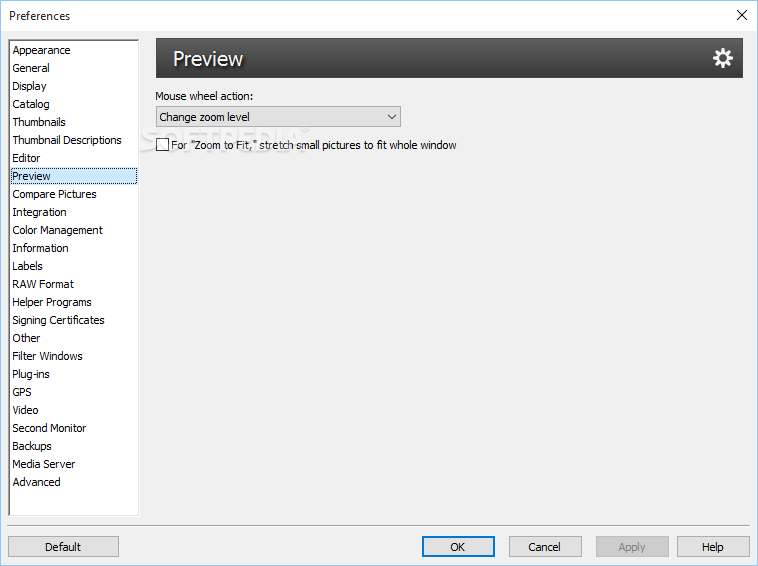
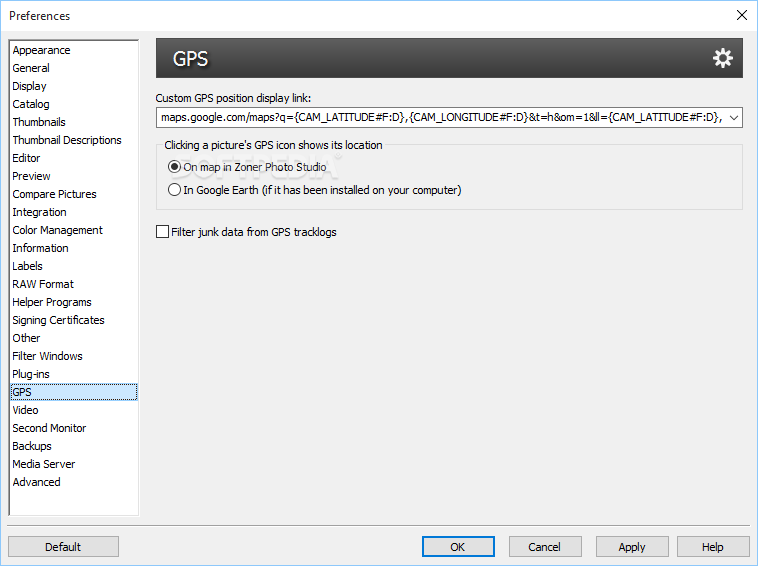
Zoner Photo Studio X lets you work with multiple image catalogues. In order to clean up the ‘mess,’ which may result from handling a huge collection of files, you can add colored labels, set up map locations, perform searches, as well as rate items according to your preferences. Plus, you can preview images with the aid of thumbnails and zoom in or out of photos.
A smart feature offered by Zoner Photo Studio X, called Develop module, offers you the freedom to boost the image quality without affecting the source photo. There are a lot of editing modes that you can play with, such as you may apply all sorts of effects (e.g. Warm Colors, Black and White, Sepia, Noise Reduction) and alter white balance (e.g. temperature, tint), exposure (e.g. contrast, shadows, clarity), color (e.g. grayscale effects, RGB adjustments), tone curve, sharpness, noise reduction, HDR, and lens parameters.
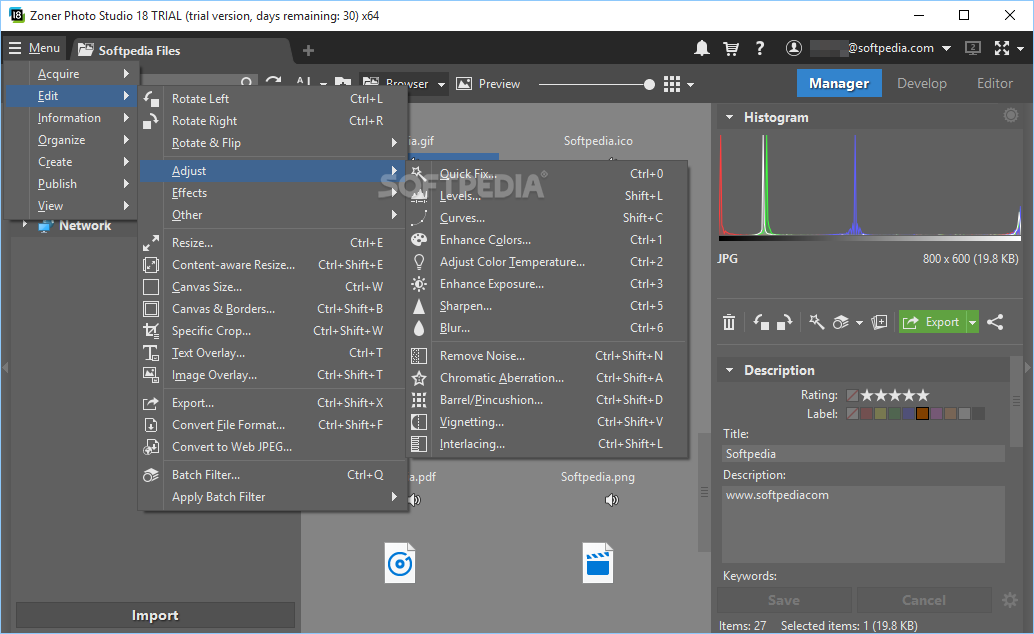
A histogram is also integrated in the main window. The app is resourceful when it comes to letting you edit images. You may adjust all sorts of parameters (e.g. curves, color enhancement, blur, noise removal, vignetting, interlacing), resize items, and work with a multitude of effects (e.g. Cartoon, High Pass, Pencil Drawing, Pixelize, Emboss, Texture).
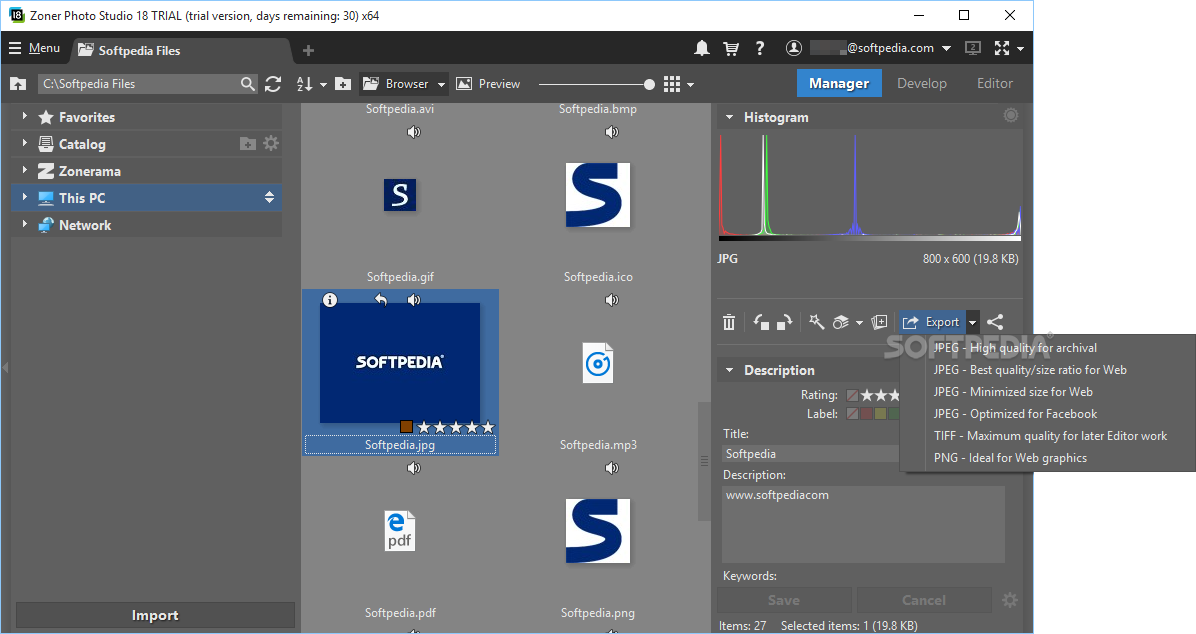
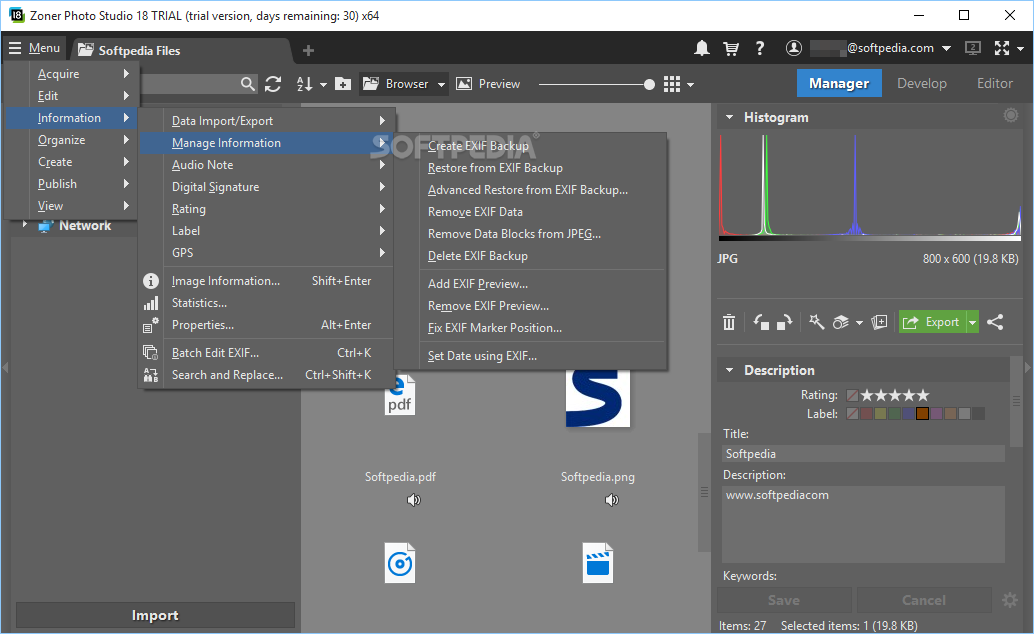
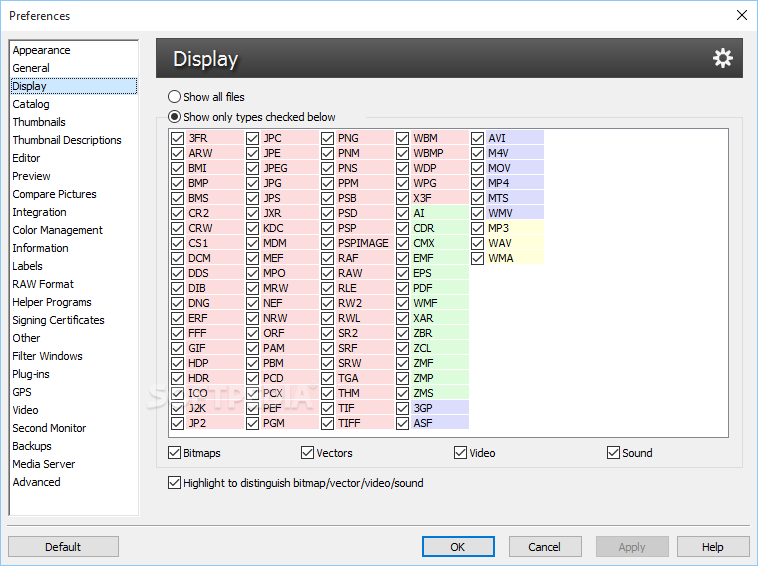
Zoner Photo Studio X helps you convert images to different file formats (e.g. JPG, PNG, TIF, TGA, BMP, TCX) and make use of batch actions for editing and processing multiple photos at the same time. Batch processing can also be used for assigning the same EXIF data to a large number of files, as well as rename items.
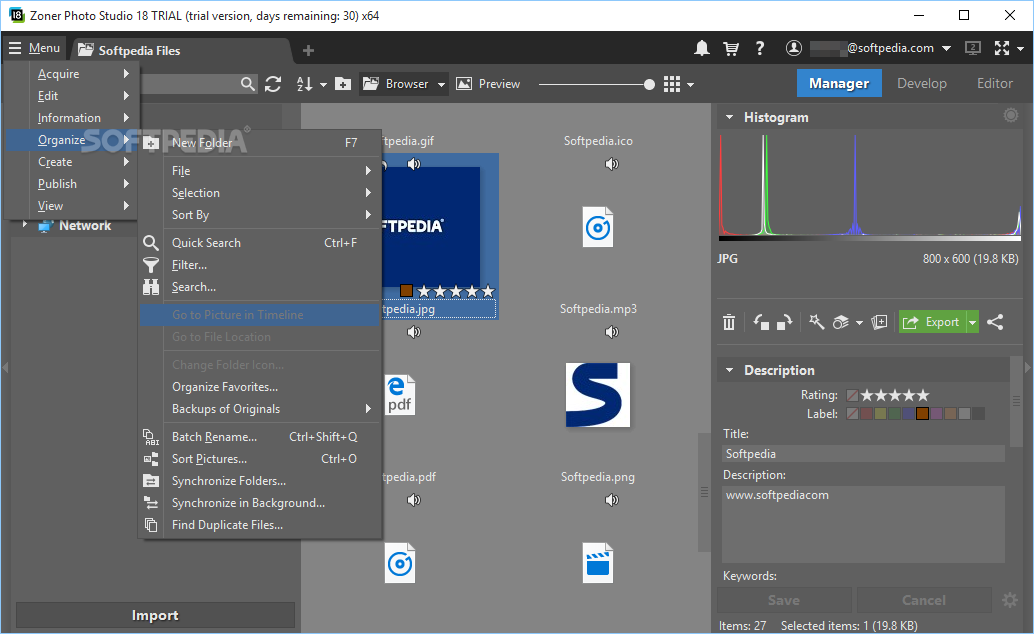
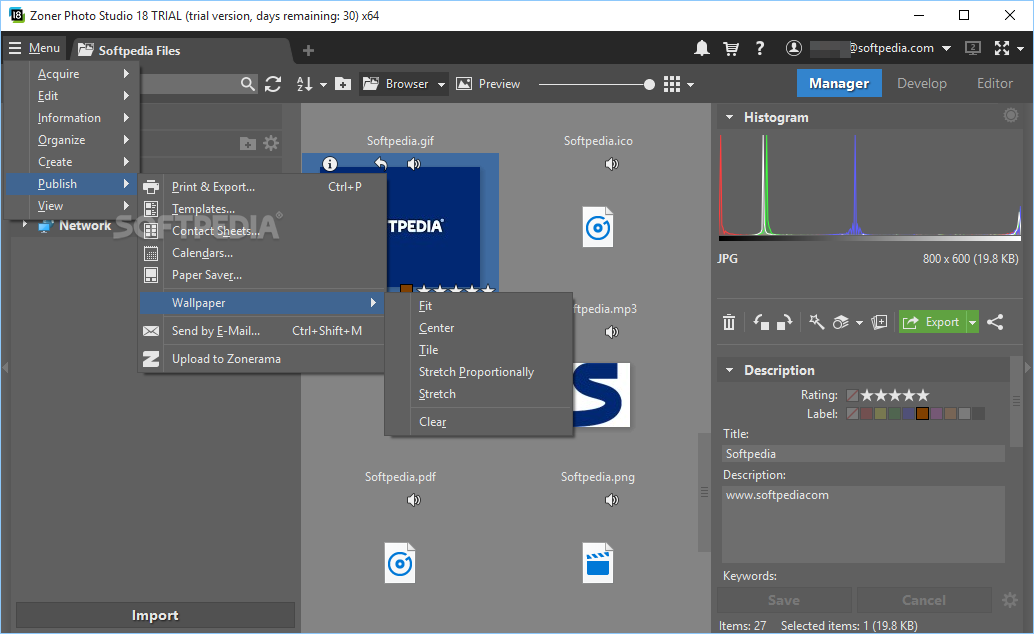
You are allowed to synchronize folders, sort pictures, find duplicate items, create videos (MP4) based on multiple images and set the background music, generate panorama photos, design 3D pictures, make HDR images, as well as build postcards and PDF slideshows. Exporting options empower you to generate contact sheets or calendars, print files, and export data to various formats (e.g. BMP, PDF).
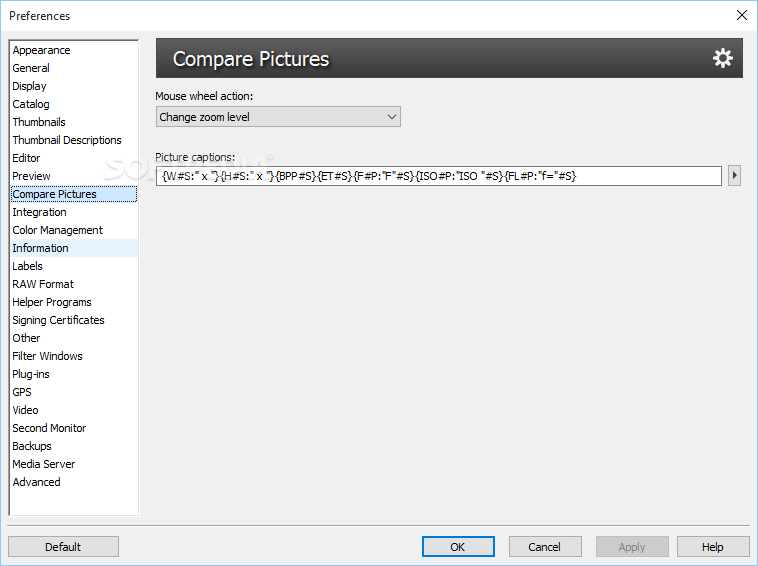
Zoner Photo Studio X comes packed with several advanced and comprehensive tools for helping you view, organize, and edit images. There’s also support for a free edition of the app, called Zoner Photo Studio FREE, but unlike the PRO version it does not come with support for RAW files, selection features, HDR, tone mapping, tilt-shift, 3D picture creation, content-aware resizing options, lens flare, high-pass filter, cartoon effect, duplicate finder, and image comparison.
Download Hubs
Zoner Photo Studio X is part of these download collections: View CR2, Open ARW, Edit RAF, View PEF
What's new in Zoner Photo Studio X 19.2403.2.539:
- Fixed problem with saving to AVIF format
- Other bug fixes and minor improvements
Zoner Photo Studio X 19.2403.2.539
add to watchlist add to download basket send us an update REPORT- runs on:
-
Windows 11
Windows 10 32/64 bit - file size:
- 381 KB
- filename:
- zpsx.exe






- main category:
- Multimedia
- developer:
- visit homepage
Bitdefender Antivirus Free

ShareX

Context Menu Manager

IrfanView

7-Zip

4k Video Downloader

Zoom Client

Microsoft Teams

Windows Sandbox Launcher

calibre

- Microsoft Teams
- Windows Sandbox Launcher
- calibre
- Bitdefender Antivirus Free
- ShareX
- Context Menu Manager
- IrfanView
- 7-Zip
- 4k Video Downloader
- Zoom Client