
Enables you to take snapshots of various parts of the screen, as well as record actions taken, edit results and save them to the HDD. #Screen capture #Desktop snapshot #Image uploader #Capture #Screenshot #Snapshot

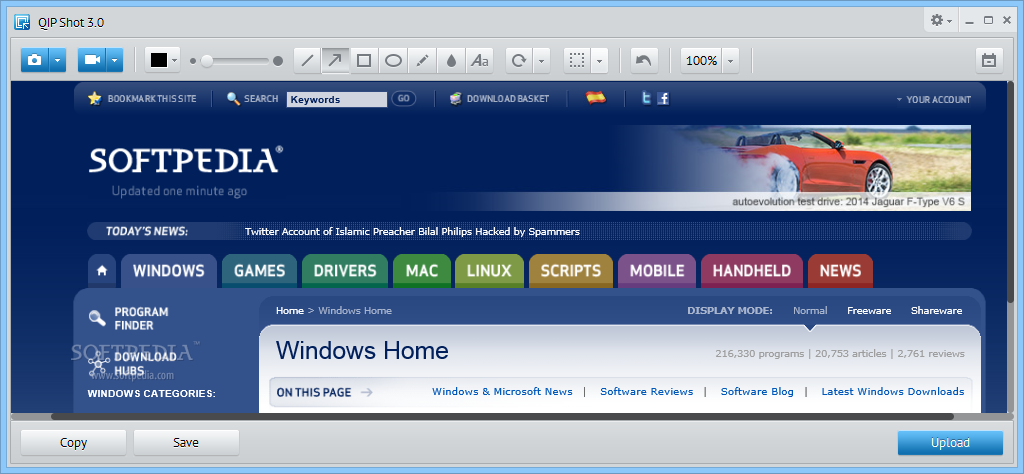
QIP Shot is a useful piece of software which enables you to take different types of picture of your desktop, as well as video record screen activity.
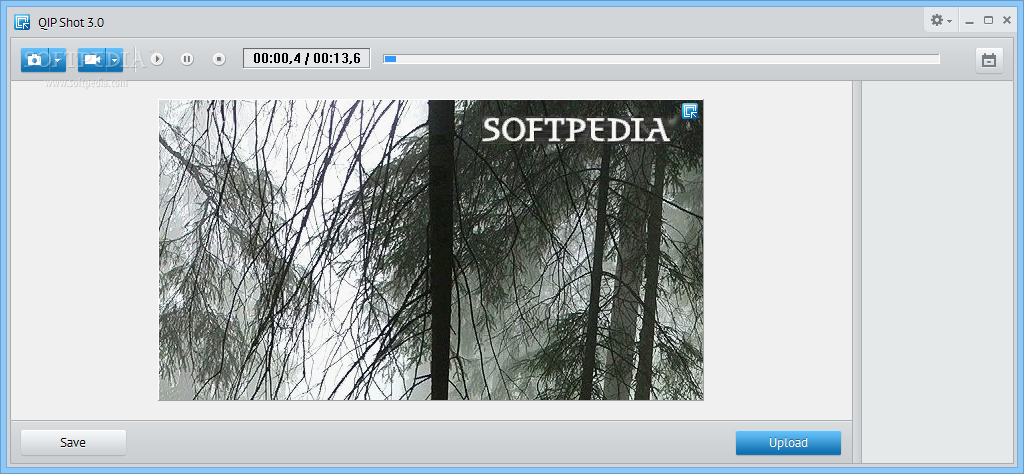
The installation process is surprise-free and fast, and after completing it, you come face to face with a simple and non-obtrusive UI. It goes in the system tray from the first launch, and contains only a few buttons and a panel to view picture or clip captured.
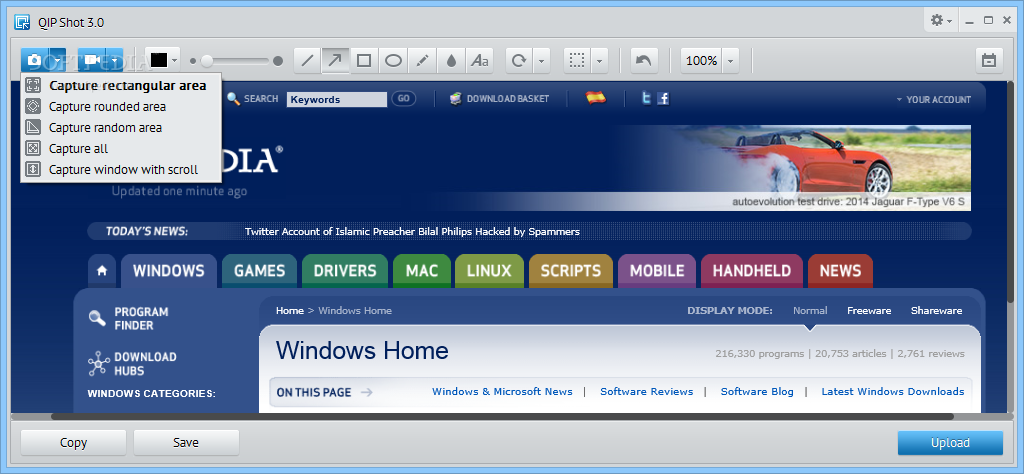
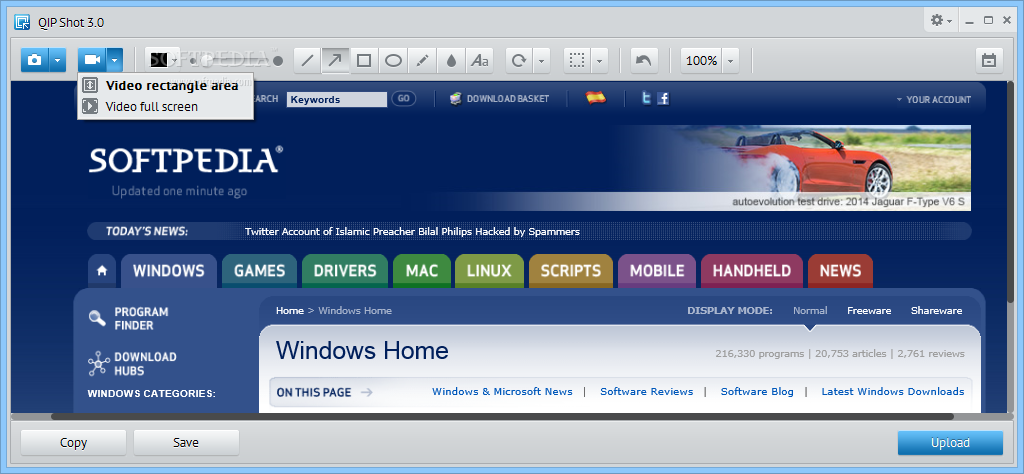
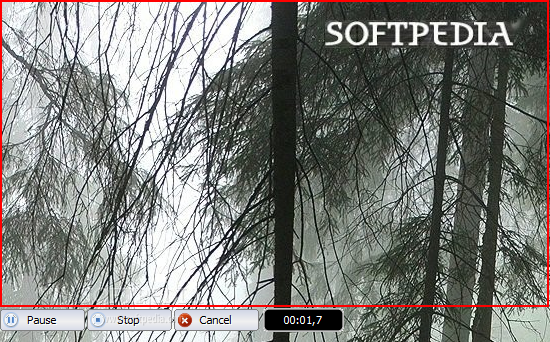
It is possible to take snapshots of the entire screen, a specified window and a custom, rectangular or rounded region, as well as record in fullscreen mode or just a user-defined rectangle.
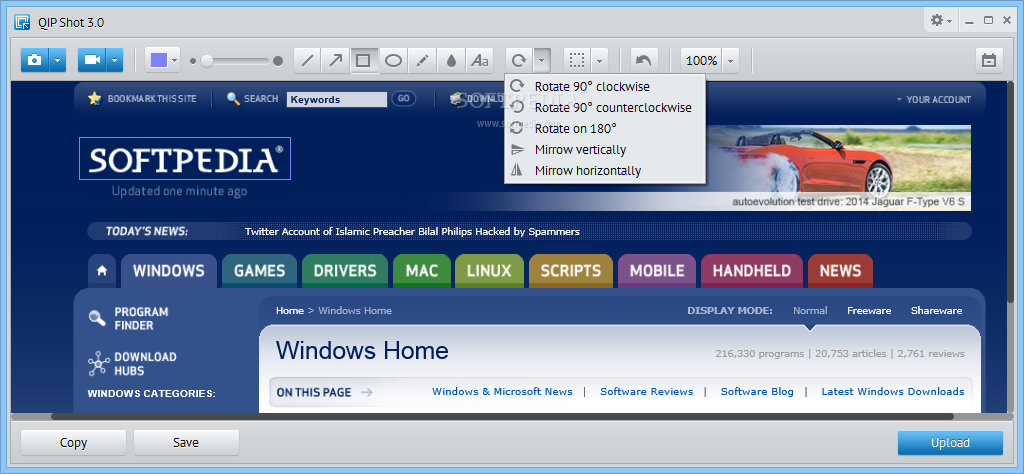
Once a capture is taken, the edit is brought up, enabling you to insert lines, arrows, rectangles, ellipses and text. Aside from that, you can rotate, flip or crop images, blur certain areas, add pencil marks and zoom in and out.
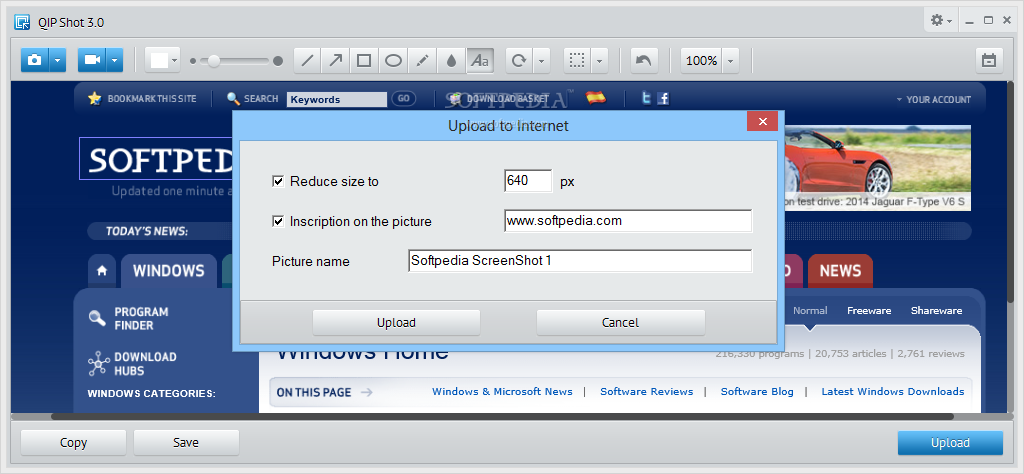
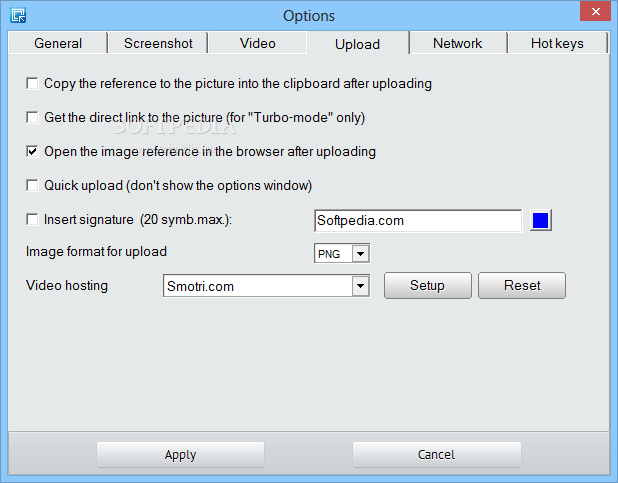
This software utility enables you to save your project to the hard drive in multiple types of picture formats, such as PNG, JPG, GIF and BMP, as well as a video file type (AVI). You can upload them to Smotri.com or Facebook, so as to share them with your friends and family members.
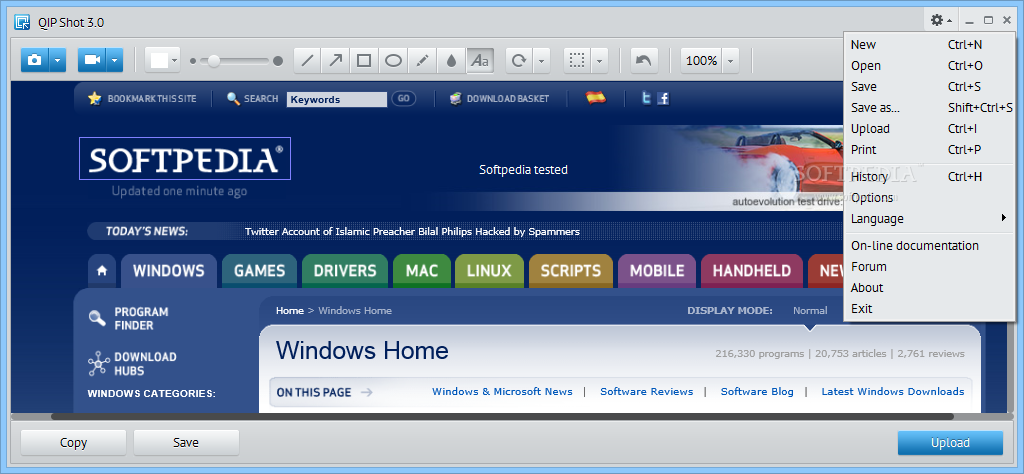
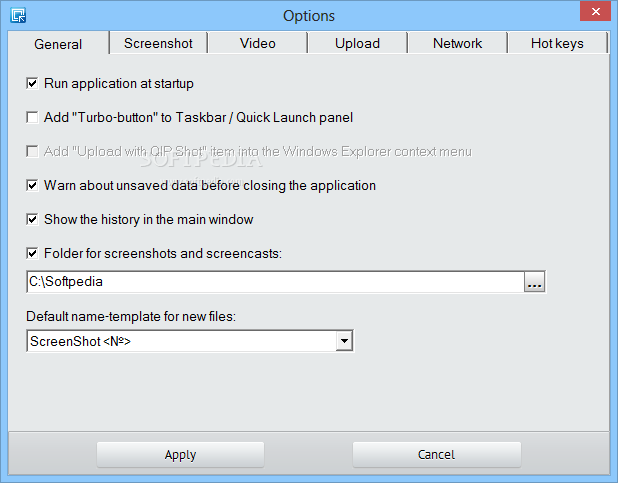
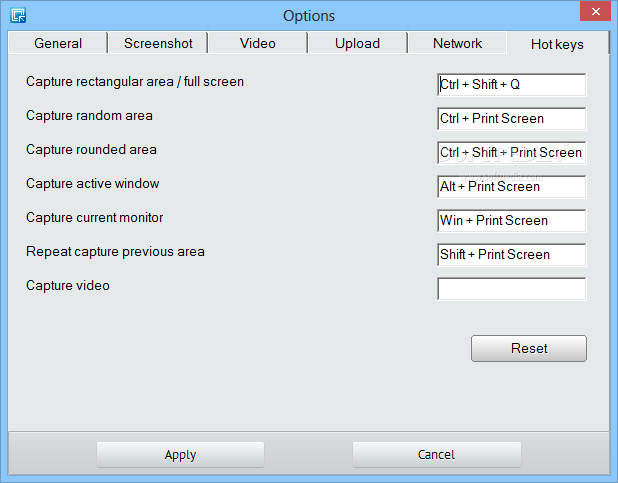
The language can be changed, as well as video codec and quality, the cursor can be hidden and you can black out the unselected part of the screen. It is possible to assign and customize shortcut keyboards for almost all available actions.
To sum up, QIP Shot is a useful and well-rounded piece of software. It does not put a strain on your computer’s performance, has a good response time, an intuitive interface and plenty of options to tinker with.
What's new in QIP Shot 3.4.2:
- Added option to play sound for picture with express way without displaying the editor
- Fixed publication in Facebook: Support for links with parameters
- Improved handling of an exception is encountered while taking a picture with scrolls and printing
- Fixed network initialization function for some cases and in more detail initialization errors
QIP Shot 3.4.2
add to watchlist add to download basket send us an update REPORT- runs on:
- Windows All
- file size:
- 4 MB
- filename:
- qipshot_3.4_setup.exe



- main category:
- Multimedia
- developer:
- visit homepage
calibre

Bitdefender Antivirus Free

Microsoft Teams

IrfanView

7-Zip

Context Menu Manager

Windows Sandbox Launcher

ShareX

Zoom Client

4k Video Downloader

- ShareX
- Zoom Client
- 4k Video Downloader
- calibre
- Bitdefender Antivirus Free
- Microsoft Teams
- IrfanView
- 7-Zip
- Context Menu Manager
- Windows Sandbox Launcher