
Capture screenshots, customize them by using various tools, such as Pencil, Marker, Black Painter or Text Box, and save them on your PC or share them. #Take screenshot #Screenshot editor #Share screenshot #Screenshot #Snapshot #Capture
If you find yourself working on an important project and you want to take a screen capture, you need a fast way of doing that. Instead of using an external camera to take a picture of your screen or the classical Alt + PrtScn way, you can use software that is designed to ease your screen capturing experience.
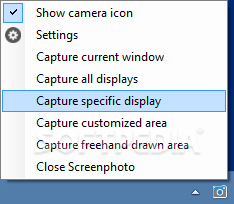
Screenphoto runs in your system tray and provides no notification to warn you that it is doing so.
The full interface can only be accessed after you take a screenshot and sometimes the application is not even displayed in the tray, but some of its functions can still work.
Although you can toggle it at installation, a desktop shortcut is not provided and the application can be accidentally launched in multiple instances.
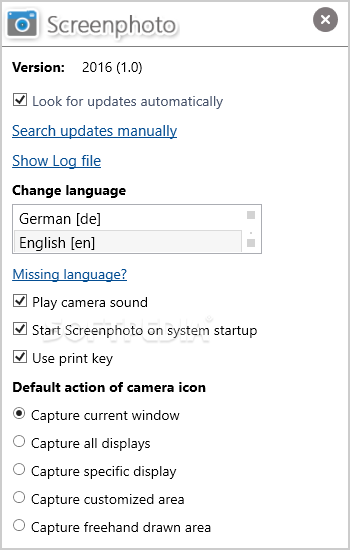
You can take screen captures just as easy as pressing a button. Screenphoto instantly snaps a picture of your screen when you press the Print Screen key on your keyboard, thus proving itself to be an efficient utility.
Screenphoto's functions include taking screenshots of the full desktop, active window or a user-defined area. You can capture a whole webpage without having to scroll down and take multiple screenshots.
The application also comes with Windows integration support, as it adds a small button on top of most of your active windows for facilitating screenshots. While this may seem useful, the button's position is fixed in the near vicinity of the Minimize button and you can easily mismatch the two.
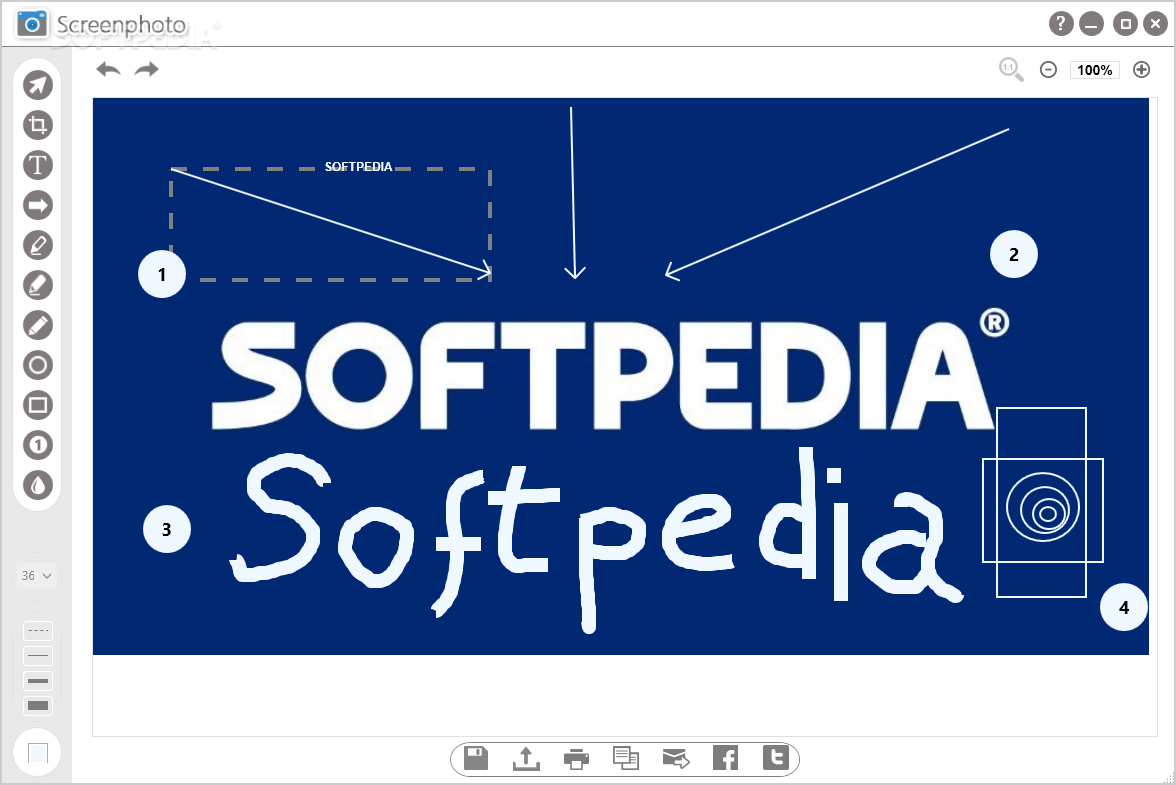
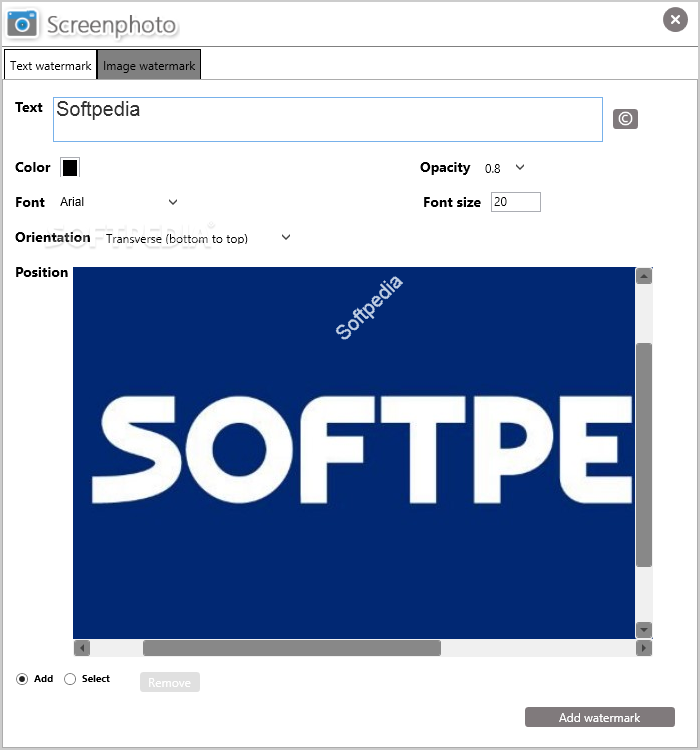
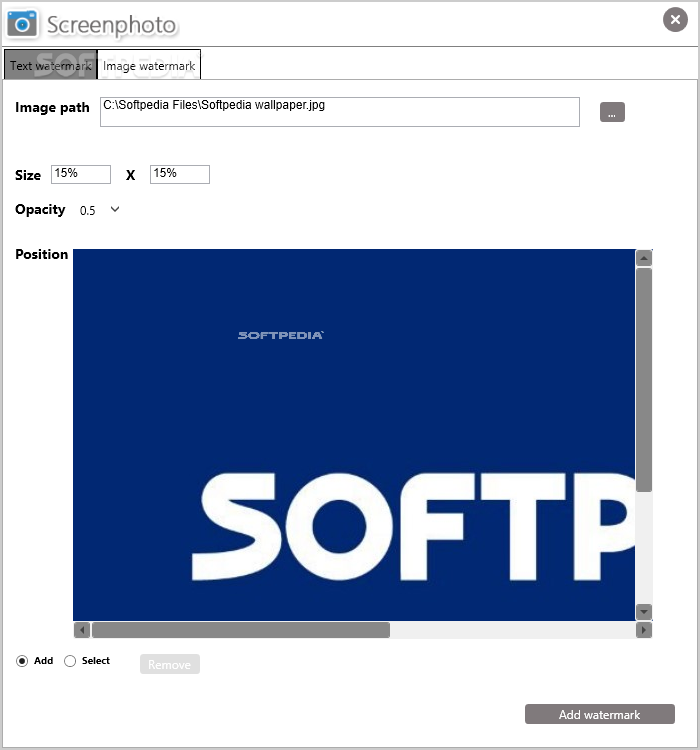
After taking a screenshot, you can customize it using various tools, such as a Pencil, Marker or a Text Box, and you can save it to a custom folder. Adding a custom watermark to your screenshot is supported, but its position is fixed.
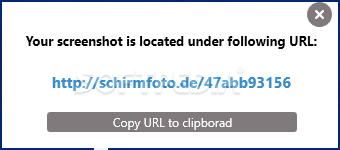
Screenshots can be uploaded online and the application provides you with a direct URL to them. You can share your captures on Facebook and Twitter or you can copy the URL to your clipboard and send it to a friend.
To wrap it up, Screenphoto is a basic screenshot utility that delivers you useful screen capturing functions and a simple interface, with few small issues regarding installation and Windows integration.
Download Hubs
Screenphoto is part of these download collections: Create JPEG
Screenphoto 2024 (2024.9.0)
add to watchlist add to download basket send us an update REPORT- runs on:
-
Windows 11
Windows 10 32/64 bit
Windows 8 32/64 bit
Windows 7 32/64 bit - file size:
- 11.4 MB
- filename:
- schirmfotosetup.exe
- main category:
- Multimedia
- developer:
- visit homepage
Context Menu Manager

calibre

Bitdefender Antivirus Free

Windows Sandbox Launcher

Microsoft Teams

IrfanView

Zoom Client

ShareX

7-Zip

4k Video Downloader

- ShareX
- 7-Zip
- 4k Video Downloader
- Context Menu Manager
- calibre
- Bitdefender Antivirus Free
- Windows Sandbox Launcher
- Microsoft Teams
- IrfanView
- Zoom Client