
A feature-packed software utility that can be used to capture snapshots or to record the activity on your desktop, then apply effects. #Screen Capture #Capture Desktop #Screenshot Creator #Screenshot #Snapshot #Capture
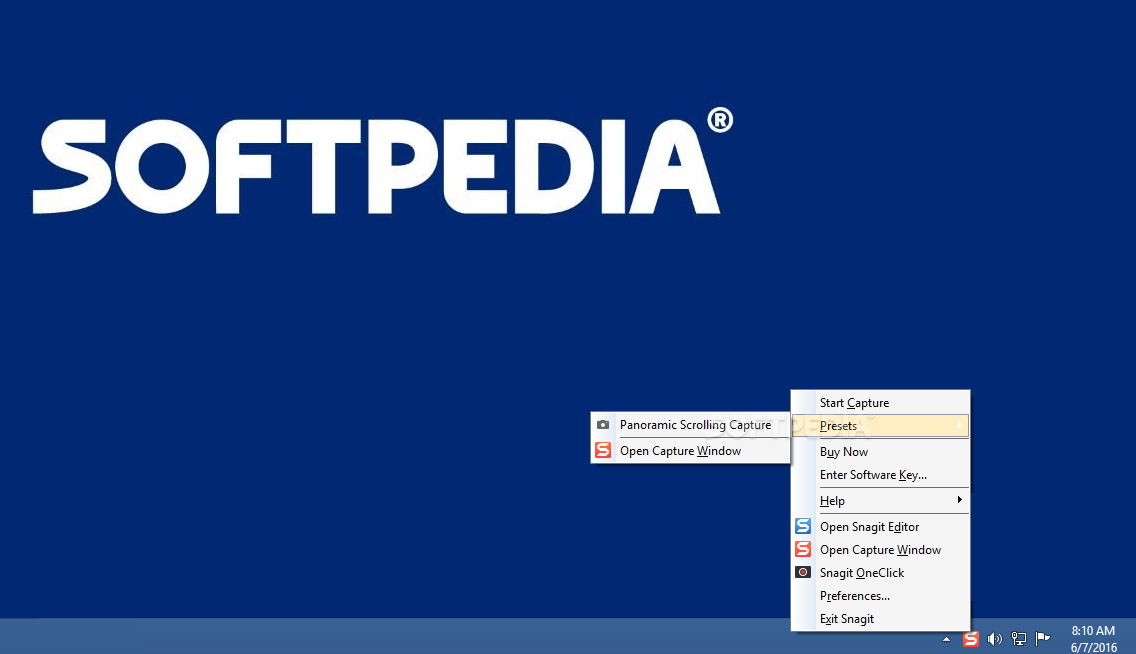
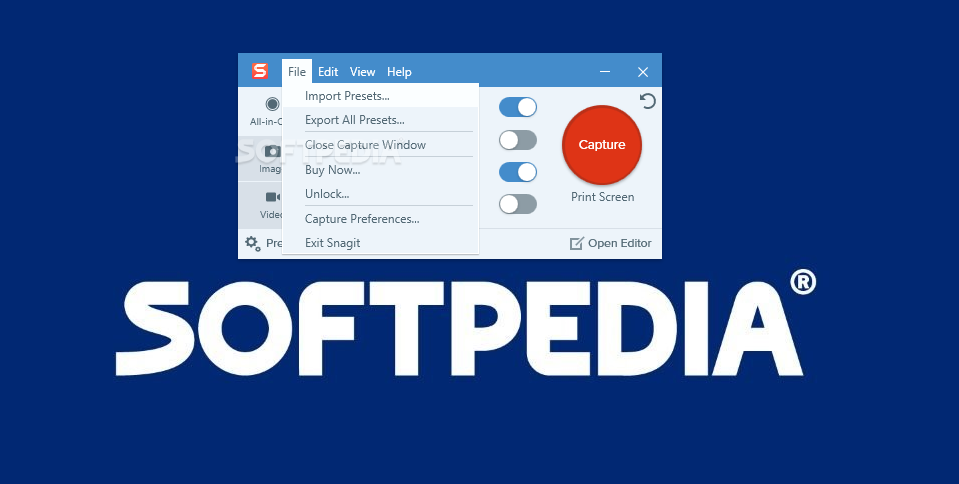
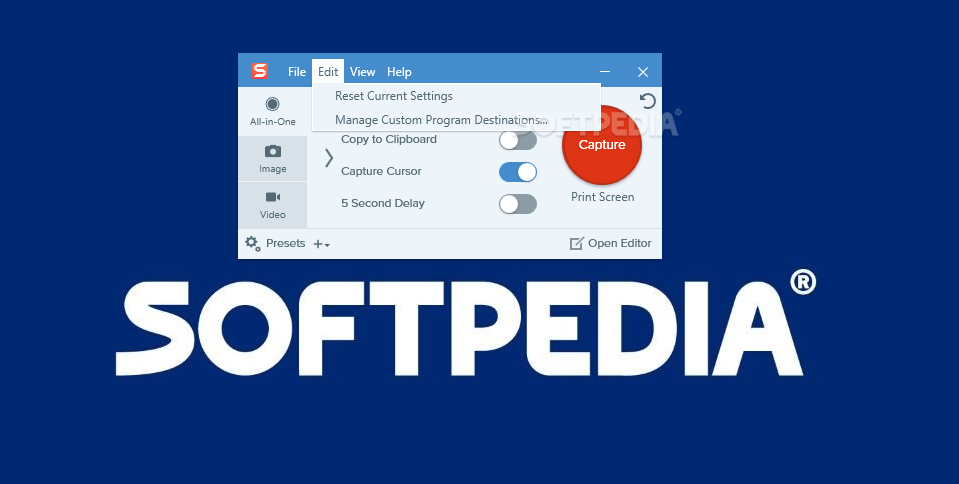
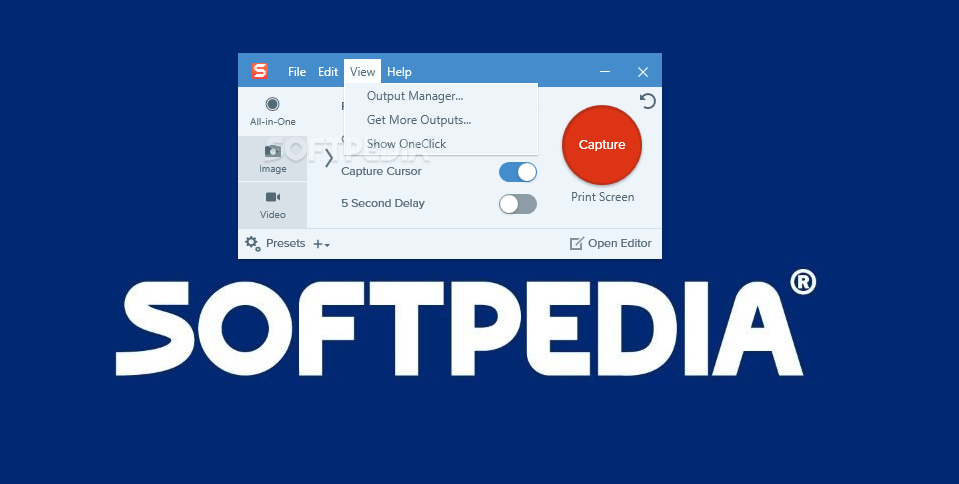
Snagit is a capturing application that can meet every need you might come across, ranging from image and video recording, to applying filters or sharing your snapshots within the same GUI.
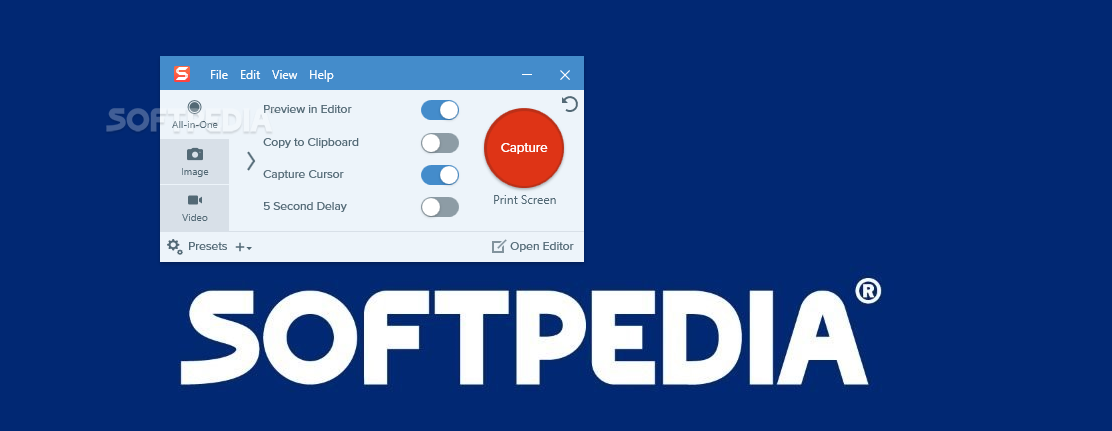
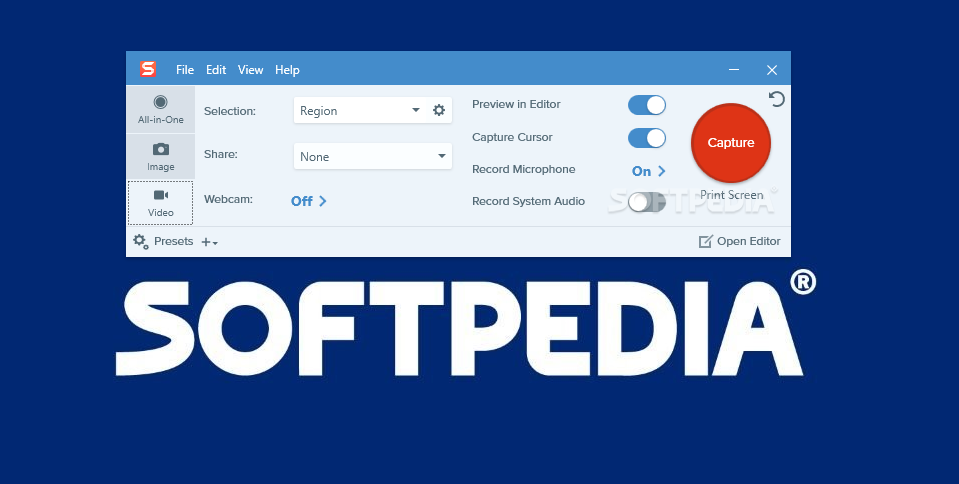
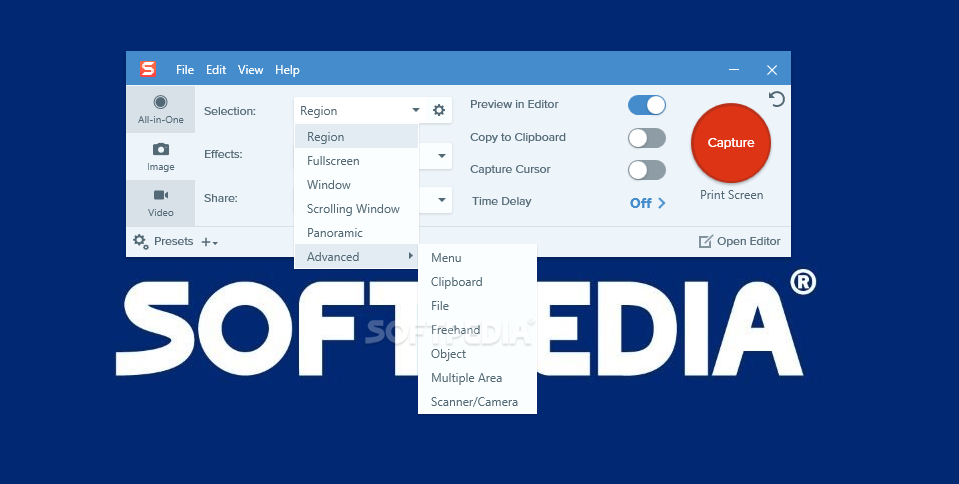
As soon as you complete the installation process, you can choose if Snagit should be run in a traditional window or as a widget. While the latter would take up less desktop space, it is meant to be used mainly by experts who know exactly the features they require and who do not need to explore all options first.
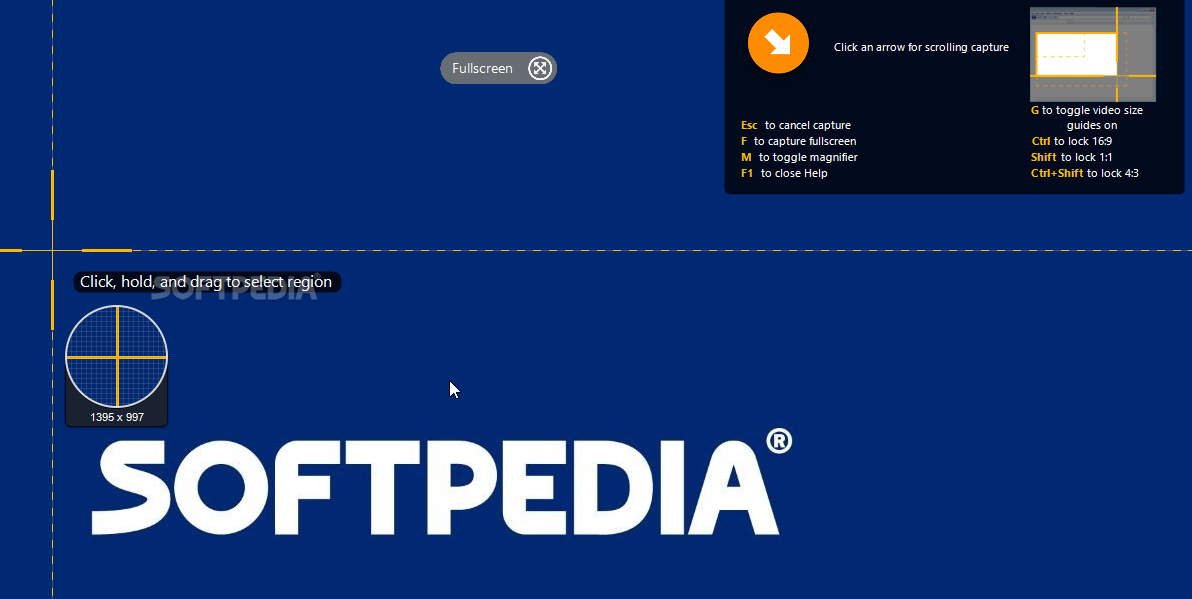
Regardless of the style you prefer, you still need to choose the type of image snapshot you are interested in: region, window, full-screen, scrolling window, grab text, panoramic or advanced (object, multiple area, menu, clipboard, freehand or file).
When it comes to the video recordings, you can choose between region, window or webcam, while also specifying if the mouse cursor should be captured or not.
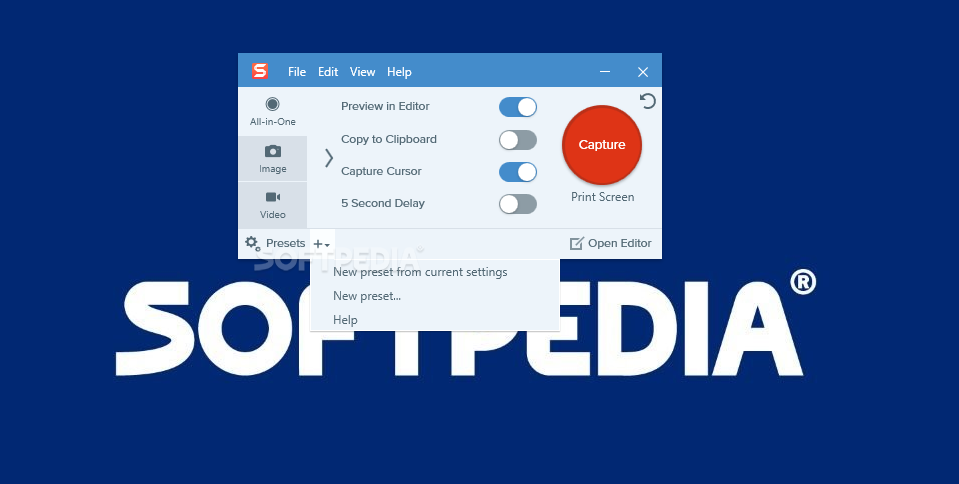
Alternatively, you can examine the available templates and decide if any of them matches the type of project you are working on: comparison, frames, multi-purpose, references, steps, timeline or fun.
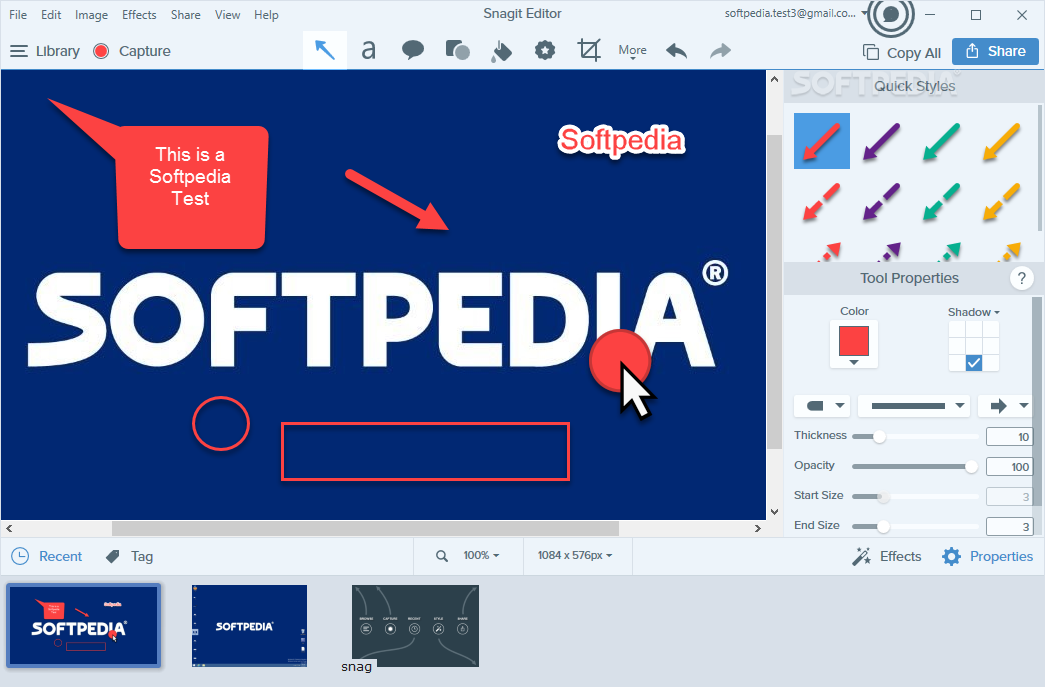
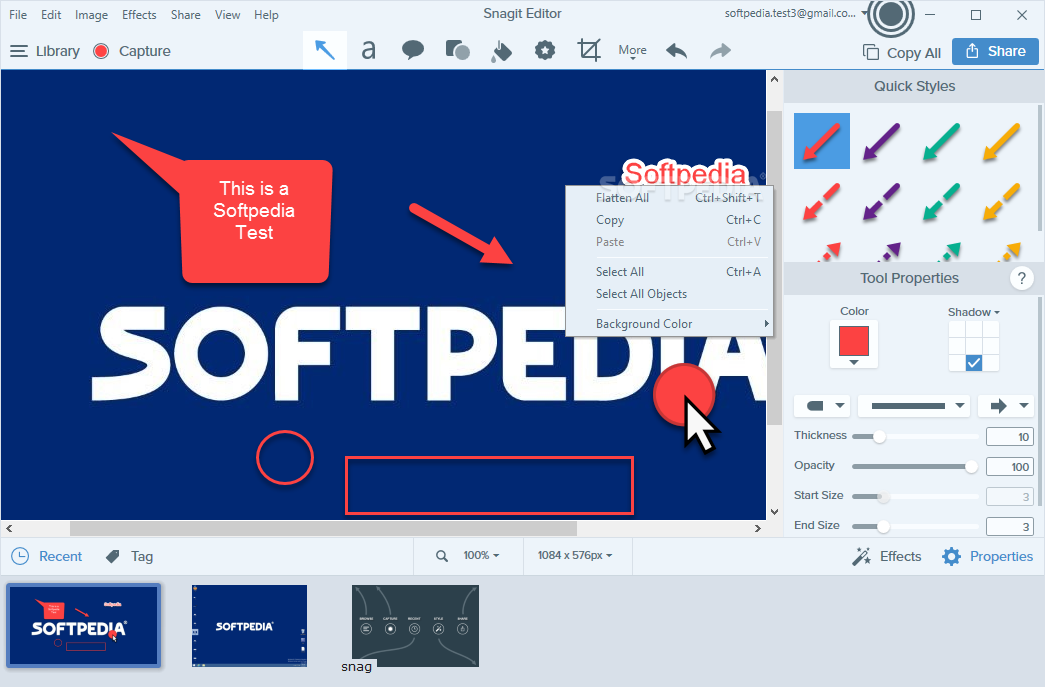
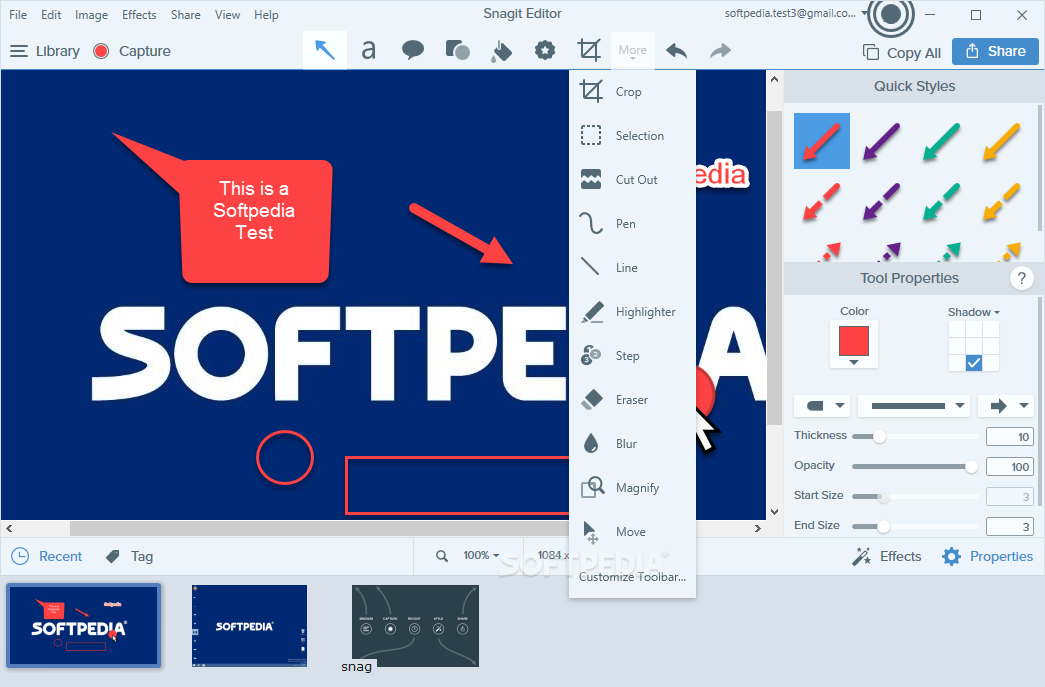
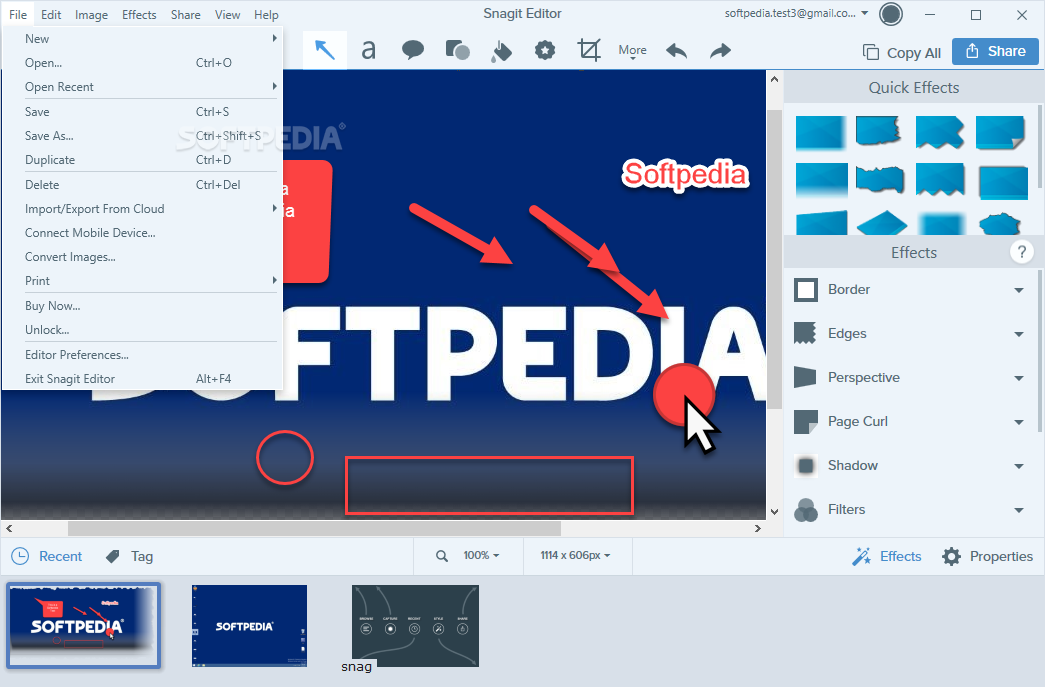
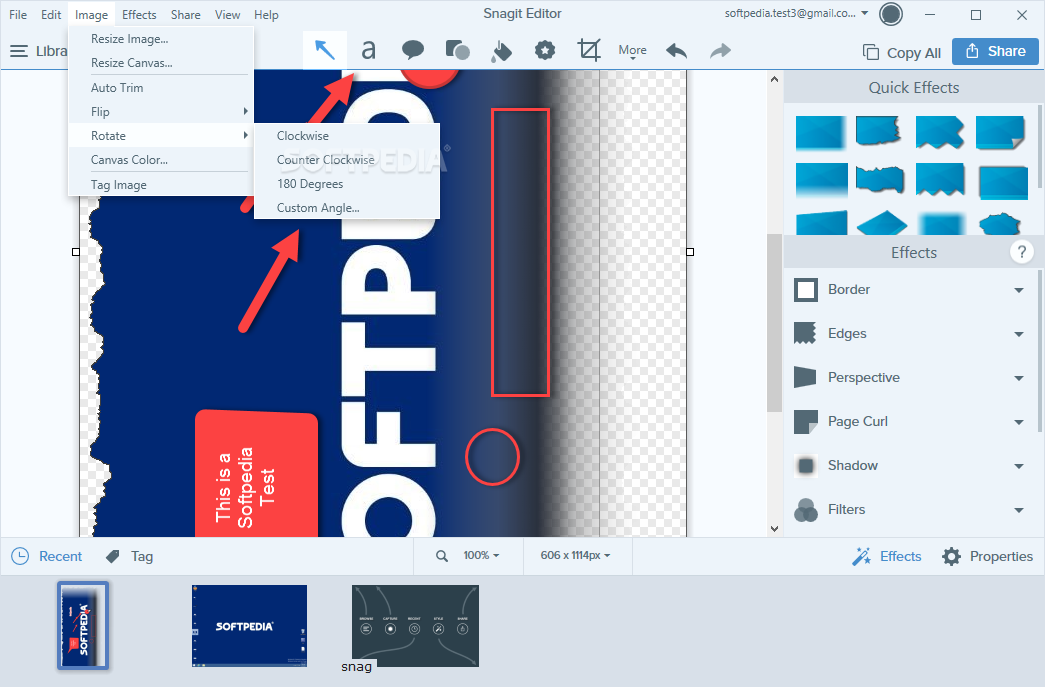
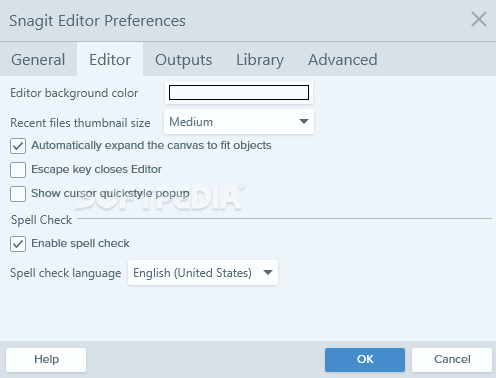
Once a snapshot has been taken, the built-in editor is launched and you can proceed to editing it by applying numerous types of objects (arrows, texts, callouts, shapes, strokes and so on).
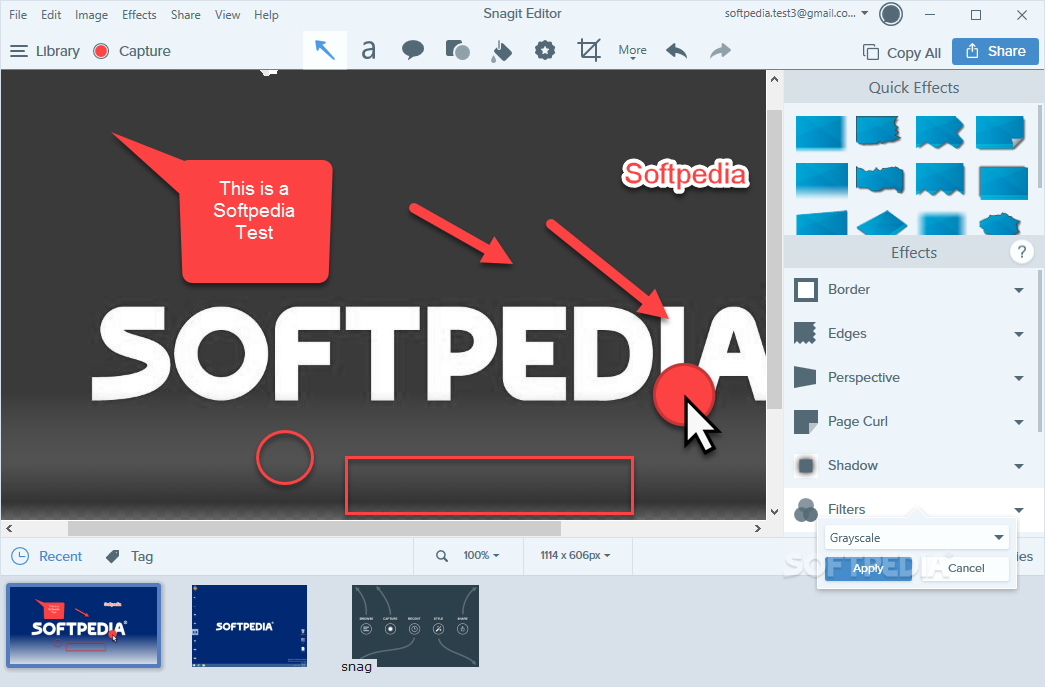
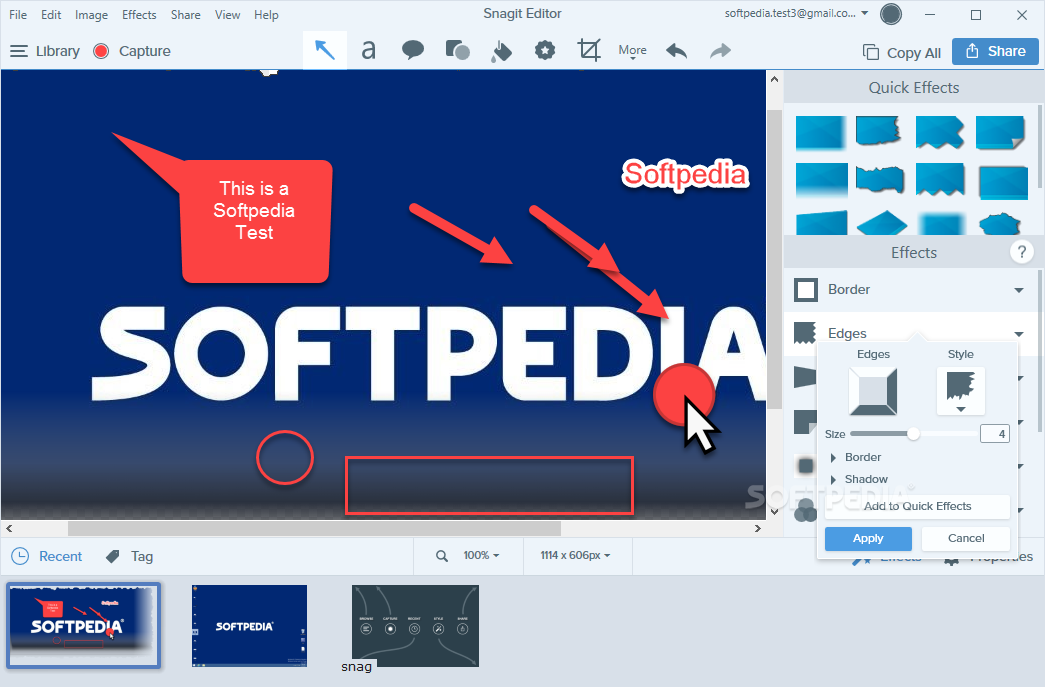
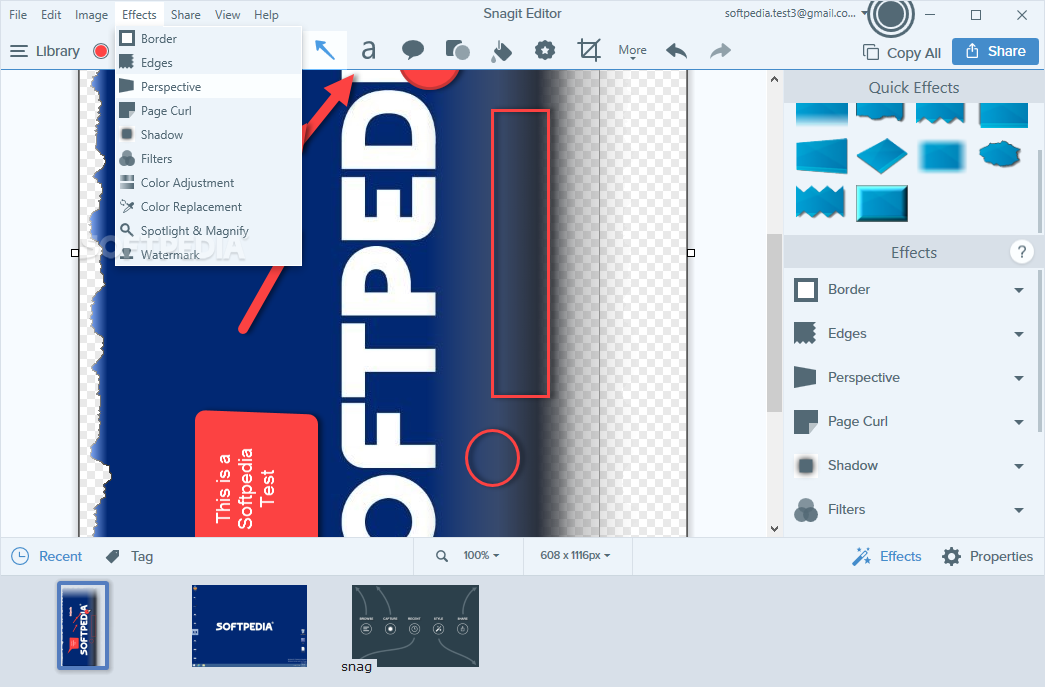
Various effects are also supported, such as border, edges, perspective, page curl, shadow, color adjustments or replacements, spotlight and magnify, or watermark.
In terms of filters, you can turn your image to grayscale or monochrome, soften or sharpen it, or modify the opacity.
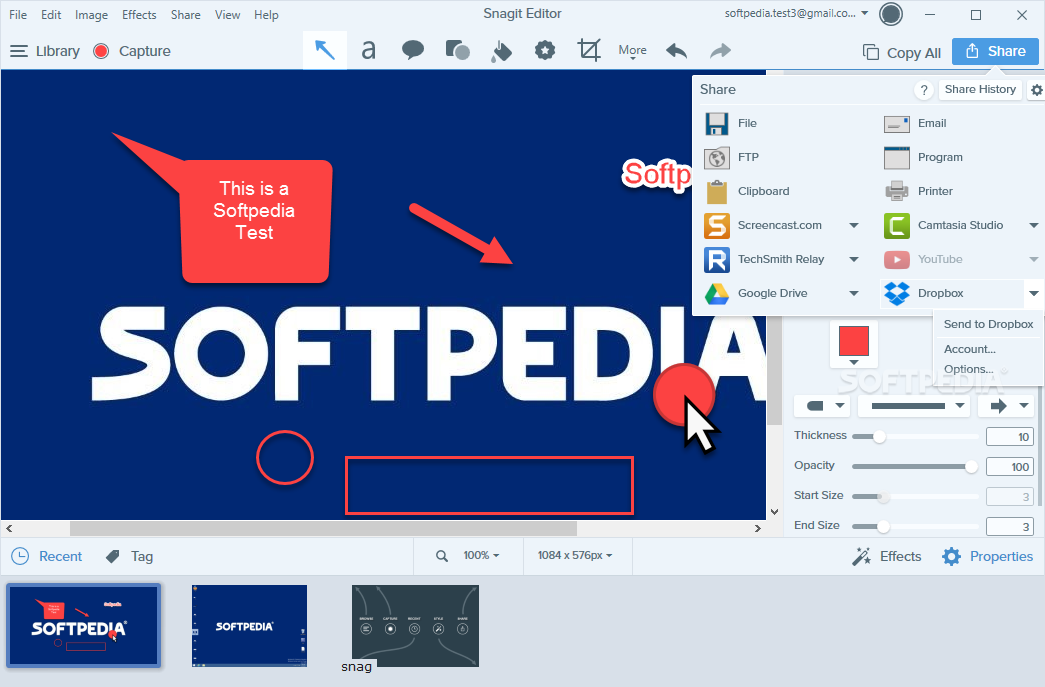
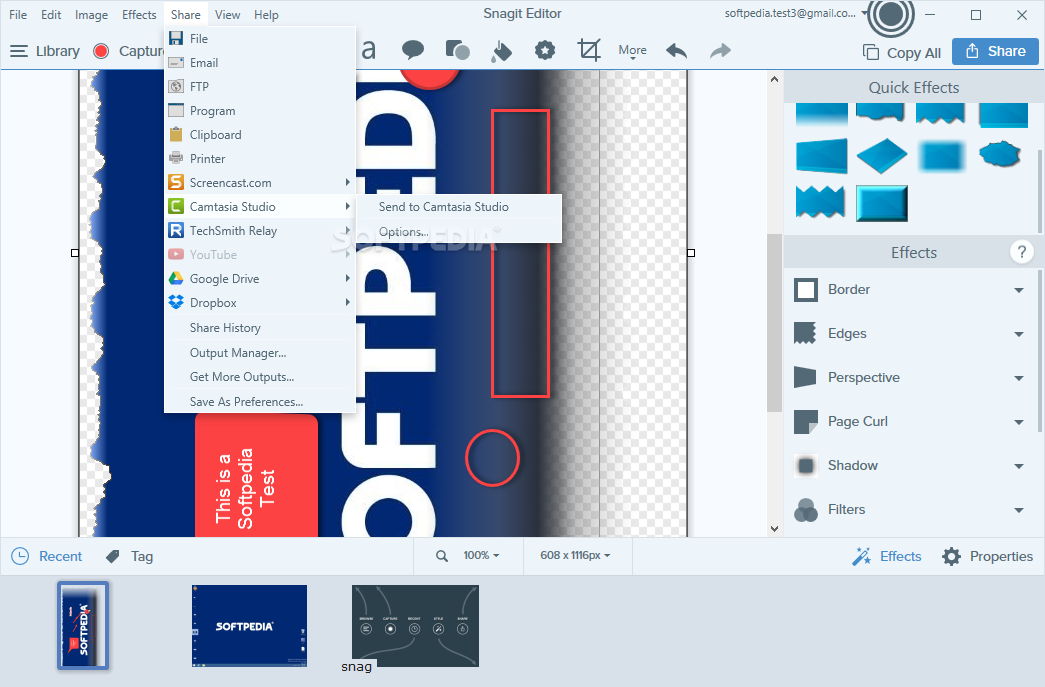
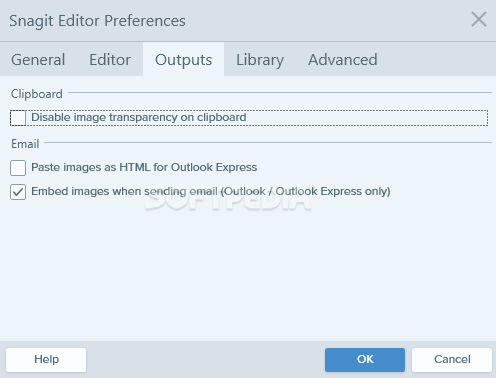
When the picture fully matches your expectations, you can share it using multiple methods, such as: email, FTP, program, clipboard, or printer.
Alternatively, you can upload files to an online account, as long as you enter your credentials: Twitter, Evernote, YouTube, Dropbox, Google Drive, OneDrive, Slack, Box and SharePoint (you just need to keep in mind that some of these do not accept image uploads, only videos).
Snagit can undoubtedly be used whenever you want to create presentations, tutorials, demonstrations or whatever type of projects involving image captures or video recordings.
Download Hubs
Snagit is part of these download collections: Image Capture, Make Screenshot, Screenshot Makers
What's new in Snagit 2024.1.2 Build 2333:
- New Features:
- Added a Ready to Record window to review settings and device selections before recording.
Snagit 2024.1.2 Build 2333
 Softpedia Editor's Pick
add to watchlist
add to download basket
send us an update
REPORT
Softpedia Editor's Pick
add to watchlist
add to download basket
send us an update
REPORT
- runs on:
-
Windows 11
Windows Server 2016
Windows 10 64 bit - file size:
- 450 MB
- filename:
- snagit.exe
- main category:
- Multimedia
- developer:
- visit homepage
IrfanView

Windows Sandbox Launcher

Zoom Client

Context Menu Manager

4k Video Downloader

Microsoft Teams

7-Zip

ShareX

calibre

Bitdefender Antivirus Free

- ShareX
- calibre
- Bitdefender Antivirus Free
- IrfanView
- Windows Sandbox Launcher
- Zoom Client
- Context Menu Manager
- 4k Video Downloader
- Microsoft Teams
- 7-Zip