WINDOWS CATEGORIES:
NEWS ARCHIVE >>
SOFTPEDIA REVIEWS >>
|
|
|
WEEKLY HIGHLIGHTS
|
7-DAY TOP DOWNLOAD
# |
Program |
 | Avira AntiVir Personal - Free Antivirus 8.1.0.331 140,030 |  | Windows Live Messenger 2009 14.0.5027.908 79,749 |  | Windows Live Messenger 8.5.1302.1018 66,305 |  | Internet Download Manager 5.14 Build 5 45,485 |  | DVD Shrink 3.2.0.15 43,912 |  | Y! Multi Messenger 8.x and 9.x 41,970 |  | Microsoft Office 2007 39,134 |  | Vista Transformation Pack 8.0.1 38,152 |  | Nero 7 Premium 7.11.10.0 32,982 |  | Adobe PhotoShop CS3 32,238 |
|
WEEK'S BEST
DAEMON Tools Pro (...Opera 9.60 Build 1...Maxthon Standard 1...DAEMON Tools Pro B...Advanced X Video C...WinRAR 3.80 StableNero 9 9.0.9.4Net Transport 2.64...Advanced SystemCar...Windows Live Messe...Acronis True Image...ImTOO DVD Ripper S...Combined Community...Fastream IQ Web/FT...VirtualDub 1.8.6 B...Super DVD Creator ...Deluge 1.0.0.32Adobe Flash Player...WinPatrol 15.9.200...Trend Micro Intern...COMODO Internet Se...WinZip 12.0 Build ...Real Alternative 1...Camfrog Video Chat...iTunes 8.0.1.11QuickTime 7.55.90.70SiSoftware Sandra ...EVEREST Ultimate E...Google Chrome 0.3....BS.Player 2.31 Bui... |
|
|
|
Video Snapshots Genius 2.3.1
|
|
|
|
|
|
User Rating: Rated by: |
Good (3.6/5) 25 user(s) |
|
|
|
Video Snapshots Genius description |
|
|
Will capture movie (video) scenes to single picture files or thumbnail galleries!
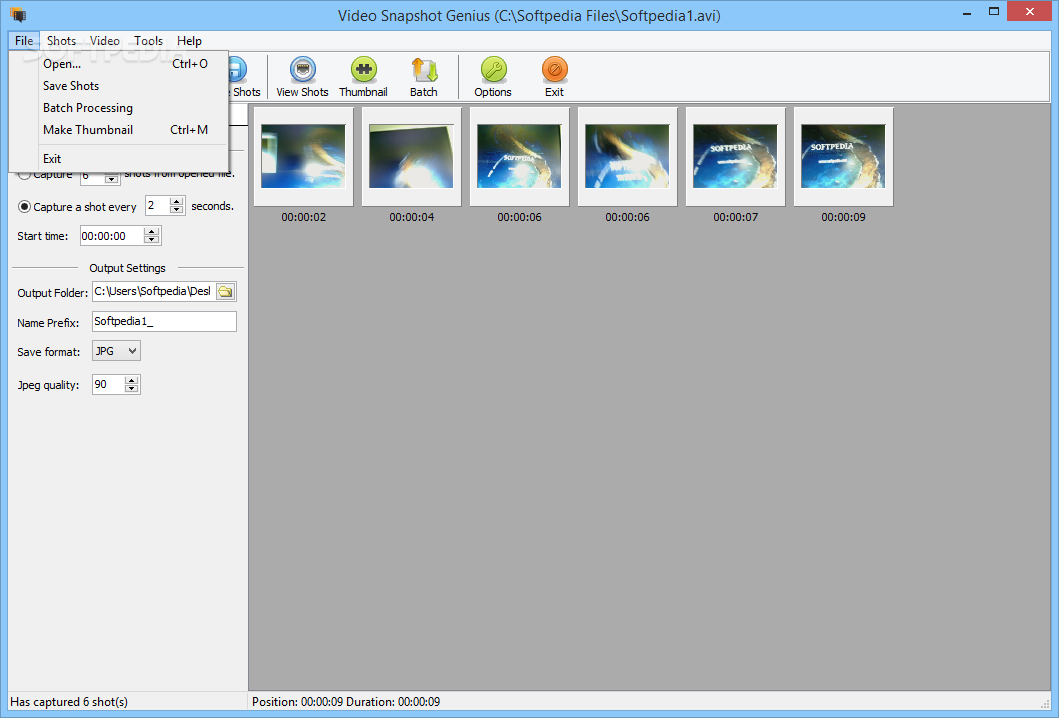
Video Snapshots Genius allows you to quickly and easily captures your favorite movie scenes of MPEG, AVI, WMV, DivX, RealMedia, QuickTime and DVD files to single picture files or thumbnail galleries in BMP, JPEG, GIF, PNG and TIFF types of files.
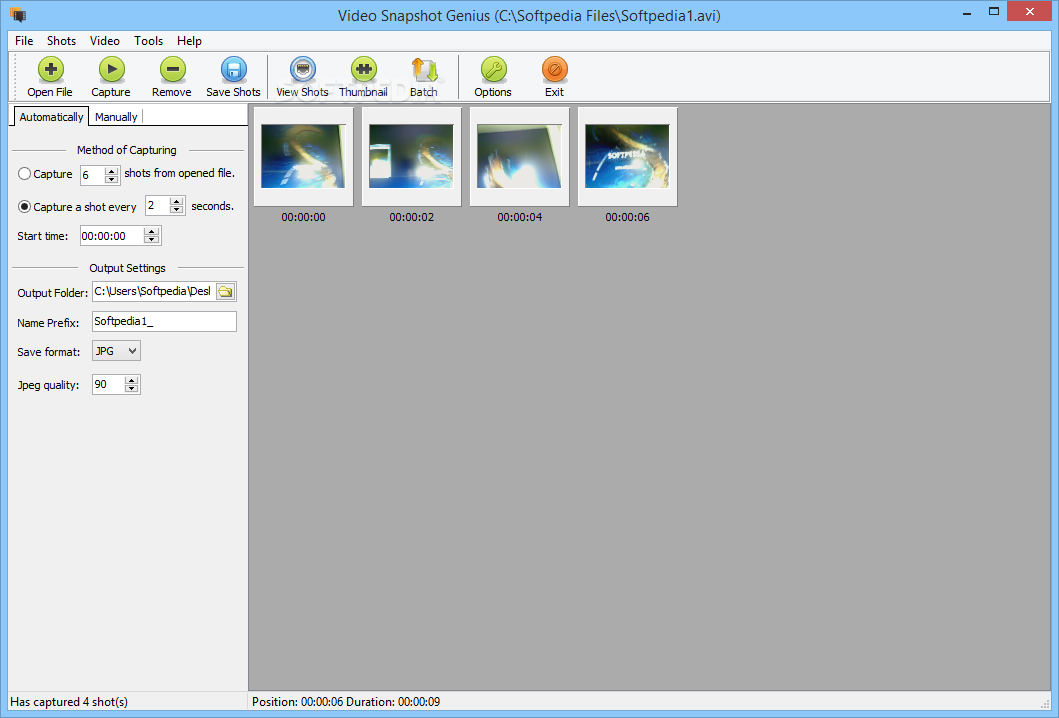
Video Snapshots Genius supports the many kinds of captures method. You can set up capture specified number of shots or take sanpshots from the movies at set time intervals.
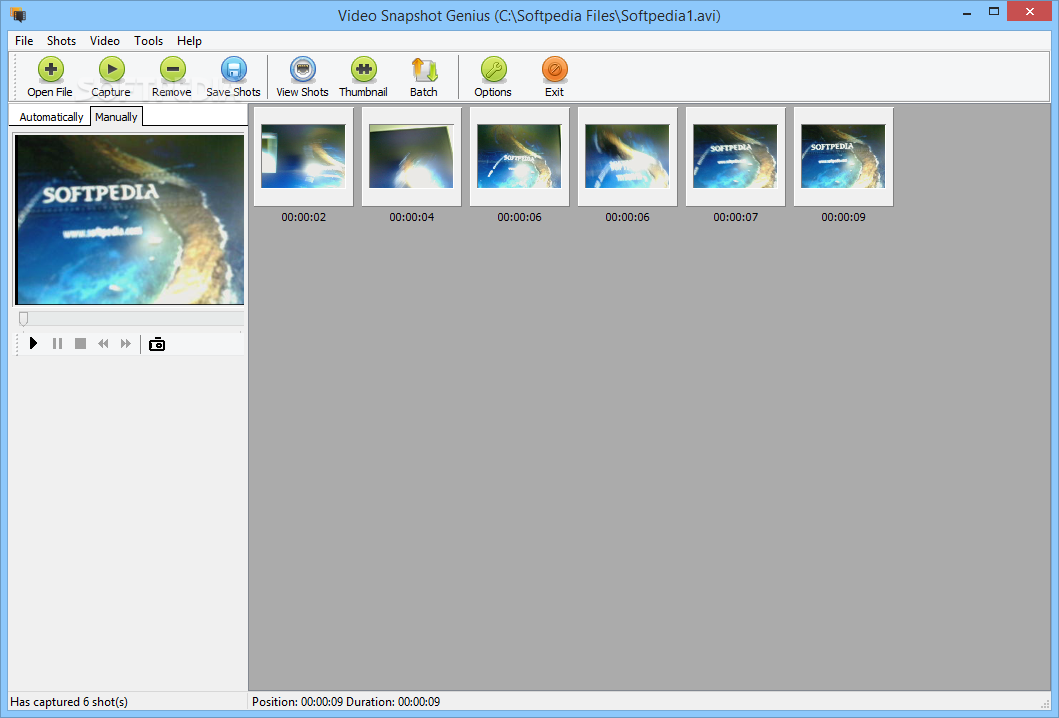
Besides, handy navigational controls let you quickly browse movies and snag the frames you need. Taking a snapshot is as easy as clicking a button.
With Picture Viewer and Picture Editor, you will be able to view, modify or adjustments contrast and brightness for shots etc. Nevertheless, we recommend Video Snapshots Genius to home users, especially those with online video collections.
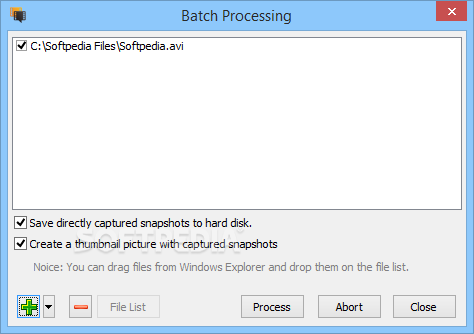
Video Snapshots Genius provides users with a simple point-and-click interface to take snapshots directly from a movie. Snapshots can be taken manually by browsing through a movie to snag the frames you need or you can have snapshots taken automatically at the time intervals you've predefined. The number of snapshots can be configured to users' preference.
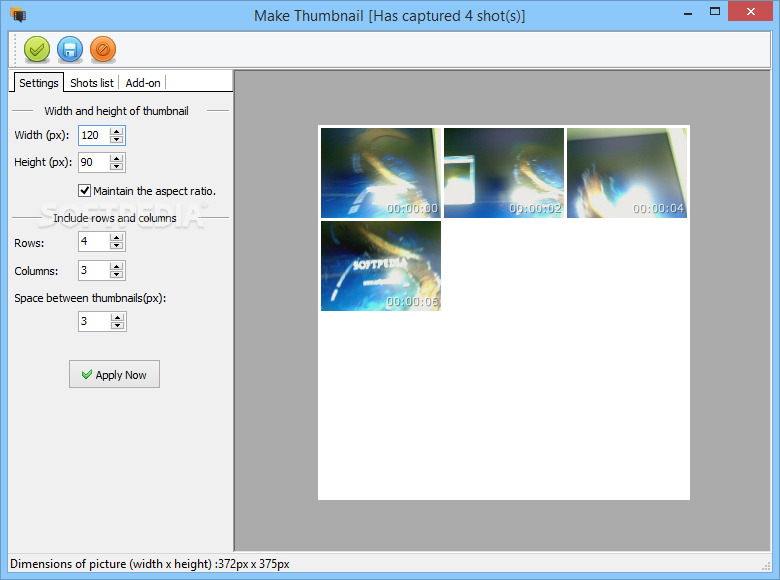
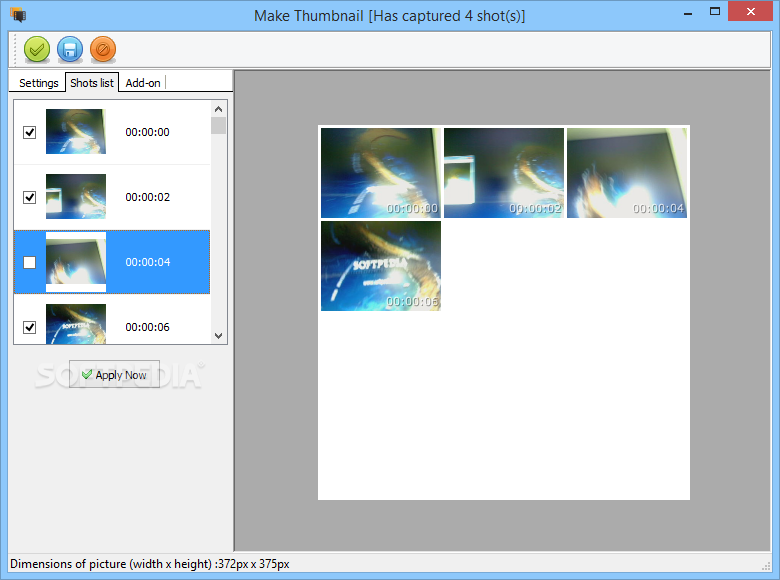
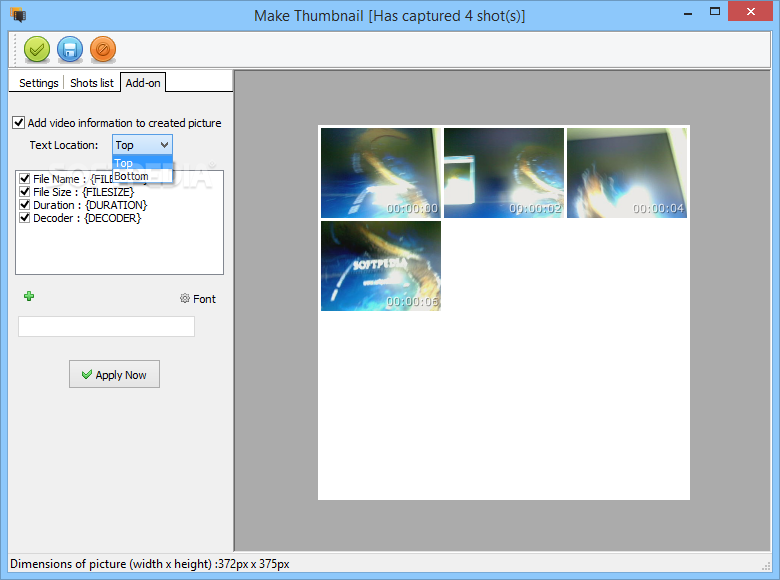
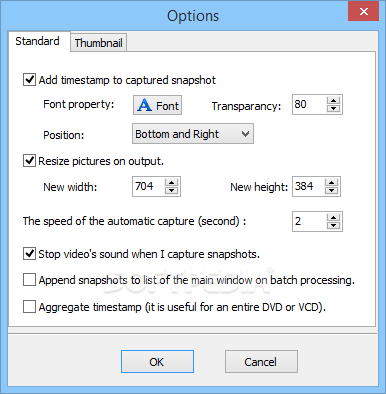
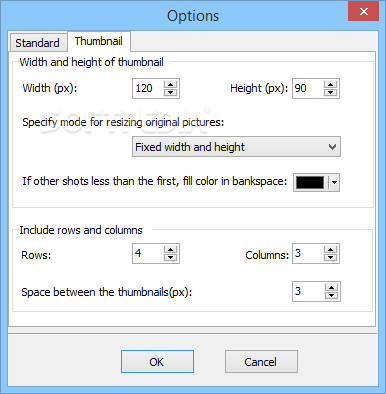
The output format is configurable. With just a few clicks, users can set width and height, choose a folder to save files, specify the name prefix for automatic naming of files and choose image format: BMP, JPEG, GIF, PNG and TIFF. Some adjustments of brightness and contrast are possible in the built-in Picture Editor, the results can be viewed in Picture Viewer. Besides, the program can create thumbnails of snapshots and add a timestamp to these snapshots.
Here are some key features of "Video Snapshots Genius":
■ Make snapshots of your home video. If you are like any digital camera owner, you have plenty of videos that you would like to preserve your family holidays, birthdays, weddings, not only as movies but also as photos. To do it, you can use Video Snapshots Genius. Digital snapshots can be shared via email or through web sites like Flickr.
■ Make your own DVD/VCD menus with title slides. Home movie enthusiasts can use the program to add snapshots of key scenes to their own custom DVD menu. Simply choose the scene that you think symbolizes the portion of a movie and capture it. Then make some enhancements to the snapshot and add it to a DVD menu creation editor.
■ Make snapshots of a video to make a compelling video web site. You could take snapshots of a video to add to a video-themed web site, to a catalog of videos or to a presentation. This will make your content immediately interesting and visually nice. Besides, a series of snapshots can be made into an animated banner.
■ Create your own avatar for a forum or ICQ. Users may consider using Video Snapshots Genius to make a snapshot of their favorite actor like Brad Pitt or Angelina Jolly to be used as a personal avatar on a forum or ICQ. Requirements:
· DirectX 8 is required (DirectX 9 recommended)
· Windows Media Player 9
Limitations:
· 5 days trial
|
|
 | | Softpedia guarantees that Video Snapshots Genius 2.3.1 is 100% CLEAN, which means it does not contain any form of malware, including spyware, viruses, trojans and backdoors. [read more >] |
|
|
|
|
|
|
| VideoSnapshot 1 |
| Take JPEG snapshots from a video and save them out to your hard drive |
|
| Leapic Video Cutter 4.0 |
| A comprehensive application that will allow you to add effects to your movies, cut them and convert them to other formats. |
|
| Gallery Wizard 2.0 |
| Gallery Wizard is a template based software application designed especially to help you create thumbnail ga.com/sofges. |
|
| WebShot 1.61 |
| take screenshots and thumbnails of web pages or whole websites |
|
|
|
| HoverSnap 0.8 |
| HoverSnap is a a free handy snapshot tool with jpg, png, bmp and gif support |
|
| SnagIt 9.0.2 Build 213 |
| Screen capture program that allows you to capture an exact copy of anything that appears on your Windows screen |
|
|
|
| Arrowheads 10 |
| This Adobe Illustrator plugin creates arrowheads on the end of an open path. |
|
|
|
| Square-Up 10.0 |
| This Adobe Illustrator plugin takes selected paths with two or more anchor points and makes all the points corner points. |
|
|
|
| IdPhotos 2008 3.5.1 |
| A useful utility designed to help in the creation and processing of digital pictures |
|
|
|
|
|
|