
An intuitive and easy-to-use software application that provides users with the means to design and personalize 3D-looking buttons. #Button creator #Button designer #Design button #Button #Designer #Design
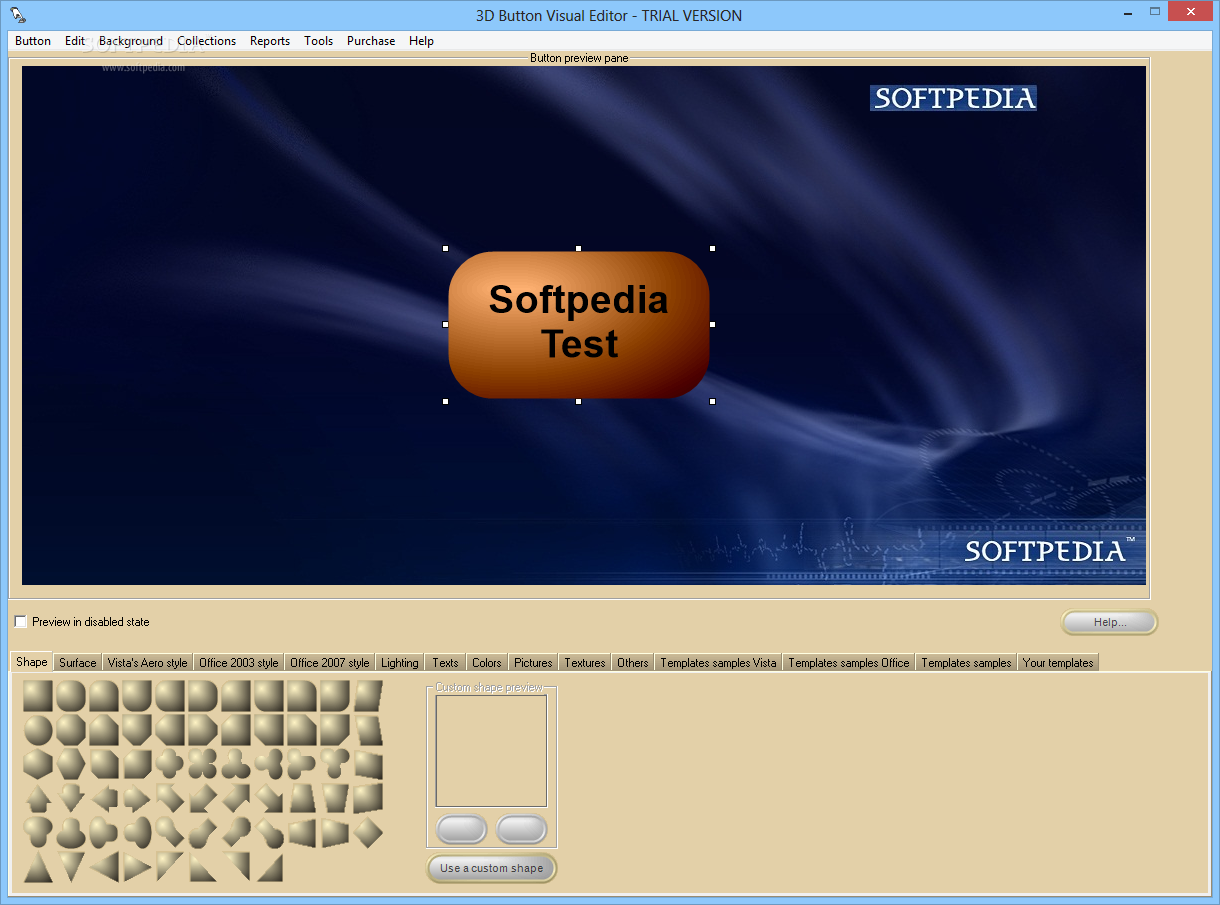
3D Button Visual Editor, as the mane suggests, is a lightweight software utility that helps you create 3D buttons for your website. With this little tool, you can unleash your creativity and transform a plain-looking web page into a stunning web document.
This utility allows you to create 3D-looking buttons to improve the esthetics of your main page or to be integrated in your own program as personalized graphic buttons.
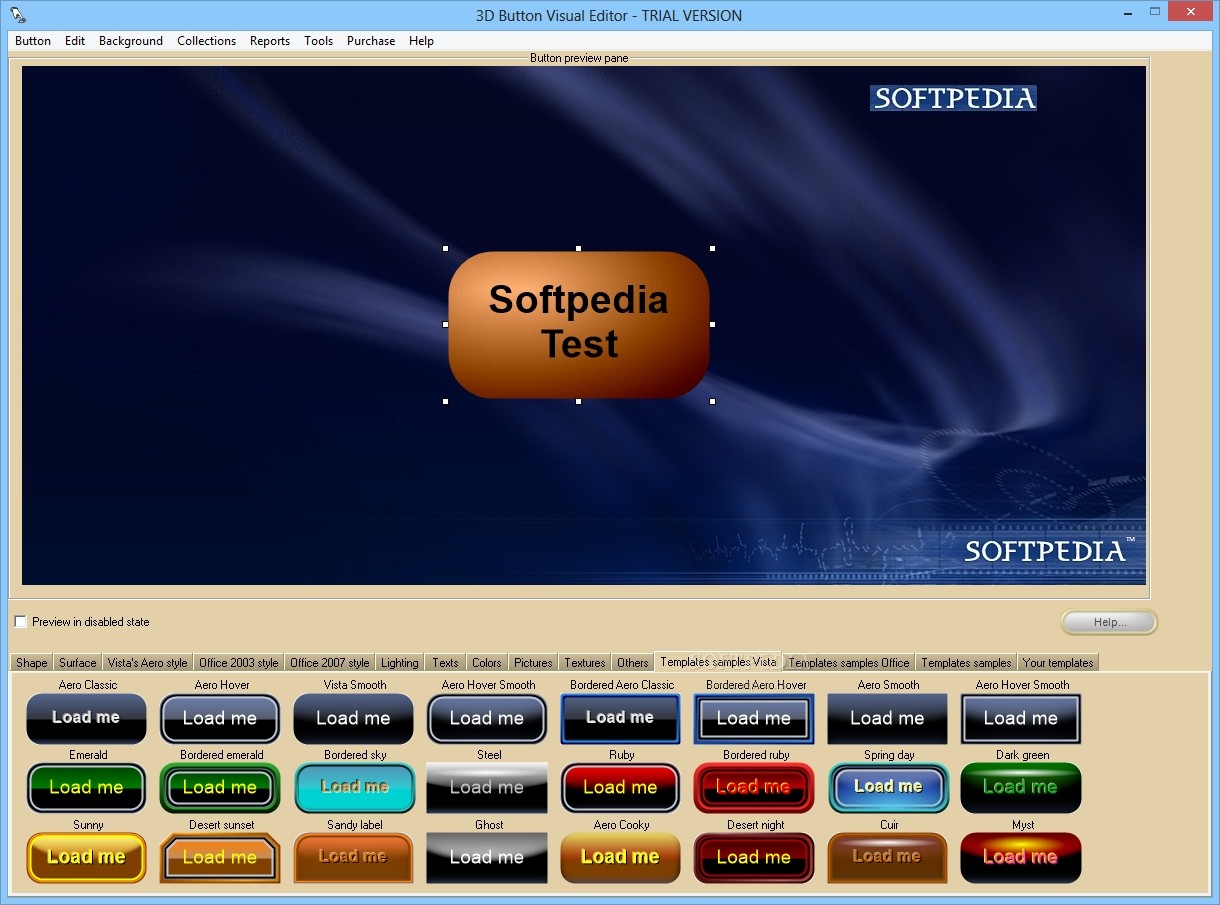
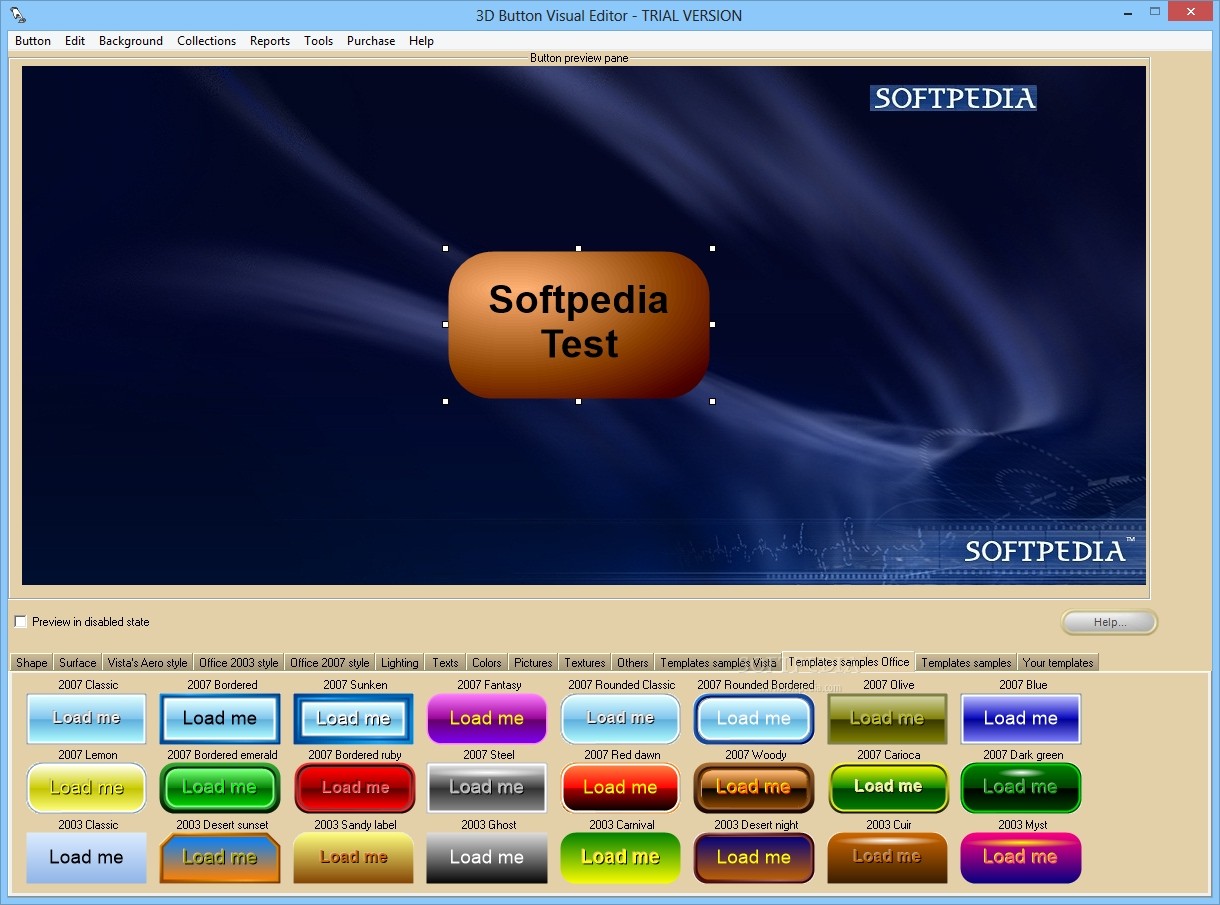
Using 3D Button Visual Editor is extremely easy, once you launch the application, you are able to choose from a wide variety of shapes the one that appeals you. In case you are searching for a unique pattern, you can select a custom shape from your computer, or for a simpler solution, you have the possibility to choose one from the available Vista or Office templates samples.
The program comes with its own image manipulation tools, so you don't need other third-party image editors, you can draw buttons or navigation bars easily using 'two-state' and 'three-state' rollover effects.
An interesting feature is that you can add a picture as background and move it as you like inside the button preview pane, while the button remains in the same position.
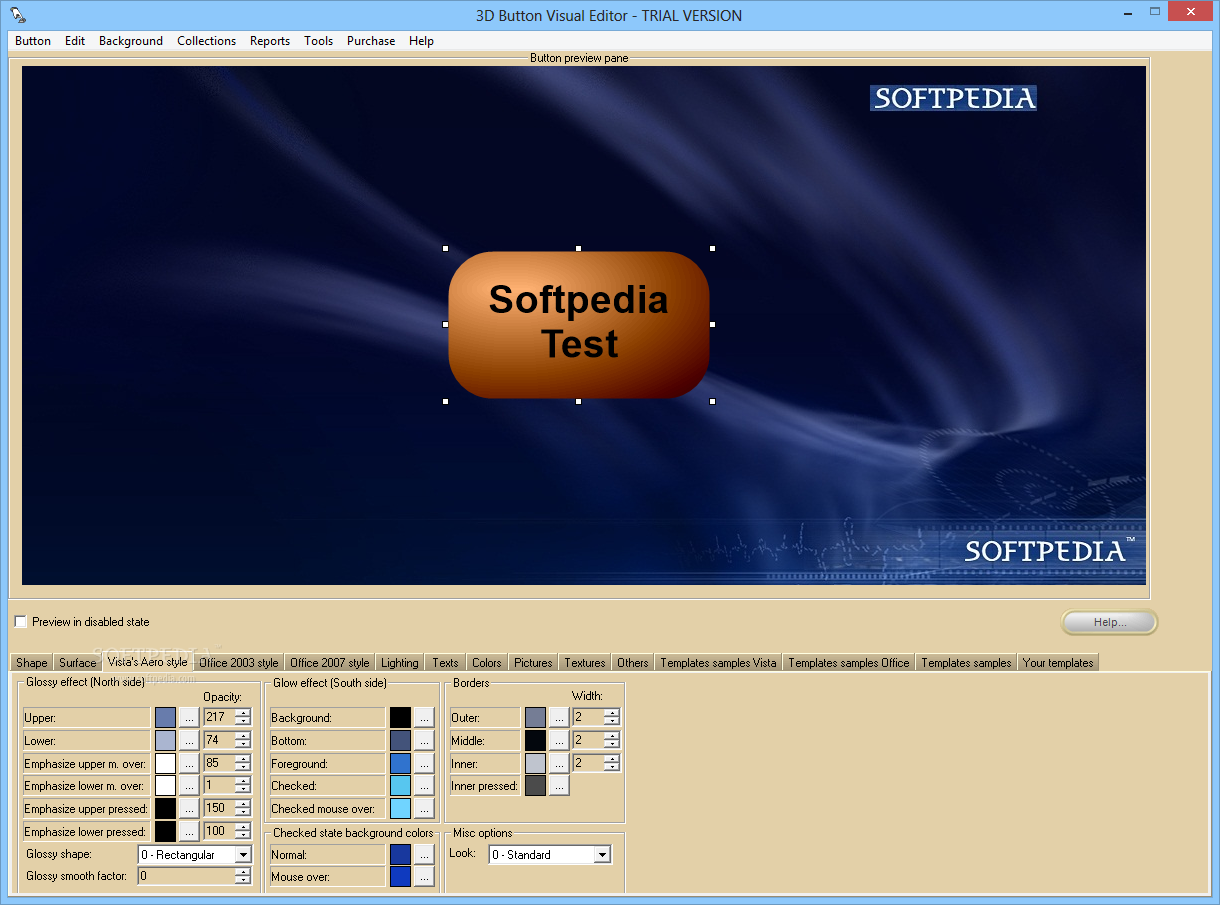
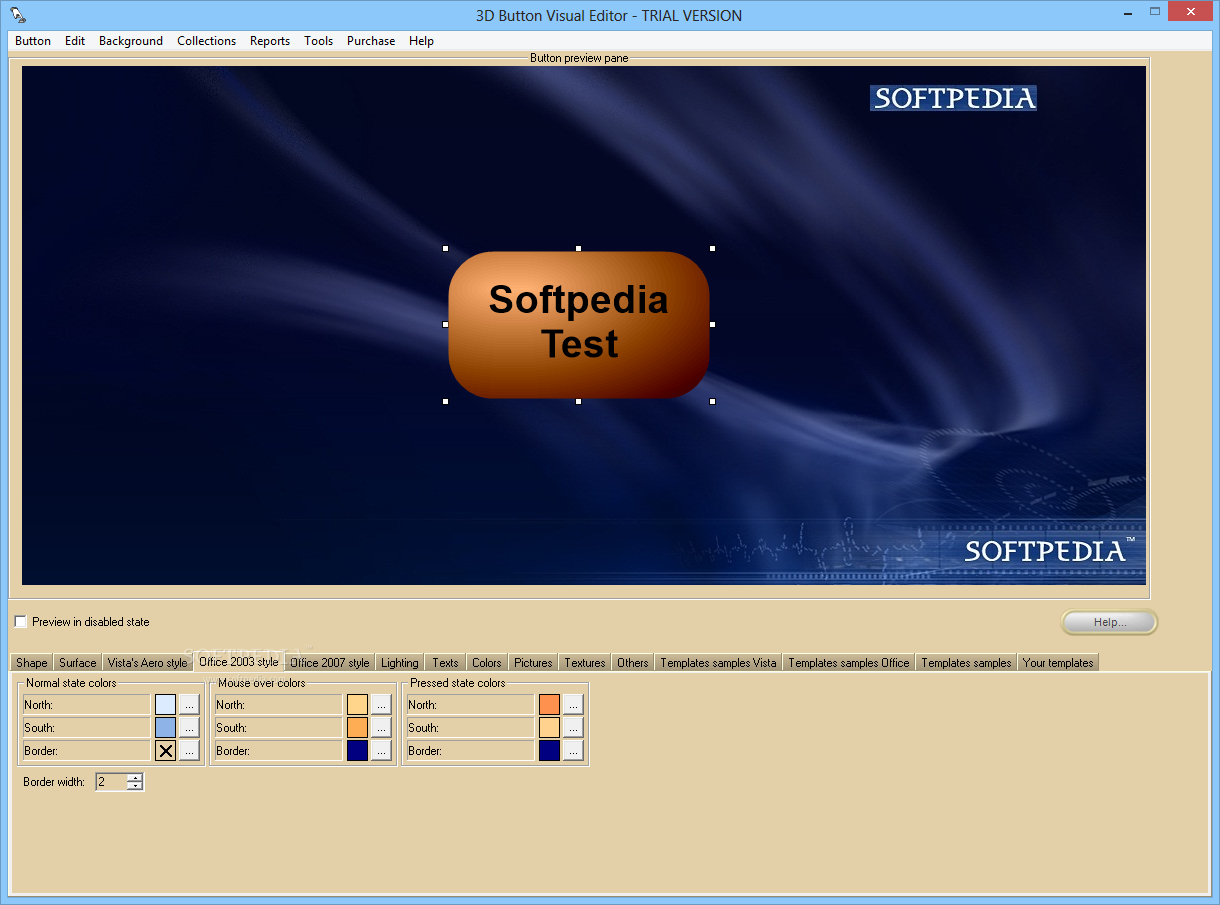
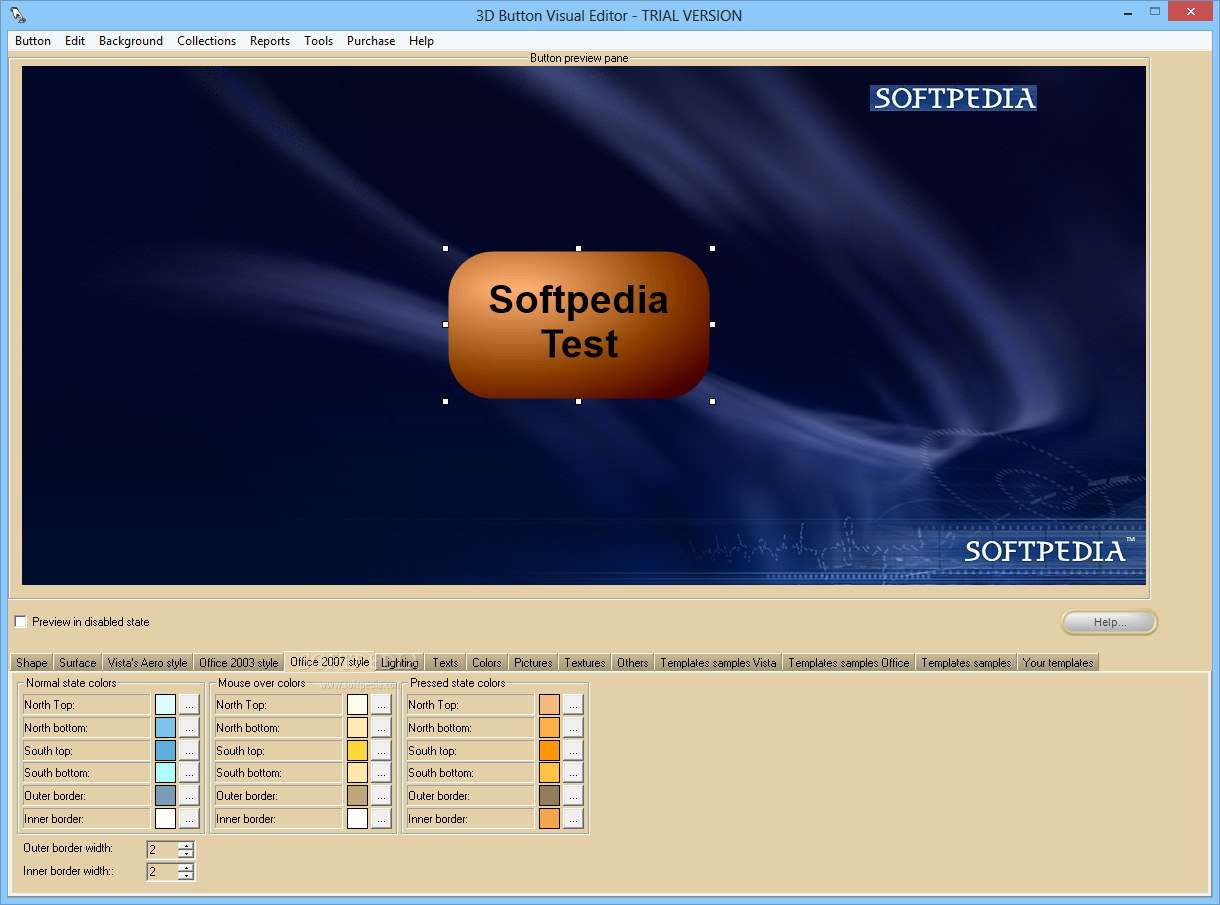
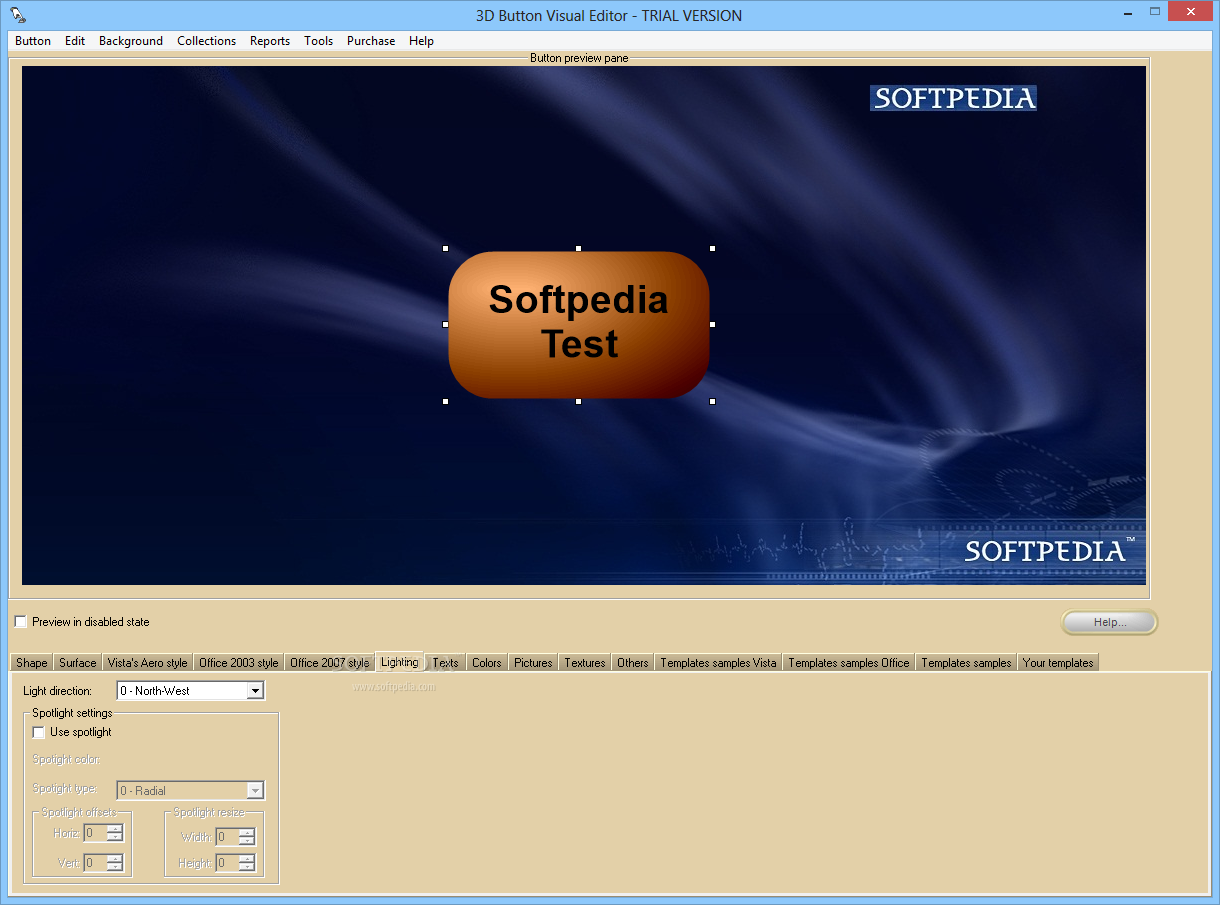
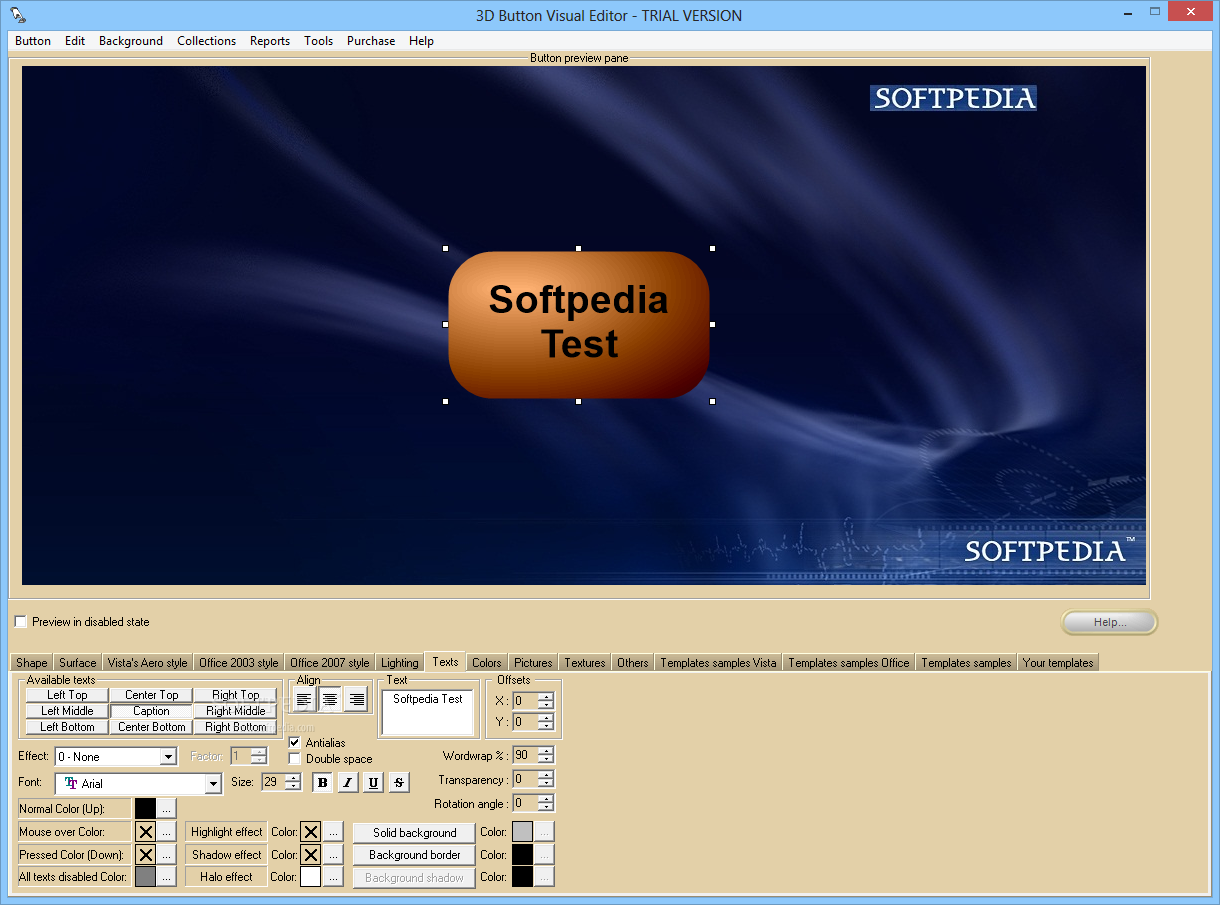
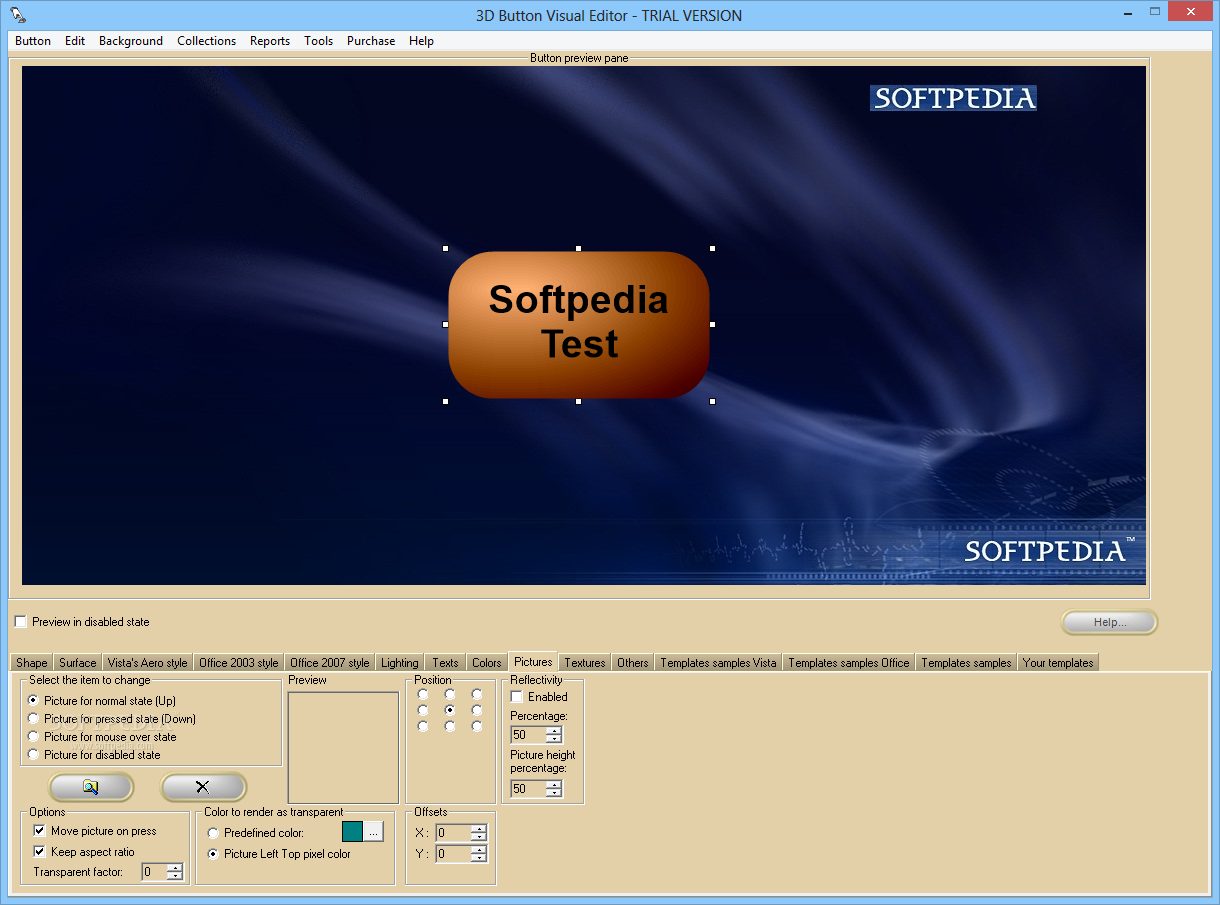
Other editing tools enable you to adjust lighting, spotlight, text, picture, texture and color settings, as well as apply special effects.
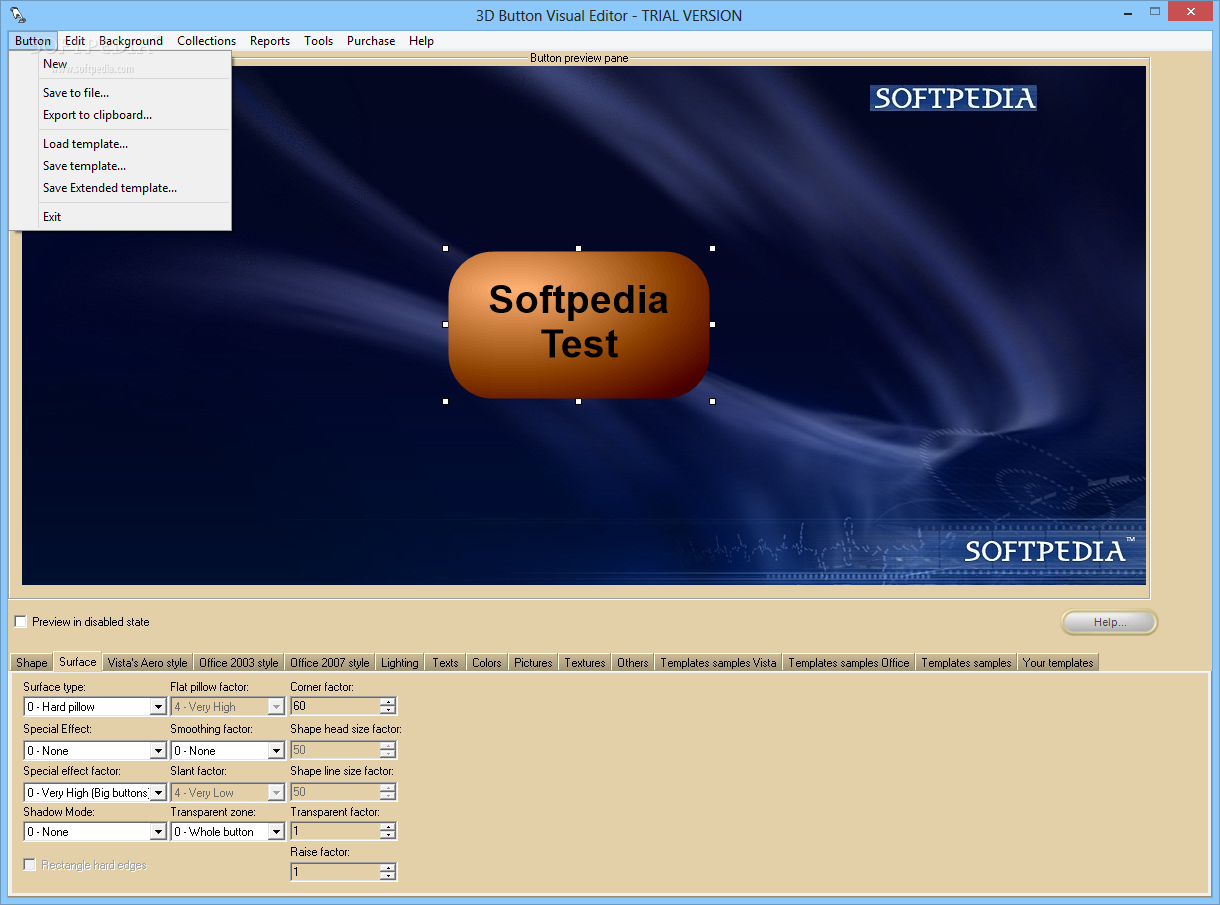
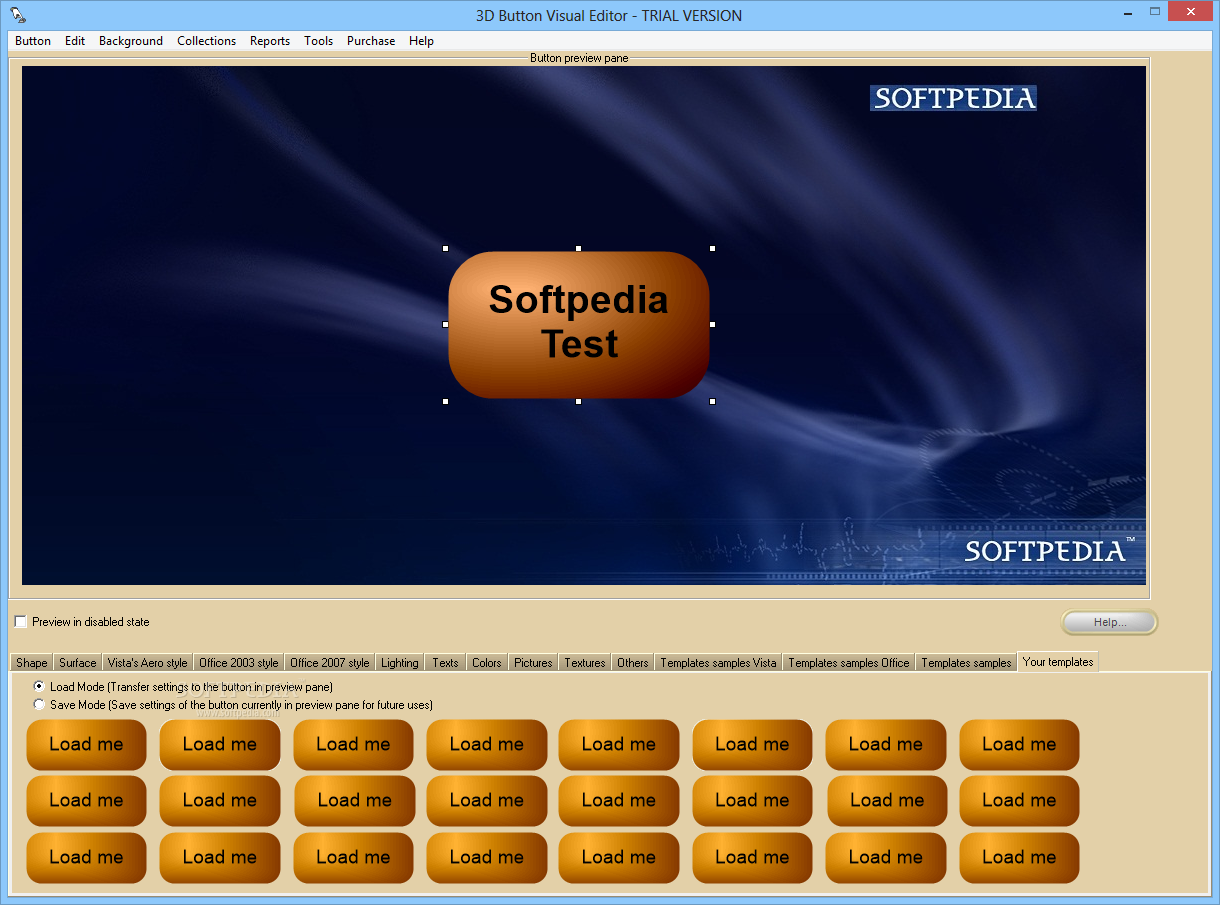
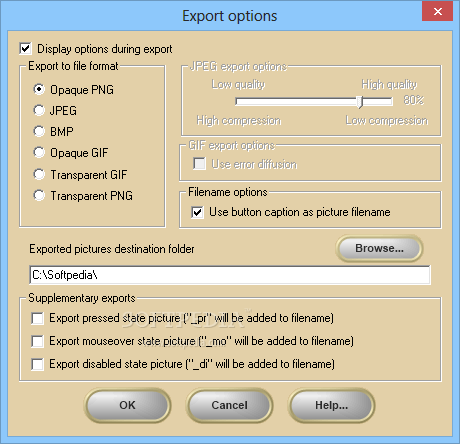
While you are editing a button, all the changes that you make can be previewed and you can save the template or you can export it as a PNG, JPEG, BMP and GIF image. What's more is that you are provided with the means to adjust image attributes, such as graphic format, compression quality, use button captions as picture filename, activate the error diffusion option and select the destination folder for export. Further export options allow you to add suffixes between caption text and the file extension.
All in all, 3D Button Visual Editor is a richly-featured software solution that provides you with a professional alternative to other more expensive and difficult to use graphic applications. Plus, you do not need to be an experienced web designer or have any graphic skills in order to create professional-looking 3D buttons for any website.
3D Button Visual Editor 5.0.0.8
add to watchlist add to download basket send us an update REPORT- runs on:
- Windows All
- file size:
- 3.8 MB
- filename:
- 3dbve_t.exe


- main category:
- Multimedia
- developer:
- visit homepage
ShareX

Microsoft Teams

Bitdefender Antivirus Free

7-Zip

Windows Sandbox Launcher

Zoom Client

Context Menu Manager

IrfanView

calibre

4k Video Downloader

- IrfanView
- calibre
- 4k Video Downloader
- ShareX
- Microsoft Teams
- Bitdefender Antivirus Free
- 7-Zip
- Windows Sandbox Launcher
- Zoom Client
- Context Menu Manager