
A full-fledged video editor for professional use that allows illustrators, video editors, and beginner VFX artists to bring their creative, static designs to life, and generate content for today's popular distribution platforms. #Motion graphics creator #Visual effect generator #Effect designer #Motion #Composition #Animation
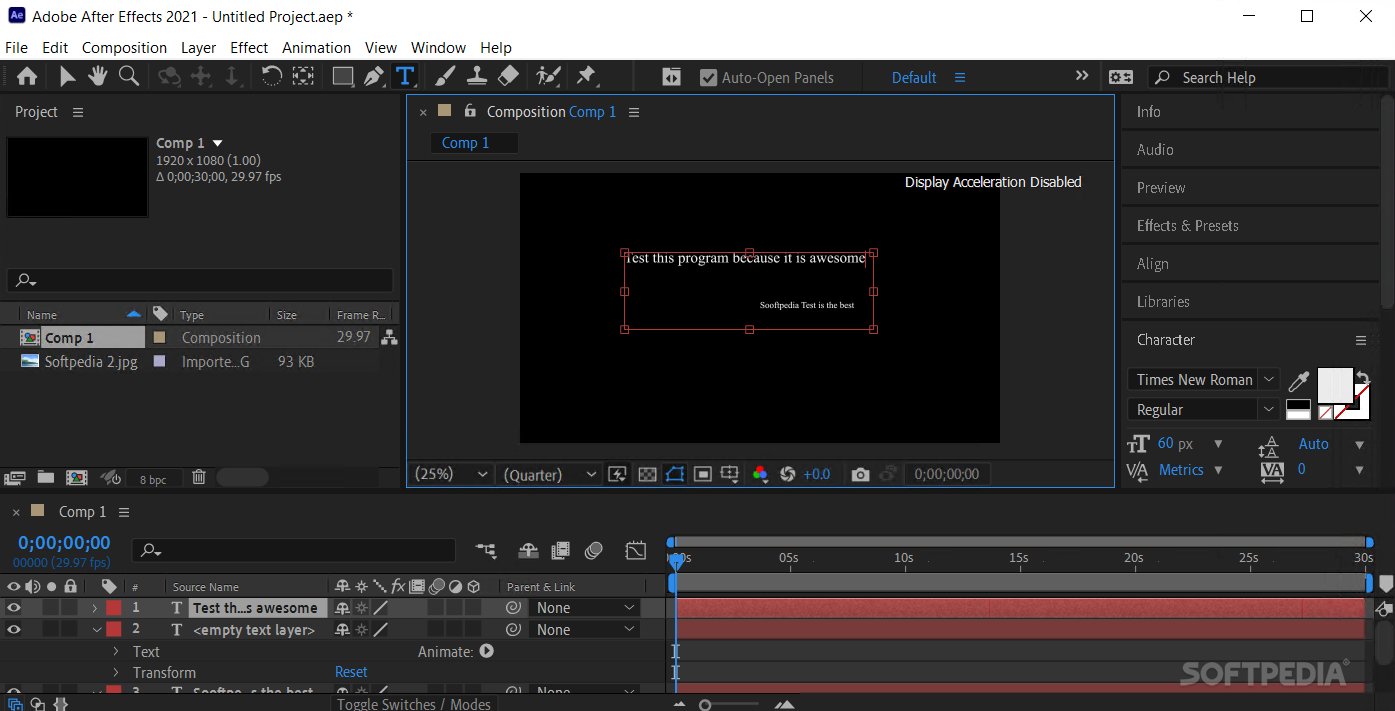
Adobe After Effects is one of the leading industry software solutions for animators and VFX artists who want to combine creatively motion graphics with design, cinematic artworks and moments, and crazy visual effects.
Adobe After Effects is a well-known application, part of the larger Adobe Creative Cloud suite. This application is extensive and resource-intensive for your machine. Depending on the task at hand, you could expect the program to run differently.
For example, for basic motion design implementations or simple video editings (with uncomplicated transitions and little to no special effects added), the tool can run on a 16-GB RAM PC.
However, for experienced motion designers working on Windows systems, given the wide option of hardware components and how these can be assembled into a computer, the performance of this sophisticated video editing application can be increased by observing given bottlenecks during the actual editing process and increasing the hardware capacity.
Even more so, Adobe After Effects is a program difficult to learn and master. As such, it is extremely challenging for beginner video editors or motion designers to start working with it.
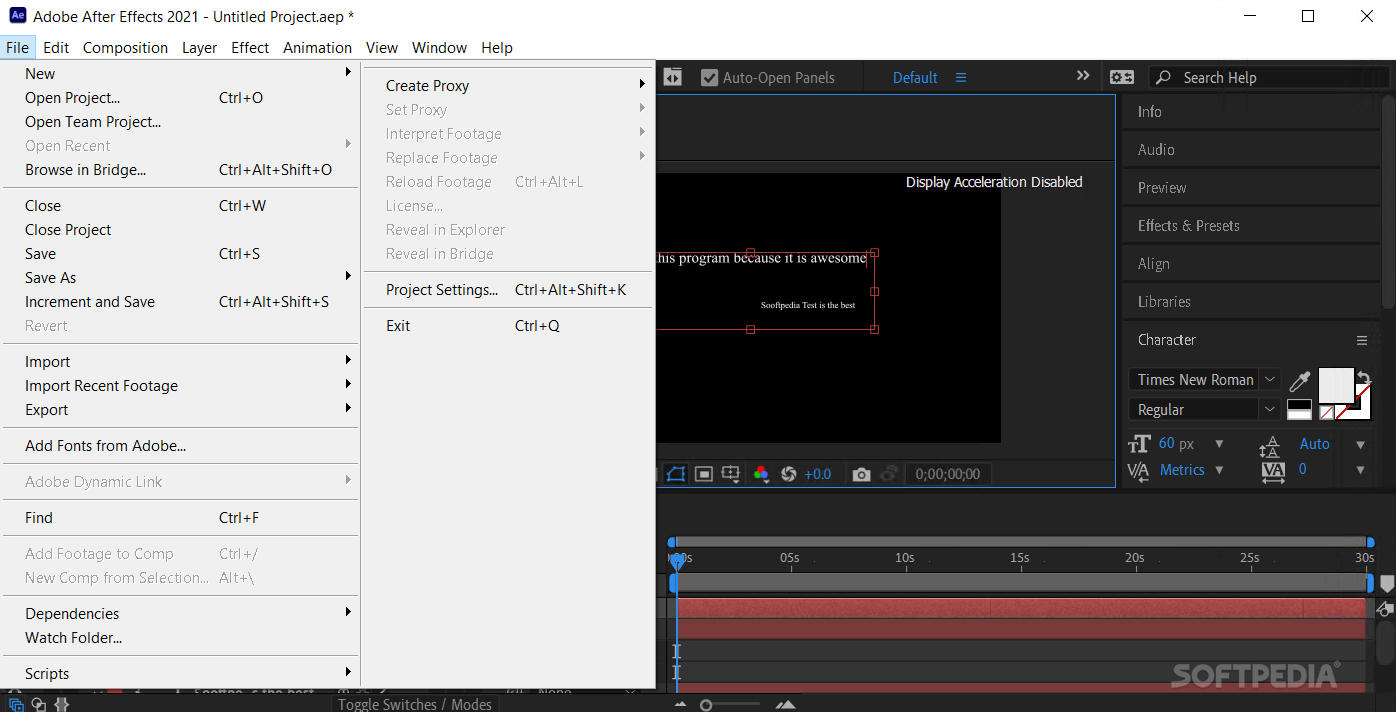
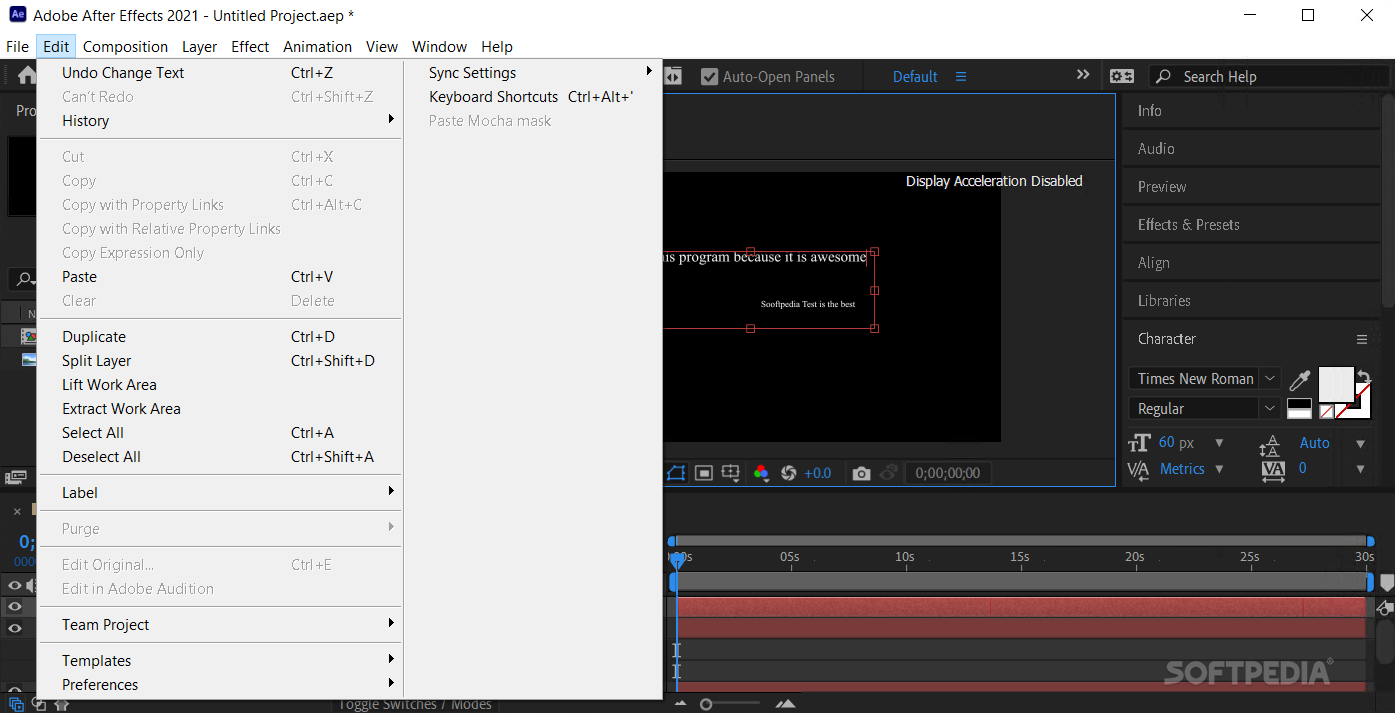
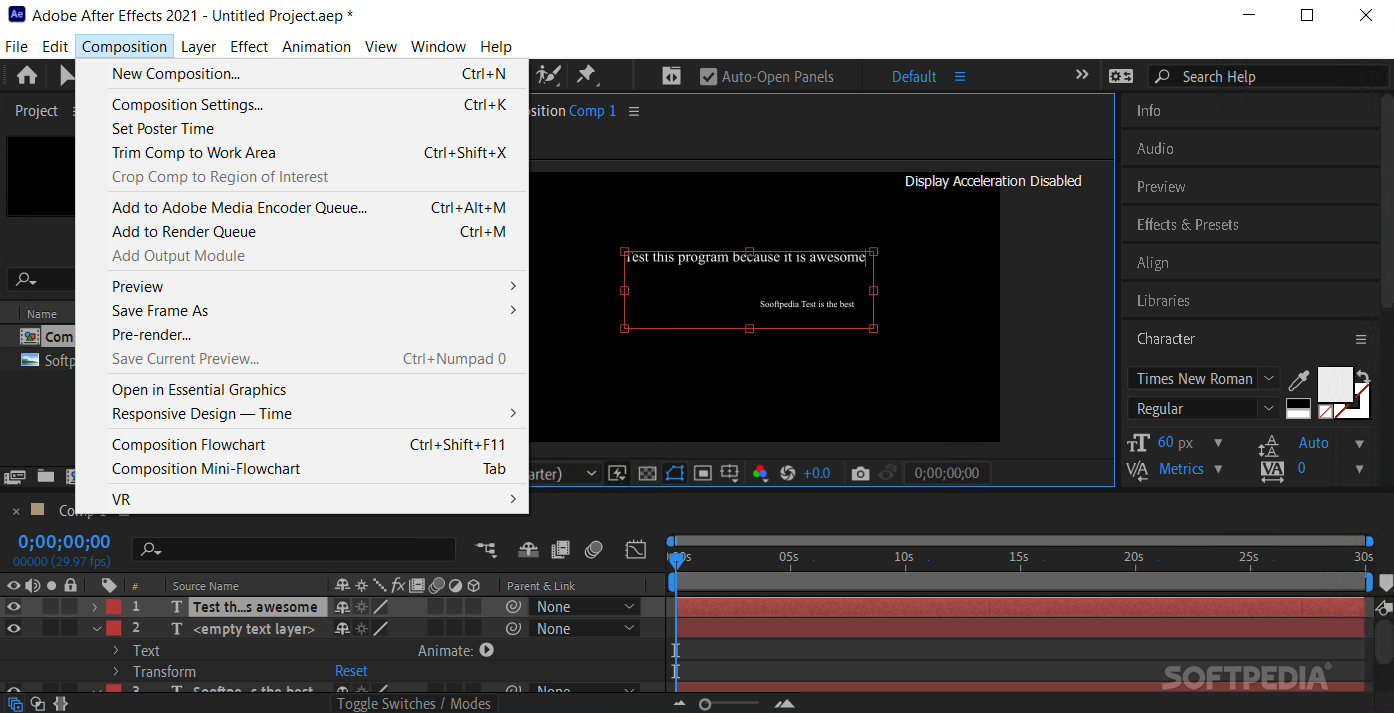
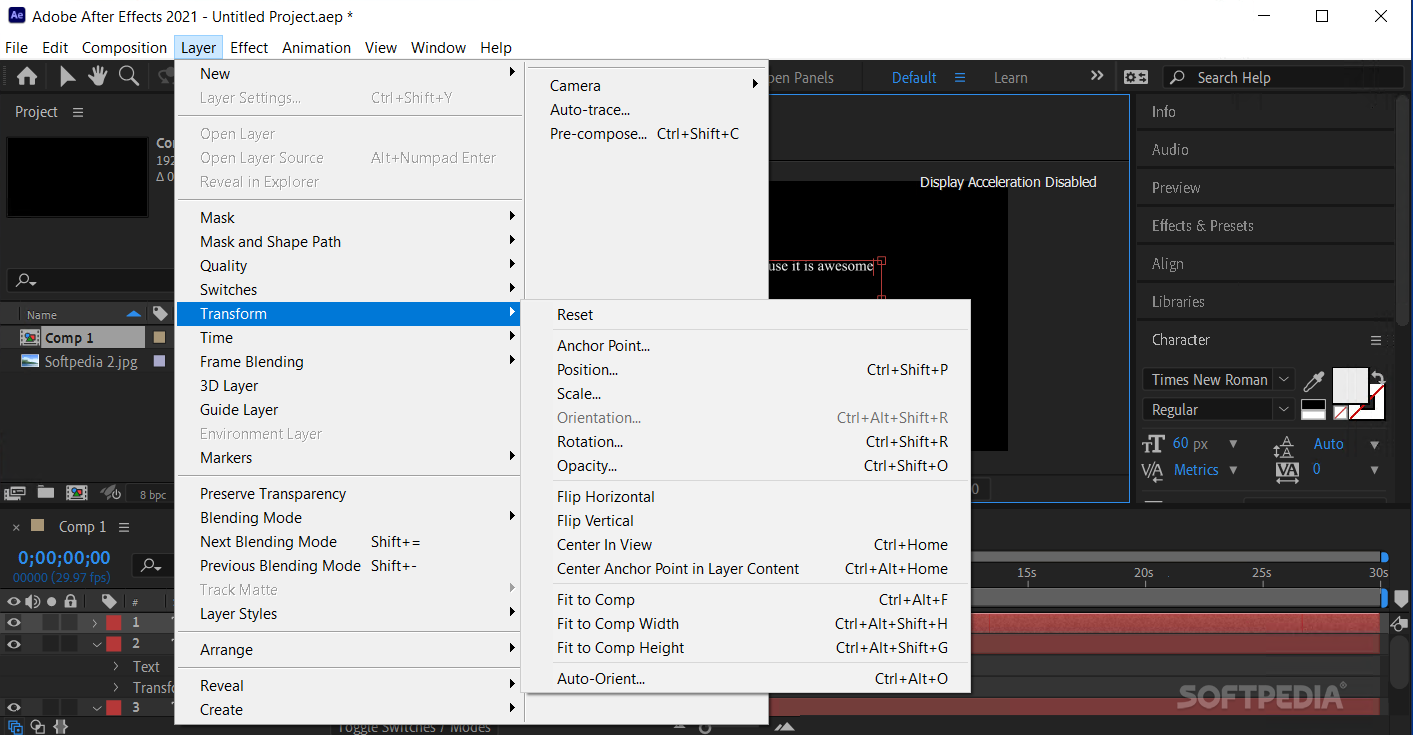
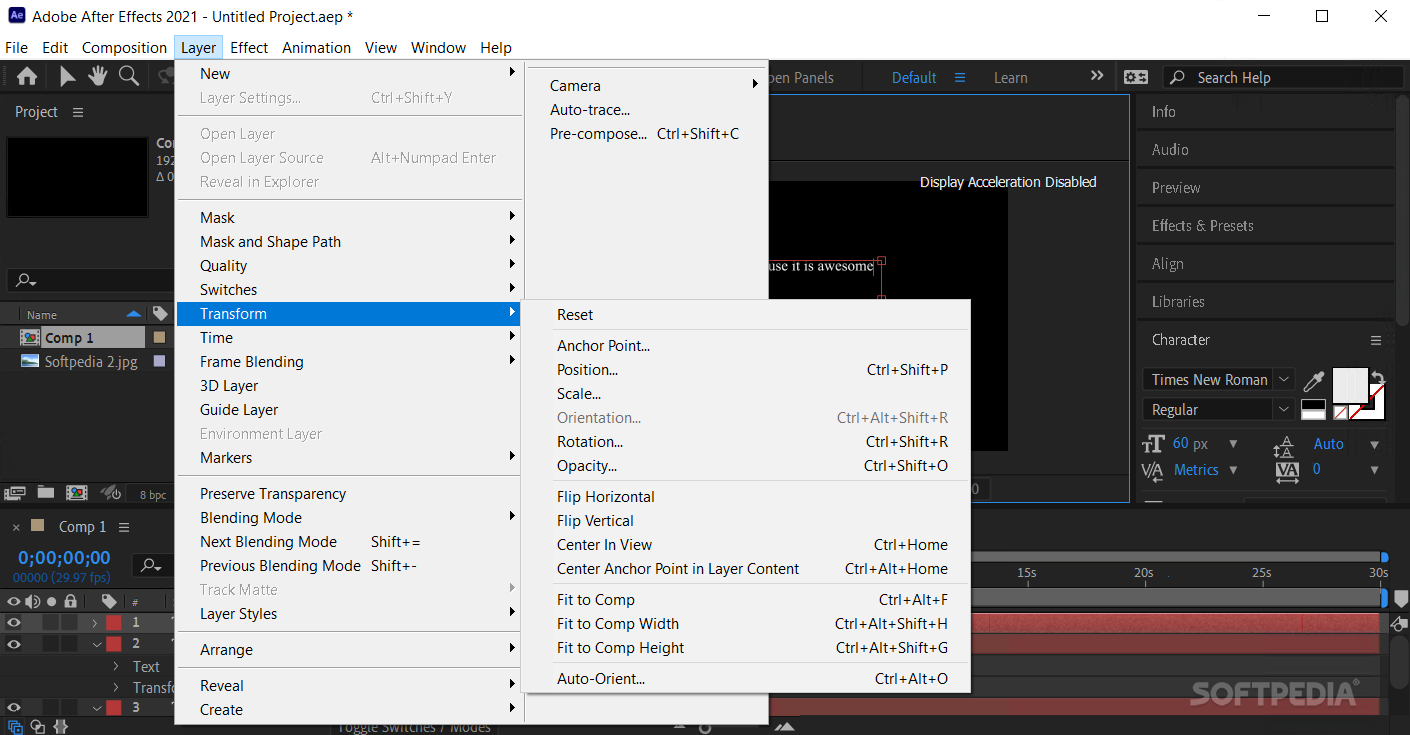
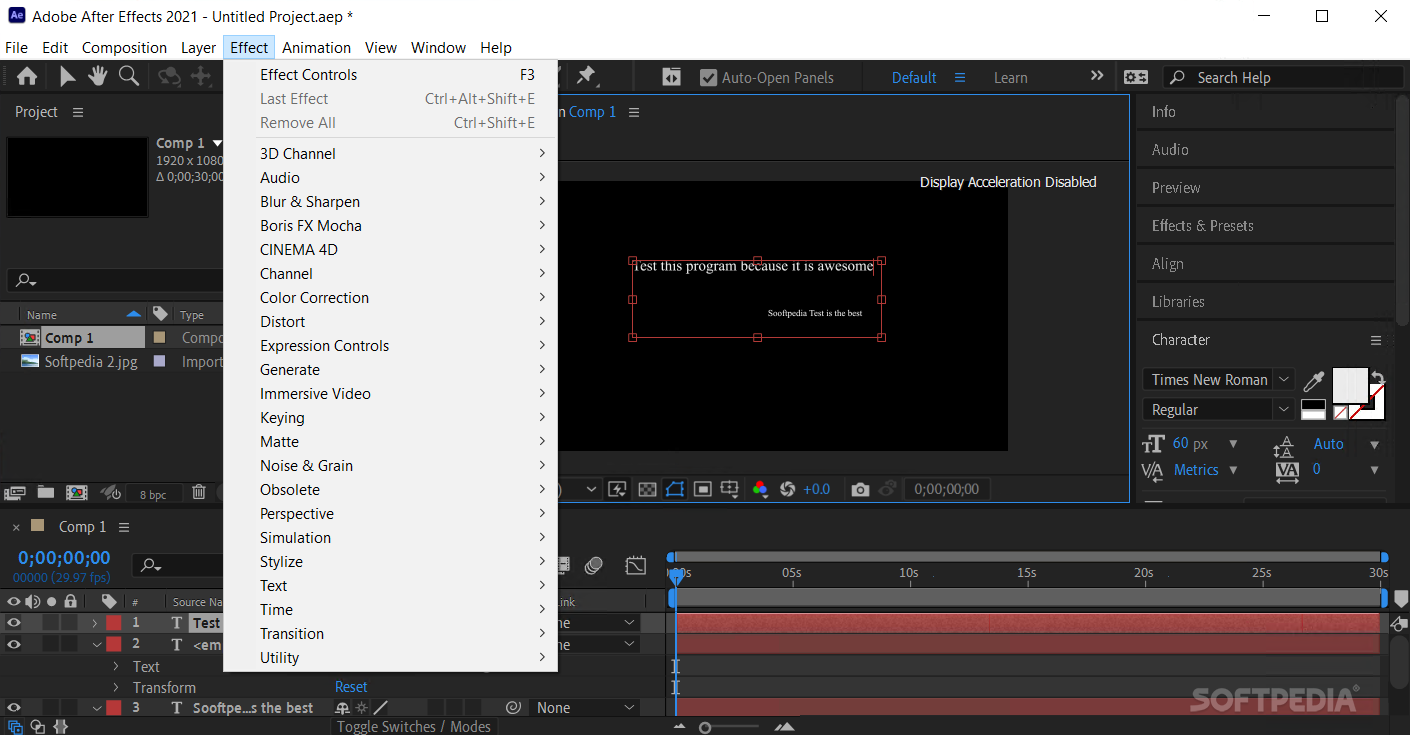
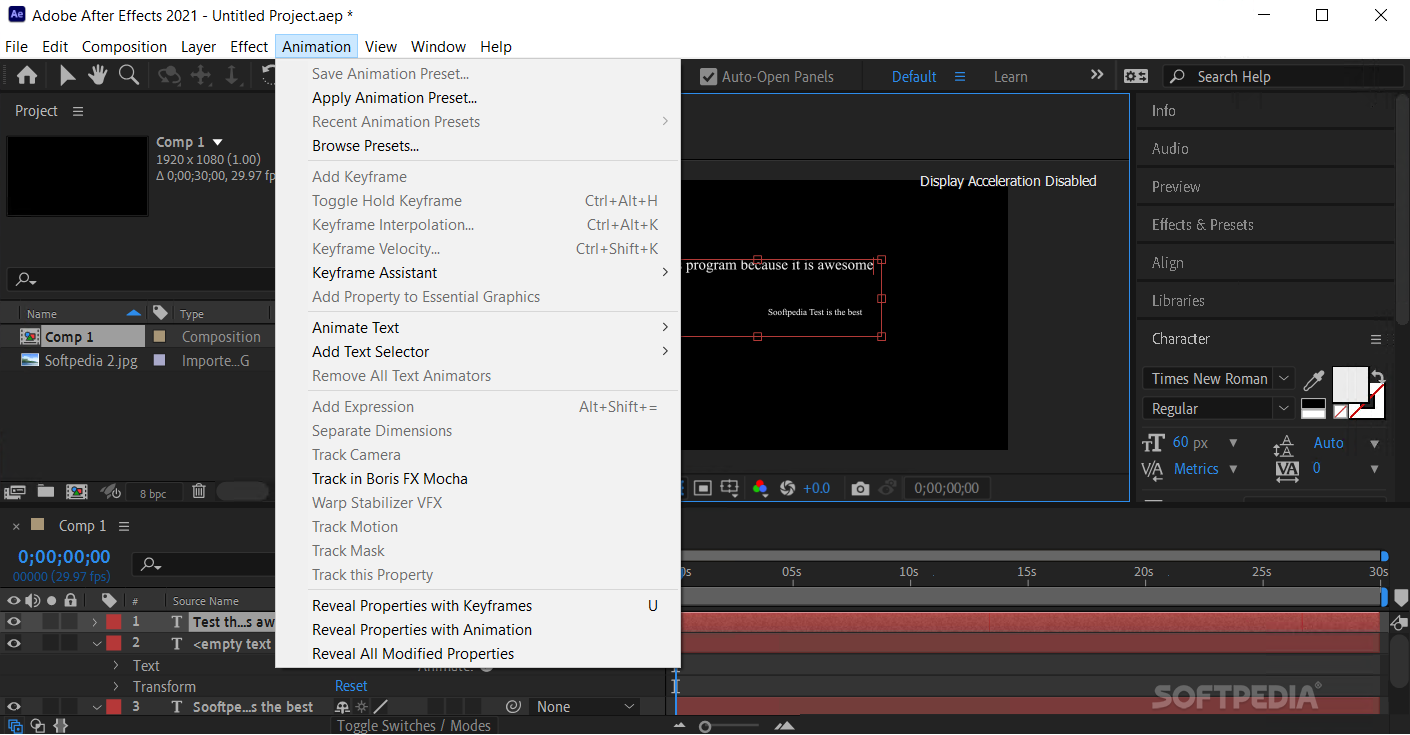
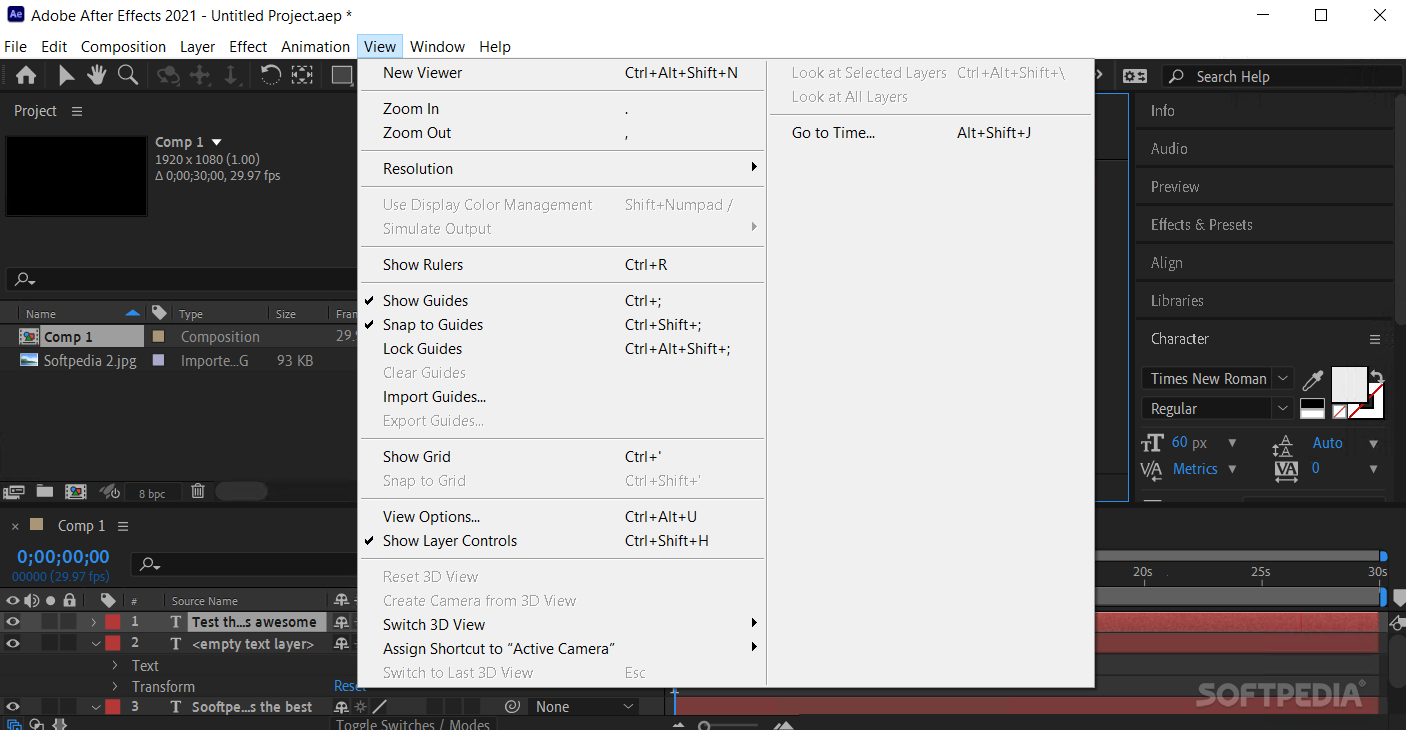
Like all Adobe products, Adobe After Effects's GUI is modern-looking and offers a bunch of customizations.
In its default state, the app displays the video editing window at the center and the tools on the top toolbar. Video sequence navigation is listed at the bottom, multi-layer additions at the bottom-left corner.
It is important to understand that Adobe After Effects is in itself an entire video editing ecosystem. As such, there are hundreds of online manuals and tutorials for beginners, intermediate, and even highly experienced motion designers.
This software solution has custom shortcuts and the interface allows you to add different options and panels in the desired area. The good thing is, once saved in your account, the Creative Cloud will always remember your initial configuration.
Regarding the actual video editing process, you can code-customize given moments, target specific elements and generate real-life movements for your illustrations and designs, and even play with the physics of how objects move in your videos.
Bottom line, Adobe After Effects is perfect for beginner video editors and illustration animators who want to challenge themselves, and a valuable instrument for experienced motion designers. At the same time, the tool has a 3D module that requires extra hardware power from your PC.
If video editing and VFX artistry is a passion or a professional goal, Adobe After Effects is certainly the tool you can start experimenting with.
What's new in Adobe After Effects CC 2024 24.3:
- After Effects no longer crashes when you try to export tracking data to the 3D model layer.
- The maximum values for specific layer style sizes (Drop Shadow, Inner Shadow, Outer Glow, Inner Glow, Satin, Stroke) have been reduced from 30,000 to 250.
- The “Invalid clipboard format” alerts no longer show up when bringing After Effects in focus.
- Textures now render for model exported in .obj format.
Adobe After Effects CC 2024 24.3
add to watchlist add to download basket send us an update REPORT- runs on:
-
Windows 11
Windows 10 64 bit - file size:
- 2.4 MB
- main category:
- Multimedia
- developer:
- visit homepage
IrfanView

Windows Sandbox Launcher

calibre

Zoom Client

ShareX

4k Video Downloader

Microsoft Teams

Bitdefender Antivirus Free

Context Menu Manager

7-Zip

- Bitdefender Antivirus Free
- Context Menu Manager
- 7-Zip
- IrfanView
- Windows Sandbox Launcher
- calibre
- Zoom Client
- ShareX
- 4k Video Downloader
- Microsoft Teams