WINDOWS CATEGORIES:


NEWS ARCHIVE >>
SOFTPEDIA REVIEWS >>

WEEKLY HIGHLIGHTS

DVD Cloner45
Spyware Doctor40
1Click DVD Copy40
Apollo DVD Copy40
ABC Amber BlackBer...45
Protected Music Co...40

7-DAY TOP DOWNLOAD

#
Program
Avira AntiVir
Personal - Free
Antivirus 9.0.0.415

169,069
Windows Live
Messenger 2009
14.0.8089.726

164,651
Avira Antivir Virus
Definition File
Update November 19,
2009

143,004
Nexus Radio 4.2
121,054
FreeZ Online TV 1.31
110,198
Microsoft Office
2010 14.0.4536.1000
Beta / 2007

74,563
Y! Multi Messenger
8.x and 9.x

72,611
Windows Live
Messenger
8.5.1302.1018

58,396
RemoveWGA 1.2
47,572
AVG Free Edition 9.0
Build 707a1765

46,961

WEEK'S BEST

  • Faststone Image Vi...
  • Vuze (formerly Azu...
  • Softpedia Wallpape...
  • Softpedia Wallpape...
  • Softpedia Wallpape...
  • RSSOwl 2.0 Final
  • Internet Explorer ...
  • Online Armor ++ 4....
  • cFosSpeed 5.01 Bui...
  • SONY Vegas Pro 9.0...
  • Firefox 3.6 Beta 3...
  • Nokia Photos 1.6.434
  • Windows Server 200...
  • Skype Portable 4.1...
  • Google Chrome Port...
  • PCMark Vantage Bas...
  • Kaspersky Anti-Vir...
  • Microsoft Virtual ...
  • Messenger Plus! Li...
  • WinX DVD Author [F...
  • SoftPerfect Networ...
  • System Mechanic Pr...
  • Ad Muncher 4.8 Bui...
  • Windows 7 Upgrade ...
  • Pidgin 2.6.3
  • OpenOffice.org 3.2...
  • VirtualDub 1.9.7 B...
  • Maxthon [Softpedia...
  • Spyware Doctor 7.0...
  • SUPERAntiSpyware 4...
  • Home / Windows / Multimedia / Graphic / Graphic Editors
     Report spyware

    Adobe PhotoShop CS4 11.0.1

    Softpedia Pick Award
    Download button

    Downloads: 3,471,497  Add to download basket  Tell us about an update
    User Rating:
    Rated by:
    Very Good (4.2/5)
    4663 user(s)
    Developer:

    License / Price:

    Size / OS:

    Last Updated:

    Category:
    Adobe | More programs
    Trial / USD 699.00 | BUY the full version
    814 MB / Windows XP / Vista
    February 26th, 2009, 10:06 GMT
    C: \ Multimedia \ Graphic \ Graphic Editors

     Read user reviews (15)  Add a review  Refer to a friend  Subscribe


    Adobe PhotoShop CS4 description


    The professional image-editing standard and leader of the Photoshop digital imaging line

    Adobe Photoshop software, the professional image-editing standard and leader of the Photoshop digital imaging line, delivers more of what you crave.

    Groundbreaking creative tools help you achieve extraordinary results. Unprecedented adaptability will let you custom-fit Photoshop exactly to the way you work. And with more efficient editing, processing, and file handling, there's no slowing you down.

    Create with unmatched power

    Timesaving file handling with Adobe Bridge (formerly the File Browser)

    Multitasking
    Take advantage of compact floating mode in Adobe Bridge to process images while simultaneously working in Photoshop.
    Viewing options
    Easily browse your Adobe Creative Suite and other graphics files in Adobe Bridge; present your images with features like Slideshow and Filmstrip mode; scale thumbnails to any size using a slider; and view and edit metadata.

    Automated batch processing
    Automatically process batches of images in Adobe Bridge to rename, convert format, adjust exposure, create a web gallery or Adobe PDF Presentation, and more.

    Rating and labeling
    Quickly rate and label photos in Adobe Bridge so you can instantly bring up your best shots.

    Sophisticated search
    Easily find any image using sophisticated search capabilities in Adobe Bridge that let you specify a variety of parameters. Save searches as Collections that you can recall anytime.

    Professional color and tone control

    Match Color command
    Achieve a consistent look between package shots, fashion photos, and more by instantly matching the color scheme of one image to another.

    Color Replacement tool
    Easily change the color of any image area while retaining the original texture and shading.

    32-bit High Dynamic Range (HDR) support
    Create and edit 32-bit images, and combine multiple exposures into a single, 32-bit image with expanded range-from the deepest shadows to the brightest highlights.

    Histogram palette
    Monitor color changes to your image in the Histogram palette, which dynamically updates as you make adjustments.

    Shadow/Highlight correction
    Quickly improve the contrast of over- or underexposed areas of an image, including CMYK images, while preserving the overall balance of the photo.

    Color management guidance
    Get precise, consistent color from display to output with helpful color management guidance.

    Intelligent image editing

    Revolutionary Vanishing Point
    Achieve amazing results in a fraction of the time with the groundbreaking Vanishing Point, which lets you clone, paint, and paste elements that automatically match the perspective of the surrounding image area.

    Image Warp
    Easily create packaging mock-ups or other dimensional effects by wrapping an image around any shape or stretching, curling, and bending an image using Image Warp.

    Spot Healing Brush
    Effortlessly retouch photos-including 16-bit images-in a single click with the advanced power of the new Photoshop Spot Healing Brush.

    Healing Brush
    Perform expert retouching to remove dust, scratches, blemishes, wrinkles, and other flaws with minimal effort using the Healing Brush

    Essential photography tools

    One-click red-eye correction
    Instantly neutralize red eyes with the one-click red-eye correction tool, which supports 16-bit images and lets you set pupil size and darkening level.

    Optical lens correction
    Easily correct common lens distortions, such as barrel and pincushion, and fix chromatic aberrations and vignetting.

    Smart Sharpen
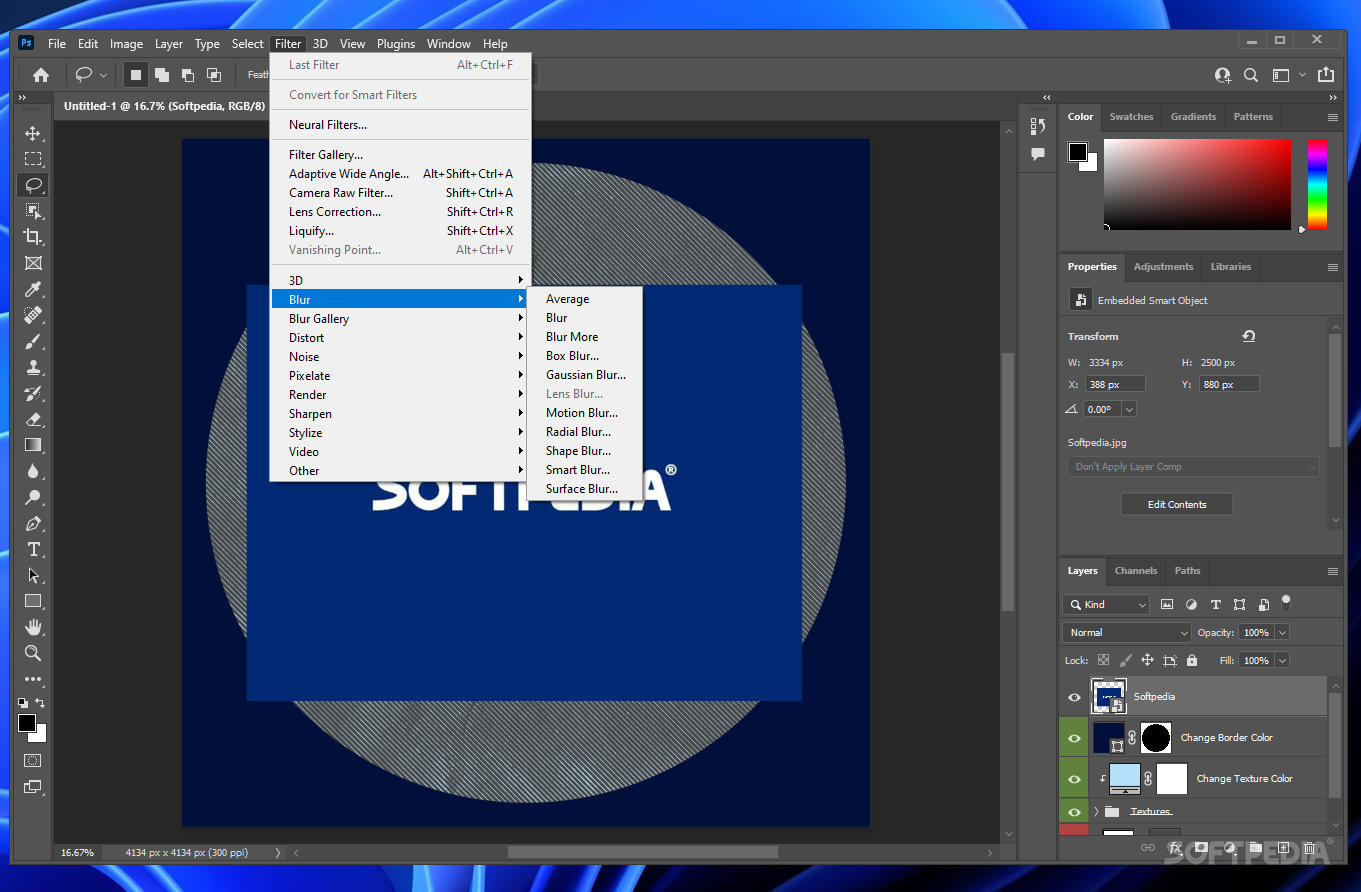
    Easily counteract common image blurring with fine correction control based on the specific blur types: motion, lens, and Gaussian.

    Advanced noise reduction
    Polish digital photos with advanced noise correction in high-ISO shooting plus JPEG artifact reduction.

    Camera raw workflow enhancements
    Process an entire photo shoot in a fraction of the time by simultaneously adjusting color, curves, cropping, and more-and continue working in Photoshop! With support for a comprehensive range of digital cameras, Photoshop lets you automatically adjust settings, convert to Digital Negative (DNG) format, and apply nondestructive edits to batches of images.

    Comprehensive 16-bit support
    Perform precise editing and retouching with support for 16-bit images in core features, including layers, brushes, text, shapes, and more.

    Crop and Straighten command
    Scan multiple images at once and let Photoshop automatically straighten and save each image as an individual file.

    Design freedom

    Flexible layers
    Composite images, text, and effects on hundreds of layers that you can organize with up to five levels of nesting and save in different combinations as Layer Comps.

    Painting and drawing tools
    Create or modify images with a wide assortment of professional, fully customizable paint settings, artistic brushes, and drawing tools.

    Special effects filters
    Achieve amazing results with more than 95 special effects filters. Easily preview and apply more than one filter at a time from the Filter Gallery.

    Advanced type control
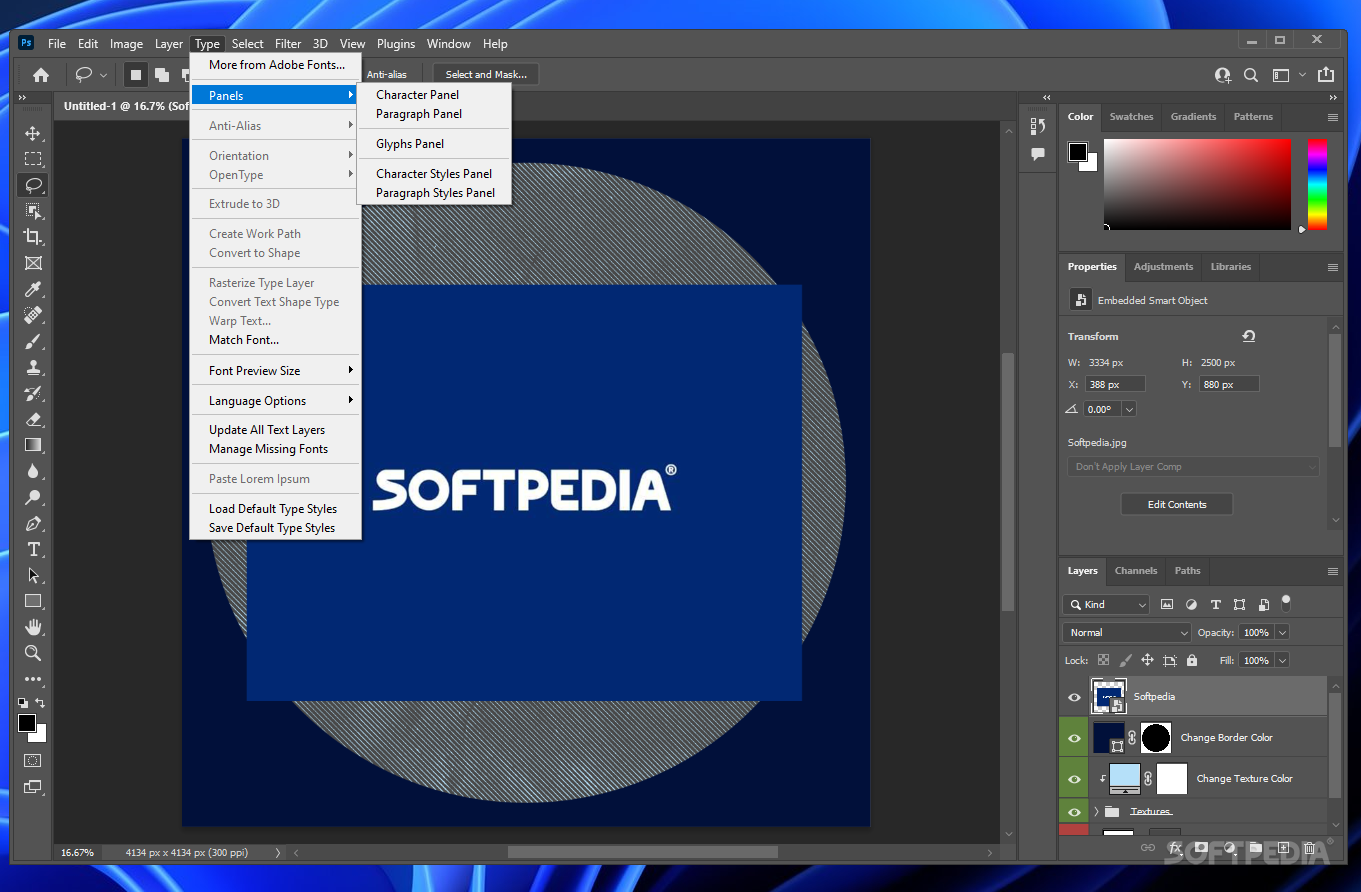
    Add vector-based text that you can edit at any time, format, warp, place on a path, convert to outlines, and use for masks or other special effects.

    Advanced web capabilities
    Create sophisticated web page elements with rollovers, transparency, image slicing, and more.

    Web animations
    Quickly create dynamic GIF animations-using one or more images-directly within Photoshop by taking advantage of the new Animations palette and layer palette animation options


    Customize with unprecedented adaptability

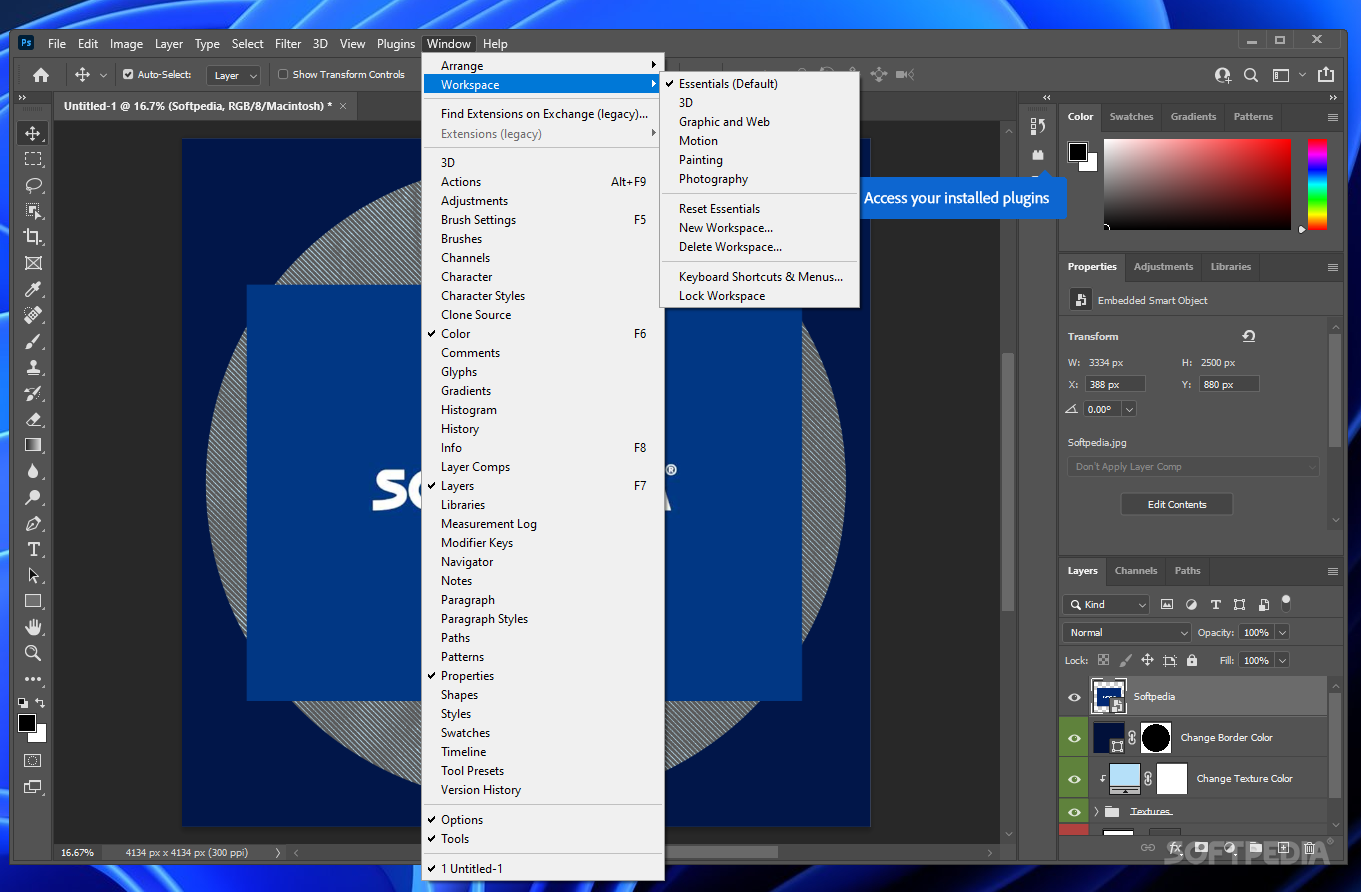
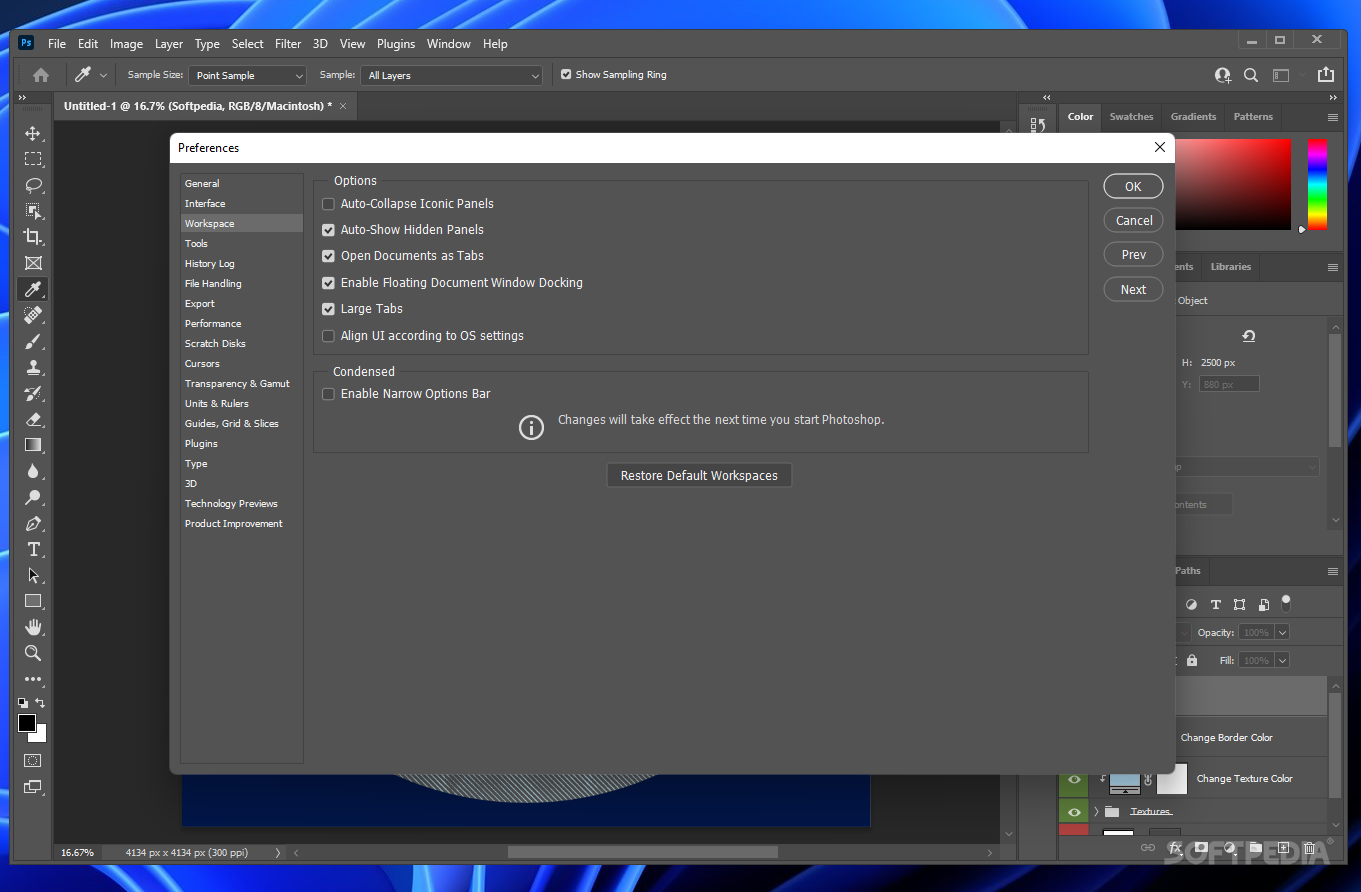
    Adaptable workspace

    Custom menus and keyboard shortcuts
    Set up and save custom menus and keyboard shortcuts for quick access to the features you need.

    Custom, task-based workspaces
    Reduce onscreen clutter by choosing from task-based workspaces, or create your own with just the tools you need.

    Adobe Help Center
    Quickly get answers from the new, floating Adobe Help Center window with improved search features and convenient, task-based topics.

    History Log
    Automatically track all editing steps within your Photoshop files. Export steps to a text file or save them as part of image metadata for easier documentation of your work, file audits, and more.

    Flexible measurement systems
    Enter precise numeric values in inches, pixels, and other measurement systems. Even enter different measurements on-the-fly without changing global settings

    Automated image processing

    Enhanced automation
    Use the new Image Processor command to process camera raw images, and use new built-in Actions to prepare images for film and video.

    Event-based scripts
    Accomplish more in fewer steps with event-based scripts that automatically activate at specified points in your workflow.

    Variables
    Instantly produce repetitive graphics with Variables, which automatically populate your design with data from spreadsheets or databases.

    Actions and Droplets
    Automate common production tasks by recording editing steps in the Actions palette, and then processing batches of files with Droplets.

    Film and video design

    Non-square pixel support
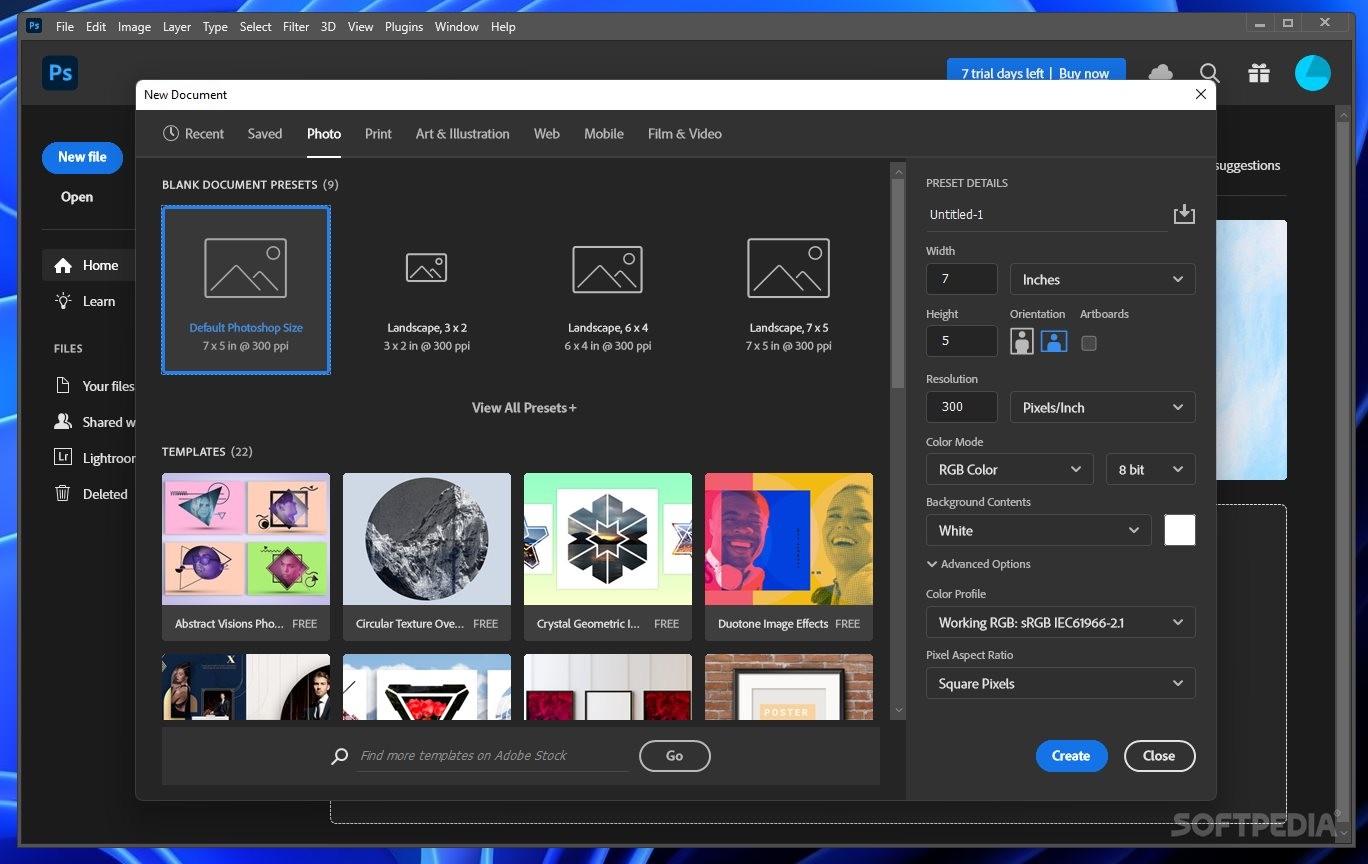
    Create and work with different aspect ratios to accommodate non-square pixels without distortion.

    Convenient video preview
    Design for broadcast more easily by previewing your Photoshop images on an NTSC or PAL monitor connected to your computer by IEEE 1394/FireWire/i.LINK.

    32-bit HDR
    Create and edit 32-bit, High Dynamic Range (HDR) images for the widest range and richest detail.

    Guide presets
    Easily design using video-specific presets that show action-safe and title-safe areas of the screen.

    16-bit compositing
    Perform precise matte painting, 3D rendering, and other advanced film compositing with support for 16-bit images in core features.

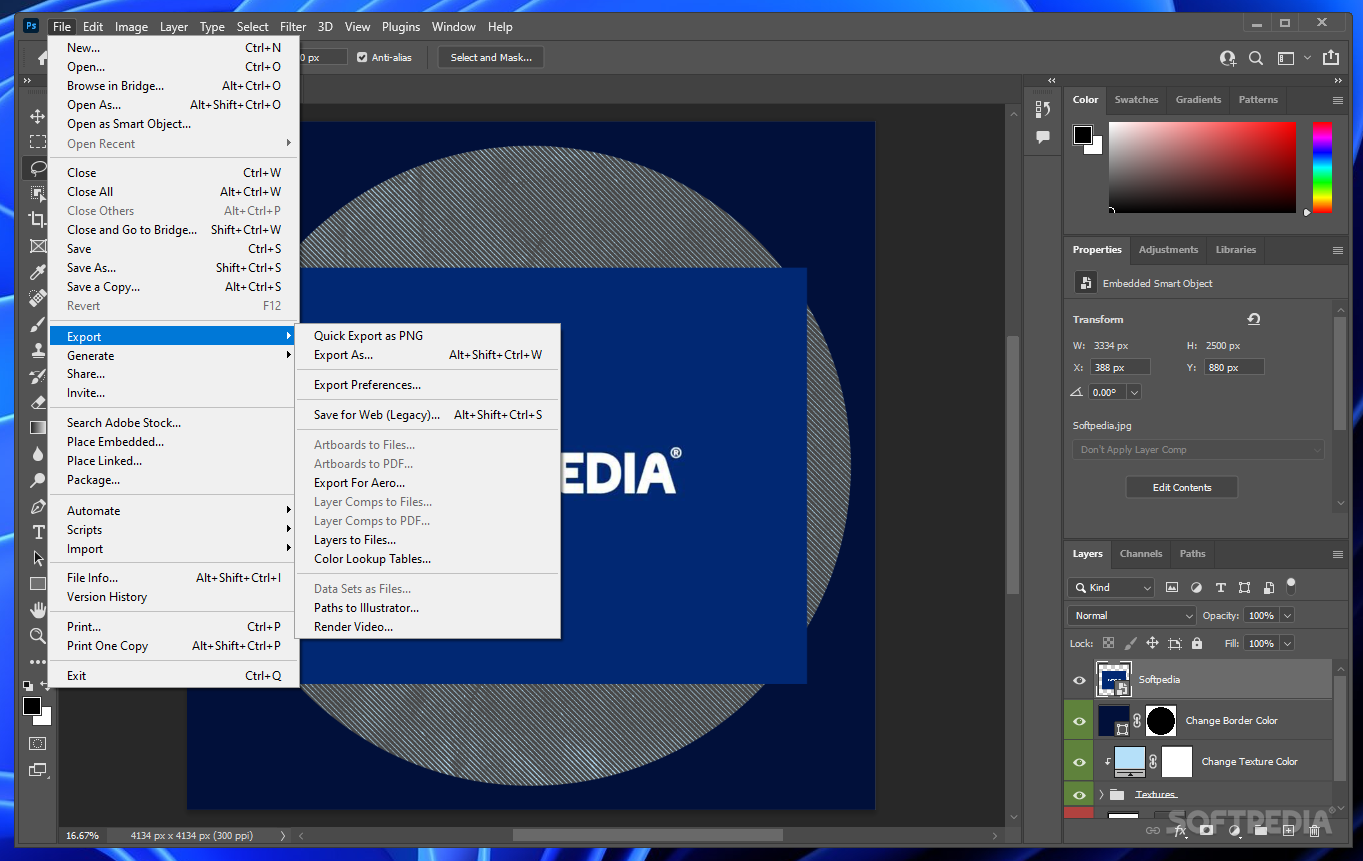
    Layers-to-files export
    Quickly integrate layered Photoshop artwork with a variety of video editing and compositing systems using the built-in Export Layers To Files command.


    Work with unparalleled efficiency

    Smooth workflow

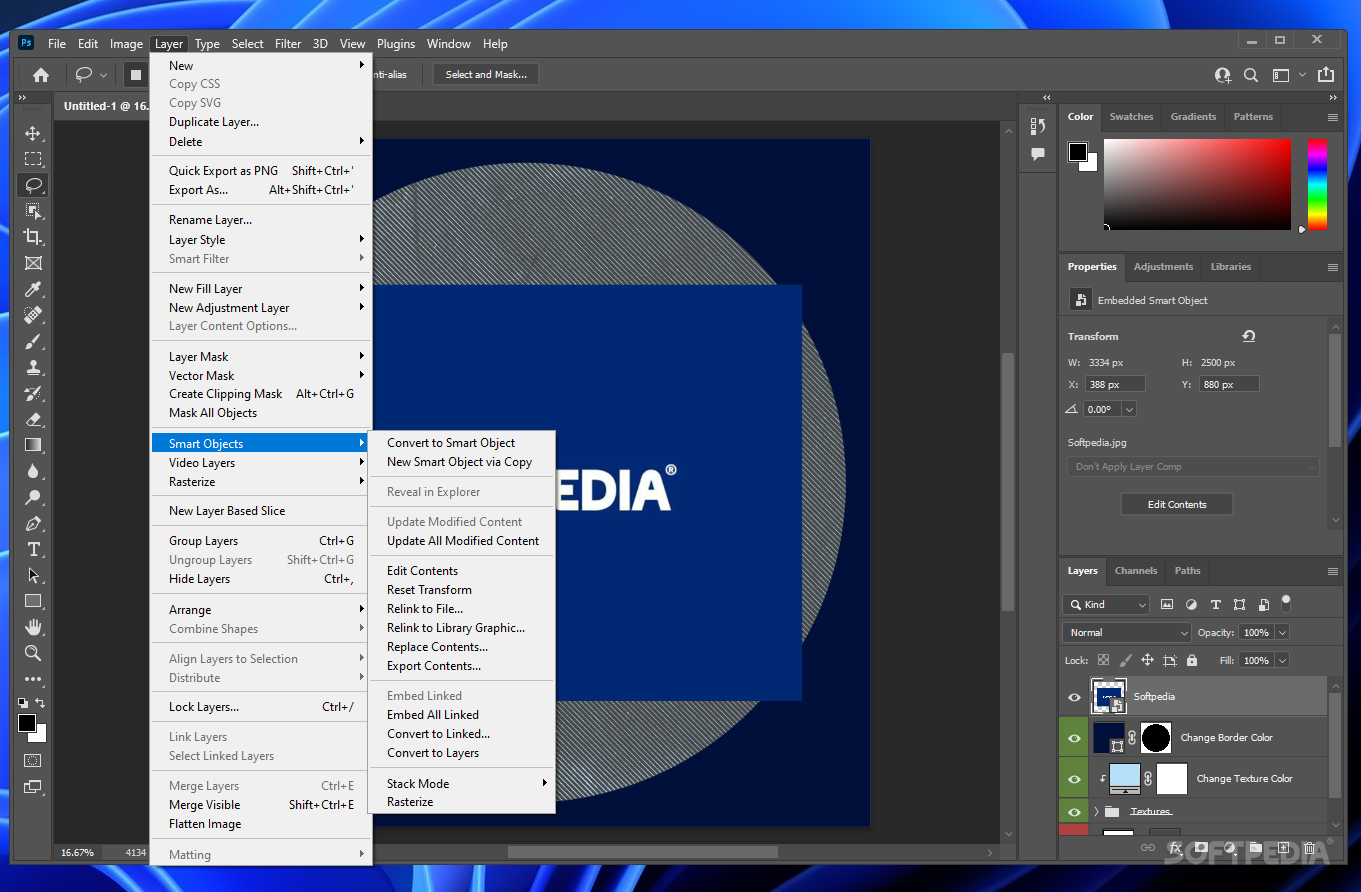
    Smart Objects
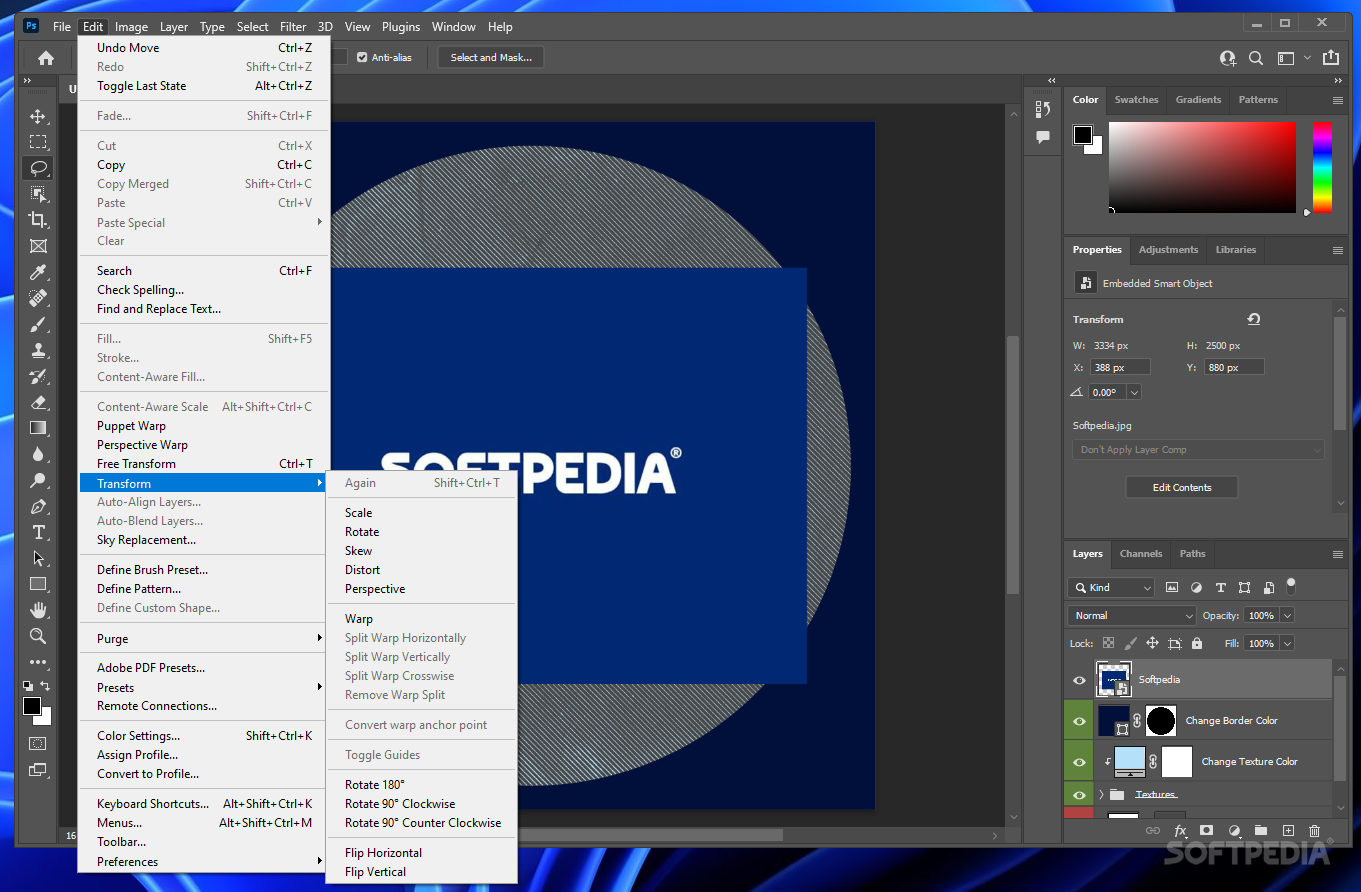
    Perform nondestructive scaling, rotating, and warping of raster and vector graphics with Smart Objects. Even preserve the editability of high-resolution vector data from Adobe Illustrator·� software.

    Multiple layer control
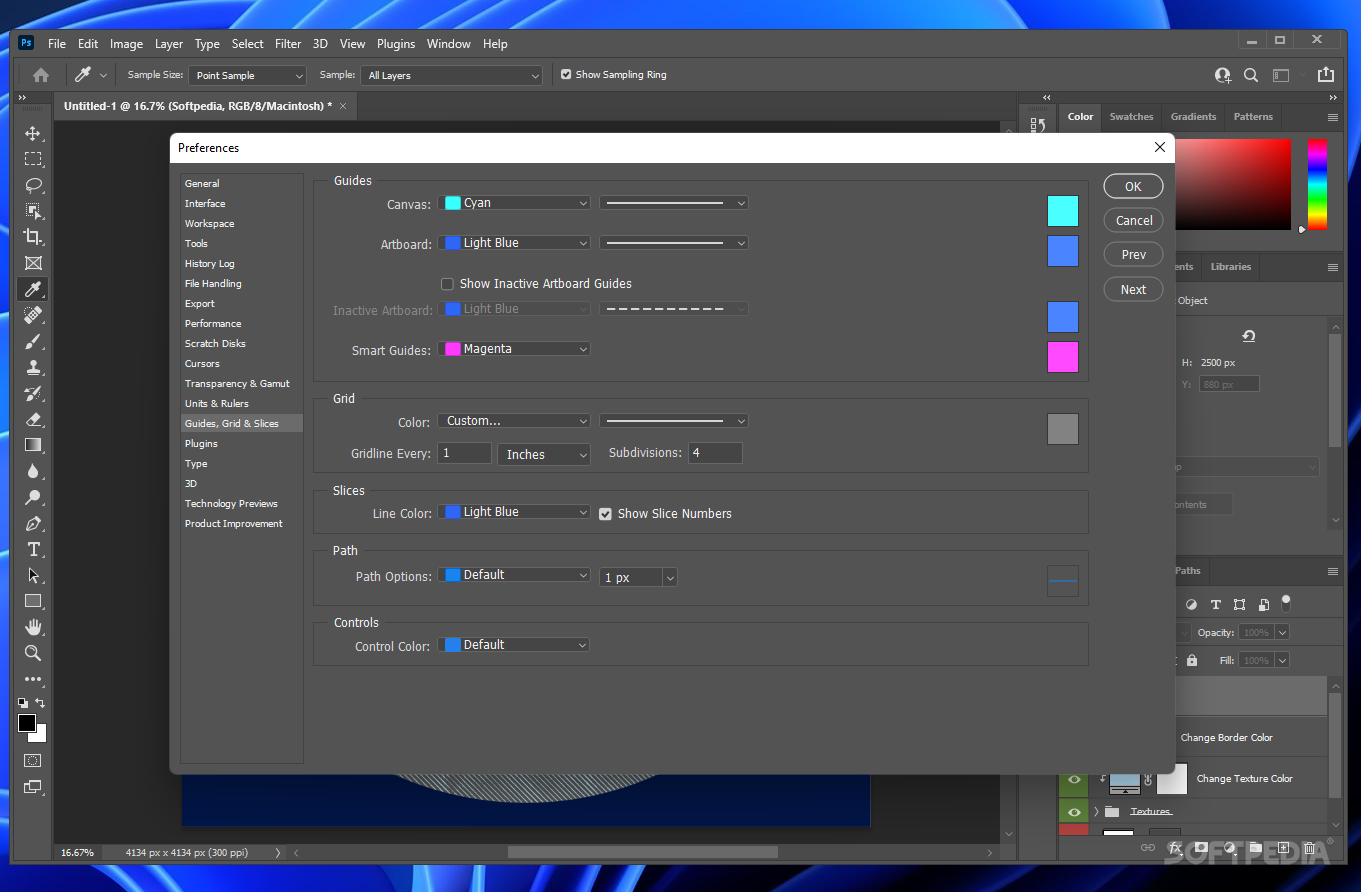
    Select and move, group, transform, and warp objects more intuitively by clicking and dragging directly on the canvas. Easily align objects with Smart Guides.

    Smart Guides
    Design faster by automatically aligning objects to each other using Smart Guides.

    WYSIWYG font menu
    Quickly select typefaces from the font menu, which now displays a sample of each font.

    Adobe Creative Suite integration
    Work more smoothly across Adobe Creative Suite components with color-setting synchronization in Adobe Bridge, consistent viewing of onscreen color, and unified Adobe PDF file creation settings.

    Multilingual spelling checker
    Avoid typos with the built-in spelling checker, which supports multiple languages and includes convenient search-and-replace functionality.

    Instant video preview
    See your broadcast graphics as they'll appear to the audience, while you're still building them. With one click, you can preview your Photoshop images on a television monitor connected to your computer by IEEE 1394/FireWire/i.LINK.

    High-capacity RAM compatibility
    Make the most of systems running 64-bit processors. Photoshop can address approximately 3.5 GB of RAM on a Power Macintosh G5 running Mac OS X, a Windows XP 64-bit Edition system running an Intel Xeon processor with EM64T, or an AMD Athlon 64 or Opteron processor.

    Multi-image digital camera raw file processing

    Simultaneous multiple-image editing
    Save time by processing batches of raw images at once with nondestructive editing, including color settings, cropping, straightening, adjusting curves, and more. Even process images while continuing to edit or retouch them.

    Digital camera and Digital Negative (DNG) support
    Take advantage of support for a comprehensive range of digital cameras, and help ensure a lifetime of access to your digital camera raw files by converting them to the DNG format.

    Automatic adjustments
    Instantly improve the appearance of images by automatically adjusting the exposure, contrast, and color of raw files.

    Professional presentation

    Enhanced web photo galleries
    Quickly display your photos online and gather feedback from viewers using web photo galleries that can now also include animations and sound.

    Customizable Picture Packages
    Easily showcase your images by choosing from more than a dozen customizable Picture Package templates.

    Adobe Photoshop Services
    Upload photos directly to Adobe Photoshop Services to share and order prints-even in large formats. Adobe Photoshop Services are provided in conjunction with Kodak EasyShare Gallery, the leader in online photo services and a Kodak company. (Note: Adobe Photoshop Services are not available in all countries.)

    Adobe PDF Presentation
    Present your images in universally accessible Adobe PDF files, which include support for transitions and security options.

    Improved printing workflow
    Easily configure your desktop inkjet printer for accurate color output.

    Note: This download contains two files: '.exe' and '.7z'. Please allow the .7z file to download completely (100%) before launching the installer. When the .7z file has downloaded completely, double-click the '.exe' file to begin installing your trial.

    Here are some key features of "Adobe PhotoShop CS4":

    Smoother panning and zooming and fluid canvas rotation:
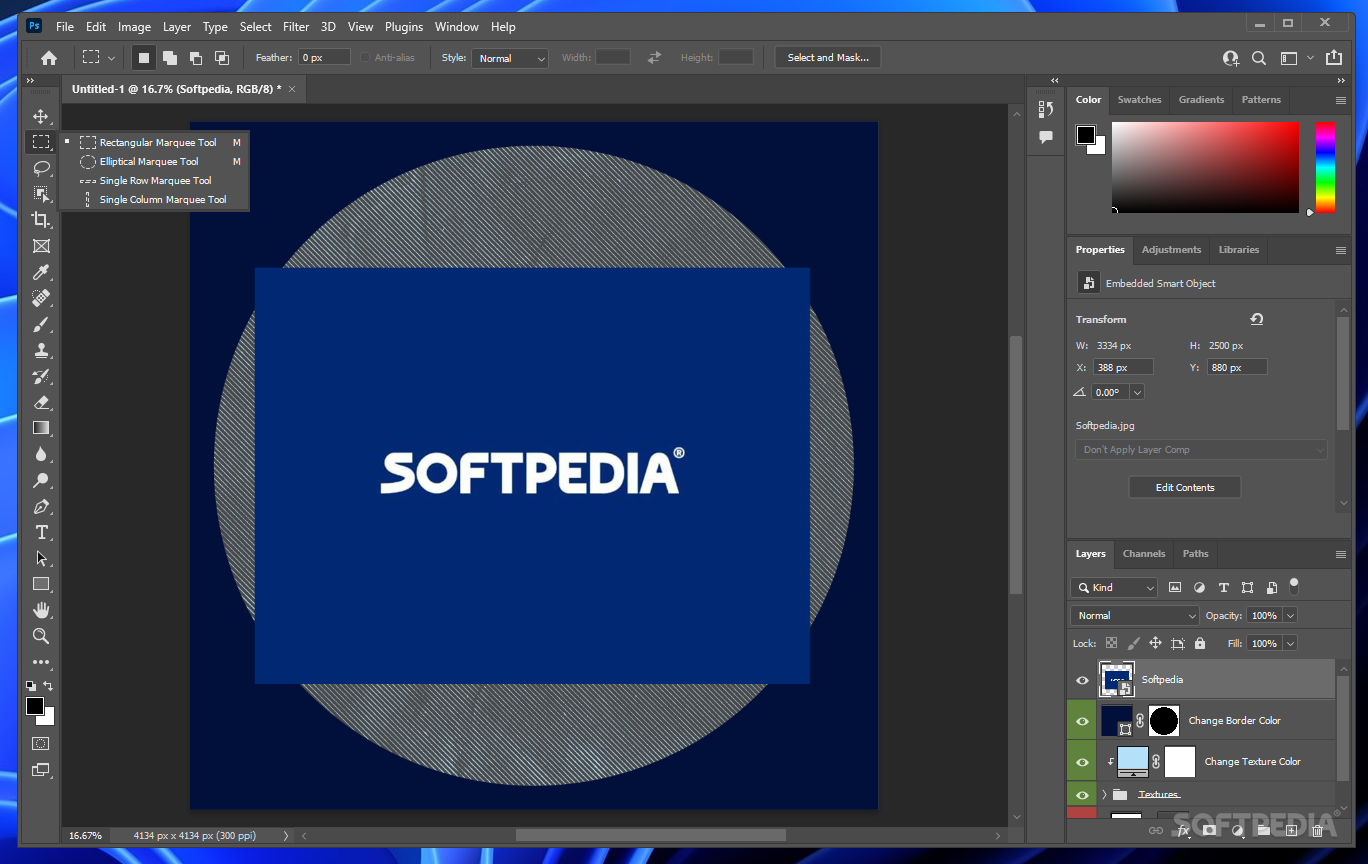
    · Navigate to any area of an image with new, ultra-smooth zooming and panning. Maintain clarity as you zoom to individual pixels and easily edit at the highest magnification with the new Pixel Grid. And use the revolutionary new Rotate View tool to smoothly turn your canvas for distortion-free viewing at any angle.

    Auto-blending of images enhanced:
    · Combine a range of images, each with a different exposure, color, and focal point - with options to preserve tones and colors - into a single color-corrected image.

    Masks panel:
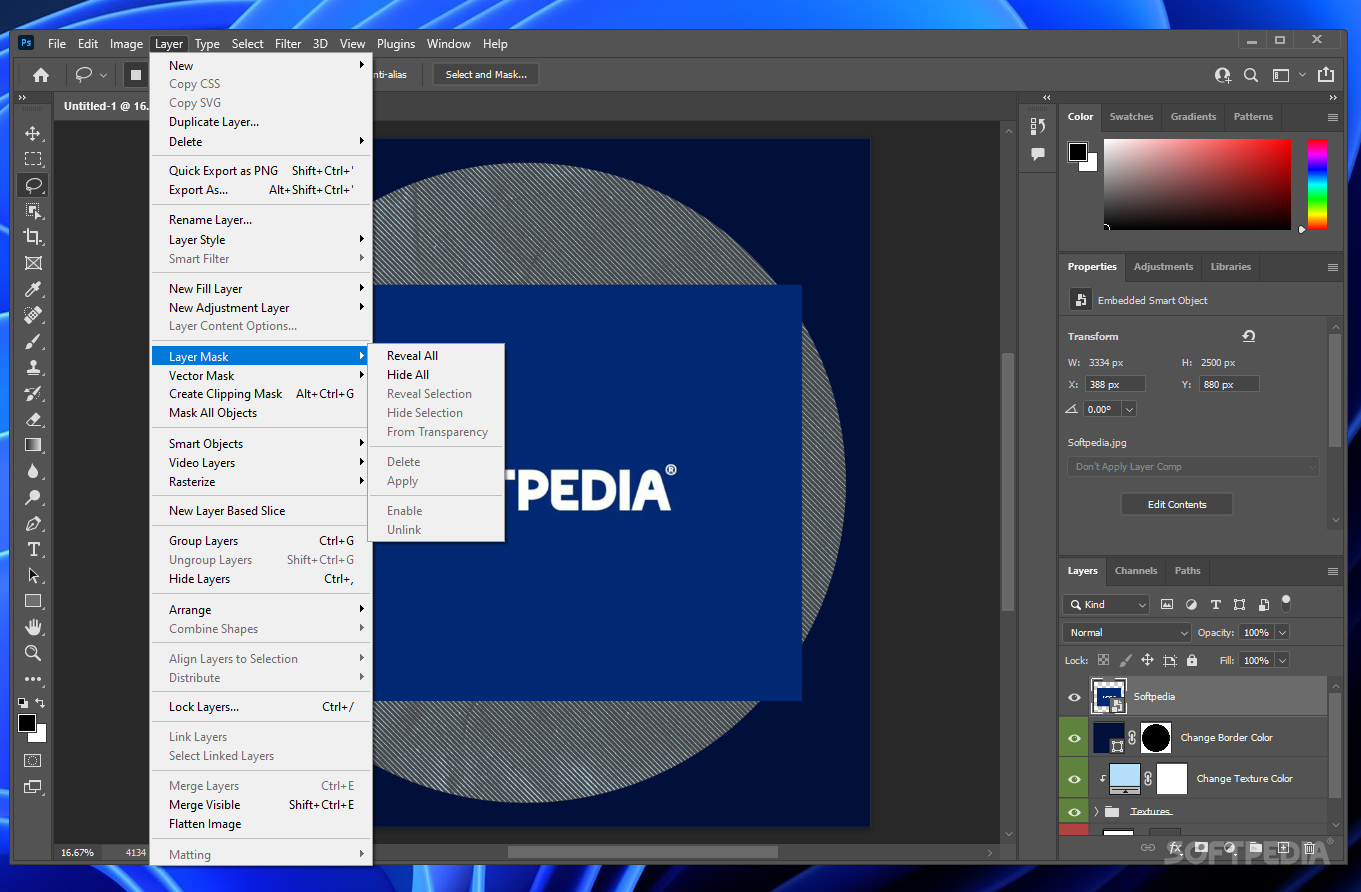
    · Quickly create and edit masks from the new Masks panel. This panel offers all the tools you need to create editable pixel- and vector-based masks, adjust mask density and feathering, easily select noncontiguous objects, and more.

    Better raw image processing enhanced:
    · Enjoy superior conversion quality as you process raw images with the industry-leading Adobe Photoshop Camera Raw 5 plug-in, which now offers localized corrections, post-crop vignetting, TIFF and JPEG processing, and support for more than 190 camera models.

    Extended depth of field:
    · Easily create a single image from a series of shots that have different focal points with the enhanced Auto-Blend Layers command, which smoothly blends color and shading and now extends your depth of field, automatically correcting vignettes and lens distortion.

    Industry-leading color correction:
    · Enjoy dramatically enhanced color correction with reengineered Dodge, Burn, and Sponge tools that now intelligently preserve color and tone details.

    Auto-alignment of layers:
    · Create accurate composites with the enhanced Auto-Align Layers command. Move, rotate, or warp layers to align them more accurately than ever before. Or use spherical alignment to create breathtaking panoramas.

    File display options:
    · Easily work with multiple open files by using tabbed document display or n-up views.

    Requirements:

    · 1.8GHz or faster processor
    · 512MB of RAM (1GB recommended)
    · 1GB of available hard-disk space for installation; additional free space required during installation (cannot install on flash-based storage devices)
    · 1,024x768 display (1,280x800 recommended) with 16-bit video card
    · Some GPU-accelerated features require graphics support for Shader Model 3.0 and OpenGL 2.0
    · DVD-ROM drive
    · QuickTime 7.2 software required for multimedia features
    · Broadband Internet connection required for online services

    Limitations:

    · 30 days trial period
    · Nag screen

     Softpedia guarantees that Adobe PhotoShop CS4 11.0.1 is 100% CLEAN, which means it does not contain any form of malware, including spyware, viruses, trojans and backdoors. [read more >]


    TAGS:

    graphic editor | process photo | image filter | editor | rotate | rescale


    HTML code for linking to this page:


    Go to top

    Windows tabGames tabDrivers tabMac tabLinux tabScripts tabMobile tabHandheld tabGadgets tabNews tab

    SUBMIT PROGRAM   |   ADVERTISE   |   GET HELP   |   SEND US FEEDBACK   |   RSS FEEDS   |   ENTER NEWS SITE   |   ENGLISH BOARD   |   ROMANIAN FORUM