
Organize large photo collections, and enhance the quality of your images using the generous toolset this application has to offer. #Enhance photo #Image editor #Enhance picture #Photoshop #Distortion #Correction
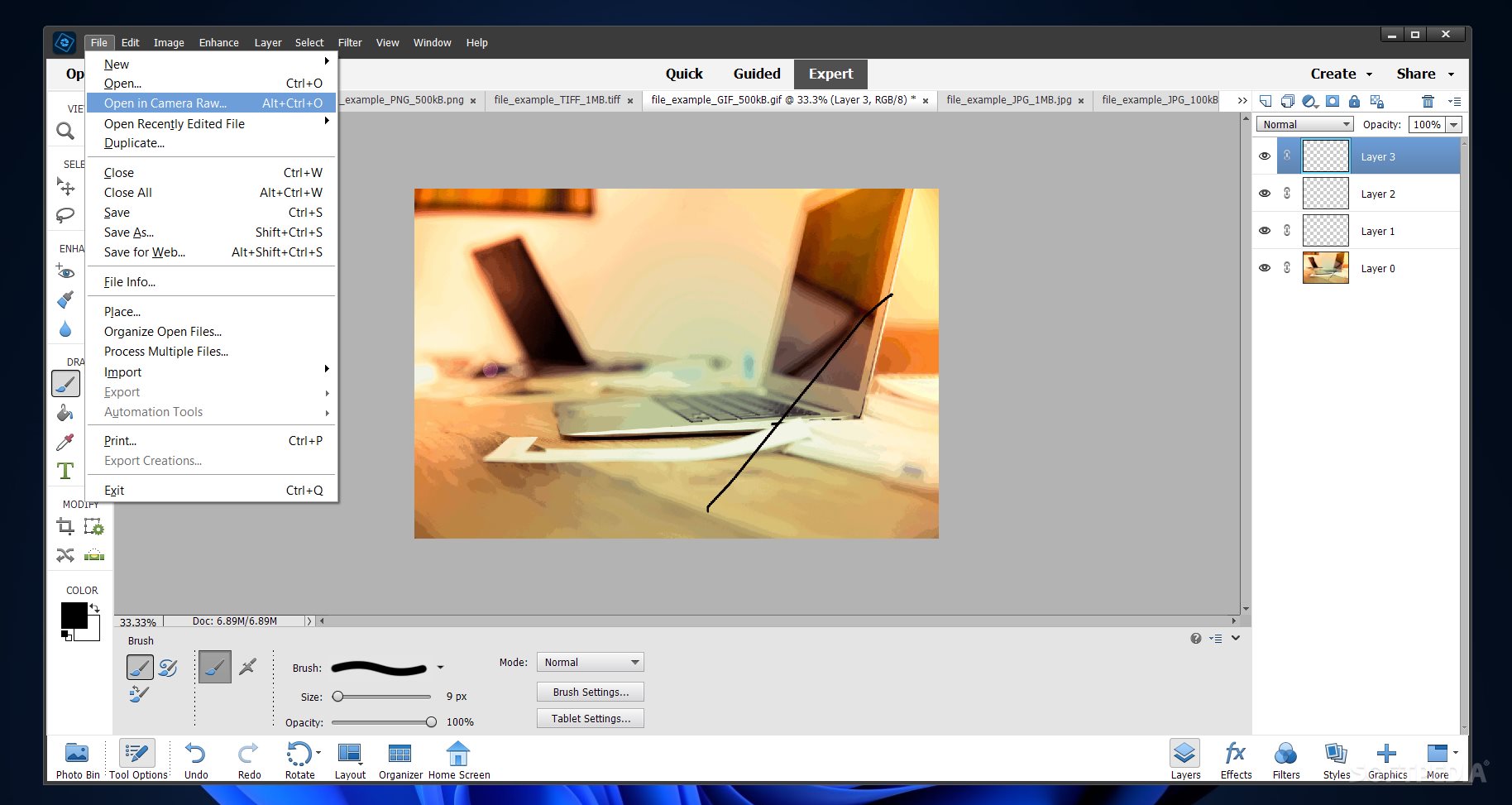
Passion for photography and the need to create stunning images are the two main components that Adobe Photoshop Elements addresses.
Unlike Photoshop (which targets expert-level editing methods), this program is more user-friendly and includes various editing modes and assisted tutorials.
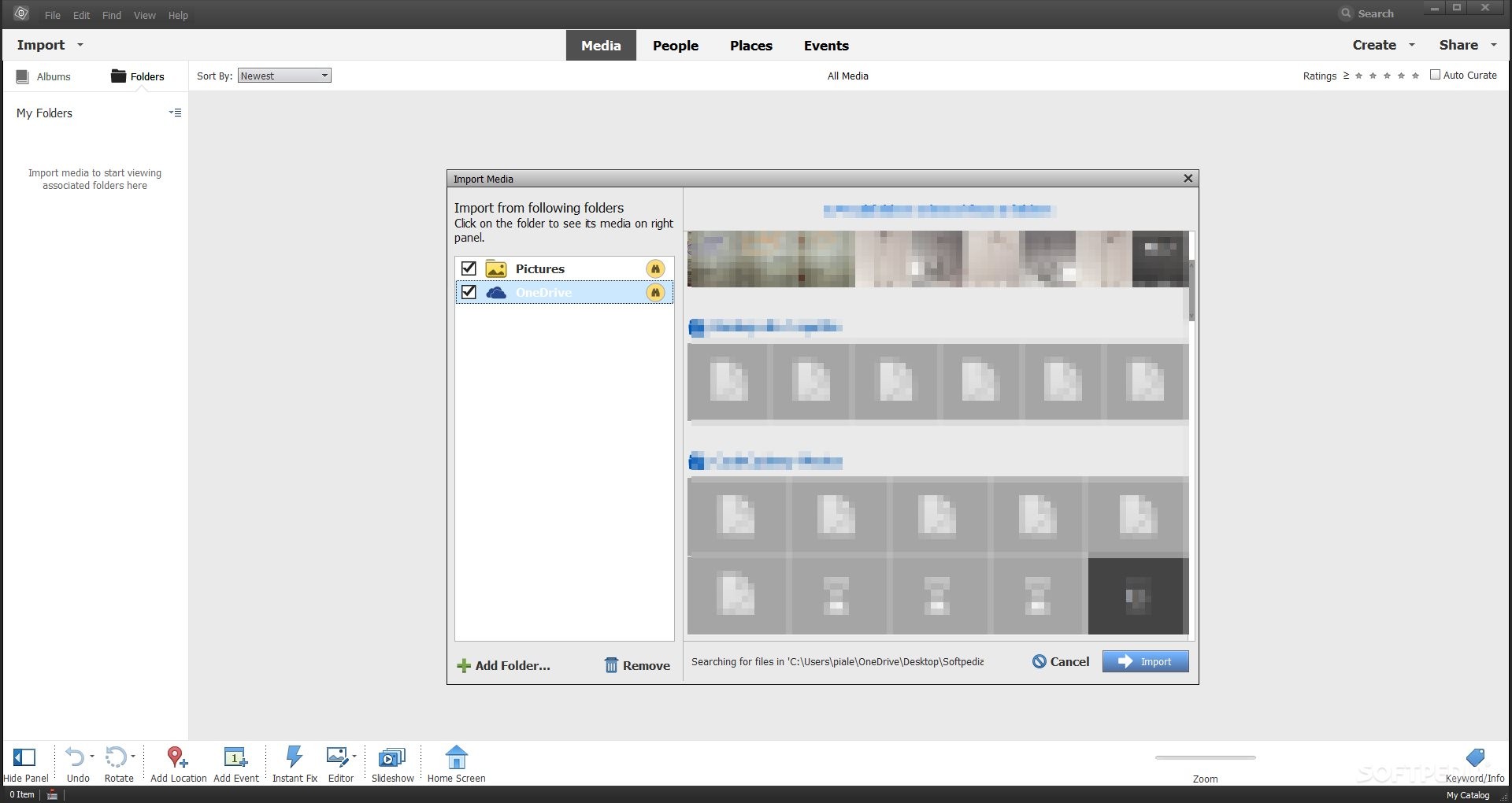
When installing Adobe Photoshop Elements for the first time, the application's assisted engine will automatically scan your device and show the pictures available for importing.
Also, the tool's engine targets the images you have stored in cloud services that are active on your device (e.g., OneDrive, when your PC's desktop app is authenticated and synchronized to your online OneDrive account).
Moreover, Adobe Photoshop Elements allows you to select which of the system identified pictures you want to add, and it keeps the folder organization you have on your machine.
As previously mentioned, Adobe Photoshop Elements is for casual photo manipulation, and it can be used by non-professional editors as well.
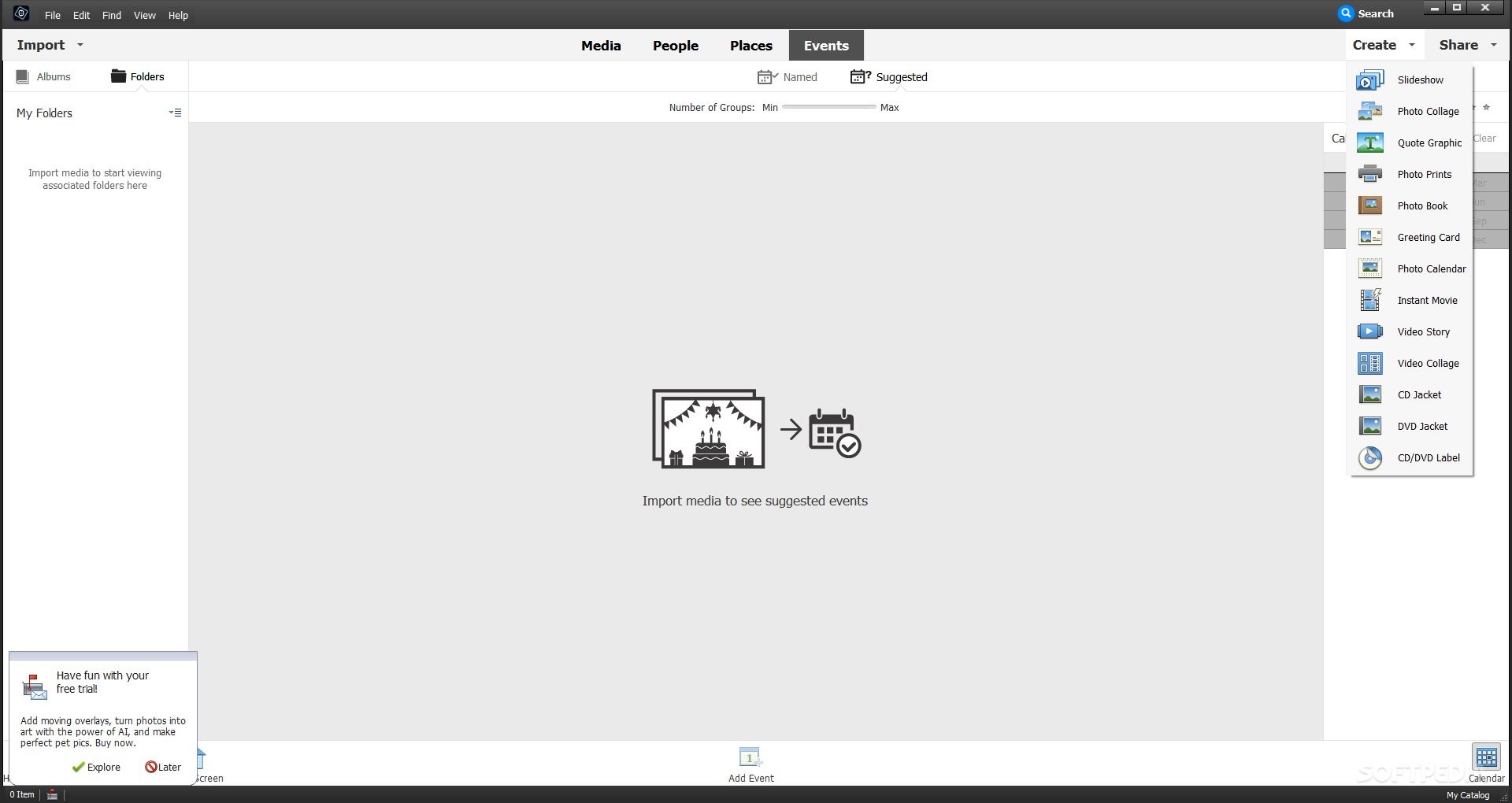
Nonetheless, the application addresses a wide array of image editing needs. It enables the creation of slideshows, photo books, video stories, CD/DVD Jackets, digital greeting cards, photo calendars, photo prints, and many others.
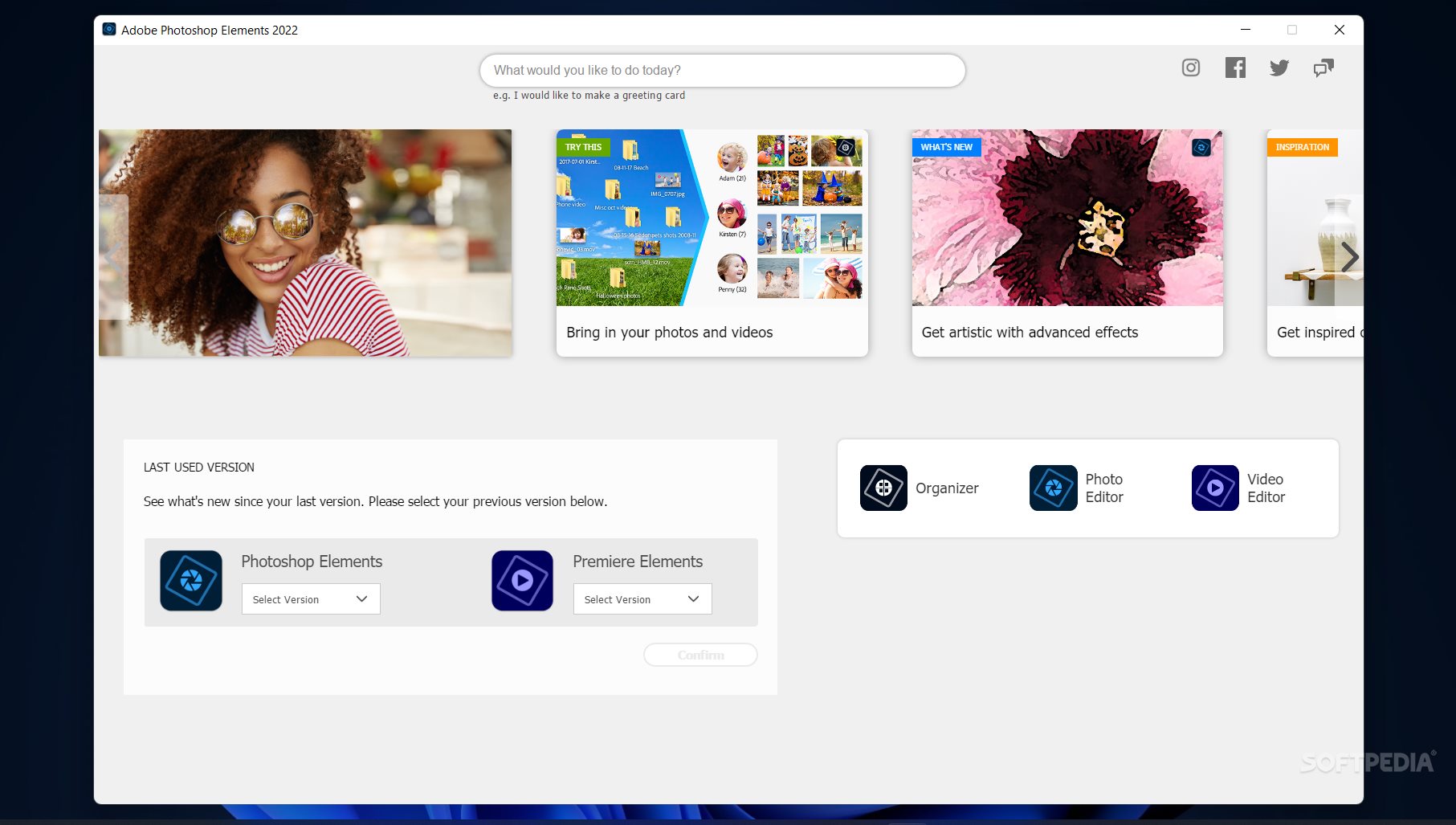
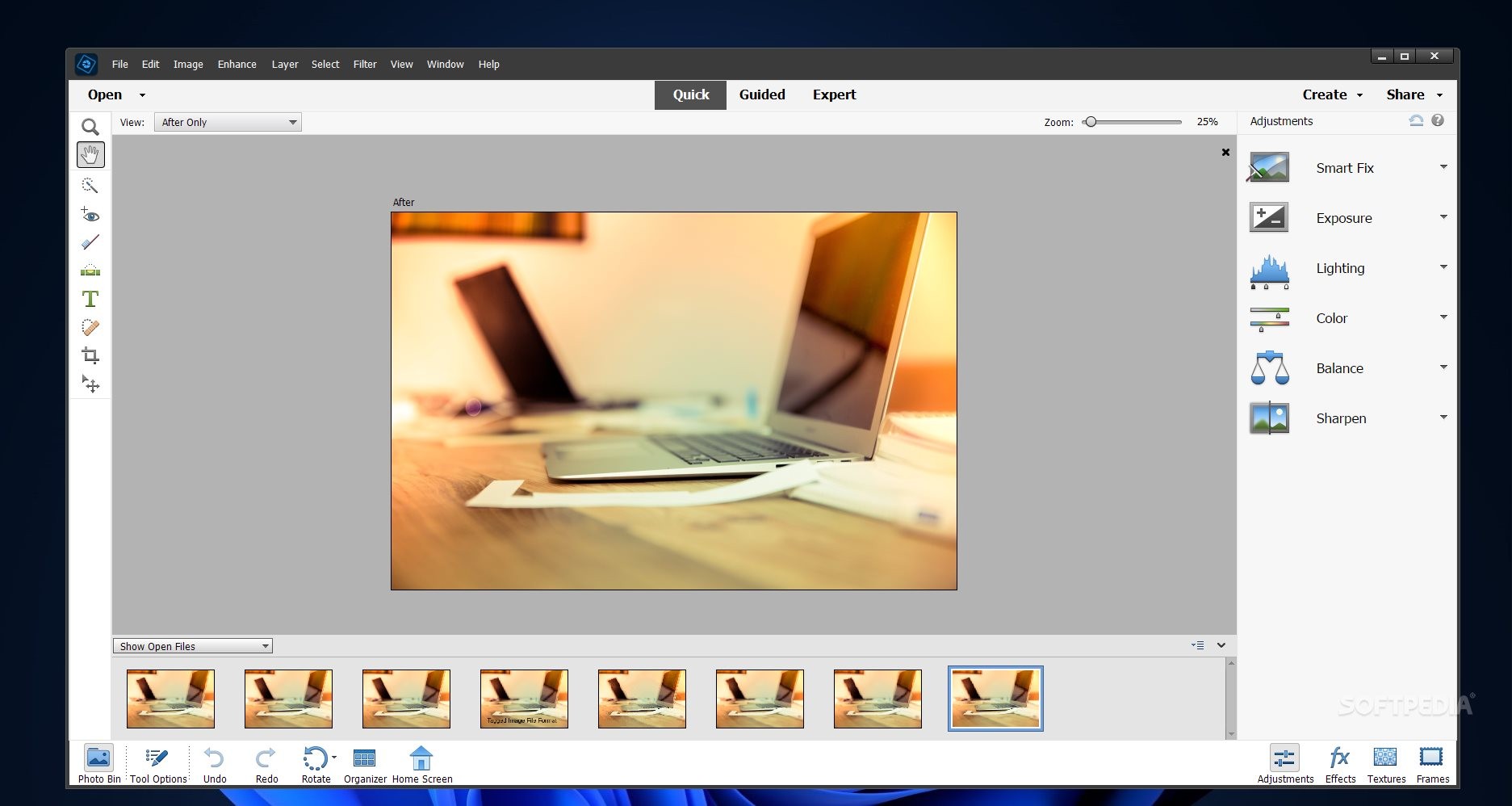
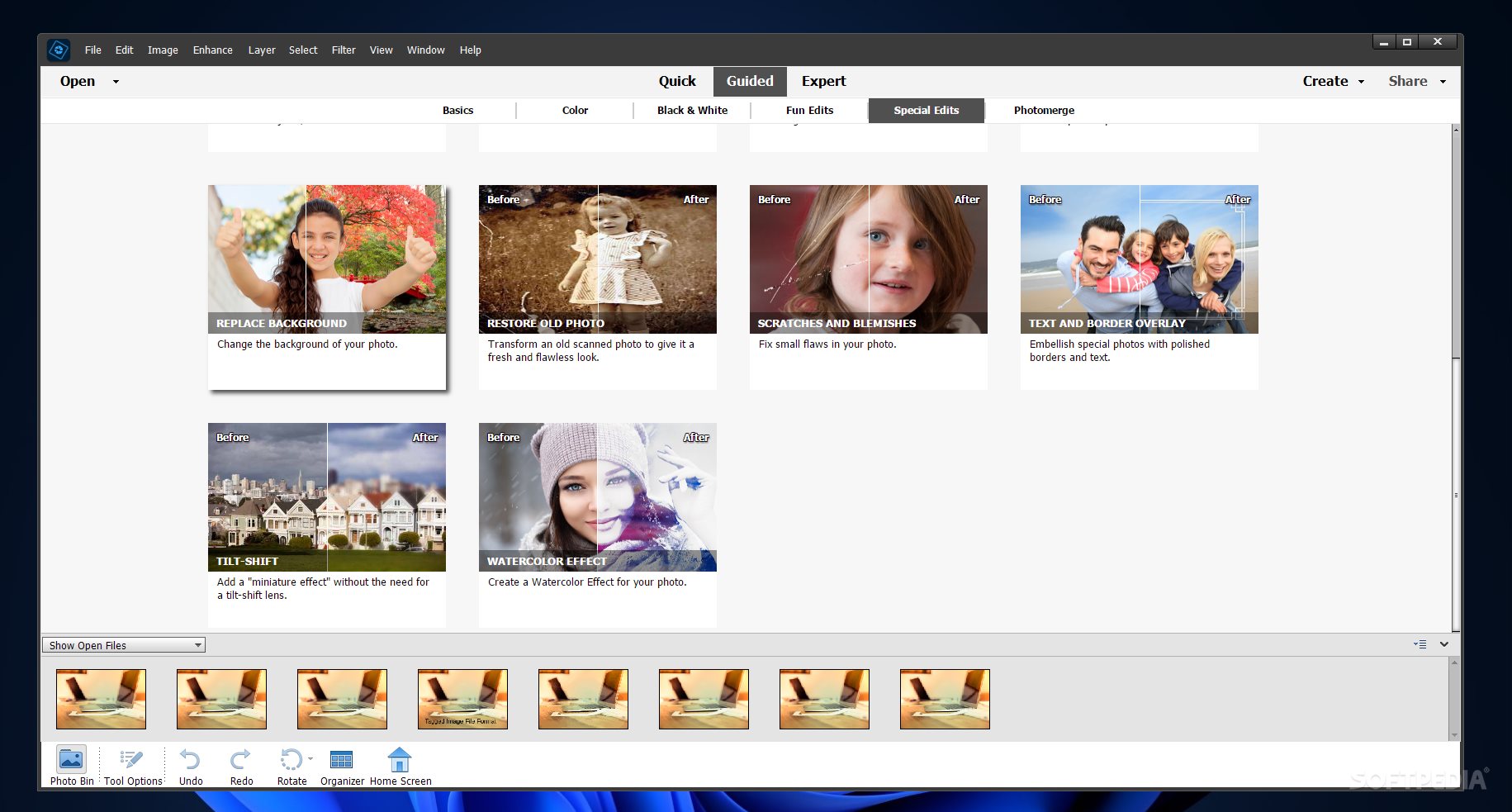
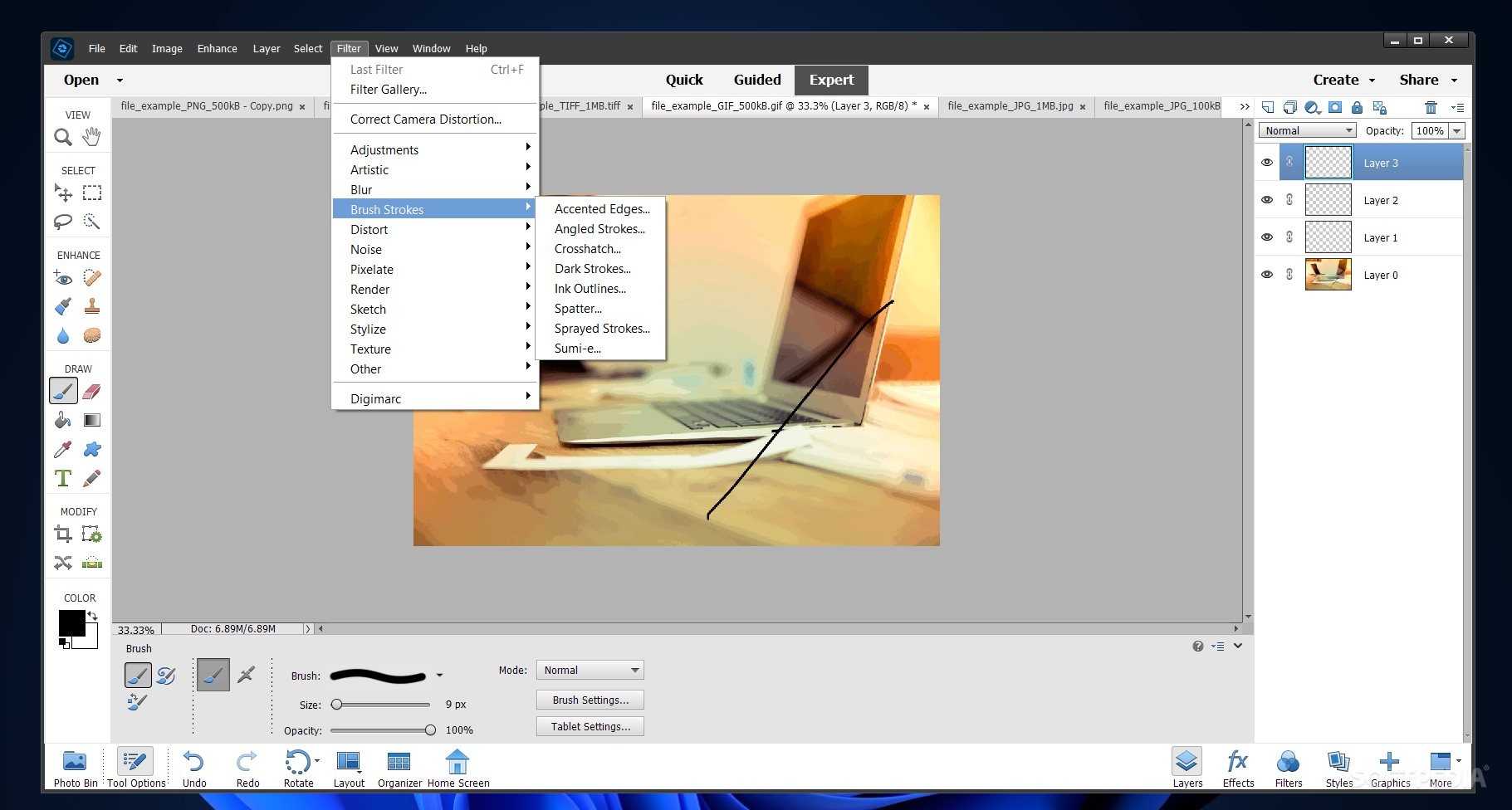
There are three image editing and enhancement modes. The 'Quick' mode is for simple picture modifications. The 'Guided' option allows users (especially beginners) to target recurrently used techniques for common editing purposes, such as moving or scaling, light changing, photo cropping or resizing, color corrections, special effect/filter additions, and others.
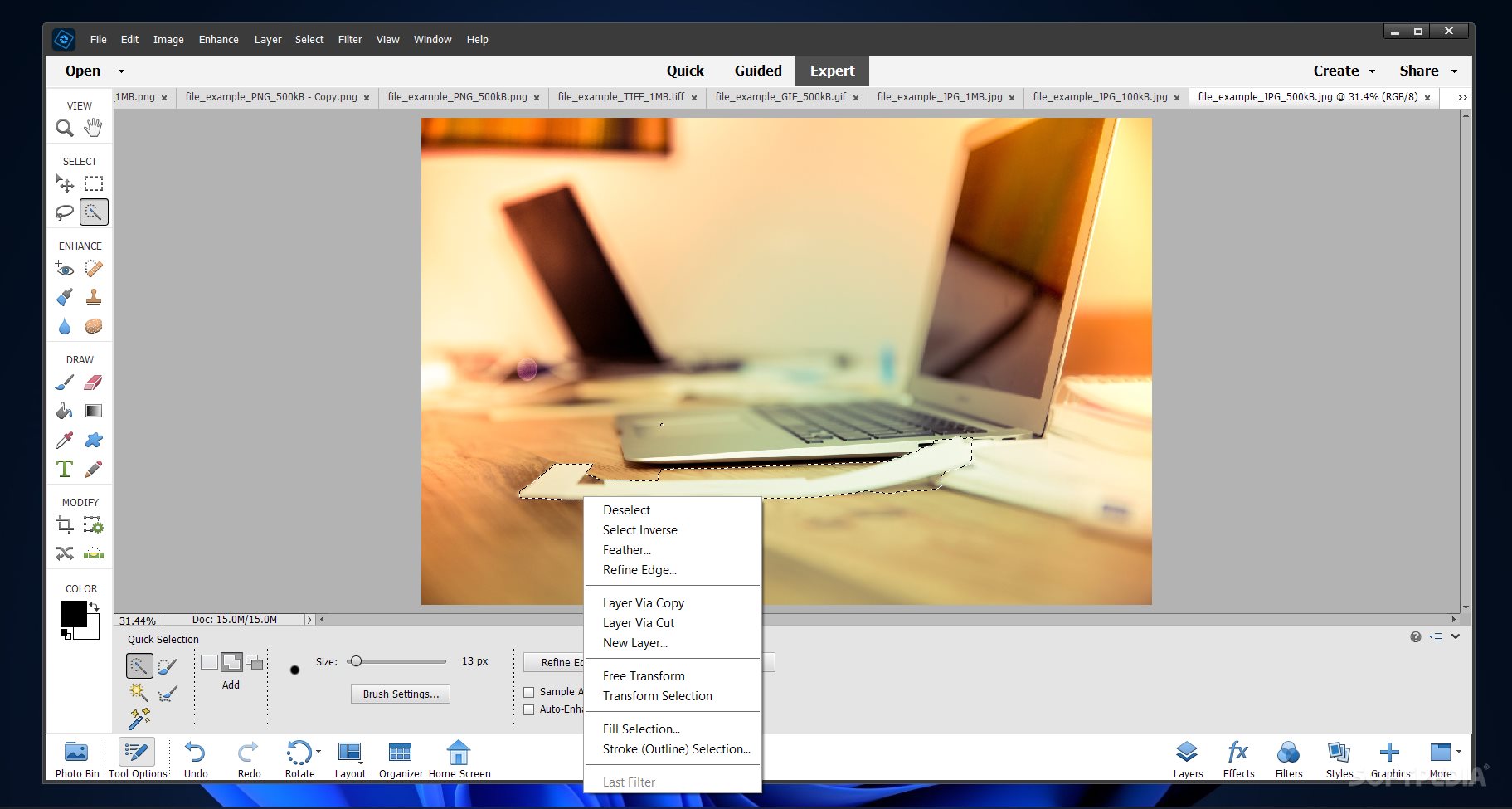
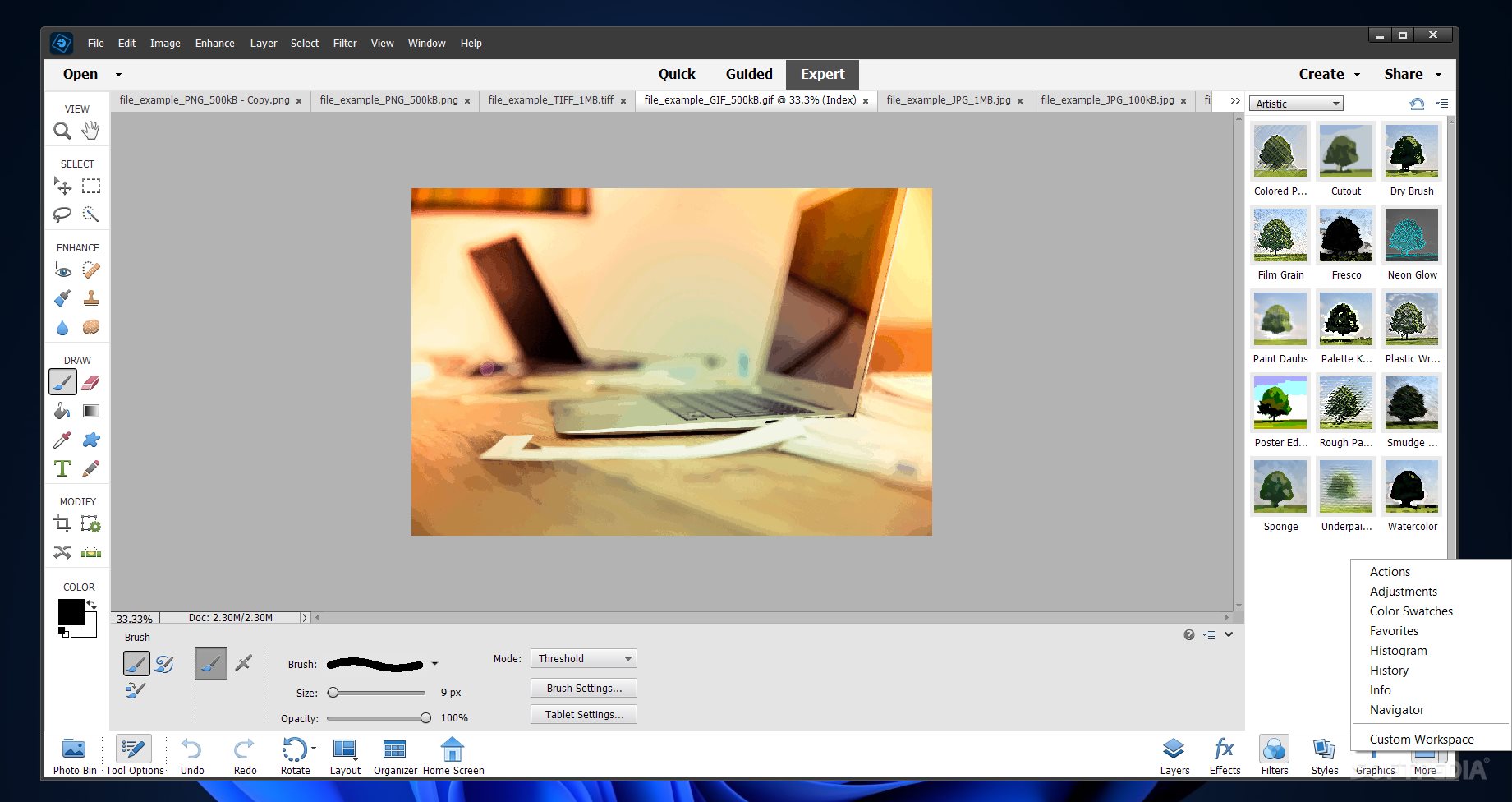
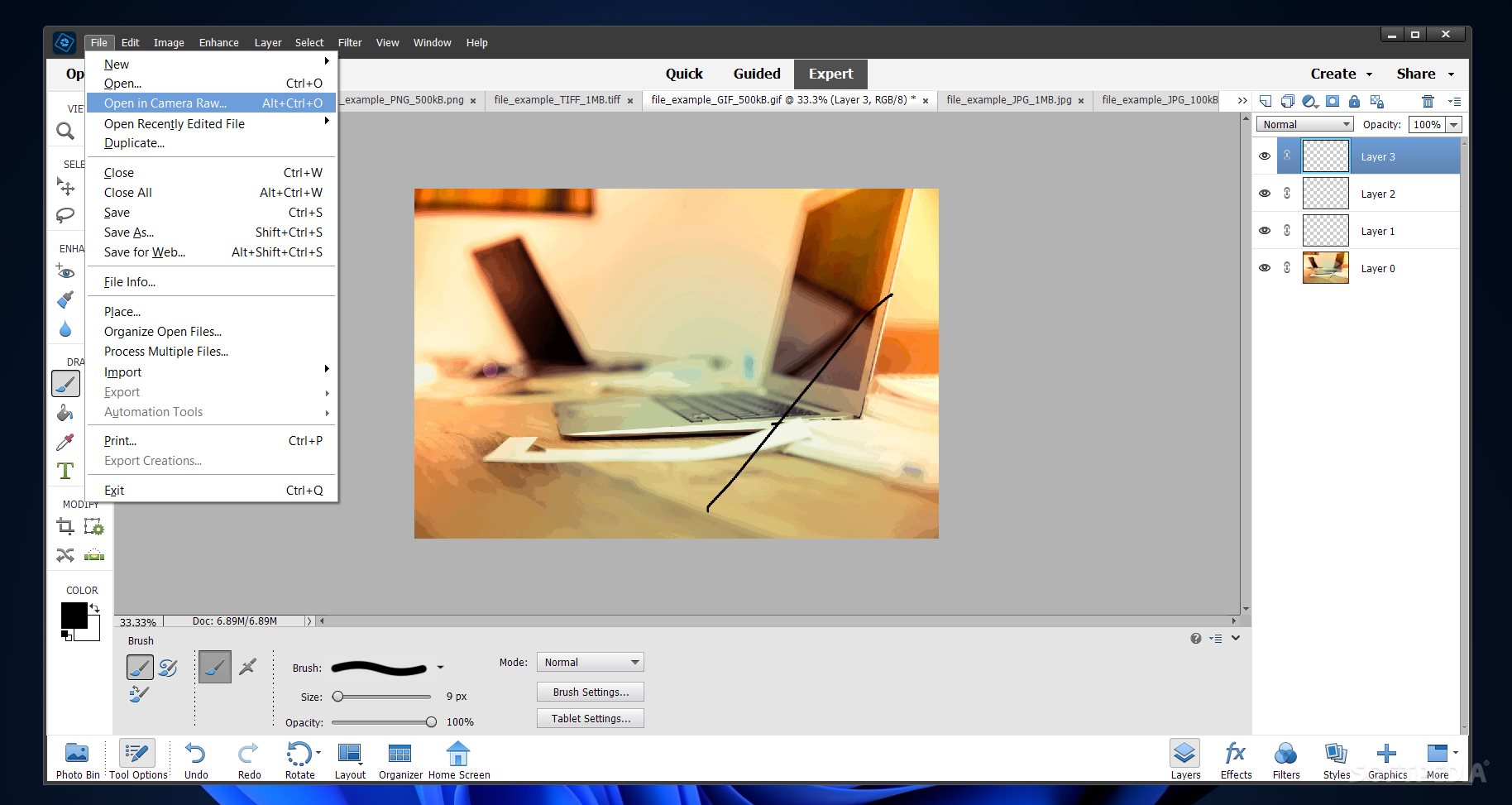
Lastly, the expert mode allows you to deep dive into image manipulations, create multi-layer projects, crop elements out of an image, use filters and effects with custom parameters, use transformation tools, correct camera distortions, and much more.
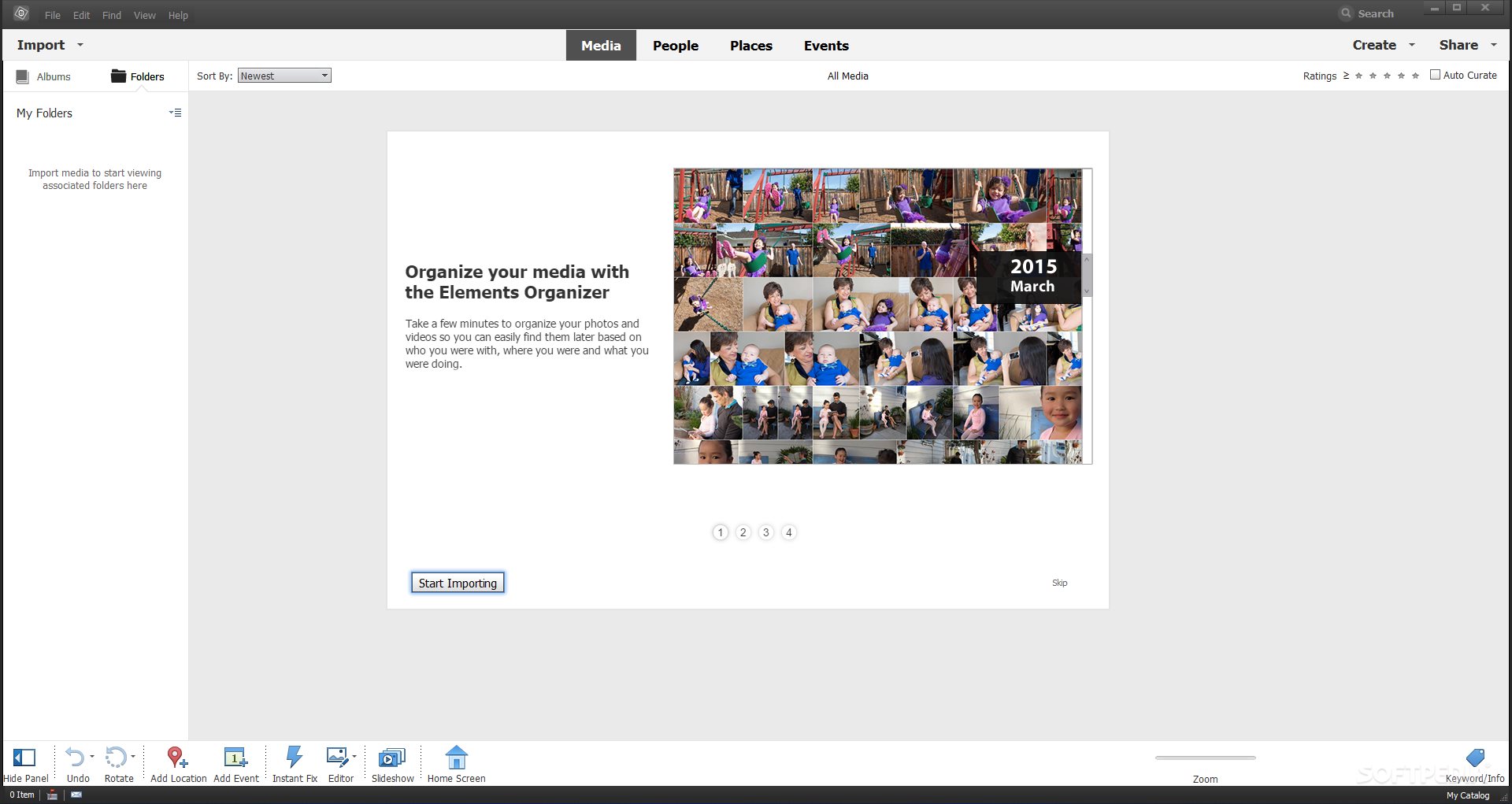
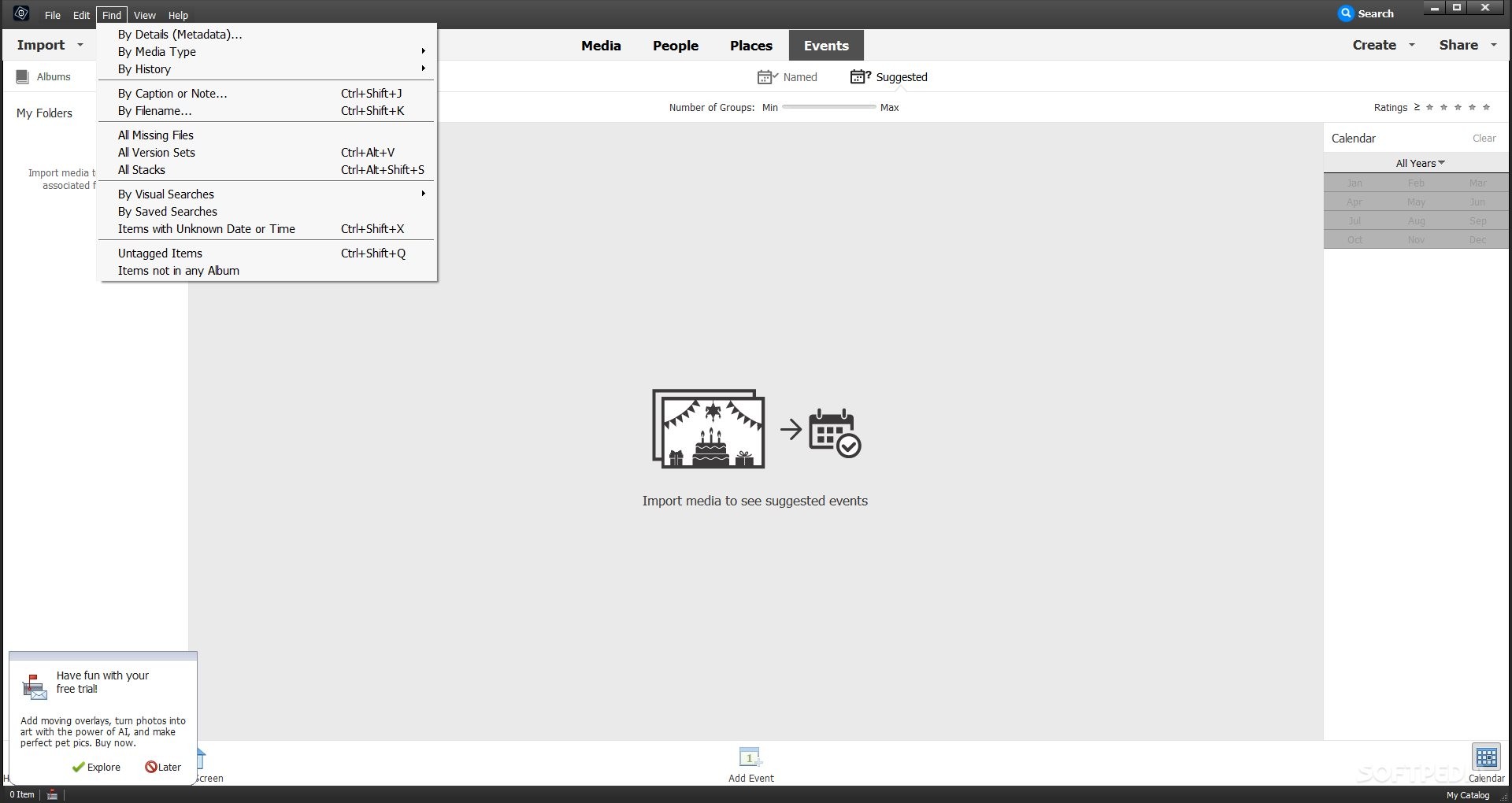
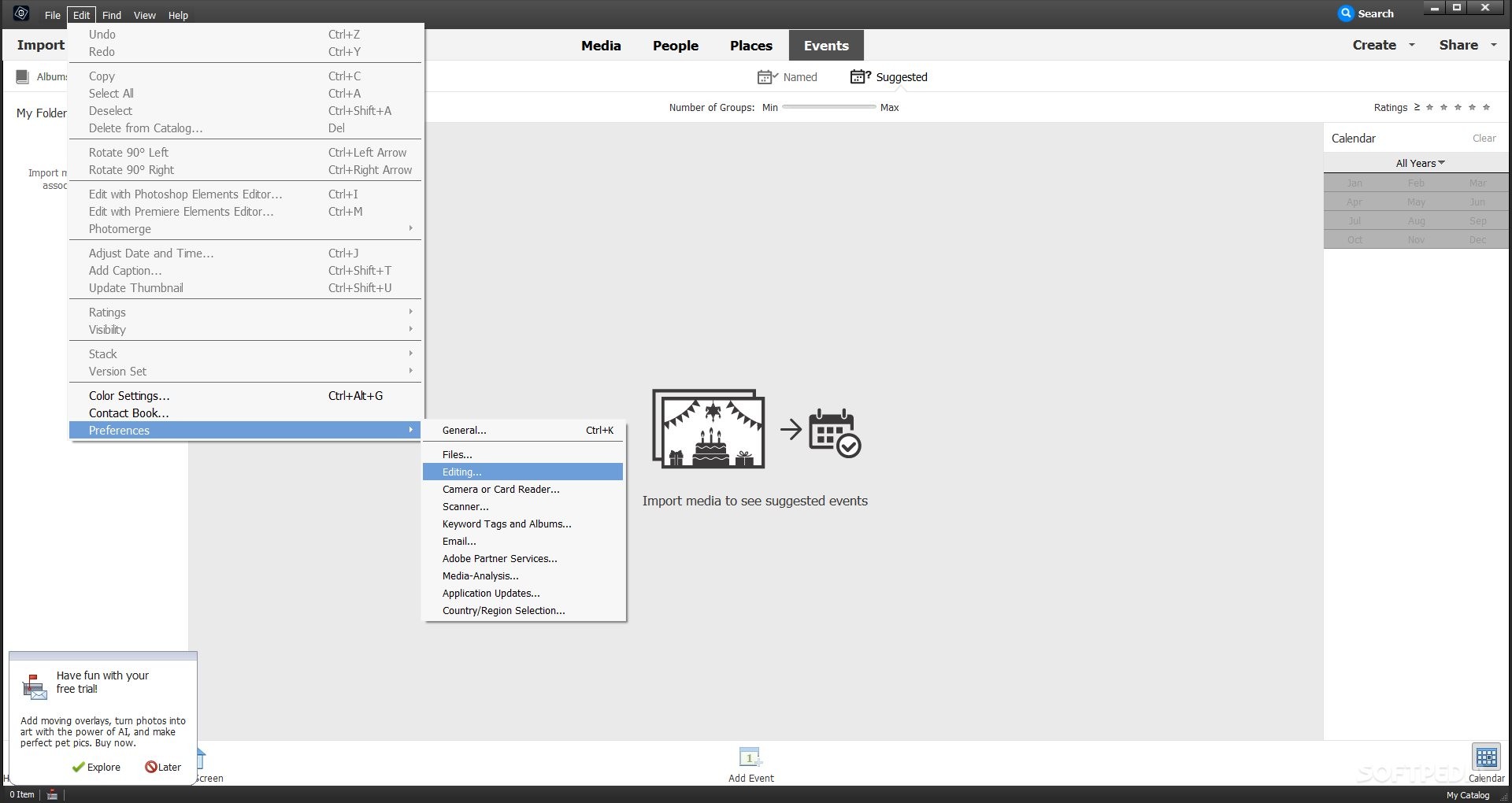
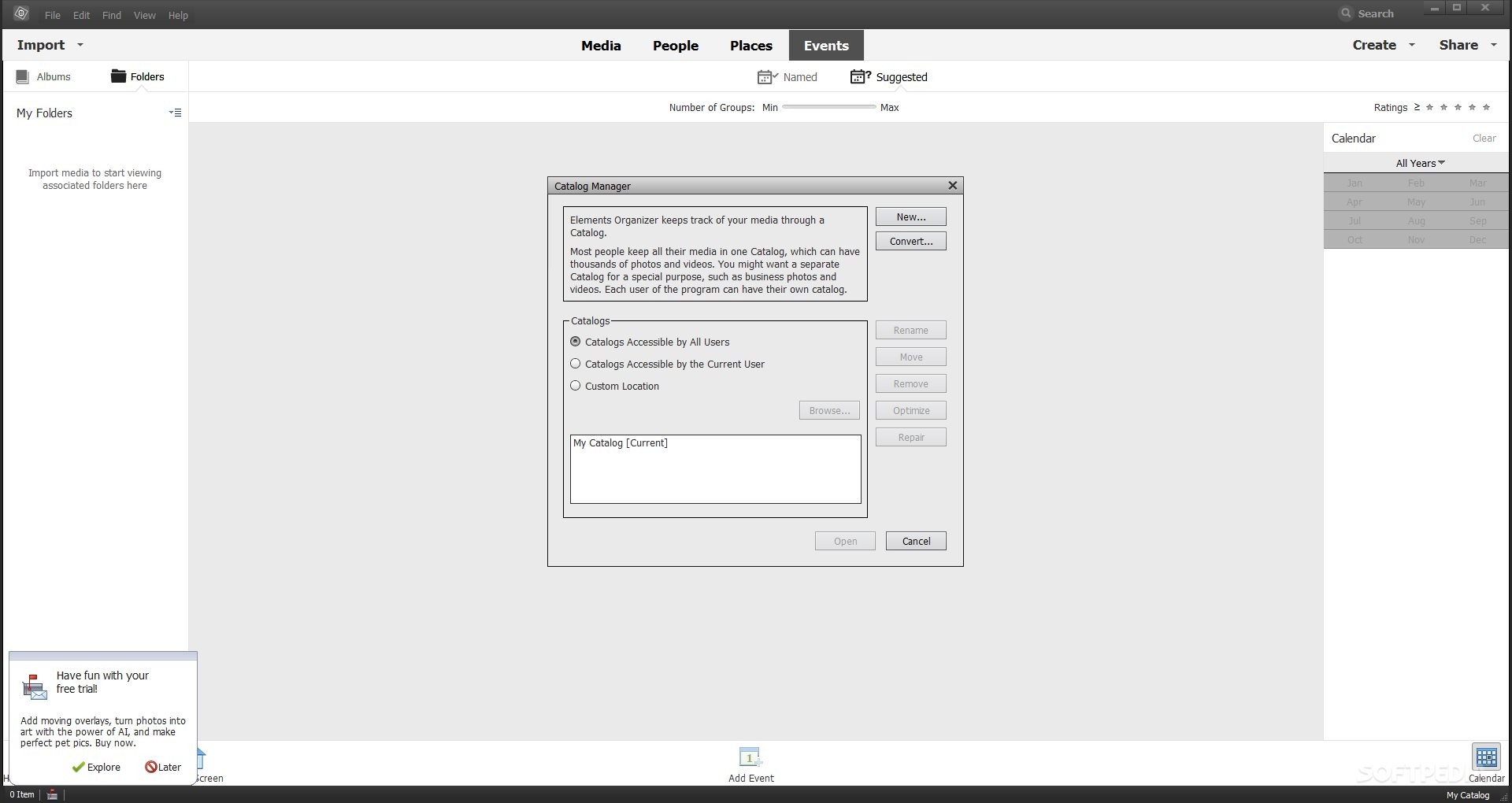
Not only does Adobe Photoshop Elements help you conveniently edit photographs, but the program's organizer is also perfect for users with large sets of images and, more specifically, for those who want to edit the metadata of their files, add notes to their captions, tag items, create image sets based on various picture editing versions, or assemble digital albums by a chosen criterion.
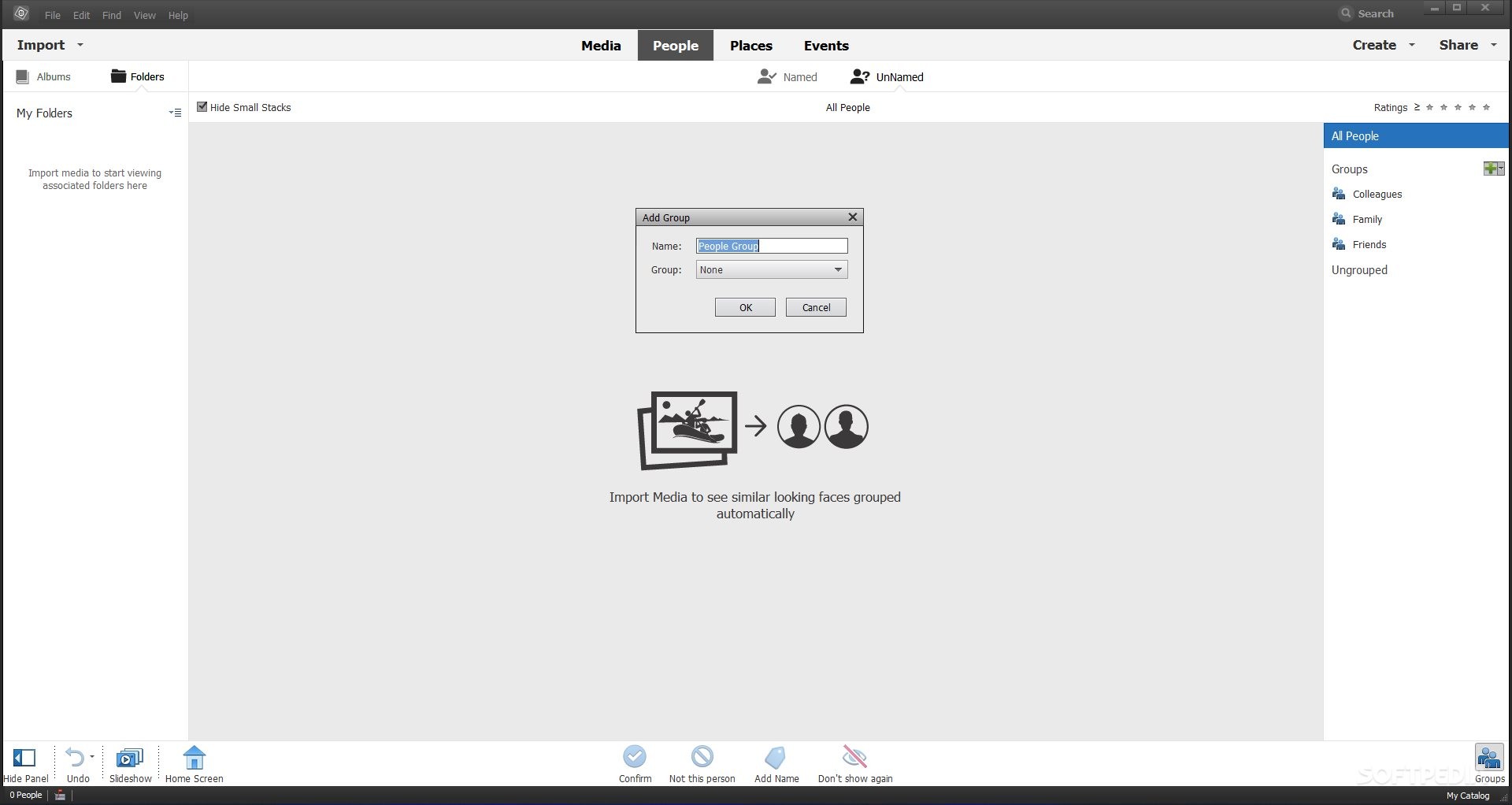
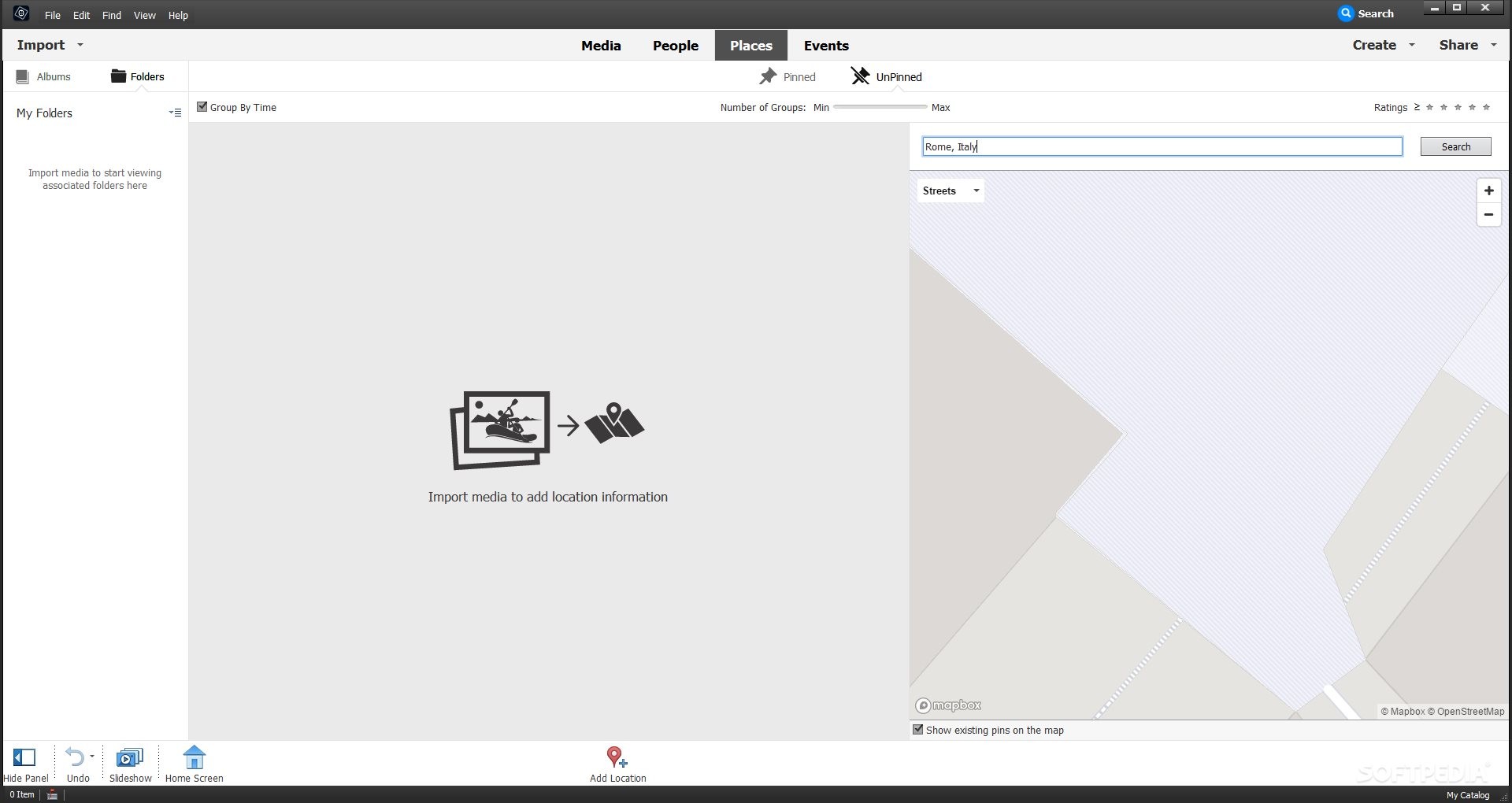
The tool's smart engine groups together similar-looking faces from photographs, lets you add location information, or targets pictures based on the events where you took them.
In conclusion, Adobe Photoshop Elements is a great playground for photography lovers and users who want to learn image editing. Also, this program is affordable considering the number of options and features it offers, and it comes packed with many learning resources.
Download Hubs
Adobe Photoshop Elements is part of these download collections: Open ARW, View CALS, Edit CIN
What's new in Adobe Photoshop Elements 2024.2:
- This free update includes:
- In addition to English, the Adobe Elements web app (Beta) is now available in French, German, and Japanese. Learn More.
- In addition to English, the Adobe Elements mobile app (Beta) is now available in French, German, and Japanese. Learn More.
Adobe Photoshop Elements 2024.2
 Softpedia Editor's Pick
add to watchlist
add to download basket
send us an update
REPORT
Softpedia Editor's Pick
add to watchlist
add to download basket
send us an update
REPORT
- runs on:
-
Windows 11
Windows 10 64 bit - file size:
- 3.8 MB





- main category:
- Multimedia
- developer:
- visit homepage
Windows Sandbox Launcher

Context Menu Manager

ShareX

4k Video Downloader

IrfanView

7-Zip

Zoom Client

Microsoft Teams

calibre

Bitdefender Antivirus Free

- Microsoft Teams
- calibre
- Bitdefender Antivirus Free
- Windows Sandbox Launcher
- Context Menu Manager
- ShareX
- 4k Video Downloader
- IrfanView
- 7-Zip
- Zoom Client