
All-in-one viewer, converter and editor for fax and TIF, PDF, DCX, EPS files, which comes with various adjustment options to help you enhance your documents #Convert TIFF #Edit TIFF #TIFF converter #Converter #Editor #Viewer

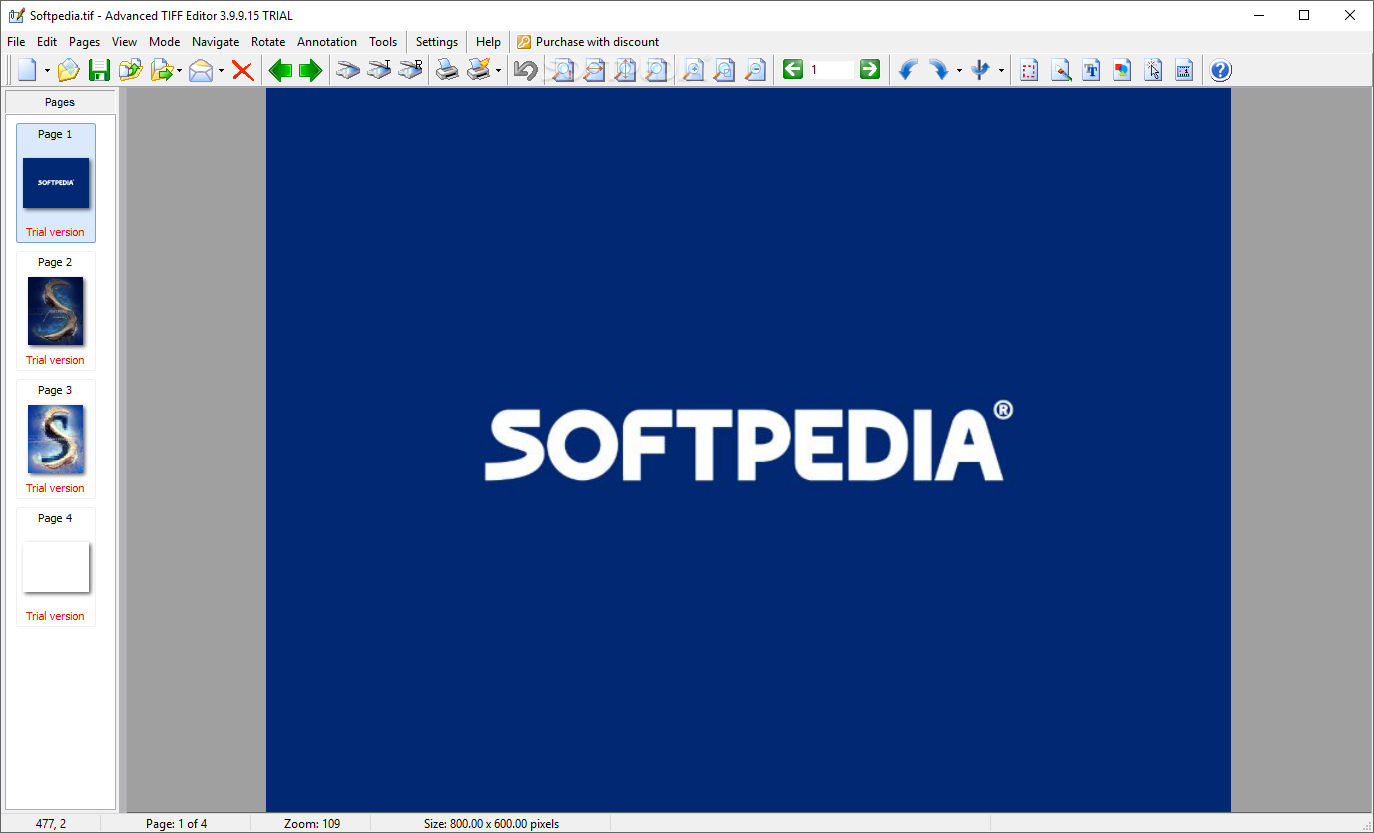
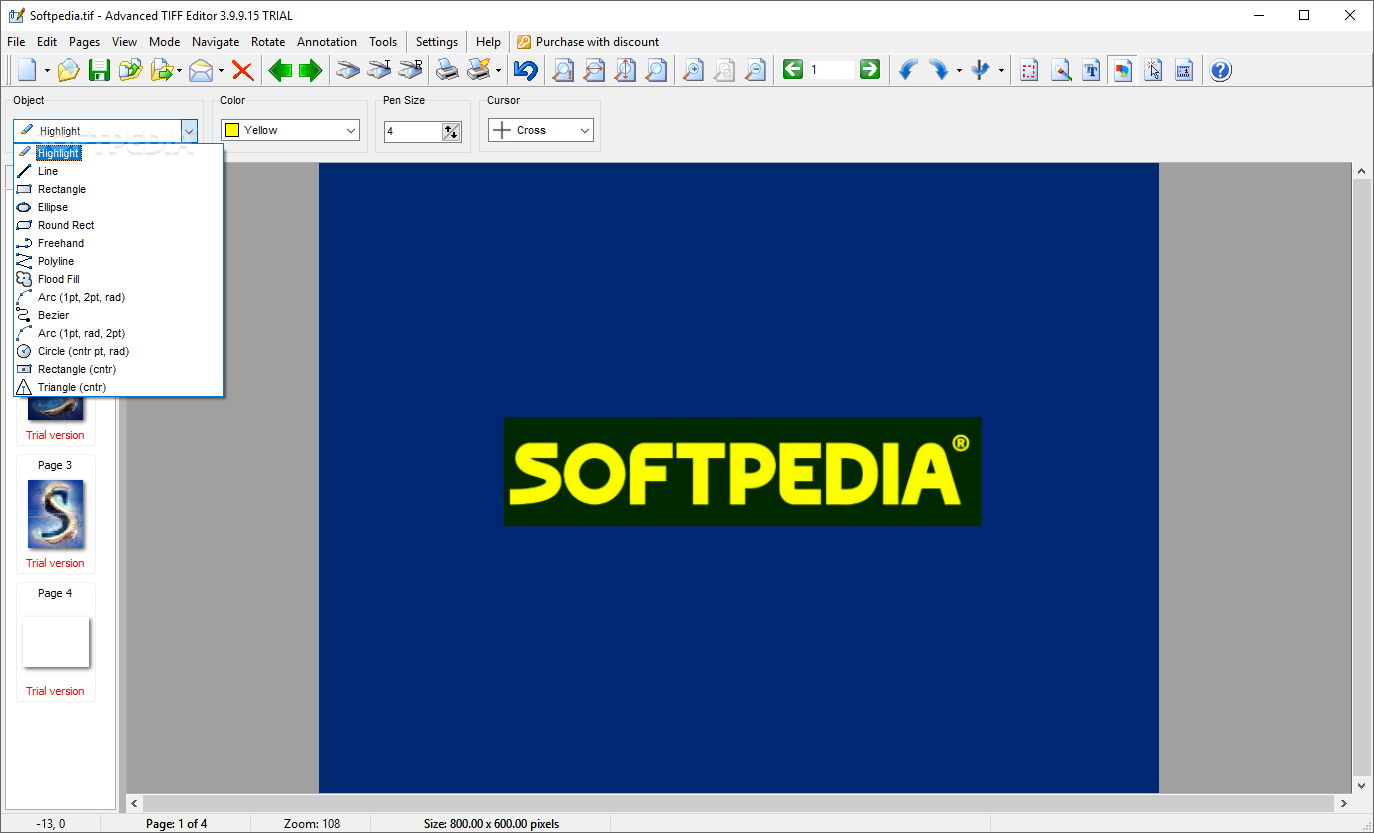
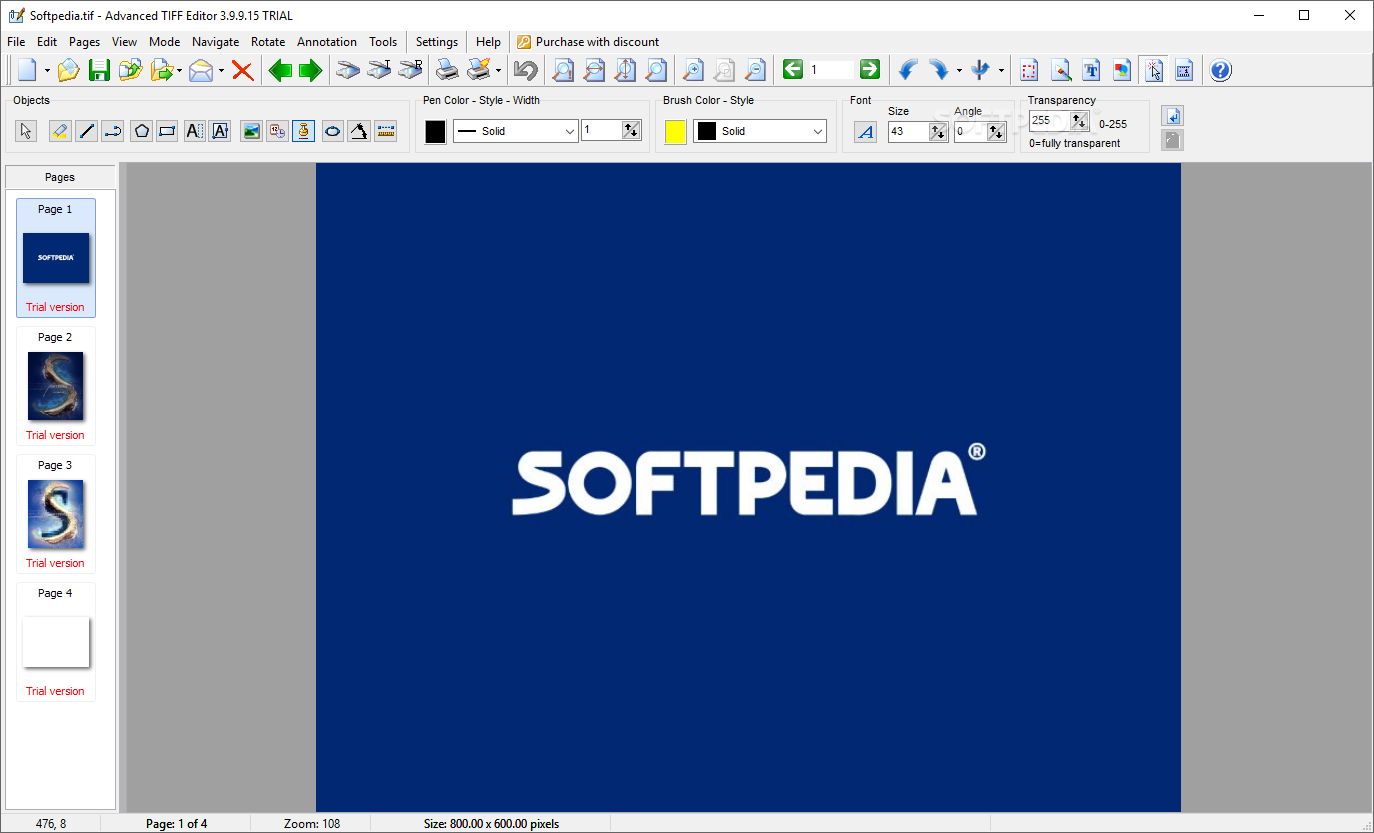
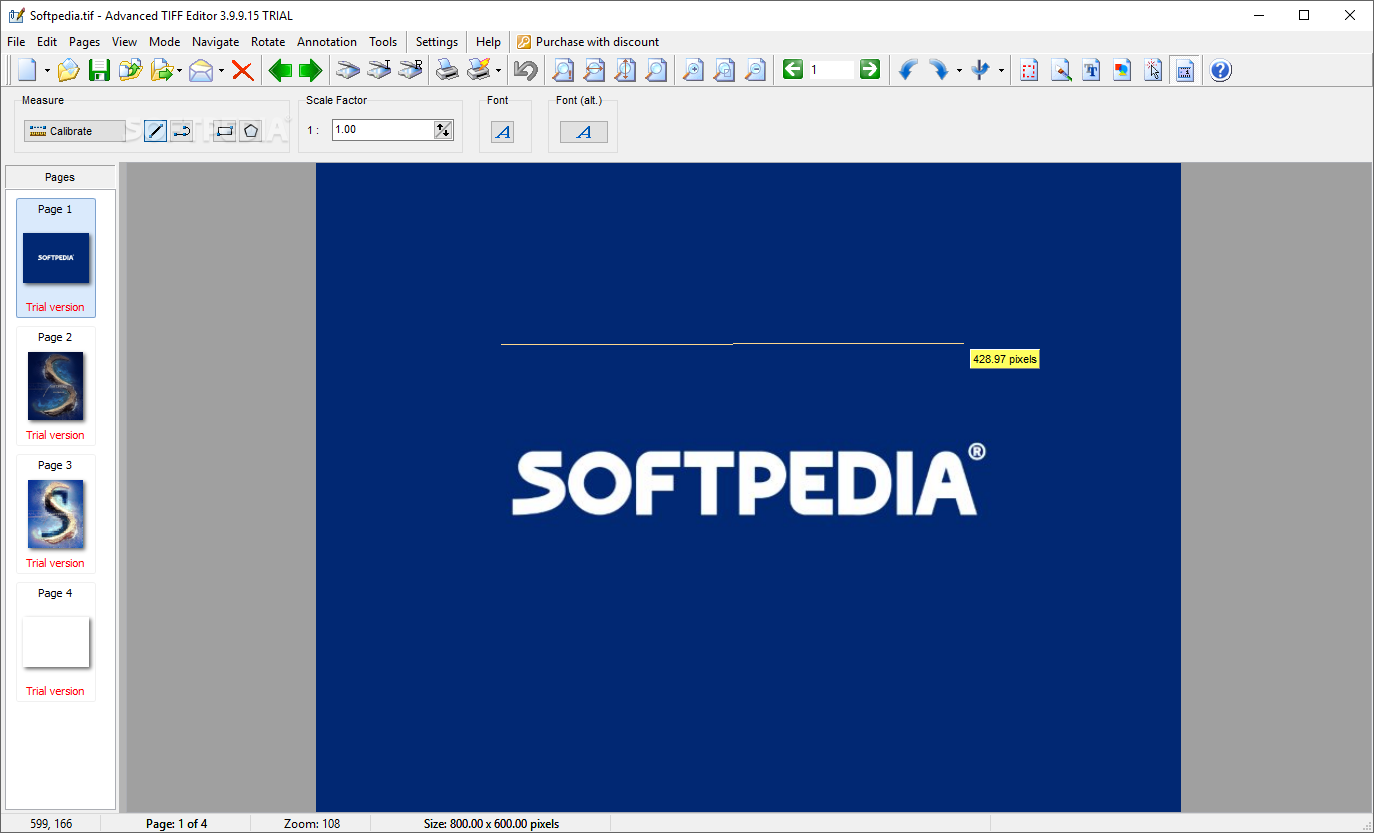
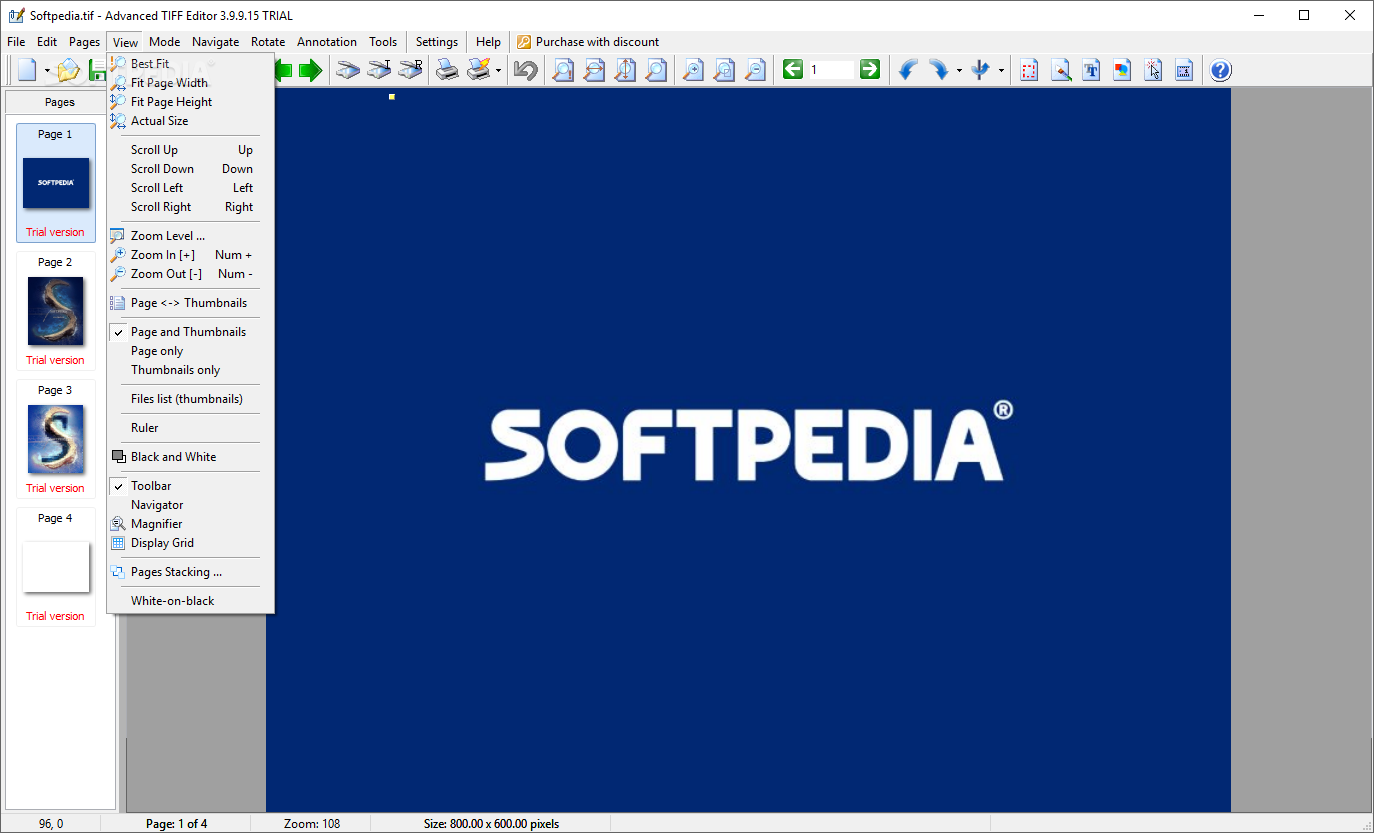
When dealing with e-documents, one has to choose its tools accordingly. Editing, viewing, printing, drawing, converting are processes applicable to documents, and most of these operations require a different type of software. However, if you are looking to cut corners and make your life as well as your work easier, the best way to go is to employ the use of Advanced TIFF Editor — a powerful utility that encompasses all the mentioned processes, sparing you the effort of installing multiple programs.
Sometimes, the luxury of working with single-page files is simply not an option. Multi-page files can prove tricky to edit sometimes, but Advanced TIFF Editor looks like it was built for such documents.
One can easily view and edit documents in formats like TIFF (TIF), PDF, FAX, DCX, EPS, PS, AI, GIF, JBIG, and DICOM. As you can see, these formats are not what a casual user will stumble upon often, PDF being an exception.
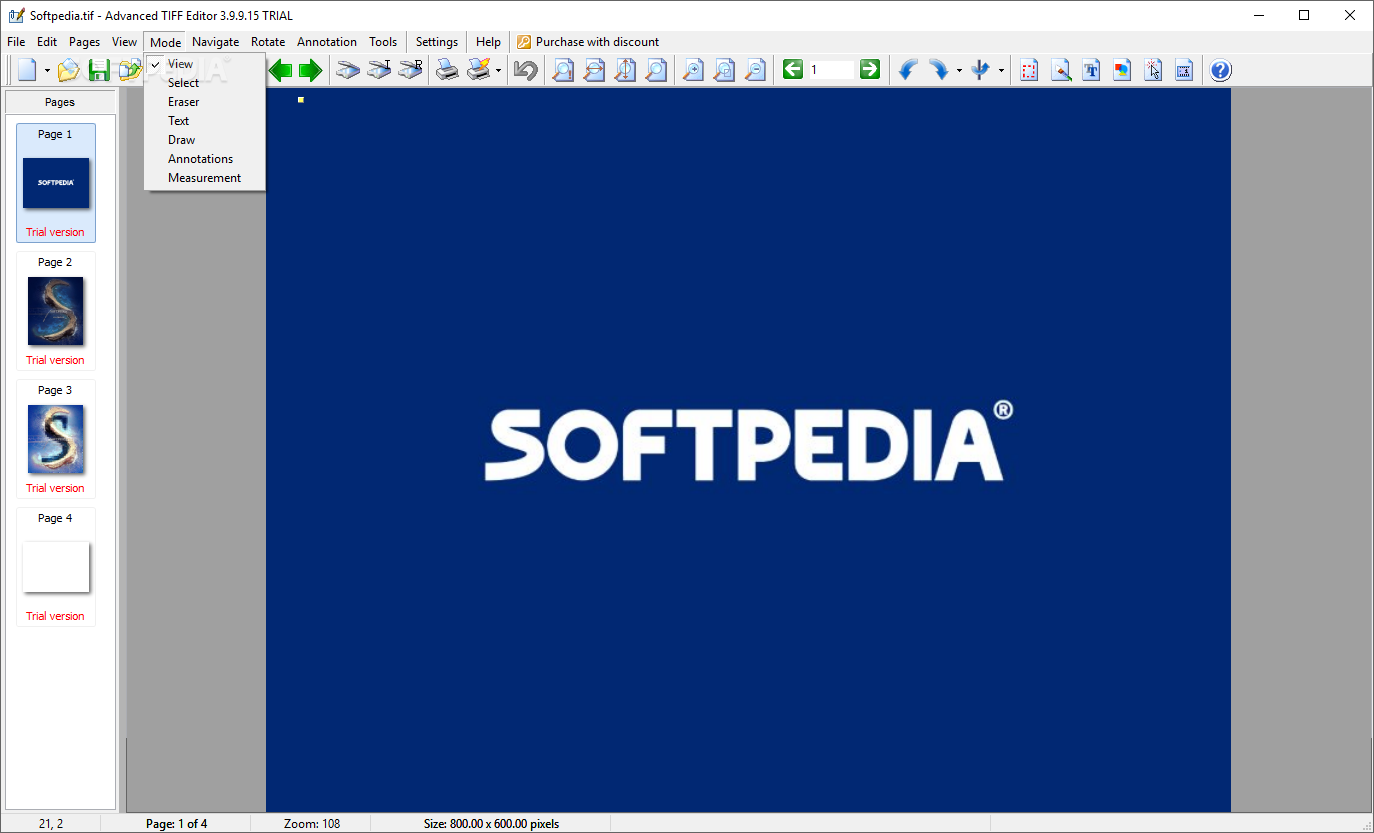
When doing editing work, you must ensure your app is up to it. With Advanced TIFF Editor's help, you can add/remove pages, change the page order, insert new pages from different formatted docs or scanners.
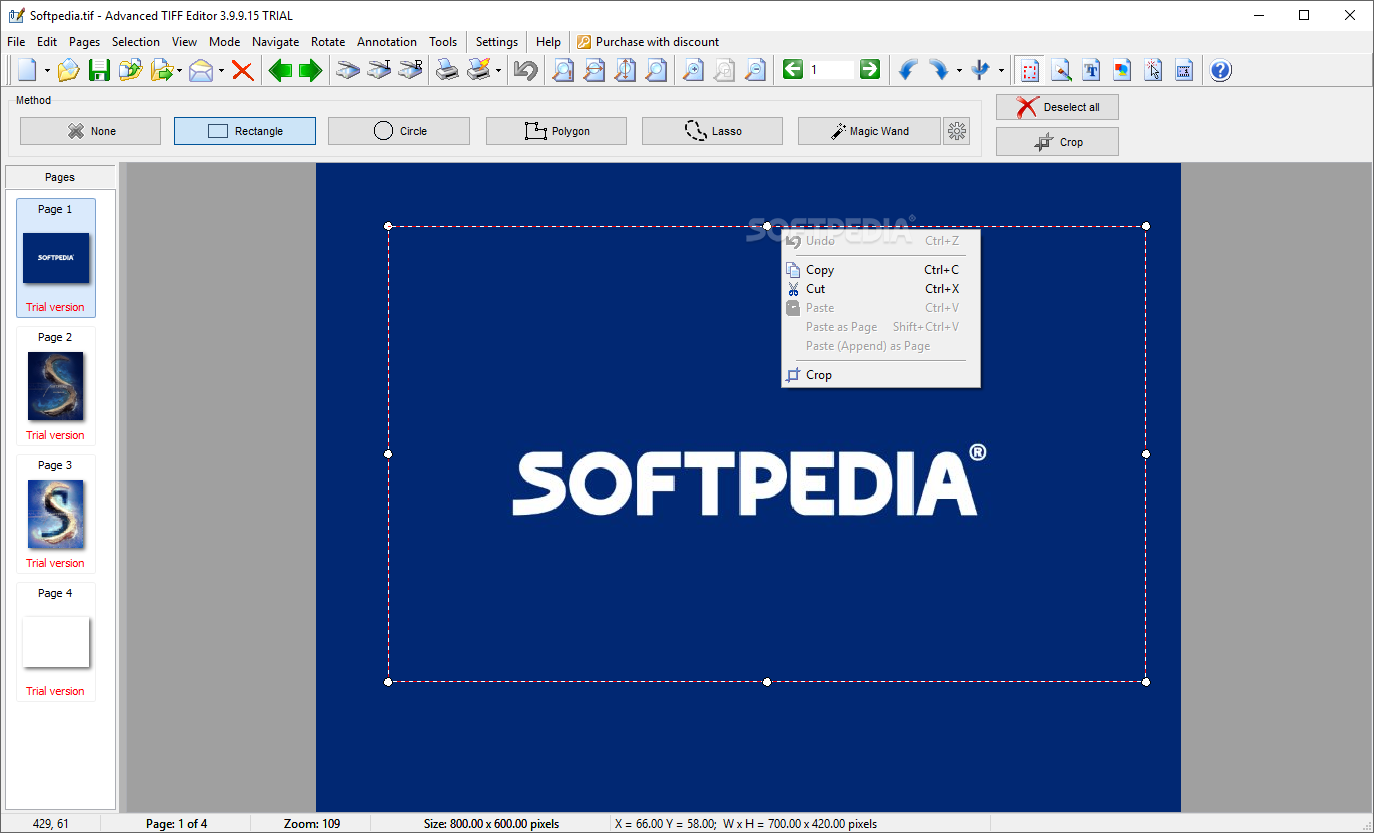
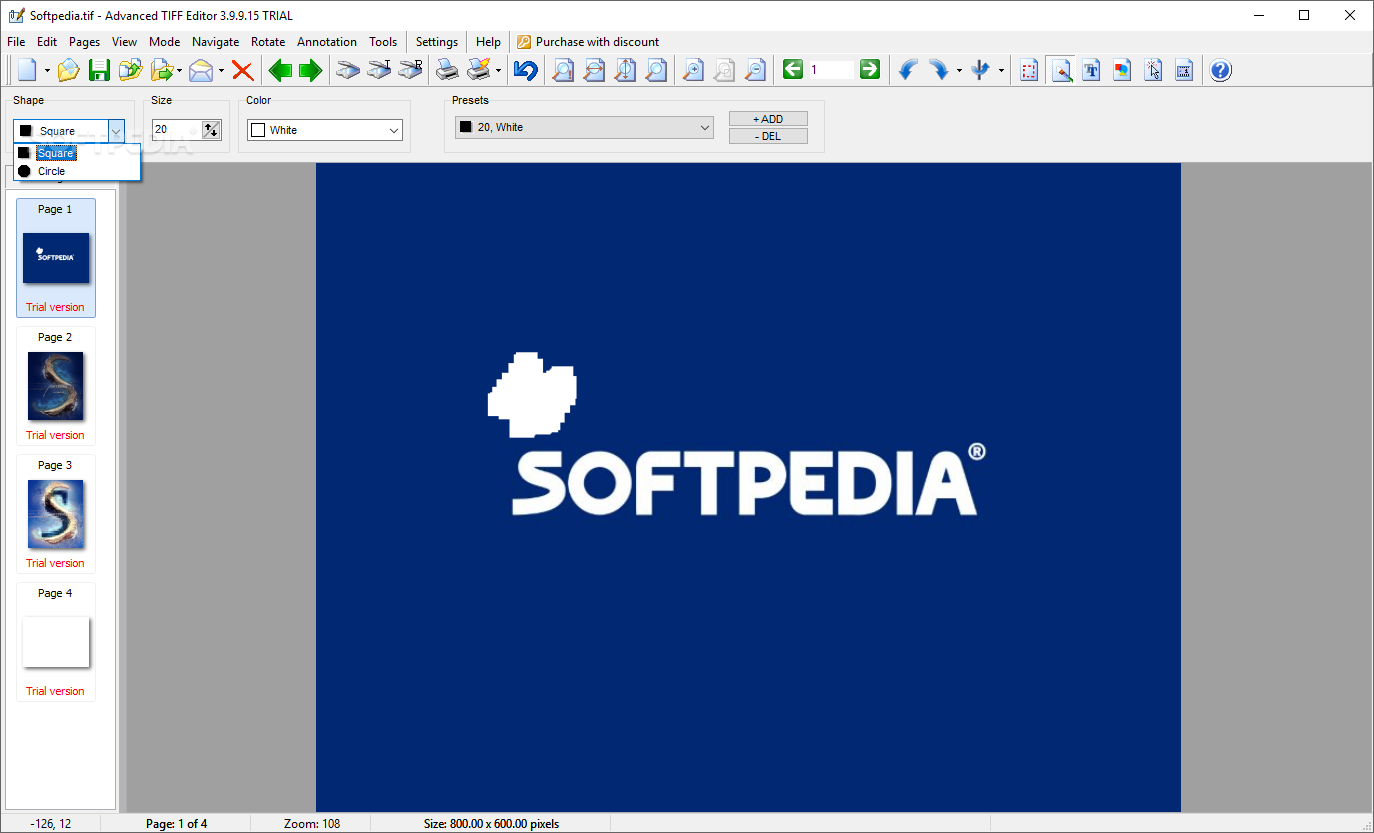
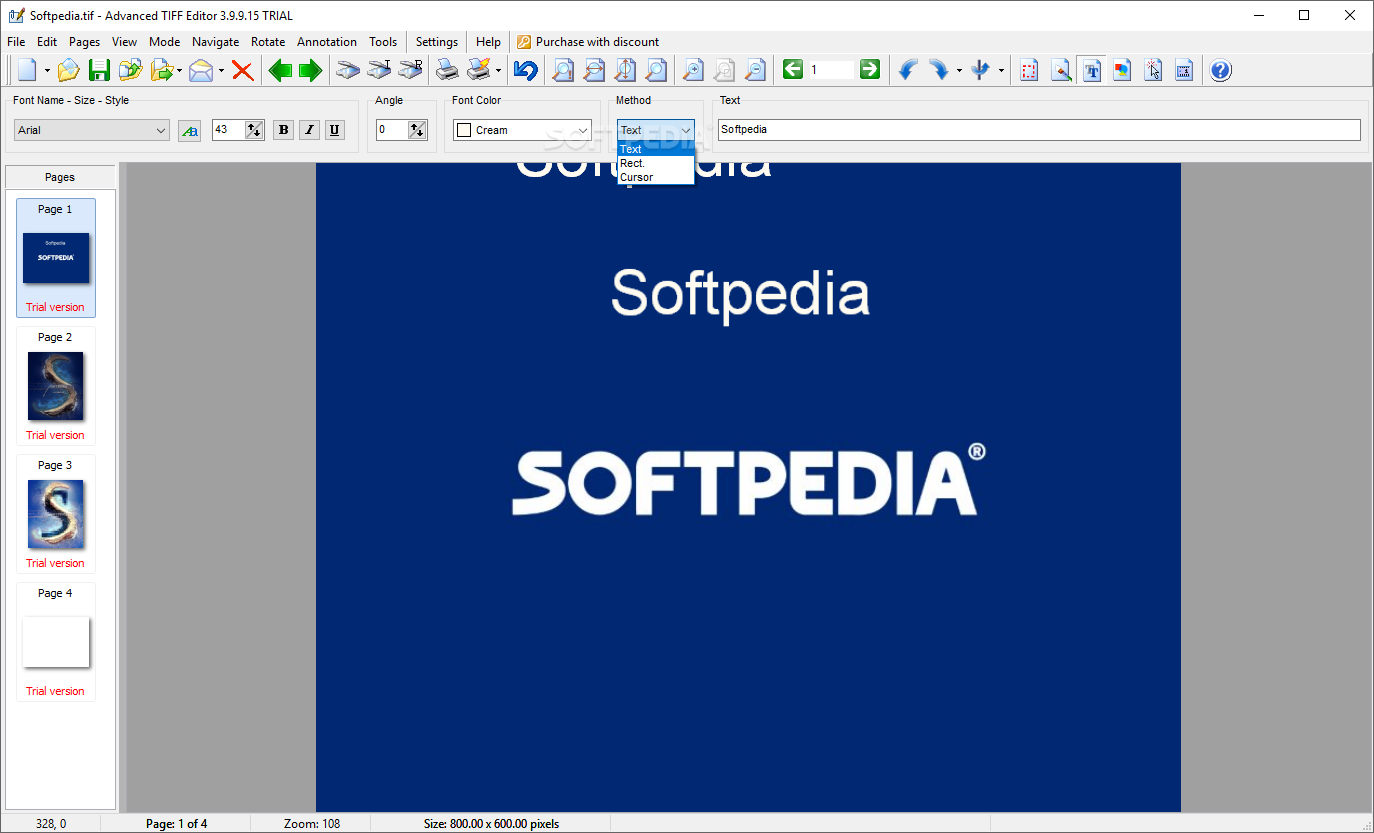
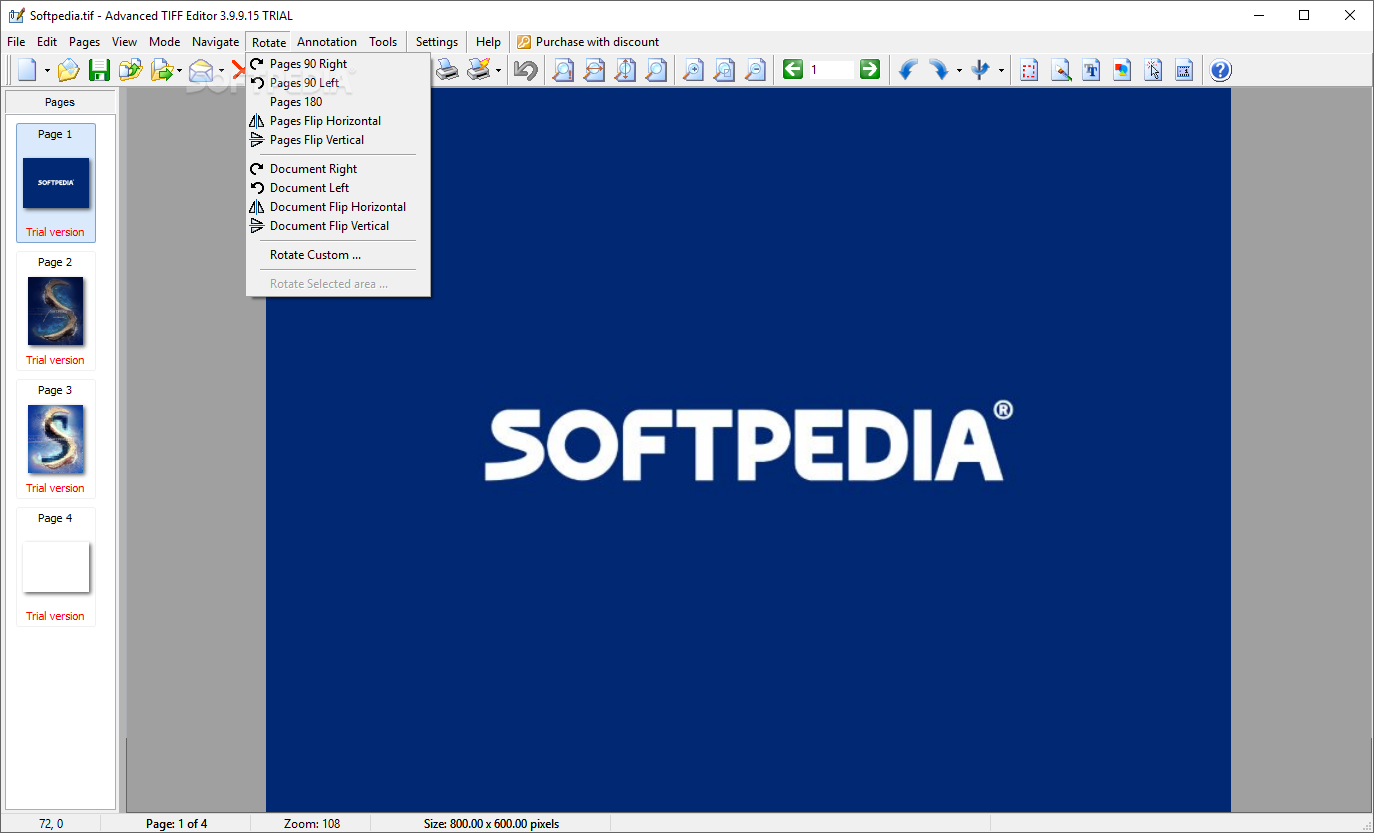
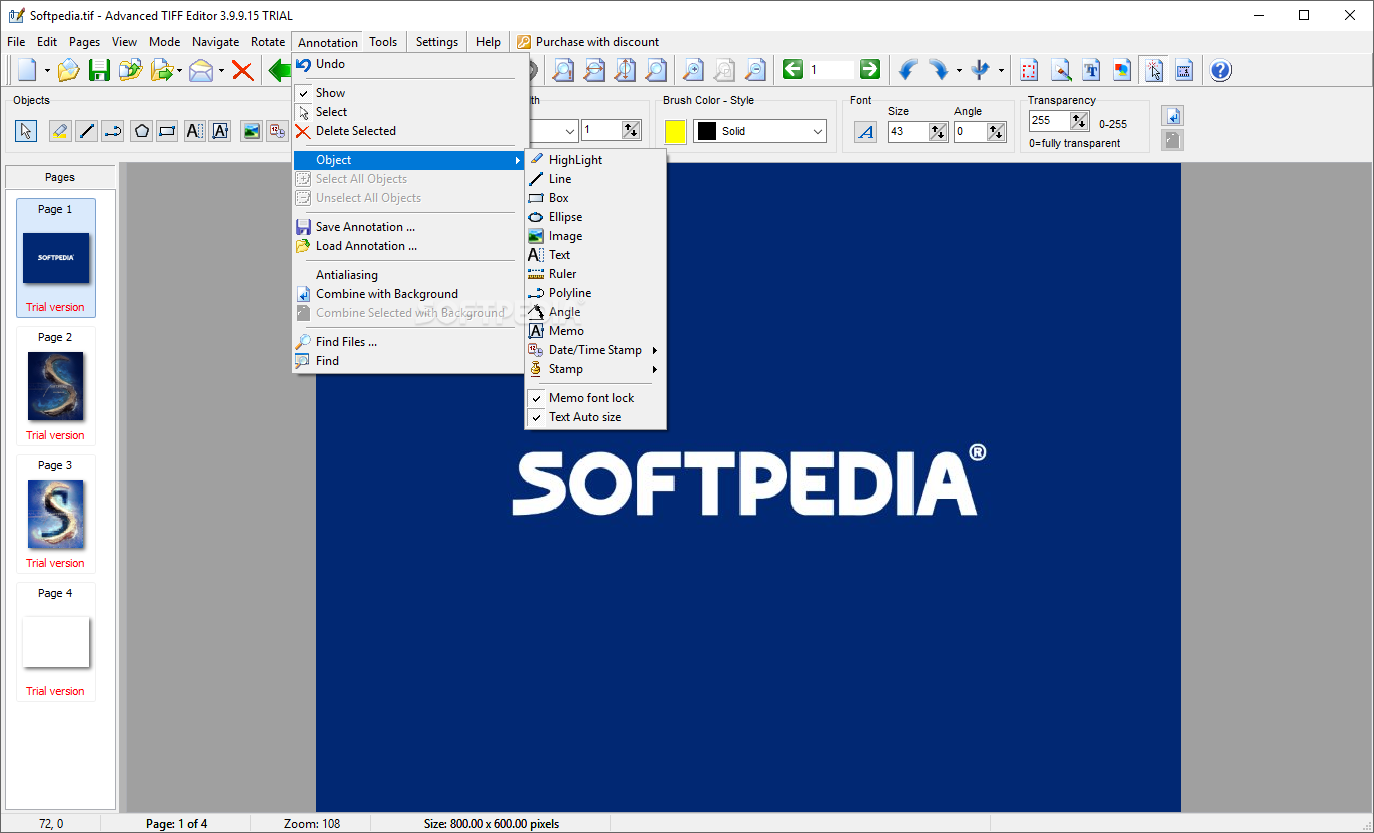
There are virtually no limits to what you can do to your documents. If there is something off about an image, a piece of text, or a page, you can be sure the app got you covered. You can extract move, insert, delete, flip, split, merge, correct, any item contained within a document.
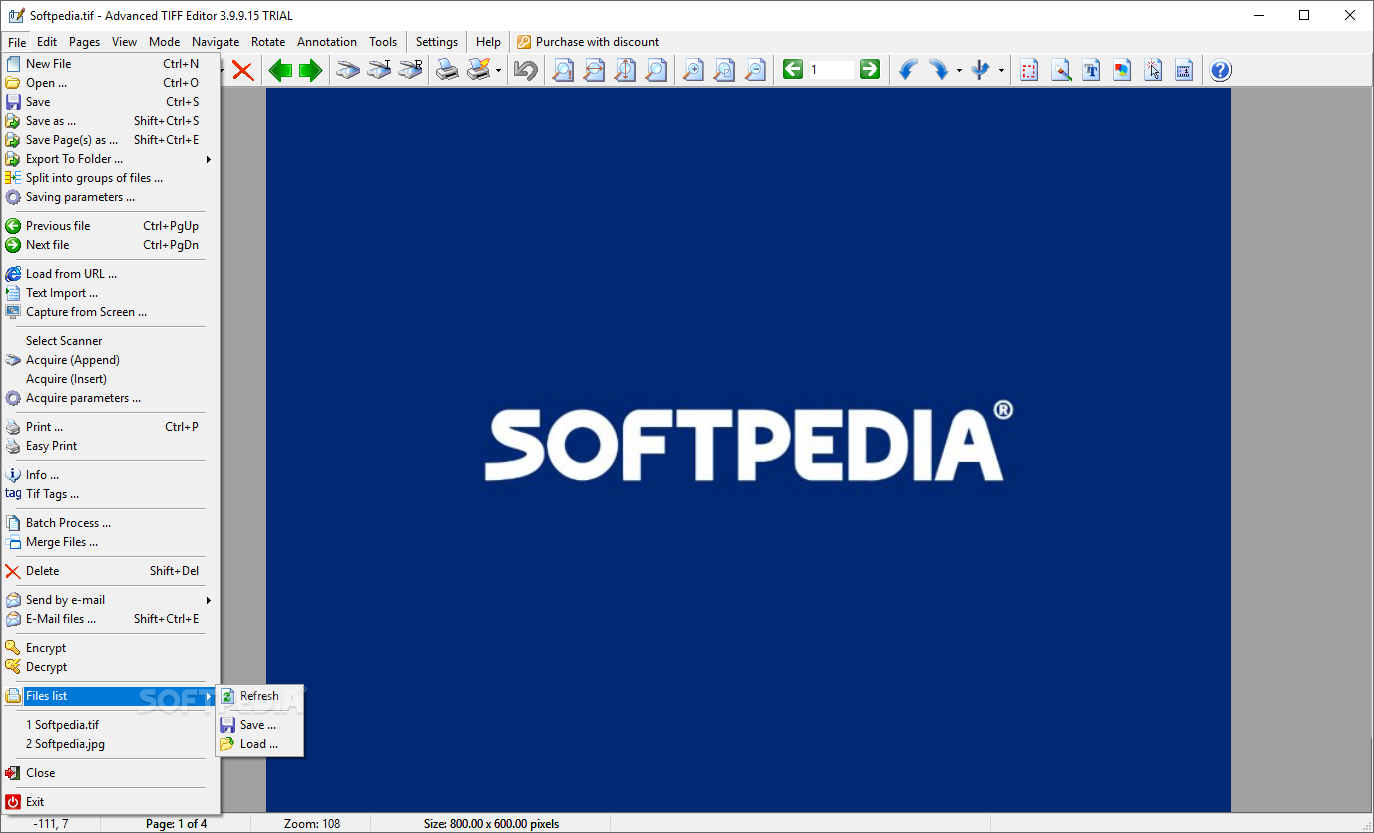
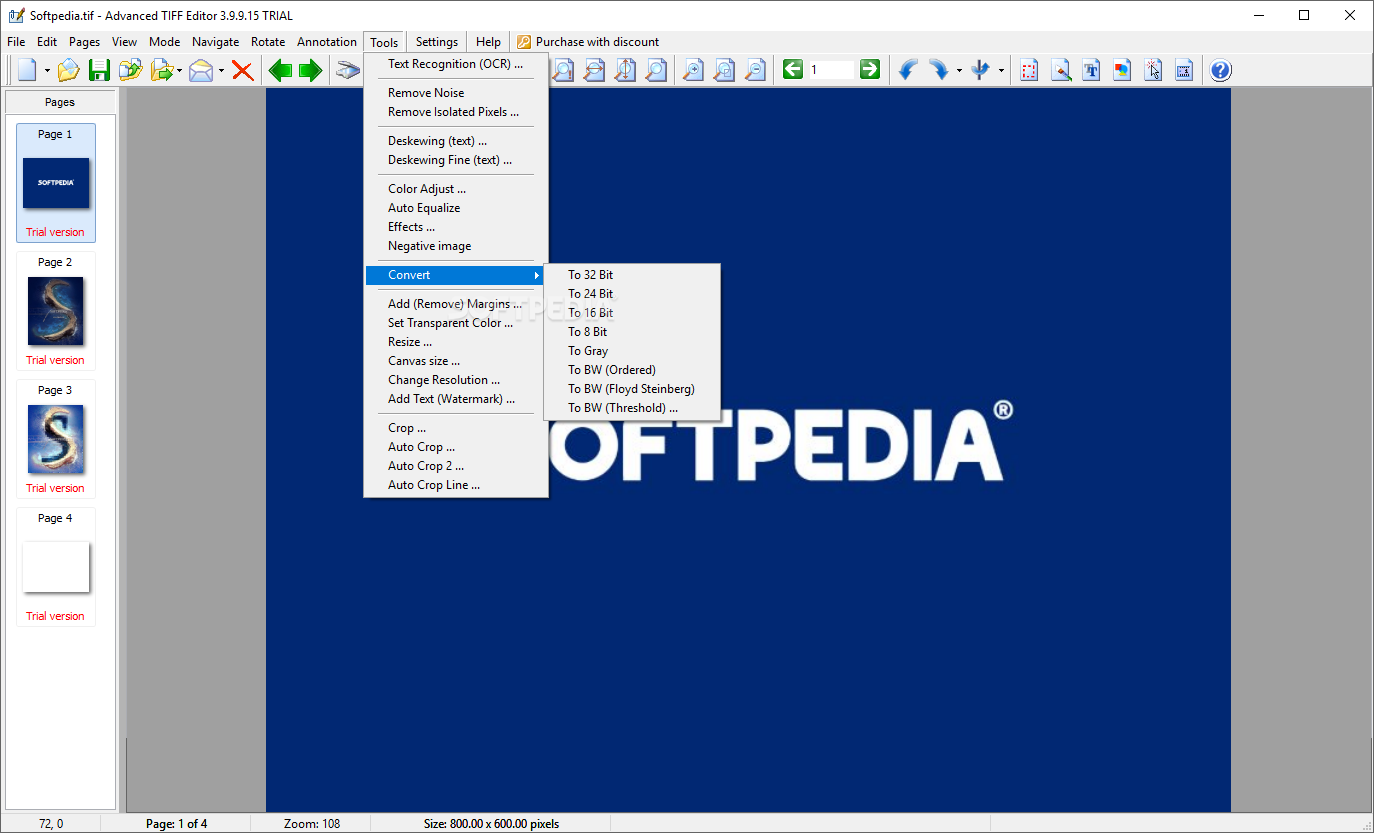
Converting from a format to another requires little explanation nowadays. Still, Advanced TIFF Editor performs conversions in a simpler way, without reserving a part of the UI for that. To convert to a different format, open the document in question, edit it or apply whatever changes are in order, if any; and use the Save As button. Inside the Save As menu, you can find all the available formats, all the already mentioned ones, and some more.
To conclude, Advanced TIFF Editor was developed to ease the life of individuals who are constantly editing and altering multipage documents. If you are in that boat and looking for a program that breaks through whatever document you throw at it, there's no reason not to give his one a try.
What's new in Advanced TIFF Editor 3.24.4.15:
- 'TIFF PDF Counter' command: New parameters (columns): Dimensions (inch), Dimensions (pixel) and Color depth.
Advanced TIFF Editor 3.24.4.15
add to watchlist add to download basket send us an update REPORT- buy now $49.00Personal License
- buy now $300.00Virtual license
- buy now $1200.00Site License
- buy now $4000.00World-wide license
- runs on:
-
Windows ME
Windows 11
Windows 10 32/64 bit
Windows 8 32/64 bit
Windows 7 32/64 bit
Windows Vista 32/64 bit
Windows XP 32/64 bit - file size:
- 41.2 MB



- main category:
- Multimedia
- developer:
- visit homepage
7-Zip

Context Menu Manager

Microsoft Teams

Windows Sandbox Launcher

4k Video Downloader

ShareX

Zoom Client

IrfanView

Bitdefender Antivirus Free

calibre

- IrfanView
- Bitdefender Antivirus Free
- calibre
- 7-Zip
- Context Menu Manager
- Microsoft Teams
- Windows Sandbox Launcher
- 4k Video Downloader
- ShareX
- Zoom Client