
Paint, sketch and draw in a modern-looking working environment, bundled with tracing capabilities and a large collection of watercolors, oil palettes, pens and brushes. #Apply stencil #Image layer #Draw sketch #Painter #Sketch #Watercolor
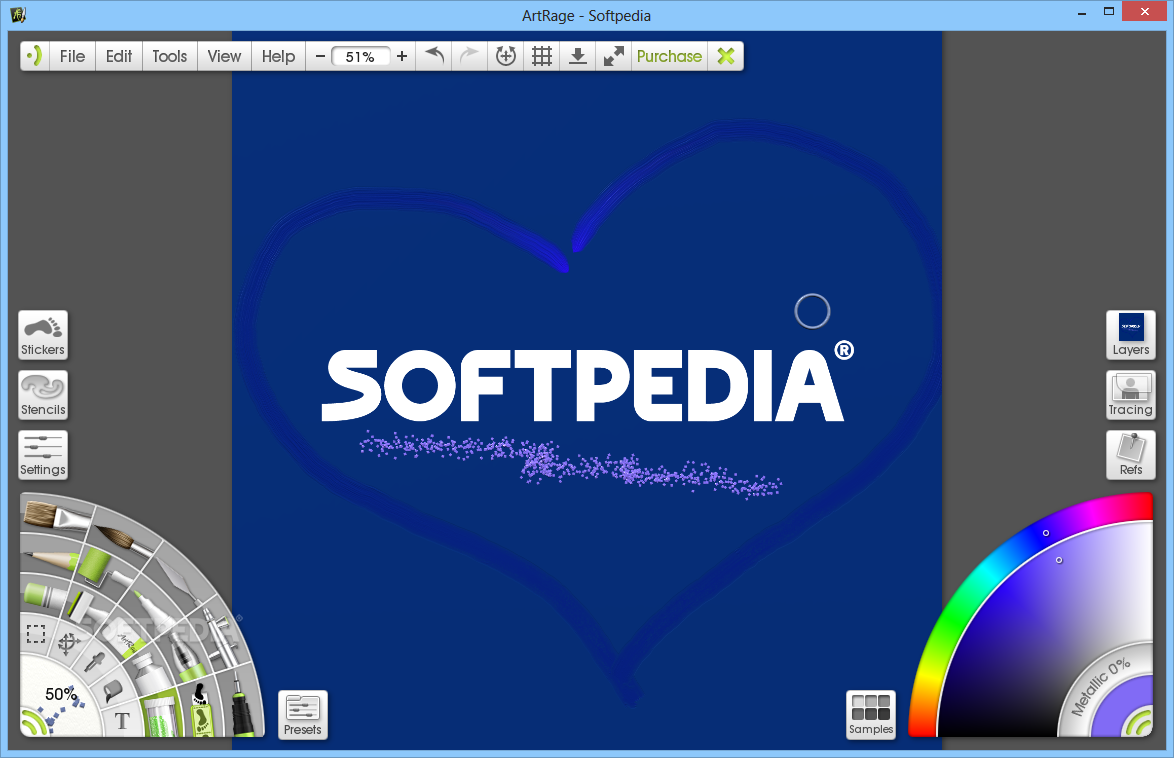
Artists prefer painting on canvas rather than on a computer, because the precision of their hand can never be equaled by software solutions. Still, there are a few tools you could try if you decide to take up oil painting as a hobby. ArtRage is an application that features all the drawing tools the average user needs to outrank sketches created with Paint or similar software.
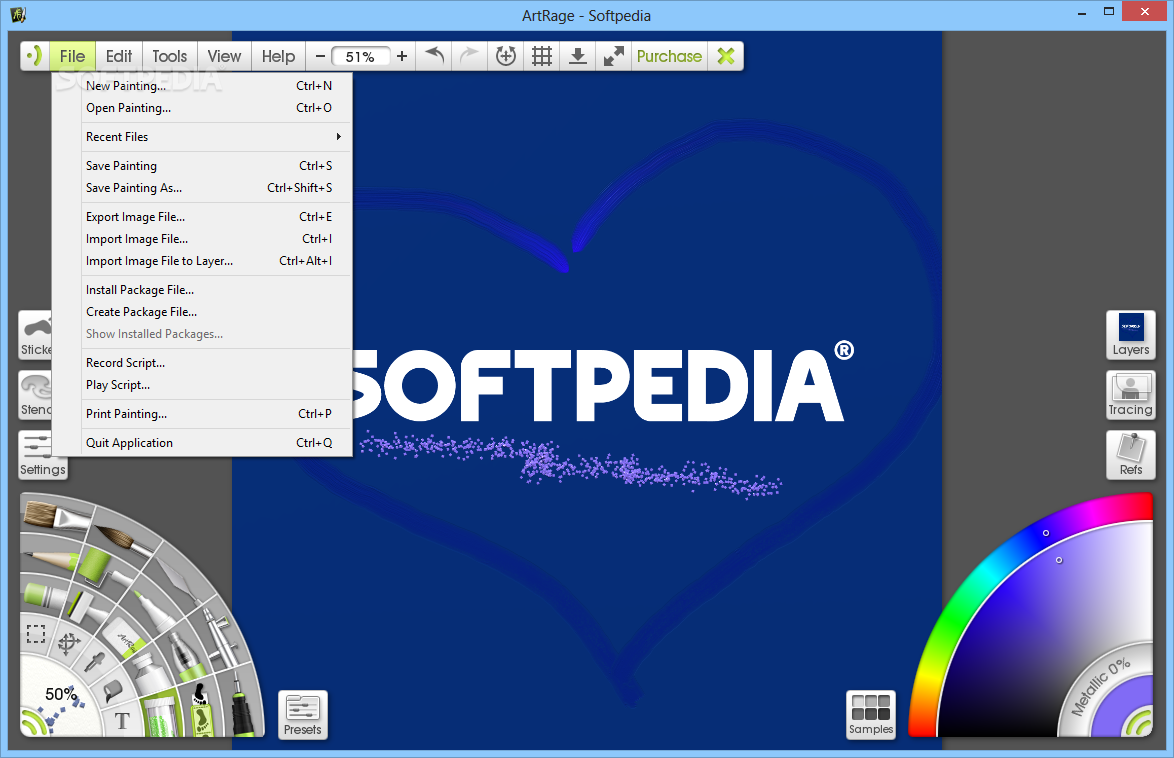
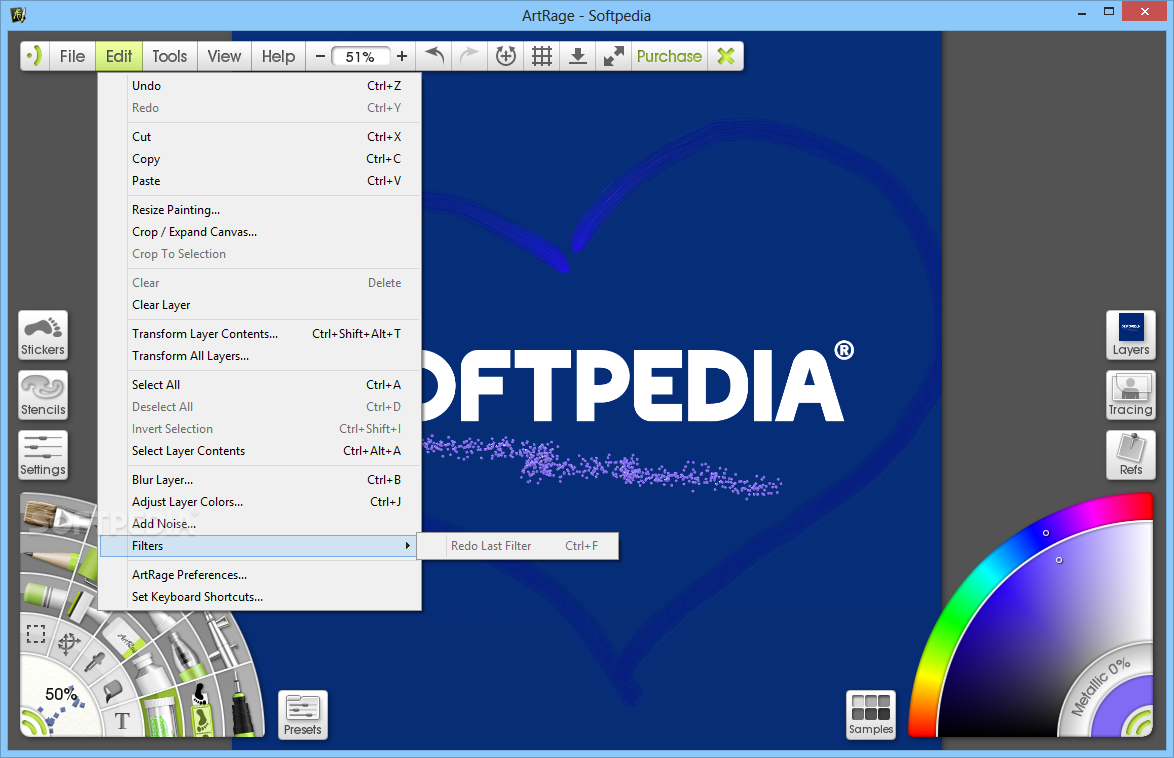
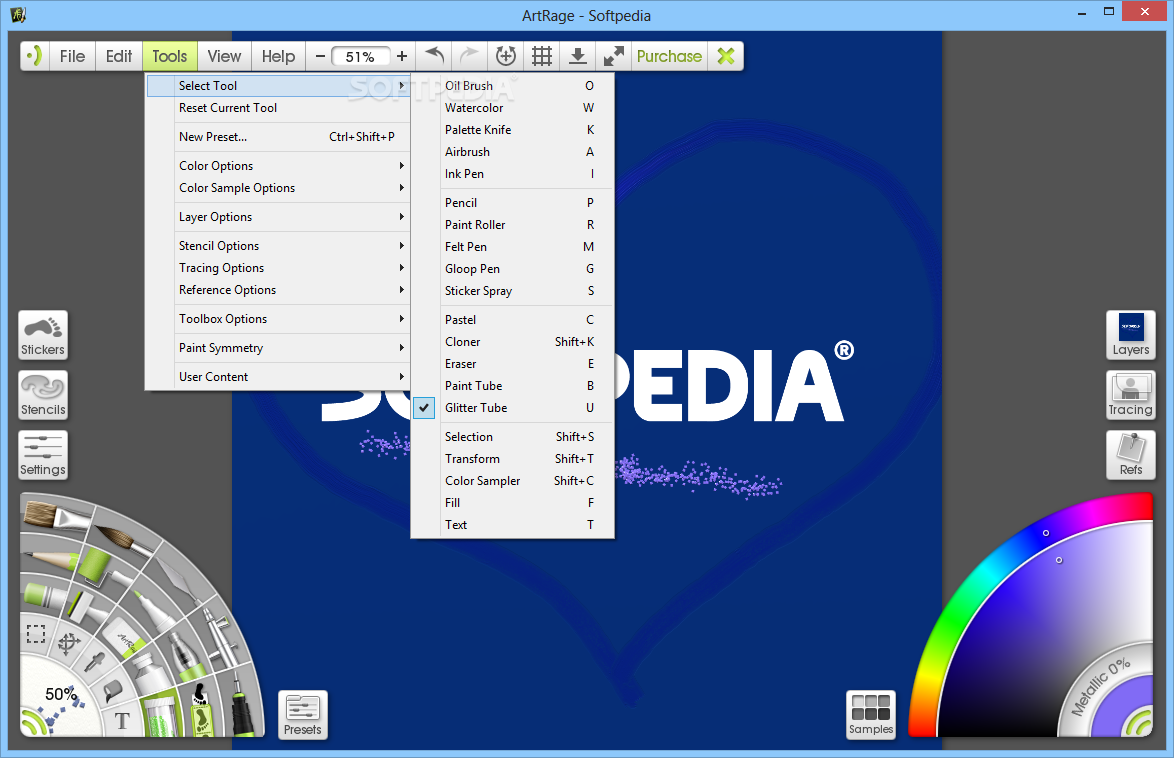
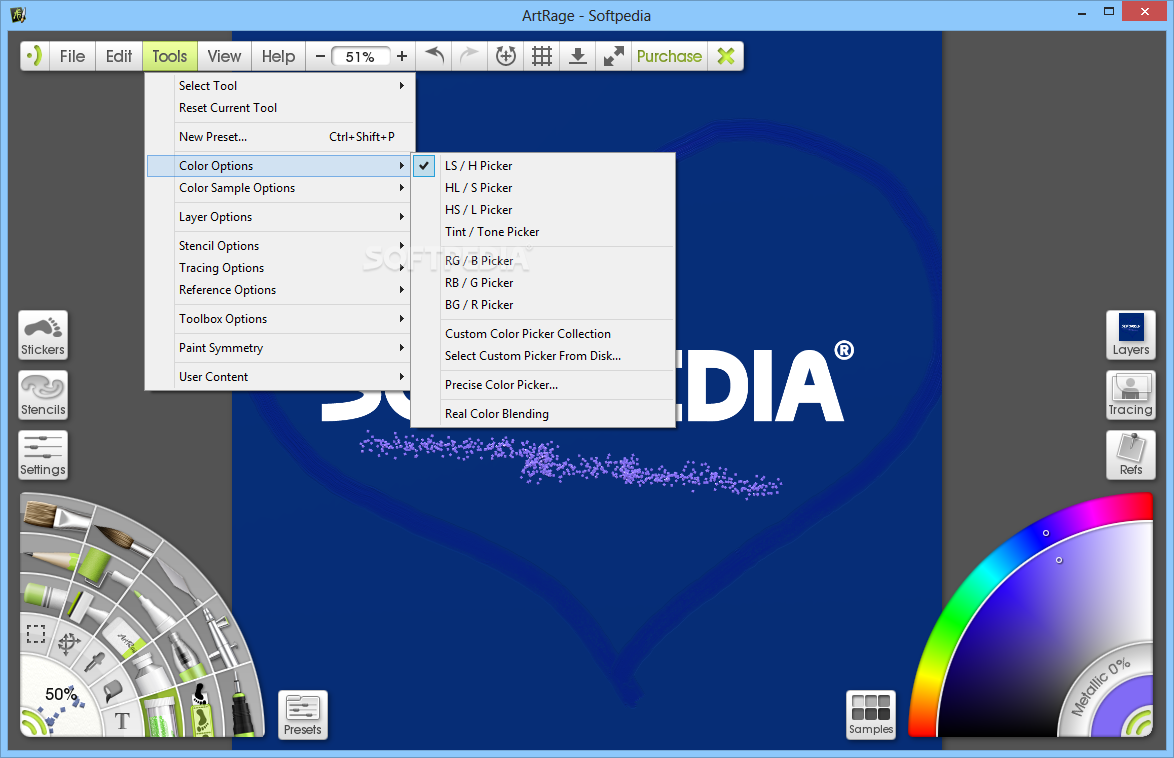
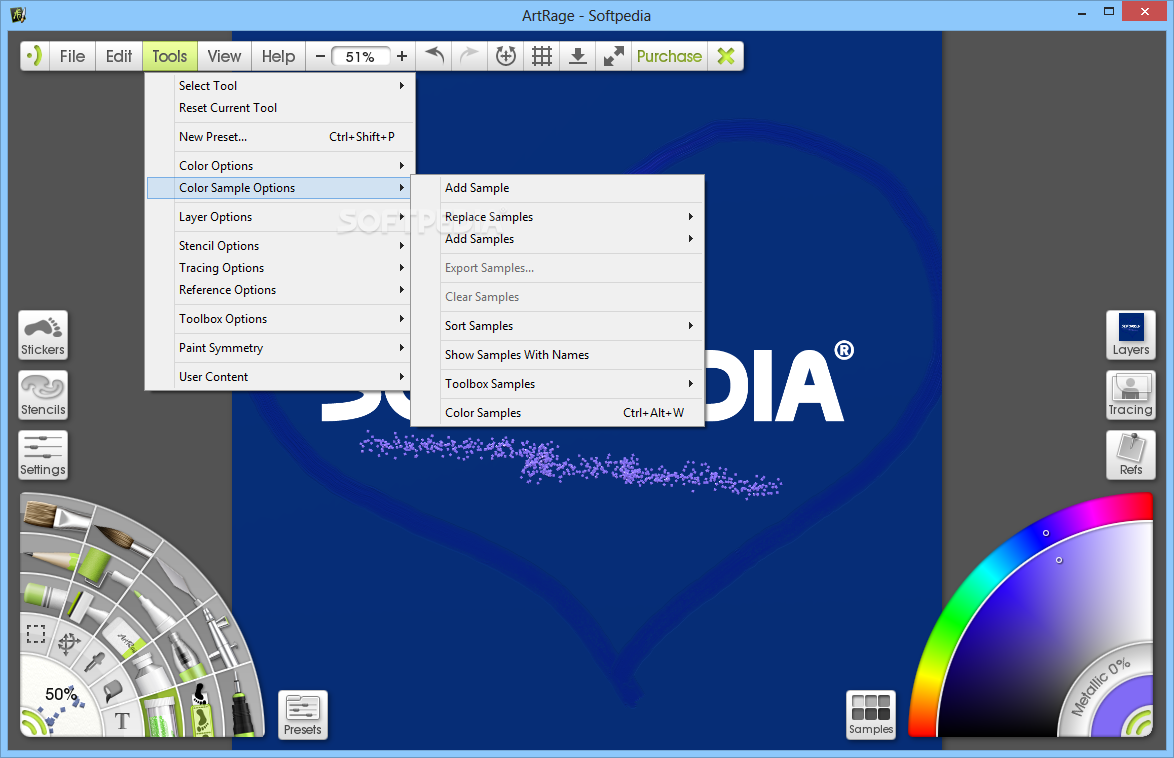
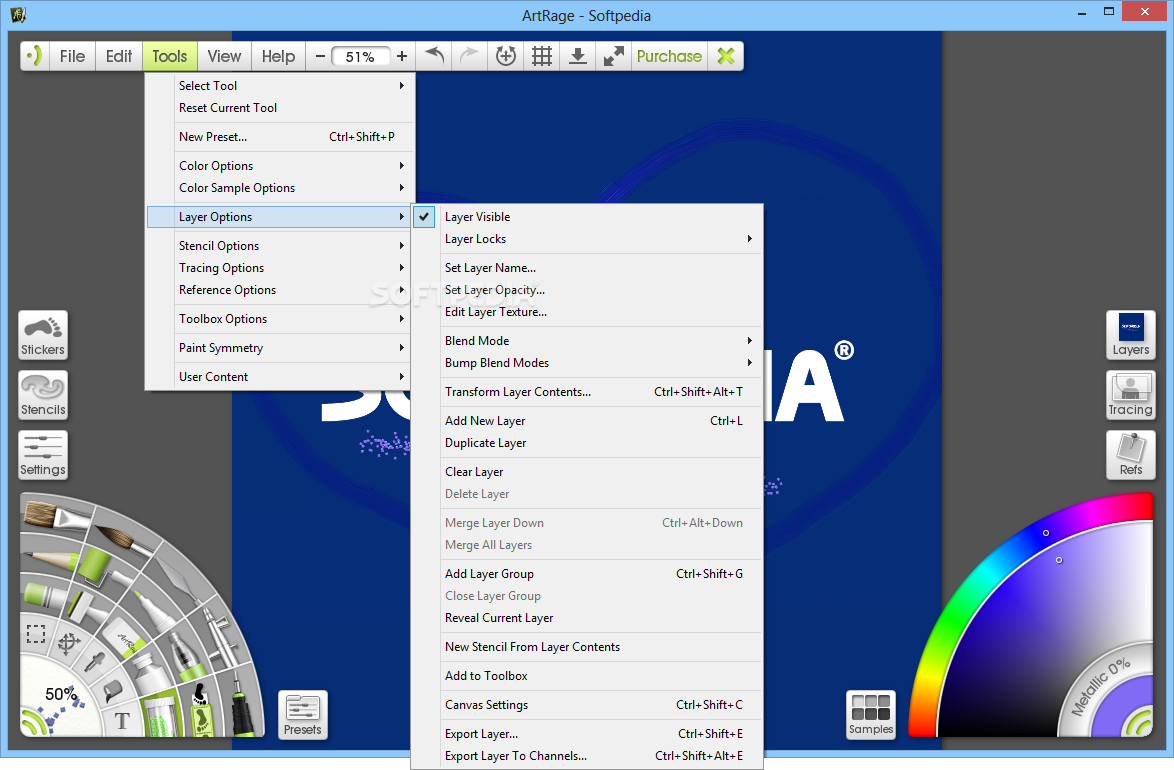
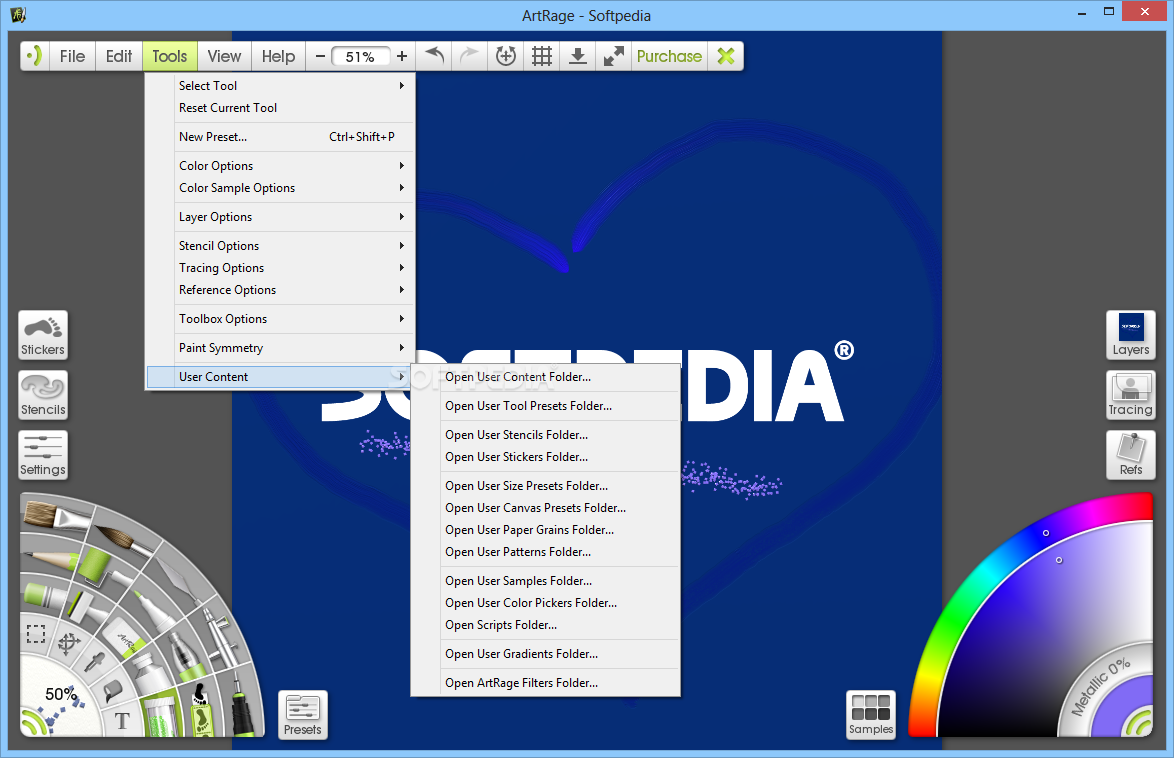
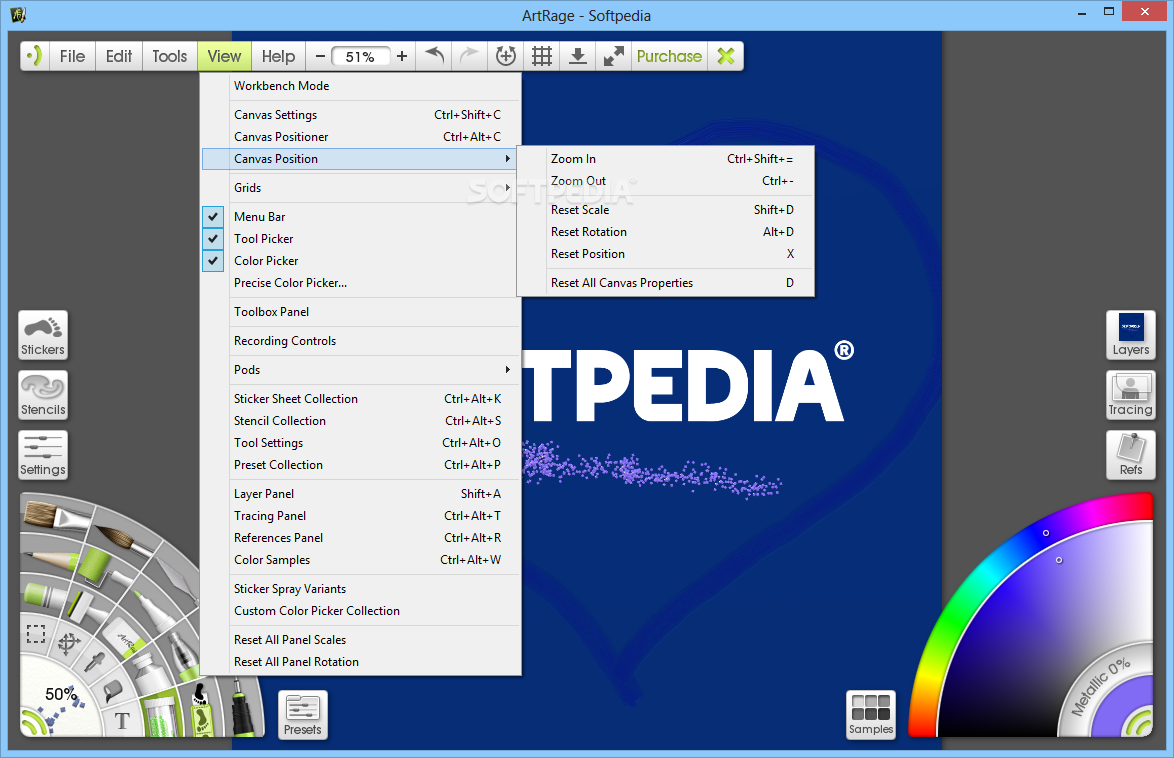
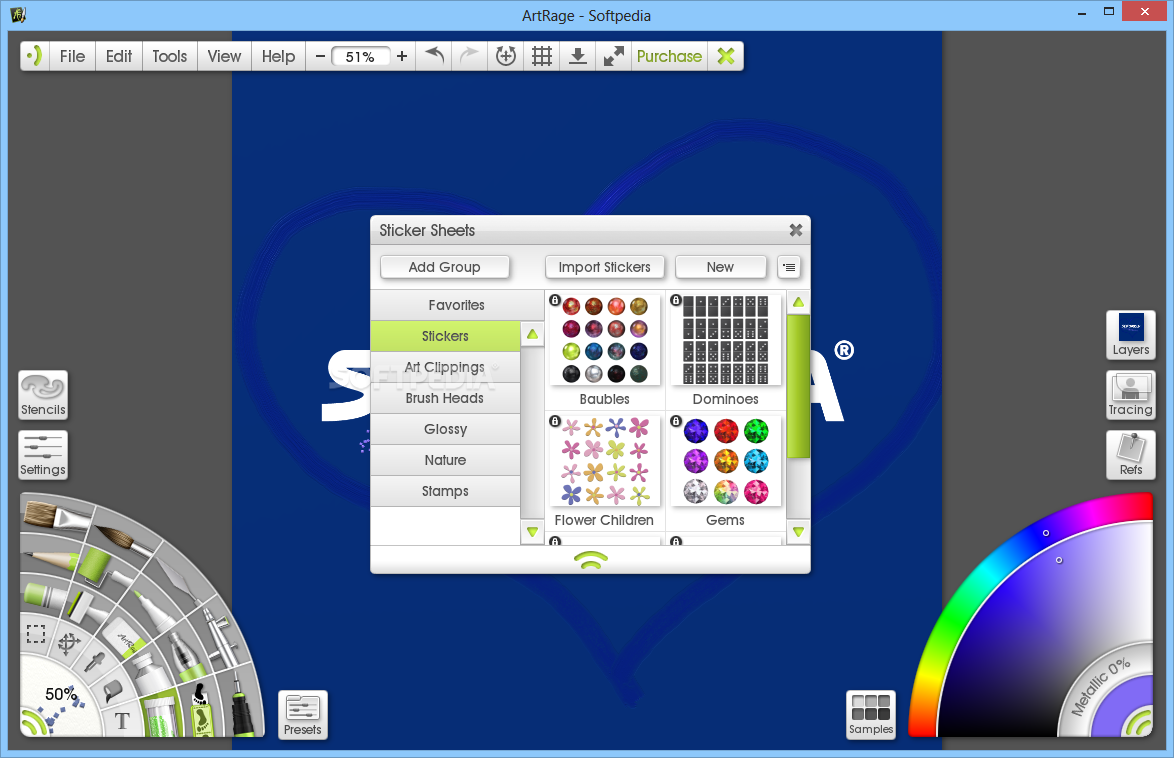
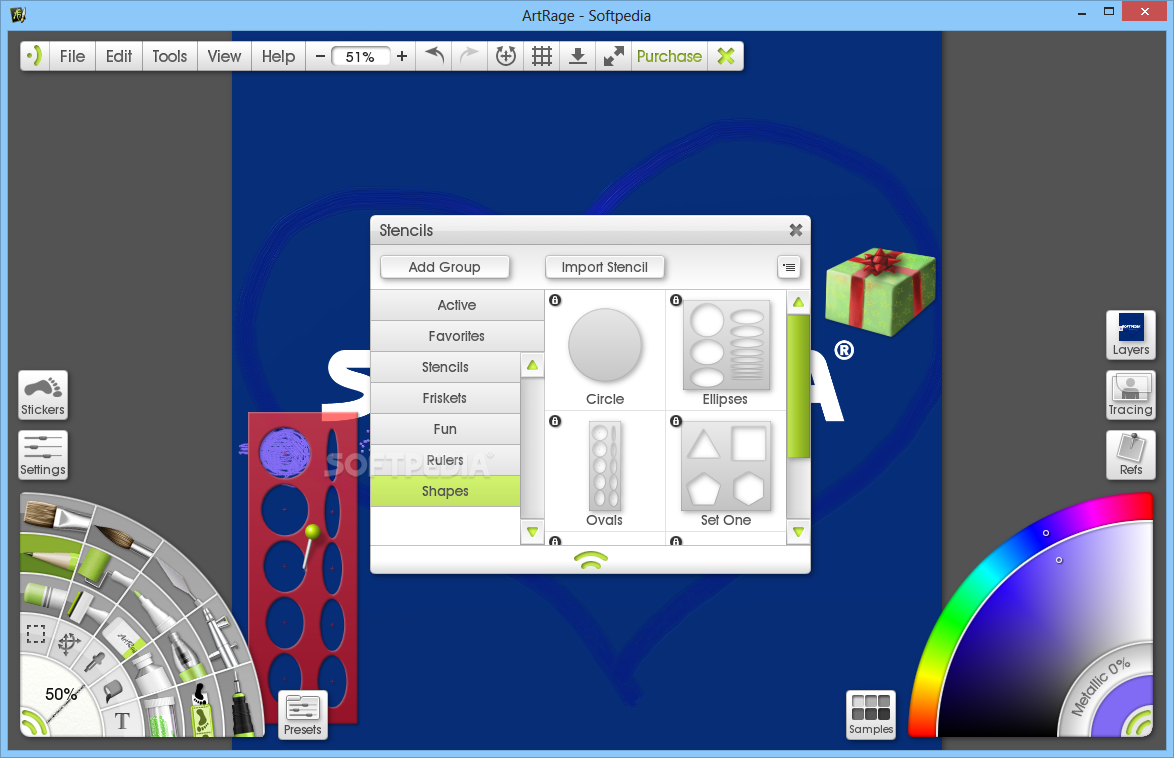
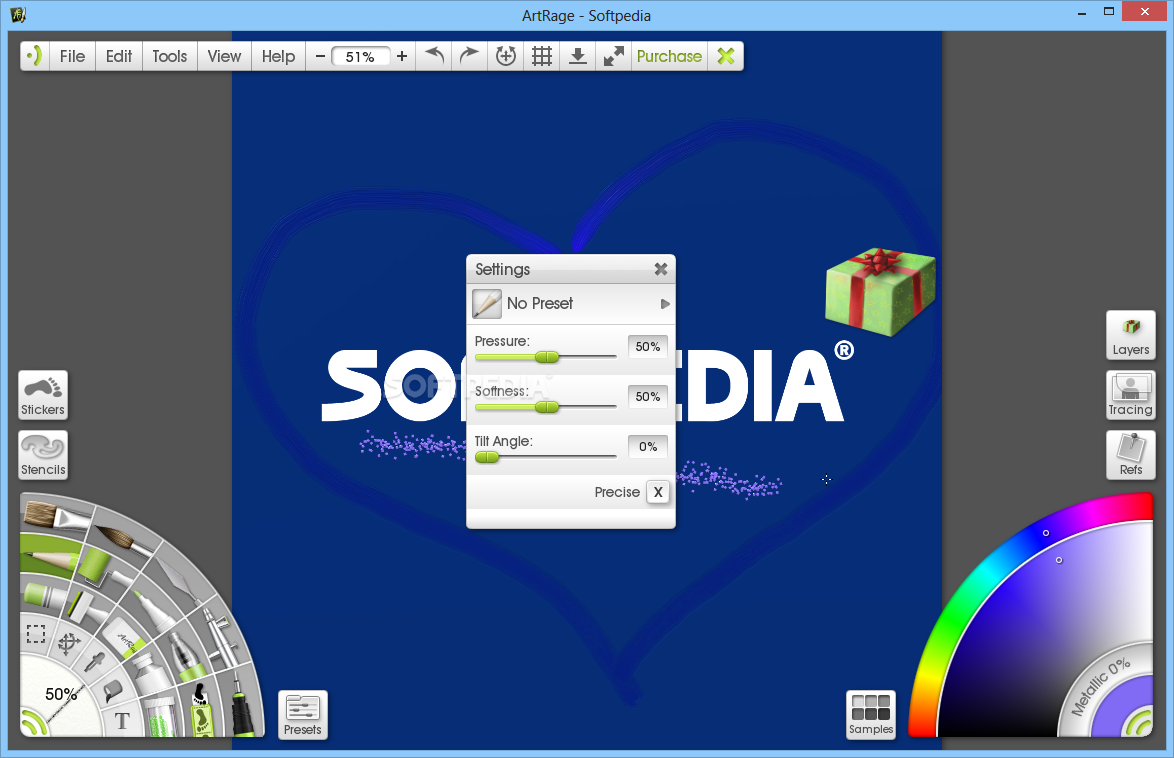
ArtRage makes an impression starting with its interface, which has a professional look, yet manages to keep things simple and all the features within reach at the same time. It uses menus to categorize all of its functions, but the brushes, colors and layers are visible and accessible at all times.
The application allows you to import images for further processing, yet starting a painting from scratch is also possible. In order to make you feel like a real artist, it provides a satisfactory palette of oils, watercolors and pens, as well as special effects tools such as sticker sprays or glitter tubes.
Layers are easy to create, edit and blend and can be categorized into groups for easier management. You can blur layers individually or adjust their appearance (brightness, contrast, hue and color) to your own taste.
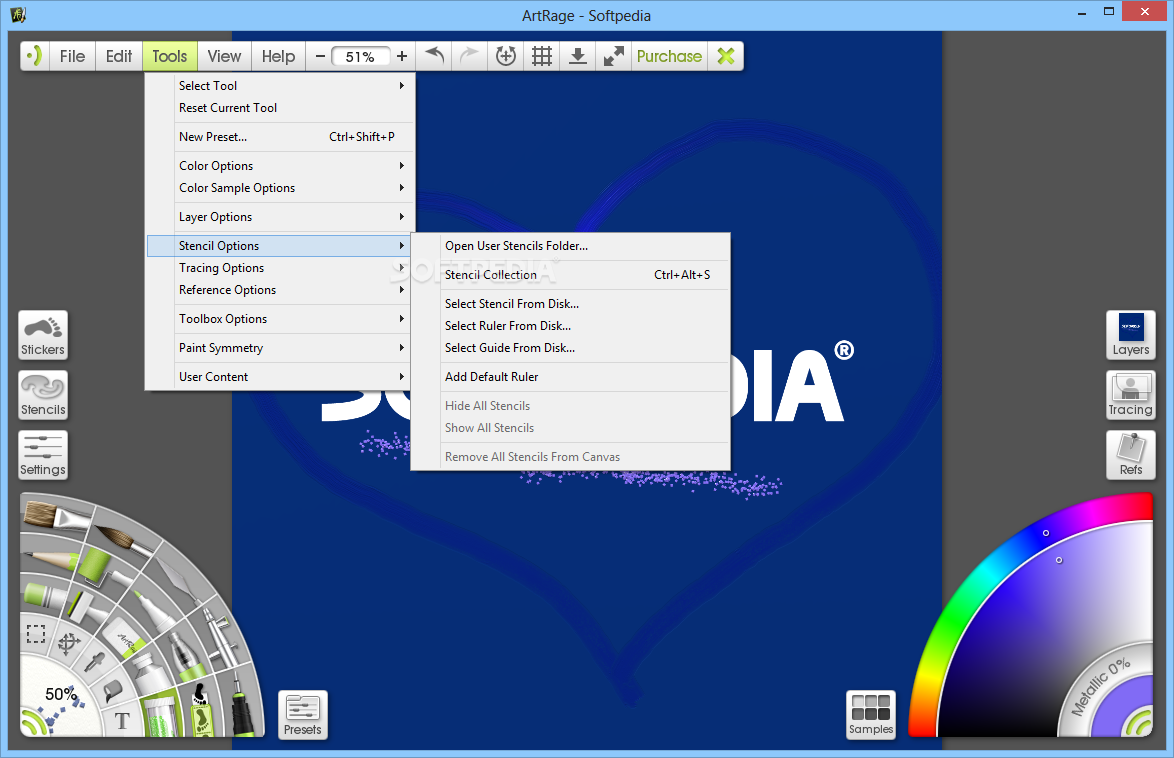
The rich collection of stencils, rulers and shapes ensures full precision to your paintings, while the wide range of stickers helps in designing scrapbooks, for instance.
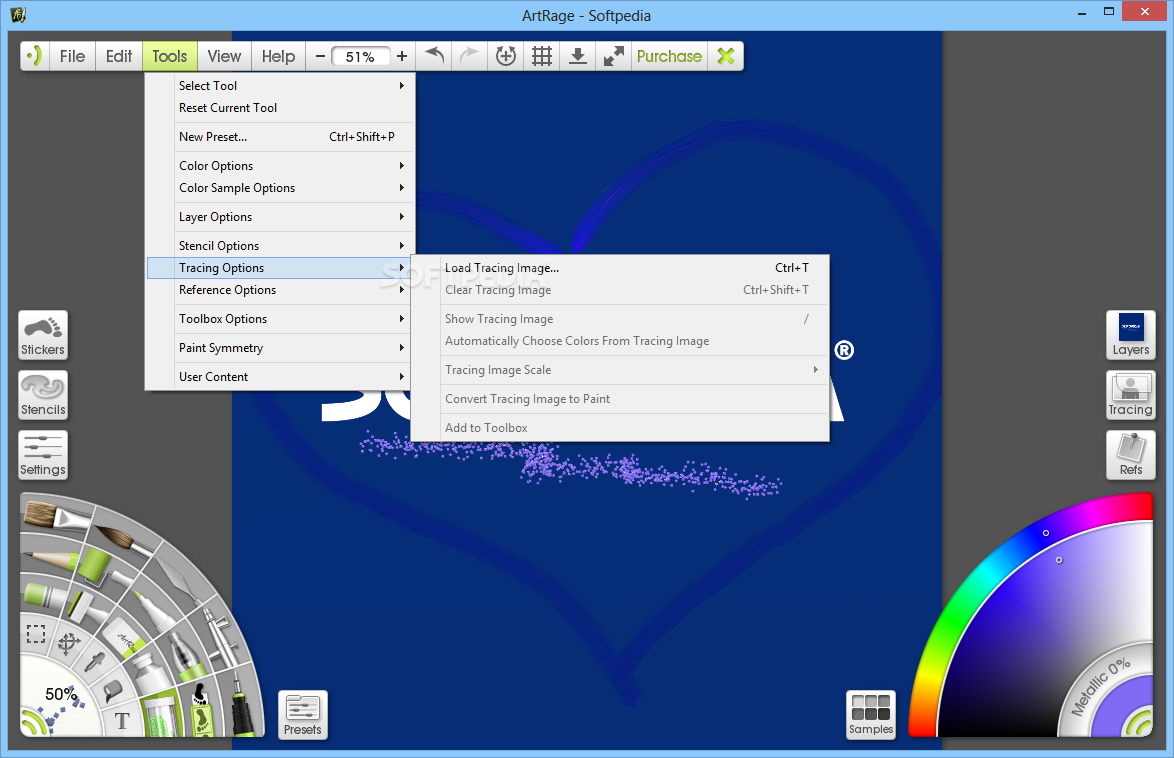
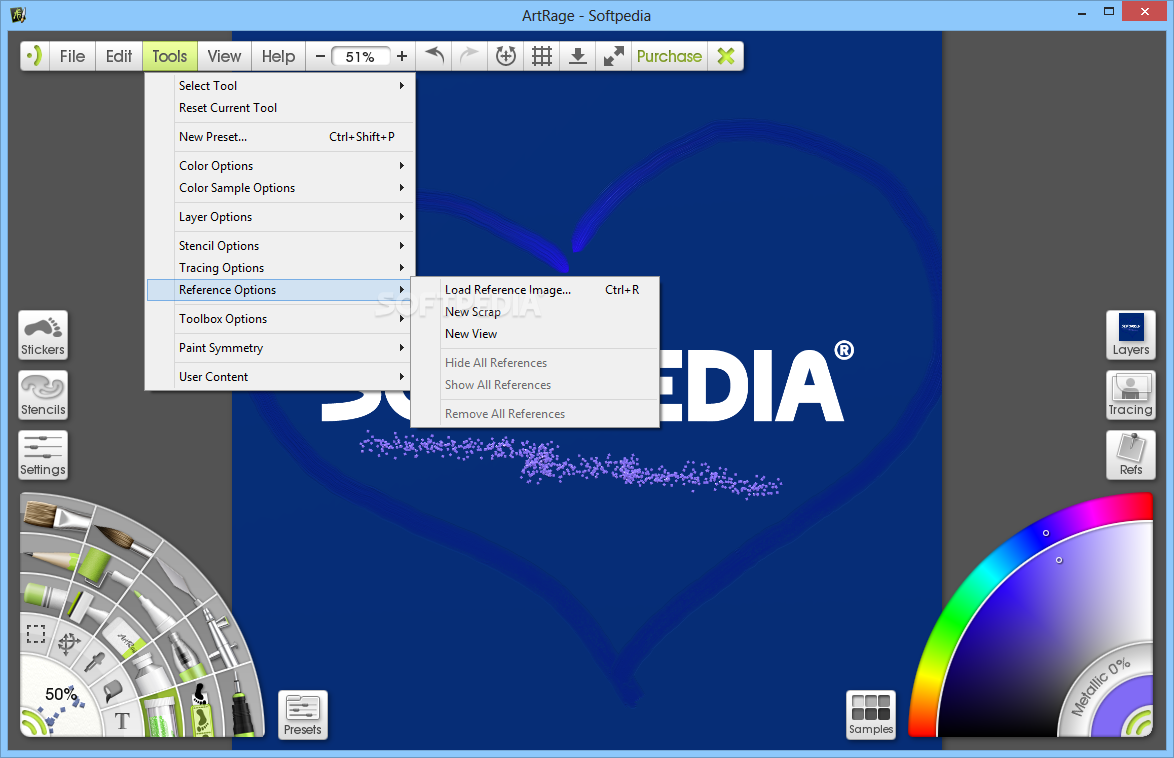
ArtRage allows you to draw images in tracing mode, which means you will be able to guide your painting by an existing photo. Another method to keep you inspired it to use a reference image, which will be pinned to the drawing canvas.
Among other features worth mentioning, there is the intuitive color and tone picker that has great precision, the wide range of canvas presets and the ability to export to popular image formats (PNG, JPG, BMP, TIFF), as well as the famous PSD Photoshop format.
ArtRage is easy to work with and encases a decent amount of graphic tools in order to make your images look artistic and professional. It can transform a regular photo into an oil painting that will impress even the pickiest of artists, without putting a strain on your computer or without popping up errors, hanging or freezing.
Download Hubs
ArtRage is part of these download collections: Edit JPEG, Create Sketch, BMP Editors, Image to Sketch
ArtRage 6.1.2
 Softpedia Editor's Pick
add to watchlist
add to download basket
send us an update
REPORT
Softpedia Editor's Pick
add to watchlist
add to download basket
send us an update
REPORT
- runs on:
-
Windows 10 32/64 bit
Windows 8
Windows 7 - file size:
- 122 MB
- main category:
- Multimedia
- developer:
- visit homepage
calibre

Context Menu Manager

Microsoft Teams

Zoom Client

ShareX

IrfanView

4k Video Downloader

7-Zip

Bitdefender Antivirus Free

Windows Sandbox Launcher

- 7-Zip
- Bitdefender Antivirus Free
- Windows Sandbox Launcher
- calibre
- Context Menu Manager
- Microsoft Teams
- Zoom Client
- ShareX
- IrfanView
- 4k Video Downloader