
Handy tool for quick, basic image edits. #Image Modifier #Image Editor #Modify Image #Modify #Resizer #Modifier

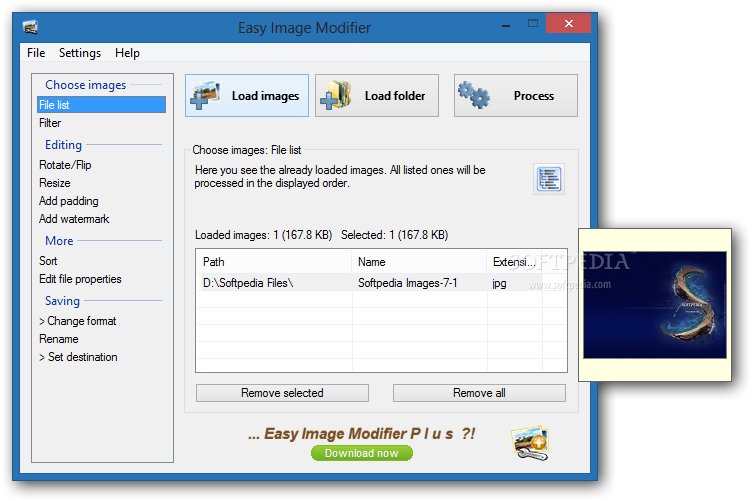
Easy Image Modifier is a tool with a name that pretty much explains its functionality - it allows you to perform several operations. The app supports multiple file types, such as JPG, BMP, ICO and GIF.
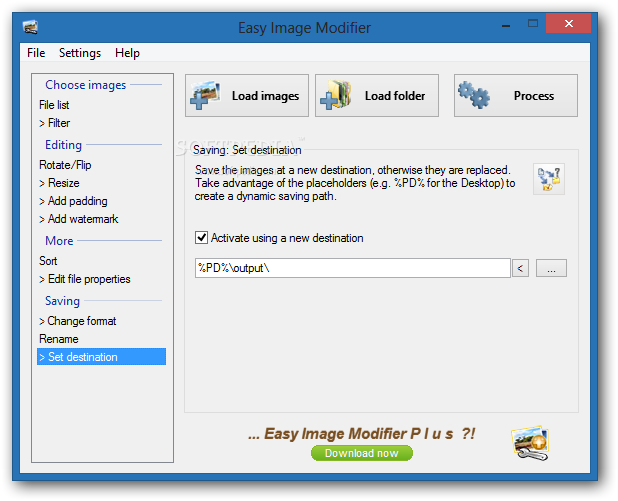
The interface of the program is based on a standard window; importing items into the file list can be done with the help of either the file browser, folder view or 'drag and drop' method. It is possible to process multiple entries at the same time.
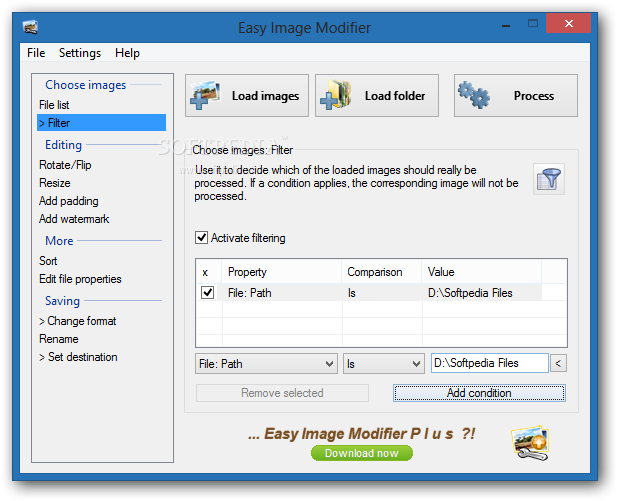
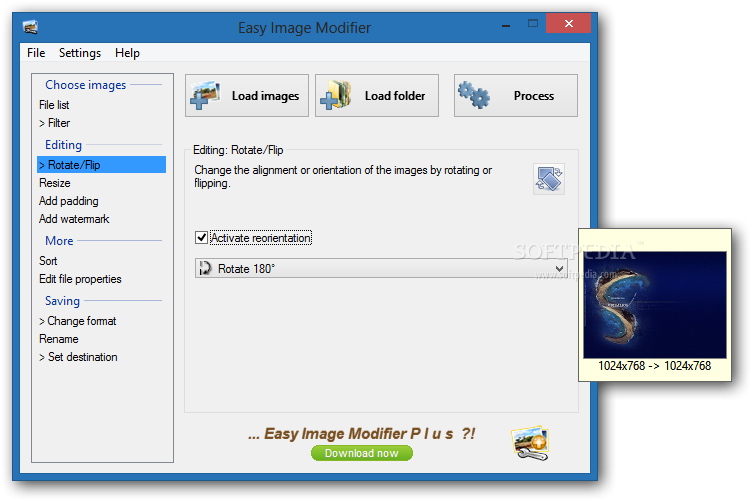
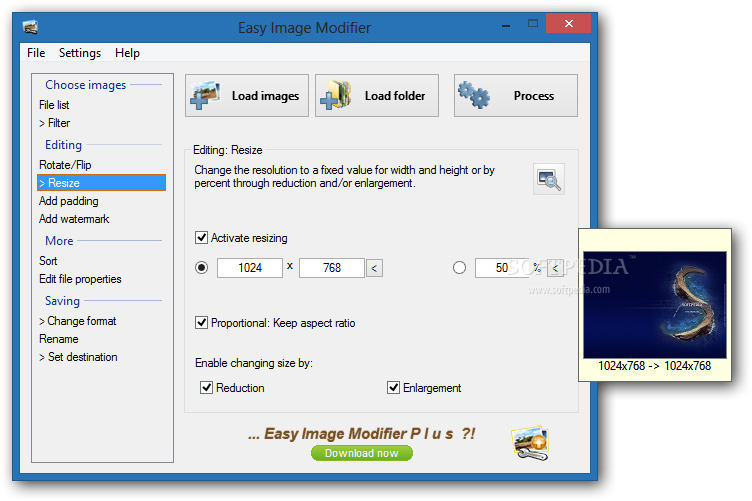
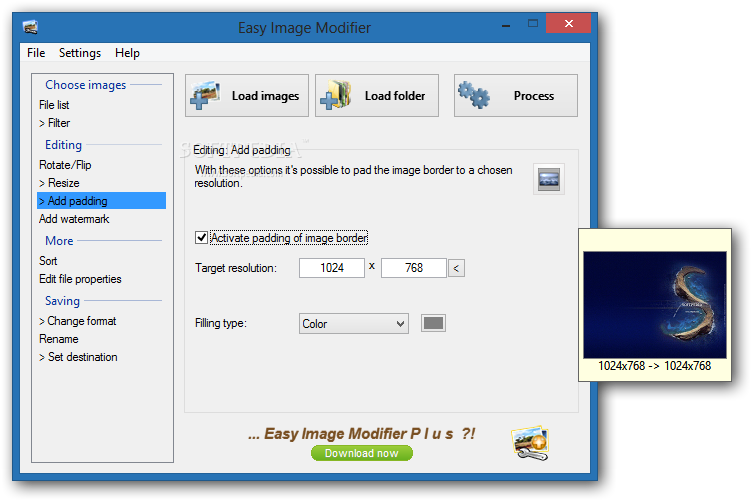
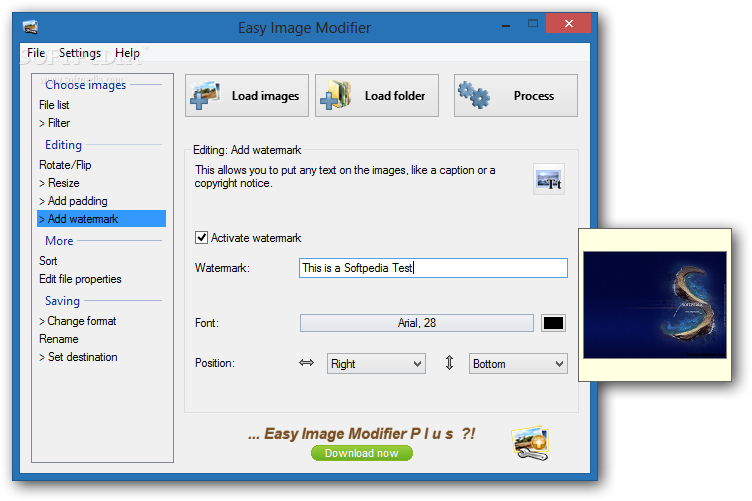
In the file queue you may find out the source path, name and type of each picture. You can rotate, flip and resize pictures, as well as add padding and watermarks.
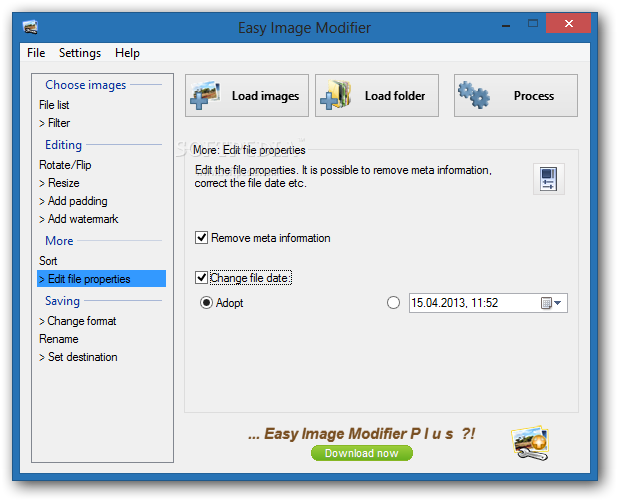
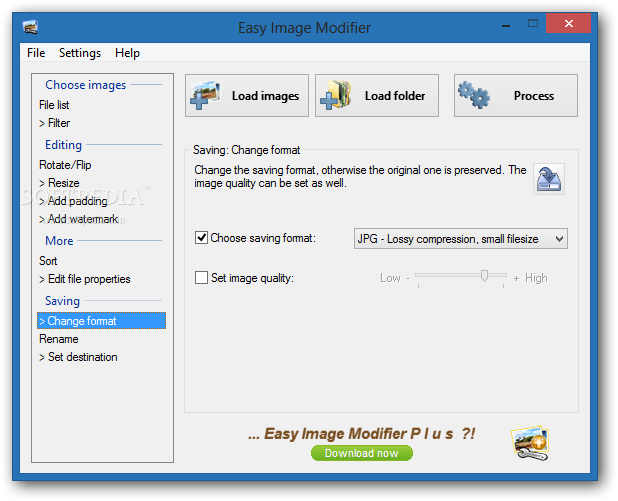
You can sort items in an ascending or descending order, change the file date or remove meta information, as well as rename files according to a rule, among others. Images may be saved to the JPG, BMP or PNG format.
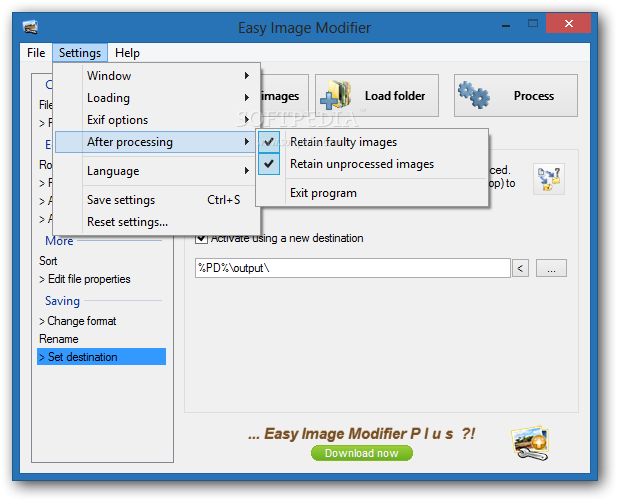
Once the tasks are done, you may set the app to retain faulty or unprocessed images, or to exit. Easy Image Modifier can stay on top of all the other windows, if this option is enabled. Settings can be saved or restored to their default values.
Easy Image Modifier runs on a low amount of CPU and system memory, has a good response time, quickly finishes a task and manages to keep a good image quality. The app did not cause us any problems during our evaluation, such as freezing, crashing or displaying error dialogs. There's also user documentation available in the 'Help' menu.
What's new in Easy Image Modifier 4.8:
- Most important changes: A large part of Easy Image Modifier got a complete internal overhaul to increase the overall performance and stability. Also the Italian translation was reworked from scratch. Apart from other additional adjustments and modifications, several issues were fixed including the wrong loading or saving of JPG images with CMYK color model and certain rare PNG image types.
Easy Image Modifier 4.8
add to watchlist add to download basket send us an update REPORT- runs on:
-
Windows 8 32/64 bit
Windows 7 32/64 bit
Windows Vista 32/64 bit
Windows XP
Windows 2K - file size:
- 635 KB
- filename:
- easy-image-modifier.zip
- main category:
- Multimedia
- developer:
- visit homepage
4k Video Downloader

Zoom Client

Context Menu Manager

Microsoft Teams

calibre

Bitdefender Antivirus Free

Windows Sandbox Launcher

7-Zip

IrfanView

ShareX

- 7-Zip
- IrfanView
- ShareX
- 4k Video Downloader
- Zoom Client
- Context Menu Manager
- Microsoft Teams
- calibre
- Bitdefender Antivirus Free
- Windows Sandbox Launcher