
Packed with many types of templates, this is a 3D modelling program which enables all types of users to work with it, thanks to a helpful "Instructor". #3D modeller #3D designer #Sketch creator #Sketch #Designer #Modeller

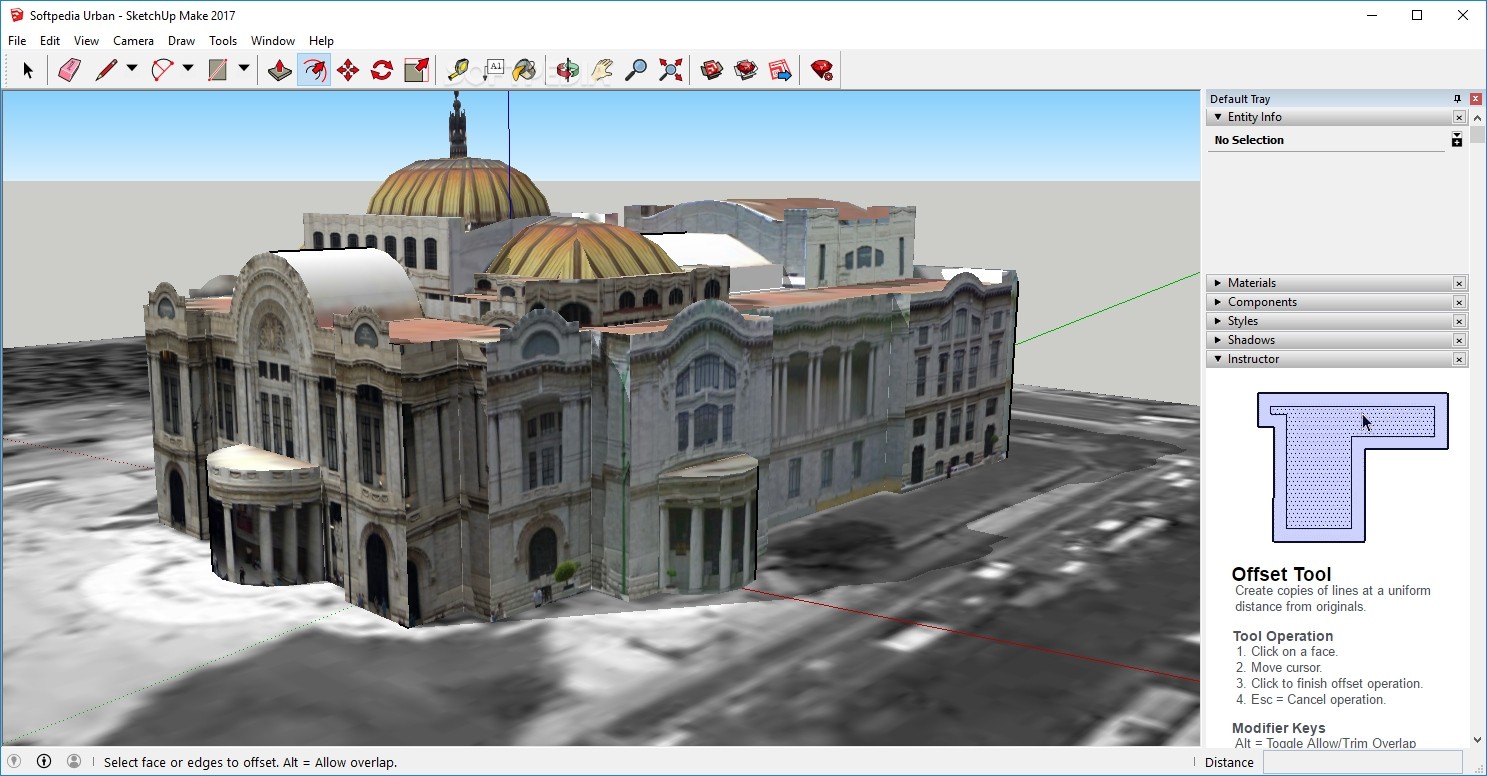
SketchUp Make is free for educational and personal use. SketchUp Make allows you to test the LayOut and Style Builder tools found in SketchUp Pro for 30 days. After this period, you can continue using SketchUp Make. If you want to benefit from all the functions of the application you can choose to purchase it.
SketchUp Make is a tool designed to teach you 3D modeling, whether you are a novice or experienced user.
The installation process you are required to go through is over in a jiffy as it does not come packed with any third-party product offers. Completing it brings you to a pretty friendly interface, as it does not contain a myriad of buttons, panes and boxes.
Moreover an “Instructor” guides you every step of the way, while it is also possible to access multiple video tutorials, tips and tricks.
When you launch the application, you are required to select the type of template you want to work in - simple, landscape architecture, 3D printing, interior and production design, woodworking, urban planning, or a simple one.
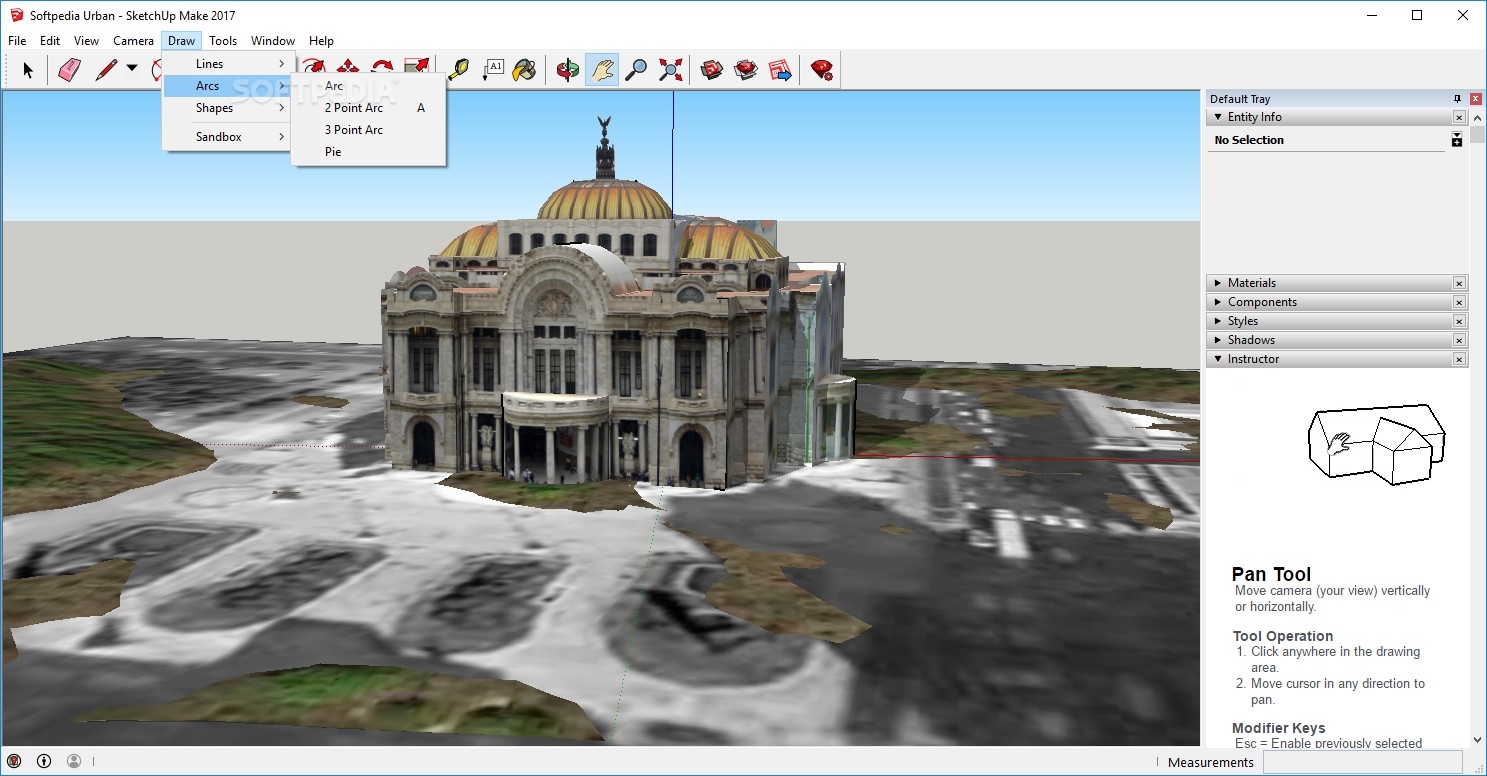
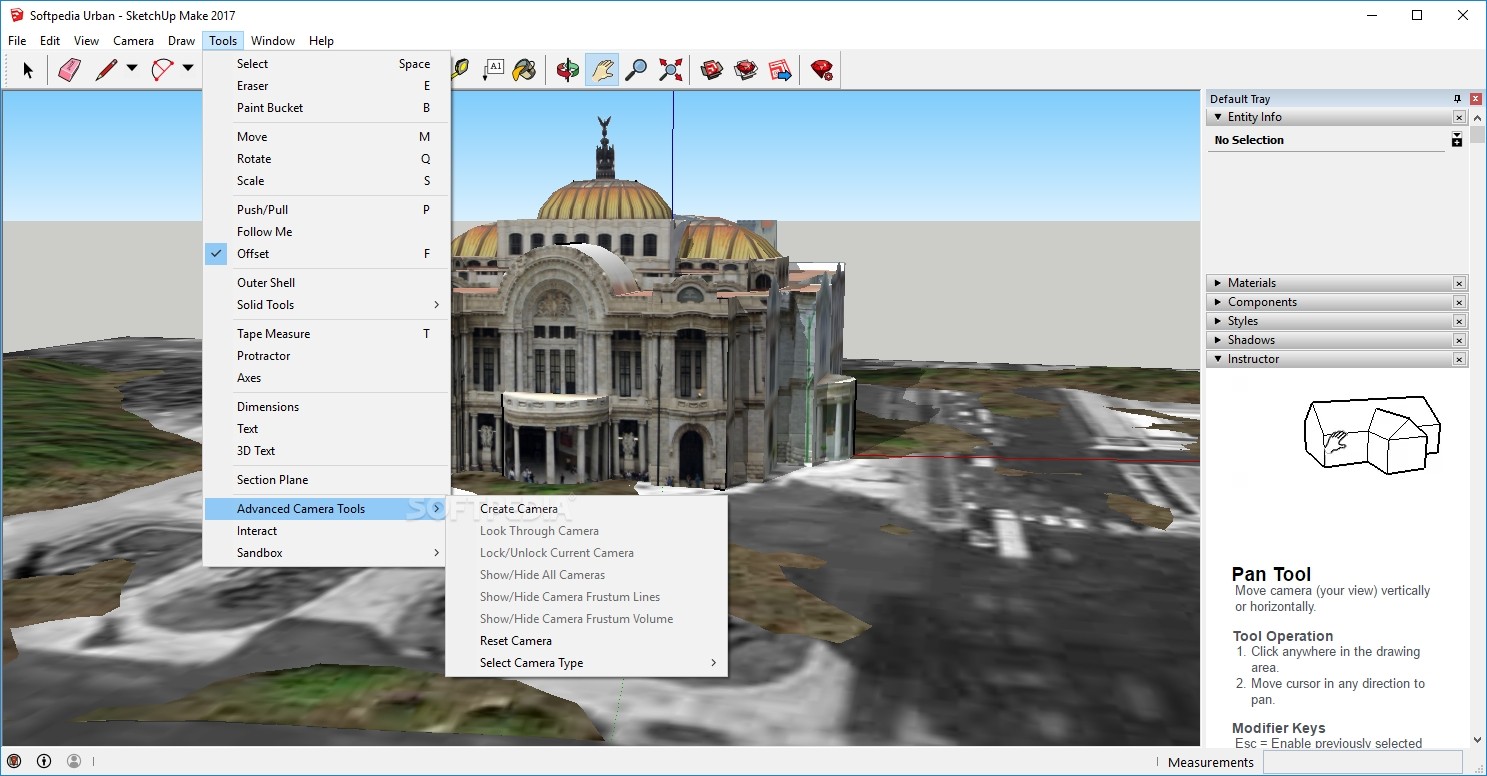
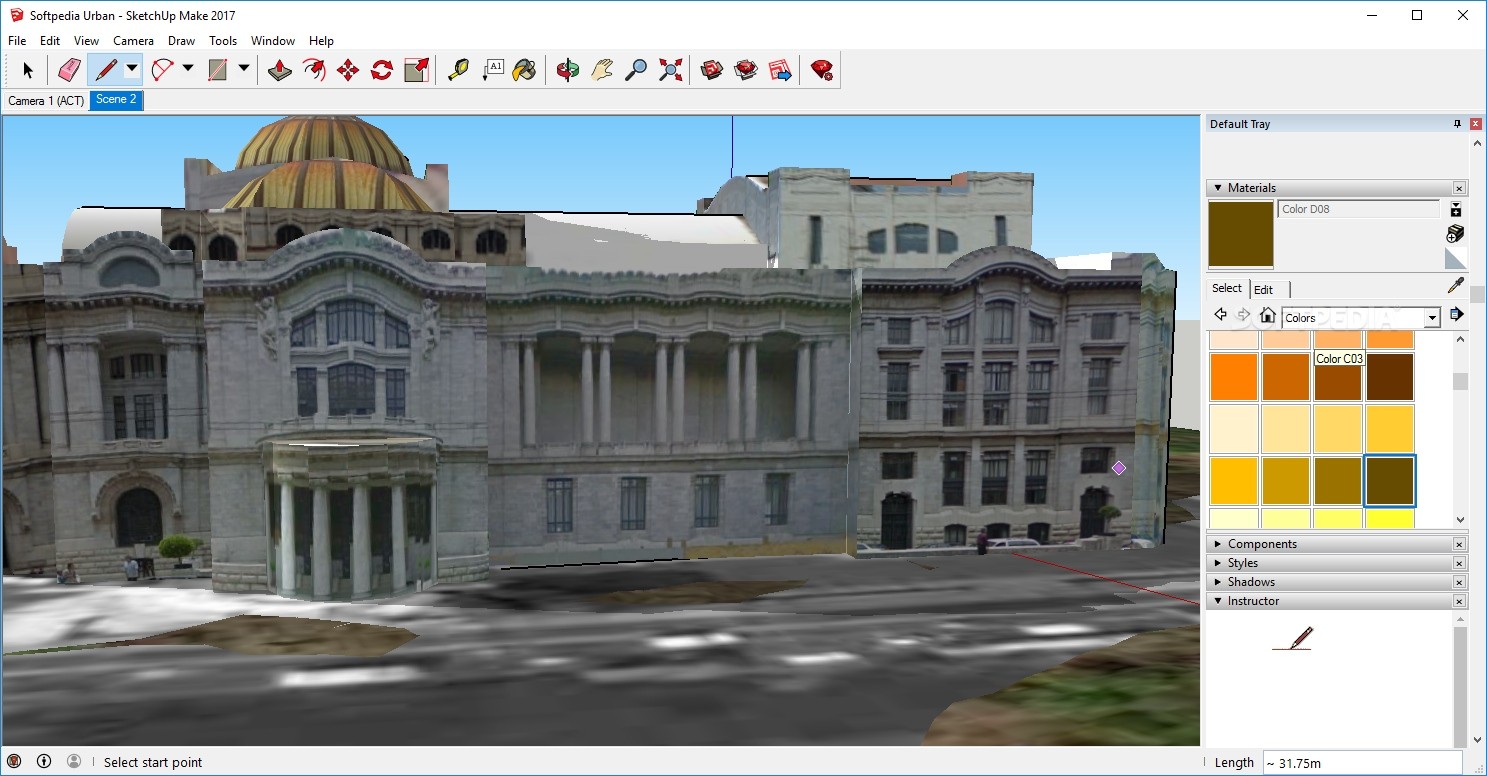
From the main window, with just a click of the window, it is possible to insert lines, rectangles, circles and arcs, erase objects, measure distances or scale an entire model with the help of a measuring tape, and use a paint bucket tool.
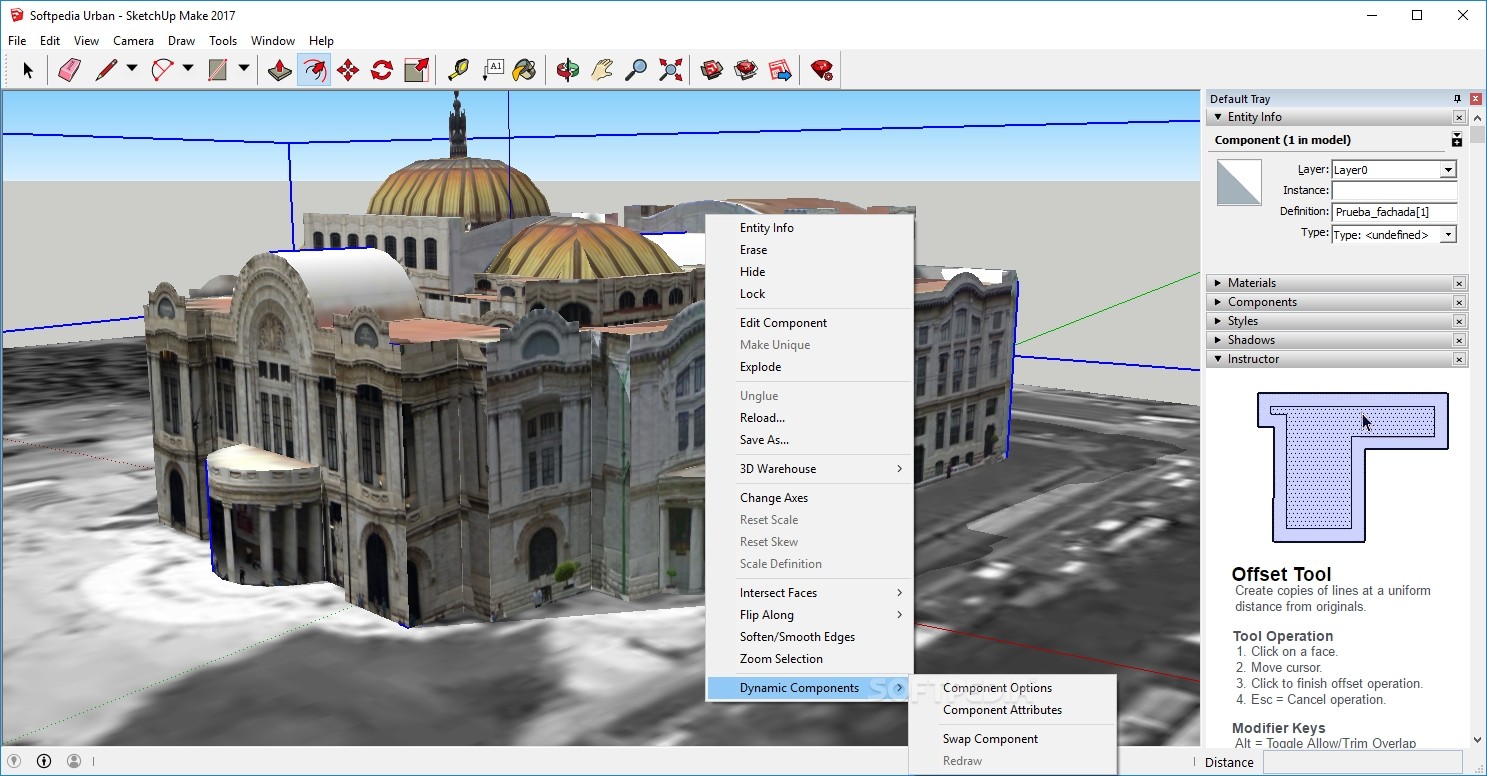
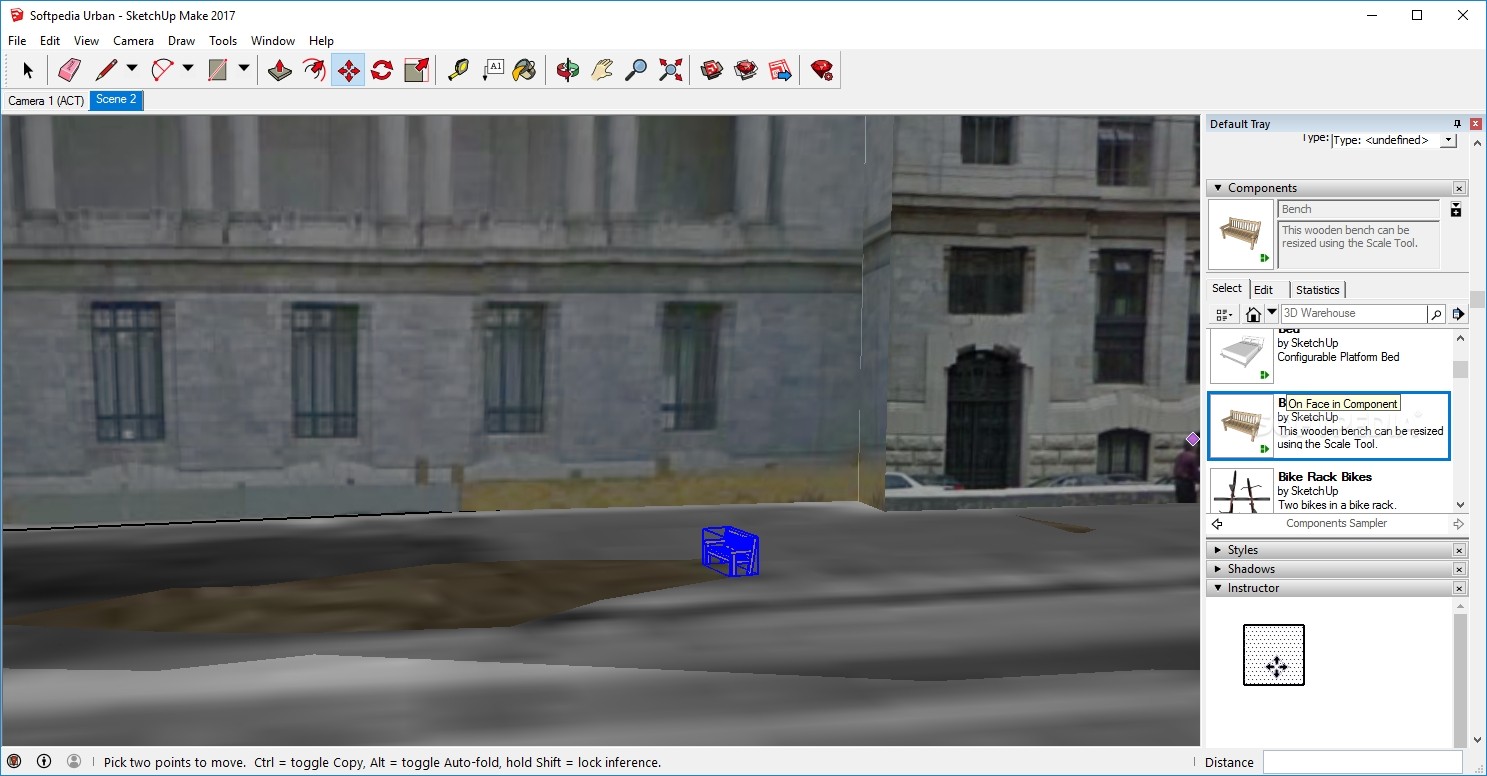
In addition to that, the push/pull tool lets you add or subtract volume from 3D models, while you can also move, stretch or copy entities, rotate, stretch, distort, or copy items along a rounded path, and create a copy of a line at a uniform distance from the original.
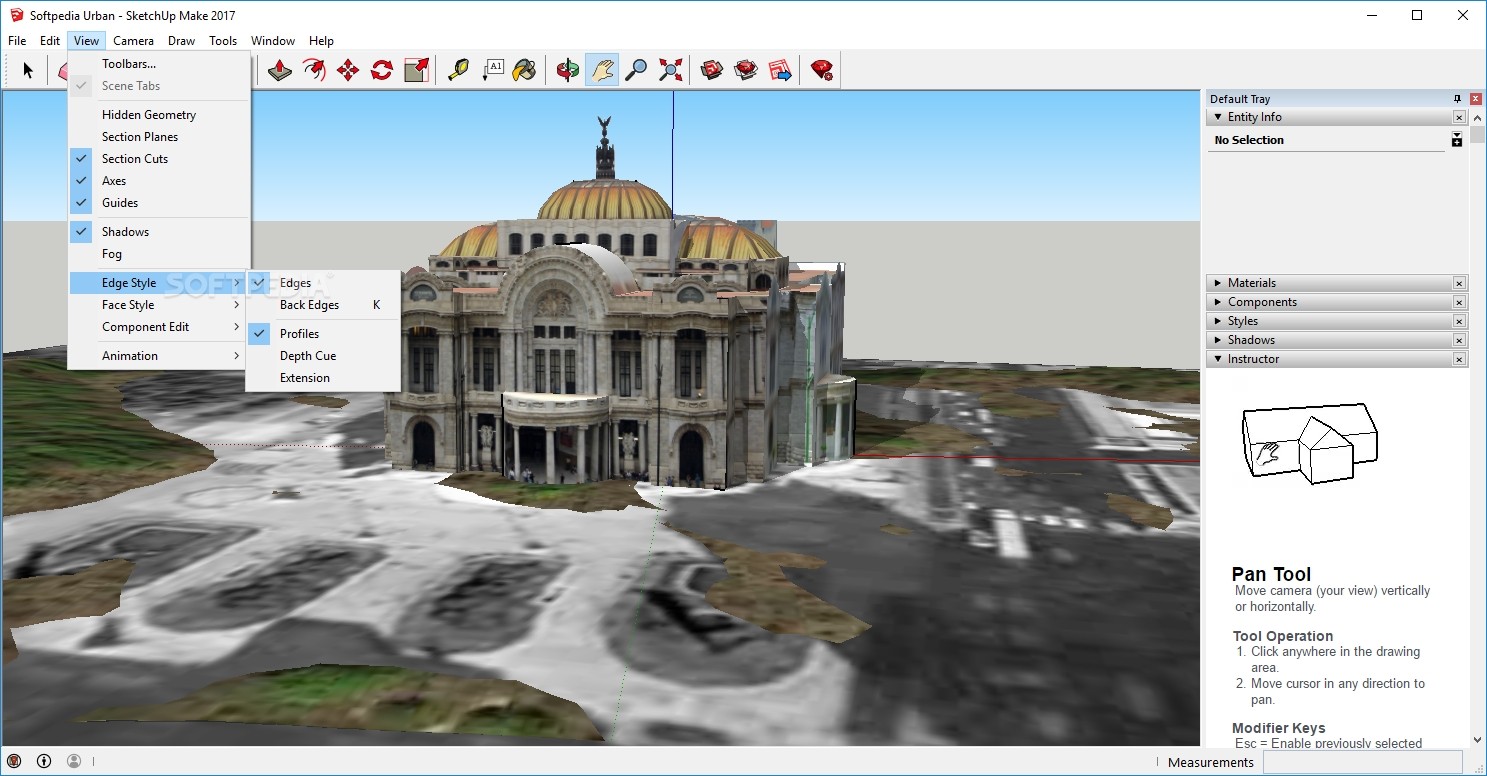
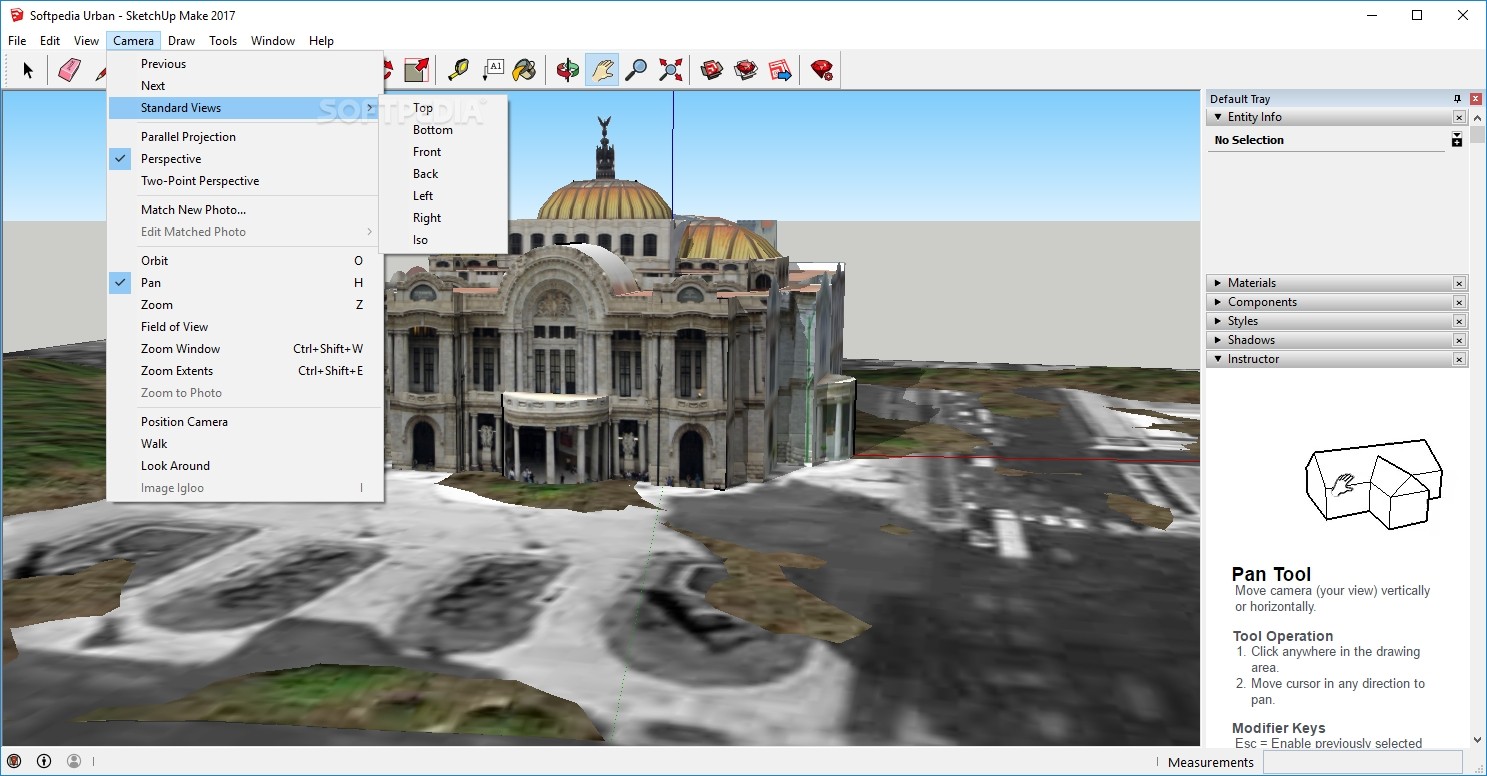
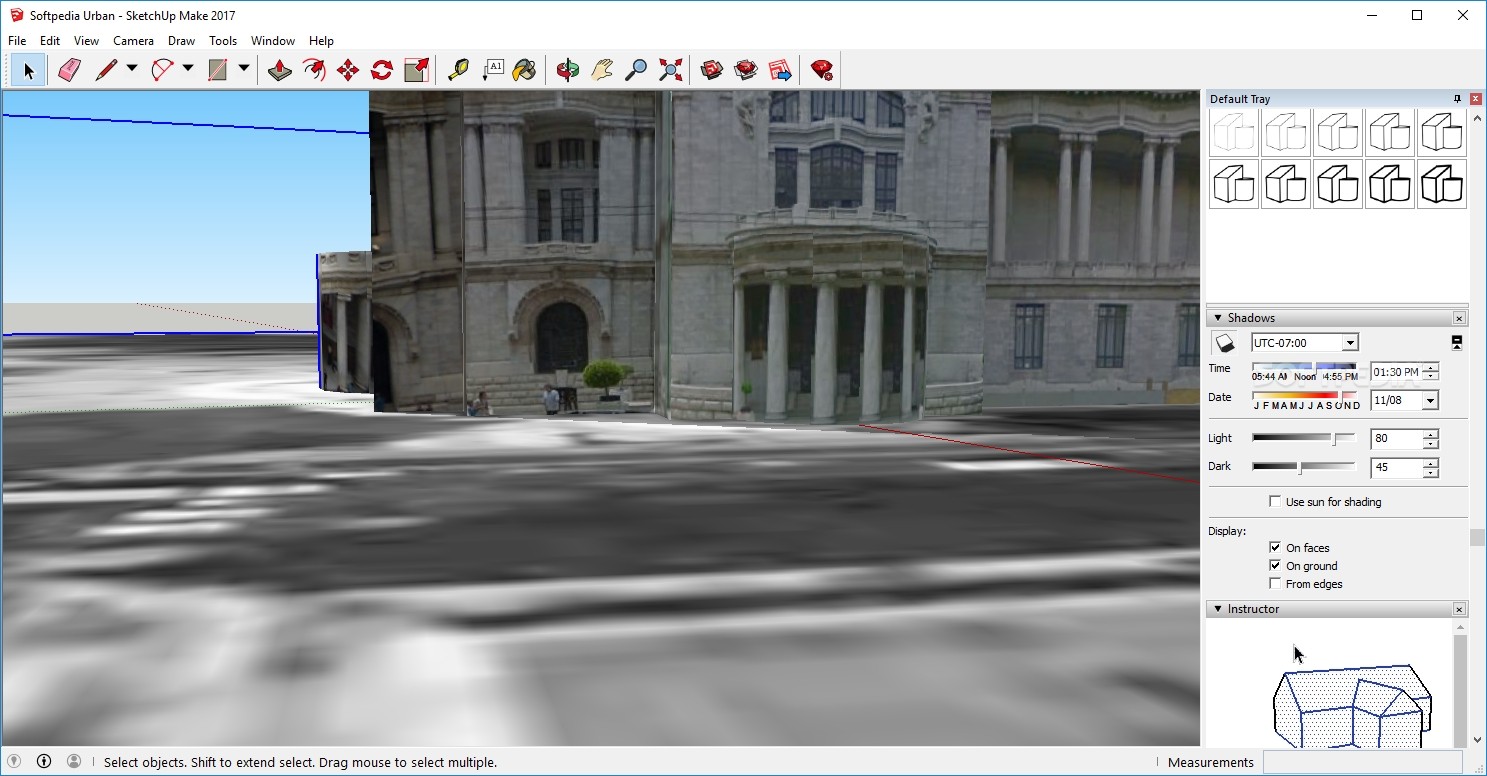
The orbit and pan options can help individuals gain control over the camera, by rotating it, as well as moving it vertically or horizontally.
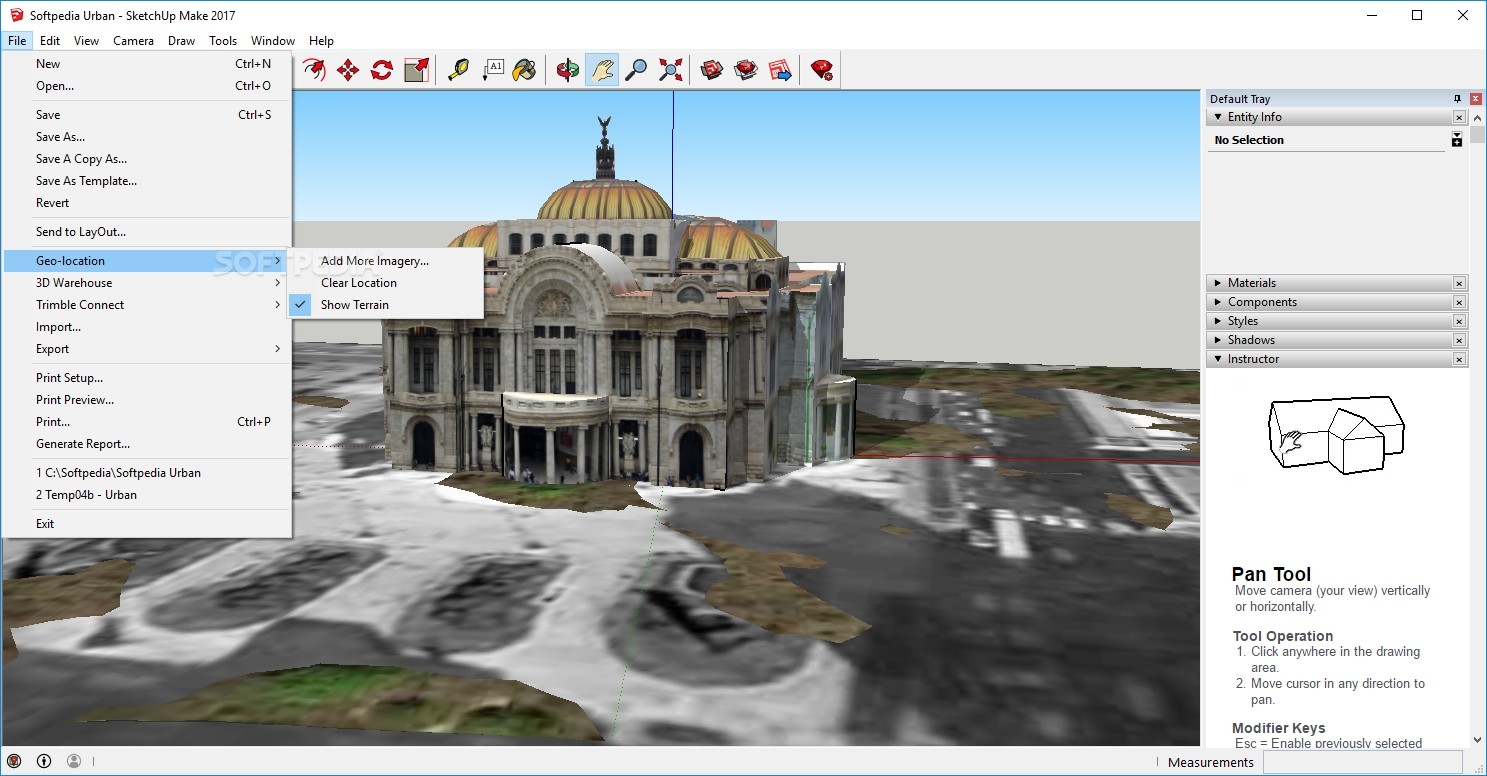
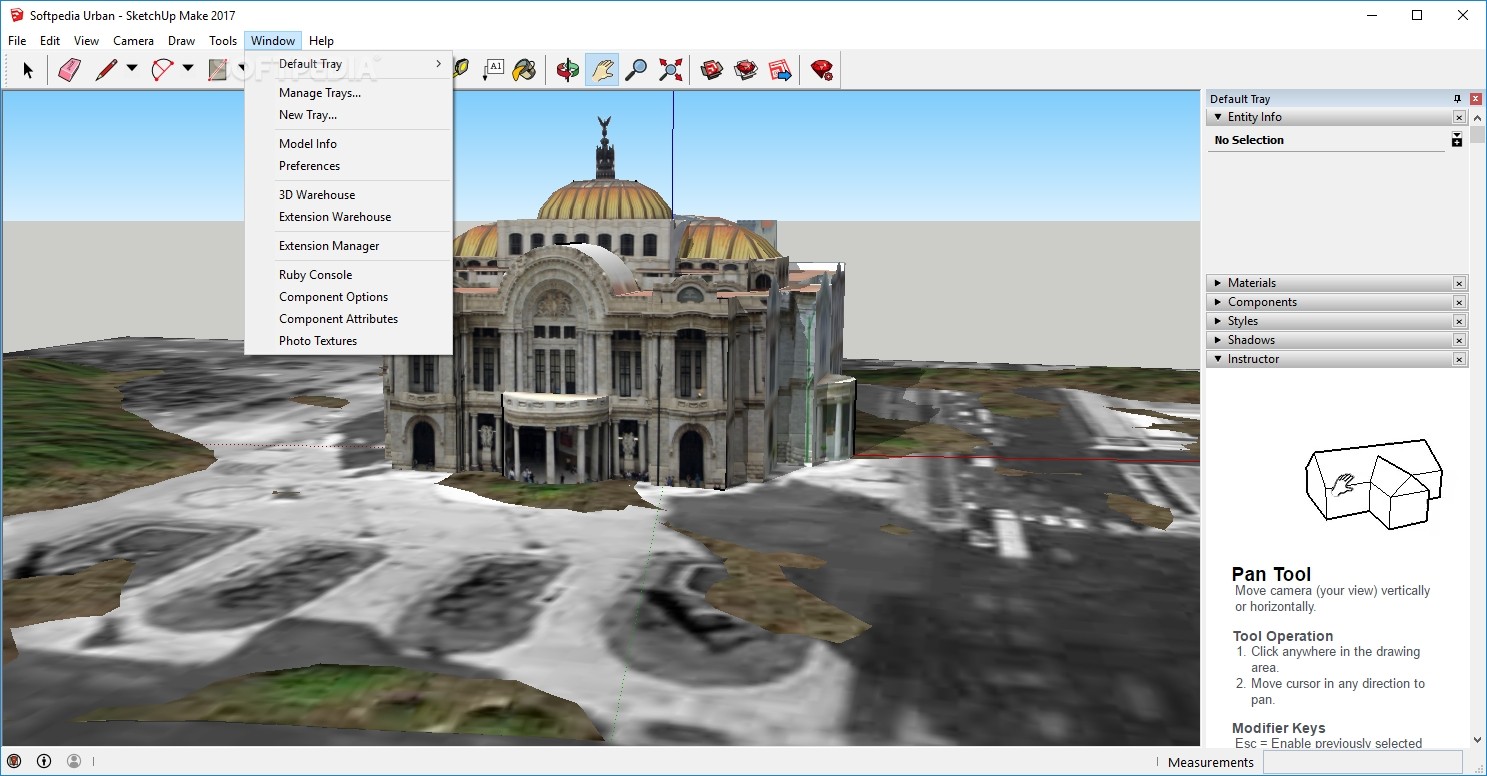
You can also add photo textures to your model (a feature that uses Street View photos imported from Google Maps), get models from the Internet, or share your own creations. If you create a model that exists in reality, you can add it as a location, so SketchUp Make can share it online.
It does not require a large amount of CPU and memory resources, and therefore, it does not hamper the computer’s performance. The response time is quite good and the interface encloses quite an intuitive design.
In conclusion, SketchUp Make proves to be a reliable and efficient program, which comprises a large amount of tools, as well as options to aid novices in using it without hiccups.
Download Hubs
SketchUp Make is part of these download collections: Edit PNG, 3D Model Makers, Edit JPEG, Create Sketch
What's new in SketchUp Make 17.2.2555 64-bit:
- Fixes/Improvements Stability:
- Fixed a frequent crash that could occur when inserting components and doing other actions (e.g., renaming a component, deleting entities, changing component properties).
- Fixed a frequent crash that could occur when copy/pasting geometry that needs to be merged with hidden geometry.
- Fixed a frequent crash that could occur when doing a copy/rotate after having cancelled out of a previous copy/rotate by activating another tool.
SketchUp Make 16.1.1450 32-bit / 17.2.2555 64-bit
 Softpedia Editor's Pick
add to watchlist
add to download basket
send us an update
REPORT
Softpedia Editor's Pick
add to watchlist
add to download basket
send us an update
REPORT
- PRICE: Free
- runs on:
-
Windows 11
Windows 10 32/64 bit - file size:
- 111 MB
- filename:
- SketchUpMake-en.exe




- main category:
- Multimedia
- developer:
- visit homepage
ShareX

Zoom Client

Bitdefender Antivirus Free

IrfanView

Context Menu Manager

Microsoft Teams

4k Video Downloader

Windows Sandbox Launcher

calibre

7-Zip

- Windows Sandbox Launcher
- calibre
- 7-Zip
- ShareX
- Zoom Client
- Bitdefender Antivirus Free
- IrfanView
- Context Menu Manager
- Microsoft Teams
- 4k Video Downloader