
Generate or edit icons, cursors and other graphic content by turning to this lightweight application that features a handful of reliable functions. #Create icon #Edit logo #Adjust colors #Create #Convert #Icon

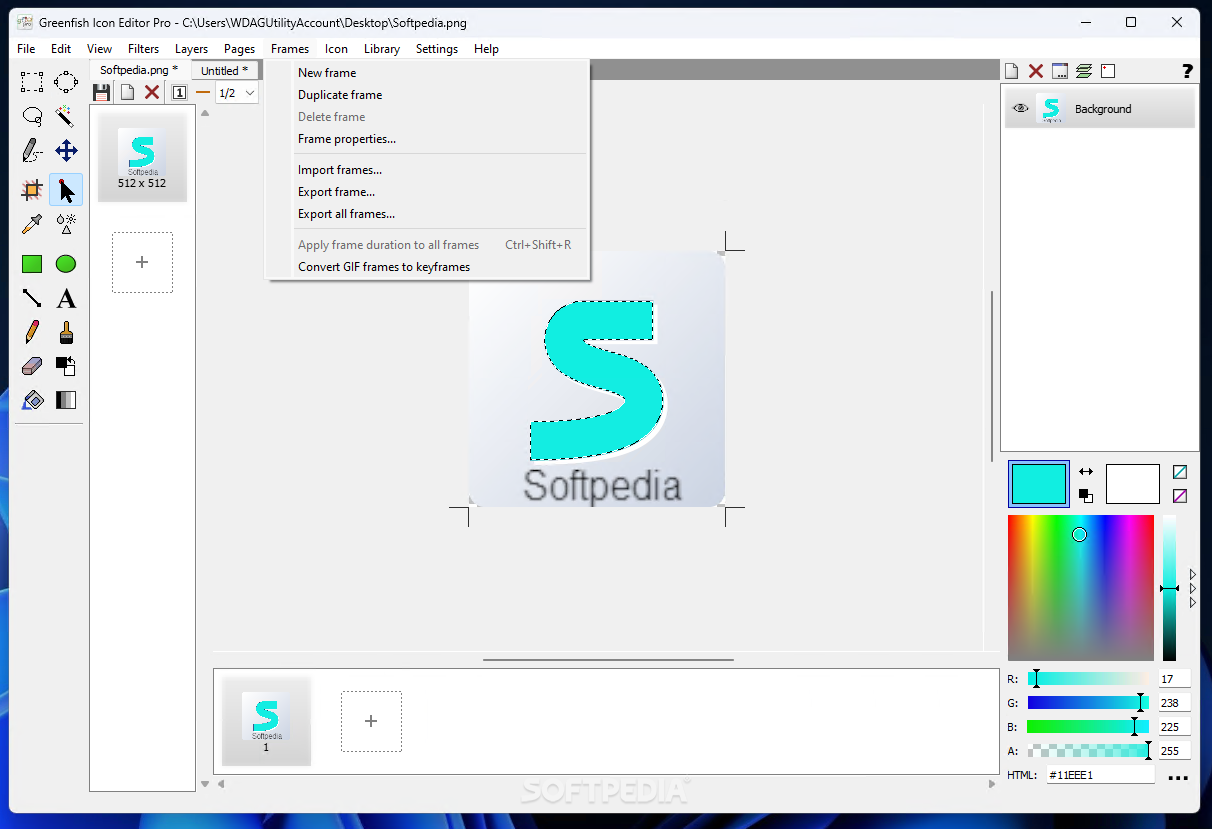
Icons remain some of the most important visual cues when it comes to maintaining a solid user experience, which is why many developers go for unique symbols when shipping their apps to differentiate them from the crowd, and versatile utilities such as Greenfish Icon Editor Pro can help you create the right design that perfectly describes your project’s area of expertise.
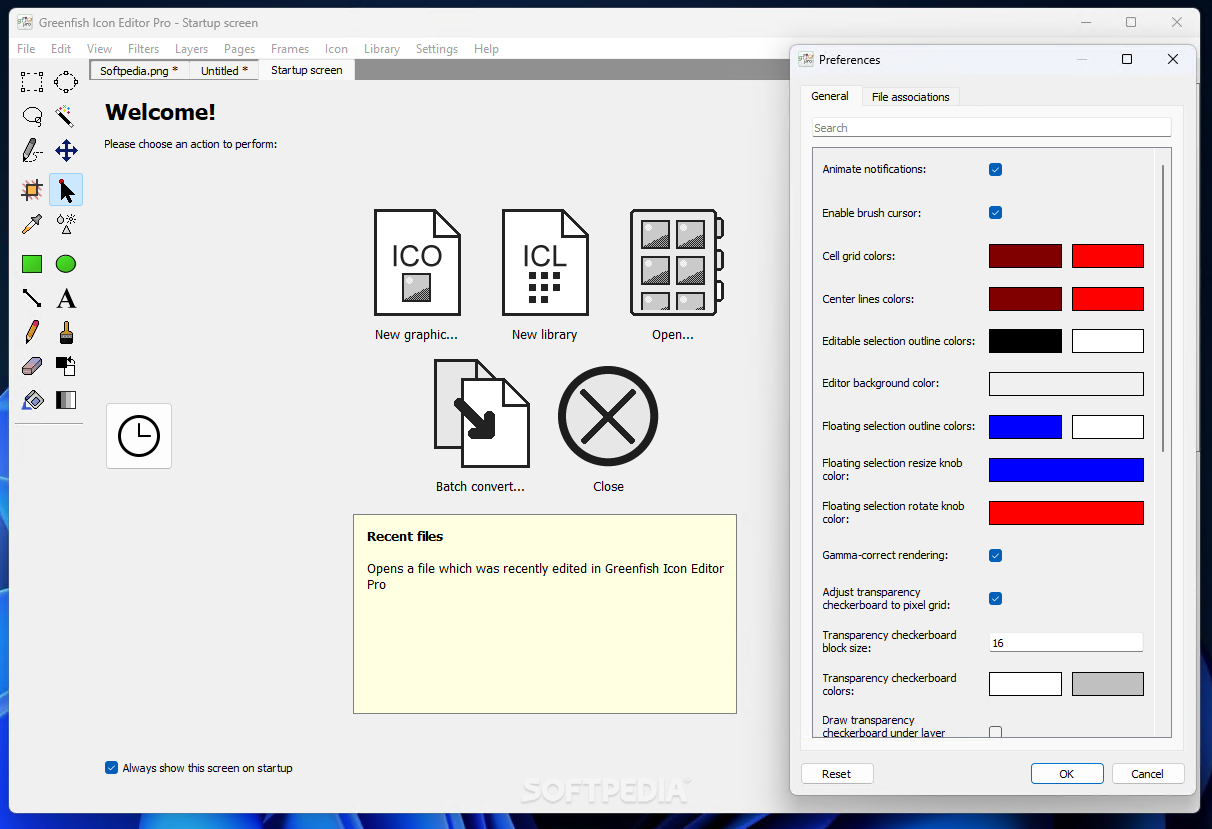
When launching the program, users are greeted to a complex layout that makes the most of the available screen space to include a wide variety of shortcuts to main features for quick and easy access to the necessary tools. The start-up screen acts as a hub for initializing any of the core actions, while also providing a collapsible list with the recently edited items for those who wish to instantly resume working on already started projects.
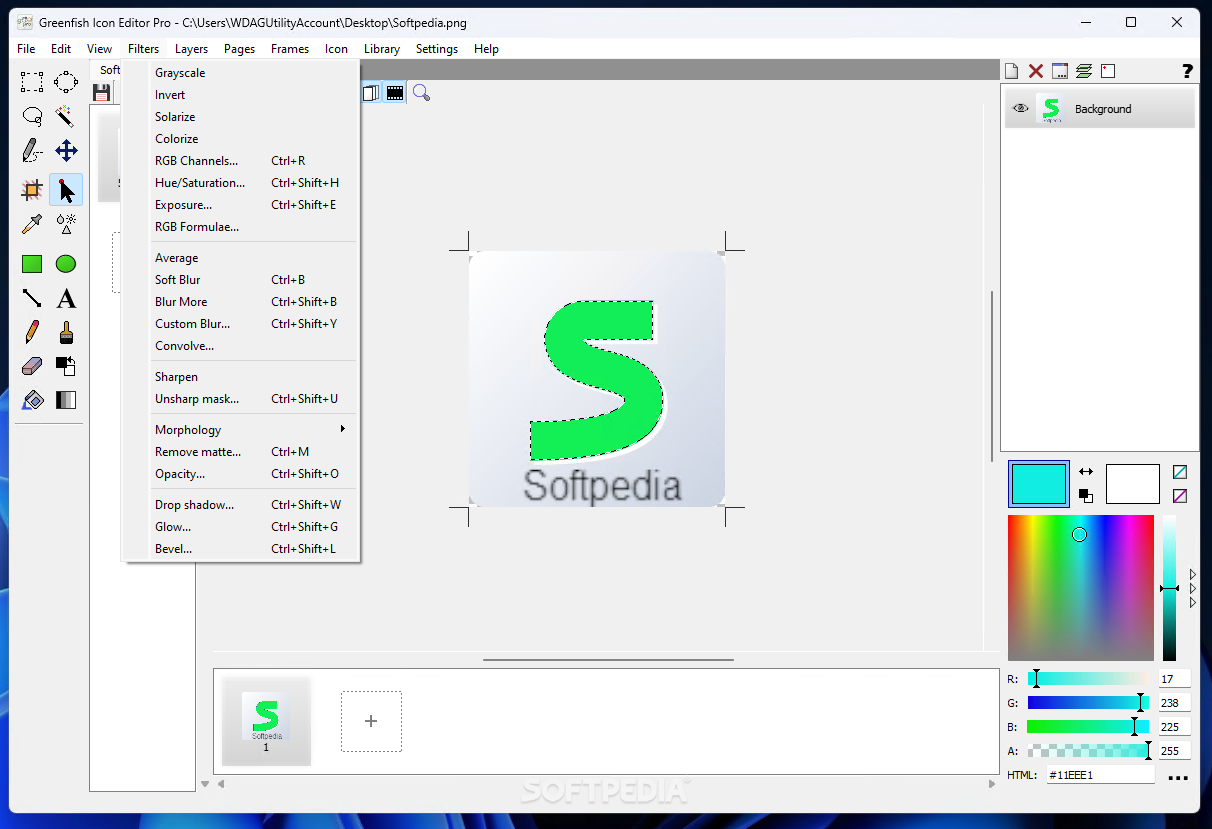
Underneath the quintessential command ribbon sits an incredibly useful tab bar, allowing you to switch between multiple opened projects to compare between different designs before settling on a specific structure. A vibrant and eye-catching color coupled with a minimalist symbol can make your company’s brand stand out in a sea of increasingly monochrome logos, and the included wand selection tool that captures the outline of your emblem alongside the fill option lets you easily swap the inner hue with a shade that suits your preferences.
Following in the footsteps of industry-leading players such as Adobe and GIMP, one can cycle through multiple layers that ease the editing process, providing a modular and reversible approach to adding elements such as text or vector graphics on top of your existing icon. The logo’s visibility on your website depends on the given background, which is why the program allows you to adjust the opacity according to your page’s color palette.
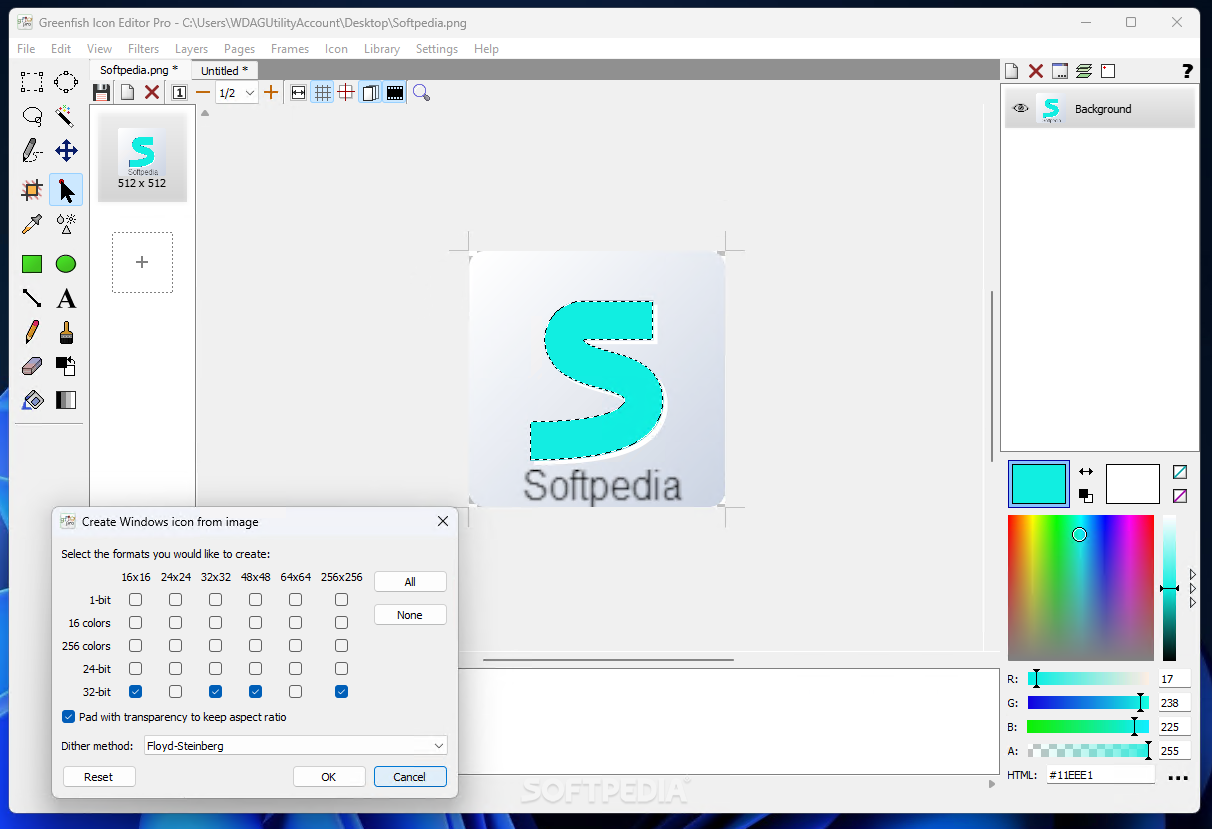
Whether you wish to make some adjustments to your company logo, or you simply want to edit animated symbols frame-by-frame to ensure a visually-pleasing rendering process, Greenfish Icon Editor Pro may be the right tool for your needs, given its robust color correction capabilities and support for icon sets spanning the Windows, macOS and Android platforms that let you apply your custom icon to each operating system’s dedicated application.
Download Hubs
Greenfish Icon Editor Pro is part of these download collections: Icon Editors, Cursor Managers
What's new in Greenfish Icon Editor Pro 4.2:
- New: Windows Explorer integration: metadata and thumbnail providers for all known image file formats
- New: Customize keyboard shortcuts
- New: Allow pasting a dropped image file for Explorer and Firefox clipboard interoperability
- Improved: Show UI in appropriate colors if Windows is set to high-contrast mode
Greenfish Icon Editor Pro 4.2
 Softpedia Editor's Pick
add to watchlist
add to download basket
send us an update
REPORT
Softpedia Editor's Pick
add to watchlist
add to download basket
send us an update
REPORT
- PRICE: Free
- runs on:
-
Windows 11
Windows 10 32/64 bit
Windows 8 32/64 bit
Windows 7 32/64 bit - file size:
- 19.1 MB
- filename:
- gfie_setup_4.2.exe

- main category:
- Multimedia
- developer:
- visit homepage
ShareX

Microsoft Teams

calibre

7-Zip

Context Menu Manager

Bitdefender Antivirus Free

IrfanView

Windows Sandbox Launcher

4k Video Downloader

Zoom Client

- Windows Sandbox Launcher
- 4k Video Downloader
- Zoom Client
- ShareX
- Microsoft Teams
- calibre
- 7-Zip
- Context Menu Manager
- Bitdefender Antivirus Free
- IrfanView