
Edit your favorite photographs with this capable application that offers a decent bundle of image processing tools and numerous adjustable styles. #Process image #Graphic editor #Add gaussian blur #Editor #Histogram #Photograph

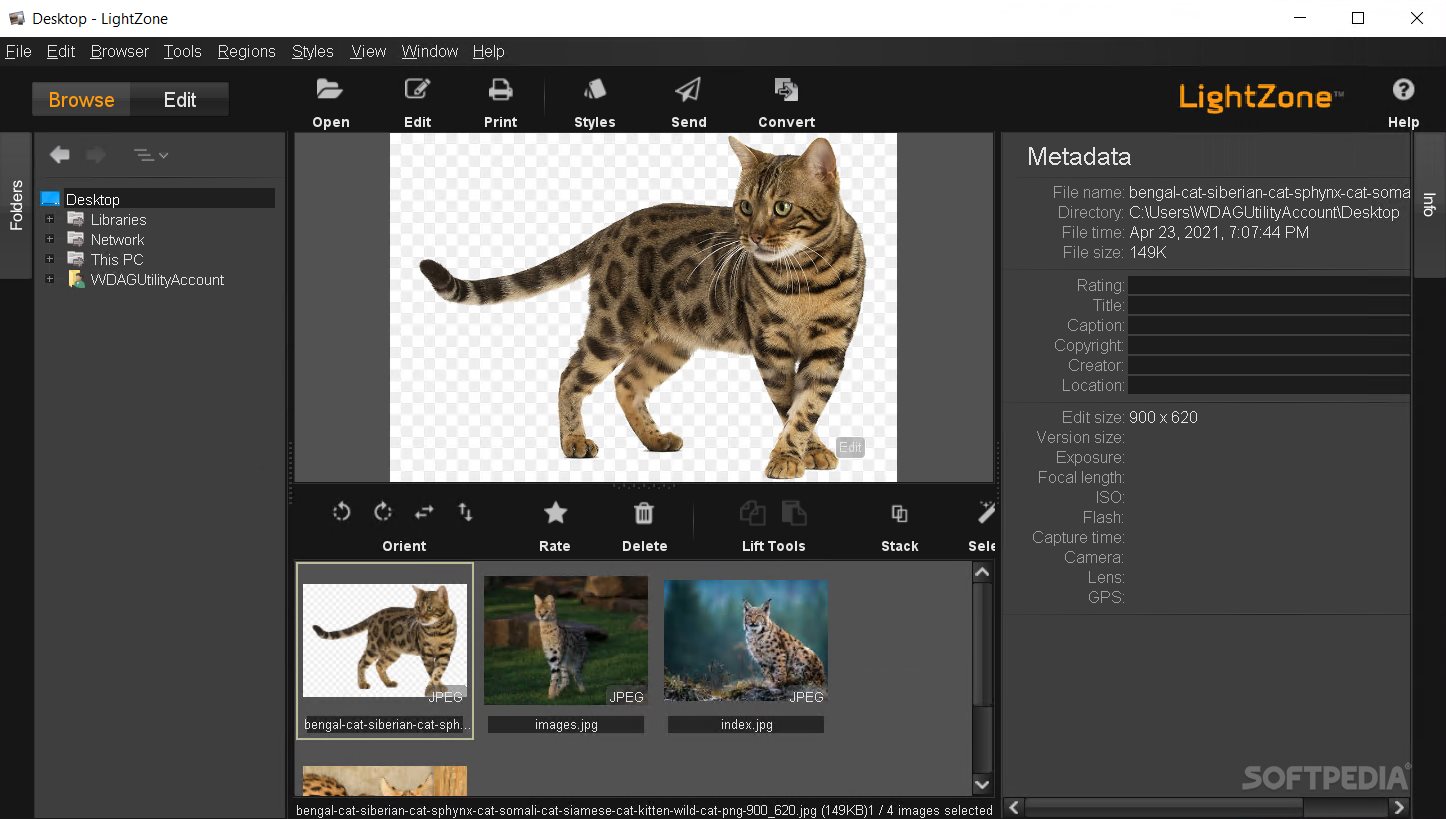
Photography enthusiasts and users who are just stepping into more advanced image editing could require an intermediate package. This way voiding complicated and cluttered features such as those found in more complex image processing software. LightZone will provide a solution, through its accessible image editing features and numerous tools for converting files or handling metadata.
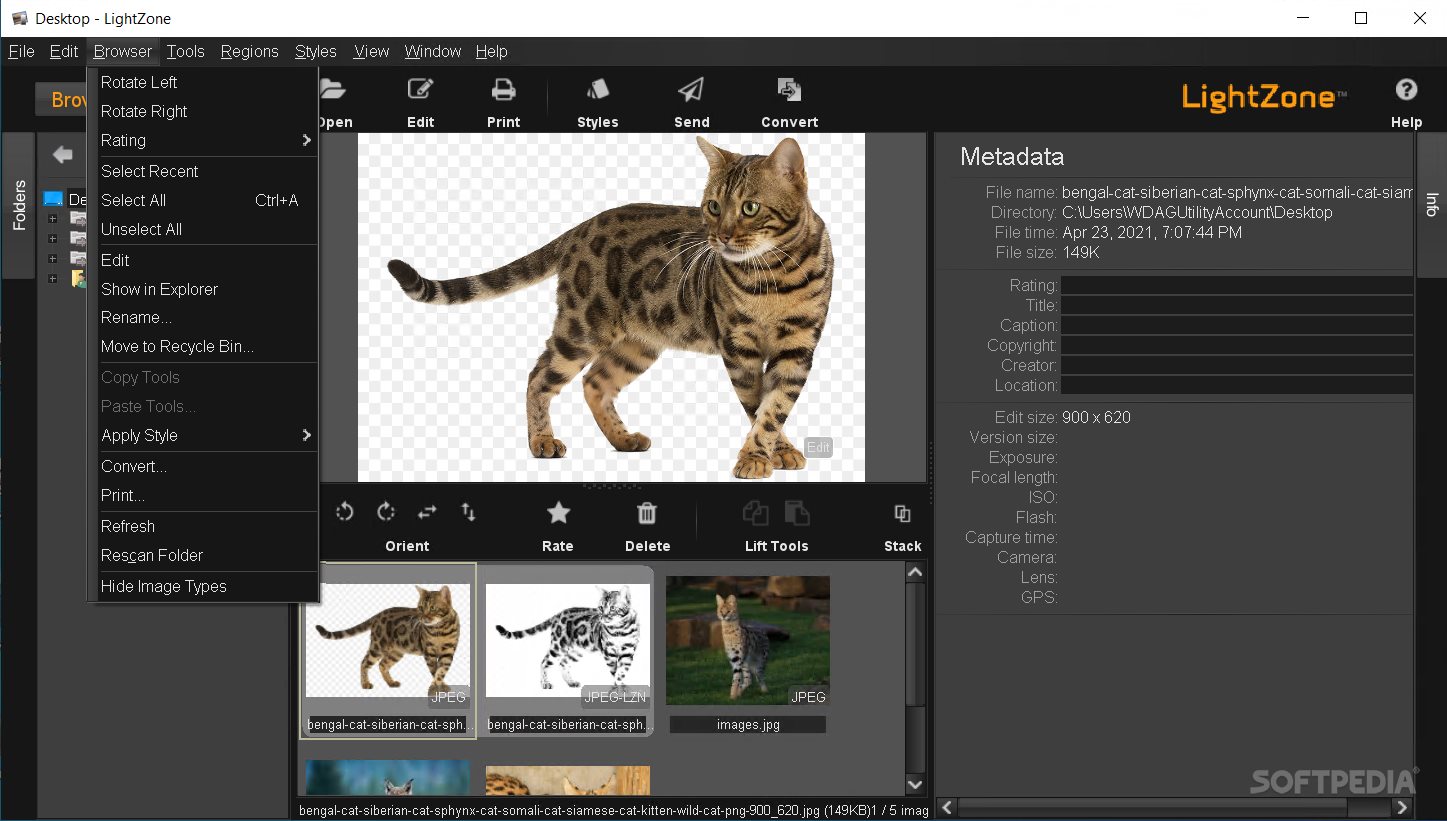
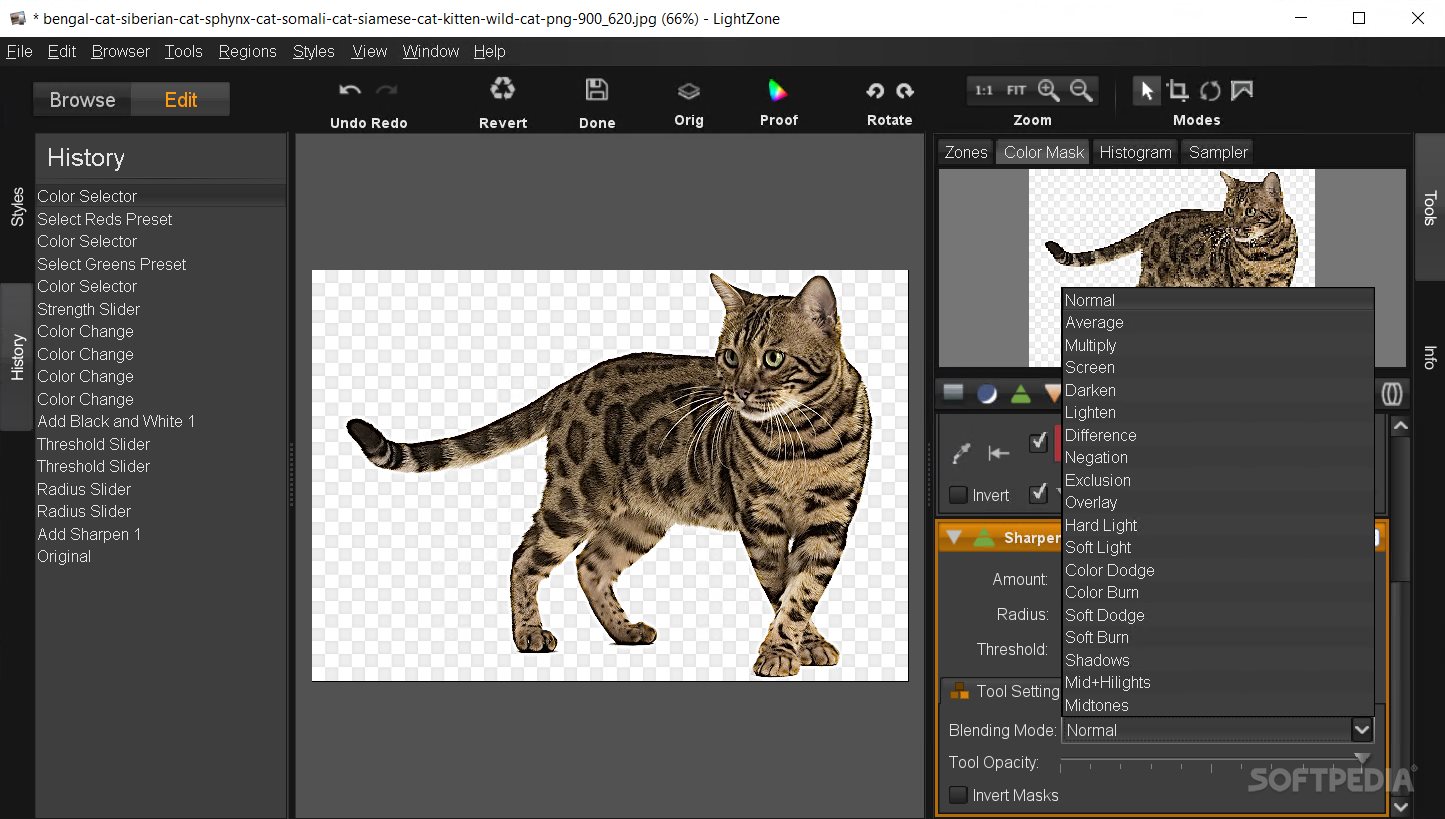
With its stylish and well designed layout, the application provides easy access to numerous image browsing and editing tools. Featuring a low-key interface and well-positioned panels with useful information, it will enable photography aficionados to quickly browse to their image directory, select some files and apply several predefined styles.
Nevertheless, an issue that emerges quite rapidly is the fact that during an editing session, the application will not maintain the current directory in the folder tree structure. Each time they require to add other images, users need to navigate to the preferred folder once more.
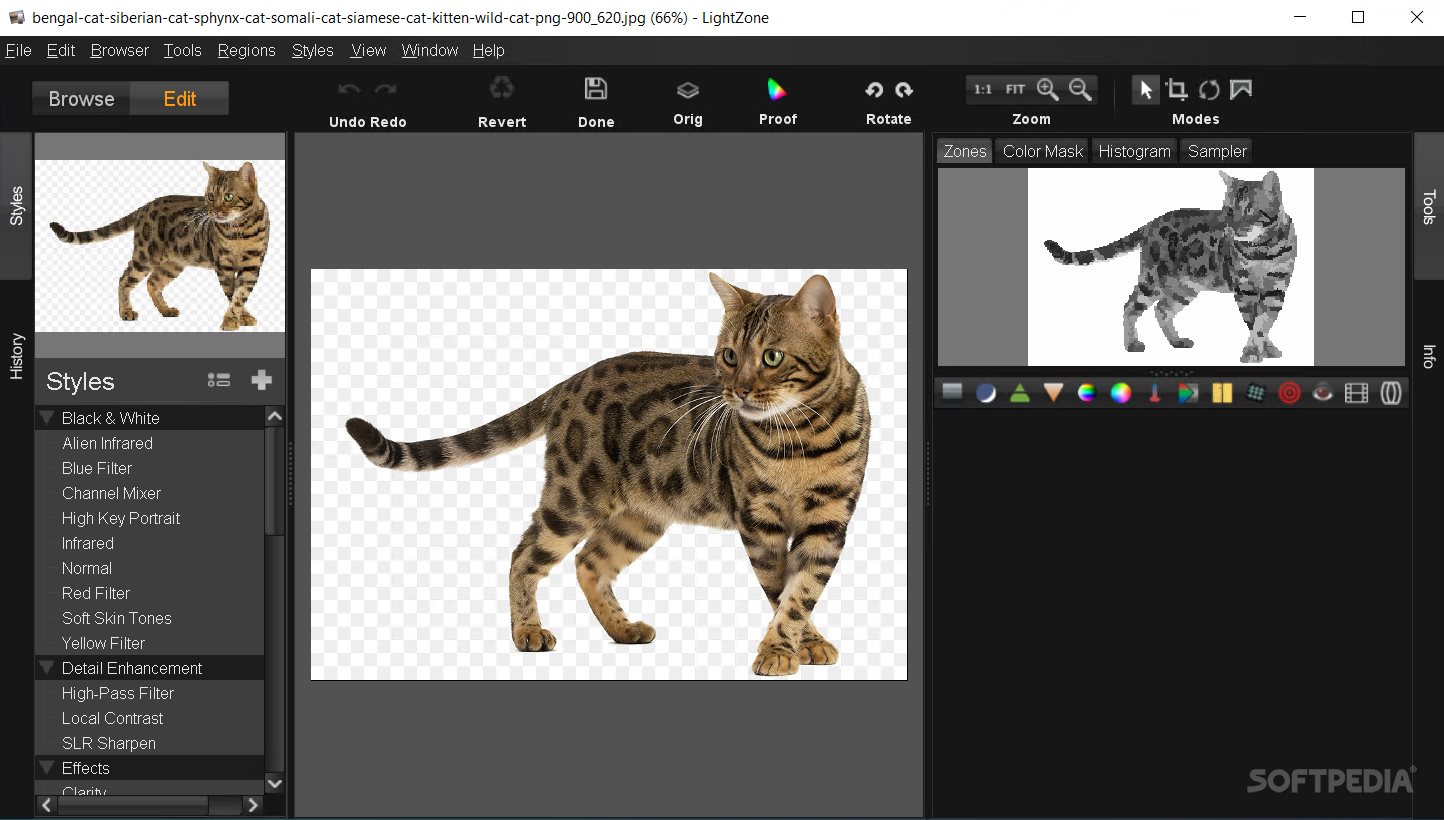
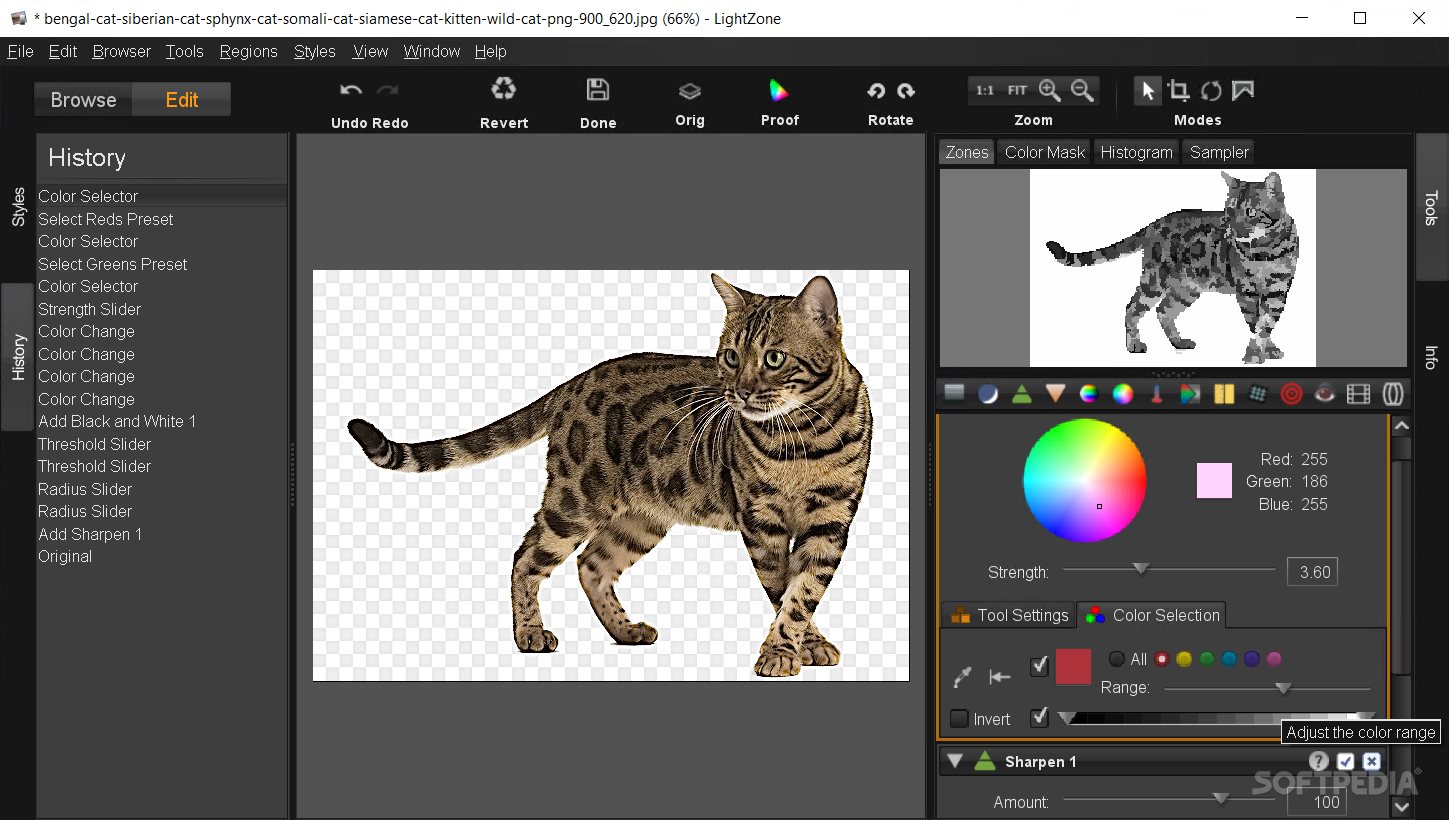
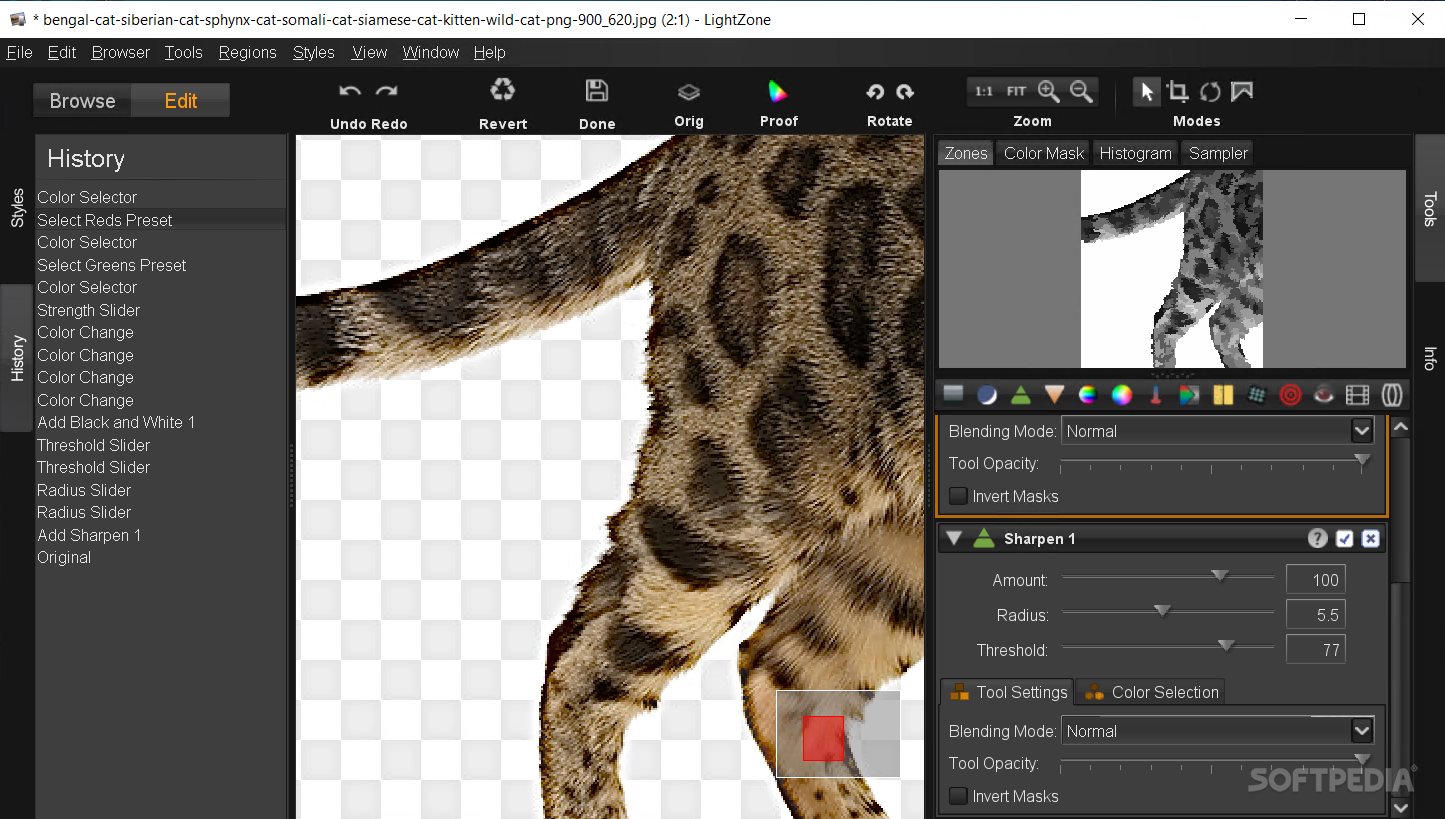
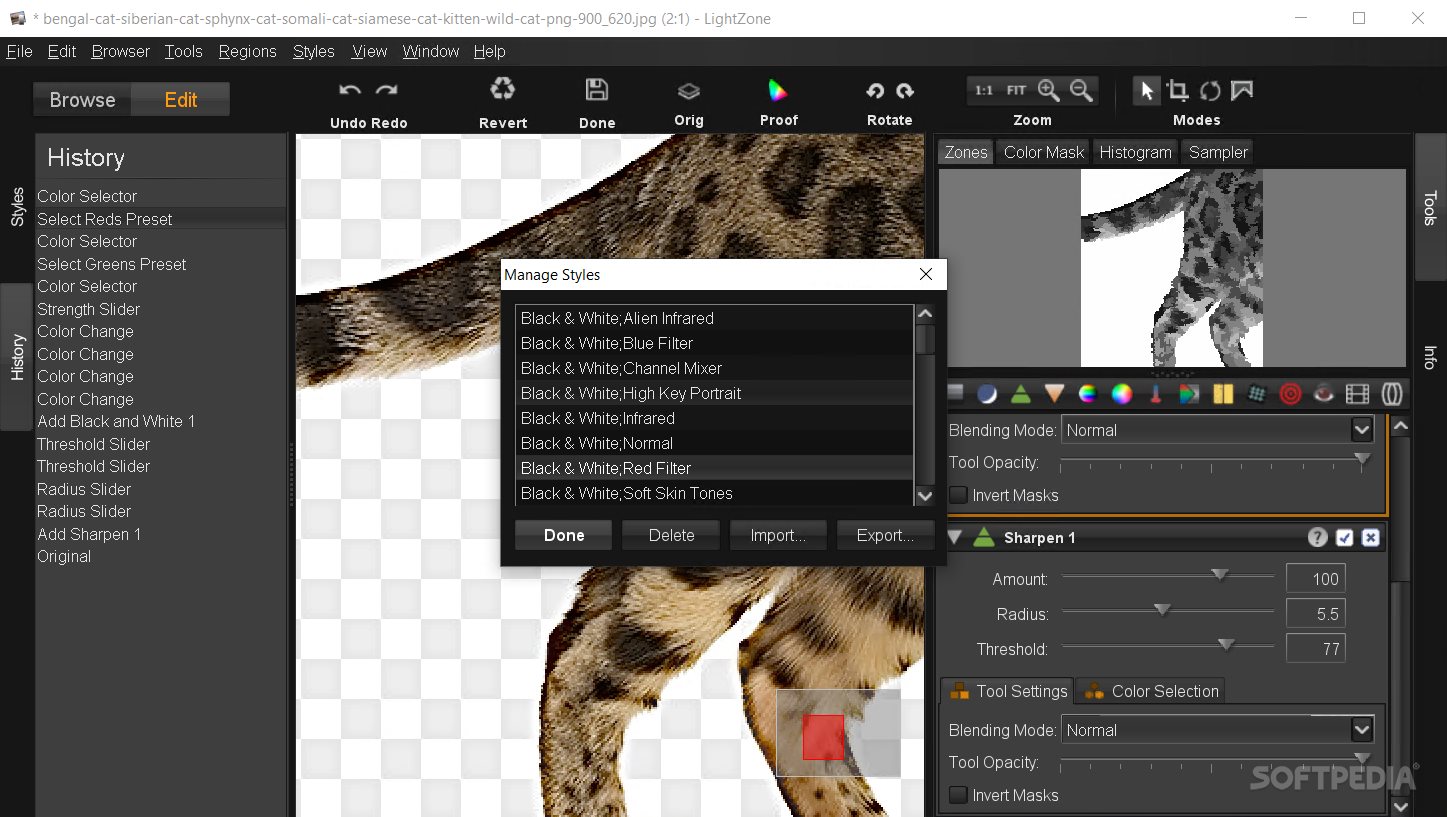
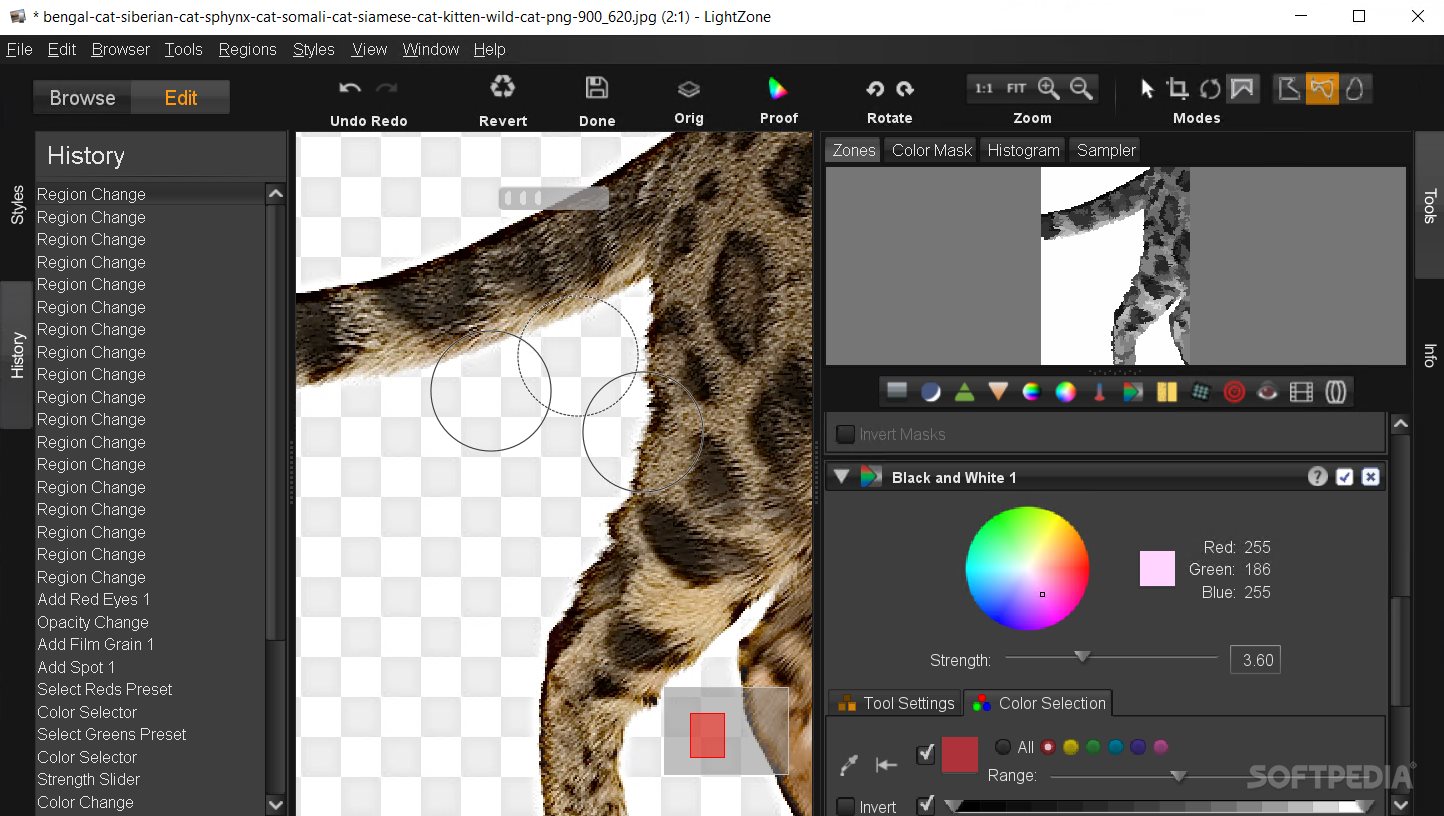
Users will be able to access numerous image adjustment tools, for altering the color balance, saturation, sharpening, blur, etc., as well as predefined filters: black and white, infrared, high key, soft, etc. A color histogram display is provided, for those who prefer to view the color distribution and the utility allows them to view numerical values as well.
The RAW format is supported, but unfortunately the editing capabilities for it are very restrictive and might not appeal to more experienced users. During an editing session, if one chooses to access the folder tree structure, the application automatically saves the image with the applied adjustments, without any user confirmation. This could be quite annoying and surely cuts down on the handling factor considerably.
This application could be a good choice for those who are just getting into image processing techniques and prefer a more basic approach. It will allow them to access numerous editing tools, predefined effects and adjustable image characteristics. Experienced users on the other hand, might not appreciate its restrictive RAW format processing or the fact that it saves the image adjustments to file without confirmation.
What's new in LightZone 5.0.0 Beta 2:
- New Camera support:
- Note: Raw profiles for these cameras are not provided, so image contrast may be not optimal.
LightZone 4.2.4 / 5.0.0 Beta 2
add to watchlist add to download basket send us an update REPORT- PRICE: Free
- runs on:
-
Windows 11
Windows 10 32/64 bit
Windows 8 32/64 bit
Windows 7 32/64 bit
Windows Vista 32/64 bit
Windows XP 32/64 bit - file size:
- 45.9 MB
- filename:
- LightZone_Installer_4.2.4_20220227_windows-x64.exe

- main category:
- Multimedia
- developer:
- visit homepage
Bitdefender Antivirus Free

ShareX

IrfanView

Context Menu Manager

Microsoft Teams

Windows Sandbox Launcher

Zoom Client

calibre

7-Zip

4k Video Downloader

- calibre
- 7-Zip
- 4k Video Downloader
- Bitdefender Antivirus Free
- ShareX
- IrfanView
- Context Menu Manager
- Microsoft Teams
- Windows Sandbox Launcher
- Zoom Client