
Microsoft Digital Image has all the tools you need to create, organize, enhance, and share family memories. Digital Image Editor, Digital Image Library, and Photo Story 3.1. #Image organizer #Graphic editor #Photo manager #Create #Organize #Enhance

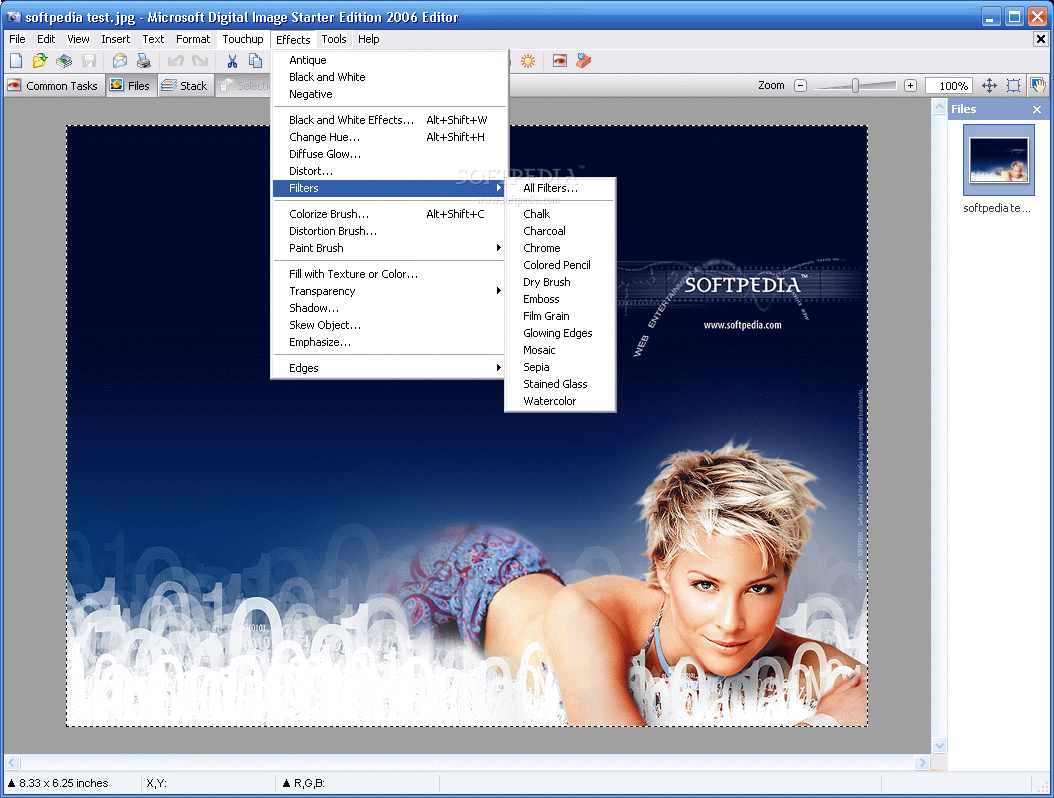
Microsoft Digital Image 2006 is a graphics editing suite that allows you to create, manage and share image files.
Installing this software takes a while. There will be three separate applications placed on your hard drive - Digital Image Editor, Digital Image Library, and Photo Story 3.1. The clean interface suggests this suite is both designed for first-time and experienced users.
In Microsoft Digital Image you can use Digital Image Editor to modify pictures (by using focusing tools, lighting, cropping, selection tools and removing imperfections), and apply special effects (filters, paint, edges, distort, emphasize, black and white, create a panorama, add text).
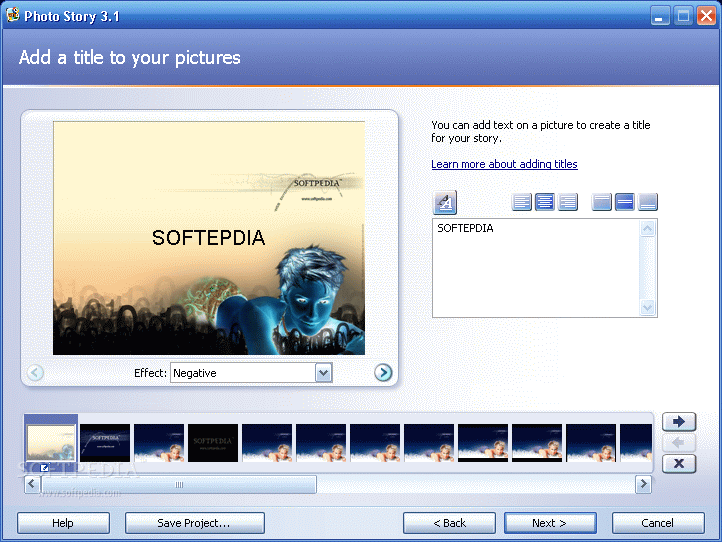
You can edit several pictures at a time (color, exposure, and camera phone auto fix, resize), print and share your work, or use the Digital Image Library to import and organize pictures and video, make group changes or create a photo story (only in Windows XP).
In Digital Image Editor you can open multiple files at a time, and easily navigate through them in the sidebar to the left. Create a photo collage or animated pictures (that can be viewed in a web browser), insert lines, pictures, text or shapes, draw a line or a shape, resize image or canvas, flip or straighten pictures, adjust colors, saturation, levels and curves, remove noise, fix red-eye, use clone brush or airbrush, apply various effects (e.g. antique, diffuse glow, colorize brush), and more.
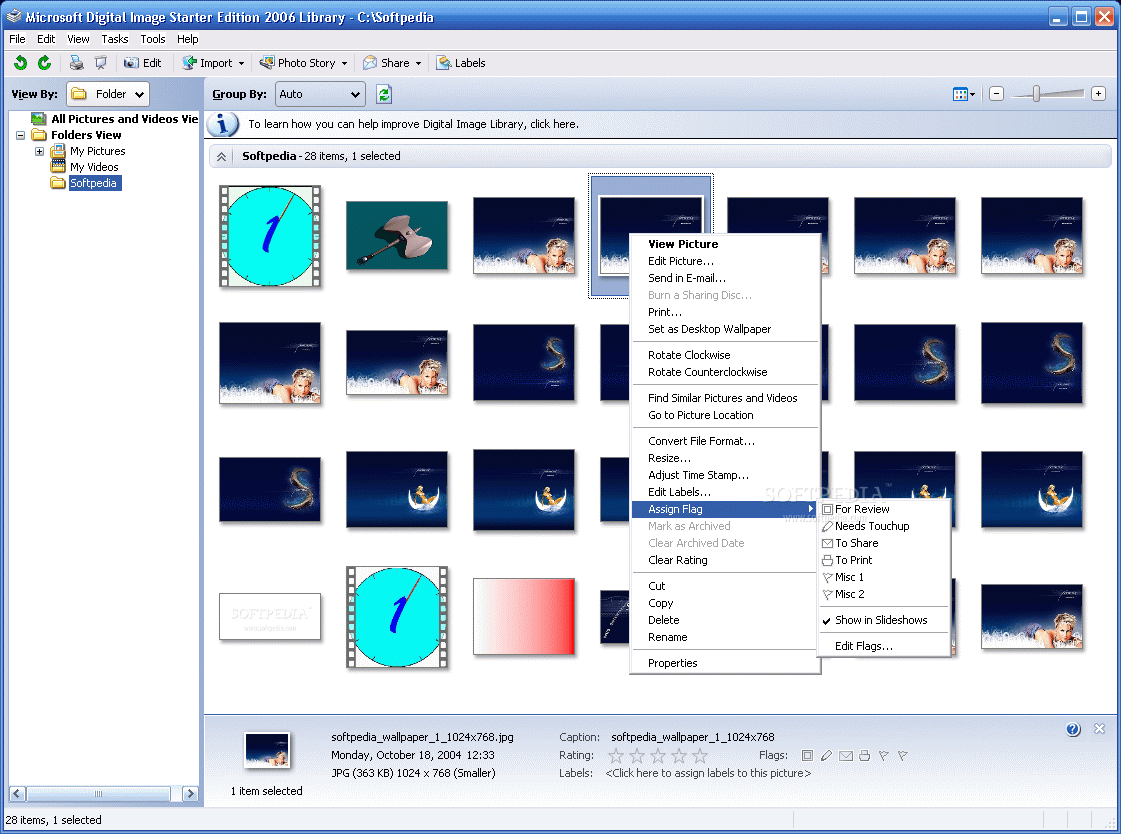
Digital Image Library allows you to organize pictures, batch convert file formats, batch rename and resize images, edit labels (e.g. keywords, people, places, events), assign flags, adjust time stamp, and others. Unfortunately, since we tested this software on Windows 7, we could not access Photo Story.
Microsoft Digital Image is a great tool for editing and managing photographs, and it uses few system resources.
Download Hubs
Microsoft Digital Image is part of these download collections: Image Editors
Microsoft Digital Image Starter Edition 2006
add to watchlist add to download basket send us an update REPORT- runs on:
- Windows All
- file size:
- 109 MB
- filename:
- DigitalImageStarter06.exe
- main category:
- Multimedia
- developer:
- visit homepage
calibre

IrfanView

Windows Sandbox Launcher

Bitdefender Antivirus Free

Context Menu Manager

4k Video Downloader

Microsoft Teams

ShareX

7-Zip

Zoom Client

- ShareX
- 7-Zip
- Zoom Client
- calibre
- IrfanView
- Windows Sandbox Launcher
- Bitdefender Antivirus Free
- Context Menu Manager
- 4k Video Downloader
- Microsoft Teams