
Create TIFF or TIF files with this comprehensive application that allows users to insert customized annotations and modify Metadata information #TIFF Editor #Edit TIFF #TIF Editor #Fax #Scan #Scanner


As the name of this piece of software implies, Multi-Page TIFF Editor lets you create and edit multi-page TIFF files. It can be handled mainly by advanced users.
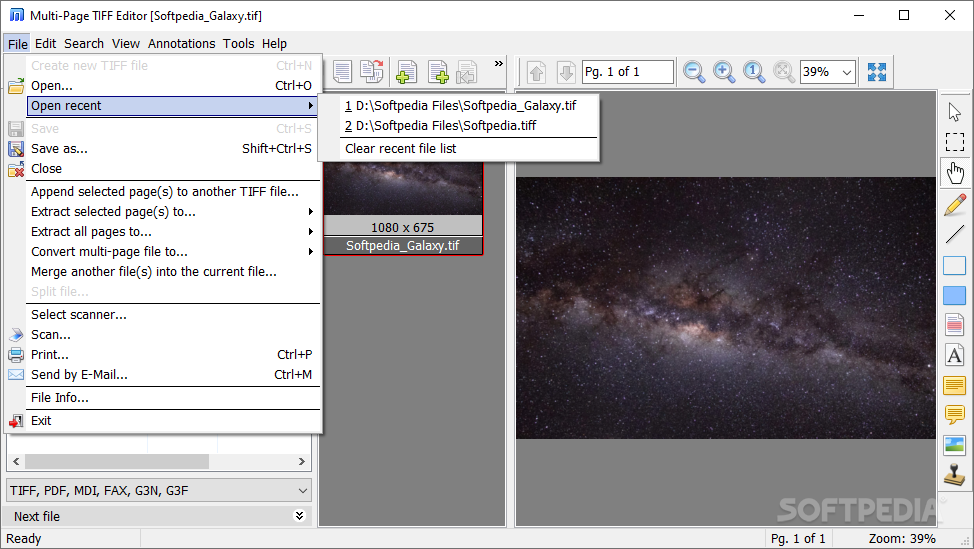
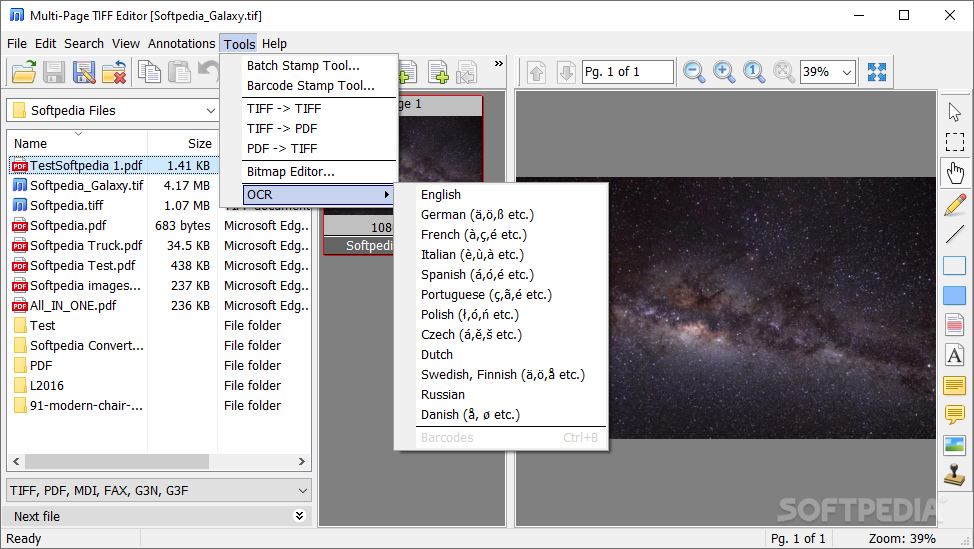
The app supports the TIF, TIFF, FAX, G3N and G3F formats. You can load a picture by using either the file browser or 'drag and drop' functionality.
You can preview each page of the TIFF file within the frame, and select any one of them, in order to start editing.
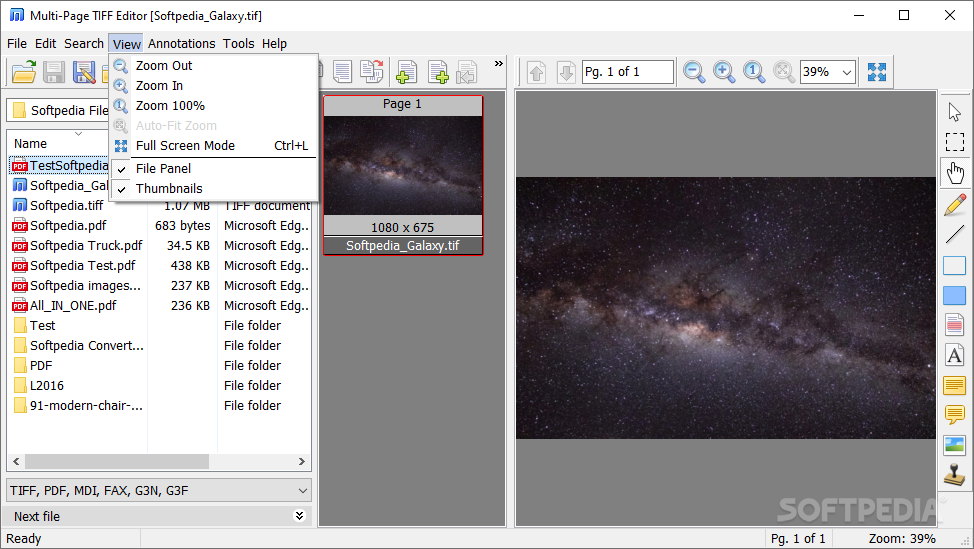
Multi-Page TIFF Editor provides some basic painting functions - these include rectangular selection, eye dropper, fill, spray, erase, line and text. Plus, you can zoom in and out, go to the next or previous page, as well as rotate, flip resize, or deskew the page.
But you can also make some adjustments regarding the brightness, contrast, HSL and RGB levels, and apply filters (e.g. Gaussian blur, prism, wave, lens, grayscale, black and white).
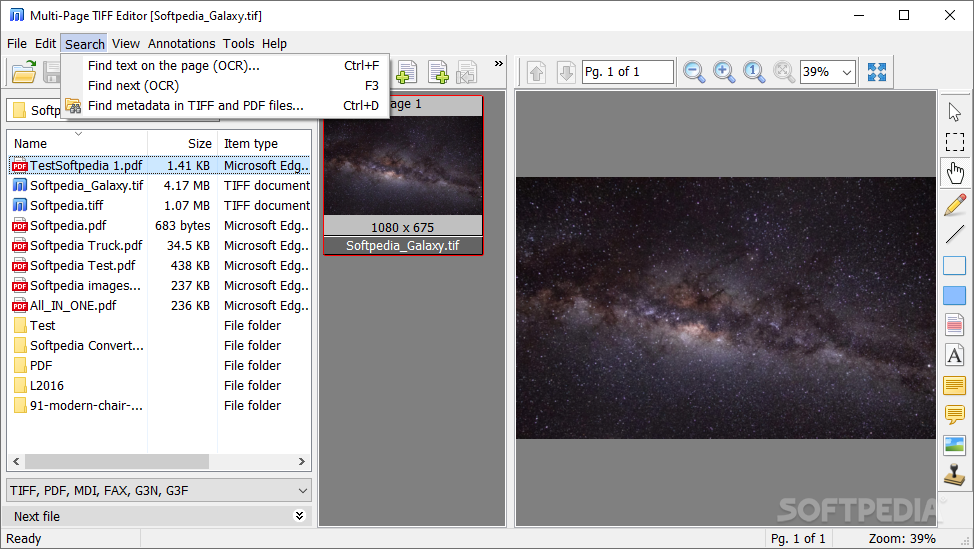
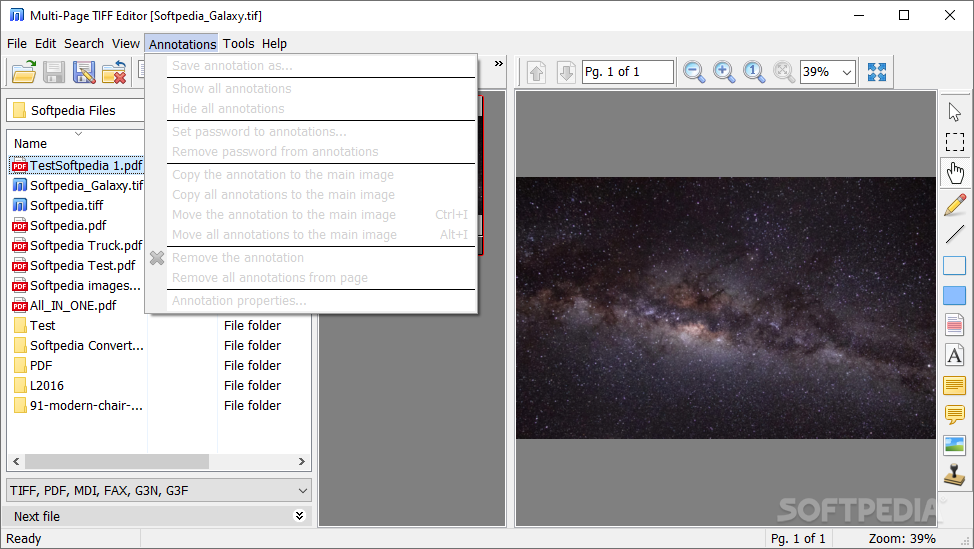
The program also lets you find text within the files (IPTC, DICOM data), insert, move, extract or divide pages, merge or split files, write annotations and protect them with a password, as well as apply watermarks (images only).
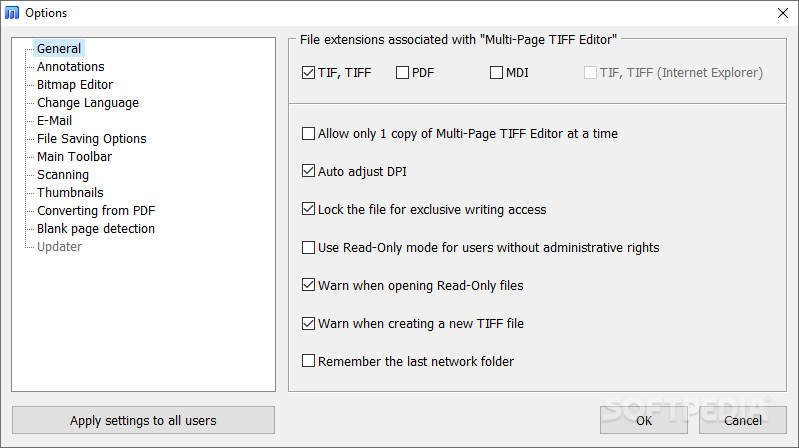
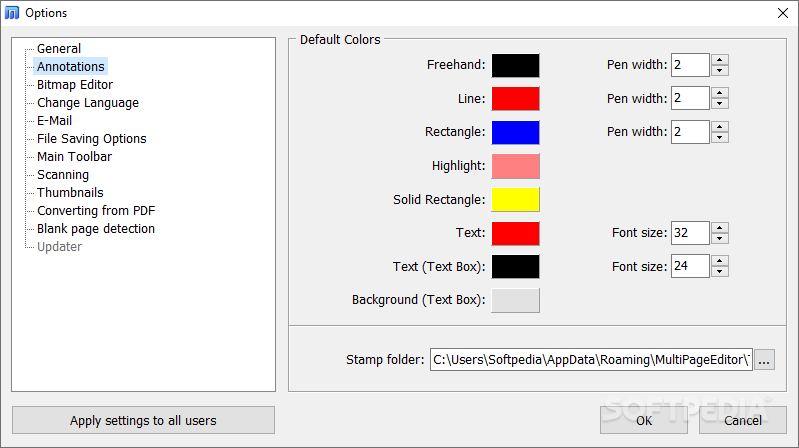
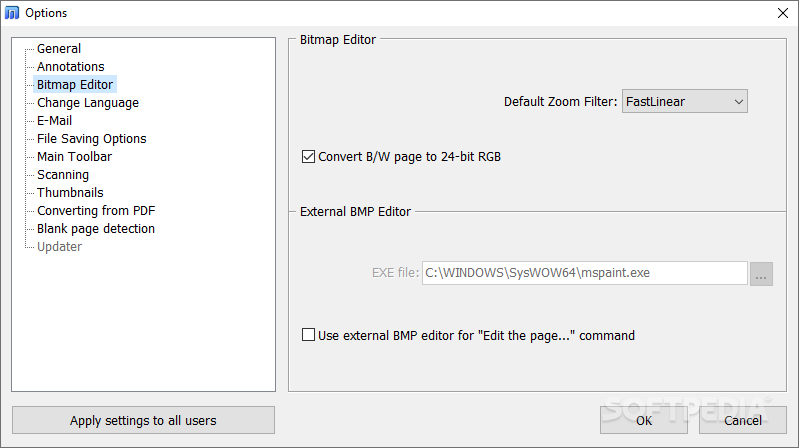
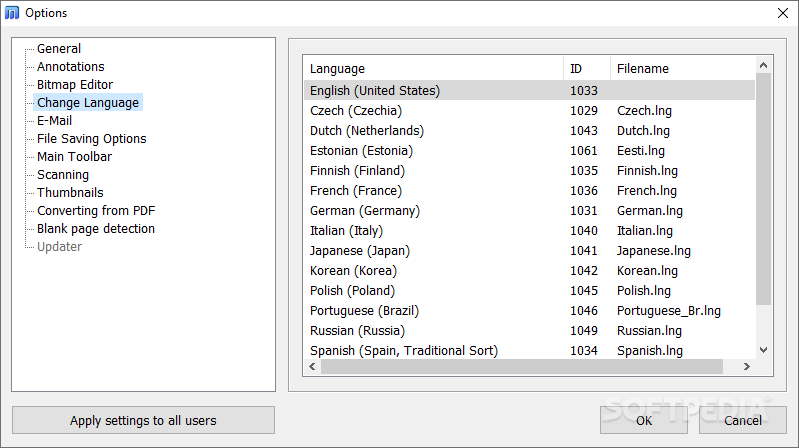
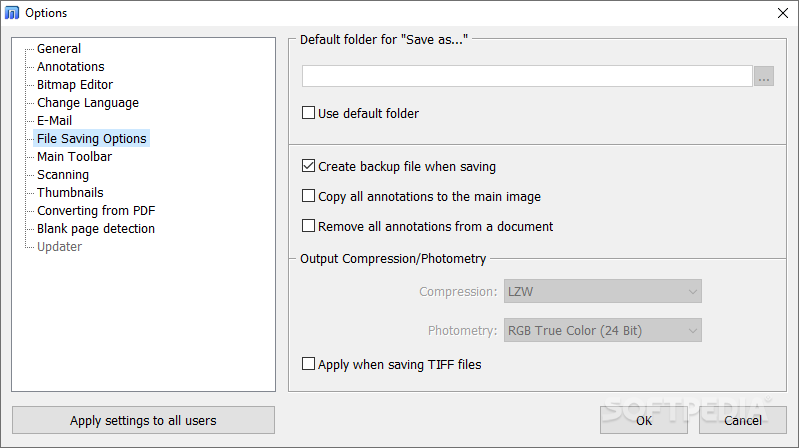
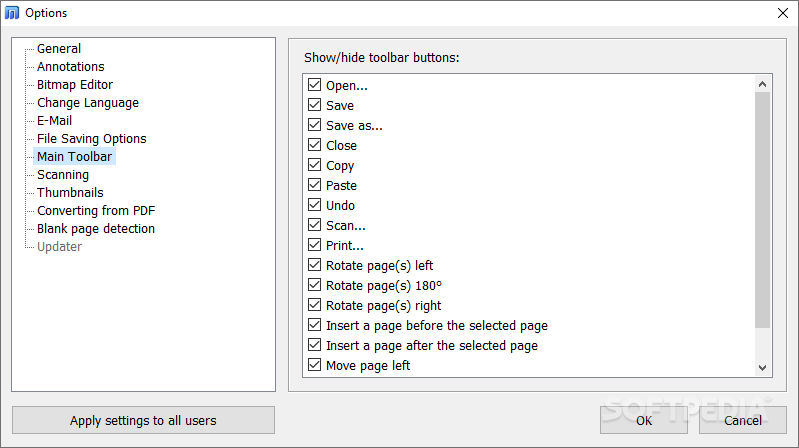
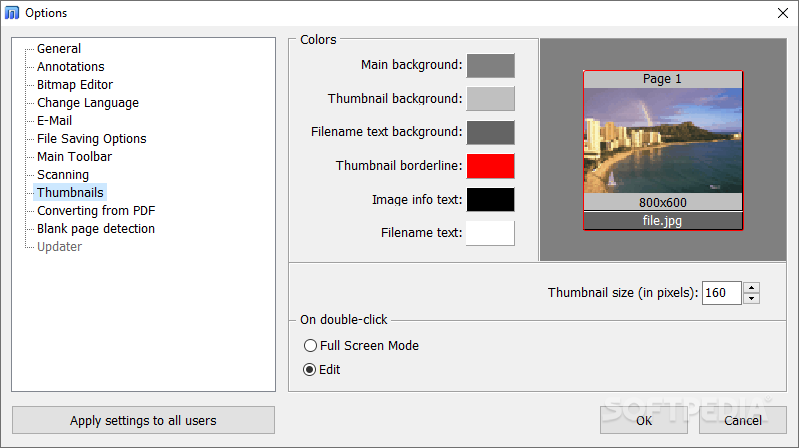
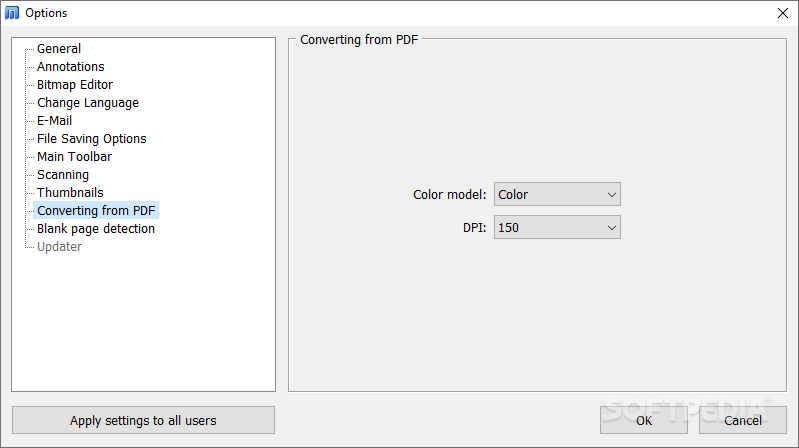
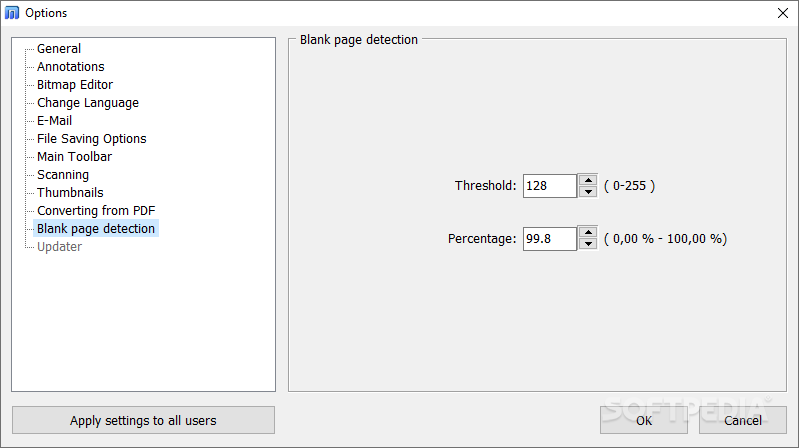
From the 'Options' screen, you can select the colors for the thumbnails and annotations, switch to a different language for the interface, make file associations, configure email settings, and set the default path to the external BMP editor, just to name a few.
The graphic editing tool needs a moderate amount of system resources, has a good response time and includes a help file. We have not come across any problems during our testing; Multi-Page TIFF Editor did not freeze, crash or pop up error dialogs. However, the app's interface is not very intuitive, so first-time users may take their time to get familiarized with Multi-Page TIFF Editor's features.
Download Hubs
Multi-Page TIFF Editor is part of these download collections: Make DCX
What's new in Multi-Page TIFF Editor 2.9.20.881:
- OCR tool has been upgraded. The possibility of recognizing and saving the page to searchable-PDF has been added.
- The text search utility on the graphic page has been upgraded.
Multi-Page TIFF Editor 2.9.20.881
add to watchlist add to download basket send us an update REPORT- buy now $39.99Standard Home License
- buy now $49.99Standard Business License
- buy now $449.99Extended Business License
- runs on:
-
Windows 11
Windows Server 2022
Windows Server 2019
Windows Server 2016
Windows 10 32/64 bit
Windows Server 2012 R2
Windows Server 2012
Windows 2008 R2
Windows 2008 32/64 bit
Windows 2003
Windows 8 32/64 bit
Windows 7 32/64 bit - file size:
- 81.9 MB



- main category:
- Multimedia
- developer:
- visit homepage
Zoom Client

ShareX

IrfanView

Context Menu Manager

calibre

Microsoft Teams

4k Video Downloader

7-Zip

Bitdefender Antivirus Free

Windows Sandbox Launcher

- 7-Zip
- Bitdefender Antivirus Free
- Windows Sandbox Launcher
- Zoom Client
- ShareX
- IrfanView
- Context Menu Manager
- calibre
- Microsoft Teams
- 4k Video Downloader