
With support for Pressure Sensitive tablets, this tool enables you to easily paint, as well as enhance your photos with some of the many adjustments available #Retouch picture #Photo enhancer #Image editor #Rotate #Colorize #Watermark

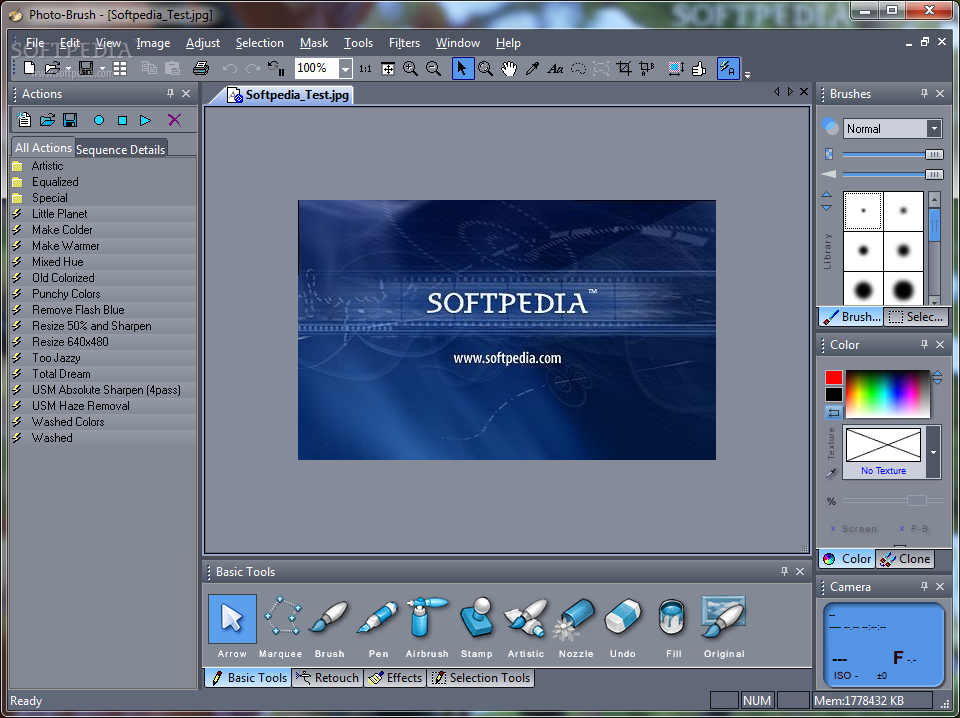
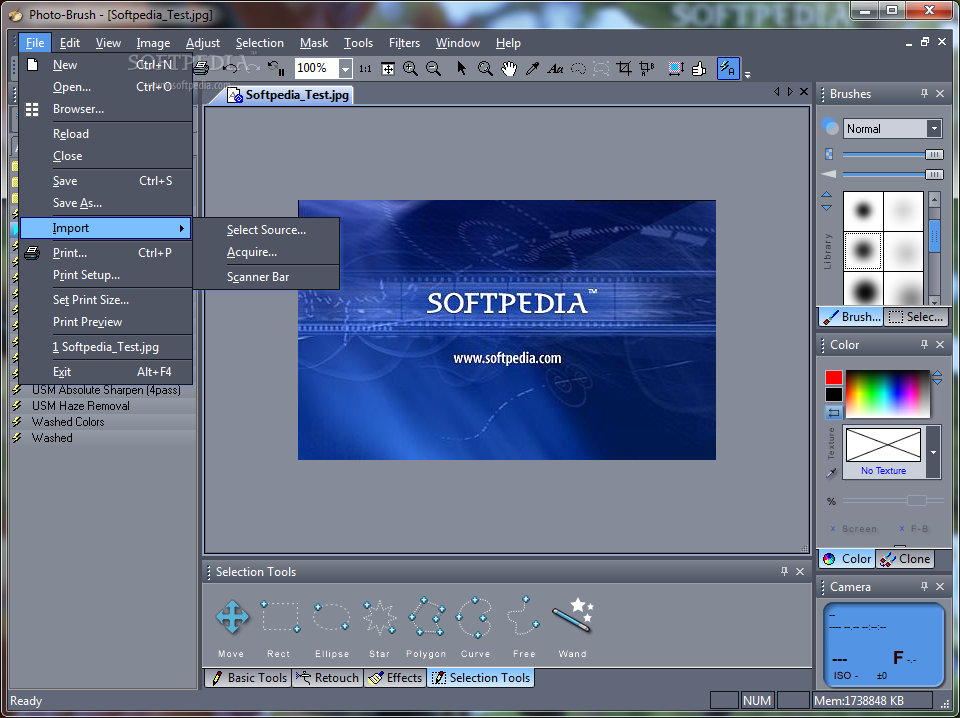
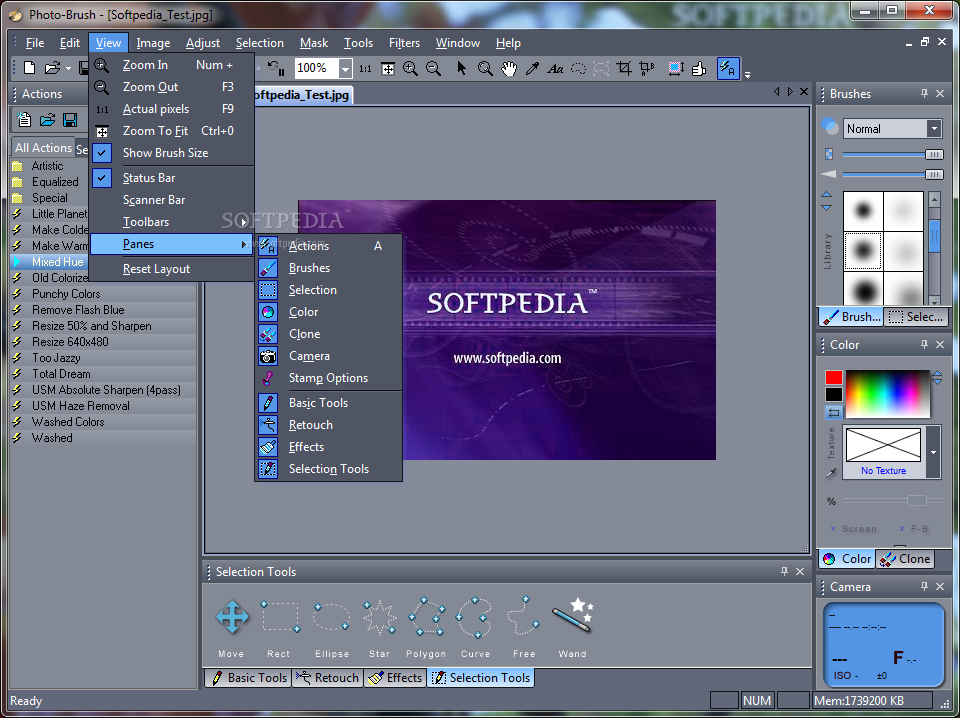
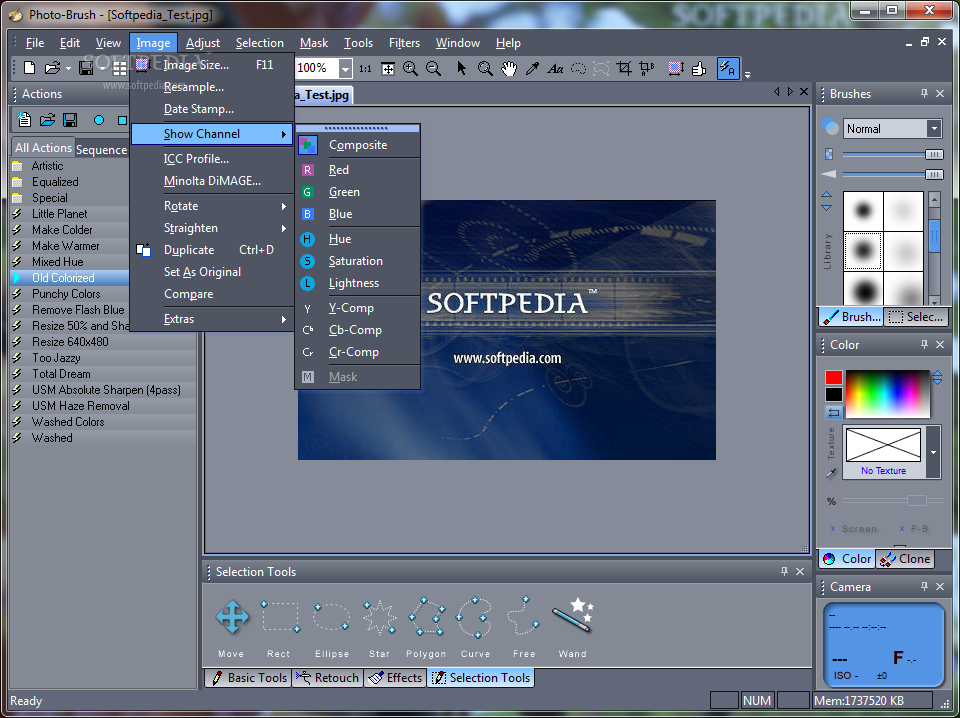
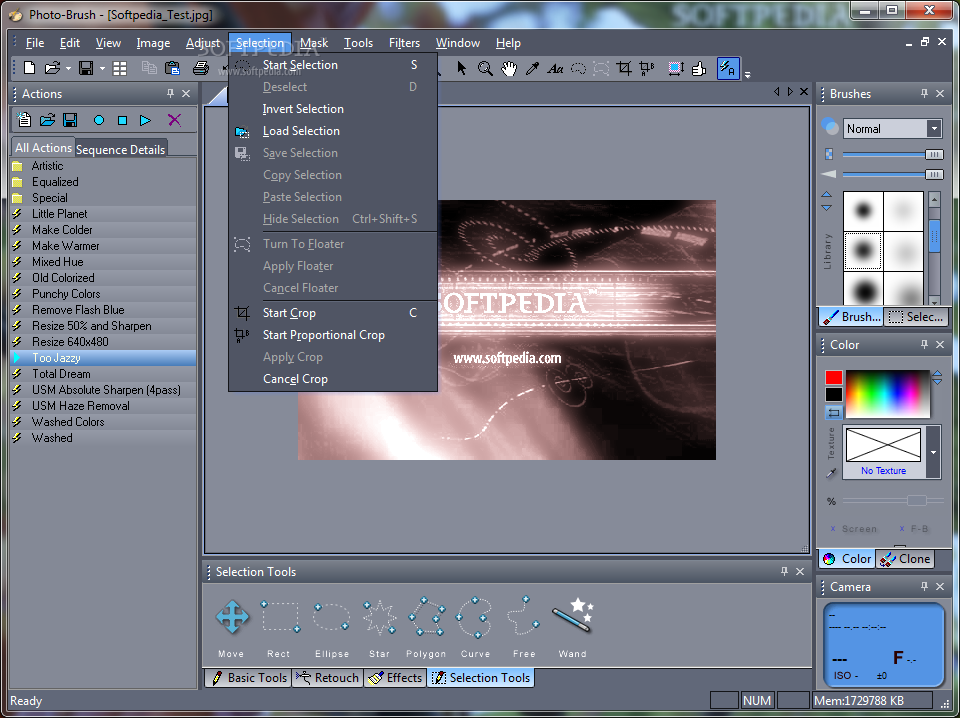
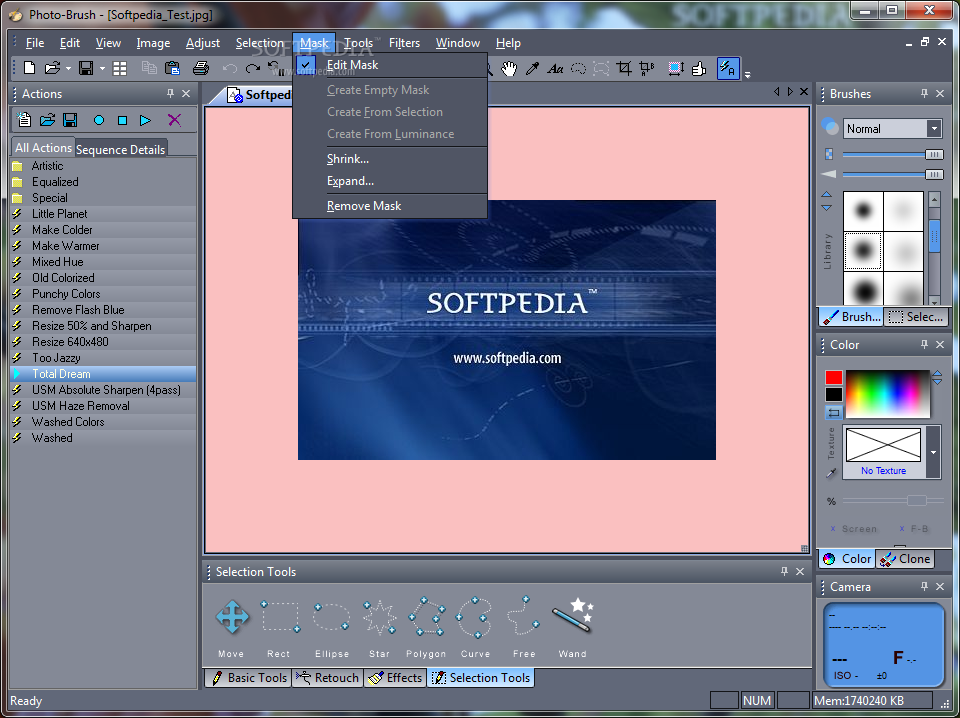
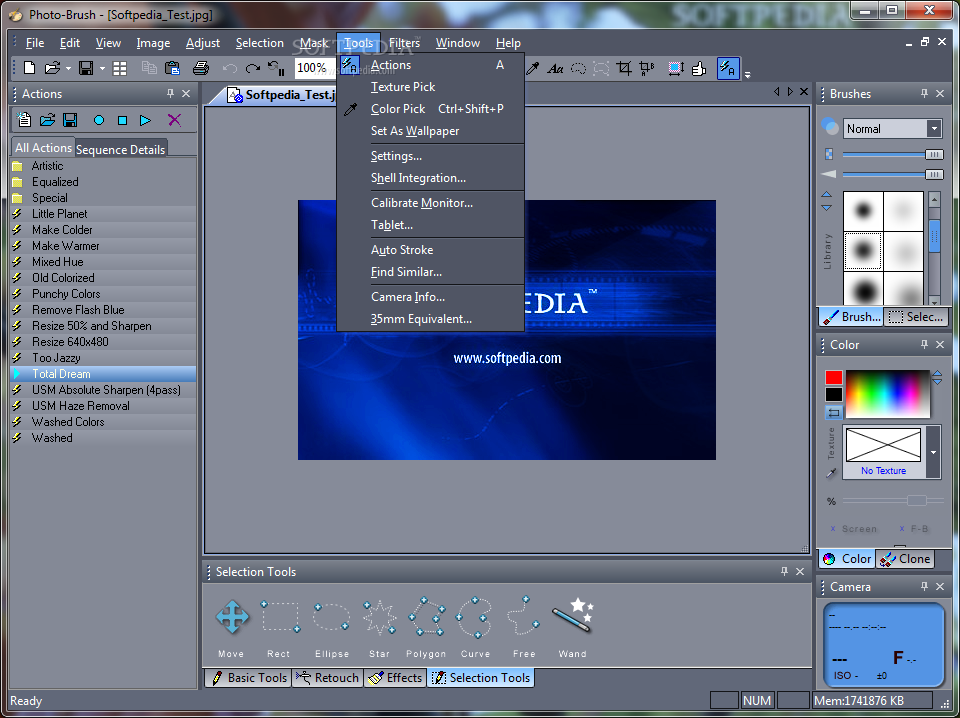
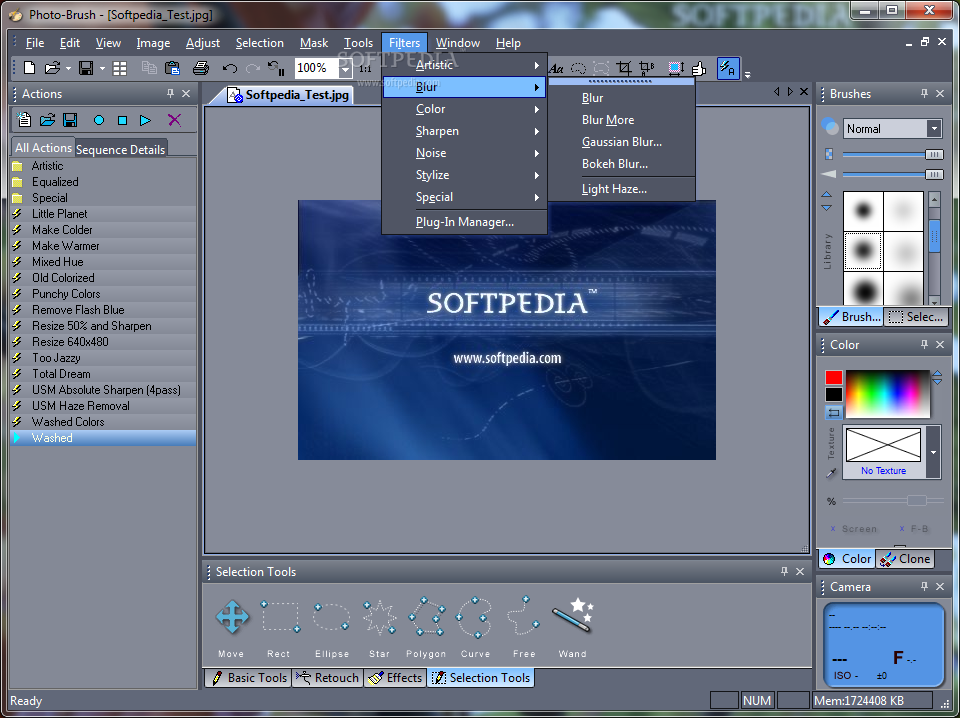
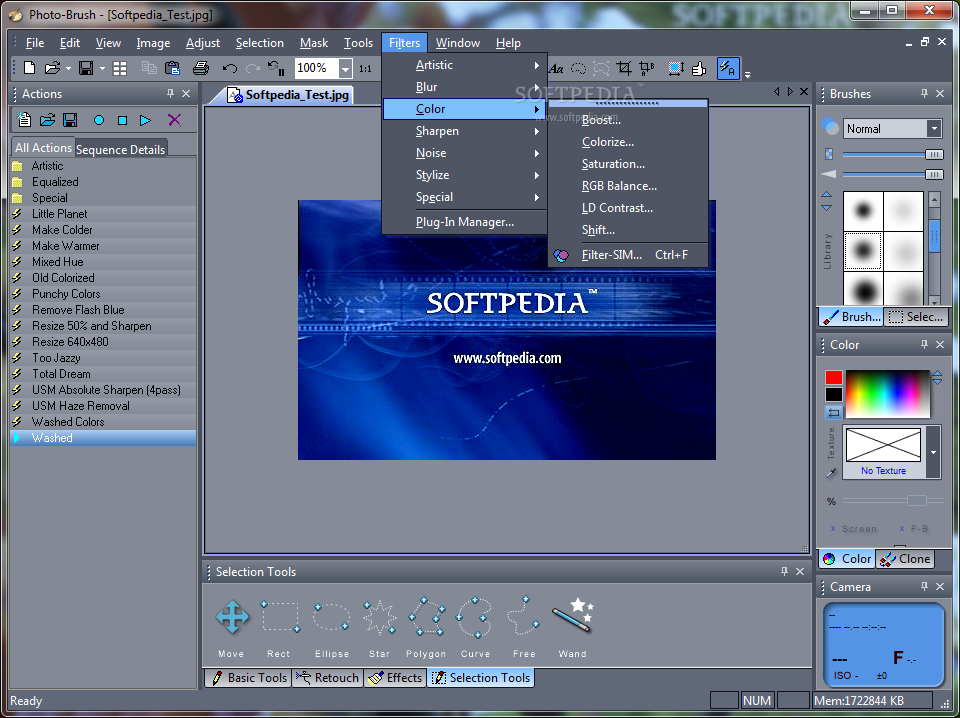
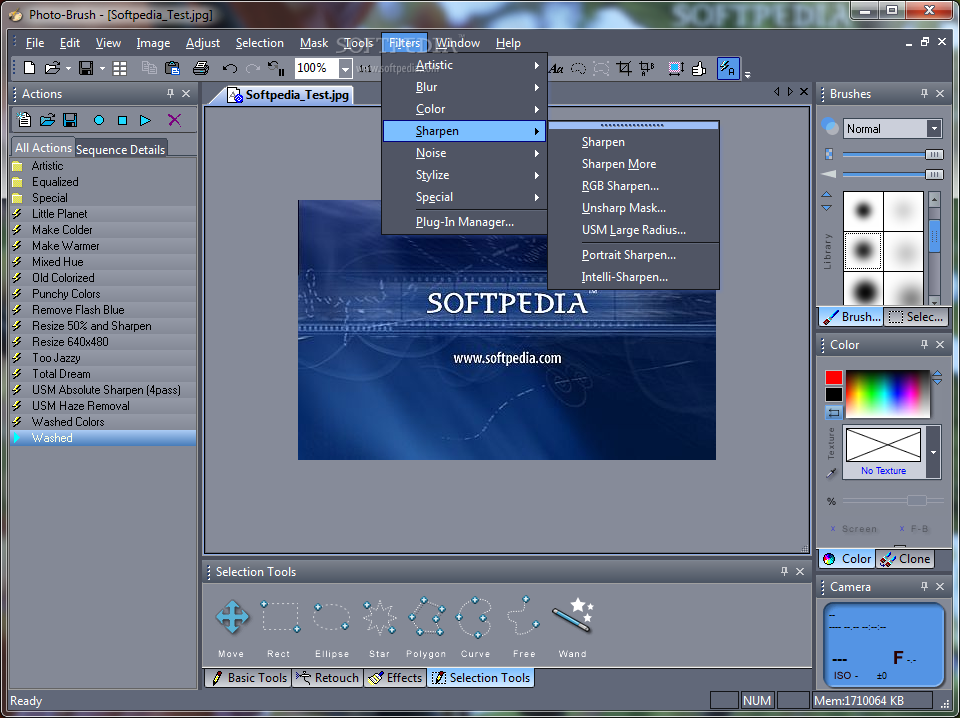
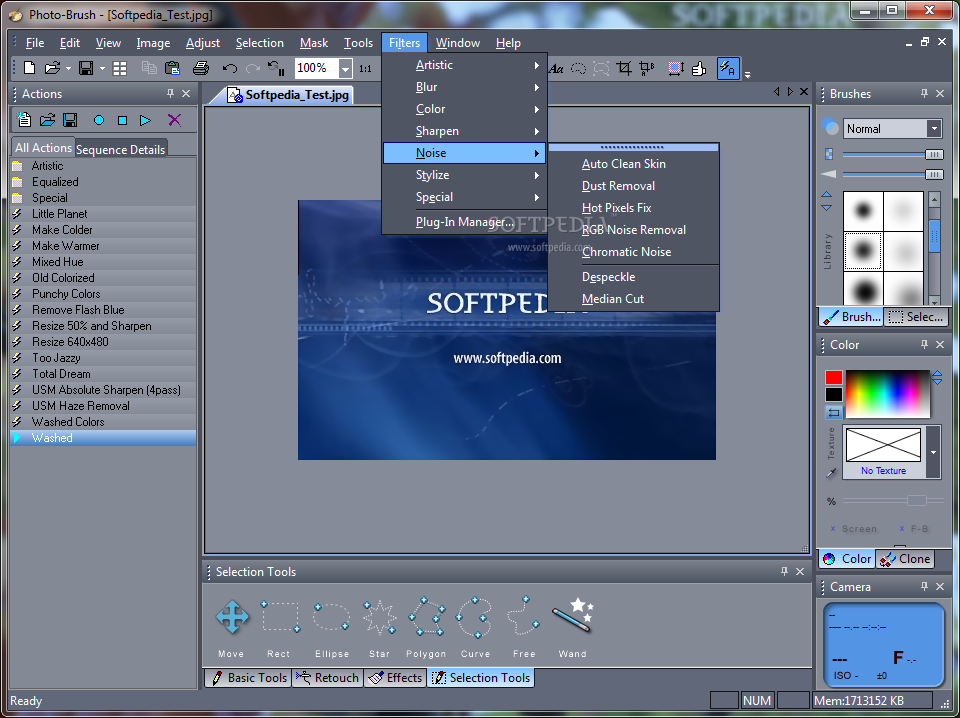
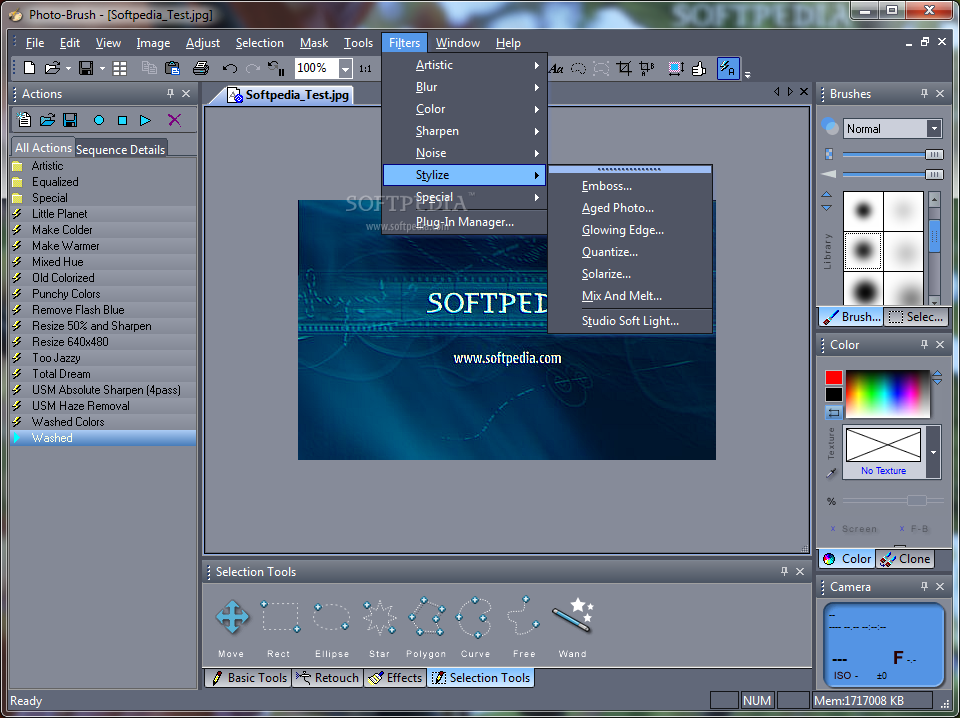
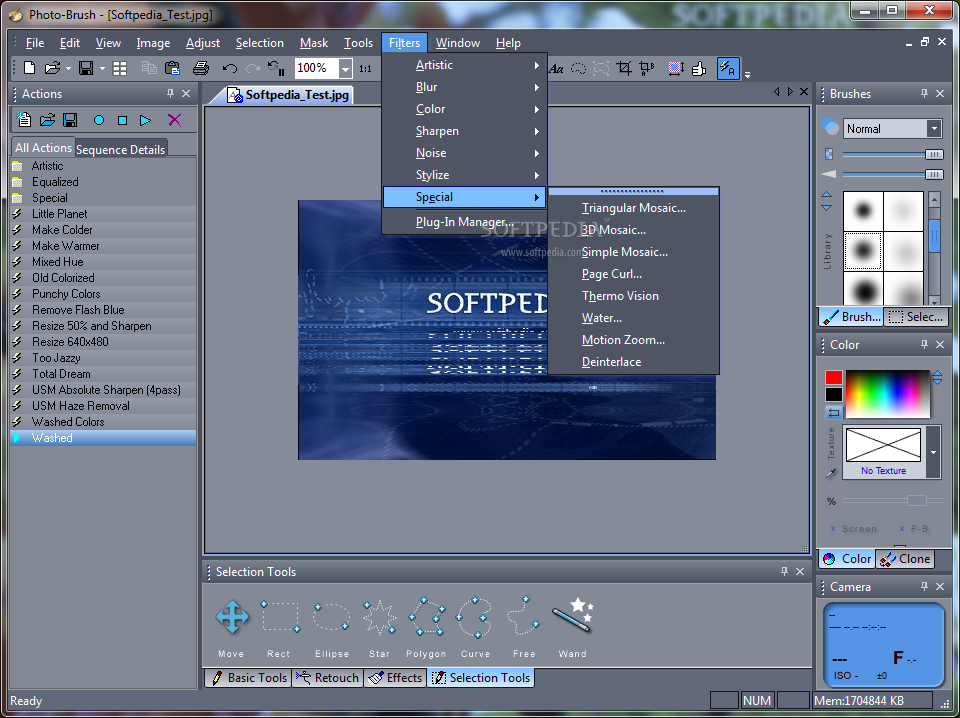
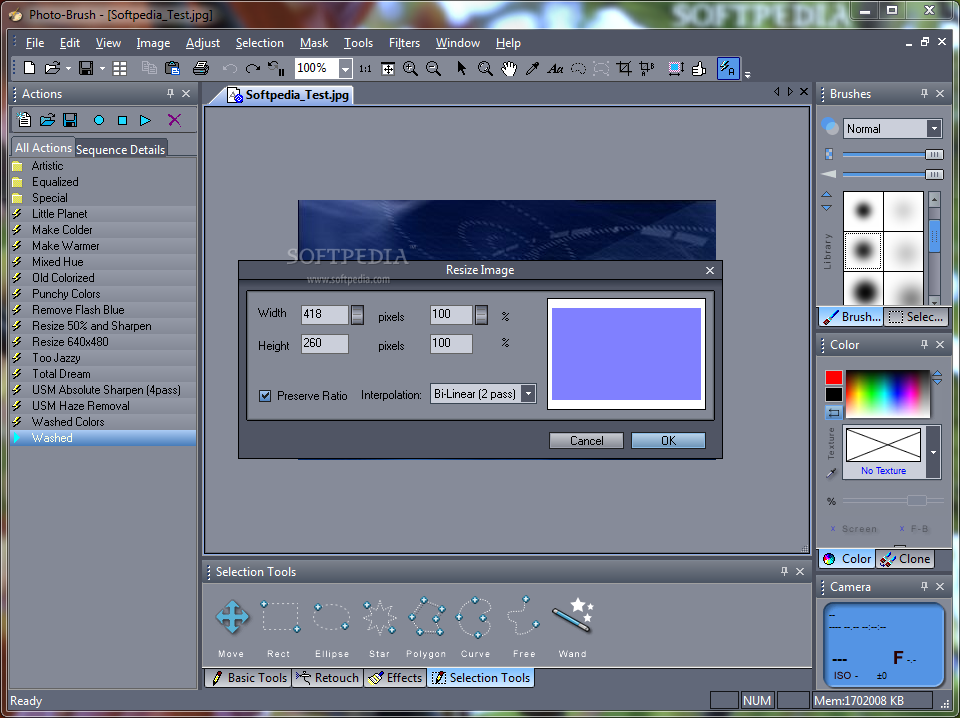
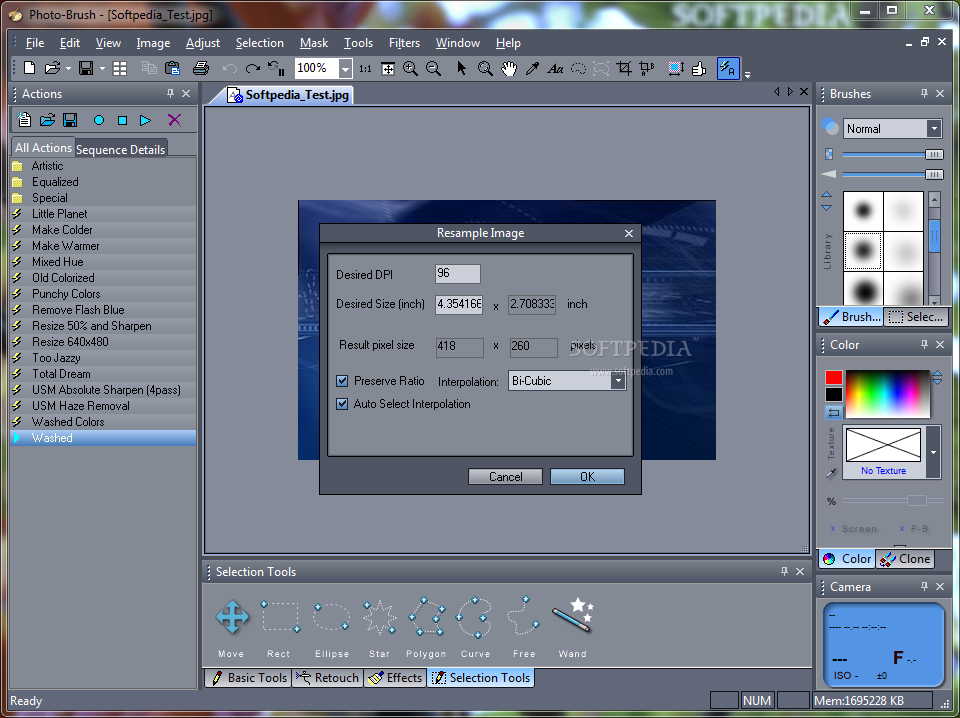
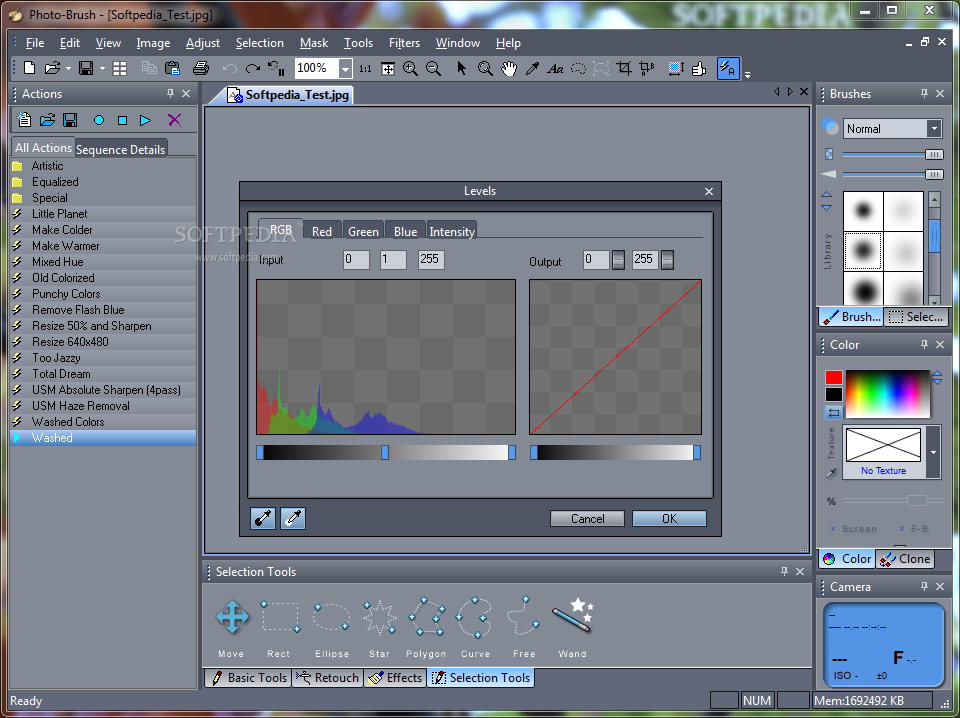
Photo-Brush is a multi-featured image editor, photo enhancer and correction utility. It can also be used as a replacement to the Windows’ paint tool or as a browser for RAW images. Even though it sports many additional photo editing and exploring functions, its best and most appreciated feature is the ability to retouch images.
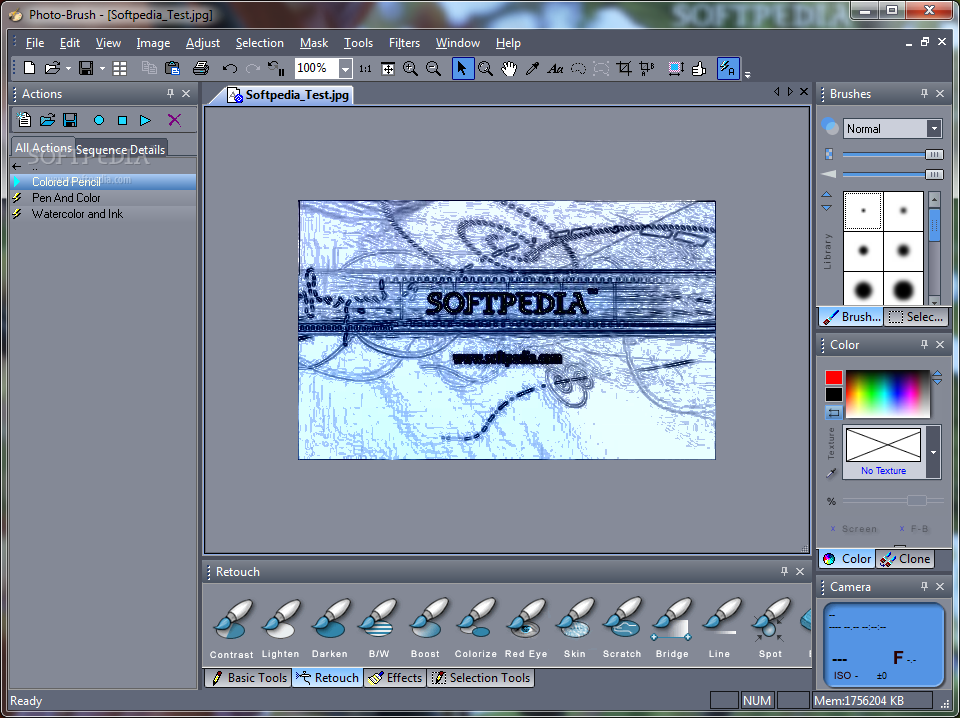
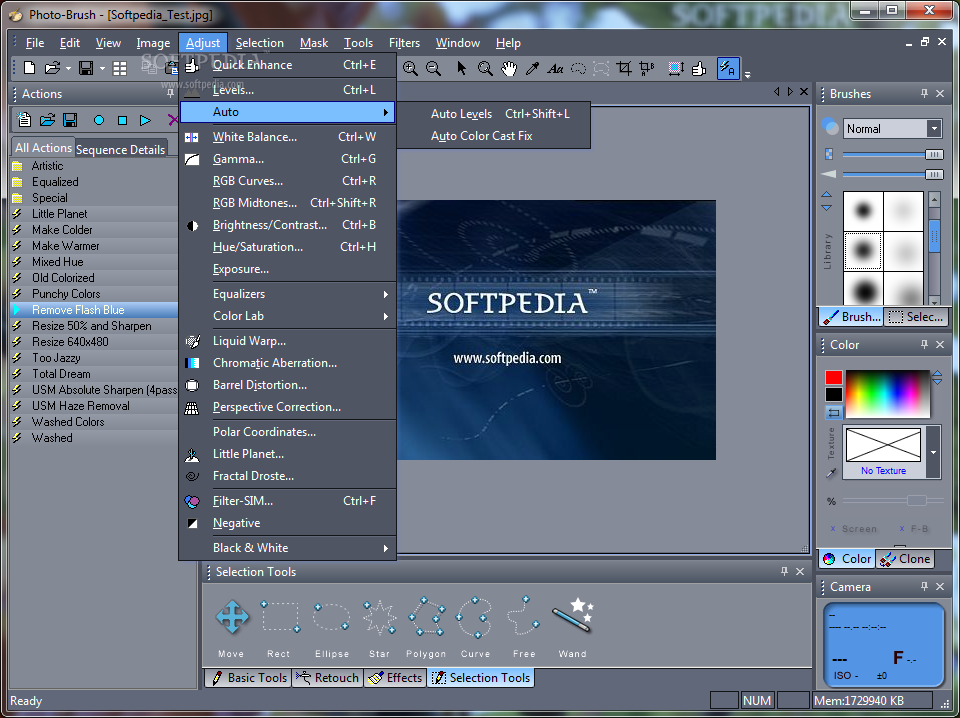
Tools such as object and red-eye removal, together with brightness adjustments are bound to produce works of art. Digital images can be reworked with the aid of special editing capabilities, such as gamma, hue/saturation, RGB curves and contrast, to name the most common ones.
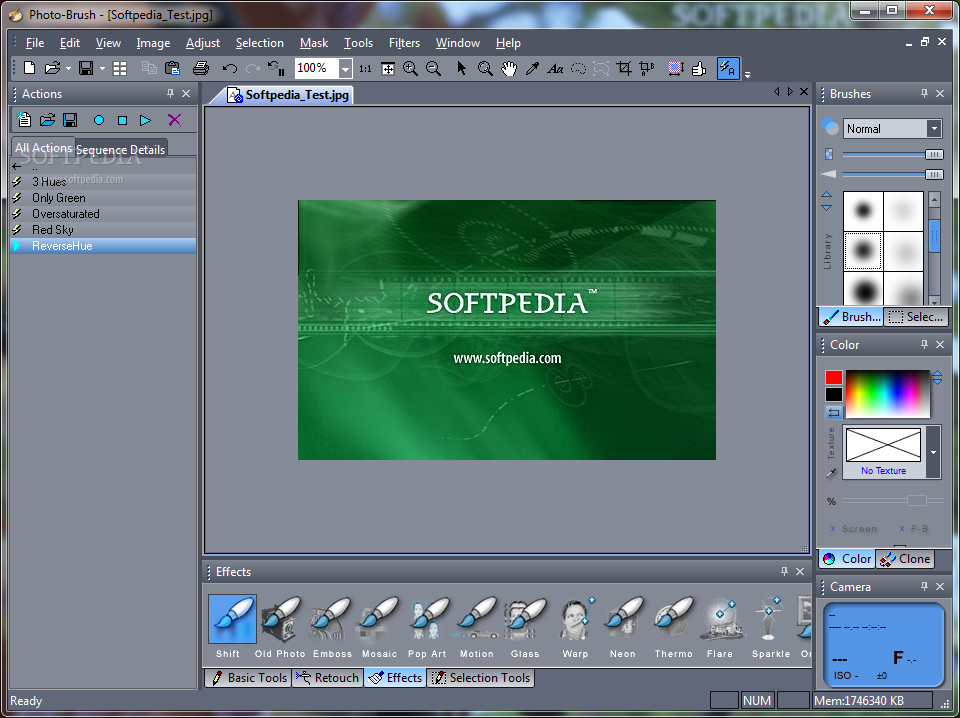
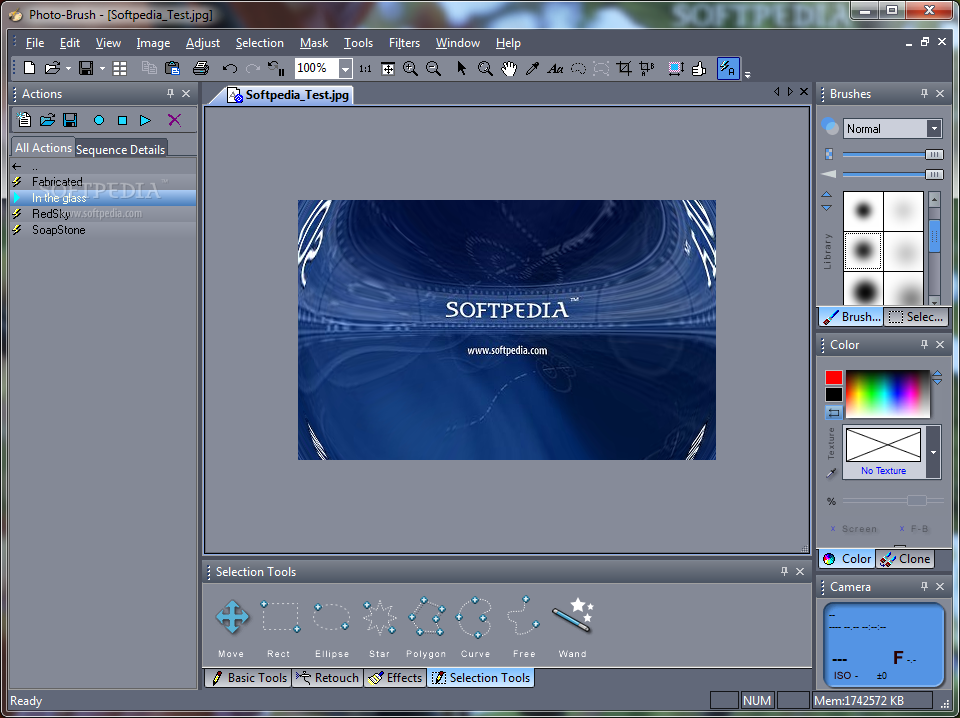
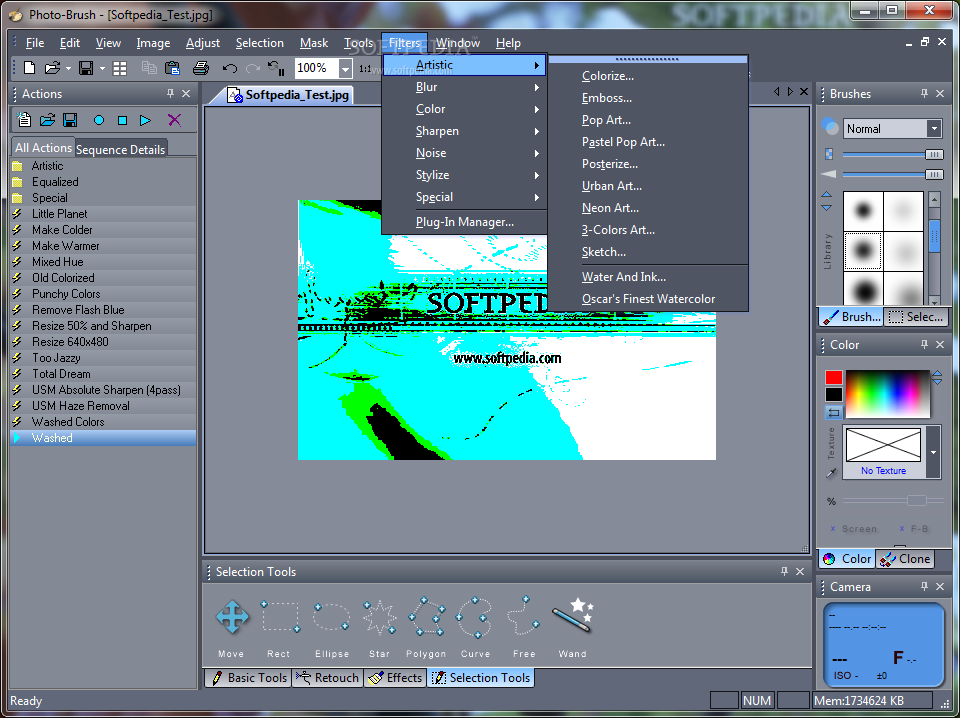
The effects section comes with several options as well. These include sparkles, color replacement, shadows, fractal Droste, emboss, glass and can be manually applied only for a particular portion of the image.
Photo-Brush also comes off as an excellent painting application. The program provides you with outstanding textures, artistic, natural and 3D brushes and oil colors; not to mention that with the cloning feature, you can convert existing images into paintings.
A special characteristic is the Pressure Sensitive tablet support. It enables you to control the intensity of any brush, thus allowing you to emphasize details and make the paintings more expressive.
Photo-Brush features support for Adobe compatible plugins; the smart plugin manager is able to scan your computer for existing graphic add-ons, thus spearing you the manual work.
Photo-Brush is an excellent tool for designers and graphic artists. With its advanced retouching abilities, the rich set of effects and the amazing brush collection, the application makes it easy to turn a regular photo into a brilliant work of art. Moreover, it can achieve these great results without putting a strain on the computer’s performance and without popping up errors, crashing or hanging.
Download Hubs
Photo-Brush is part of these download collections: Edit PNG, Despeckle Images, BMP Editors, Watermark Creators
What's new in Photo-Brush 5.30:
- New Interface, improved Chromatic Aberration
- Little Planet Feature
- Color Lab, works using new natural LRGBY color enhancing - produce instant photo-magazine grade vivid images with a touch of few dials. It allows for more flexible, natural dynamic color enhancements, without the typical over-processed look when using RGB or HSL.
- Fractal Droste for image-in-image effects
Photo-Brush 5.30
 Softpedia Editor's Pick
add to watchlist
add to download basket
send us an update
REPORT
Softpedia Editor's Pick
add to watchlist
add to download basket
send us an update
REPORT
- runs on:
-
Windows 7 32/64 bit
Windows Vista 32/64 bit
Windows XP 32/64 bit - file size:
- 12.9 MB
- filename:
- photobrush5.exe
- main category:
- Multimedia
- developer:
- visit homepage
Windows Sandbox Launcher

ShareX

Bitdefender Antivirus Free

7-Zip

IrfanView

Context Menu Manager

Zoom Client

calibre

4k Video Downloader

Microsoft Teams

- calibre
- 4k Video Downloader
- Microsoft Teams
- Windows Sandbox Launcher
- ShareX
- Bitdefender Antivirus Free
- 7-Zip
- IrfanView
- Context Menu Manager
- Zoom Client