
Take snapshots of the screen, edit photos, create mosaics and animated GIFs, convert raw formats and search for look-alikes on the Internet. #Photo editor #Edit photo #Enhance photo #Viewer #Edit #Editor

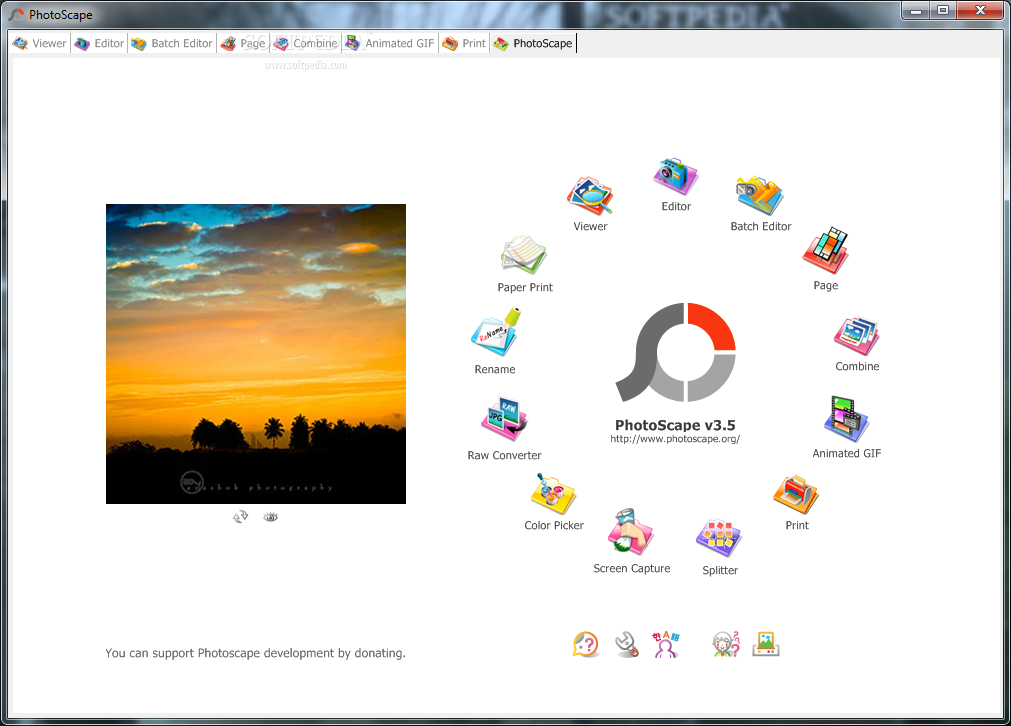
Most image editors cannot compete with the sharks in the image editing category. As a consequence, they prefer to pack the basic features without sacrificing ease of use, which results in a large crowd of fans. PhotoScape belongs to this category, bundled with the most common image manipulation tools, while preserving a fun and accessible environment.
You are required to go through a pretty simple installation process, yet you should be careful, as it offers to download some third-party products. After you finalize it, you are brought to a pretty simple and well-organized interface.
The main window is minimal and encloses a circle with animated icons which stand for different modules. Clicking on one of these brings you to some pretty familiar windows, regardless of the operation selected. This paired with some comprehensive Help contents ensure that all user categories can handle PhotoScape without facing any kind of difficulties.
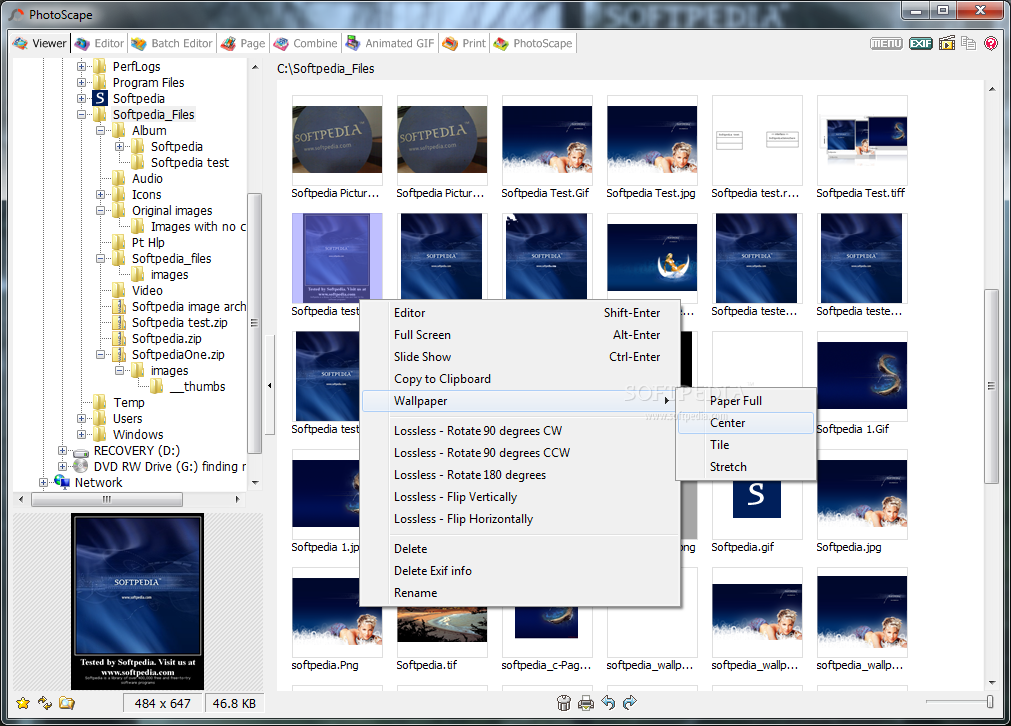
This program comprises quite a large number of options so that you can easily manage and edit your images. First and foremost, you should know it is possible to use a viewer, packed with a folder structure to help you select images faster.
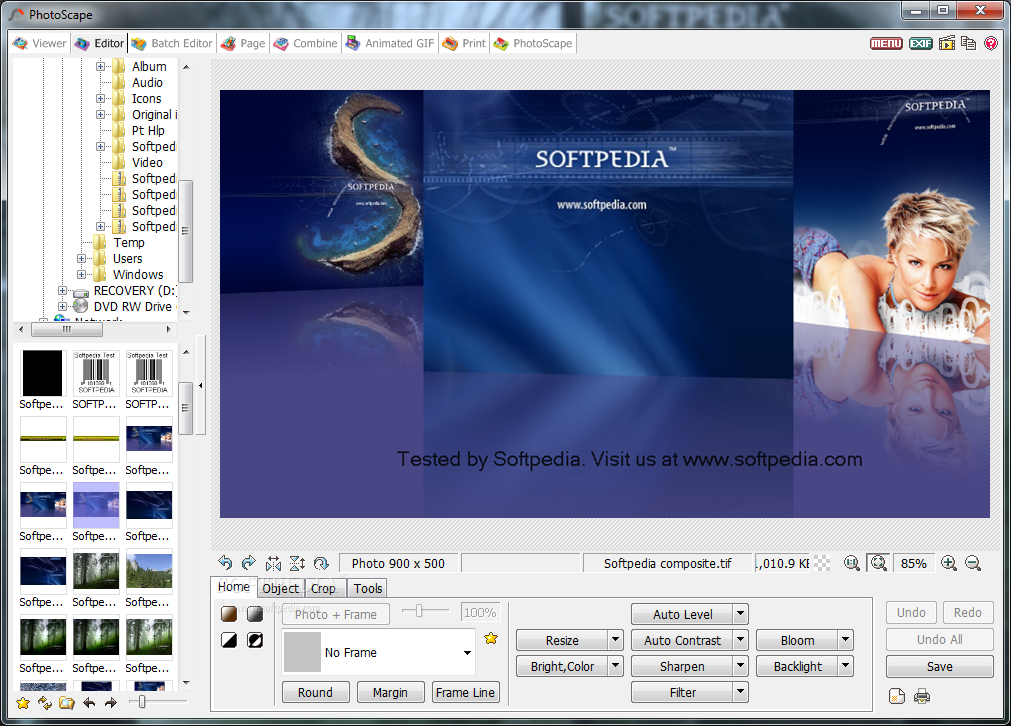
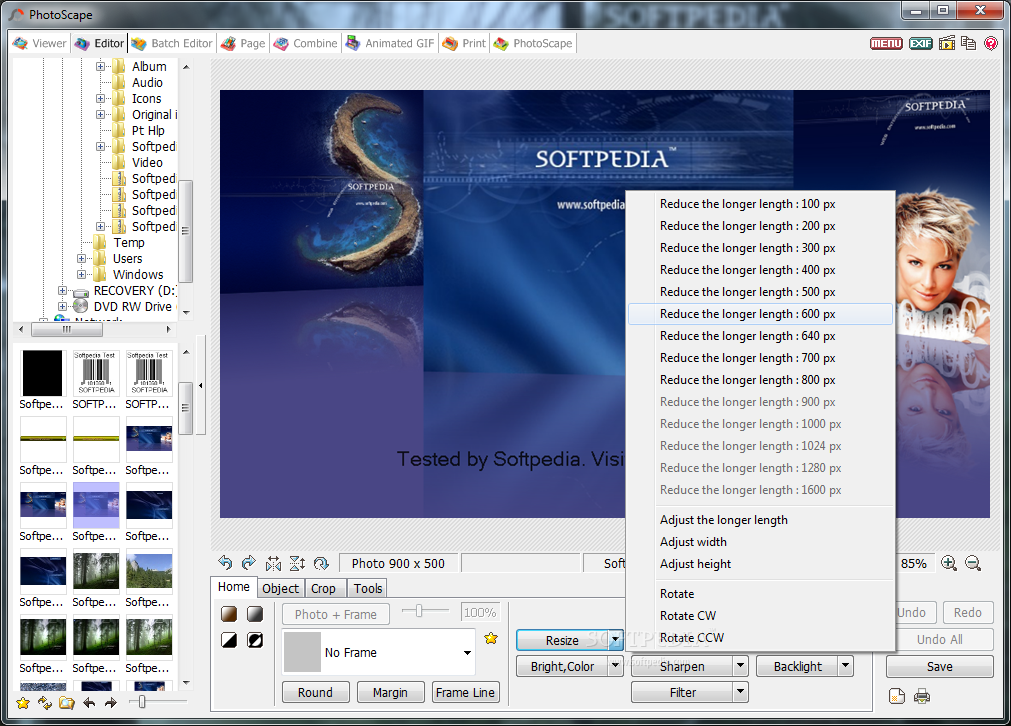
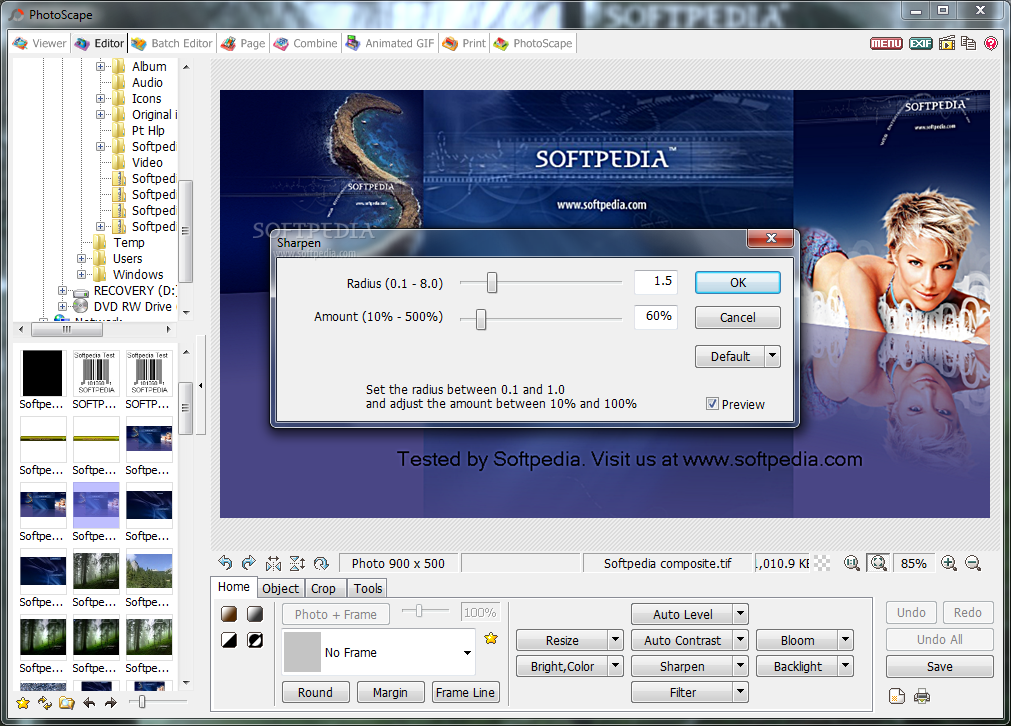
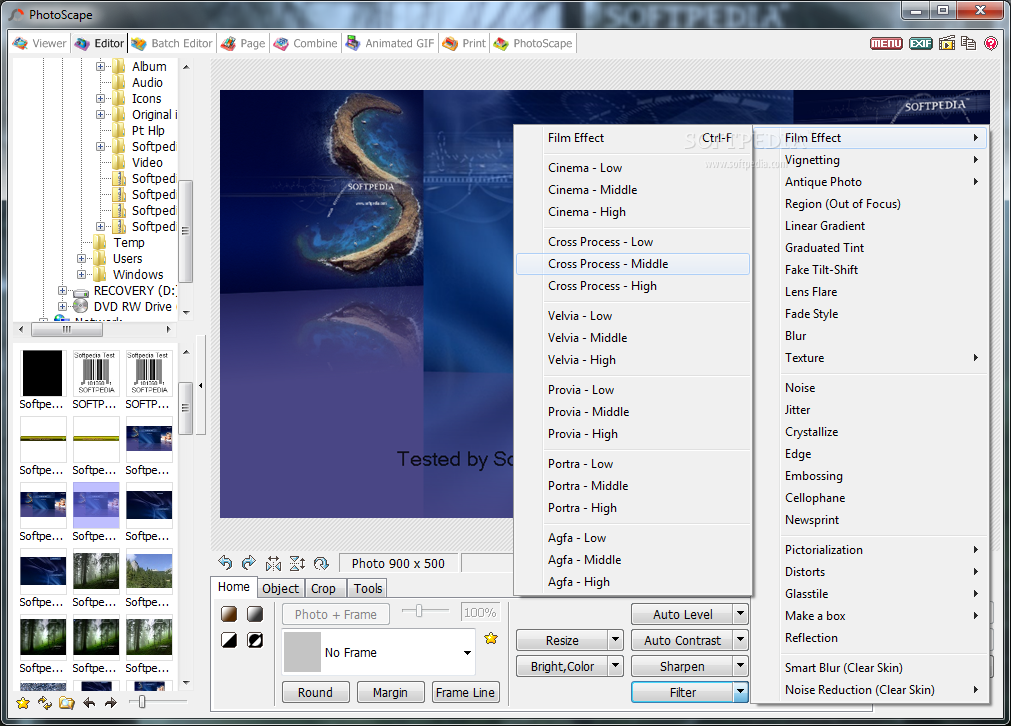
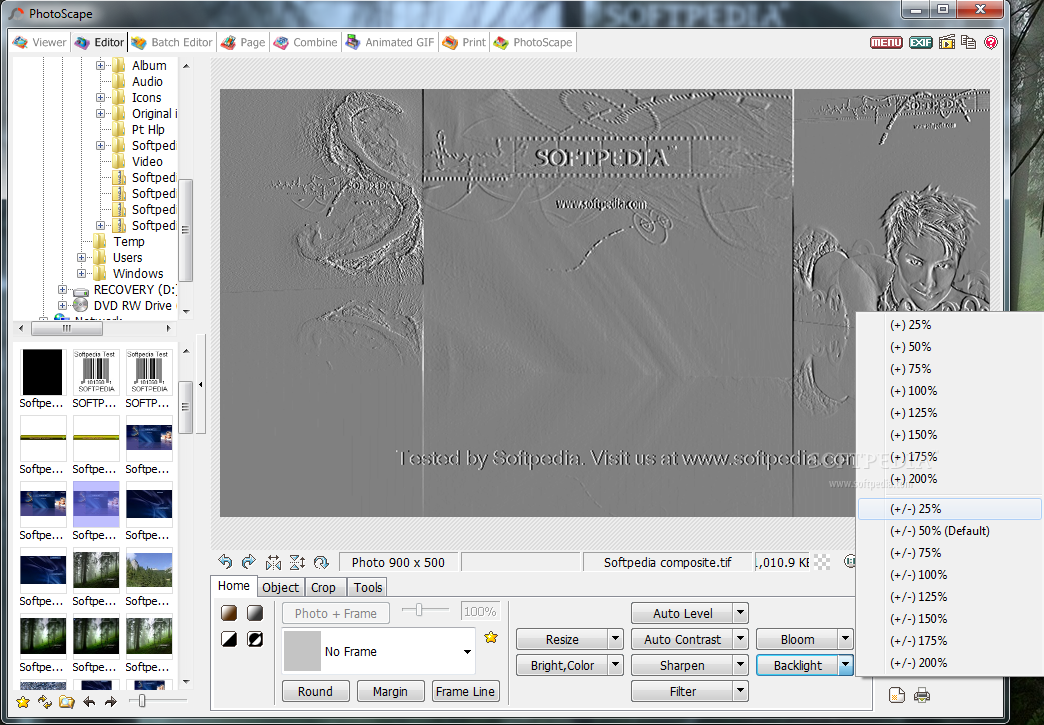
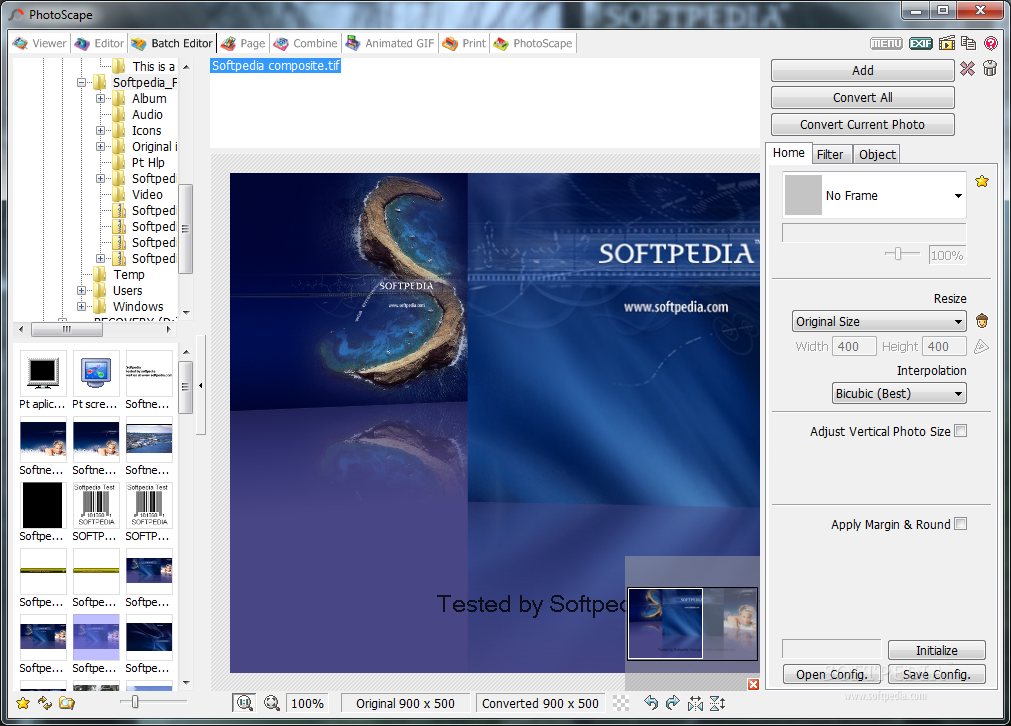
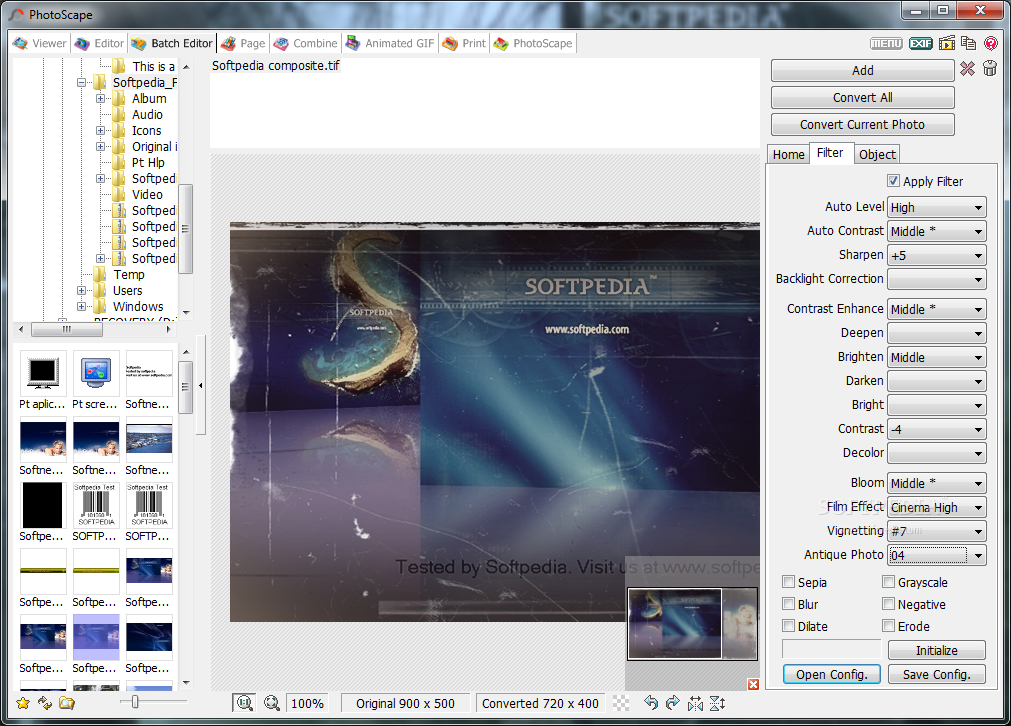
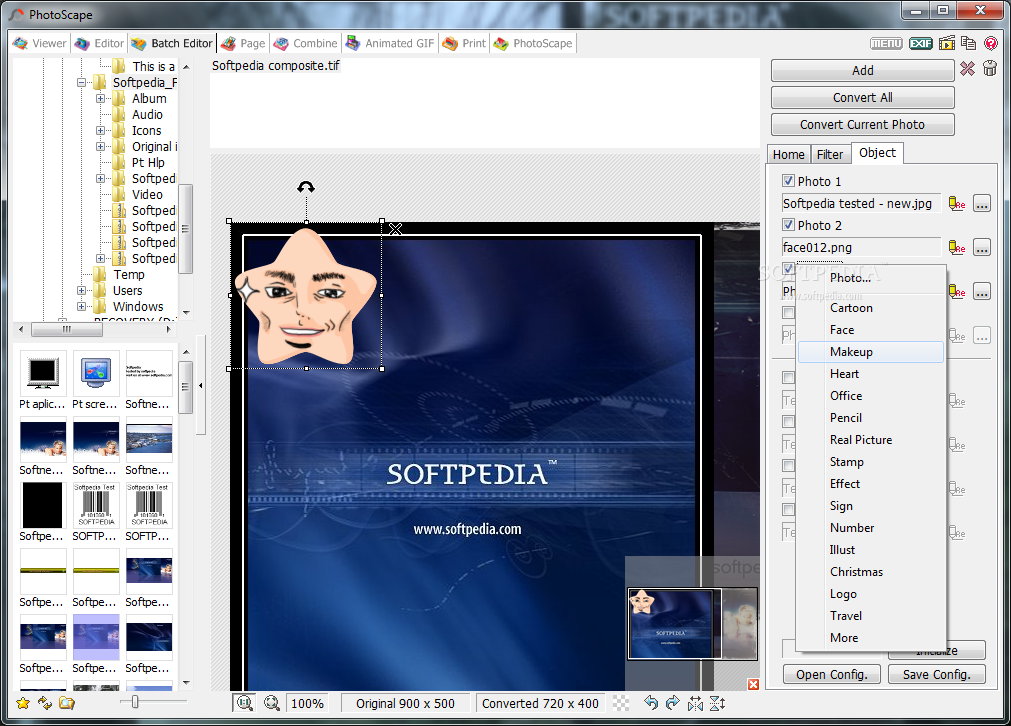
In addition to that, take advantage of a pretty basic editor. It lets you resize, crop, rotate and flip items, as well as adjust the brightness, sharpness, backlight and contrast, and apply some of the many effects integrated. This tool also has a counterpart which enables you process multiple files in the same time.
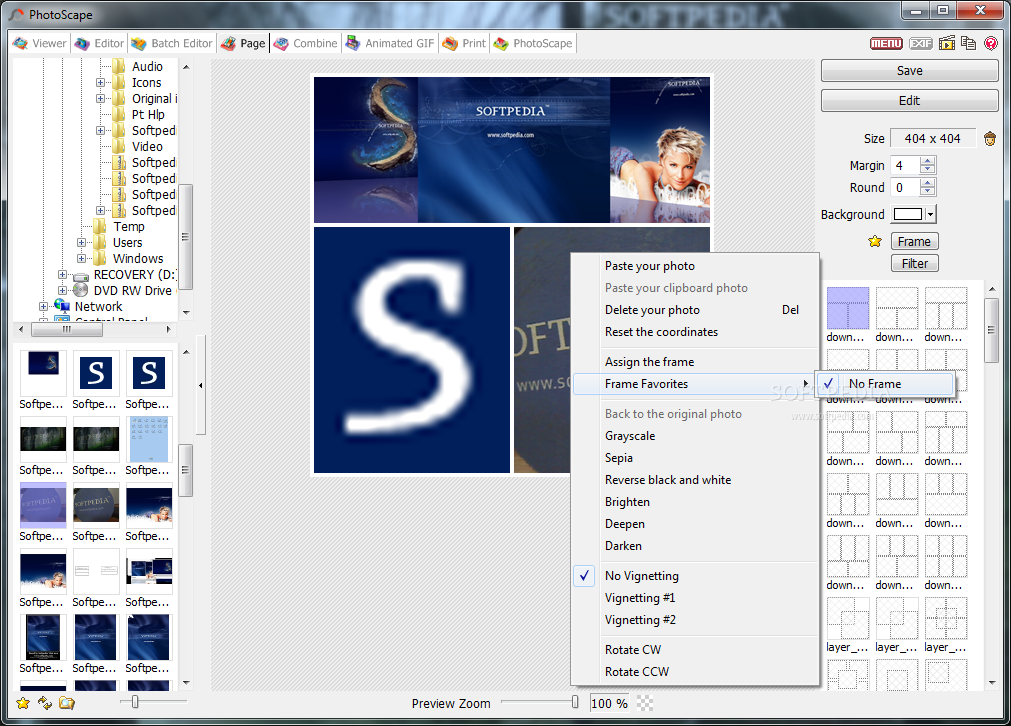
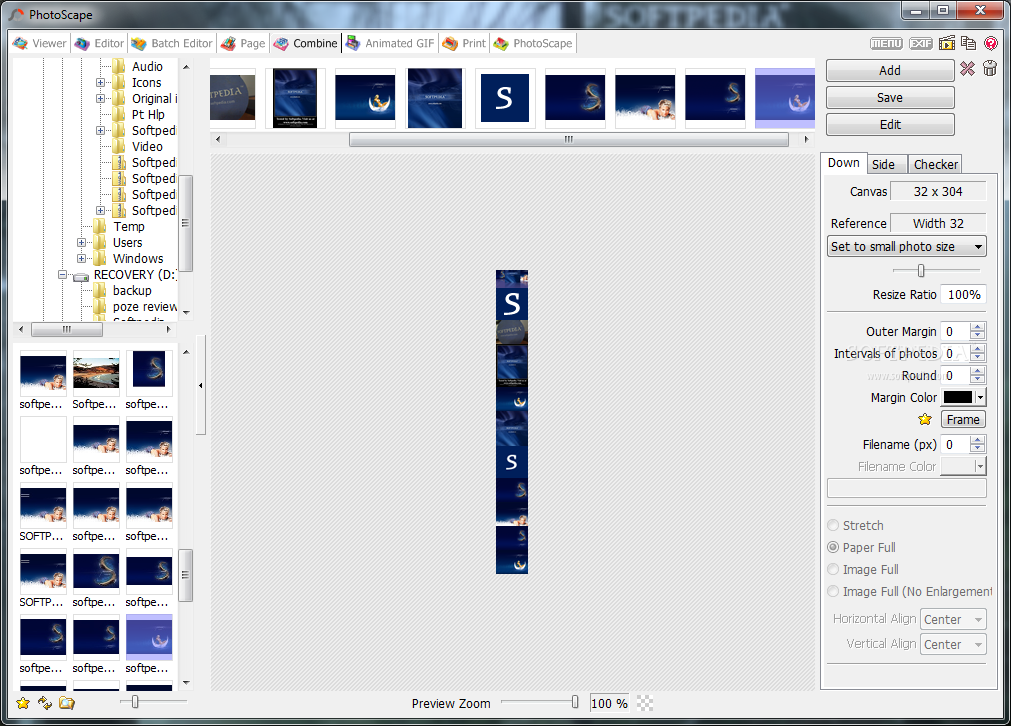
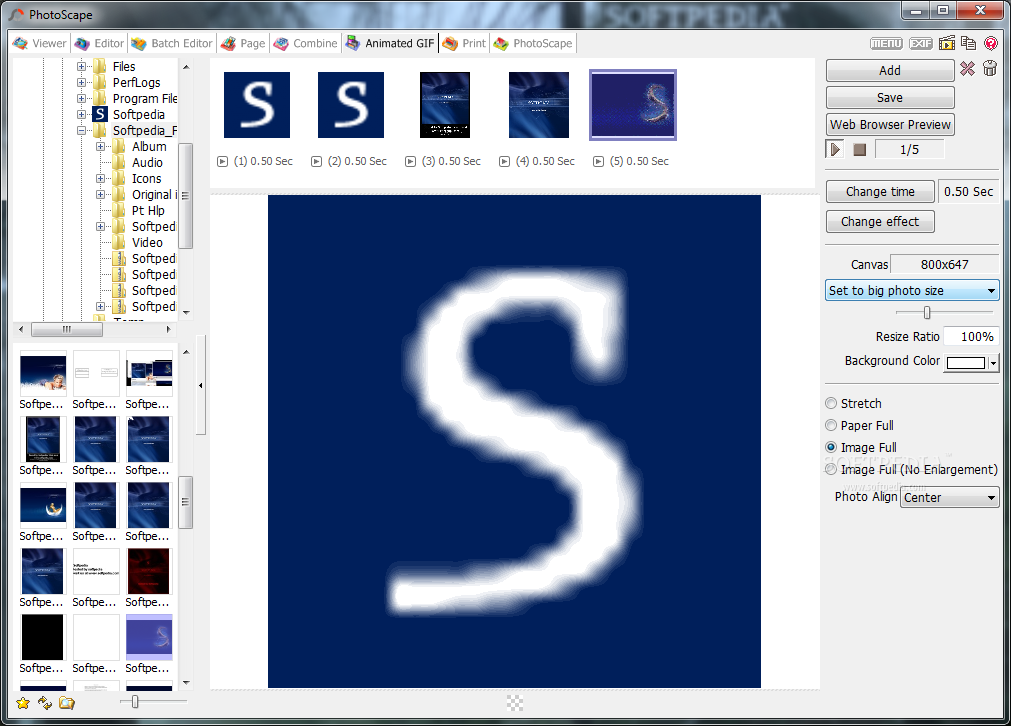
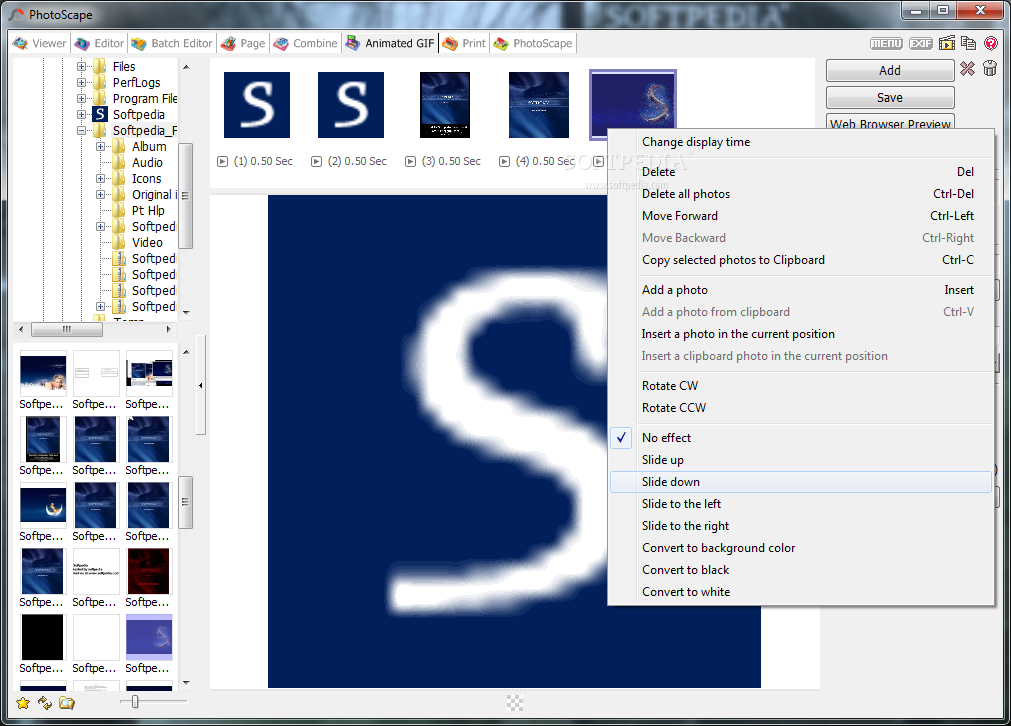
You can also create composites of several images, animated GIFs with custom change time, effect and size, while it is also possible to capture the entire screen, a selected area of it or a specified window.
Last but not least, you can make use of a color picker, rename multiple pictures in one single session, search for look-alikes on the Internet, and convert raw photos from formats such as DNG, CRW, RAF, NEF, ORF and DCR to one of the most common extensions, namely JPG, PNG, JPEG, GIF, BMP and TIF.
CPU and memory usage is quite low at all times which means that the computer’s performance is not going to suffer because of PhotoScape. Tasks are completed in a timely manner, and there are a lot of them to perform. The interface is suitable to all types of users.
All things concerned, this piece of software is a pretty efficient and reliable tool to have on your PC, regardless of your experience with computers and especially if you are looking for an app free of complicated options. If you are interested in bypassing the installation process, be sure to check out the portable counterpart, know as Portable PhotoScape.
Download Hubs
PhotoScape is part of these download collections: Image Resizers, Edit PNG, Edit JPEG, Convert RW2
What's new in PhotoScape 3.7:
- Added 'Black & White' and 'Bandicoot' filters (Editor > Home)
- Added a 'Smart Blur' brush (Editor > Tools > Effect Brush)
- Brush sizes increase from 3 to 4 and become bigger.
- Added 29 more film effects so totally 35 film effects now. (Editor > Home)
PhotoScape 3.7
add to watchlist add to download basket send us an update REPORT- portable version
- Portable PhotoScape
- runs on:
-
Windows 2003
Windows 8
Windows 7
Windows Vista
Windows XP
Windows 2K - file size:
- 20.4 MB
- filename:
- PhotoScapeSetup_V3.7.exe

- main category:
- Multimedia
- developer:
- visit homepage
7-Zip

Zoom Client

Microsoft Teams

4k Video Downloader

Context Menu Manager

calibre

Bitdefender Antivirus Free

ShareX

IrfanView

Windows Sandbox Launcher

- ShareX
- IrfanView
- Windows Sandbox Launcher
- 7-Zip
- Zoom Client
- Microsoft Teams
- 4k Video Downloader
- Context Menu Manager
- calibre
- Bitdefender Antivirus Free