
Easy-to-use application that enables you to enhance and retouch your digital photos by removing unwanted objects, cleaning the skin and simulating a glow effect. #Photo Editor #Image Editor #Graphic Editor #Edit #Retouch #Sharpen

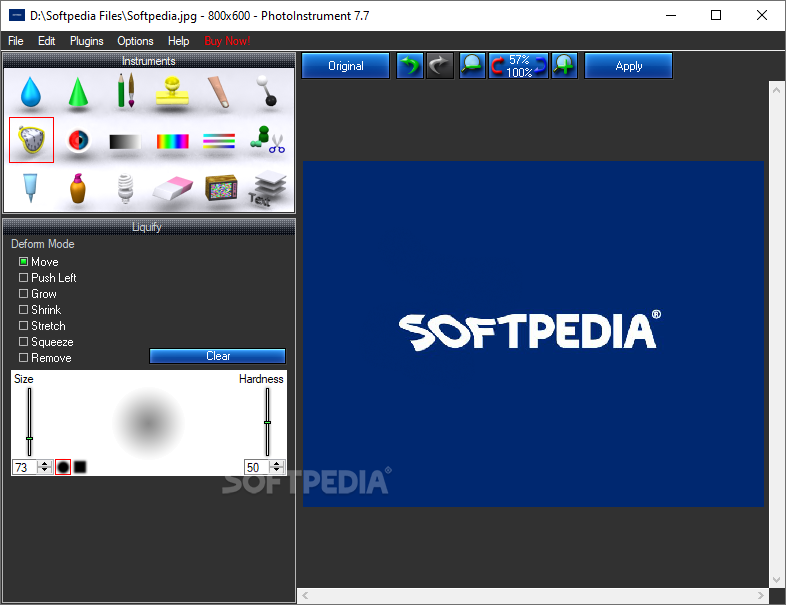
Photoinstrument is a small software tool which provides users with a simple means of editing their photos, and supports a wide range of image formats.
You are required to go through a pretty simple and quick installation process, which does not come bundled with any unpleasant offers from third-party products.
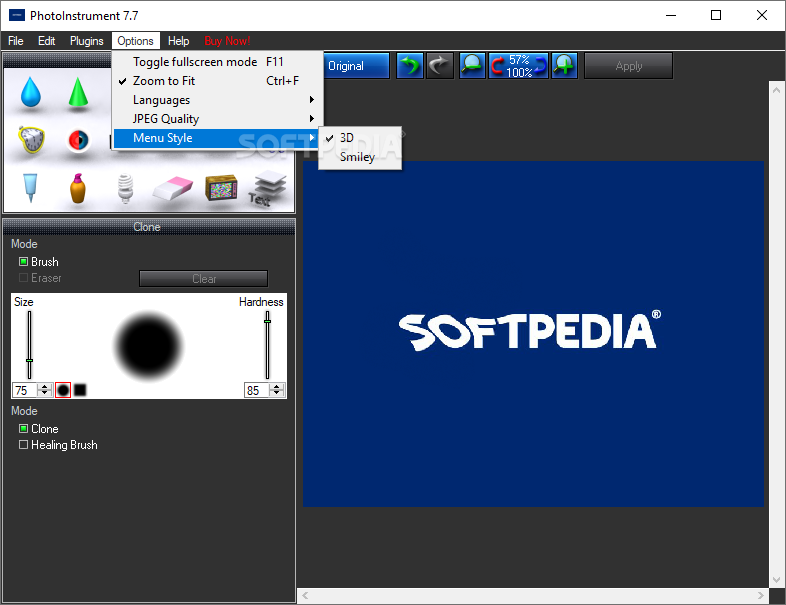
The interface is pretty typical for a simple editing application, which means that power users will find it familiar. Less experienced ones will easily learn how to handle it, as it packs several video tutorials. It consists of a menu bar, a toolbox, some buttons and a pane in which to view your ongoing project.
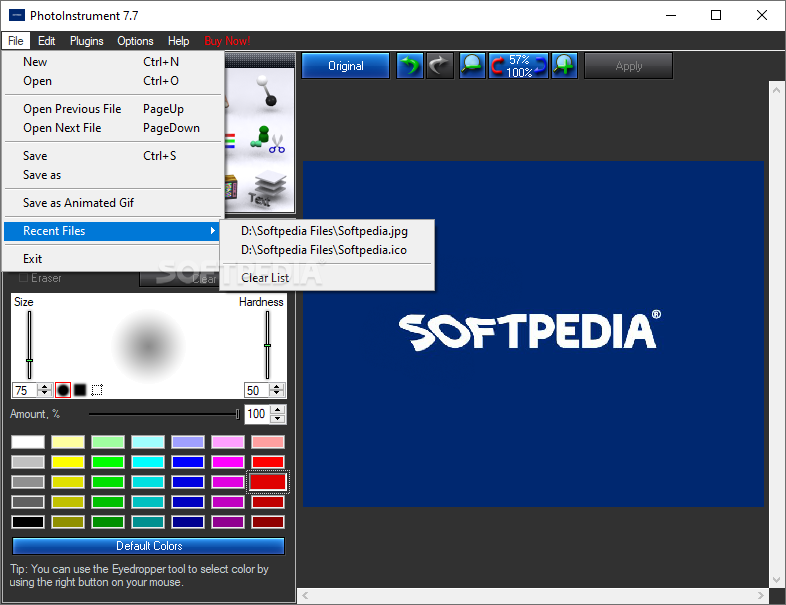
It is possible to upload pictures in a wide variety of formats, including JPG, BMP, PNG, CUT, GIF, ICO, KOA, PCD, PSD, RAS, PPM, DDS and PGM.
Photoinstrument enables you to correct many issues that are commonly found in pictures, such as skin blemishes, out of focus objects and over or under exposure. Consequently, the program puts at your disposal a pretty substantial amount of tools and options.
To be more precise, you can easily blur, sharpen, lighten, darken or smudge certain areas of a photo, clone a specified object and or add a liquefying effect. You can also use a brush or a red eye removal tool, adjust the brightness, contrast, hue, saturation, lightness and color levels, rotate, scale or crop pictures.
It is important to note here that all these options can be customized with ease, so that you can edit even the finer details in photos.
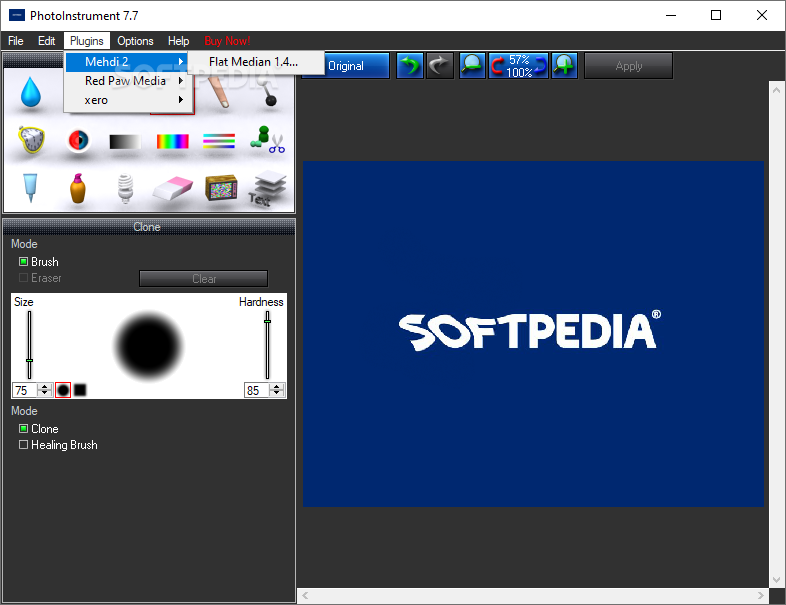
Aside from these, you can also access and use some more advanced features, such as clearing the skin in a portrait, applying a glamour skin effect or removing blemishes, scratches and noise. Last but not least, you can easily input a custom text string or image, as watermarks or logos for example.
A small setback is that the undo and redo functions do not always work properly, sometimes leading you backwards or forwards more than one step and taking quite a while to be completed.
The amount of resources required by Photoinstrument is quite significant at times, which means that the computer’s performance is going to be affected and using it on an older computer can prove to be quite difficult. The response time is not always good, yet the interface is intuitive and there are plenty of options to tweak.
To conclude, this is a pretty handy piece of software, dedicated to all types of users, looking for a simpler method of editing and enhancing their photographs.
Download Hubs
PhotoInstrument is part of these download collections: Open EXR, Convert EXR, View EXR
PhotoInstrument 7.7 Build 1054
add to watchlist add to download basket send us an update REPORT- runs on:
-
Windows NT
Windows 11
Windows 10 32/64 bit
Windows 8 32/64 bit
Windows 7 32/64 bit
Windows Vista 32/64 bit
Windows XP 32/64 bit
Windows 2K - file size:
- 5.1 MB
- filename:
- PhotoInstrument_setup.exe
- main category:
- Multimedia
- developer:
- visit homepage
Windows Sandbox Launcher

7-Zip

calibre

Context Menu Manager

Microsoft Teams

Bitdefender Antivirus Free

Zoom Client

IrfanView

ShareX

4k Video Downloader

- IrfanView
- ShareX
- 4k Video Downloader
- Windows Sandbox Launcher
- 7-Zip
- calibre
- Context Menu Manager
- Microsoft Teams
- Bitdefender Antivirus Free
- Zoom Client