
Provides the ability to batch resize pictures, batch rename photos, and add text or image watermarks. #Picture resizer #Rename picture #Watermark image #Resize #Renamer #Watermark

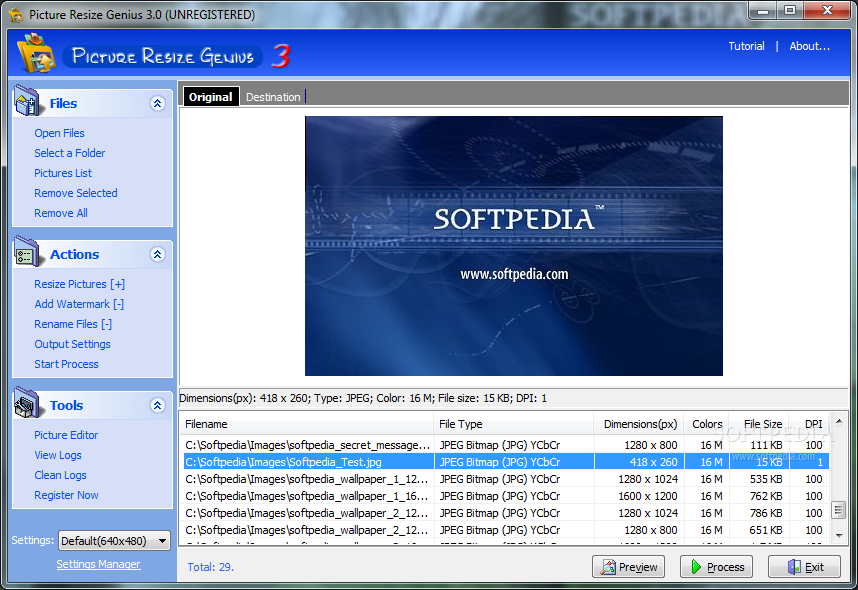
As the title of this software suggests, Picture Resize Genius allows you to resize image files.
If you are using Windows 7, then make sure to start Picture Resize Genius with administrative rights. Otherwise, several errors will pop up and prevent you from working smoothly.
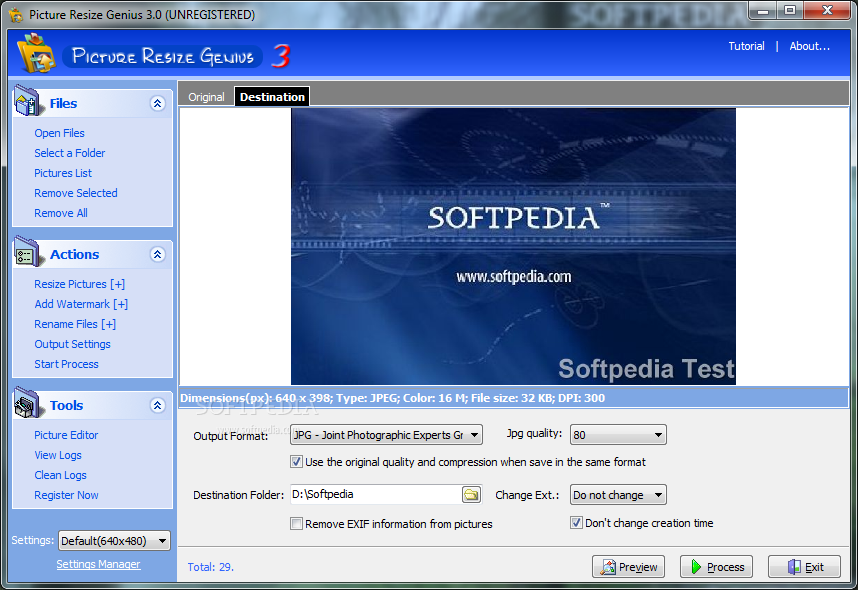
The interface of the application is plain and simple. Photographs can be imported into the list via the file browser or "drag and drop" method. Batch processing is supported (which is the most important feature of the tool).
In the list you can check out the source path and type, dimensions, colors, size and DPI of each picture.
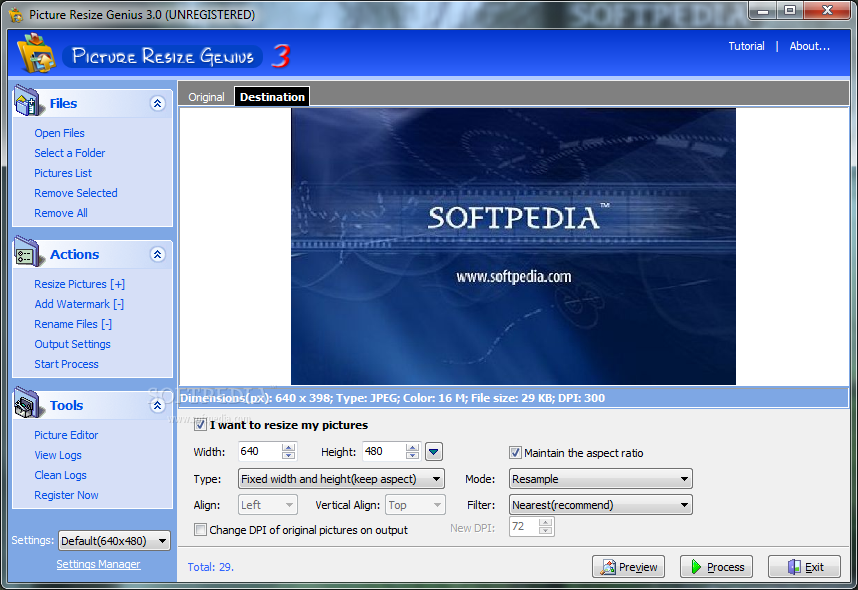
You can resize images by specifying the new width and height, keep the aspect ratio, align pictures, select the mode (resample or crop) and filter (e.g. nearest, triangle), as well as change the DPI.
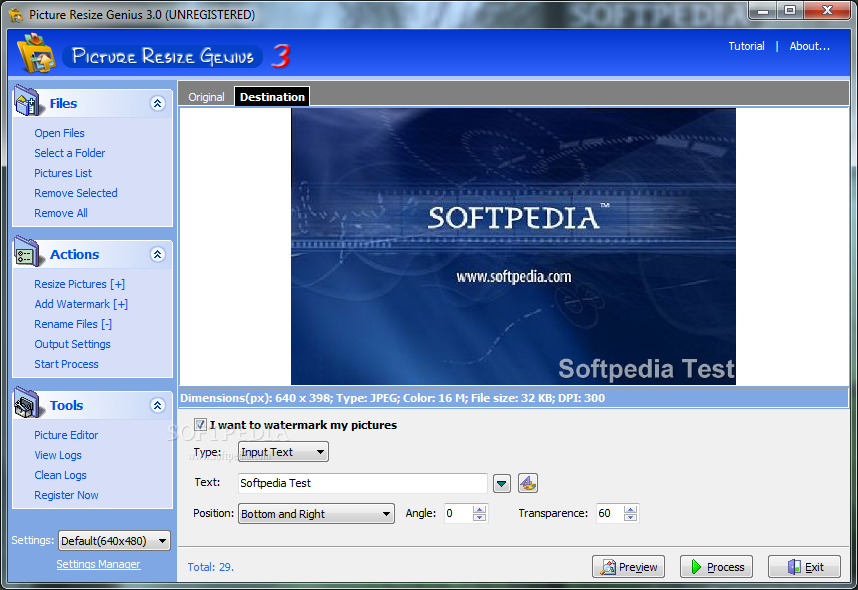
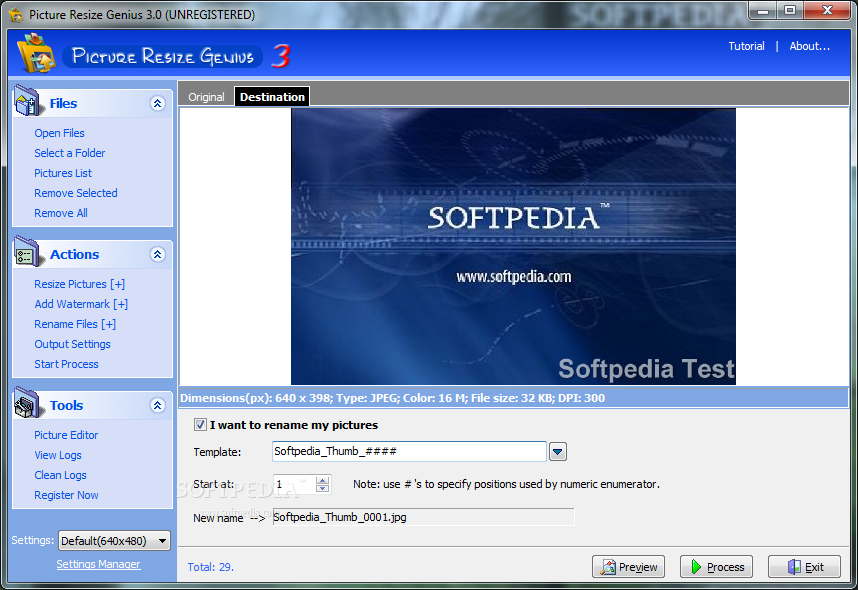
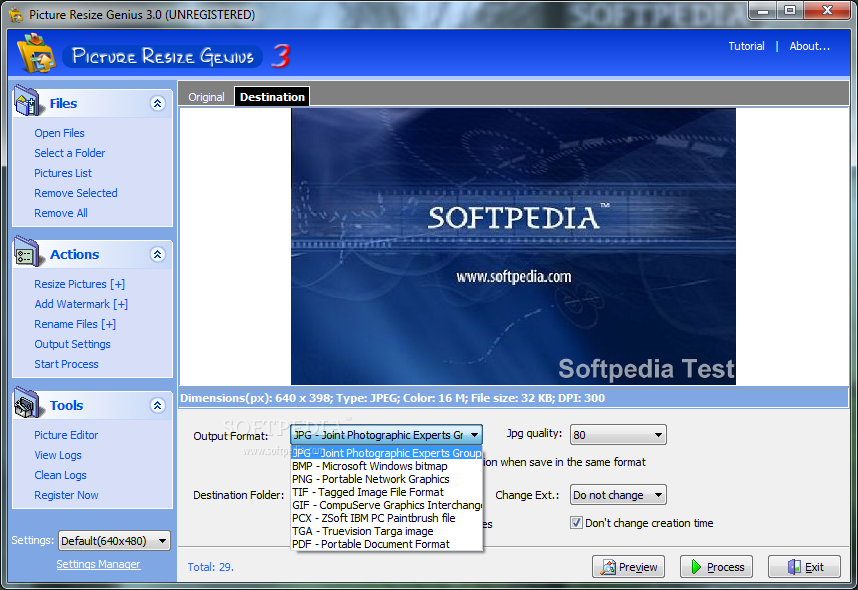
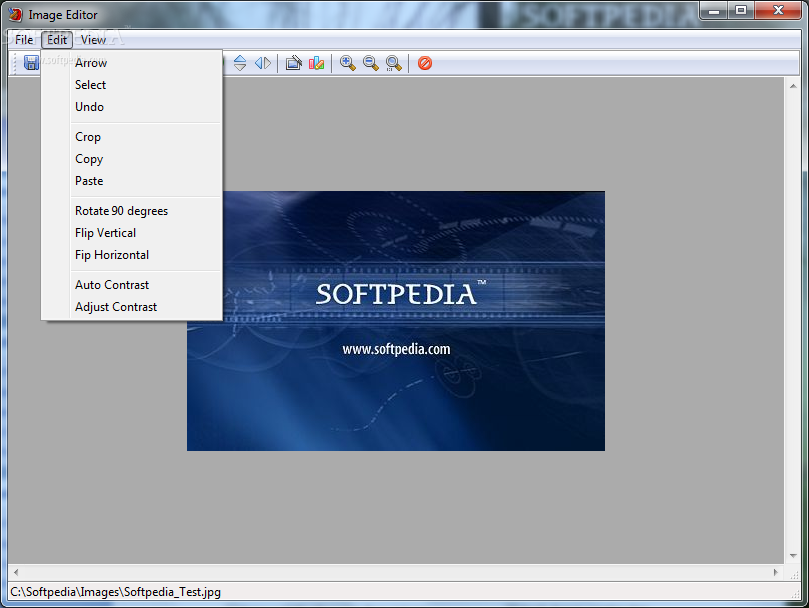
You can add a text watermark and set its position, angle and transparency level, rename files and configure output settings (e.g. format, JPG quality, destination folder). You can use a picture editor (e.g. crop, rotate, flip, auto contrast), view and clean logs, preview results, and more.
Picture Resize Genius includes a how-to guide with snapshots for beginners and runs on a low-to-moderate amount of system resources. In some cases, it didn't manage to resize pictures due to permission issues. In conclusion, we recommend Picture Resize Genius with reservations.
Picture Resize Genius 3.0.1
add to watchlist add to download basket send us an update REPORT- runs on:
- Windows All
- file size:
- 1.8 MB
- filename:
- PictureResizeGeniusEn.exe
- main category:
- Multimedia
- developer:
- visit homepage
calibre

7-Zip

ShareX

4k Video Downloader

Windows Sandbox Launcher

Microsoft Teams

Context Menu Manager

Zoom Client

IrfanView

Bitdefender Antivirus Free

- Zoom Client
- IrfanView
- Bitdefender Antivirus Free
- calibre
- 7-Zip
- ShareX
- 4k Video Downloader
- Windows Sandbox Launcher
- Microsoft Teams
- Context Menu Manager