
A batch image converter / resizer /renamer #Image editor #Edit image #Image tool #Editor #Edit #Resize
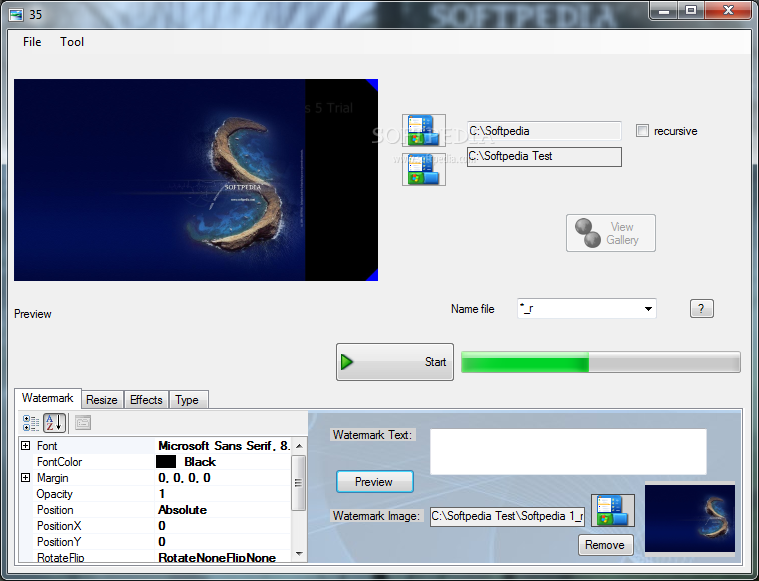
Romanelli Image Tools will help you convert and rename images in batch mode (it supporting sequential number).
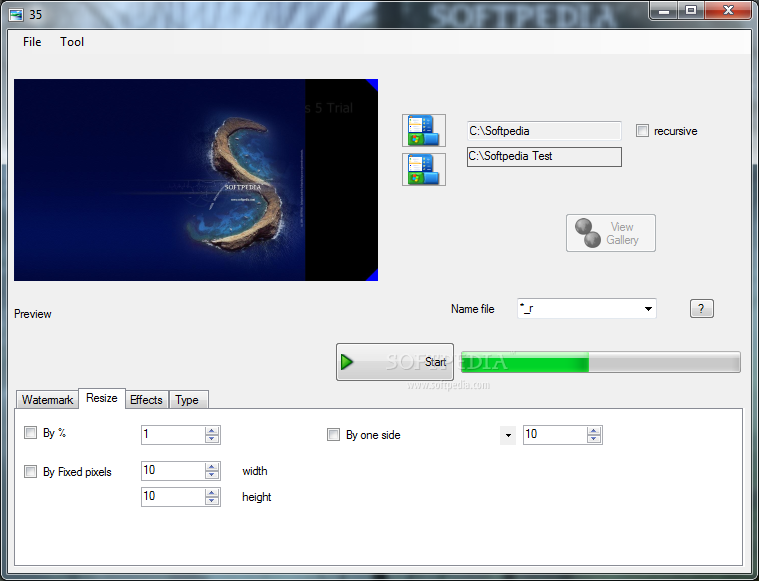
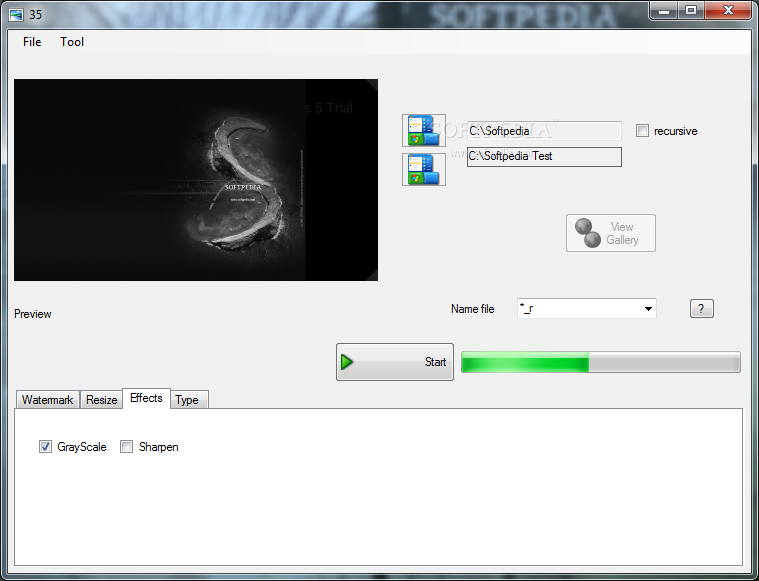
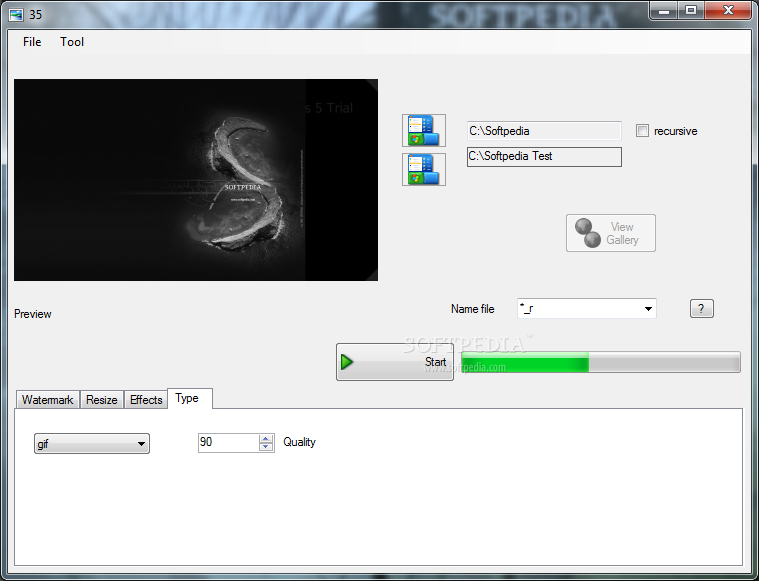
The application handles JPEG, BMP, GIF, PNG. You can resize, apply color effects (sharpen and gray scale and more) , add text, watermark in any position and transparency , rename images with sequential number.
It supports recursive folder (you can convert any number of image automatically), loads and saves settings automatically.
You can export and automatically create a nice gallery. If you have a lot of photos from your camera you can create a html web gallery to show them to your friends. If your photos are very big for example 1 GB you can create a simple gallery of 1 MB and publish them easily on your web site, in fact the content will be saved in a simple html page.
NOTE: Free for home users!
System requirements
Romanelli Image Tools 0.0.0.1
add to watchlist add to download basket send us an update REPORT- runs on:
- Windows All
- file size:
- 377 KB
- filename:
- setuprit.exe
- main category:
- Multimedia
- developer:
- visit homepage
Microsoft Teams

Bitdefender Antivirus Free

ShareX

Context Menu Manager

4k Video Downloader

7-Zip

calibre

IrfanView

Zoom Client

Windows Sandbox Launcher

- IrfanView
- Zoom Client
- Windows Sandbox Launcher
- Microsoft Teams
- Bitdefender Antivirus Free
- ShareX
- Context Menu Manager
- 4k Video Downloader
- 7-Zip
- calibre