
Create instant screen demos from multiple monitors at the same time that you can customize accordingly using this straightforward app. #Create screen demo #Convert screen #Voice recorder #Capture #Screen #Record
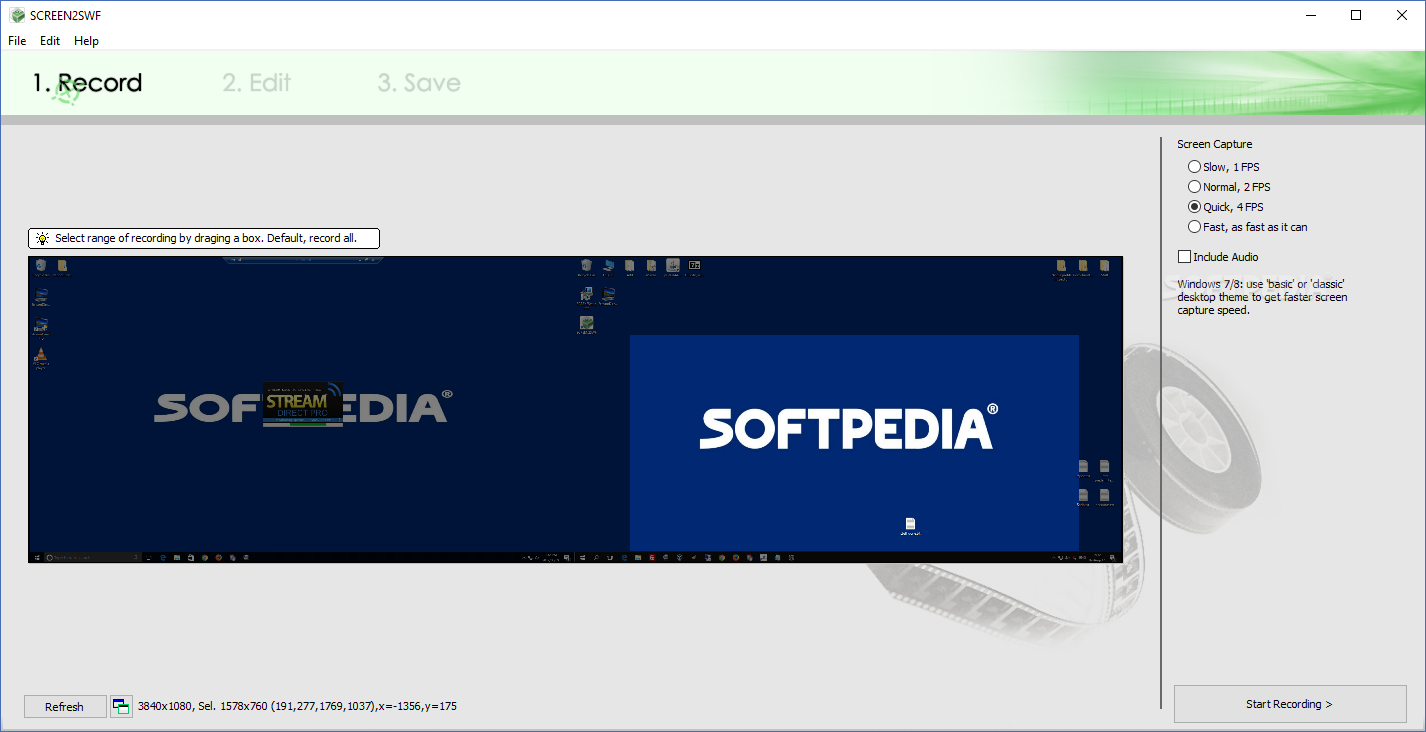
SCREEN2EXE is a comprehensive tool designed for recording your whole desktop or just a selected region, useful for creating demos on your computer.
The application provides you with various screen capture speeds, so you can use the 'Slow (1 FPS)', 'Normal (2 FPS), 'Quick (4 FPS)' or 'As Fast As It Can' modes, but the recommended setting is the 'Normal' speed, as it suffices for most demos.
An important feature of SCREEN2EXE is the fact that it allows you to include audio recording, so you can verbally describe what you are doing. This might help those watching you better understand your actions.
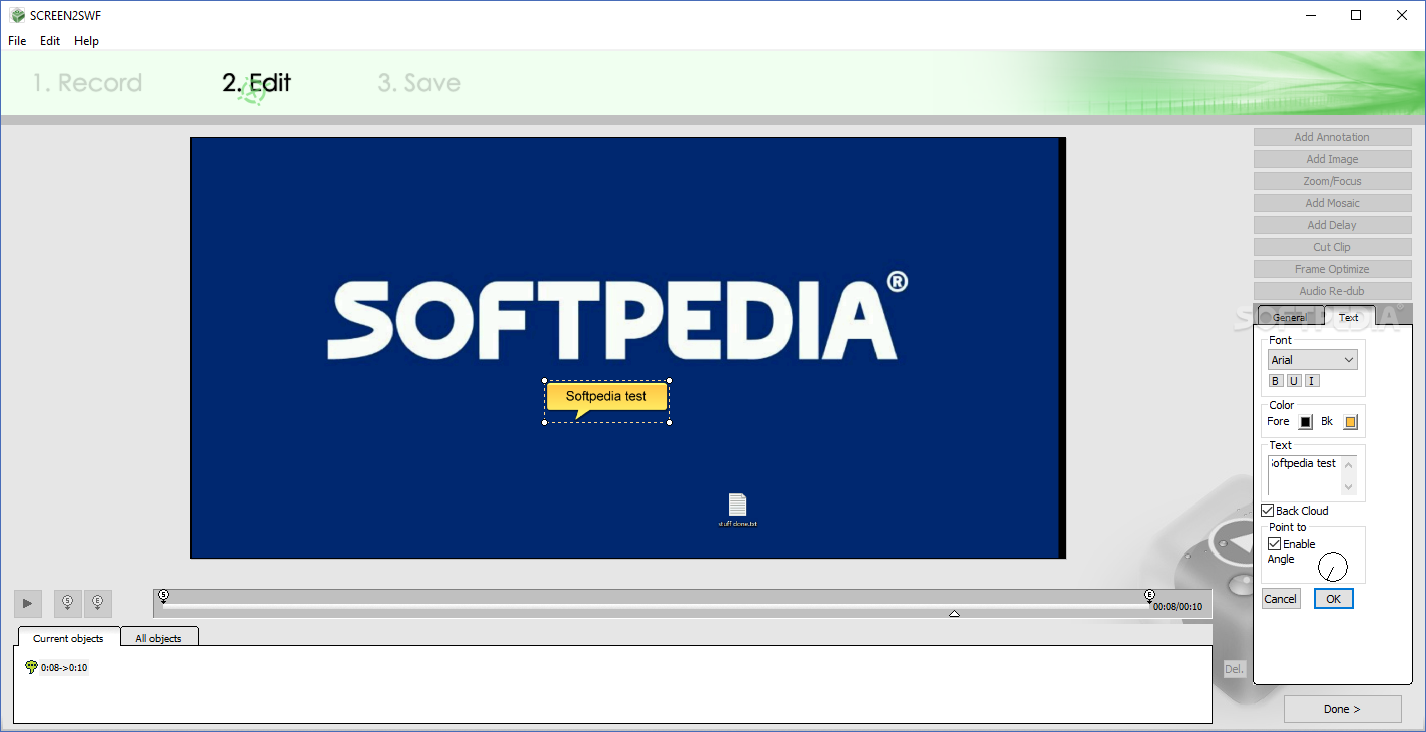
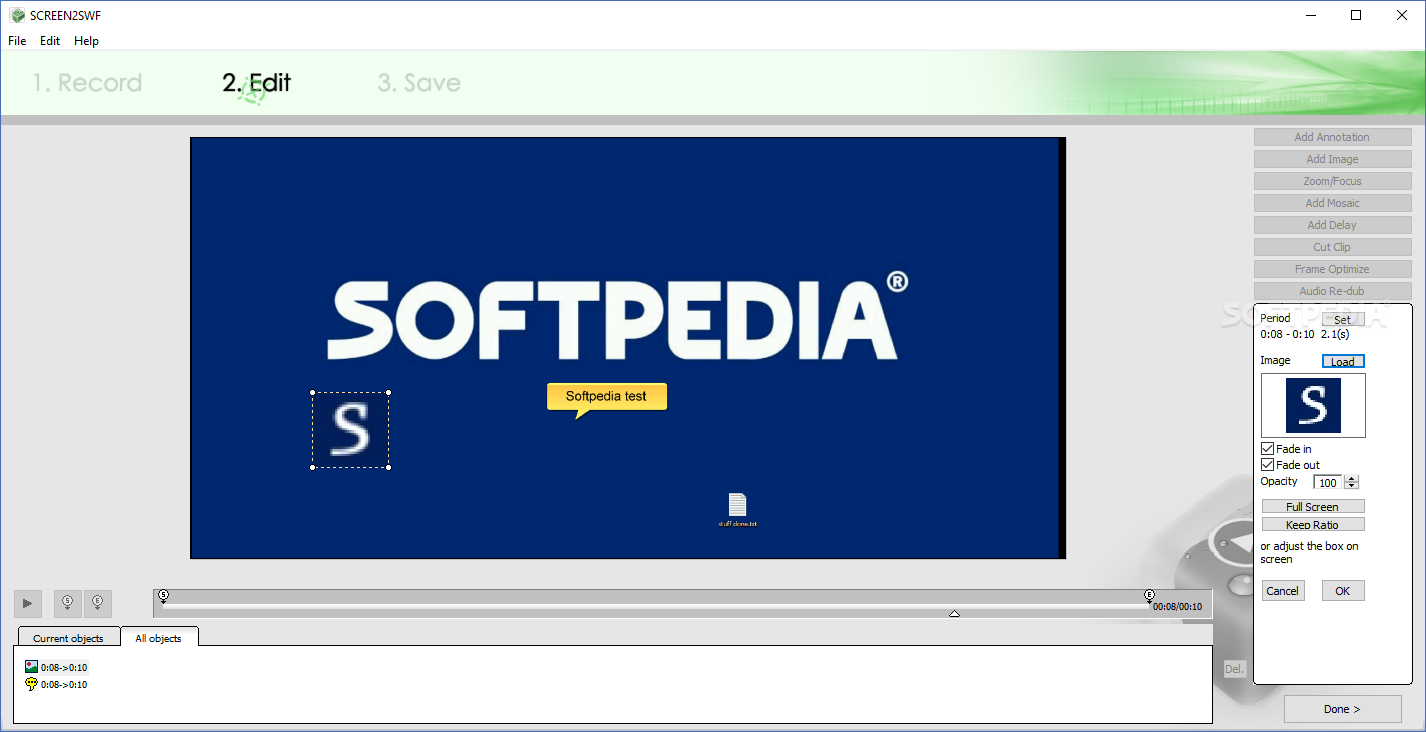
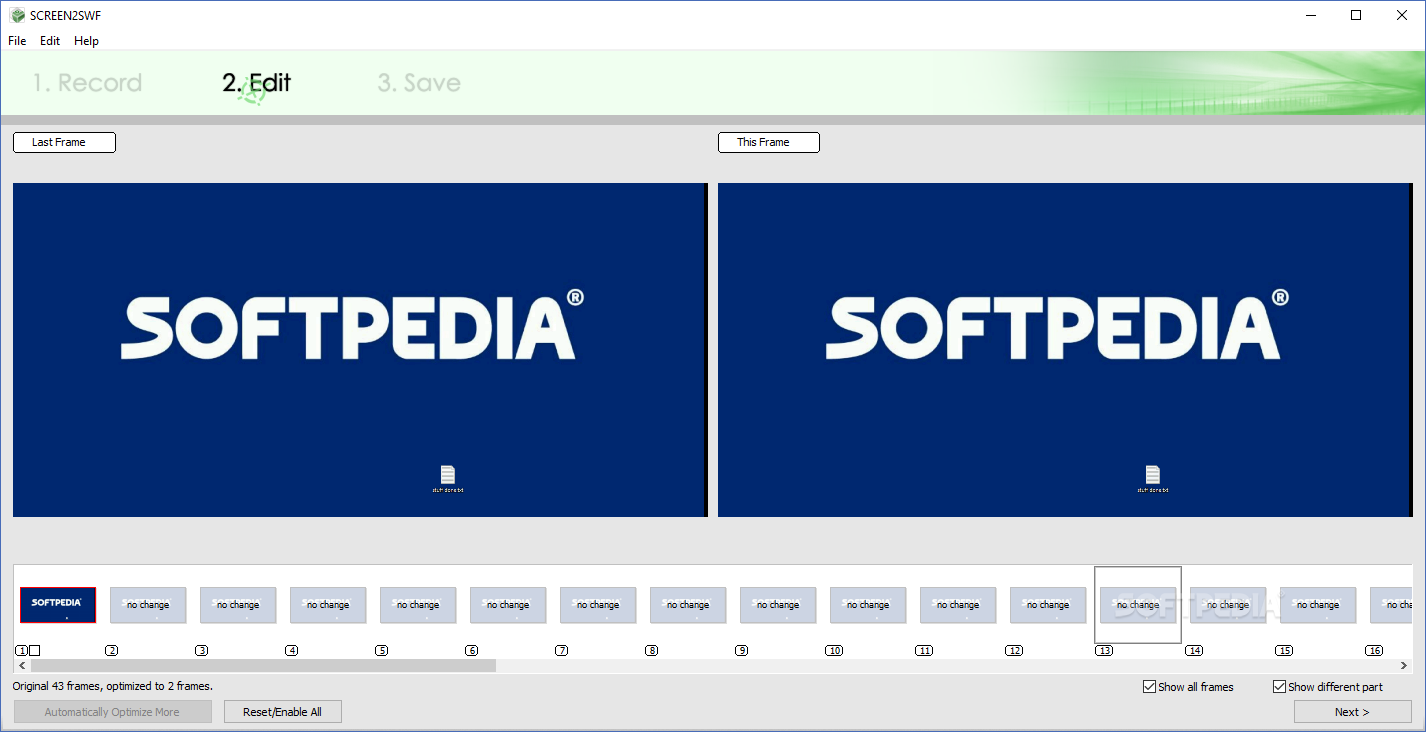
After you finish recording your video, you can also edit it, without requiring additional software. You can make annotations to your movie or add pictures, which can be useful when you want to give your viewers a quick visual example.
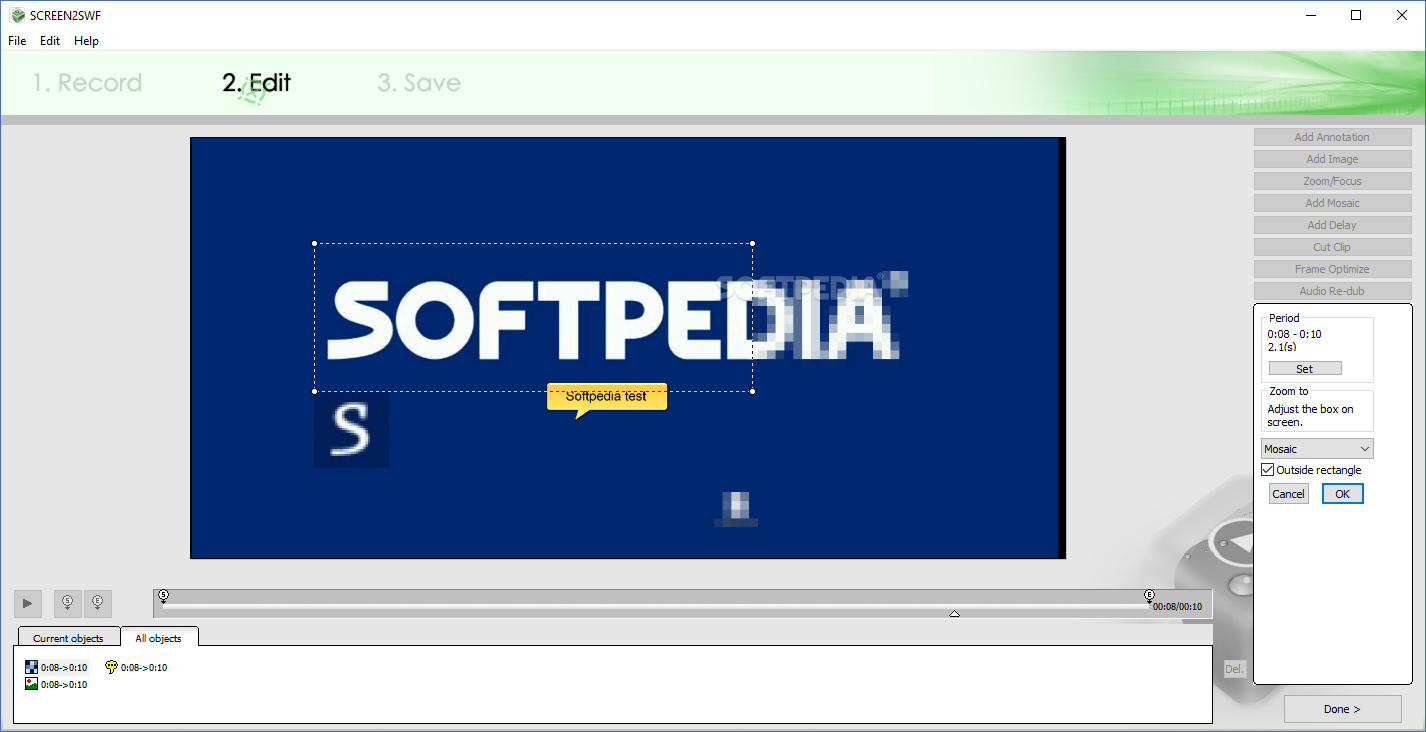
Moreover, when editing your recording, you can use an effect on the images and focus the viewer's attention on a certain location, by selecting a specific region and darkening the rest.
With SCREEN2EXE, you can add a delay to the recorded video, so as to allow your viewers the time to understand something you did and be able to reiterate that move on their own.
If the video is too long, or the beginning and end times need to be adjusted, you can clip them from the video. Similarly, if the movie features some frames where nothing actually happens, SCREEN2EXE allows you to eliminate them from the recording automatically or by hand.
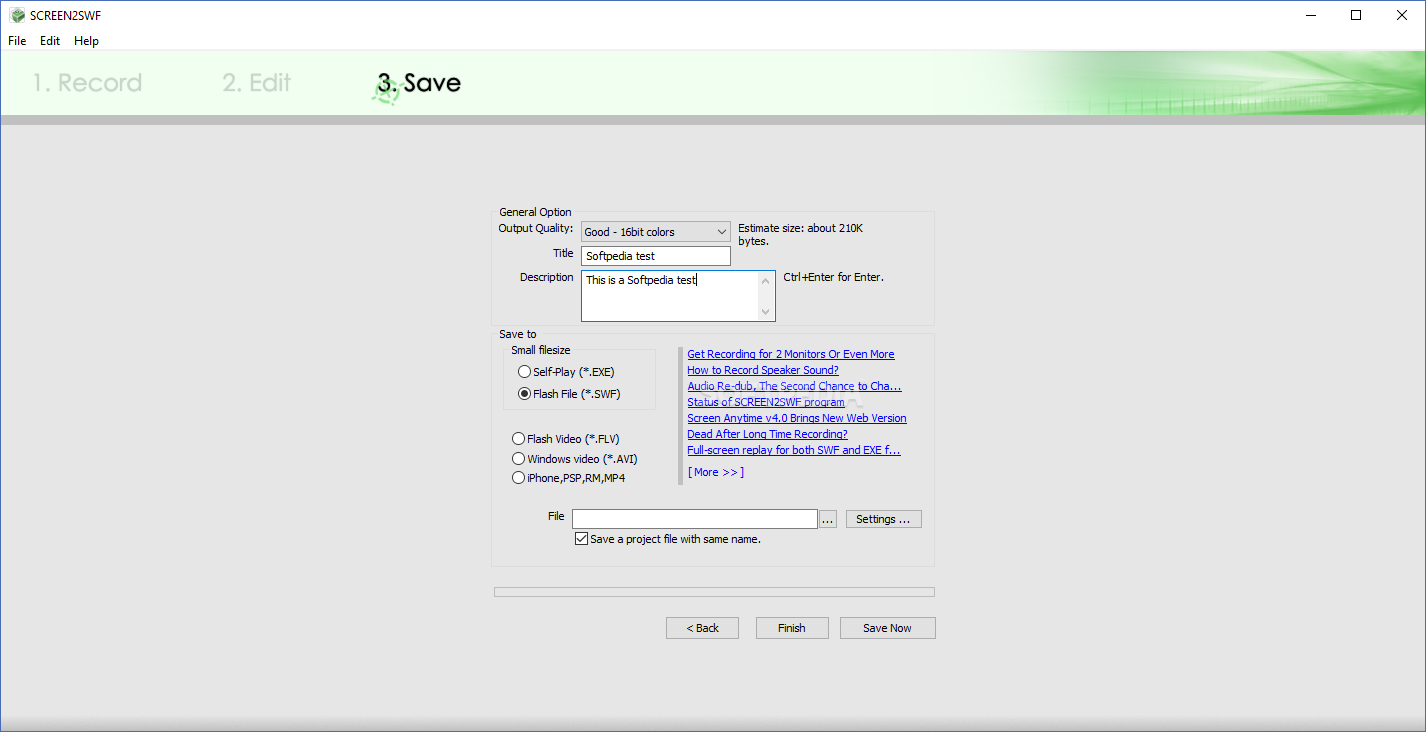
After finishing all the appropriate editing operations, you can save the file to either AVI or EXE formats, and enter a title and a description for your video.
Offering such useful functions, SCREEN2EXE proves to be a reliable utility that provides you with the necessary means for creating good-quality desktop demos.
SCREEN2EXE 3.7
add to watchlist add to download basket send us an update REPORT- runs on:
-
Windows 10 32/64 bit
Windows 2003
Windows 8 32/64 bit
Windows 7 32/64 bit
Windows Vista
Windows XP
Windows 2K - file size:
- 4.1 MB
- filename:
- SCREXESetup.exe
- main category:
- Multimedia
- developer:
- visit homepage
Zoom Client

7-Zip

Bitdefender Antivirus Free

Context Menu Manager

ShareX

Microsoft Teams

4k Video Downloader

IrfanView

Windows Sandbox Launcher

calibre

- IrfanView
- Windows Sandbox Launcher
- calibre
- Zoom Client
- 7-Zip
- Bitdefender Antivirus Free
- Context Menu Manager
- ShareX
- Microsoft Teams
- 4k Video Downloader