
A fully-featured graphic editor that comes packed different drawing tools for helping you create high-quality web graphics items and illustrations. #Photo editor #Design website #Edit photo #Editor #Design #Optimize

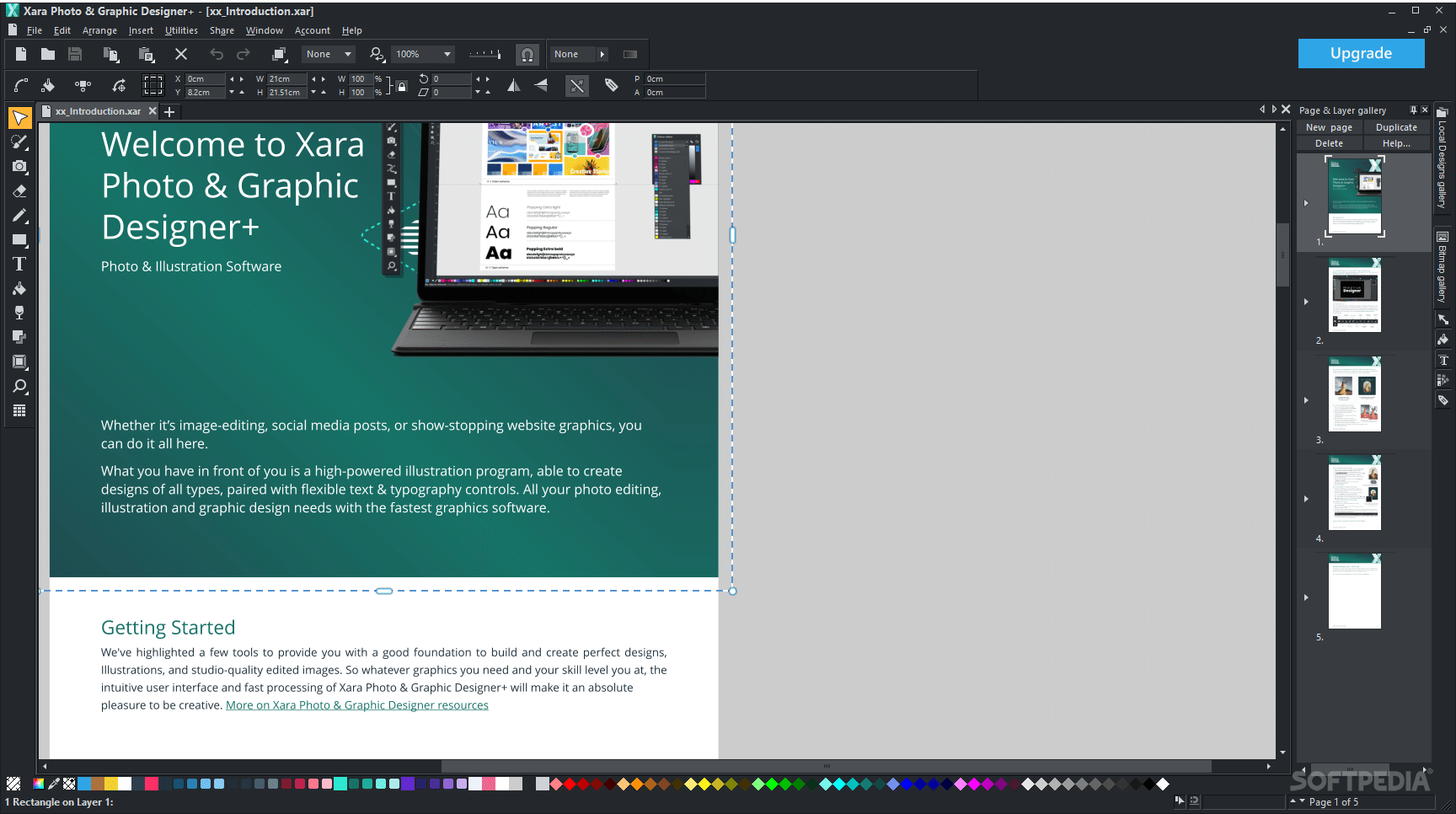
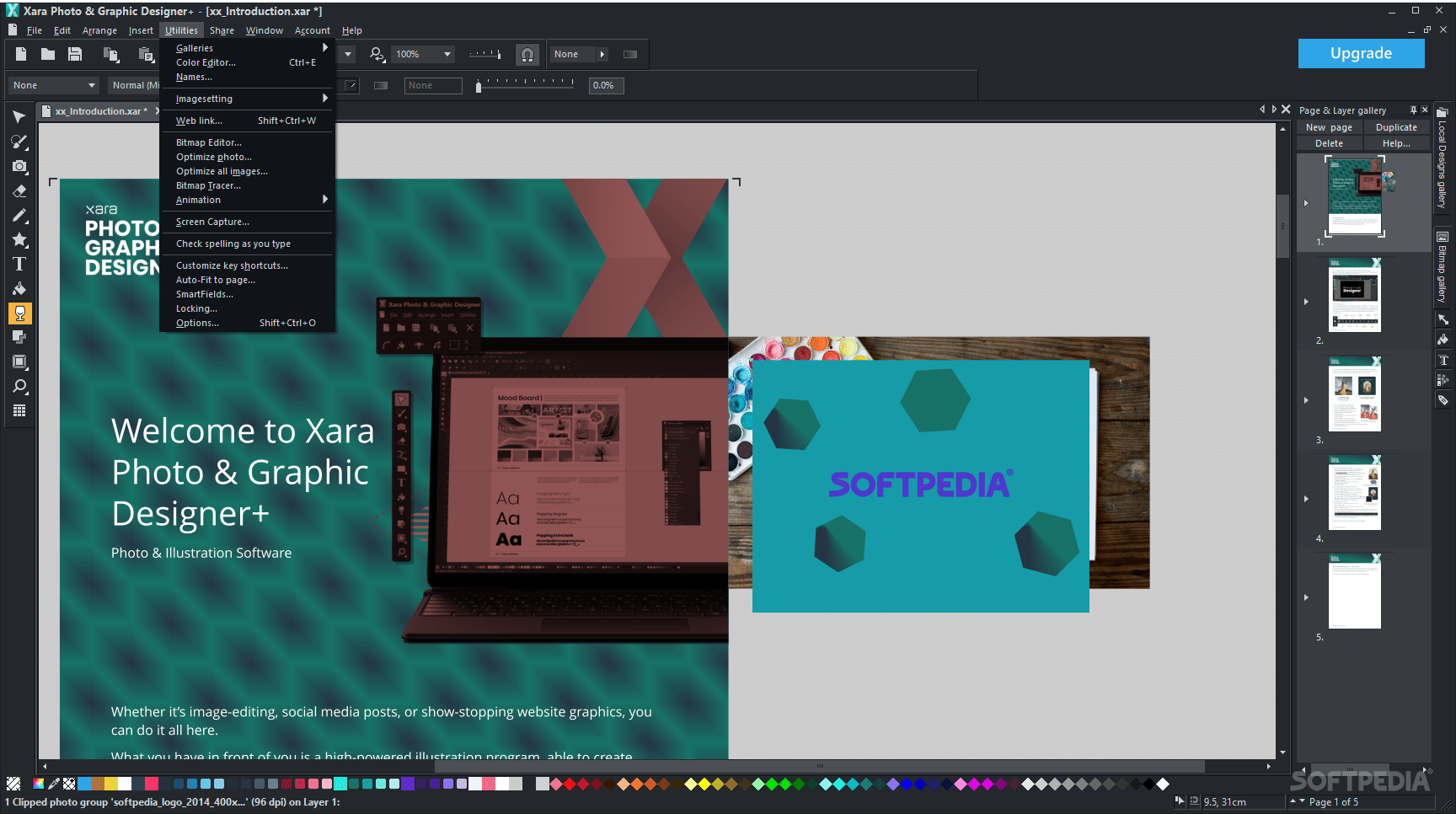
The abundance of programs that address image processing is but a consequence of the inherent characteristics of the image data, coupled with the varied and demanding requirements in terms of tasks. With this also comes a degree of complexity, which might not be the best for all user categories. Xara Photo & Graphic Designer+ is here to attempt to provide a balanced approach, by offering users a capable image-processing engine, whose feature set is diverse and comprehensive, while still retaining the all-essential simplicity that the average user craves for most tasks.
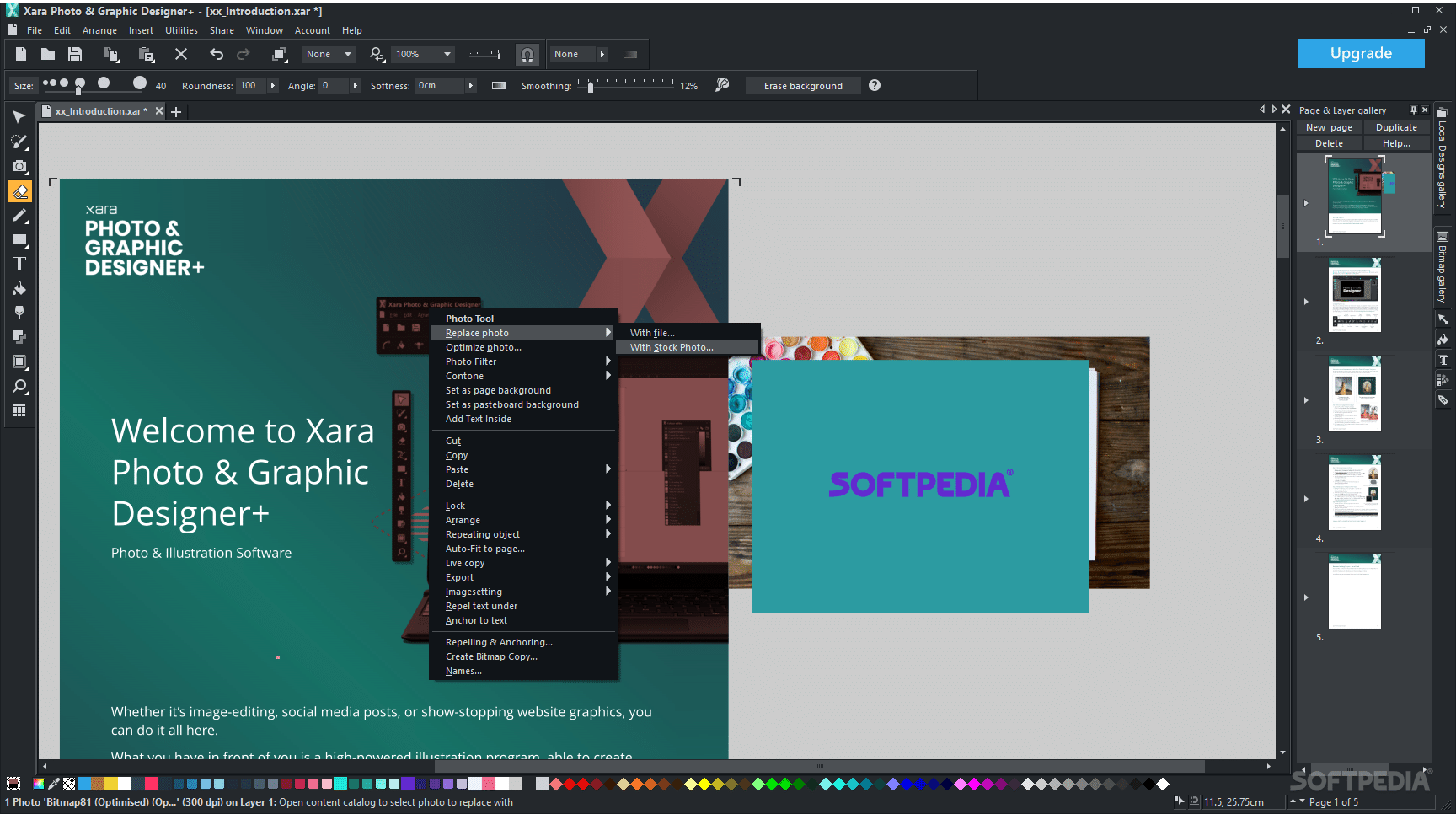
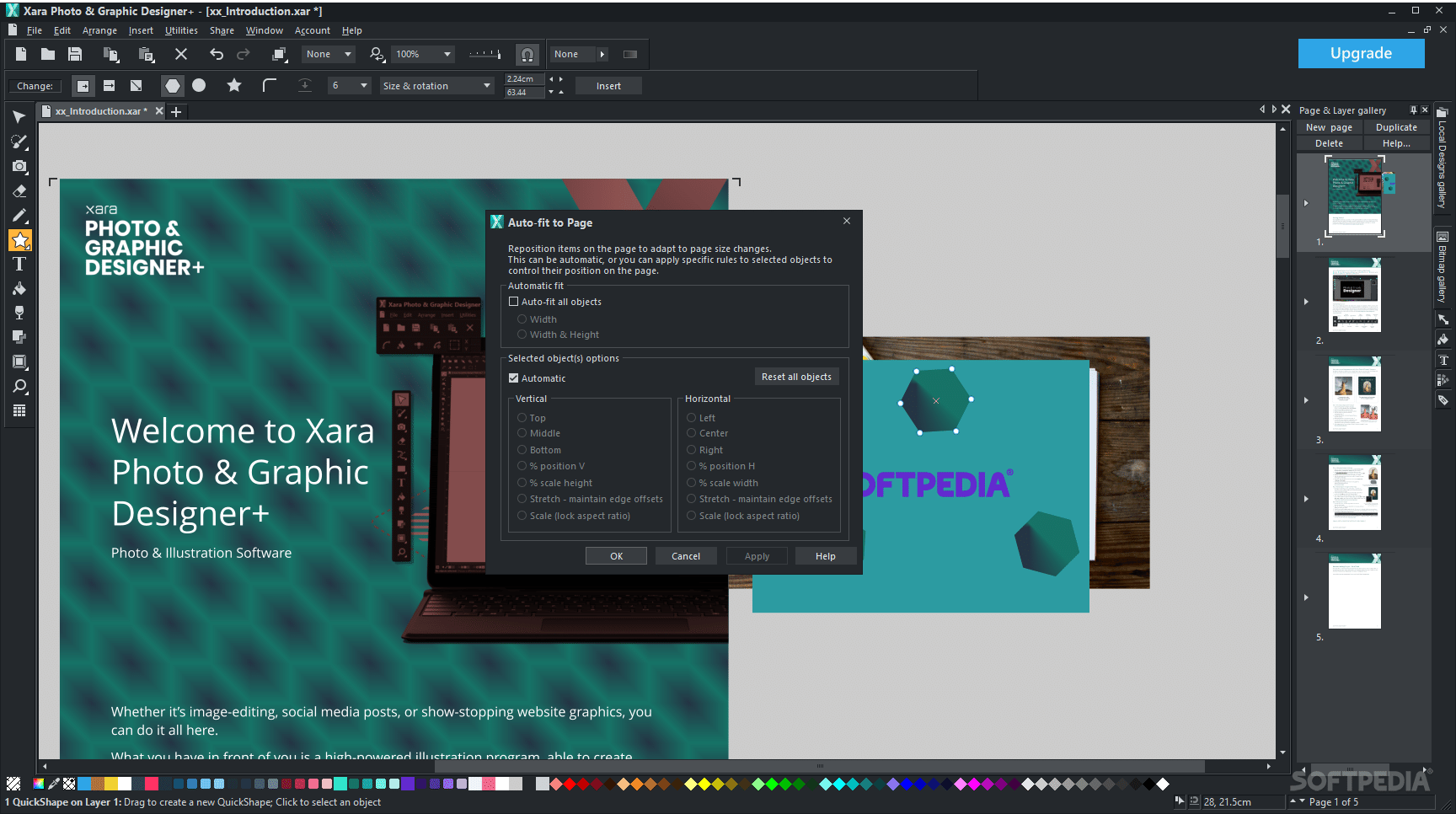
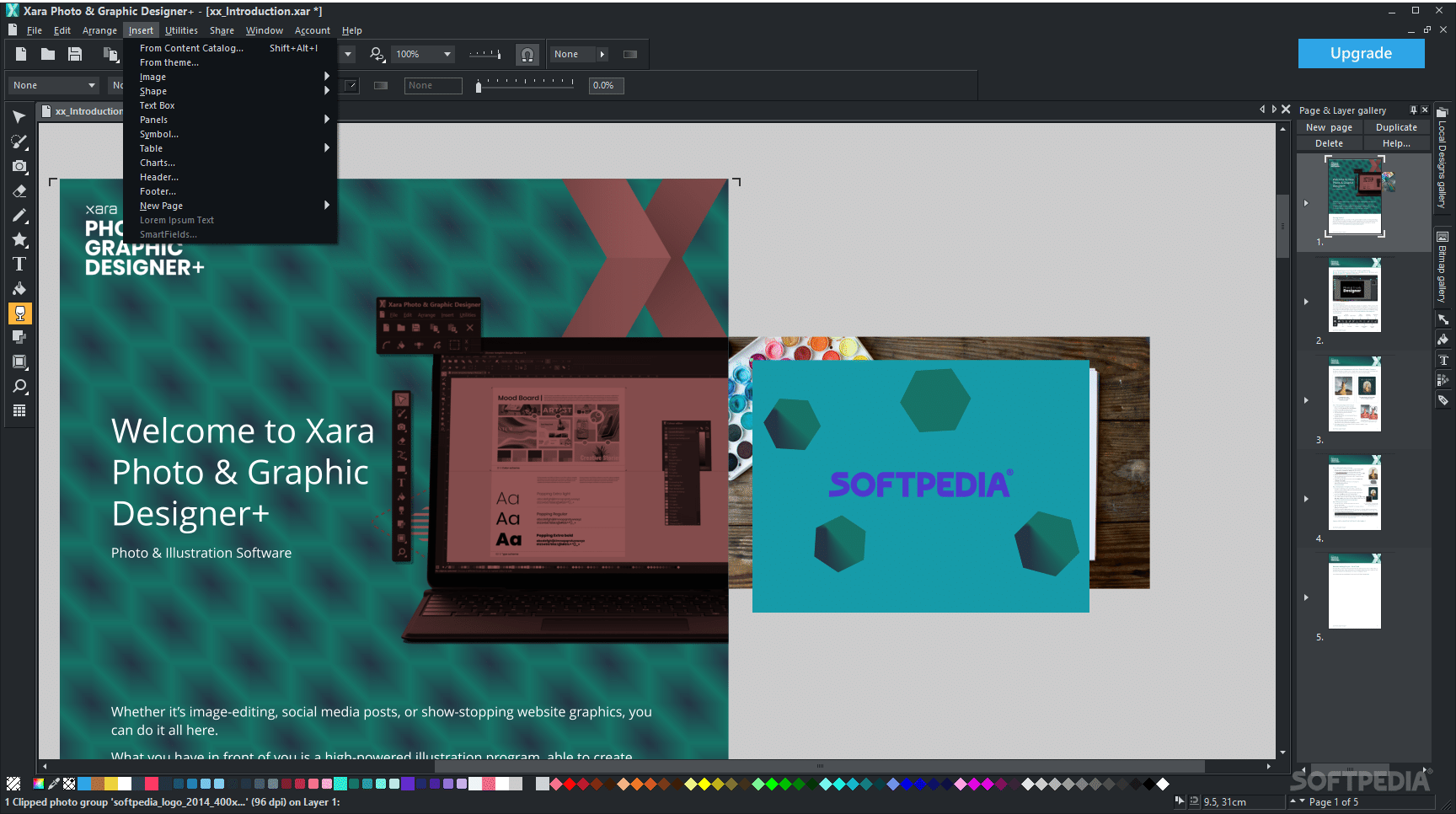
For those who are familiarized with the layouts of classic image processing editors, Xara Photo & Graphic Designer+ carries a classic design, which we believe to be adequate for facilitating intuitive and efficient processing.
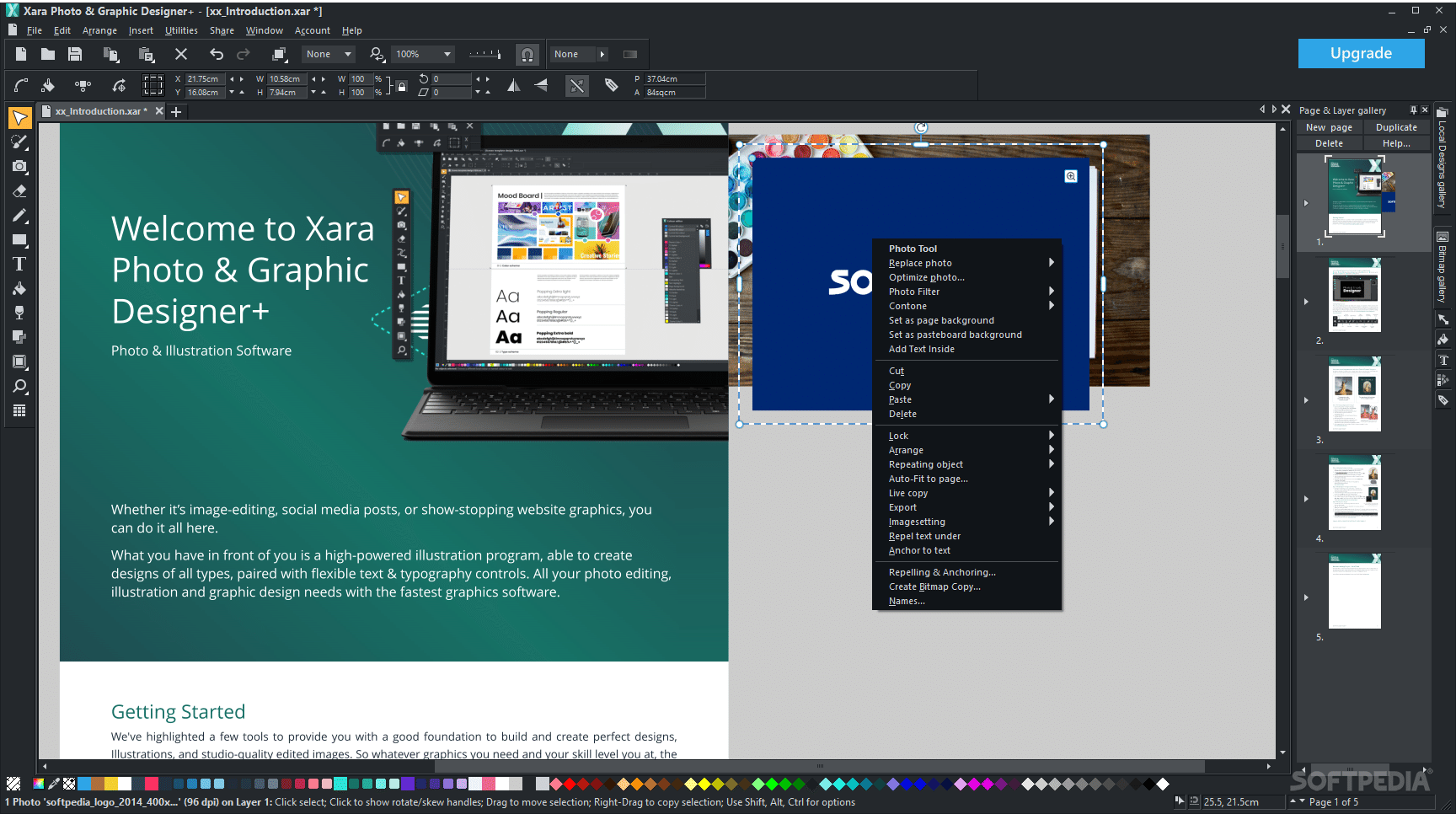
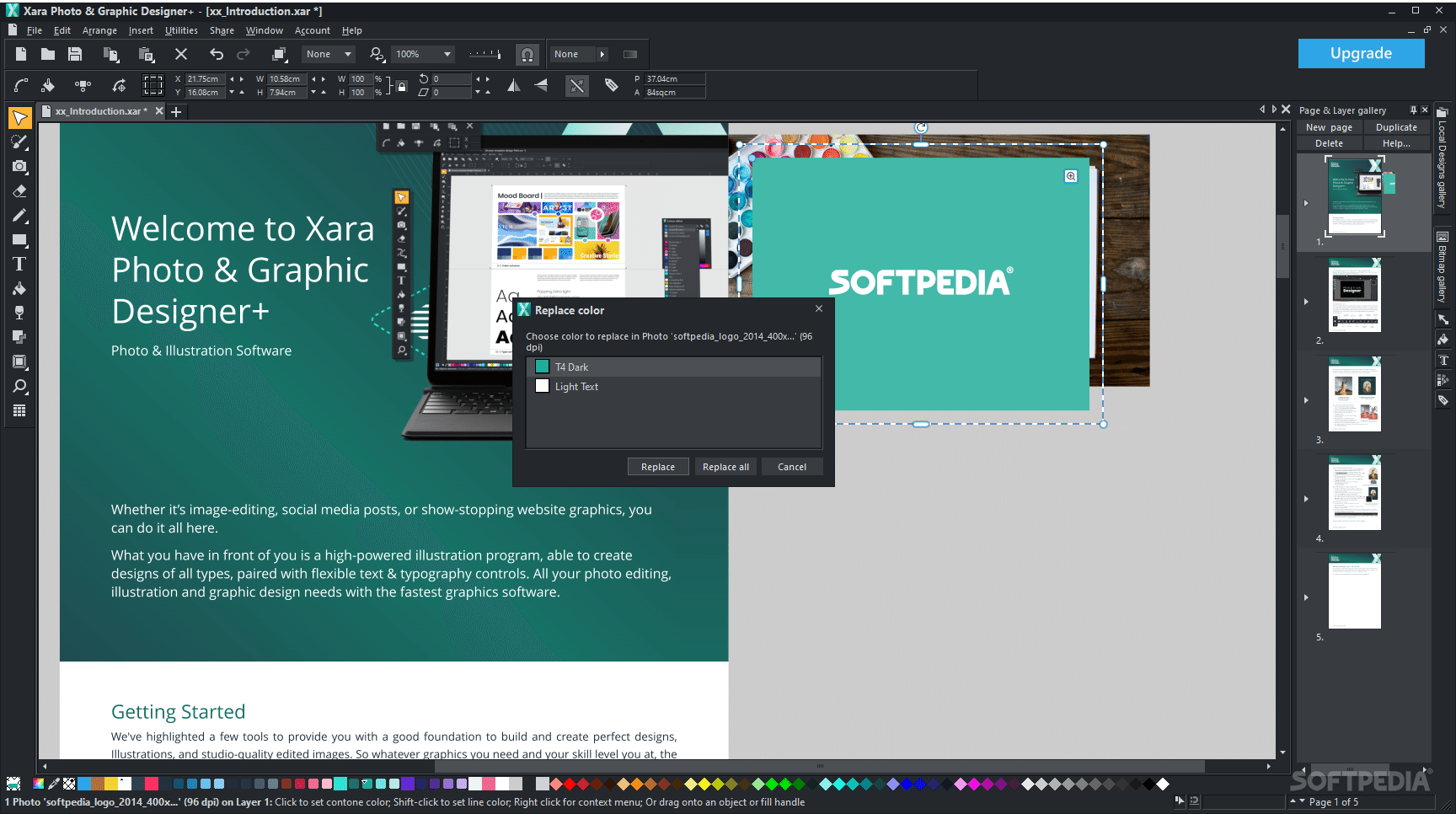
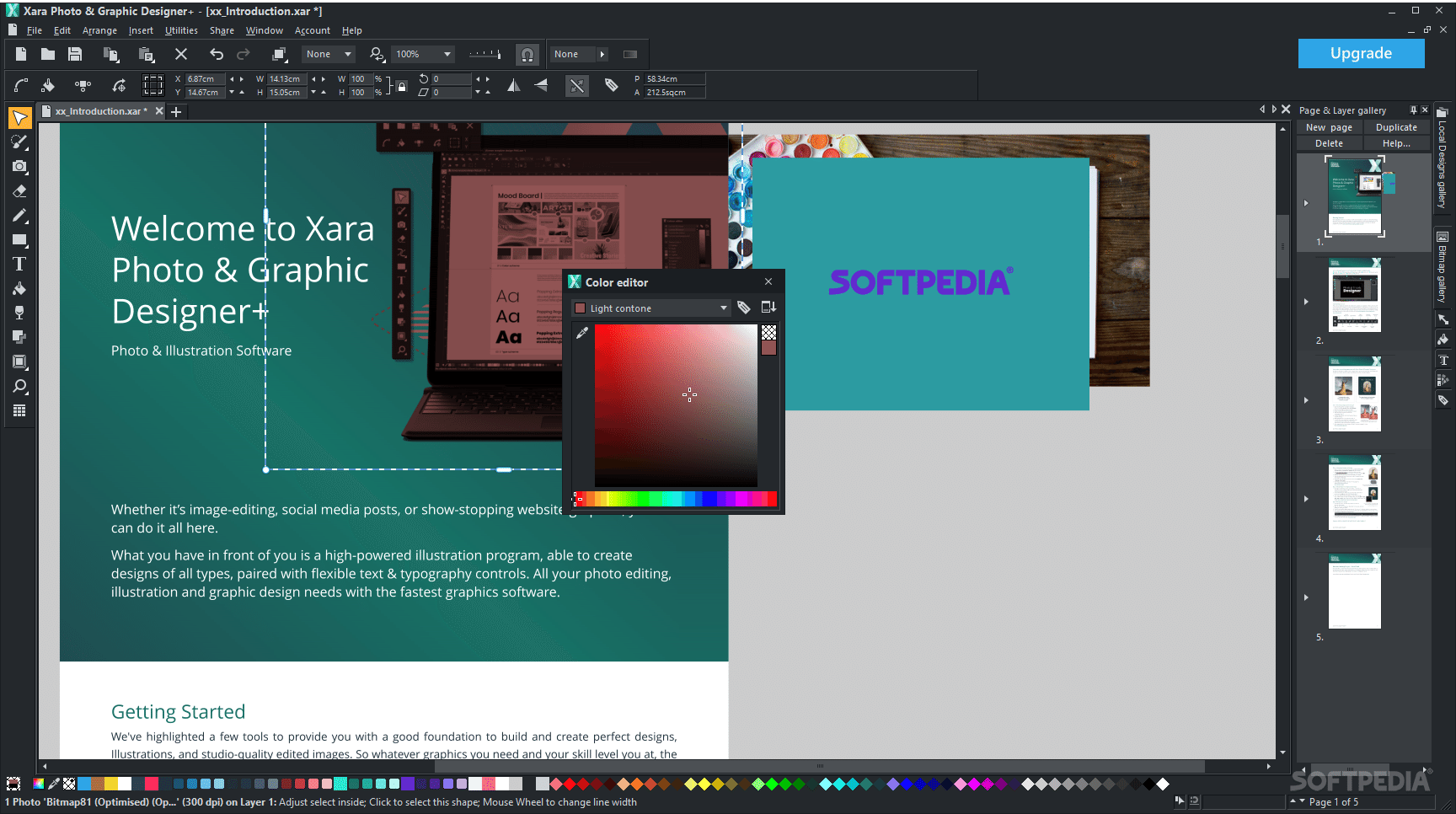
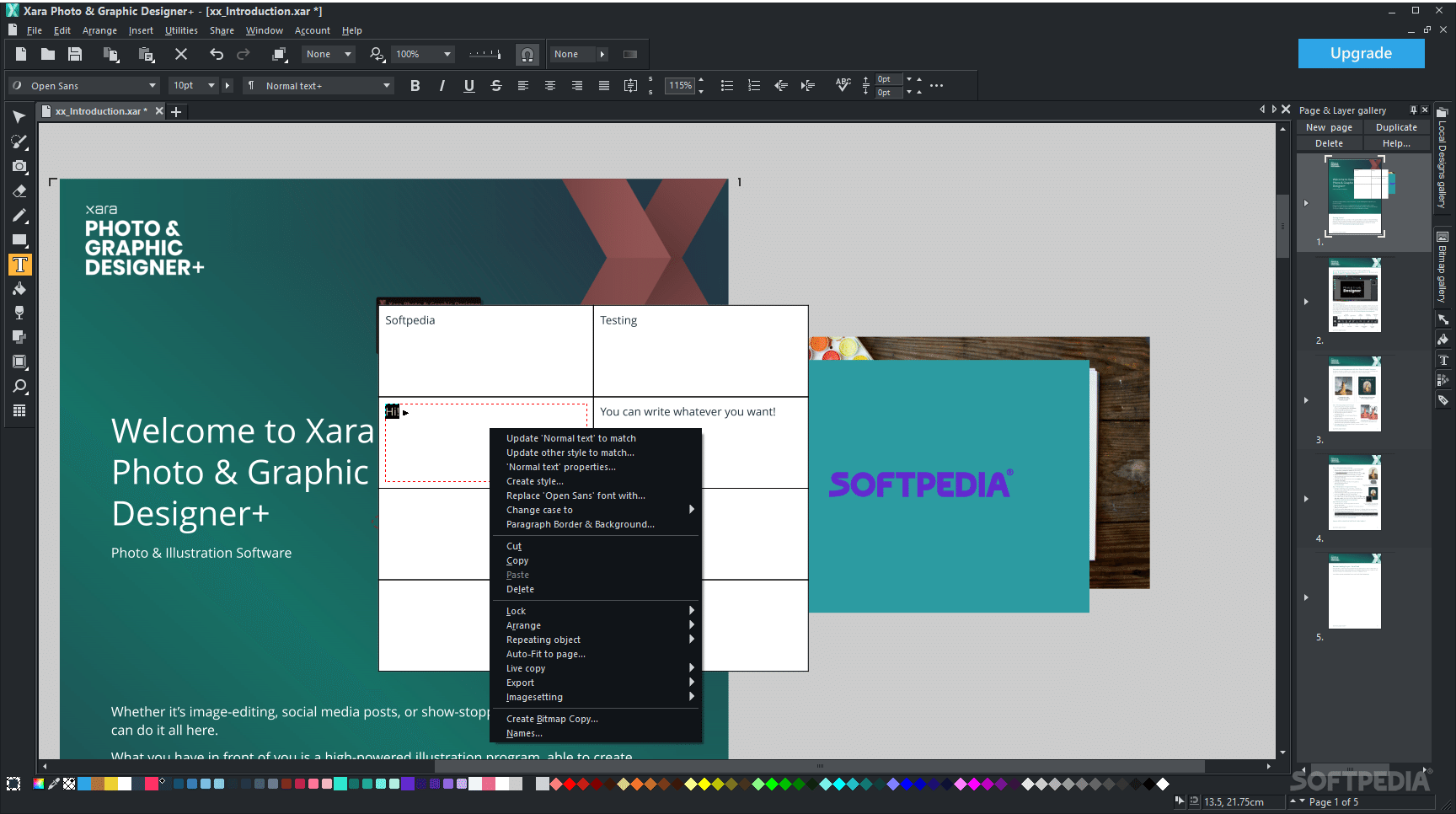
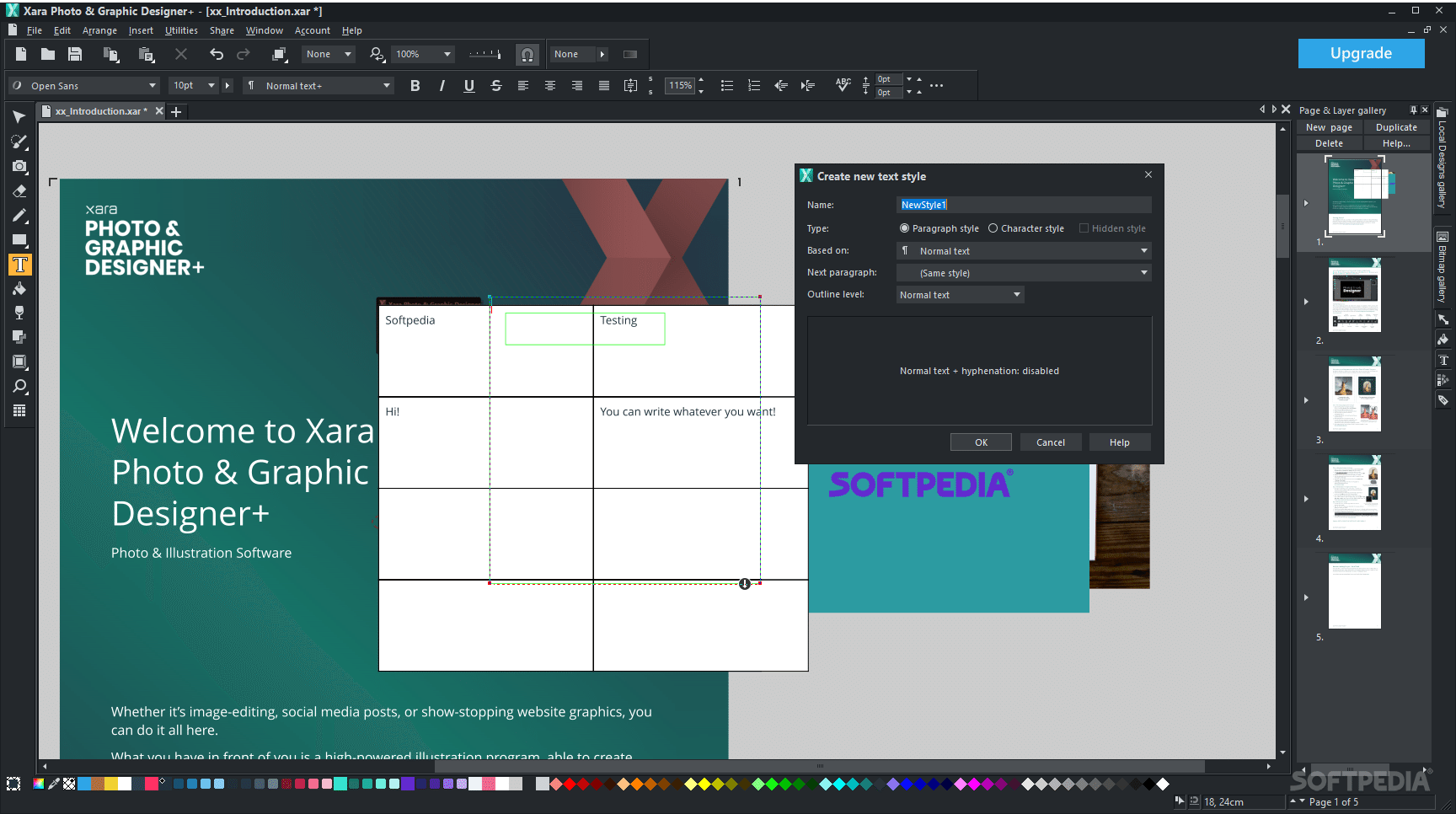
The collection of tools and features on offer, makes for a versatile and comprehensive approach, and you will be able to address a wide range of more common or more intricate tasks and processes.
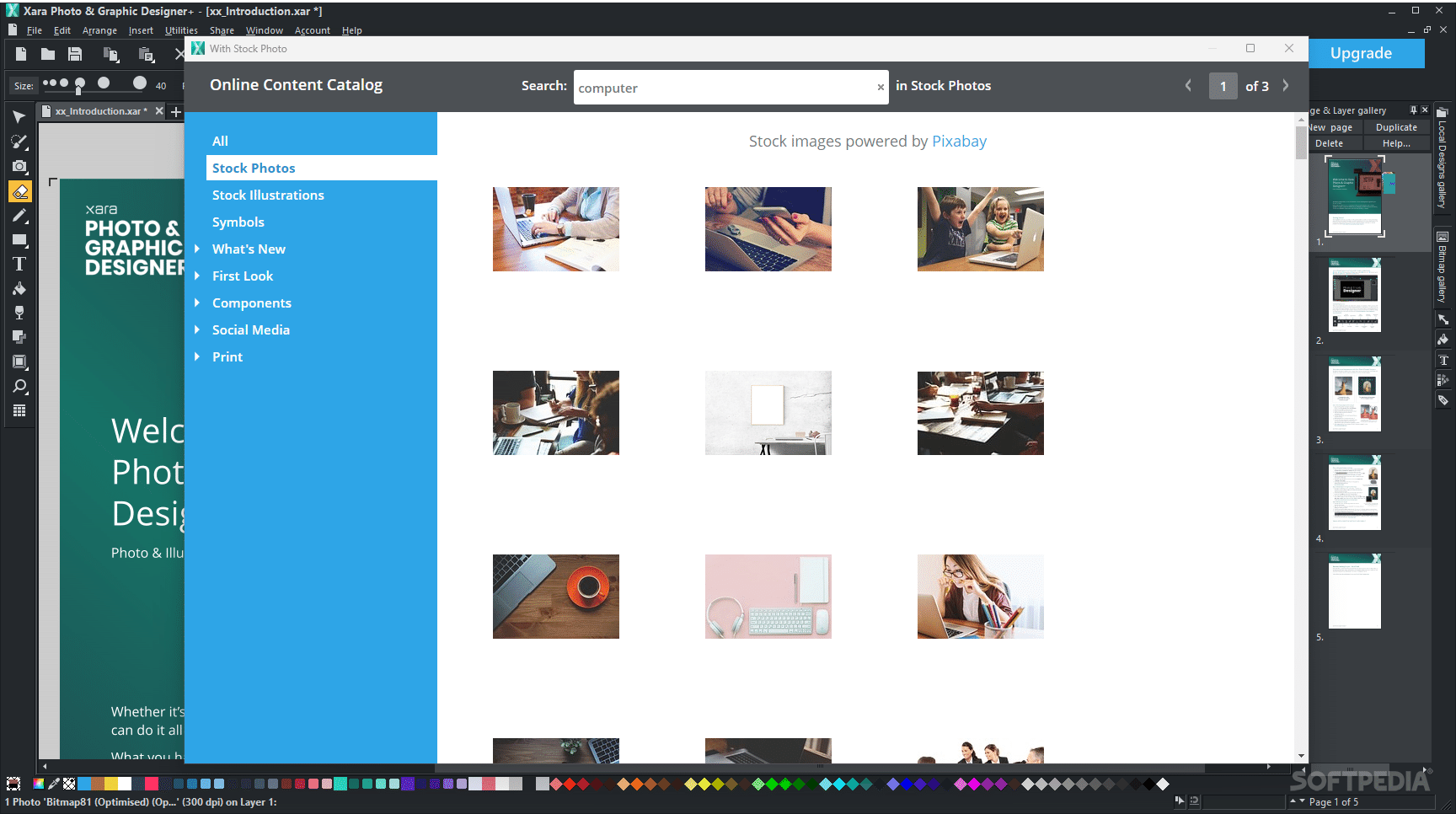
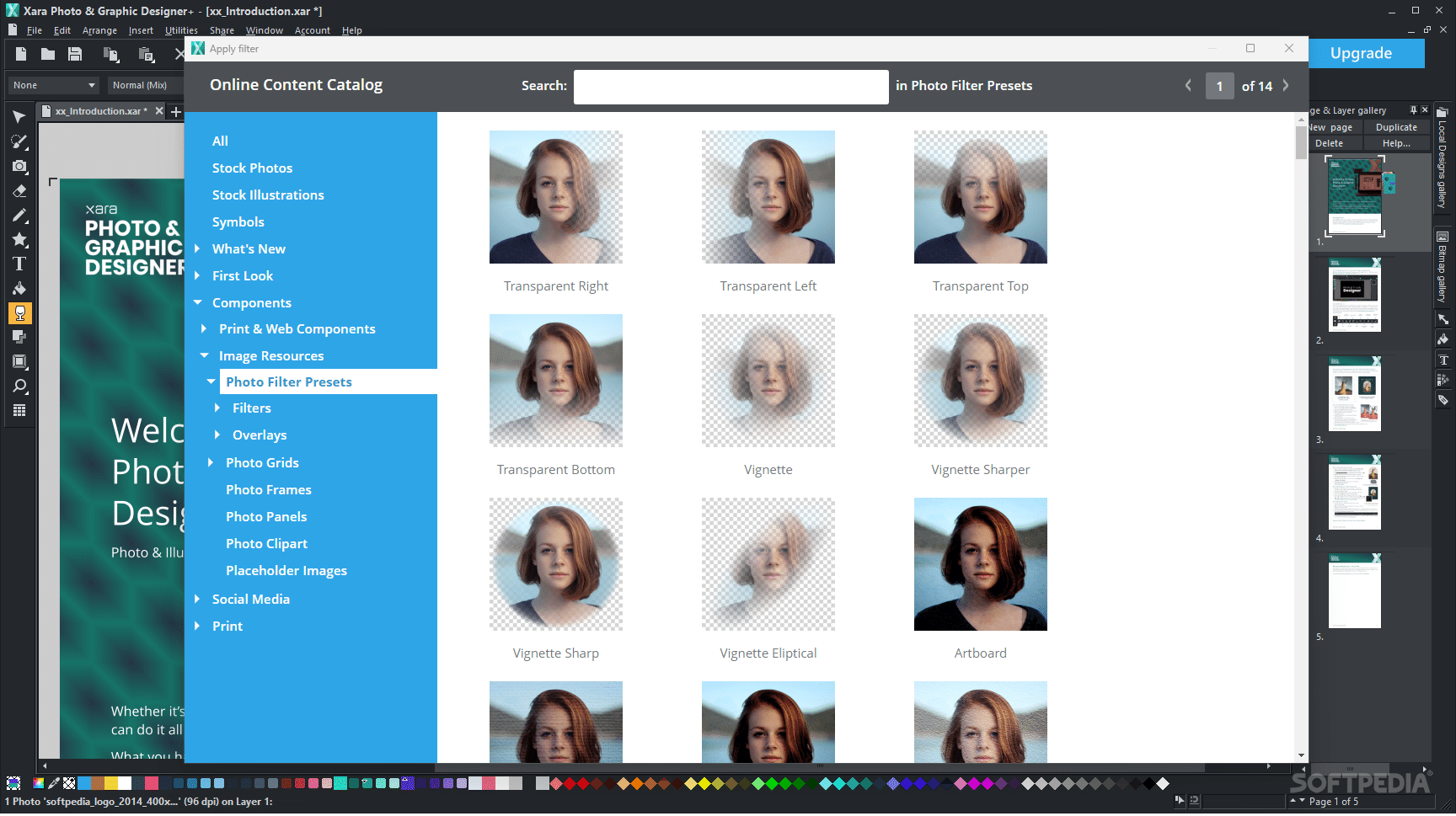
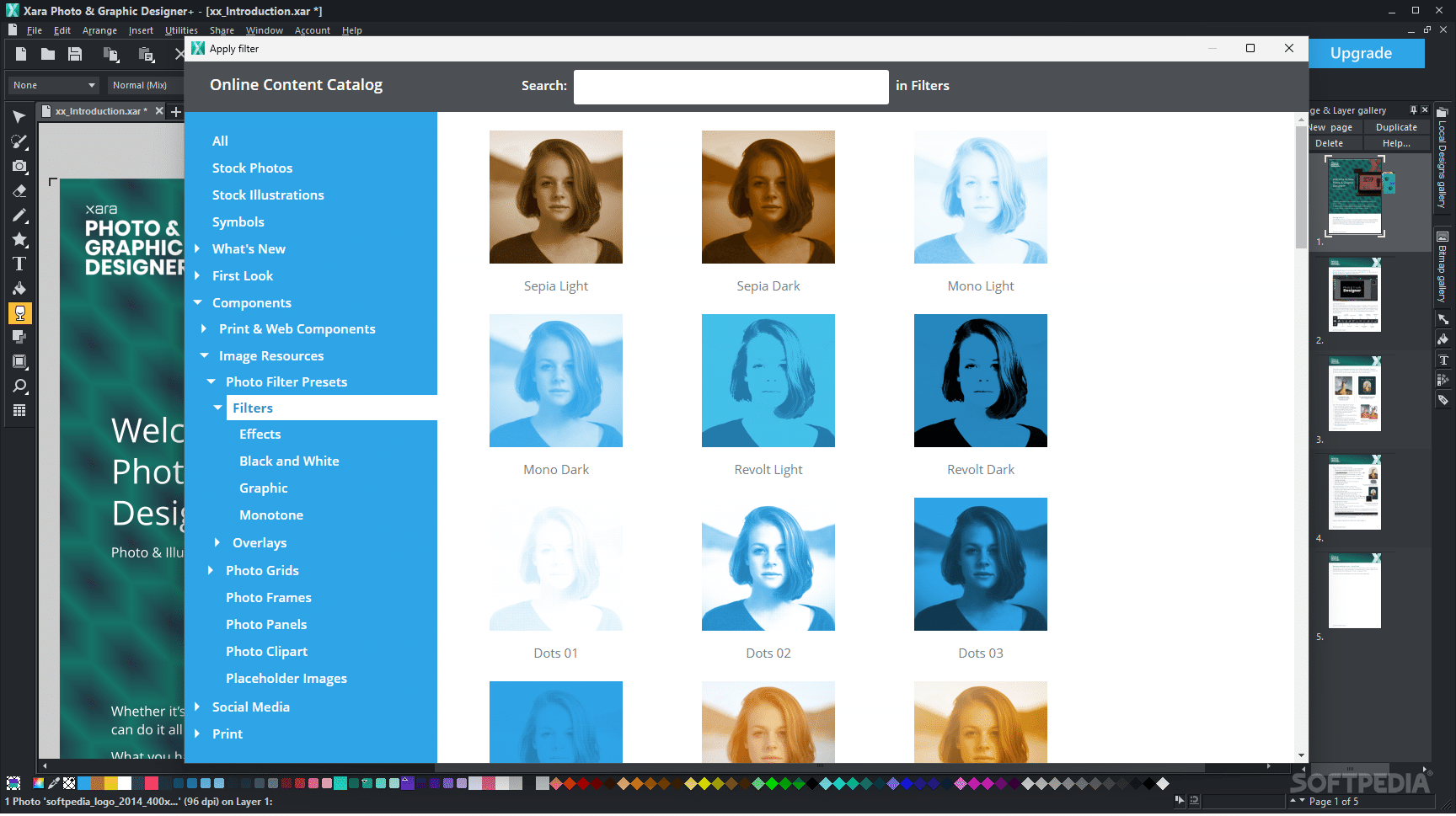
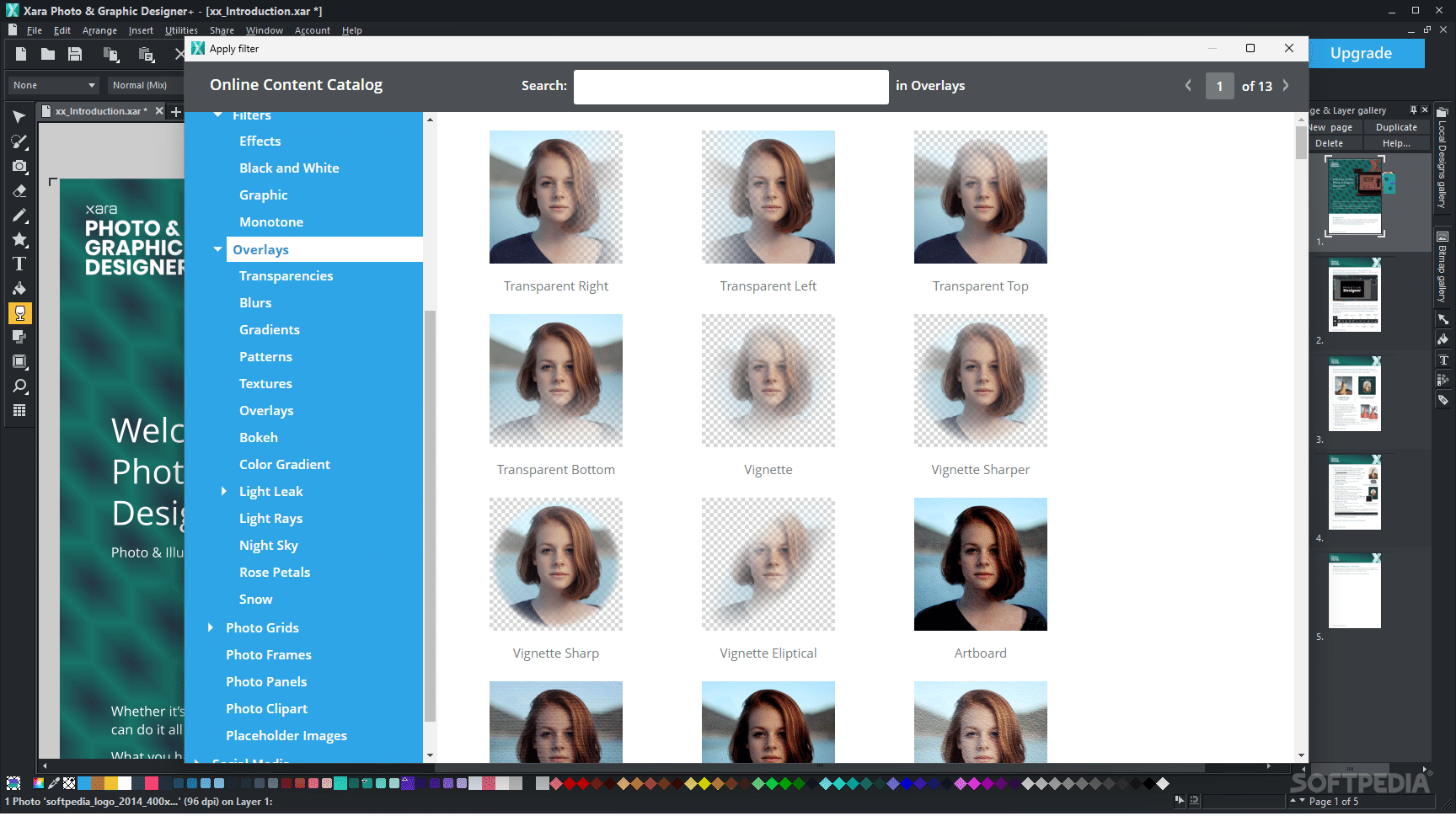
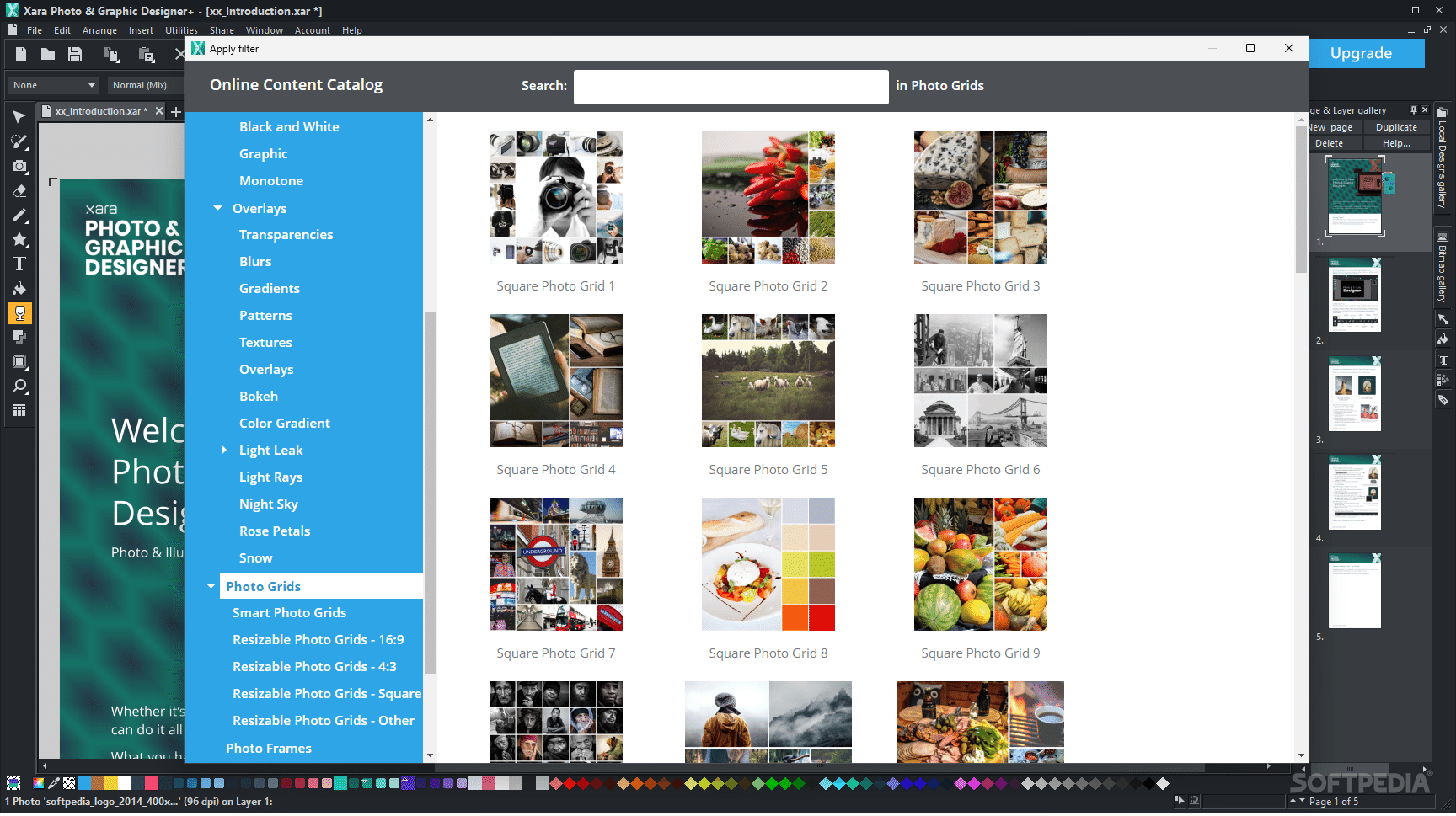
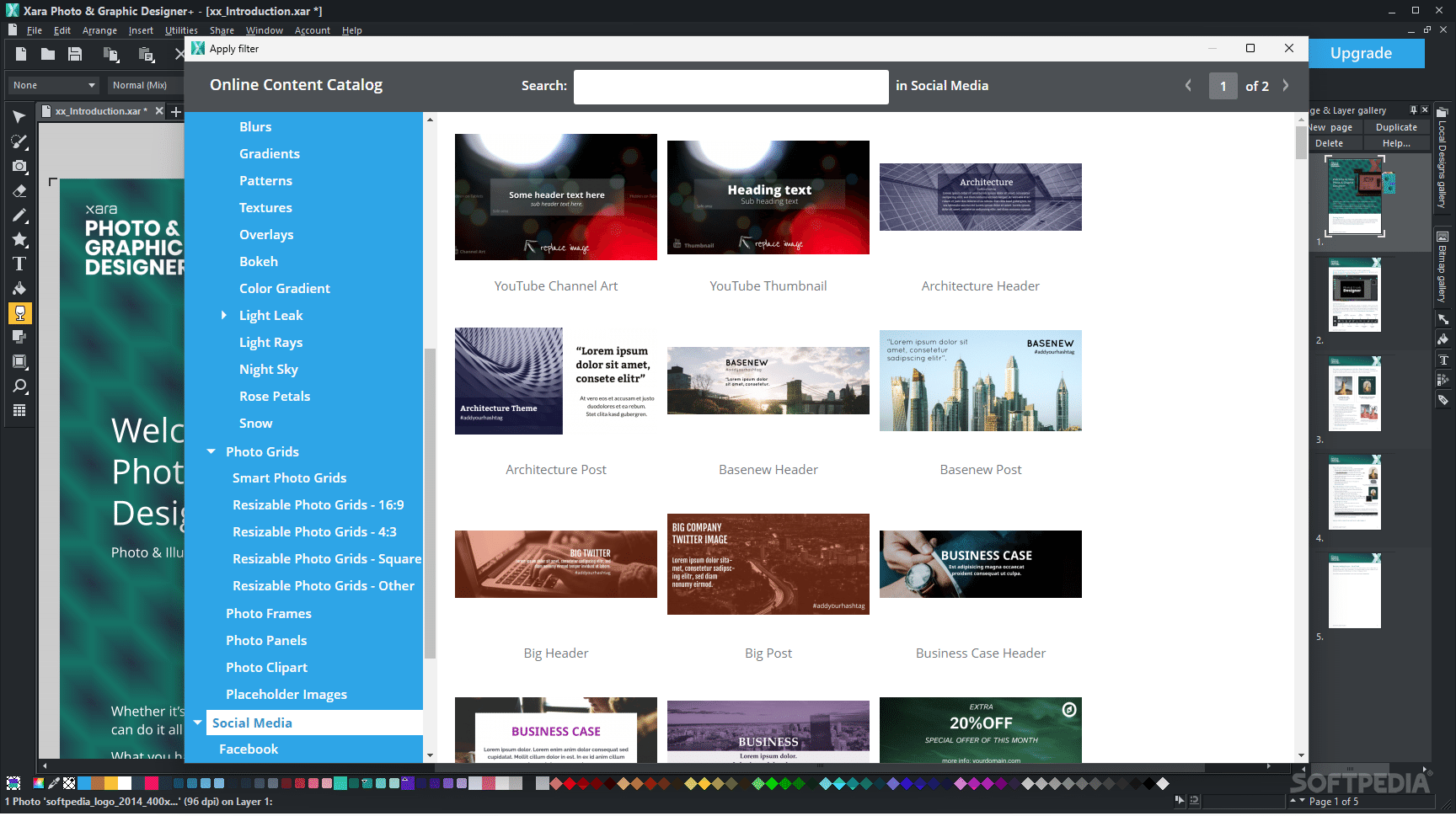
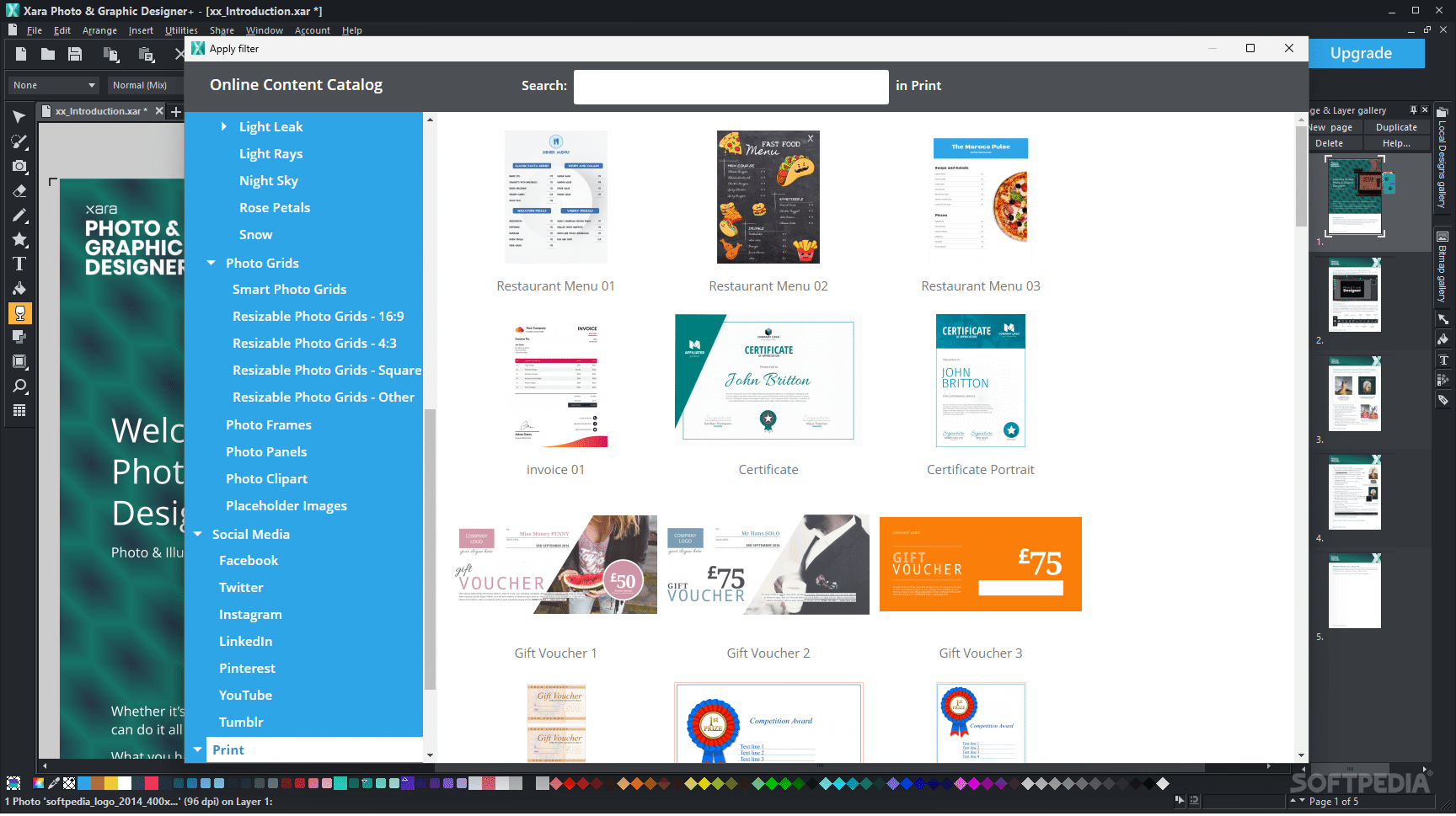
In addition to the very broad spectrum of features that come with the app, you will also be able to access a library of pre-defined catalog items, which are meant at improving workflow efficiency and offer a helping hand in any design process.
This collection of online catalog content features numerous elements, such as stock photos, illustrations, components, filters, clipart, as well as social media-related content, making for a very well-balanced approach.
Give Xara Photo & Graphic Designer+ a try, if you’re on the lookout for an image processing software that delivers its features in an accessible way, provides an uncluttered workflow, and still manages to provide top-tier reliability.
What's new in Xara Photo & Graphic Designer+ 23.7.0.68432:
- Changing the height on a text column:
- Text columns have a fixed width into which text is formatted, but unlike a Text Area (text box) they do not have a fixed height. This could be confusing for users, because dragging the top/bottom height handles in the Selection Tool did nothing. Now upon dragging these handles on a column, the user is asked if they would like to convert the Text column into a Text Area, so they can then adjust the height.
- Import/Export Improvements:
- PDF export: With some fonts some characters were displayed incorrectly in Adobe Reader. Fixed.
Xara Photo & Graphic Designer+ 23.7.0.68432
add to watchlist add to download basket send us an update REPORT- runs on:
-
Windows 11
Windows 10 64 bit - file size:
- 442 MB
- filename:
- PGDSSetup.exe

- main category:
- Multimedia
- developer:
- visit homepage
Microsoft Teams

Context Menu Manager

7-Zip

ShareX

calibre

4k Video Downloader

IrfanView

Bitdefender Antivirus Free

Windows Sandbox Launcher

Zoom Client

- Bitdefender Antivirus Free
- Windows Sandbox Launcher
- Zoom Client
- Microsoft Teams
- Context Menu Manager
- 7-Zip
- ShareX
- calibre
- 4k Video Downloader
- IrfanView