Softpedia
 

WINDOWS CATEGORIES:


GLOBAL PAGES >>
SOFTPEDIA REVIEWS >>
MEET THE EDITORS >>
WEEK'S BEST
  • Sticky Password FR...
  • Parallels Workstat...
  • ESET NOD32 Antivir...
  • BitDefender Total ...
  • WinPatrol 24.6.201...
  • PerfectDisk Free D...
  • Adobe Photoshop CS...
  • PerfectDisk Profes...
  • Windows 8 Consumer...
  • Atlantis Word Proc...
  • Home > Windows > Multimedia > Graphic > Graphic Others
     Report malware

    Adobe InDesign CS6 8.0

    download button

    Part of the Create e-Book download hub (+1 other)
    Downloads: 23,608  Tell us about an update
    User Rating:
    Rated by:
    Very Good (4.5/5)
    2 user(s)
    Developer:

    License / Price:

    Size / OS:

    Last Updated:

    Category:

    Trial / USD 699.00 buy button
    879 MB / Windows XP / 7 / 7 x64
    [view history]
    C: \ Multimedia \ Graphic \ Graphic Others

     Read user reviews (0)  Send to friend   Follow (4 users)

    Adobe InDesign description

    Design professional layouts for print and digital publishing

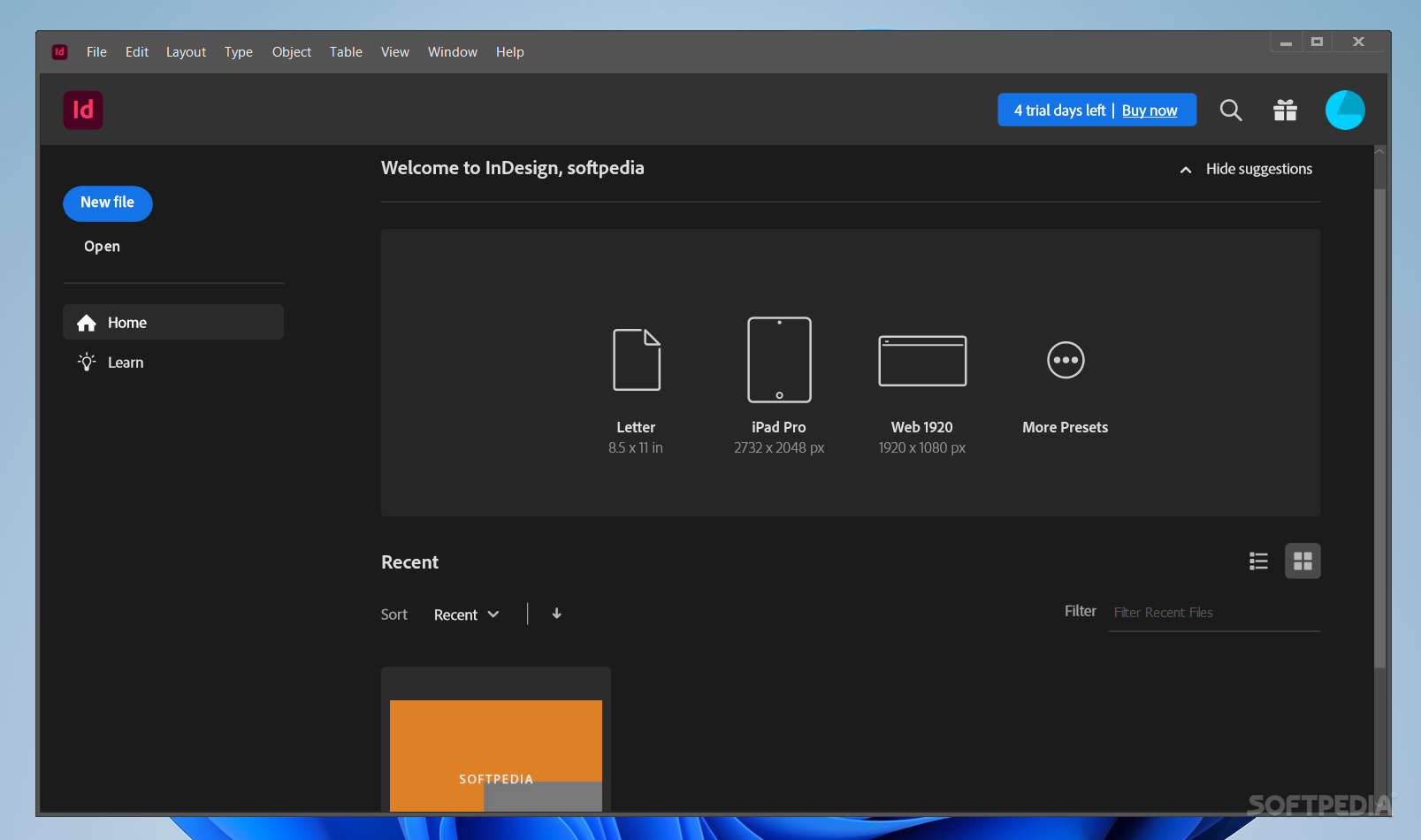
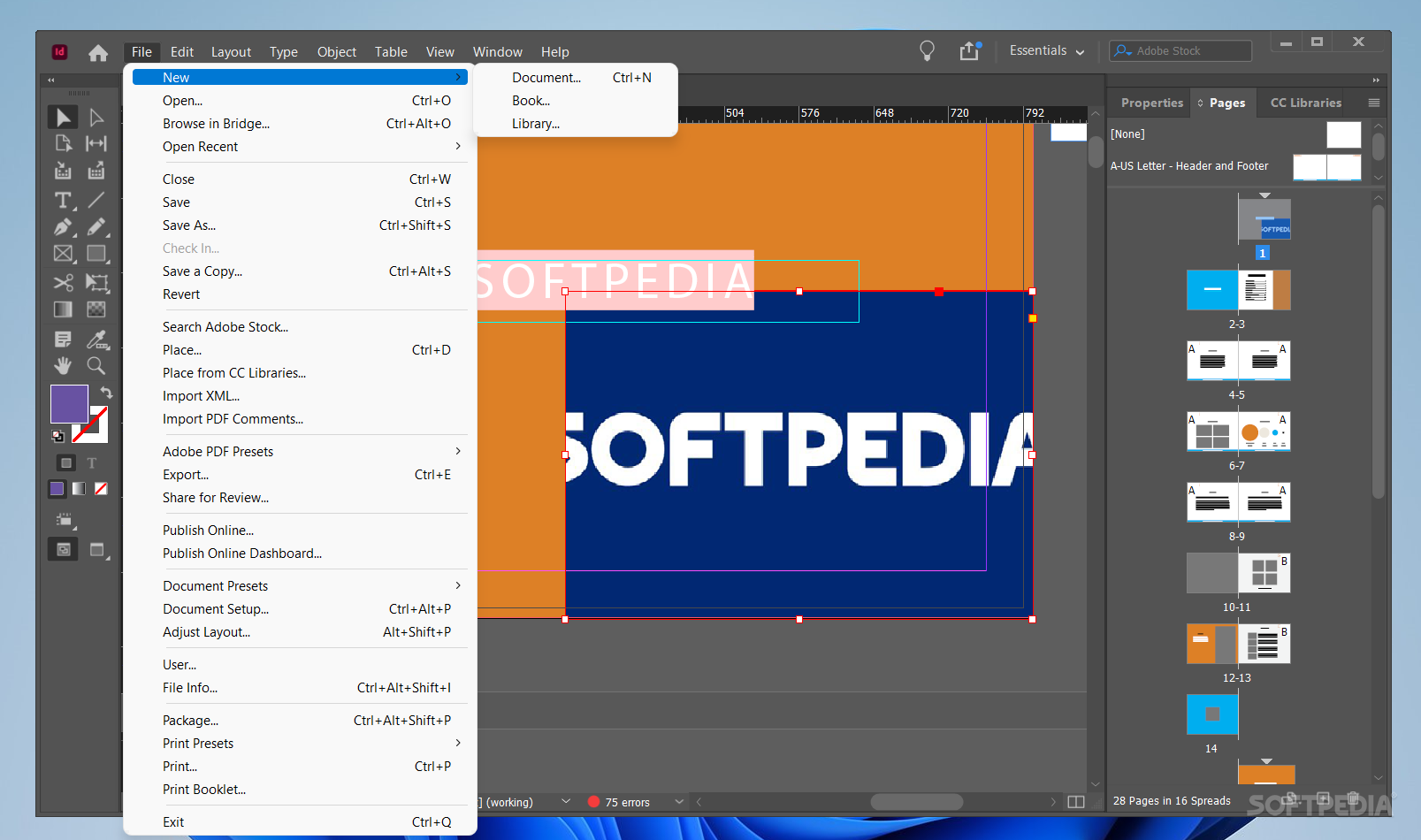
    Adobe InDesign CS4 software breaks down the barriers between online and offline publishing. Create compelling print layouts, immersive content for playback in the Adobe Flash Player runtime, and interactive PDF documents.

    Get Adobe InDesign and take it for a spin to see what it can do for you!

    Here are some key features of "Adobe InDesign":

    Recently used fonts:
    · Access fonts you use frequently. Recently used fonts appear at the top of the font list.

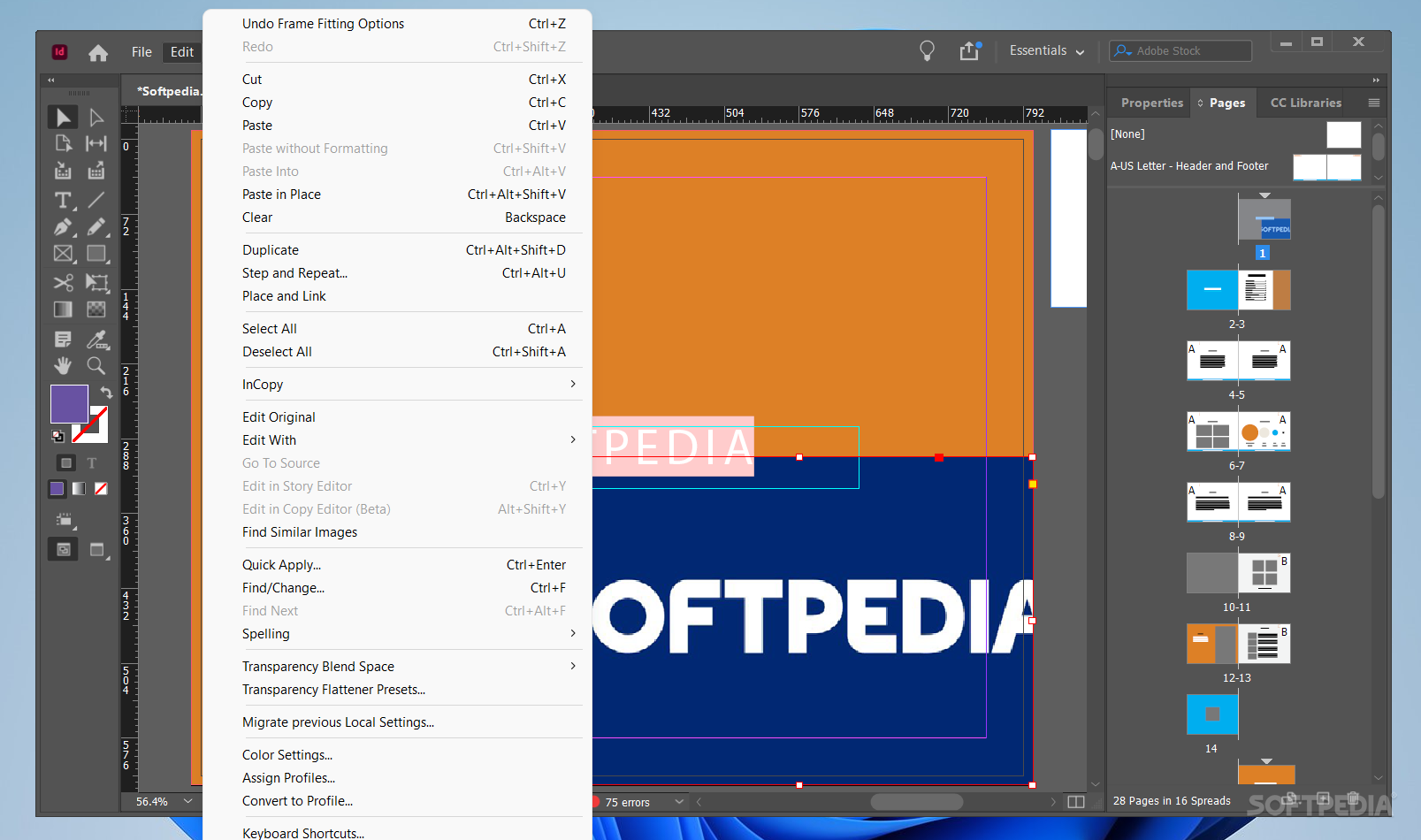
    Persistent text frame fitting options:
    · Set frames to grow with additional text, based on simple parameters. Expand and shrink frames automatically for headlines, callouts, or other variable content.

    Integration with other Adobe solutions:
    · Move smoothly from design to output, thanks to tight integration with industry-leading Adobe software such as Adobe Photoshop, Illustrator, Acrobat, and Flash Professional.

    Built-in creative tools:
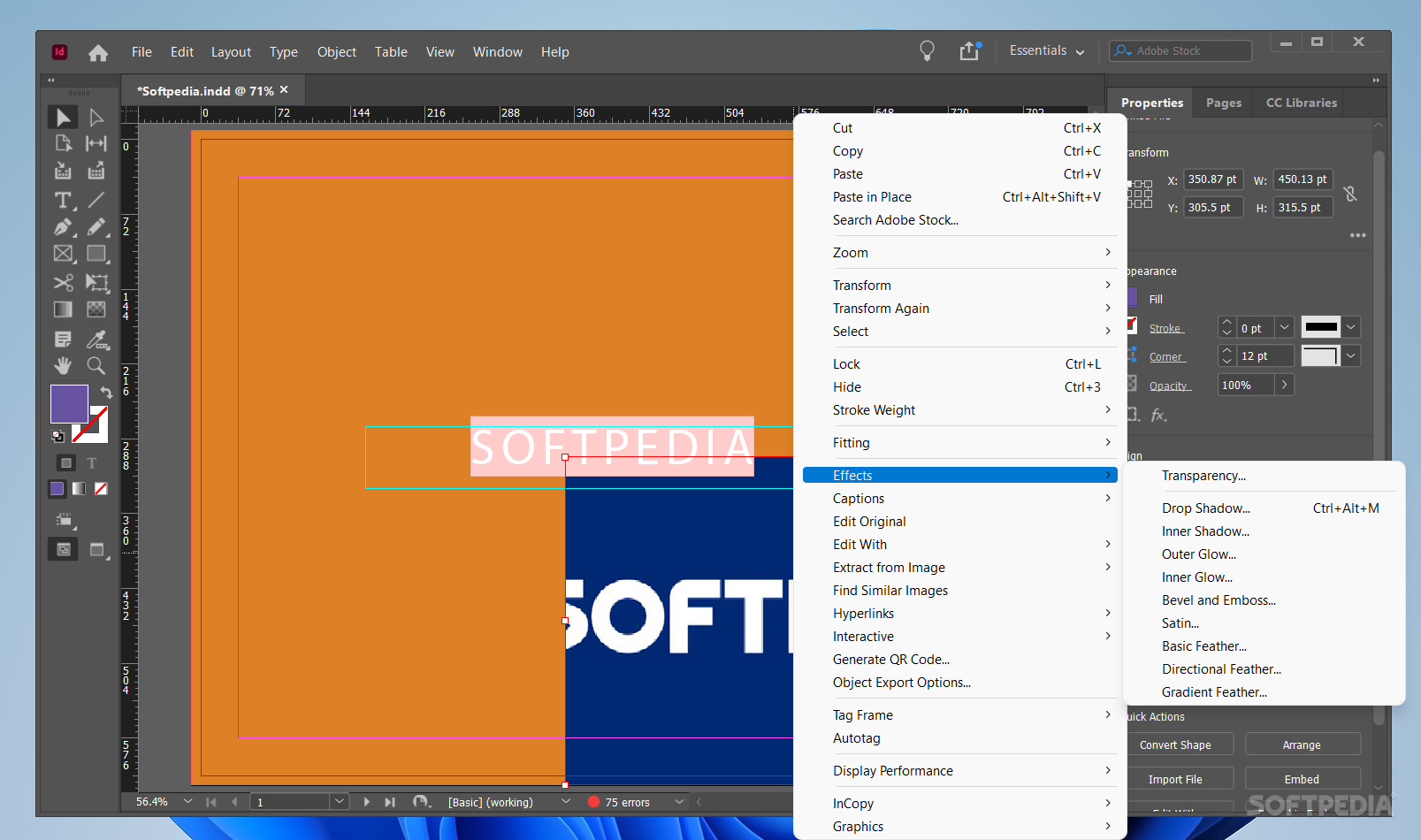
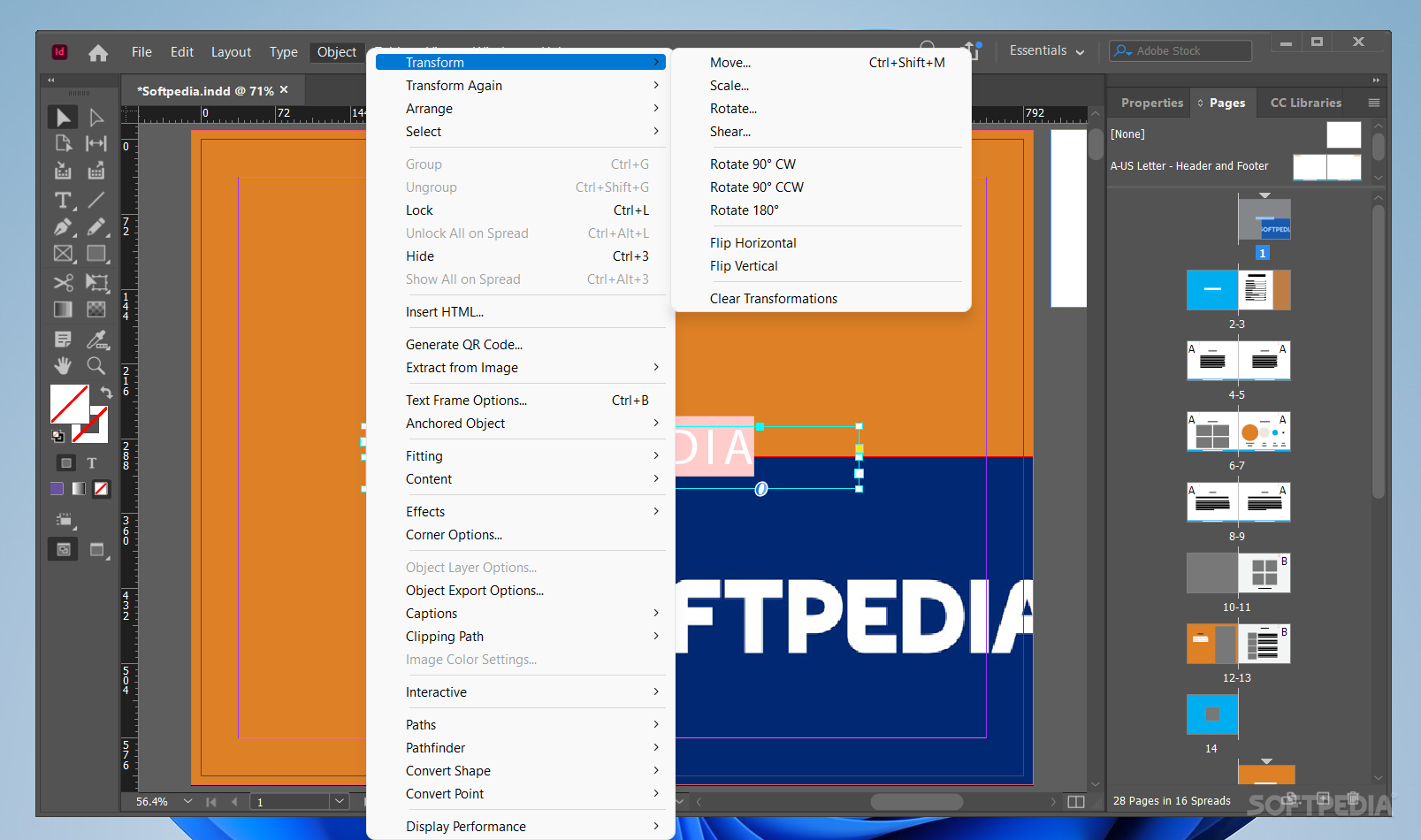
    · Explore creatively with integrated drawing tools, nondestructive effects, built-in Adobe Photoshop effects, fine transparency controls, and support for 3D Photoshop artwork.

    Robust text composition:
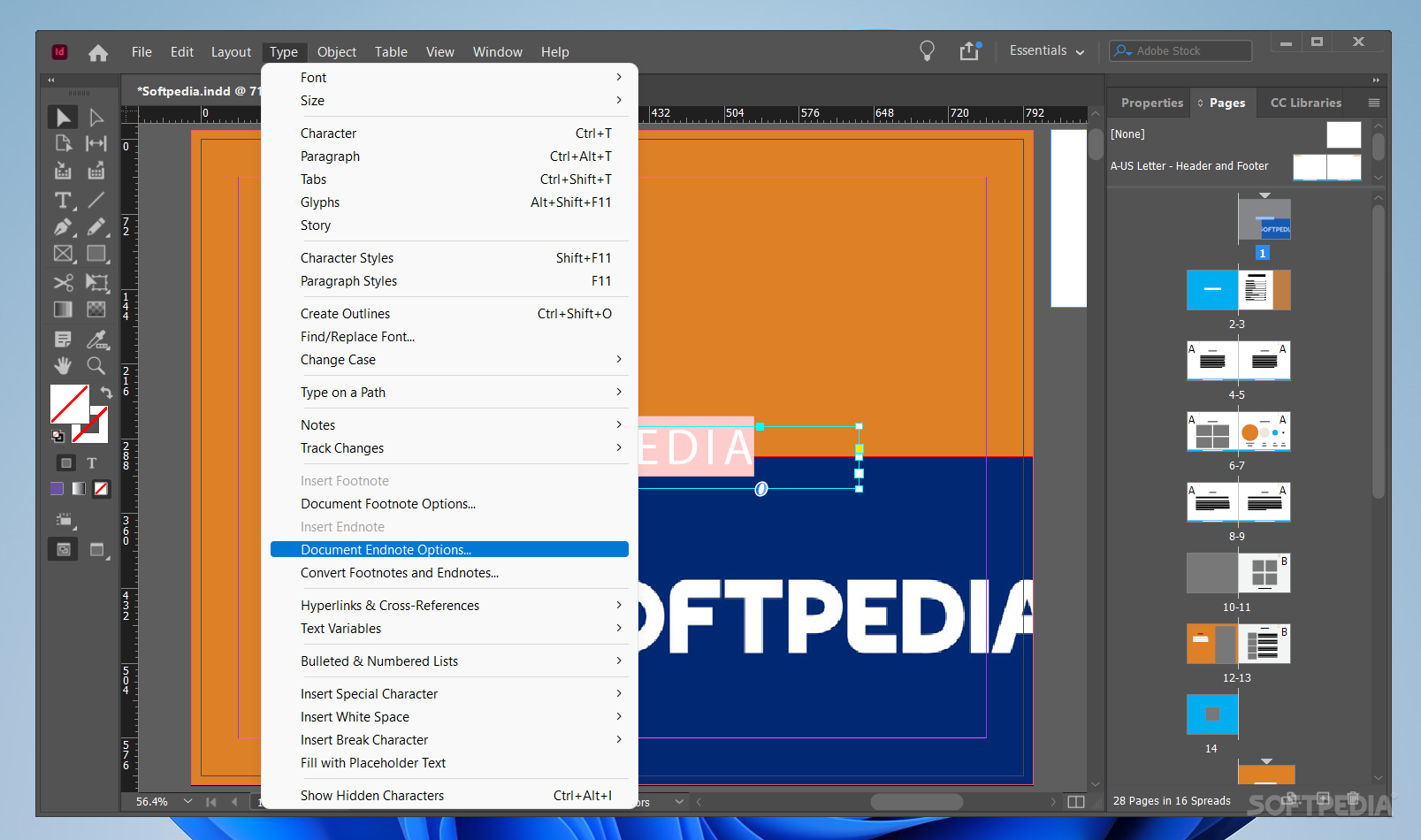
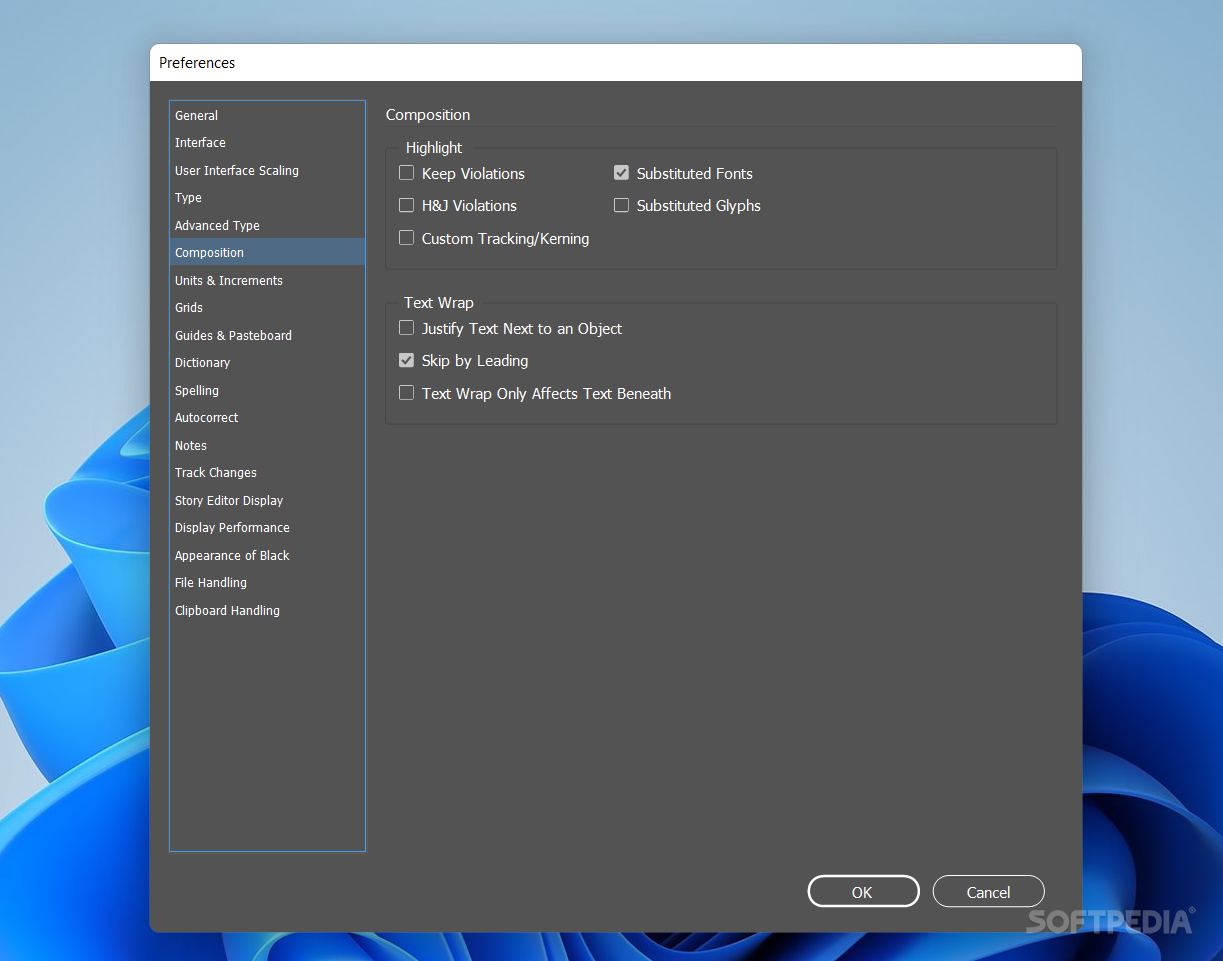
    · Create beautiful, sophisticated text with styles, text wrap, the Paragraph Composer, OpenType support, drop caps, and style mapping for EPUB export.

    Multiple page sizes:
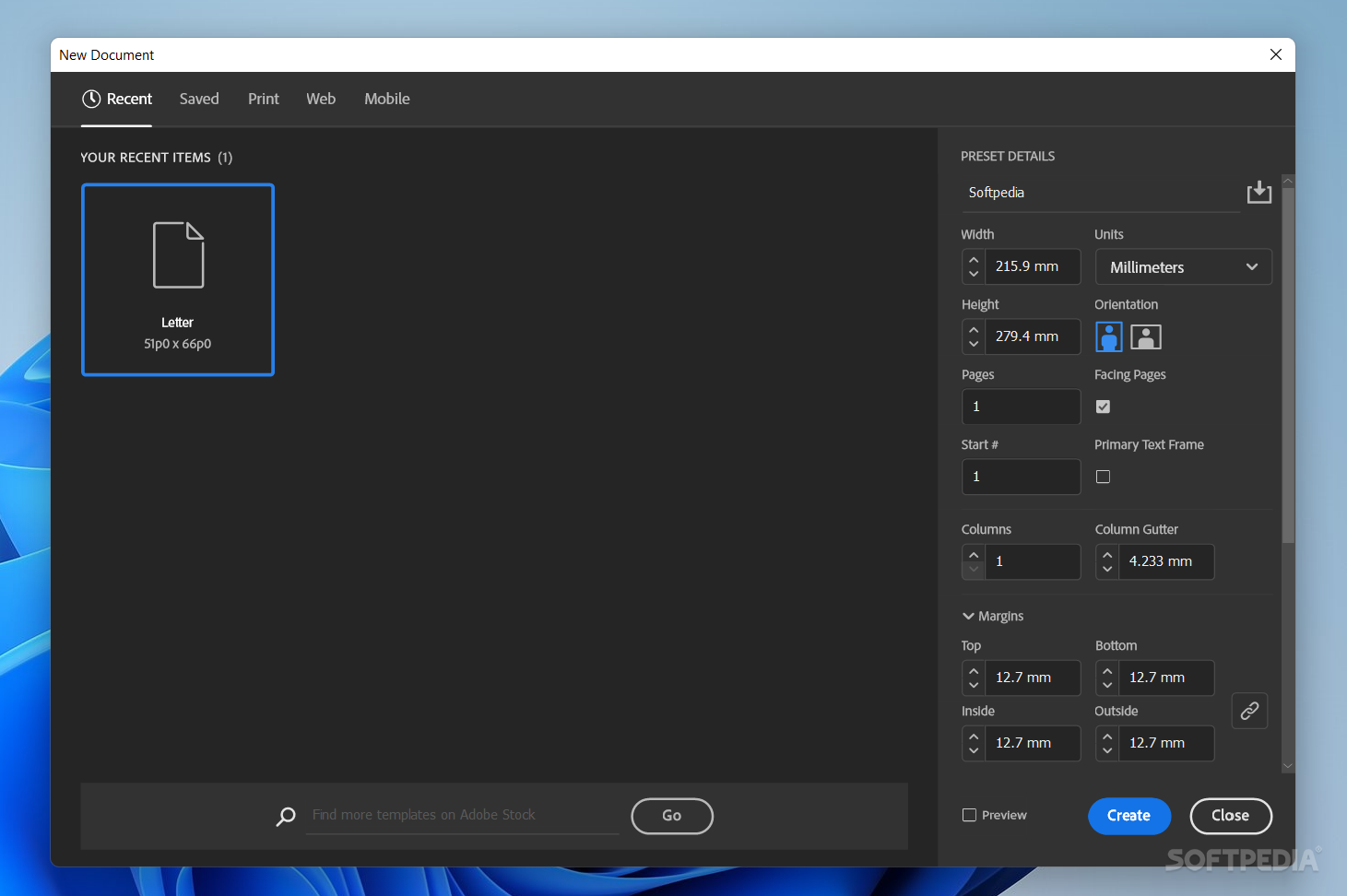
    · Create pages with different sizes in a single document.

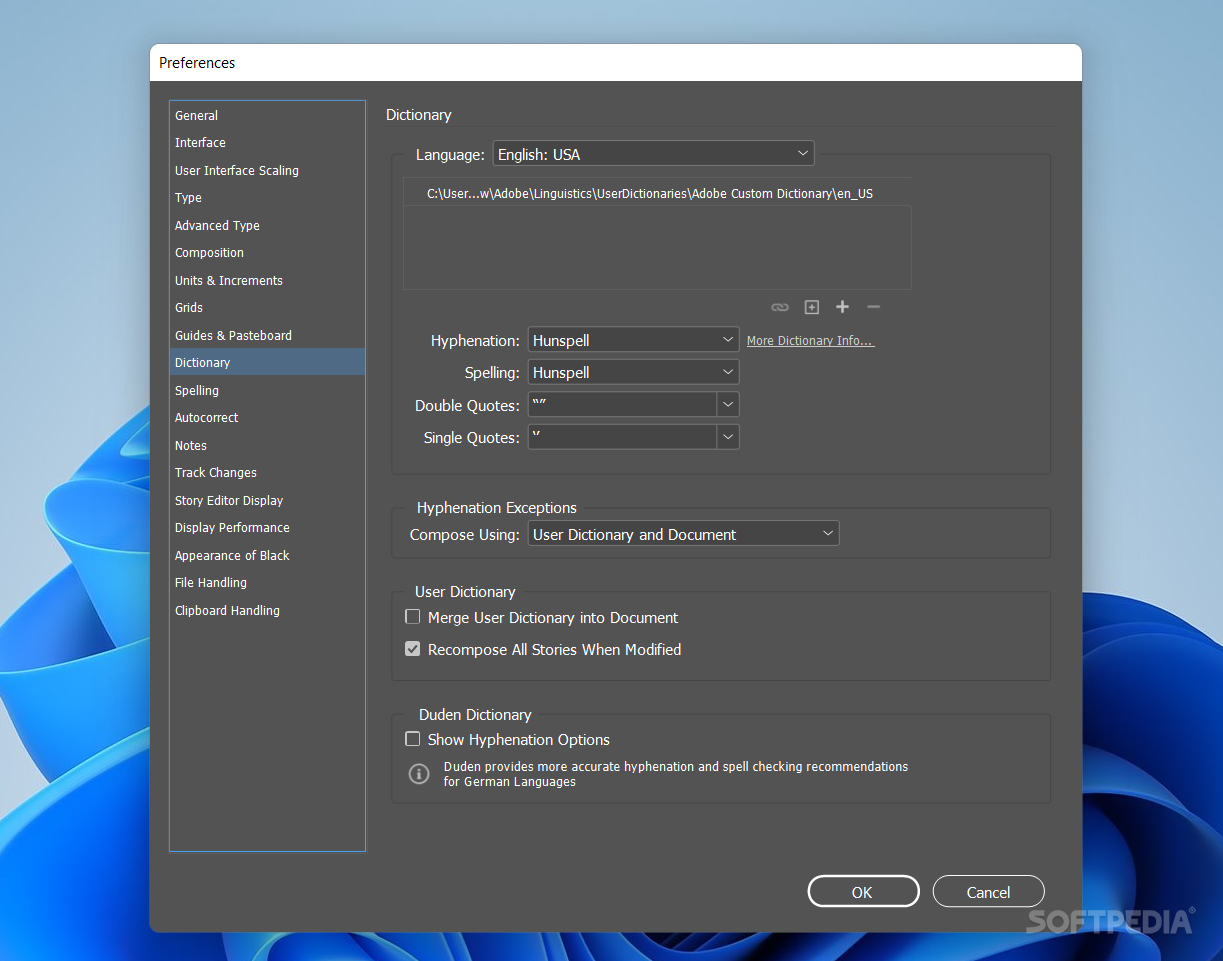
    Hunspell dictionary enhancements:
    · Access more than 100 open source dictionaries.

    Drag-and-drop support for anchored objects:
    · Add inline graphics and other anchored objects quickly and intuitively by simply dragging them to the desired anchor location in the text.

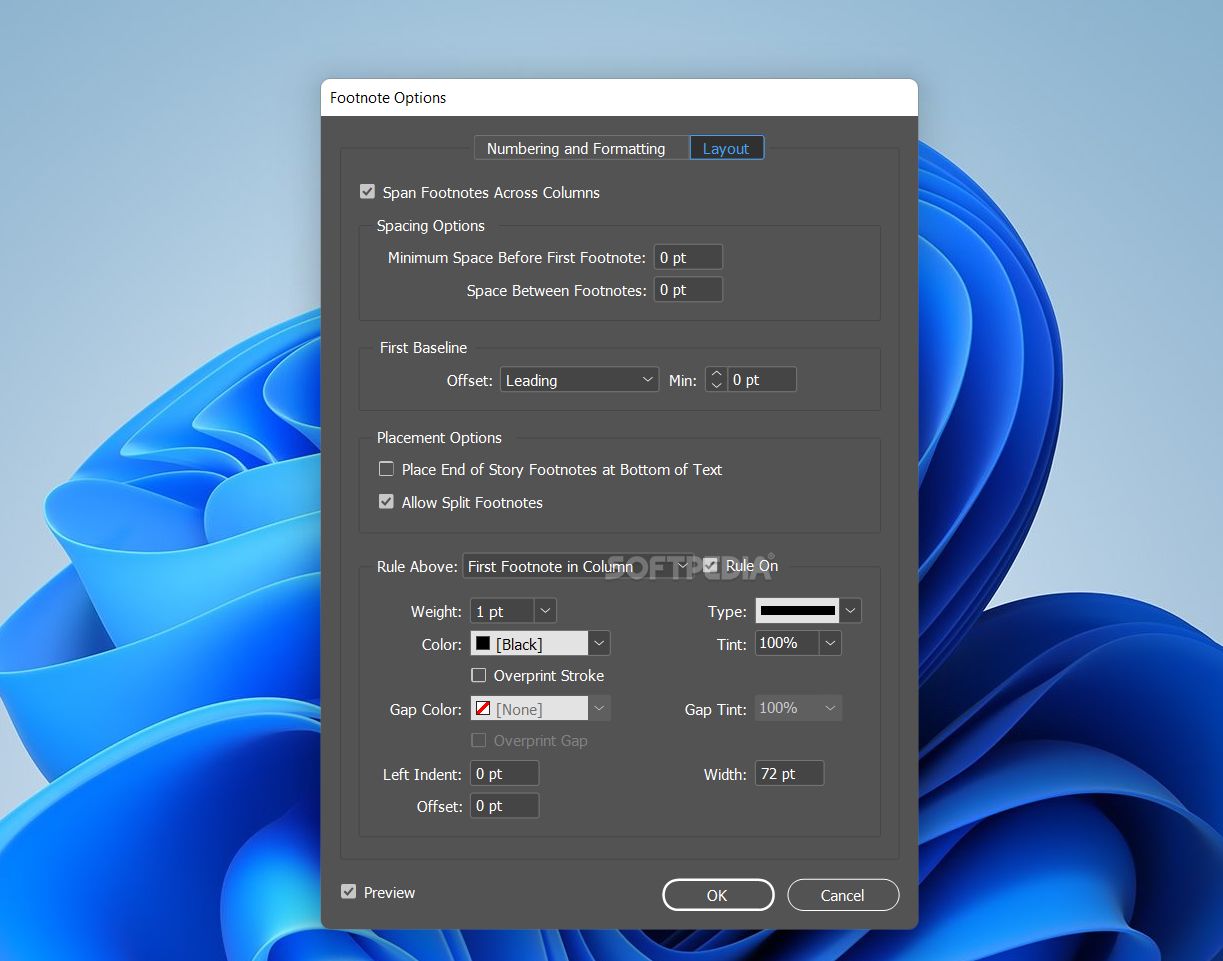
    Paragraphs that span or split columns:
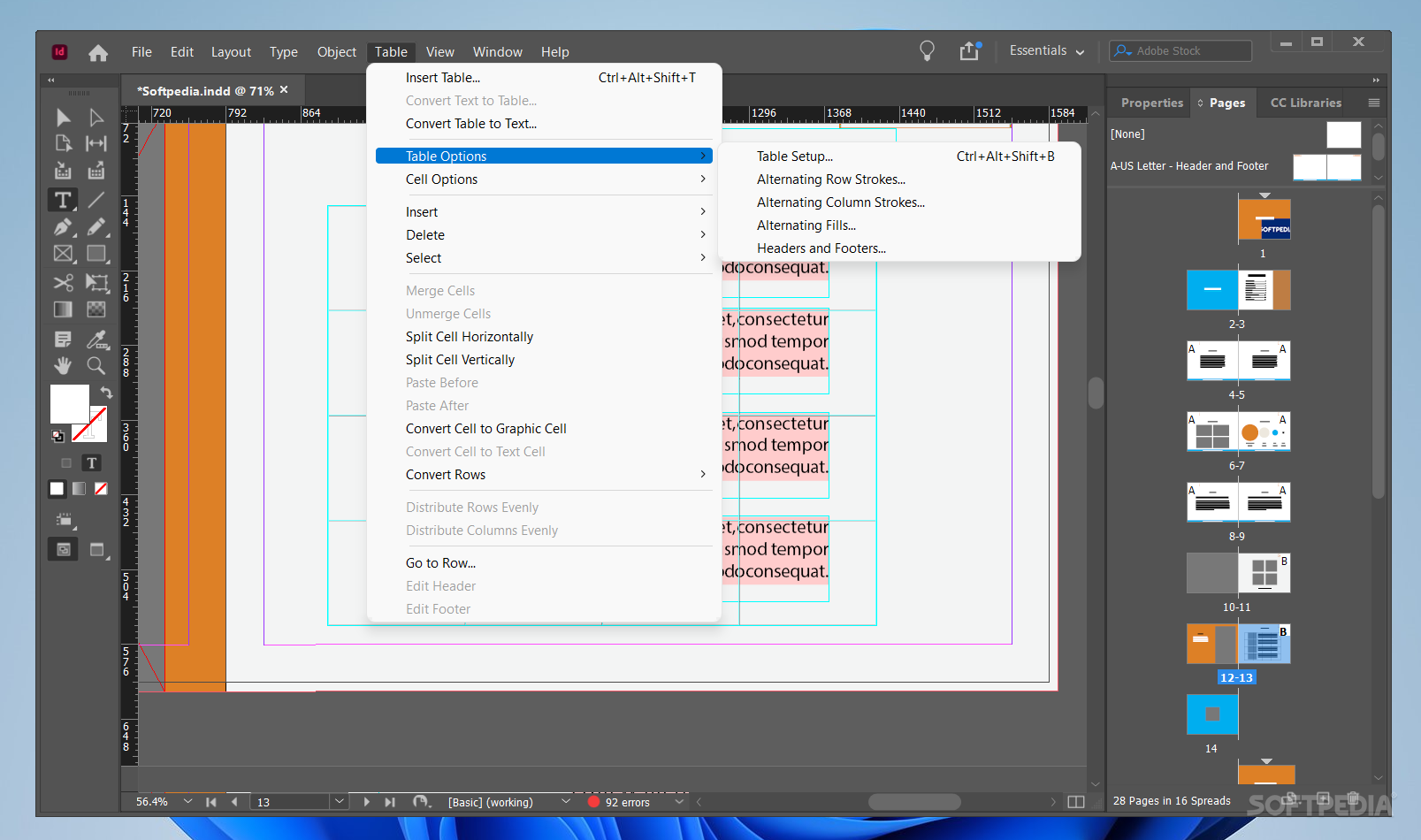
    · Quickly create text that spans or splits into multiple columns in just a few steps.

    Efficient object selection and editing:
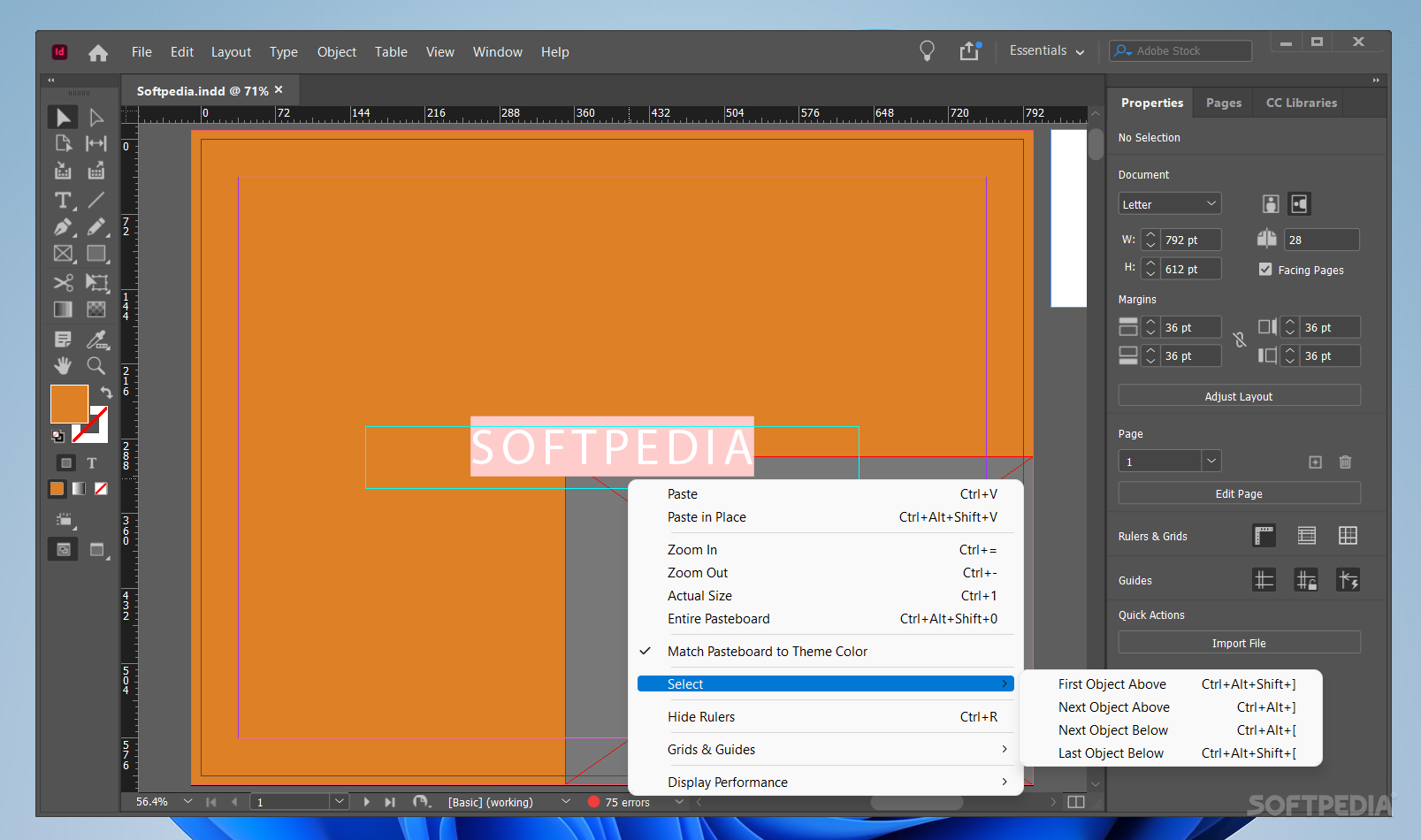
    · Perform repetitive layout tasks efficiently using convenient tools and on-object controls.

    Document-installed fonts:
    · Help eliminate font substitution issues with document-installed fonts.

    Adobe Mini Bridge:
    · Find and drag images into page layouts from Adobe Mini Bridge without leaving InDesign.

    Live captions:
    · Generate static or live captions automatically from image metadata.

    Comprehensive Layers panel:
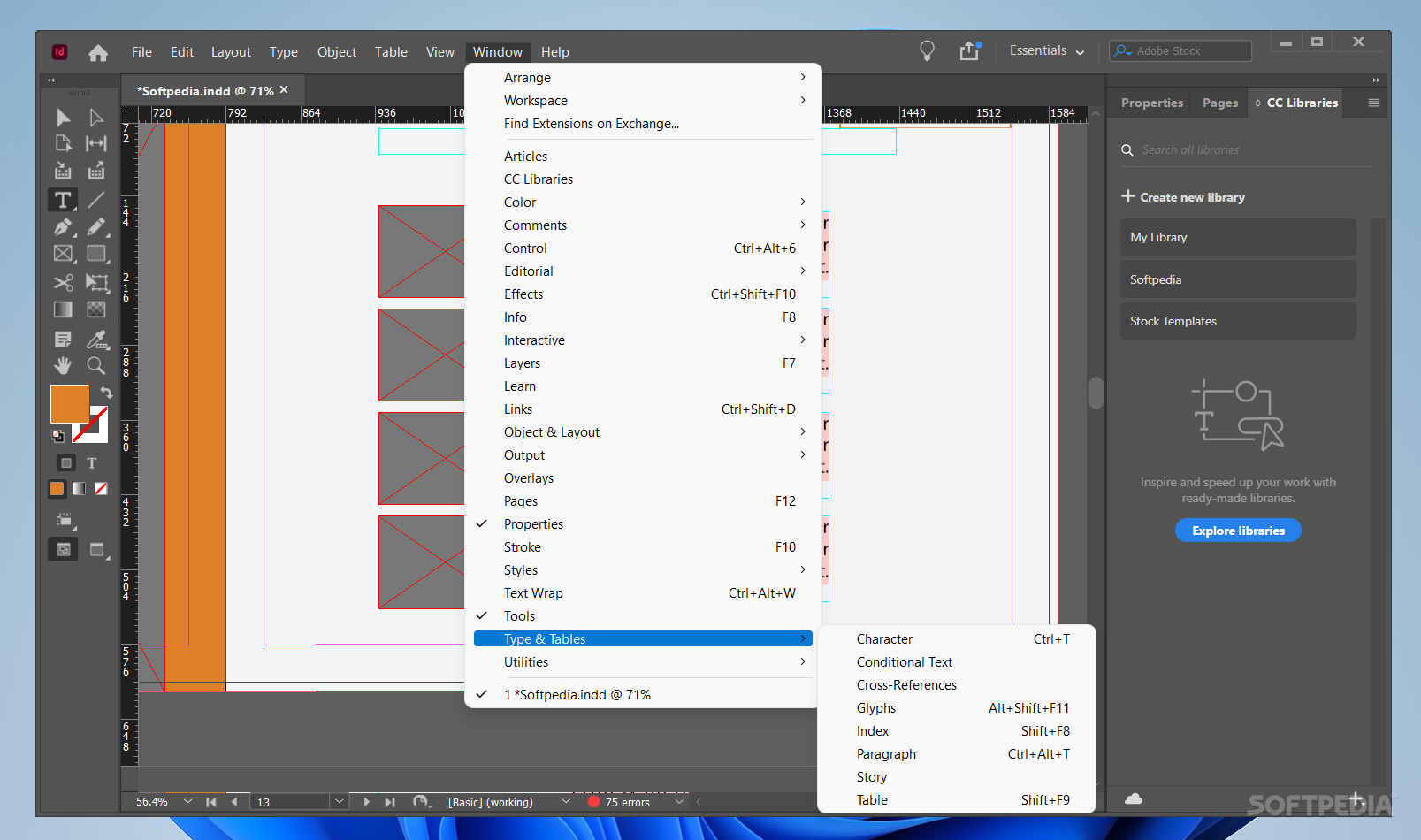
    · Easily manage page items with a Layers panel similar to the one in Adobe Photoshop and Adobe Illustrator.

    Key object alignment:
    · Align selected items to a key object you define.

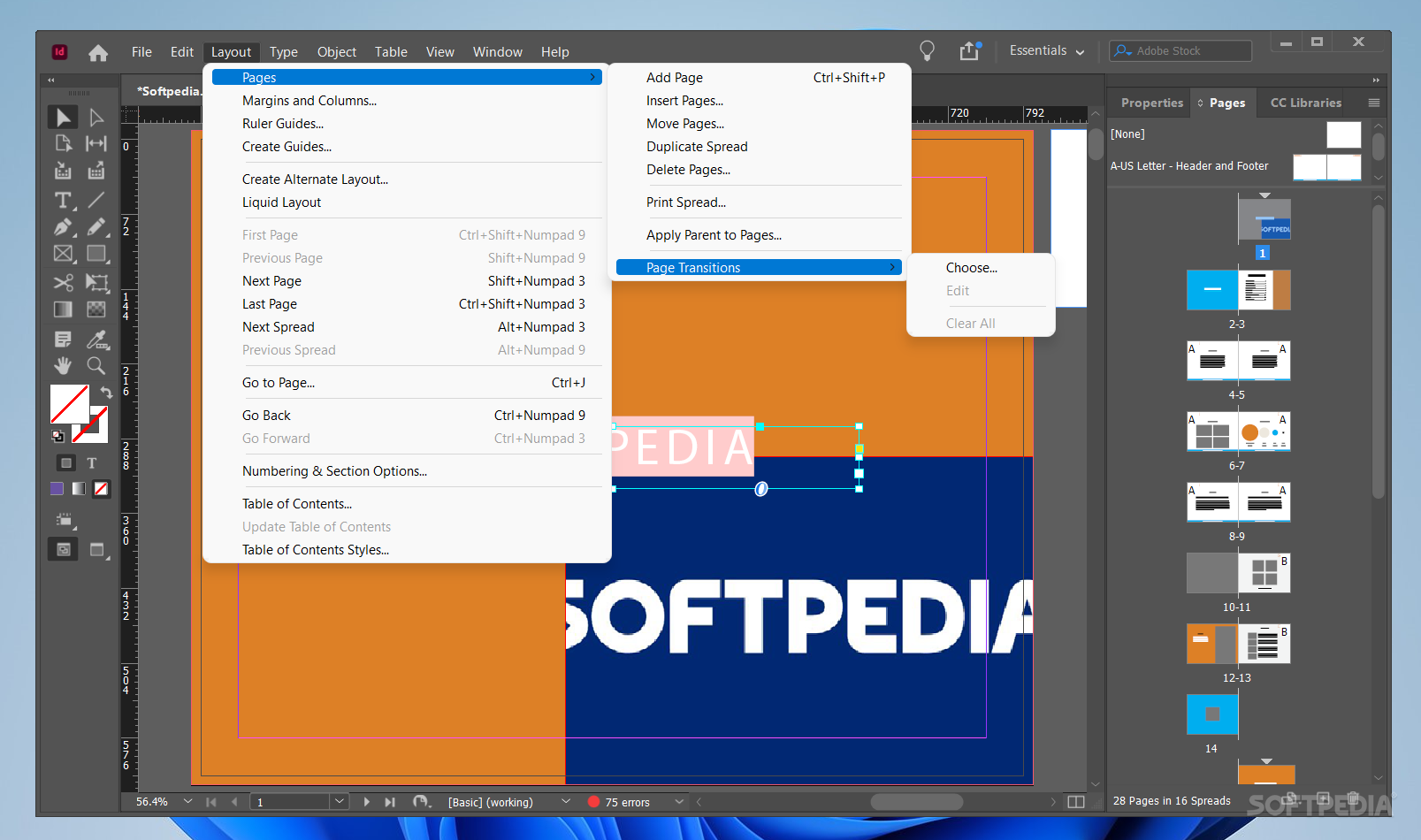
    Liquid Layout:
    · Apply liquid page rules to automatically adapt content when you create an alternate layout with a different size or orientation in InDesign.

    Alternate Layout:
    · Efficiently create and design multiple versions of a layout for different devices and print needs, all within a single InDesign file.

    Content Collector tools:
    · Grab text and objects from an existing layout using the Content Collector. In a new layout, use the Content Placer to add items in the order you want them to appear.

    Linked content:
    · Link content within or across InDesign documents so that changes (including interactivity) made to the parent text or object are applied to all linked children objects.

    Pages panel enhancements:
    · Display alternate layouts in the Pages panel to organize content efficiently.

    Split window:
    · View two side-by-side layouts within the same document to compare the look and feel of the layouts and help ensure consistency.

    Alternate Layout:
    · Efficiently create and design multiple versions of a layout for different devices and print needs, all within a single InDesign file.

    Content Collector tools:
    · Grab text and objects from an existing layout using the Content Collector. In a new layout, use the Content Placer to add items in the order you want them to appear.

    Linked content:
    · Link content within or across InDesign documents so that changes (including interactivity) made to the parent text or object are applied to all linked children objects.

    Grayscale preview:
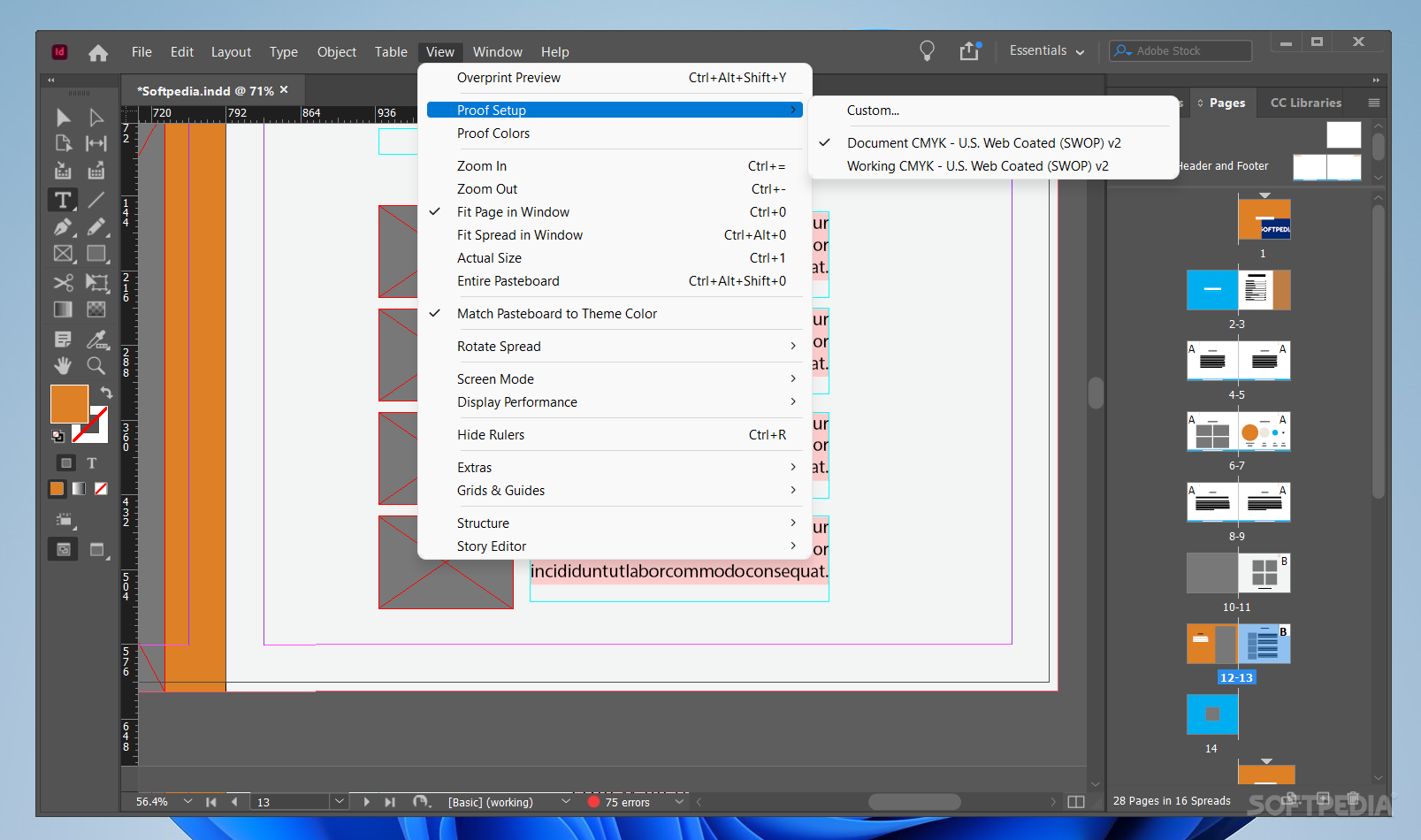
    · Preview your layouts in grayscale to see how they will look on a black-and-white device or when printed in black and white.

    Grayscale PDF export:
    · Export PDF files in grayscale directly from the Print dialog box.

    PDF/X export:
    · Export PDF files that meet the PDF/X-4:2010, PDF/X-5:2010, and PDF/VT-1 standards for tight integration with Adobe Acrobat X and Adobe PDF Print Engine 2.5.

    Interactive HTML:
    · Include interactive HTML — such as Google Maps and animation developed with Adobe Edge software — in InDesign layouts. Interactivity is retained when exporting to HTML, EPUB3, or .folio for Adobe Digital Publishing Suite.

    Embedded video and audio in eBooks:
    · Include video and audio in InDesign layouts you export to EPUB format. Embedded audio and video play on mobile devices that support HTML5, such as iPad.

    Articles panel:
    · Control the order of text, images, and graphics when you export to EPUB or HTML without changing the InDesign layout. Drag content into the Articles panel to define the order.

    Styles mapped to tags in EPUB export:
    · Map paragraph and character styles directly to HTML, EPUB, and PDF tags so they export using appropriate specifications.

    Dynamic image resizing:
    · Design and publish an EPUB eBook with imagery that will look good on virtually any size screen on which it is played, making the content accessible and enjoyable on any device.

    PDF forms within InDesign:
    · Create form fields directly within InDesign before you export to PDF. You can also assign the tab order in InDesign using the Articles panel.

    Interactive PDF exported as pages:
    · Export an interactive PDF as pages instead of spreads.

    Accessible PDF files:
    · Easily create tagged PDF documents and include Alt text. Set the tab order and the order in which articles are read when using assistive technologies including the read-aloud feature in Adobe Reader software.

    Interactive HTML:
    · Include interactive HTML — such as Google Maps and animation developed with Adobe Edge software — in InDesign layouts. Interactivity is retained when exporting to HTML, EPUB3, or .folio for Adobe Digital Publishing Suite.

    Interactive documents and presentations:
    · Add interactivity, motion, sound, and video to documents and presentations, exporting directly to SWF for playback in Flash Player.

    Articles panel:
    · Control the order of text, images, and graphics when you export to EPUB or HTML without changing the InDesign layout. Drag content into the Articles panel to define the order.

    Flash Professional export:
    · Export InDesign documents to Flash Professional to add sophisticated interactivity, animation, and navigation to complex layouts.

    Middle Eastern language support:
    · Buy and update the Middle Eastern version of InDesign directly from Adobe for easier localization of global documents and enhanced functionality.

    Automation:
    · Create powerful automated workflows using standards-based XML features to lay out pages with text and images. Incorporate database-driven content to publish across channels.

    Collaboration in editorial workflows:
    · Improve collaboration between design and editorial teams with tight integration between InDesign and Adobe InCopy software.

    Extensibility:
    · Design for custom publishing using InDesign Markup Language (IDML), an XML-based file format that enables developers to create or modify files using standard XML tools.

    Export to PNG:
    · Export your InDesign document to PNG, a lossless format, for use on the web. You can export the entire document, part of the document, or individual items.

    IDML support:
    · Save in IDML format from the Save As menu to use the layout in an earlier version of InDesign.

    Complex calculations:
    · Calculate values in panels and dialog boxes using complex calculations (for example, 12.5p/2x3).

    Indic language support:
    · Use the World-Ready Composer, an alternate composition engine, to work with Hindi, Punjabi, and other Indian languages‡, as well as complex script languages such as Arabic and Hebrew.

    Zoom for linked objects:
    · Zoom into a linked object from the Links panel to evaluate it more clearly.

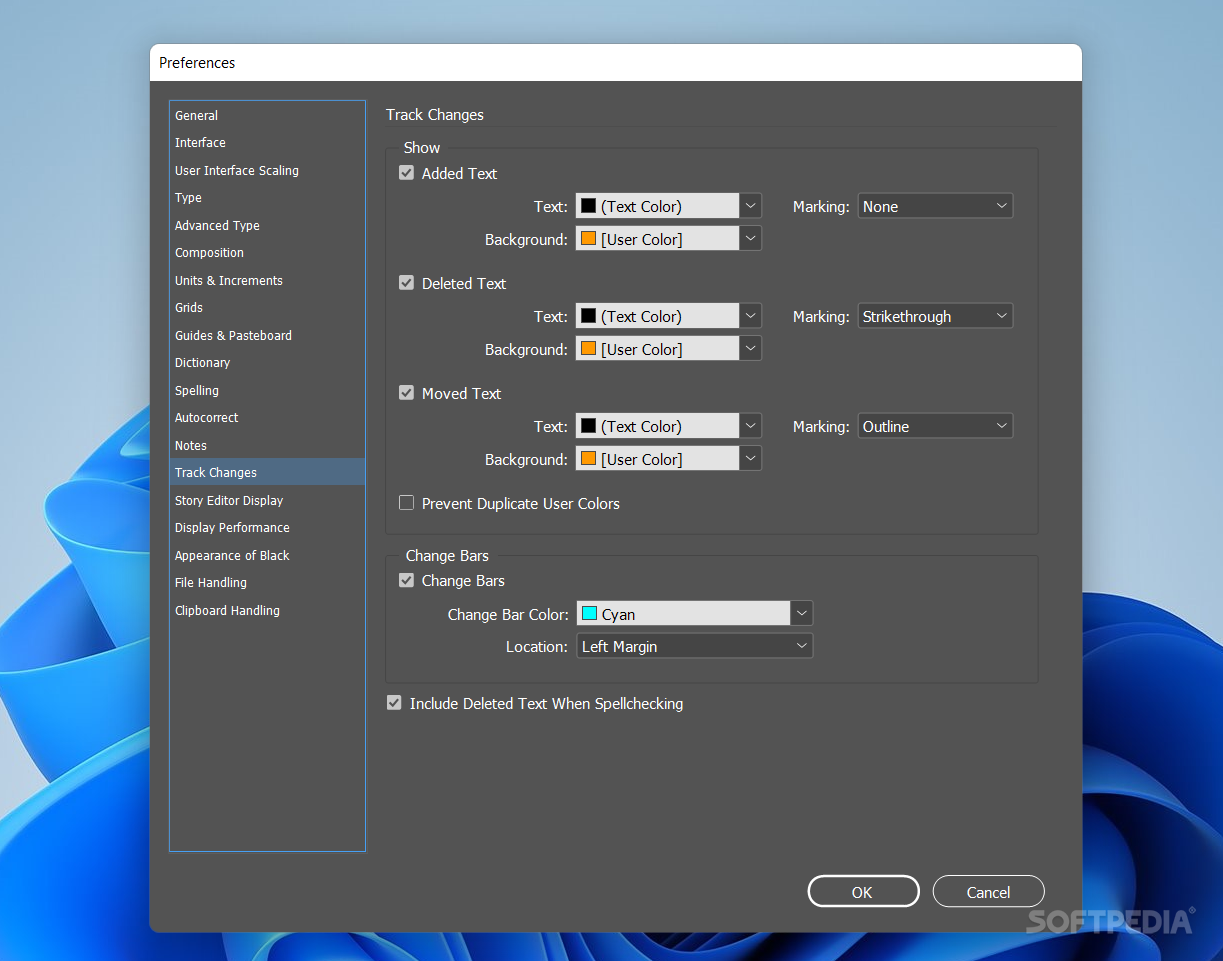
    Copy revision tracking:
    · Mark up text directly in InDesign, easily tracking copy revisions.

    Extension set management:
    · Enable or disable groups of extensions based on your current workflow.

    Split and span control:
    · Keep lines together in paragraphs that split or span columns.

    Style mapping in linked text:
    · Control how content in linked text is styled. Specify different text styles for parent text and children.

    Drag-and-drop support for anchored objects:
    · Add inline graphics and other anchored objects quickly and intuitively by simply dragging them to the desired anchor location in the text.

    Requirements:

    · Intel Pentium 4 or AMD Athlon 64 processor
    · 1GB of RAM (2GB recommended)
    · 1.6 GB of available hard-disk space for installation
    · 1,024x768 display (1,280x800 recommended) with 16-bit video card
    · DVD-ROM drive
    · Adobe Flash Player 10 software required to export SWF files
    · Broadband Internet connection required for online services

    Limitations:

    · 30 days trial

    What's New in This Release: [ read full changelog ]

    Liquid Layout:
    · Apply liquid page rules to automatically adapt content when you create an alternate layout with a different size or orientation in InDesign.

    Alternate Layout:
    · Efficiently create and design multiple versions of a layout for different devices and print needs, all within a single InDesign file.

    Linked content:
    · Link content within or across InDesign documents so that changes (including interactivity) made to the parent text or object are applied to all linked children objects.

    Content Collector tools:
    · Grab text and objects from an existing layout using the Content Collector. In a new layout, use the Content Placer to add items in the order you want them to appear.

    PDF forms within InDesign:
    · Create form fields directly within InDesign before you export to PDF. You can also assign the tab order in InDesign using the Articles panel.

    Middle Eastern language support:
    · Buy and update the Middle Eastern version of InDesign directly from Adobe for easier locali...

     Softpedia guarantees that Adobe InDesign CS6 8.0 is 100% CLEAN, which means it does not contain any form of malware, including spyware, viruses, trojans and backdoors. [read more >]


    TAGS:

    layout designer | digital publishing software | create layout | designer | design | layout


    HTML code for linking to this page:


    Go to top

    WindowsGamesDriversMacLinuxScriptsMobileHandheldNews

    SUBMIT PROGRAM   |   ADVERTISE   |   GET HELP   |   SEND US FEEDBACK   |   RSS FEEDS   |   UPDATE YOUR SOFTWARE   |   ROMANIAN FORUM