
Create a veritable work of art out of any picture using this handy application that will only stop painting when you are satisfied #Image to Paint #Photo to Paint #Image Painter #Painter #Photo2Paint #Paint
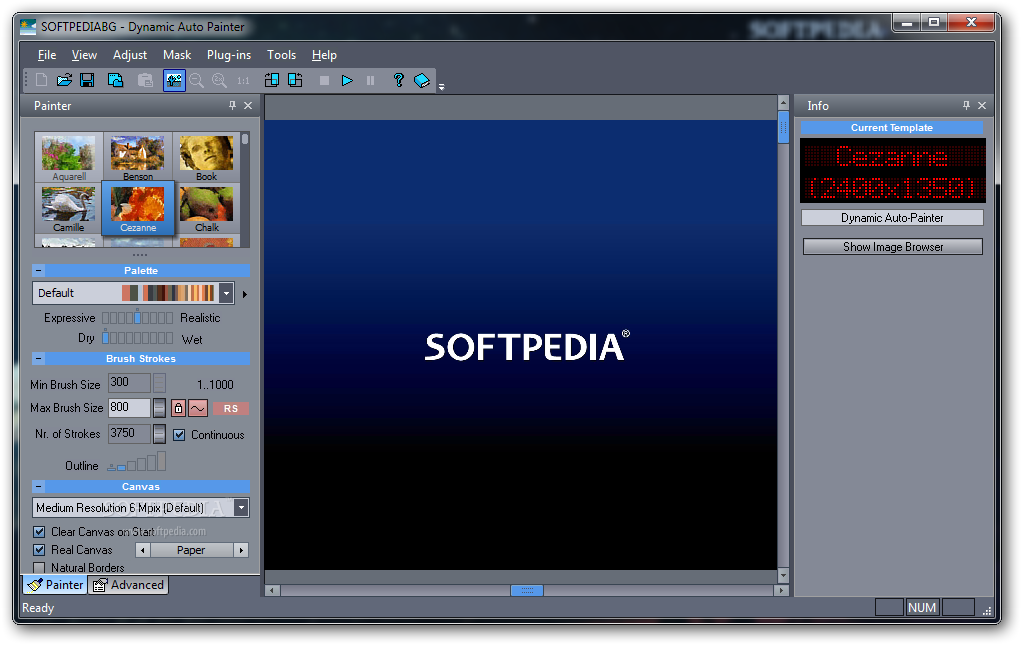
Hanging paintings on walls gives a room a little bit more personality. You can either create a masterpiece yourself, take a walk to the store and buy one, or you can turn your favorite pictures into works of art using Dynamic Auto Painter.
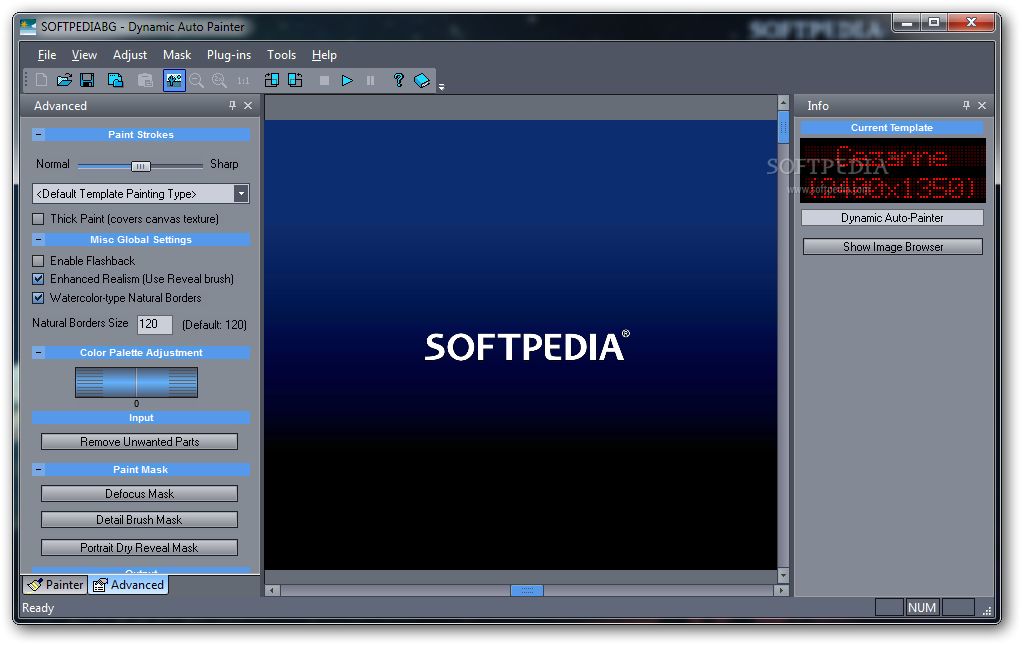
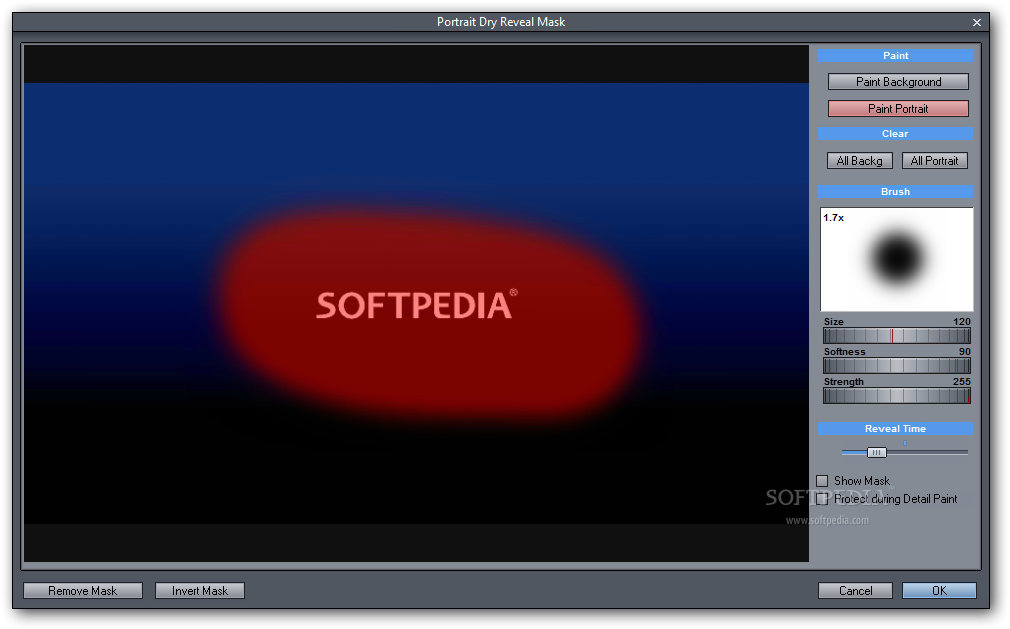
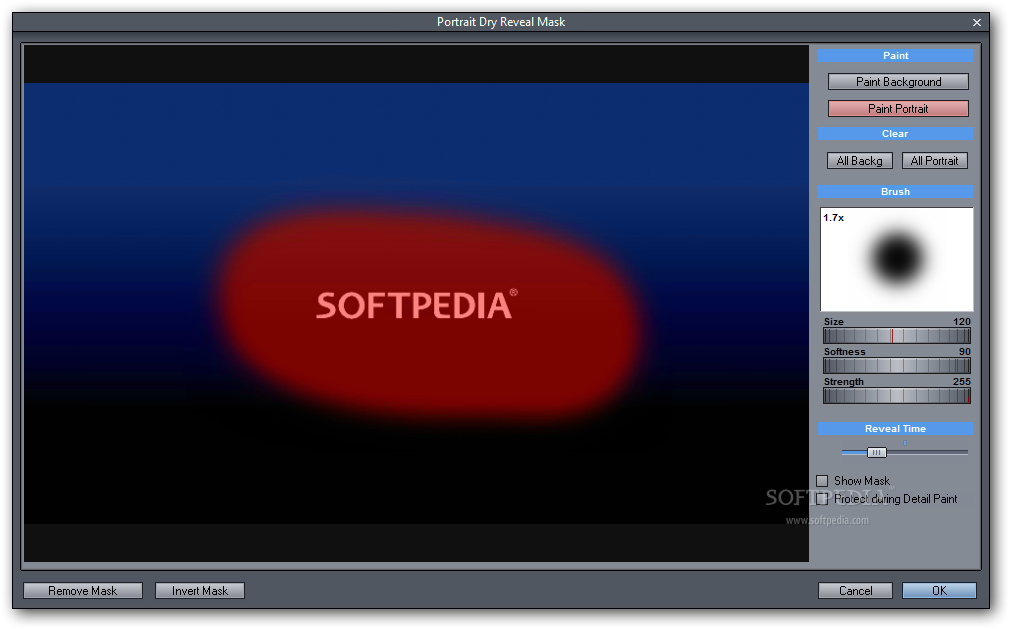
From the moment you run the application it is entirely up to you to decide when you should hit the save button. In other words, the application will simply start converting an image of your choice into a painting however, it will work on details until you hit the “Stop” button. Throughout the painting process, brush size can be changed as well as some other details, like choosing speed over precision.
This might keep your eyes glued to the monitor to see how much the original image can be transformed, the result being a different one every time. Not only because of the options that can be set to determine the details of the process, but also due to the various painting styles you can choose from.
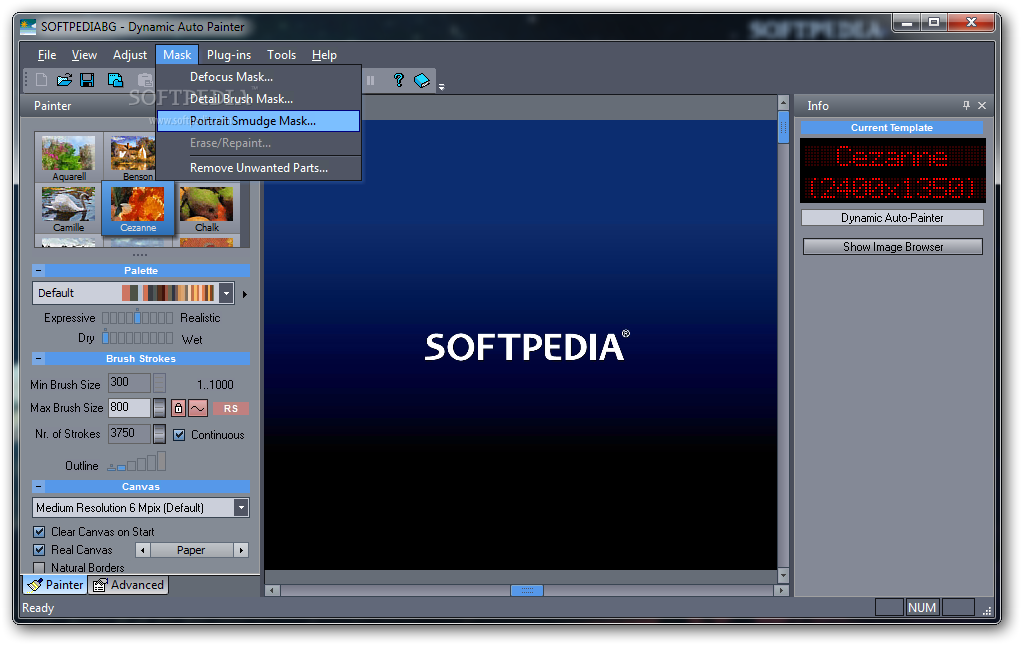
The application promises to deliver a picture worth printing and hanging on a wall. Several painting styles, like “Aquarell” and “Monet”, are put at your disposal. This first choice does not completely determine the type of the result , there are also details you can adjust in order to give the style a unique feel.
When you are satisfied with the transformation, hit the “Stop” button, otherwise your picture will continuously suffer from transformations. The result can be saved in some of the most common image file types in case you want to further modify it manually. It would have been useful however, for the application to have an integrated print option, seeing how it always creates a magnificent work of art from any given picture.
Dynamic Auto Painter is your personal artist that will never disappoint you. It lives up to the expectations, transforming any given image into a masterpiece worth hanging on your wall. Even though it lack a print function, you can find a way to get the end result on a sheet of paper if you want to decorate your room.
What's new in Dynamic Auto Painter 2.6:
- Maintenance update
- Added regular scroll bars for preset and browser
- Presets, mouse wheel support
- Preset window can expand
Dynamic Auto Painter 2.6
add to watchlist add to download basket send us an update REPORT- runs on:
-
Windows 7 32/64 bit
Windows Vista 32/64 bit
Windows XP 32/64 bit - file size:
- 57.4 MB
- filename:
- dap26update.exe
- main category:
- Multimedia
- developer:
- visit homepage
4k Video Downloader

IrfanView

Zoom Client

Context Menu Manager

Microsoft Teams

ShareX

Bitdefender Antivirus Free

calibre

Windows Sandbox Launcher

7-Zip

- calibre
- Windows Sandbox Launcher
- 7-Zip
- 4k Video Downloader
- IrfanView
- Zoom Client
- Context Menu Manager
- Microsoft Teams
- ShareX
- Bitdefender Antivirus Free