
Open-source app, short for GNU Image Manipulation Program, which comes bundled with many options and tools, and supports a large number of plugins. #Image composition #Photo retoucher #Image author #Editor #Enhancer #Composition

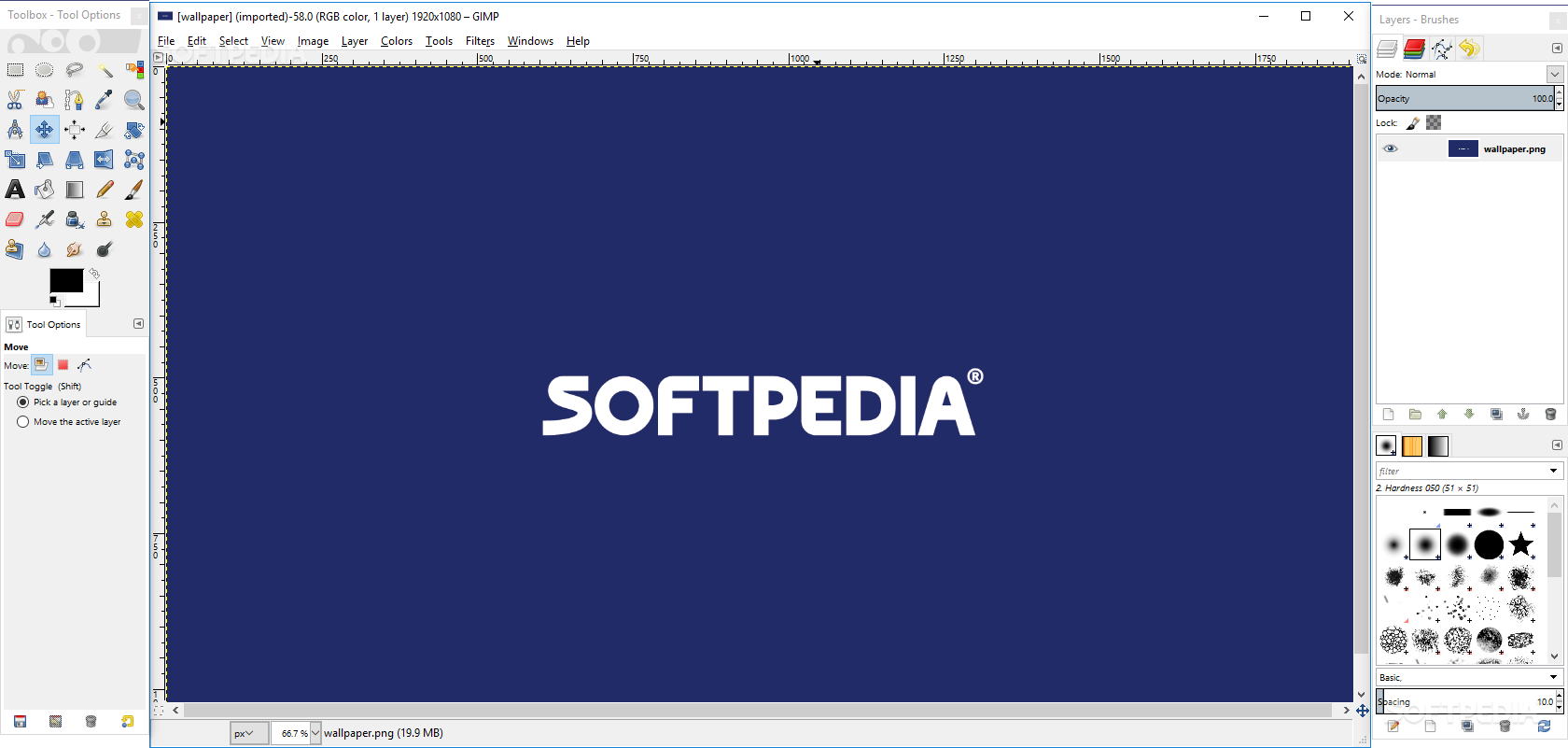
There are a multitude of graphics editors out there that address the requirements of modern digital image processing, which have become increasingly demanding, by any standard. Despite having dedicated graphics editors bundled on most OSs’ and even mobile devices, when it comes to specific, complex operations, established solutions, such as Adobe’s Photoshop always come under the radar. Unless you’re looking for an open-source alternative, and this is where most would think of GIMP. But how does its latest iteration fare against the stringent requirements of image processing?
It goes without saying, but most graphics editors these days feature a kind of universal design, which acts as a well-known mantra. This ensures that once you’ve used one, there’s a pretty high chance that you won’t have too much trouble adapting to a new solution.
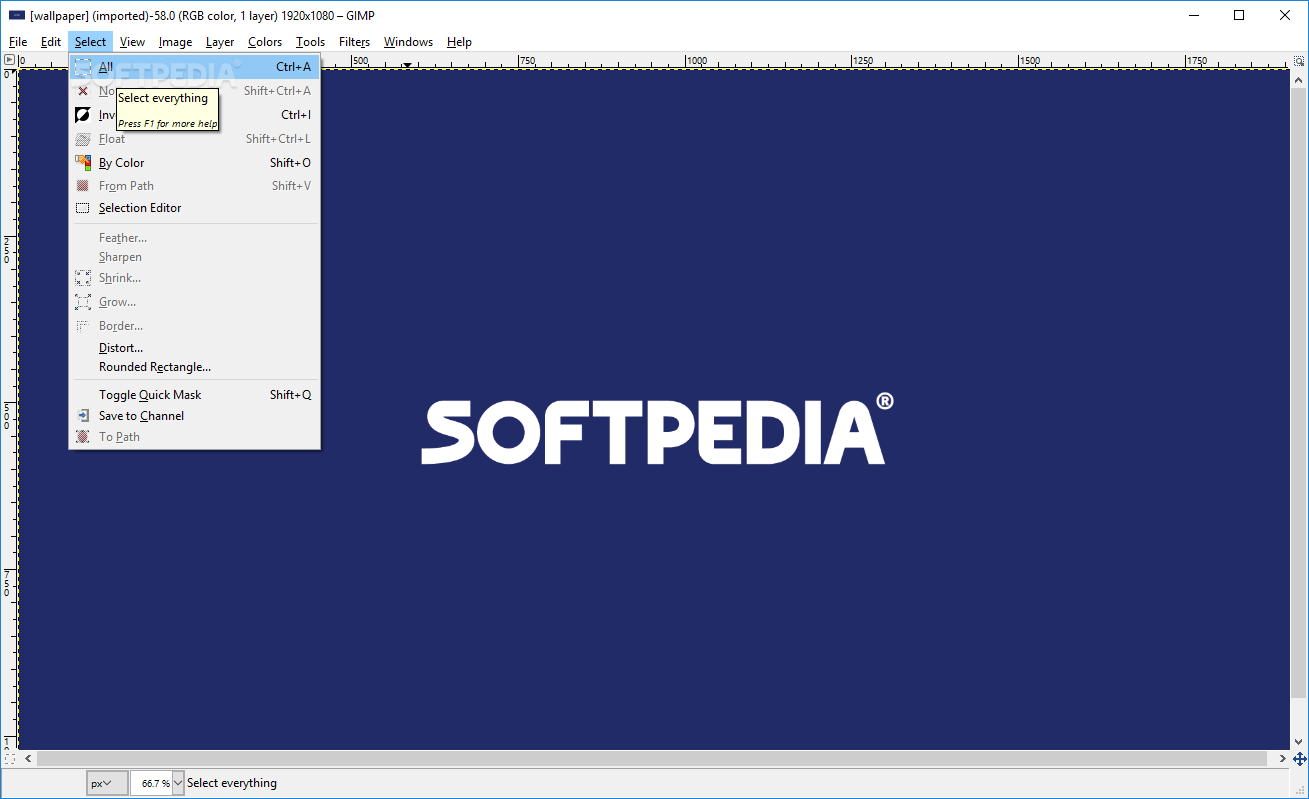
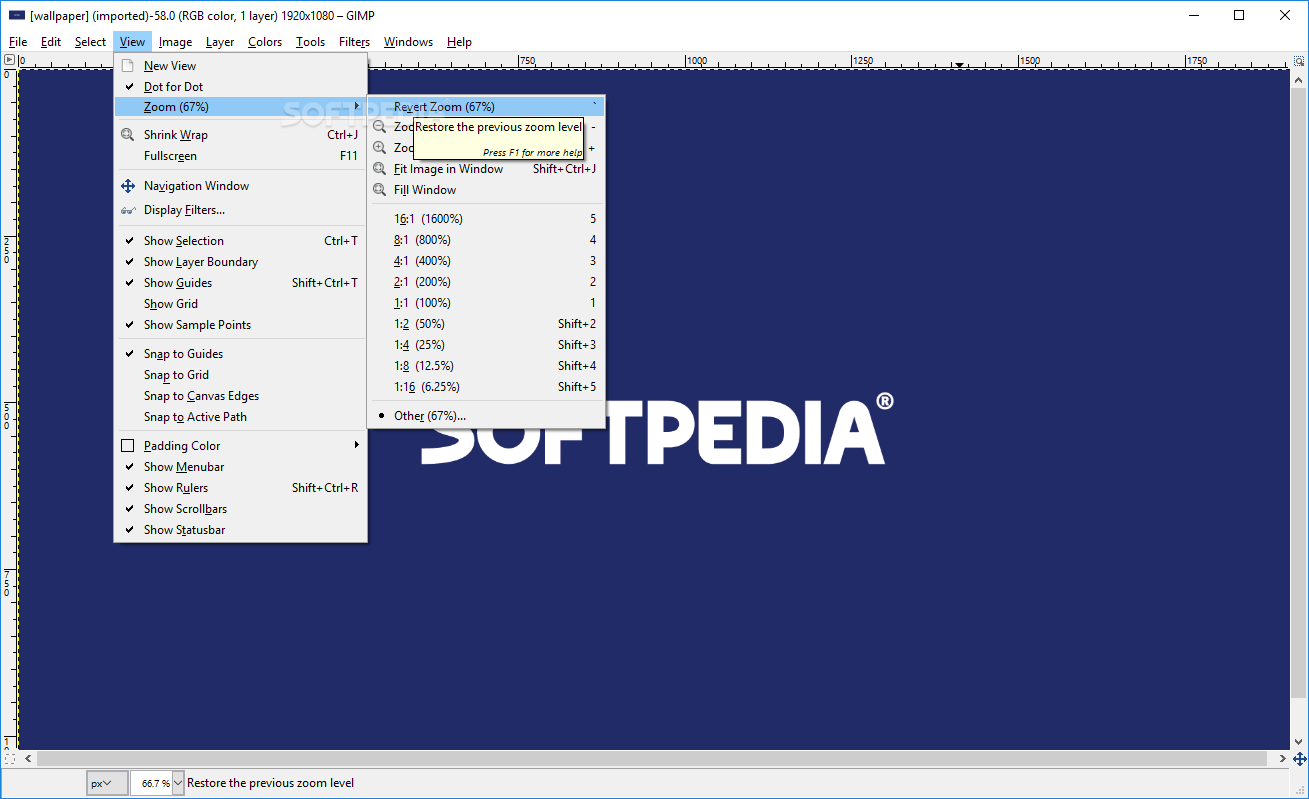
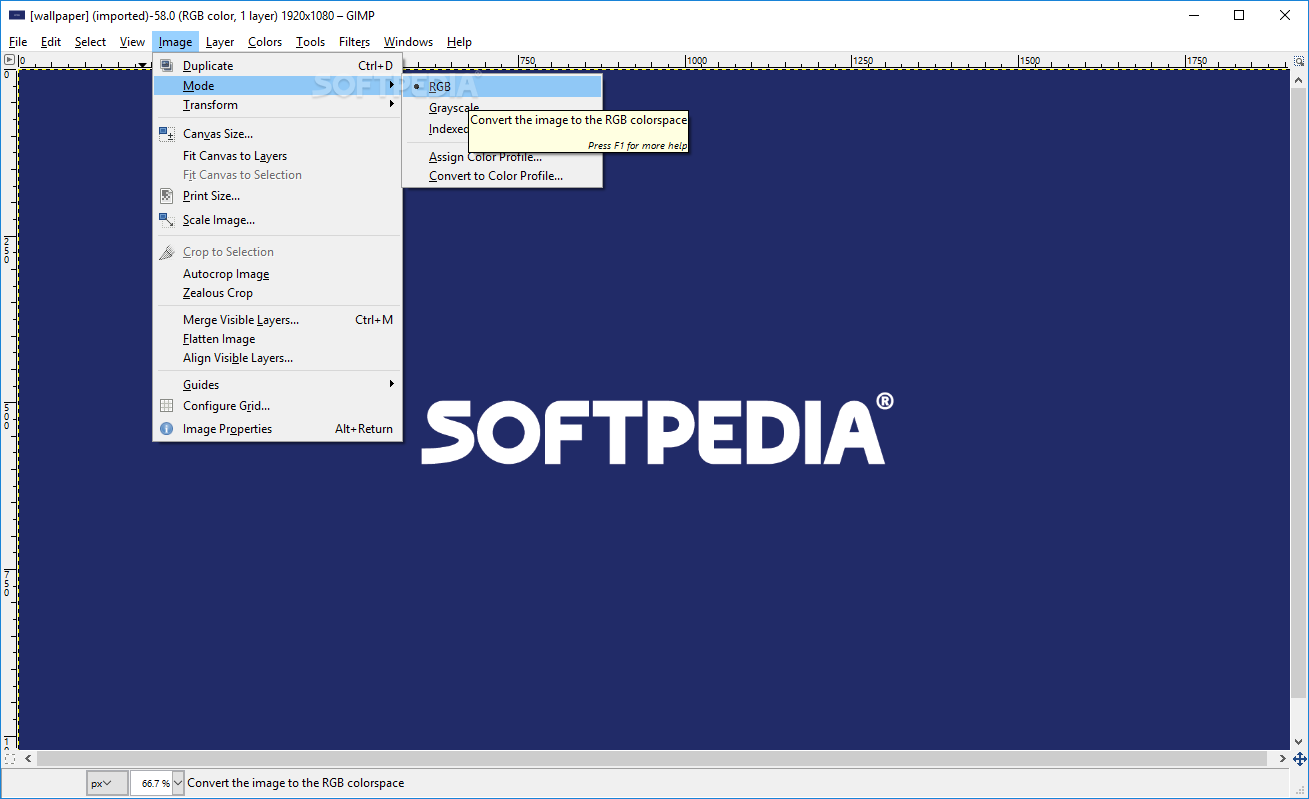
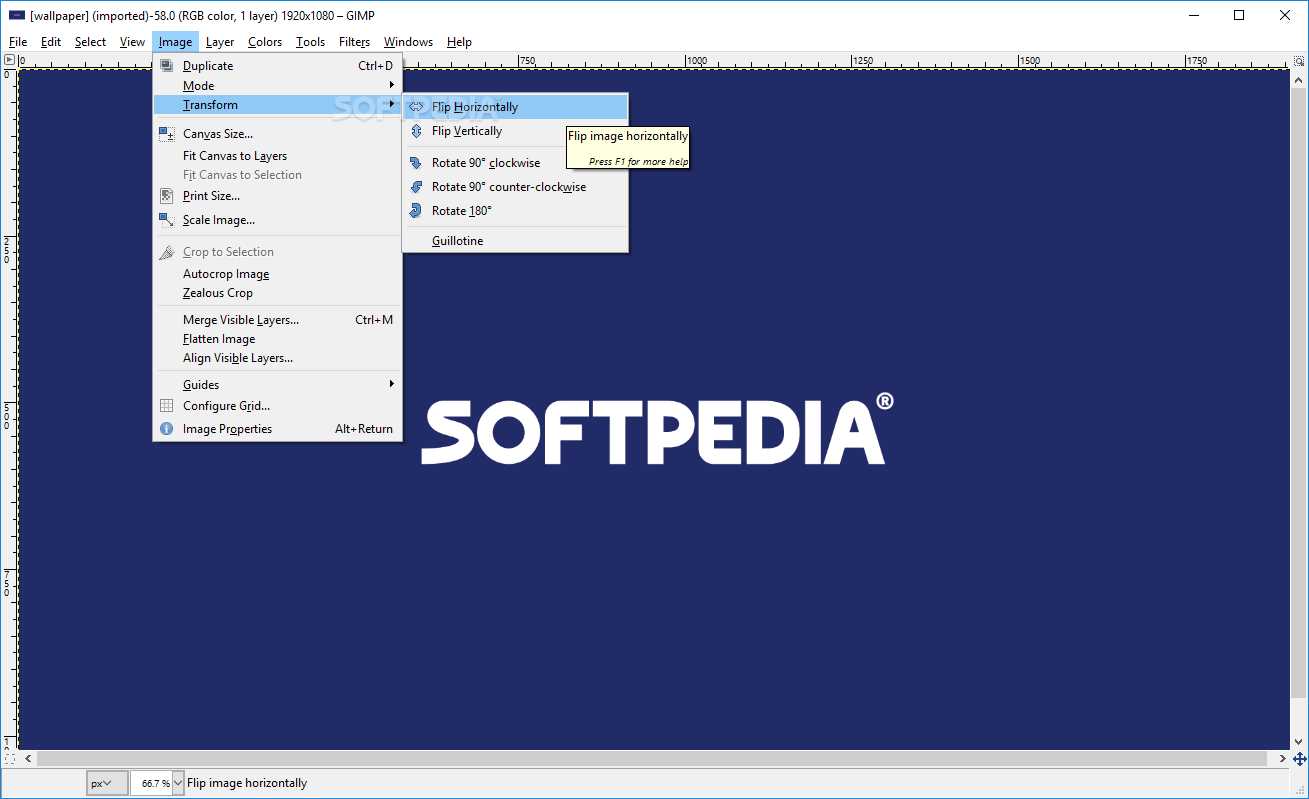
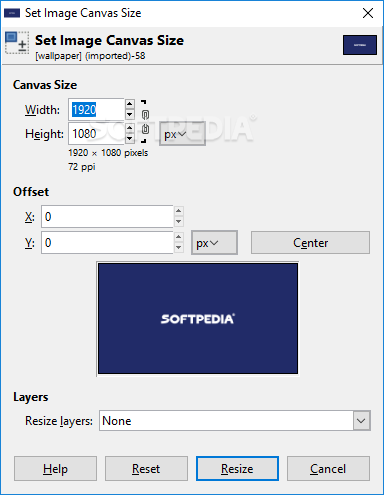
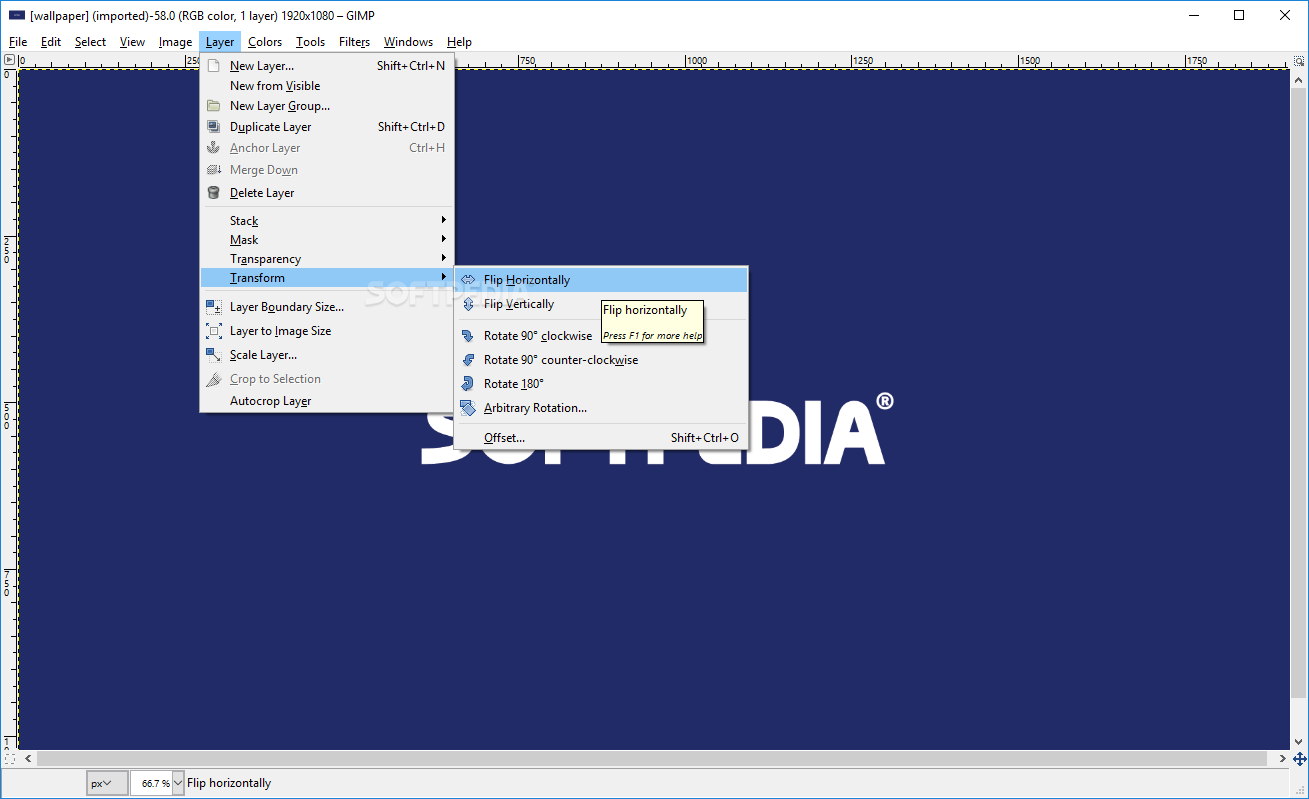
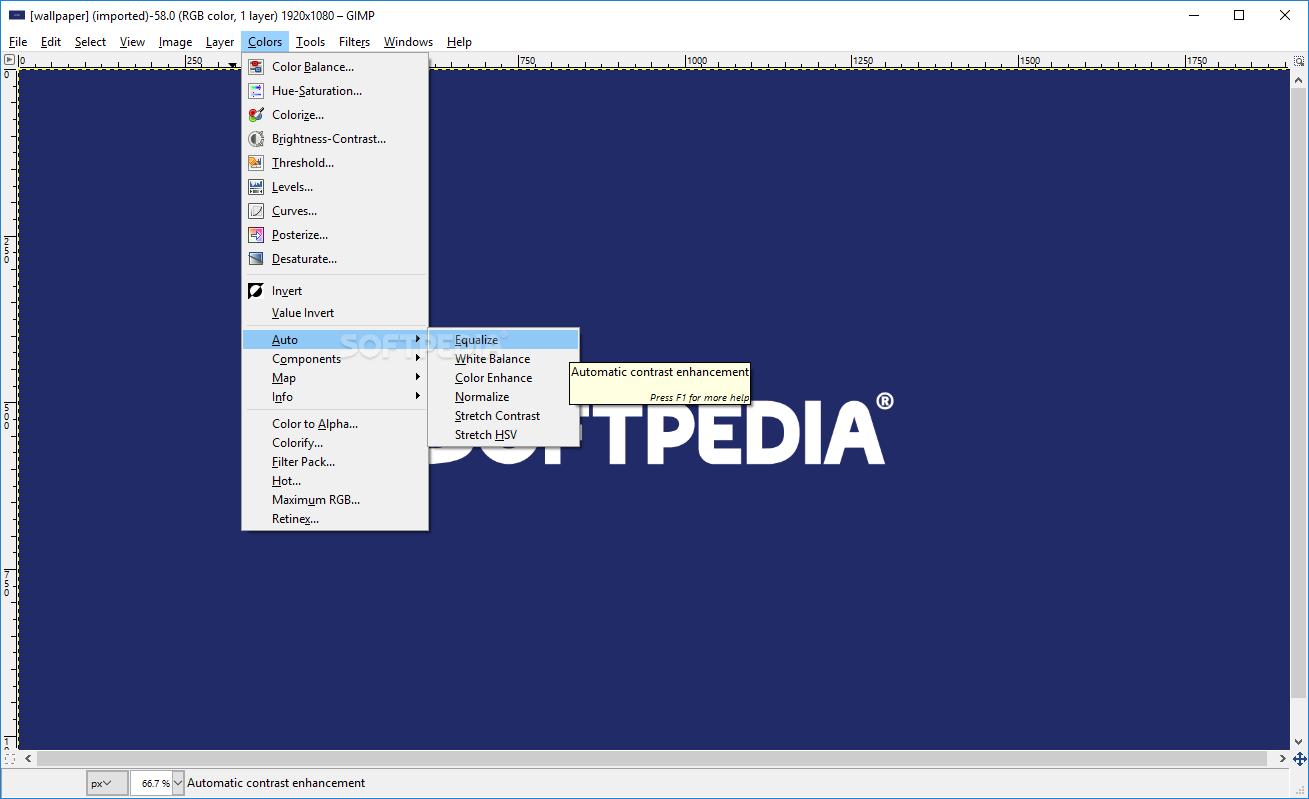
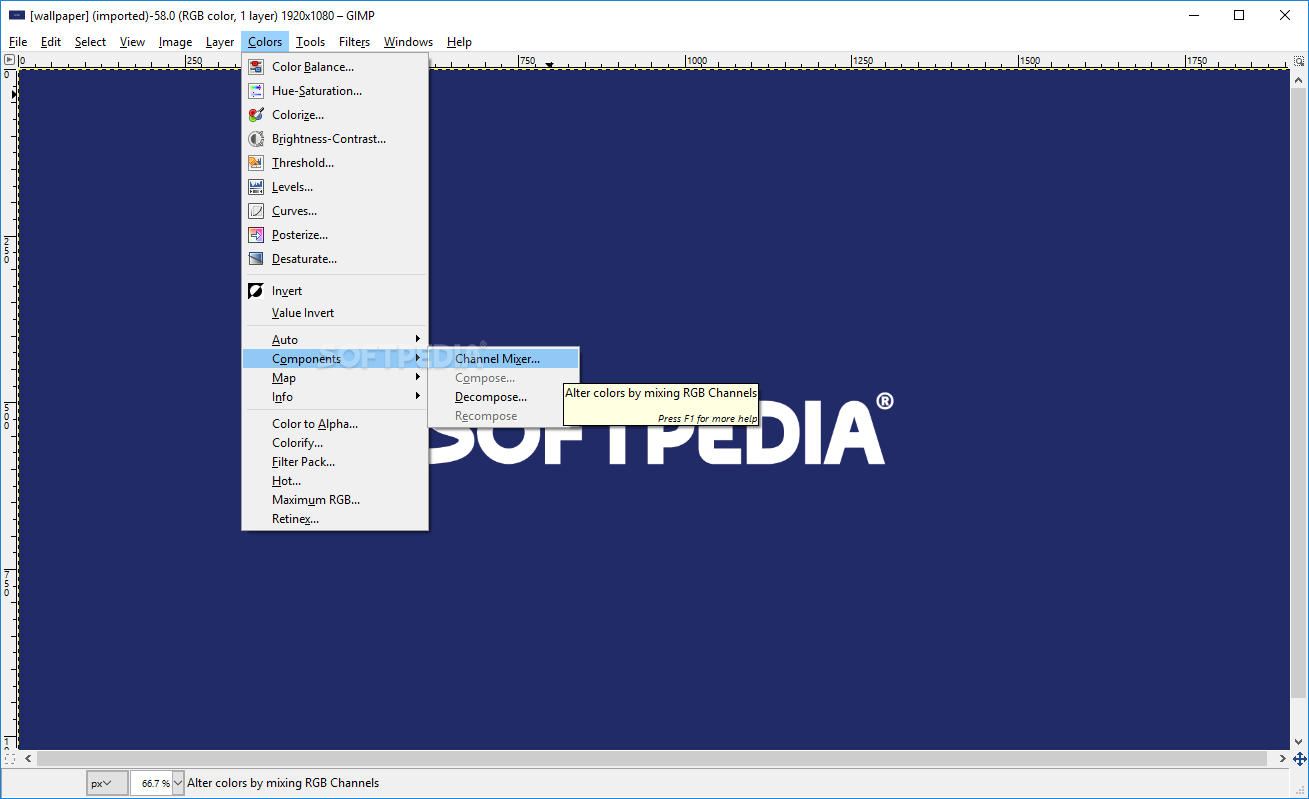
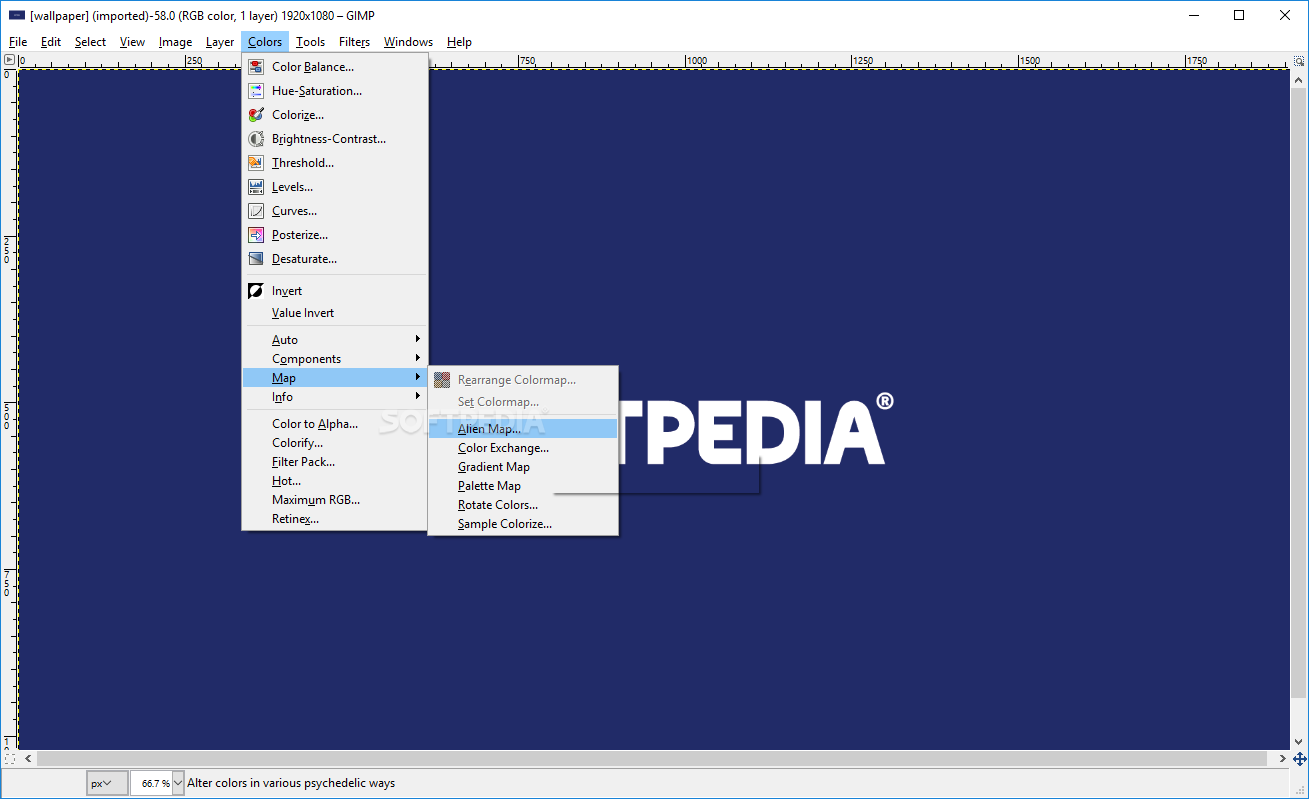
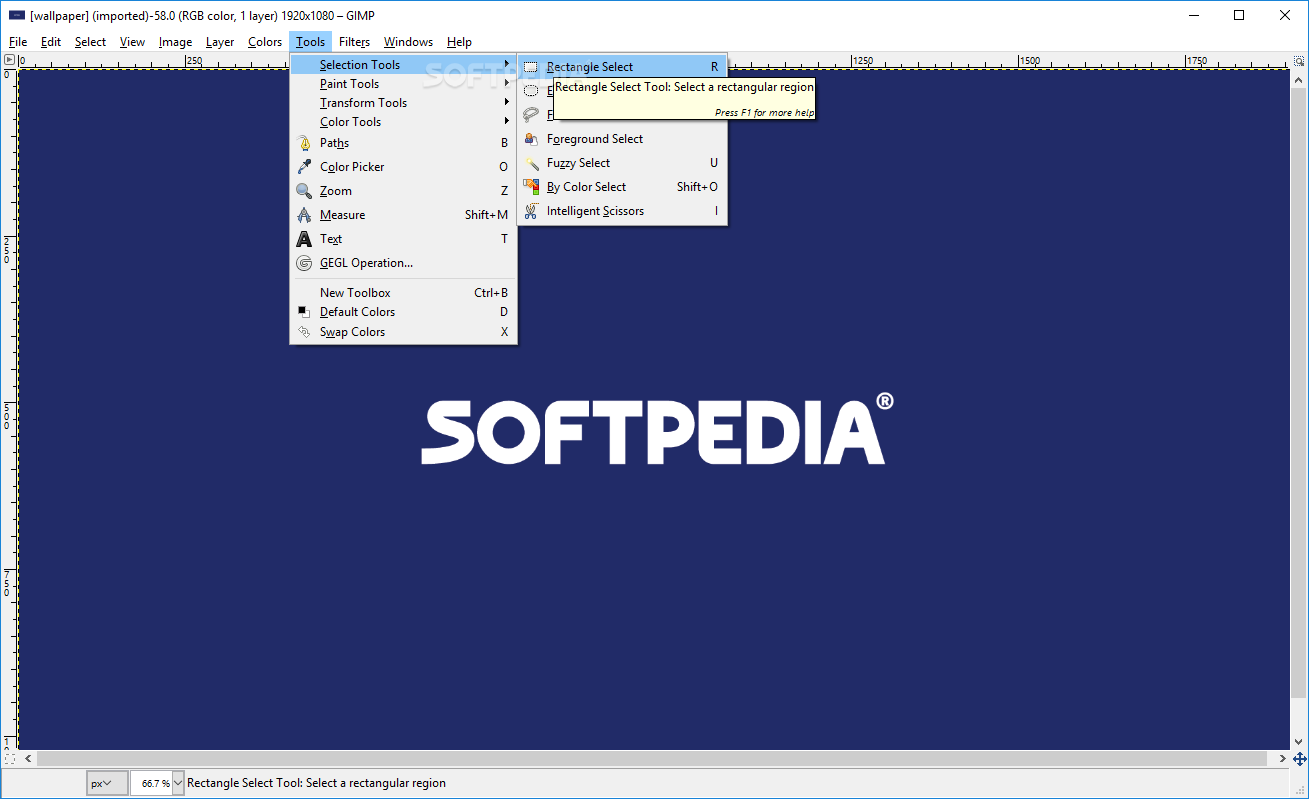
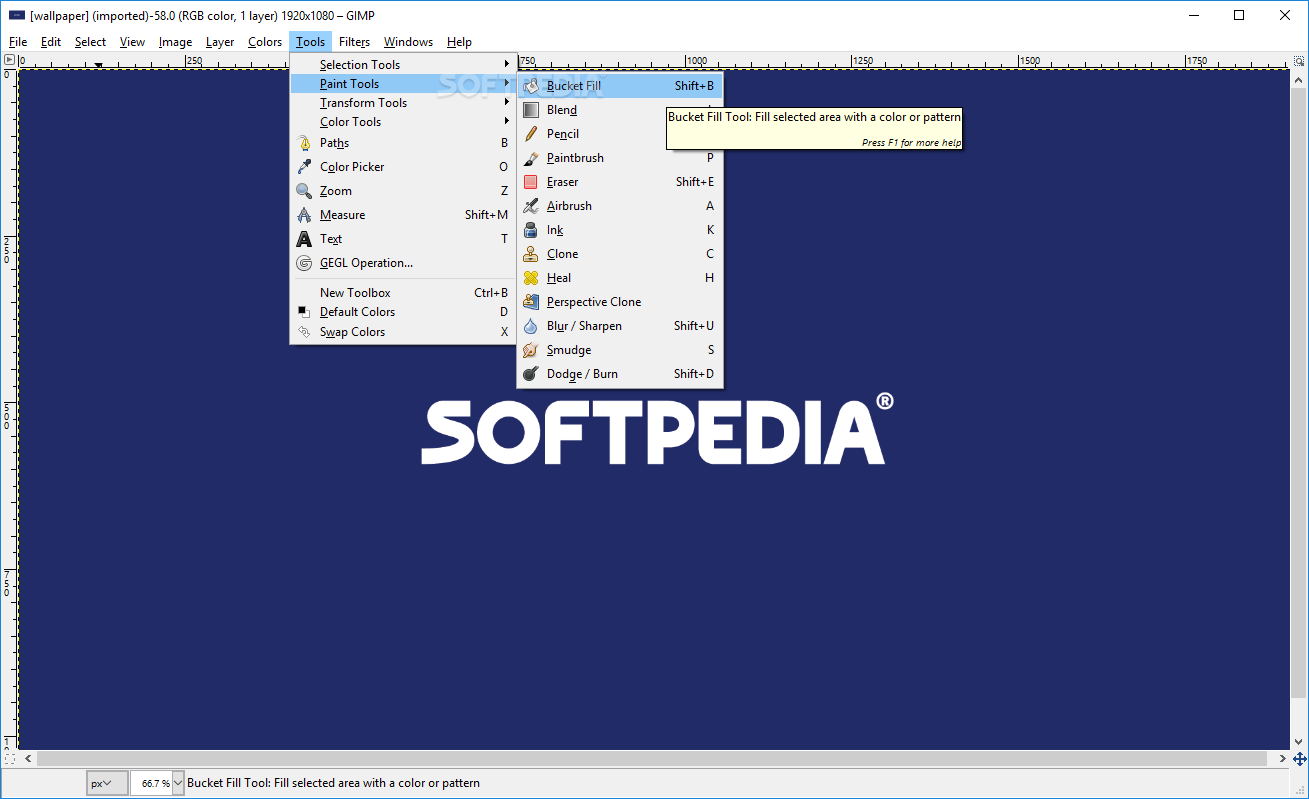
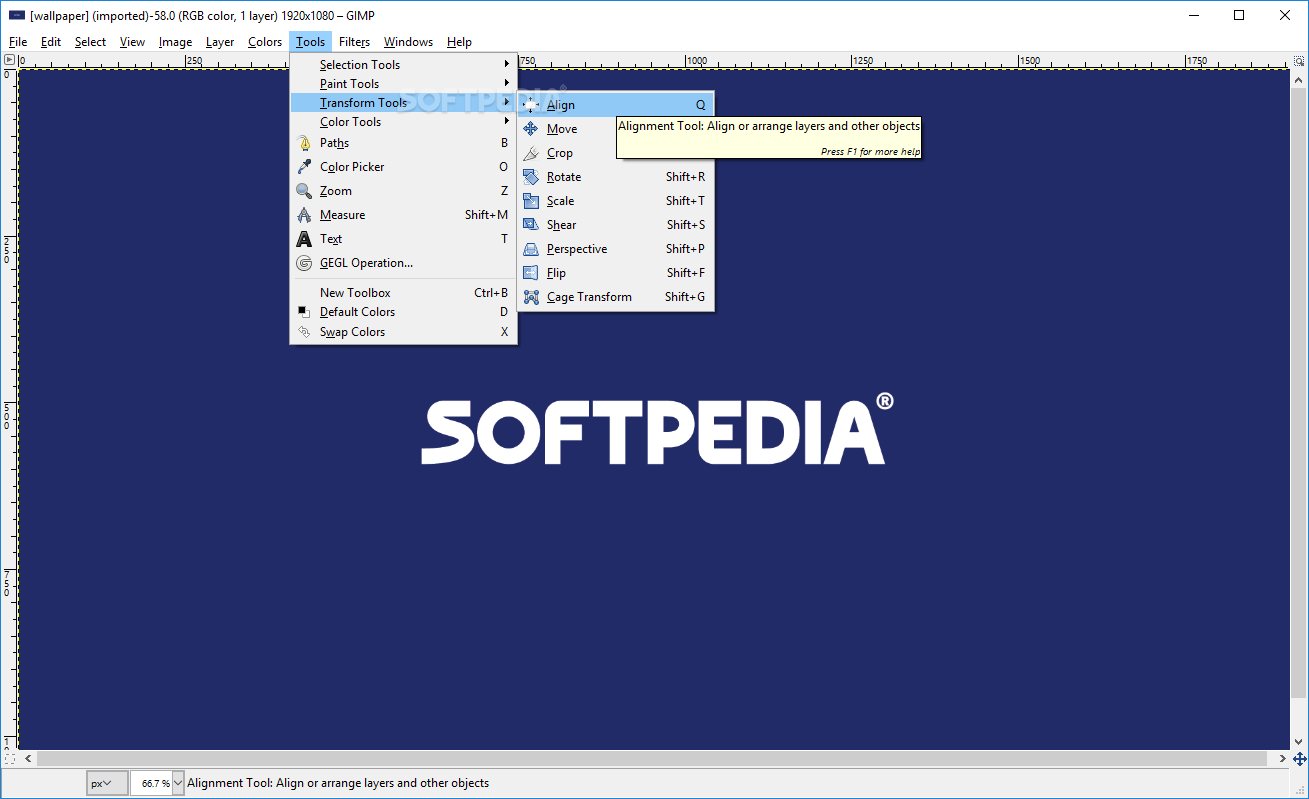
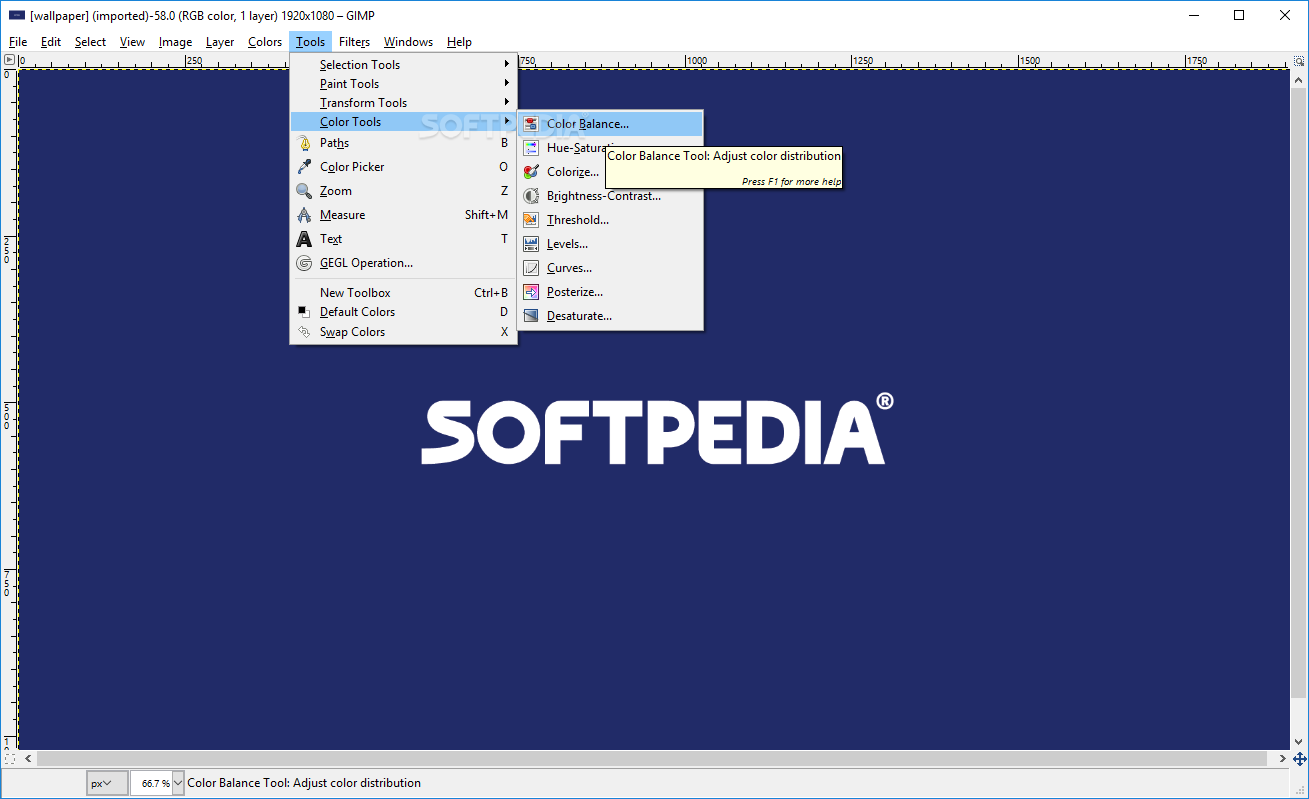
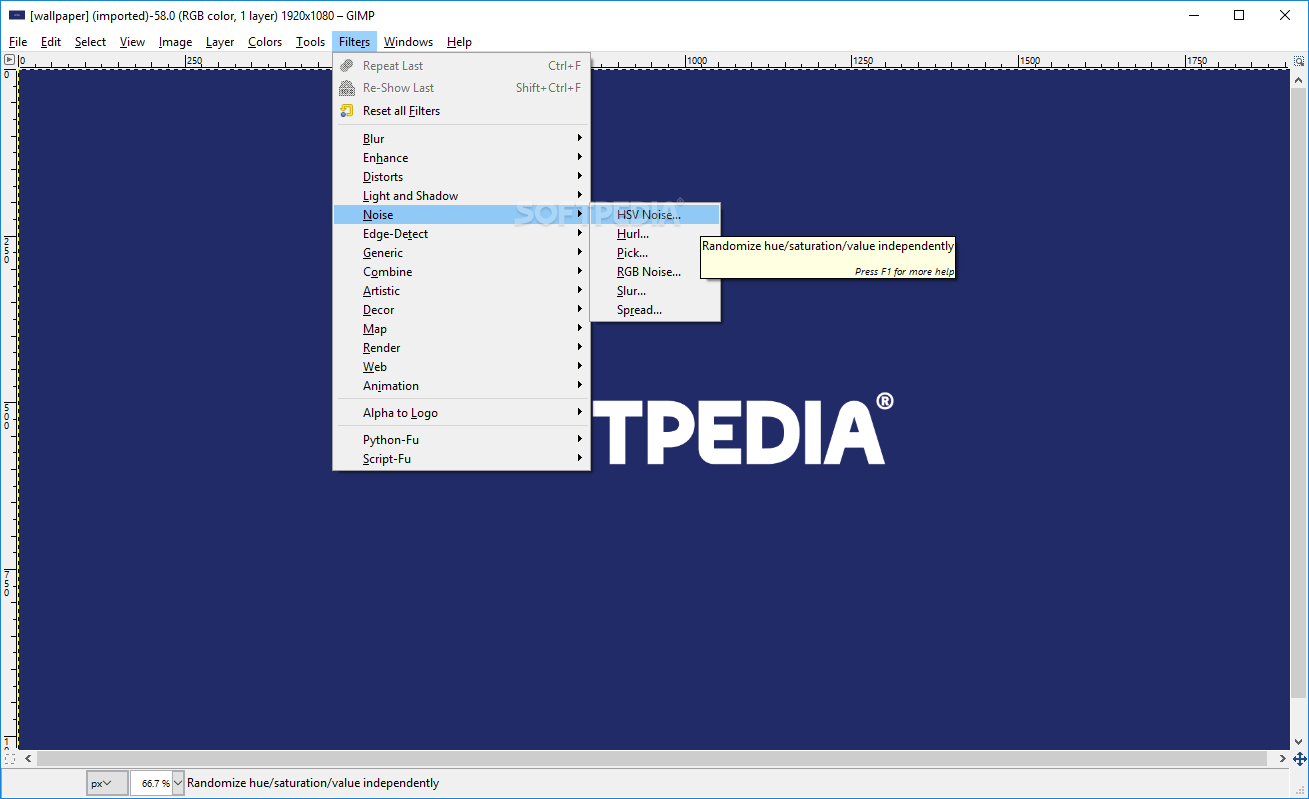
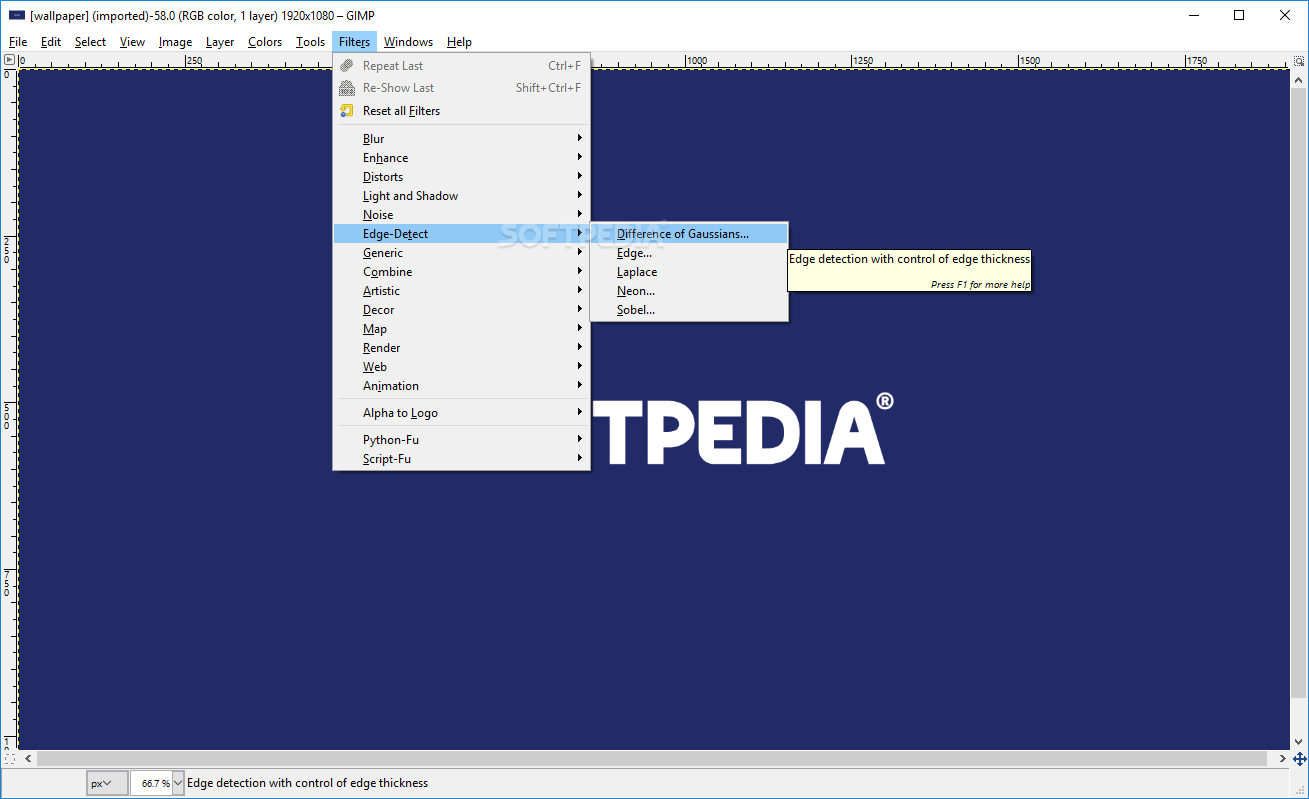
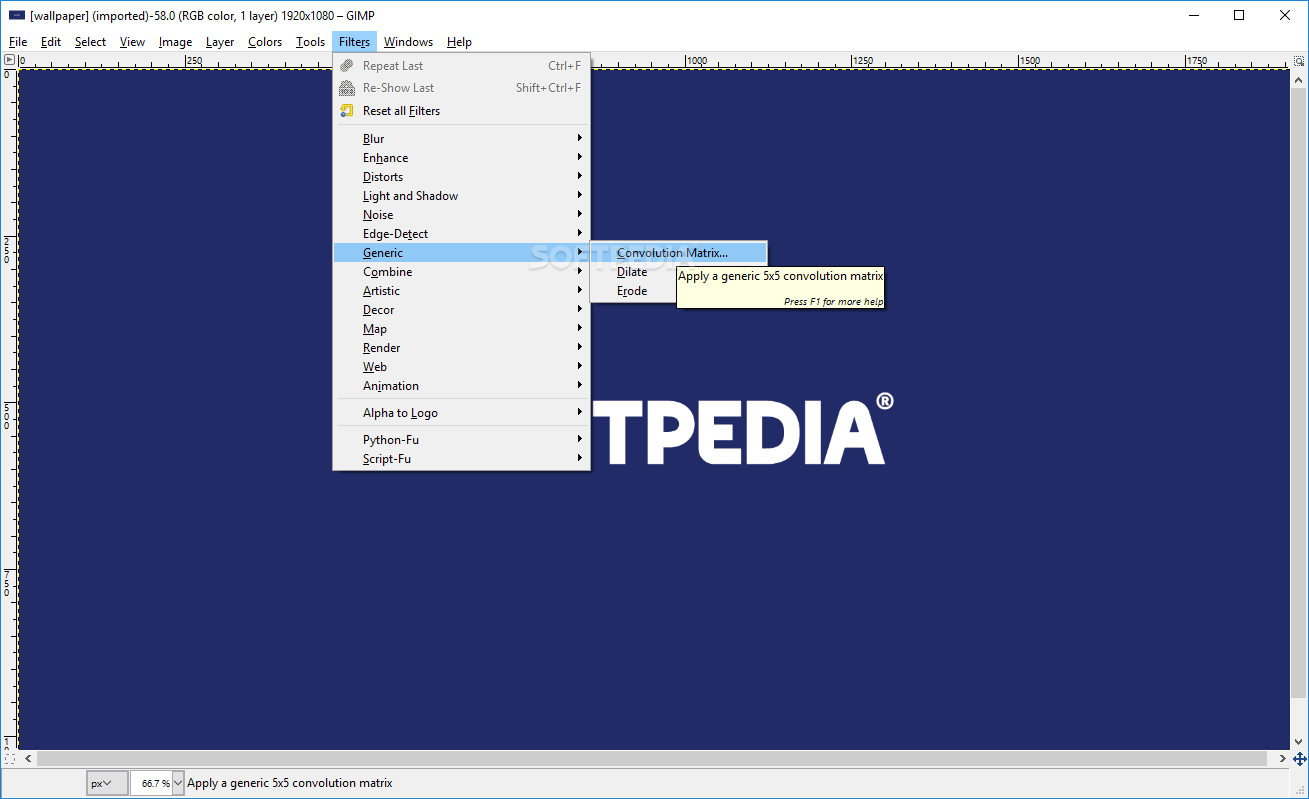
GIMP addressed that issue elegantly, through its simple and classic design, which resembles that of Photoshop quite well. There’s nothing left to be desired, both in terms of actual functionality, as well as in the form in which this is offered. All are neatly accessible, and provided in a balanced, elegant way.
Those who expect a lot from GIMP in terms of image processing capabilities will be happy to know that we discovered it to compare fairly well to Photoshop.
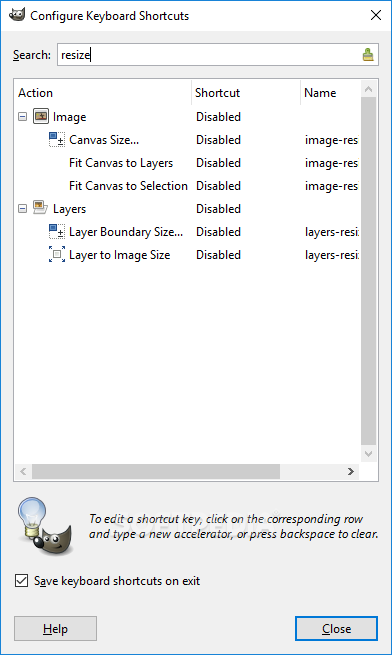
Loads of classic operations can be achieved with ease, and a multitude of tools and features are shared. May be different in modus operandi due to having different keyboard shortcuts, however, in terms of actual functionality, everything is present.
Considering its capabilities, overall accessibility, the fact that it manages to provide similar performance to that of Photoshop when used to its maximum, not to mention the fact that it’s open-source, GIMP could be a very good choice for users seeking a good alternative to today’s most common image processing software.
Download Hubs
GIMP is part of these download collections: Image Capture, Edit PNG, Edit JPEG, PSD Viewer
What's new in GIMP 2.99.18 Development:
- 238 reports were closed as FIXED.
- 201 merge requests were merged.
- 1358 commits were pushed.
- 26 translations were updated: Basque, Belarusian, Brazilian Portuguese, Bulgarian, Catalan, Chinese (China), Danish, Esperanto, Finnish, Georgian, German, Greek, Hungarian, Icelandic, Italian, Lithuanian, Norwegian Nynorsk, Persian, Polish, Russian, Slovenian, Spanish, Swedish, Turkish, Ukrainian, Vietnamese.
GIMP 2.10.36 / 2.99.18 Development
 Softpedia Editor's Pick
add to watchlist
add to download basket
send us an update
REPORT
Softpedia Editor's Pick
add to watchlist
add to download basket
send us an update
REPORT
- portable version
- Portable GIMP
- runs on:
-
Windows 11
Windows 10 32/64 bit
Windows 8 32/64 bit
Windows 7 32/64 bit - file size:
- 306 MB
- filename:
- gimp-2.10.36-setup.exe
- main category:
- Multimedia
- developer:
- visit homepage
4k Video Downloader

Bitdefender Antivirus Free

Context Menu Manager

7-Zip

calibre

Microsoft Teams

Zoom Client

IrfanView

ShareX

Windows Sandbox Launcher

- IrfanView
- ShareX
- Windows Sandbox Launcher
- 4k Video Downloader
- Bitdefender Antivirus Free
- Context Menu Manager
- 7-Zip
- calibre
- Microsoft Teams
- Zoom Client