
With support for custom keyboard shortcuts and several file extensions, this app lets you take snapshots of your screen and adjust picture parameters. #Desktop capture #Take screenshot #Desktop snapshot #Grabber #Screenshot #Snapshot

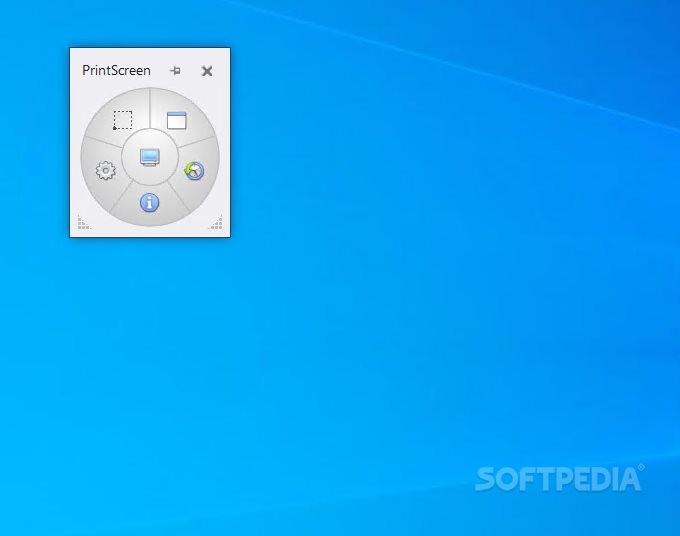
Gadwin PrintScreen is an application that helps you take snapshots of your desktop in several methods, with just a few clicks.
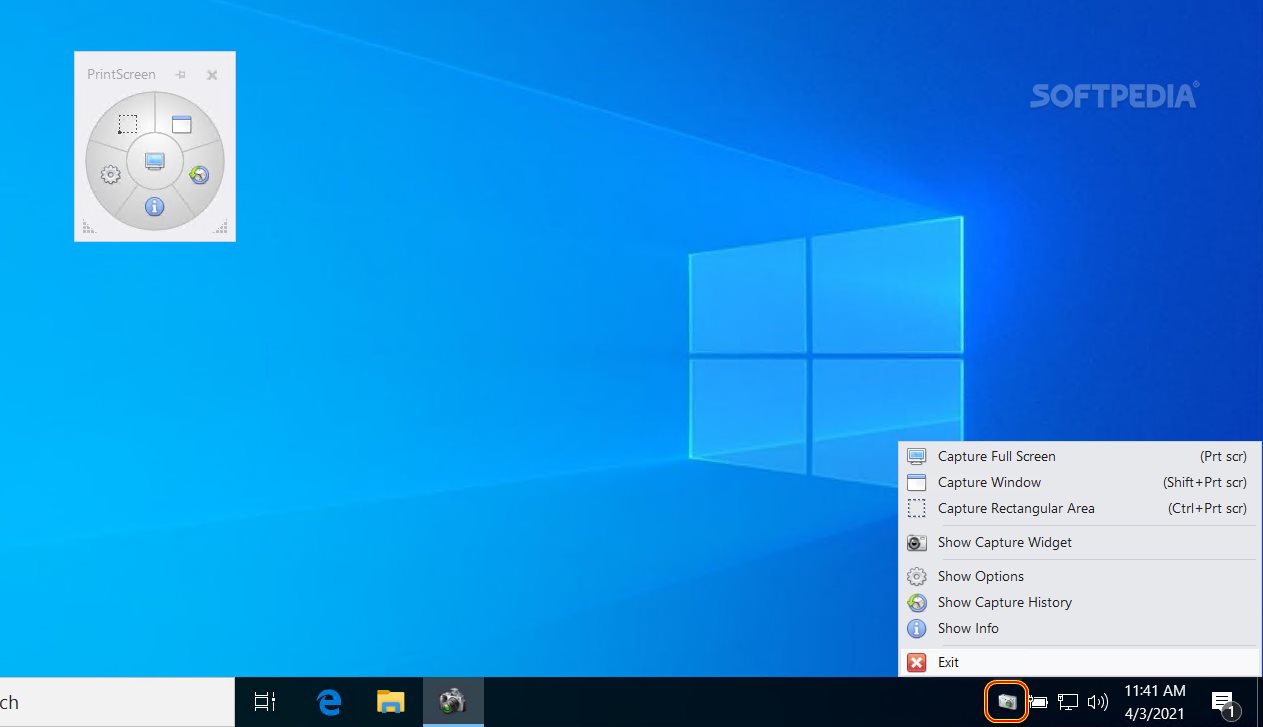
After going through a pretty simple and quick installation process, the program will place itself in the system tray. This feature makes it quite non-obtrusive and enables you to take the app out of pictures with ease. However, you should know you can change this option from the "Properties" window.
The user interface is clean and easy to navigate through, as it does not come packed with many buttons, menus and panels. This means that both power and novice users can learn how to handle Gadwin PrintScreen with ease.
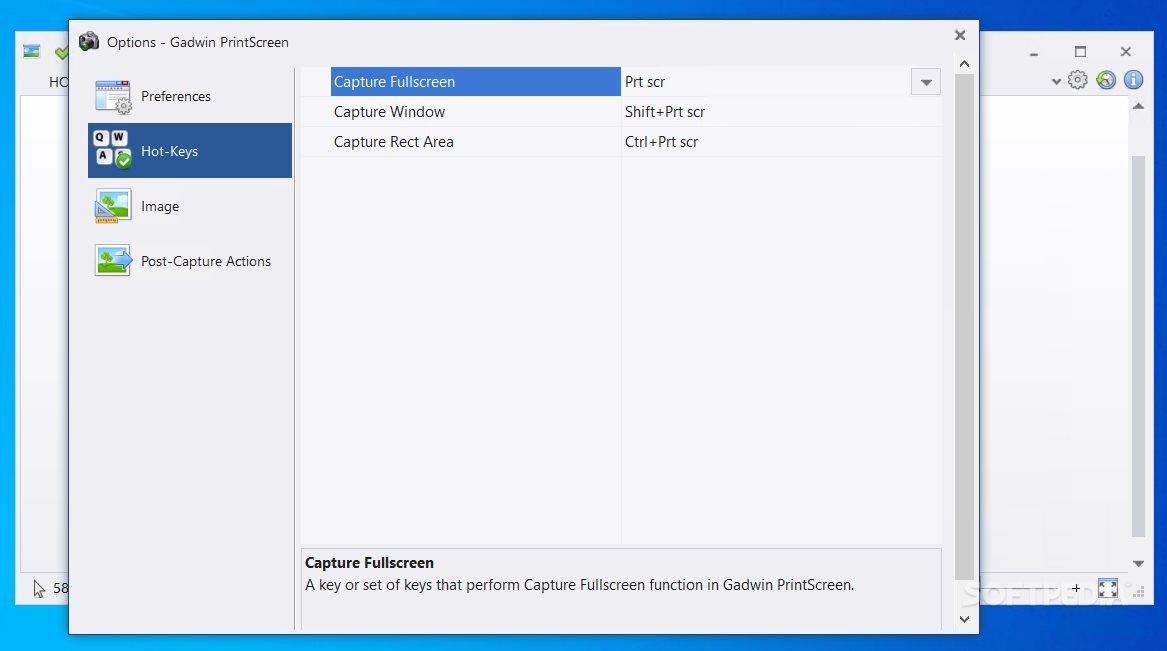
At first launch, it is possible to select the keyboard shortcut which will activate the capturing sequence, the default being the "Print Screen" key.
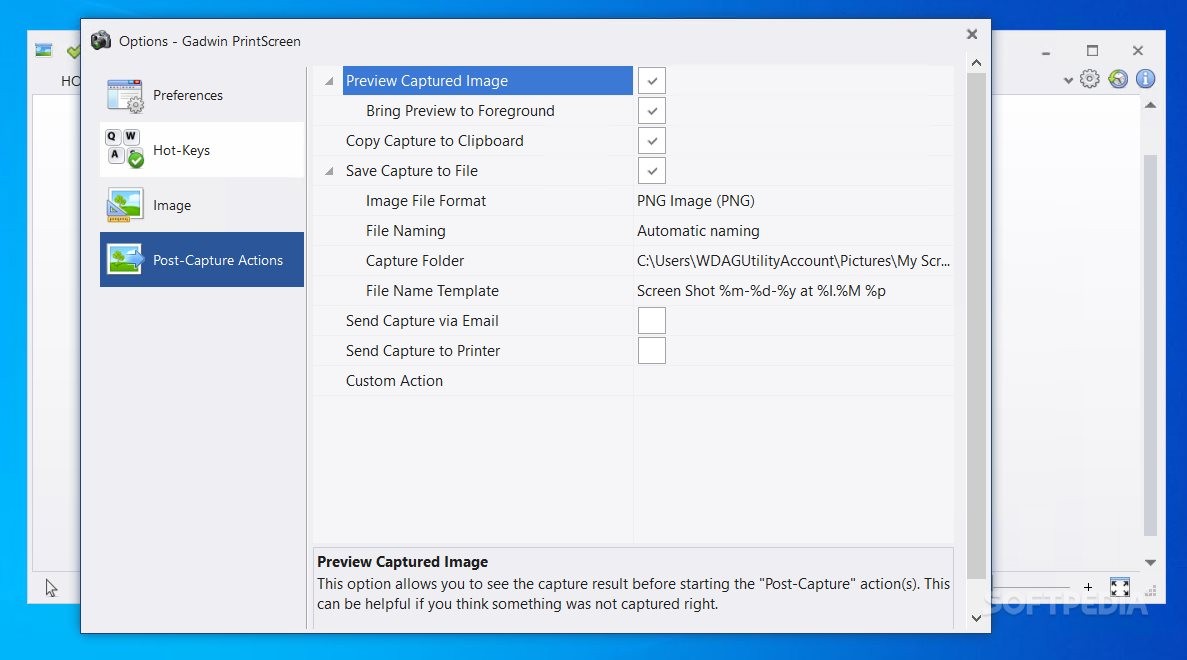
In addition to that, you can enable the initial delay to be taken at a certain time before capture, hide the icon when capturing, preview the captured pictures and disable Gadwin PrintScreen from automatically running at system startup.
You can select the captured area (current window, client window, full screen, rectangular area) and disable the option to capture the mouse cursor.
Aside from that, you can set Gadwin PrintScreen to copy the captured area to the Clipboard, printer or file, ask for the file name after capturing, automatically rename items, as well as select the output destination.
It is possible to choose the format for the output photo (BMP, JPG, GIF, PNG, TIF), resize the captured screenshot and configure options (e.g. grayscale, image shadow, stamp).
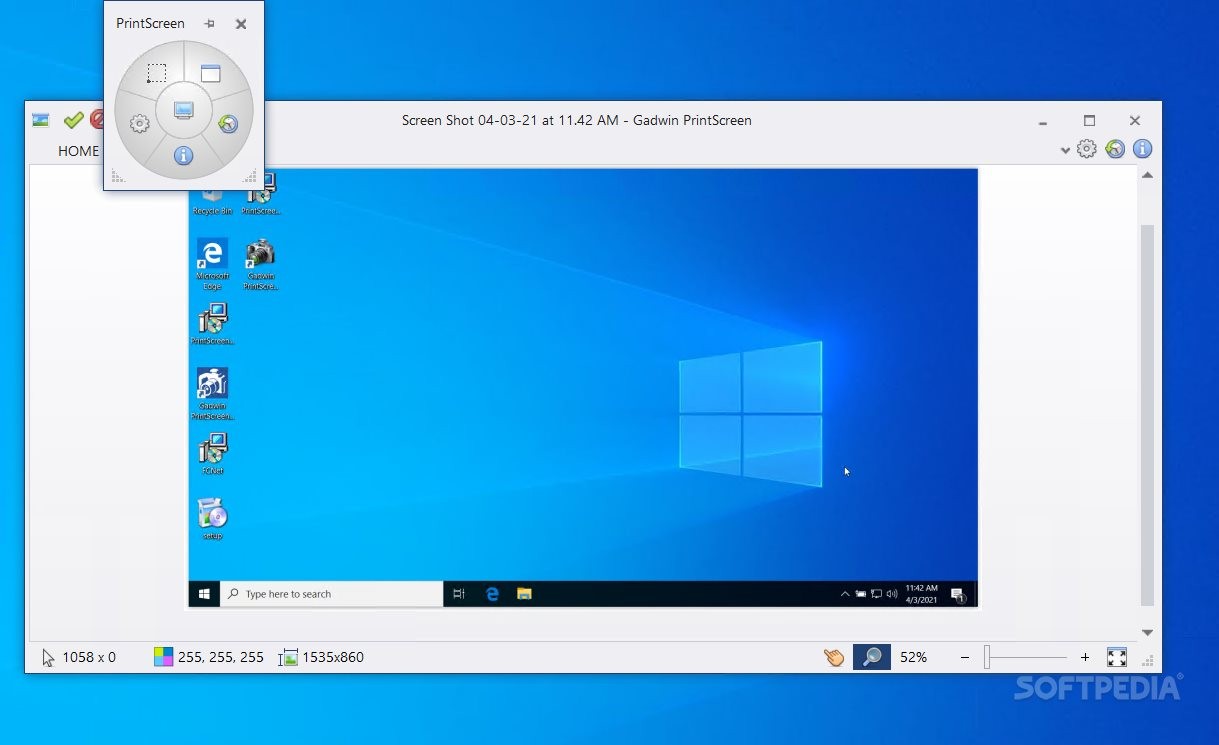
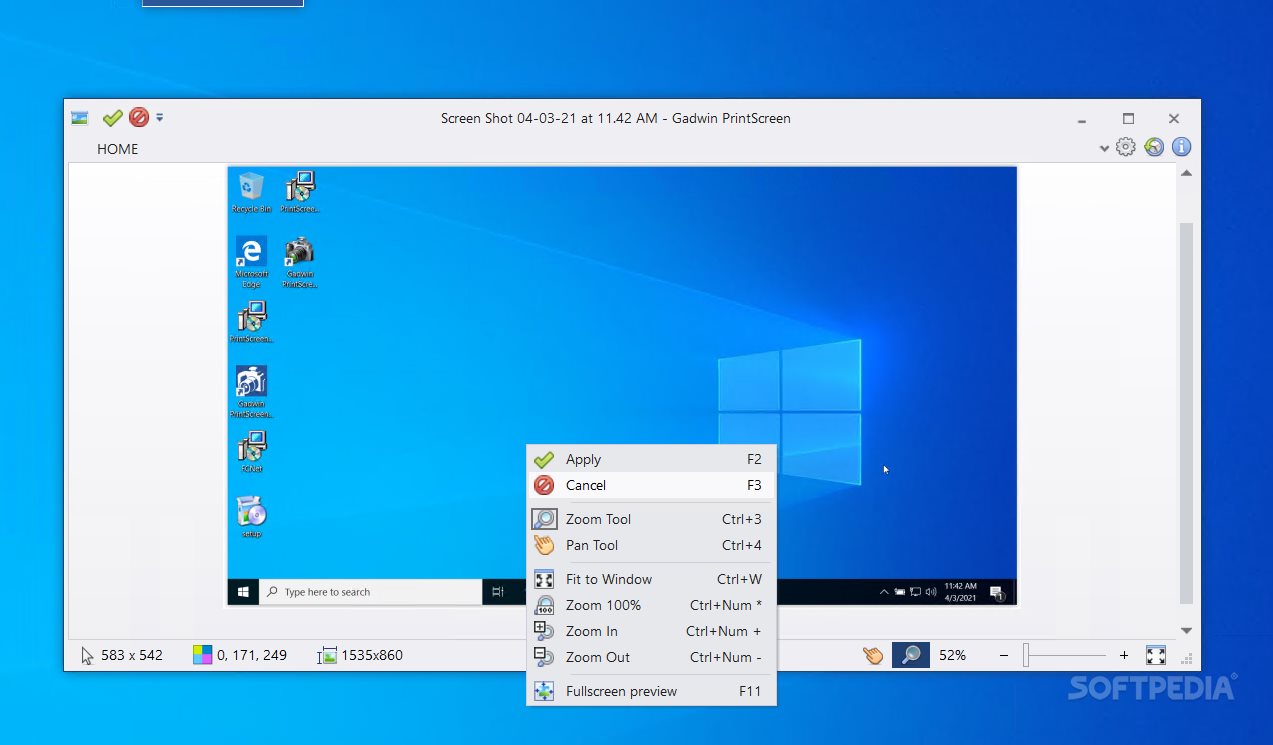
Once you take a snapshot, a window pops up in which you can preview the image, change its destination, continue or cancel output, as well as adjust the zoom level.
The program uses a low-to-moderate amount of system resources, includes a comprehensive Help file with snapshots and works smoothly. Gadwin PrintScreen is an excellent tool for taking snapshots and we highly recommend it to all users.
Download Hubs
Gadwin PrintScreen is part of these download collections: Image Capture
Gadwin PrintScreen 6.5.0
 Softpedia Editor's Pick
add to watchlist
add to download basket
send us an update
REPORT
Softpedia Editor's Pick
add to watchlist
add to download basket
send us an update
REPORT
- PRICE: Free
- runs on:
-
Windows 10 32/64 bit
Windows 8 32/64 bit
Windows 7 32/64 bit
Windows Vista 32/64 bit
Windows XP 32/64 bit - file size:
- 6.7 MB
- filename:
- PrintScreen650_Win32.msi
- main category:
- Multimedia
- developer:
- visit homepage
Bitdefender Antivirus Free

Context Menu Manager

IrfanView

Zoom Client

calibre

Windows Sandbox Launcher

7-Zip

ShareX

4k Video Downloader

Microsoft Teams

- ShareX
- 4k Video Downloader
- Microsoft Teams
- Bitdefender Antivirus Free
- Context Menu Manager
- IrfanView
- Zoom Client
- calibre
- Windows Sandbox Launcher
- 7-Zip