Search Perform an advanced search query SOFTPEDIA
 
SOFTPEDIA
Updated one minute ago
HomeSubmit a program for being reviewedAdvertise on our websiteGet help on surfing our websitesSend us your feedbackGet information about our XML/RSS backend and how to use itBrowse the news archiveVisit our discussion forumVizitati forumul in limba romana


Program Finder NormalFreeware onlyShareware only

Image Optimizer 5.10 Pro Report spyware 

Click to download Image Optimizer ProImage Optimizer Pro - Softpedia Pick Award (If you developed this product, click here to download your award)
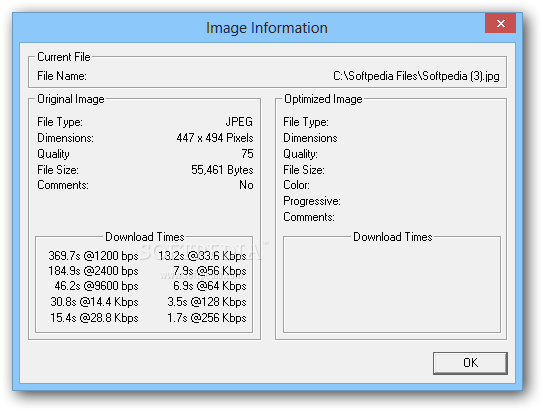
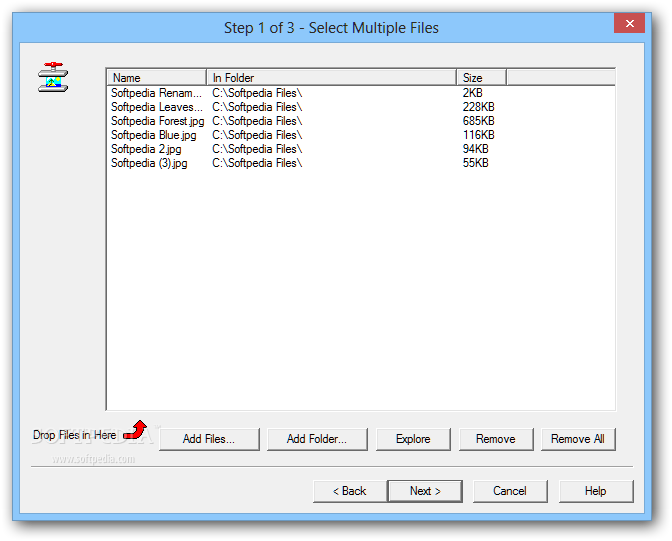
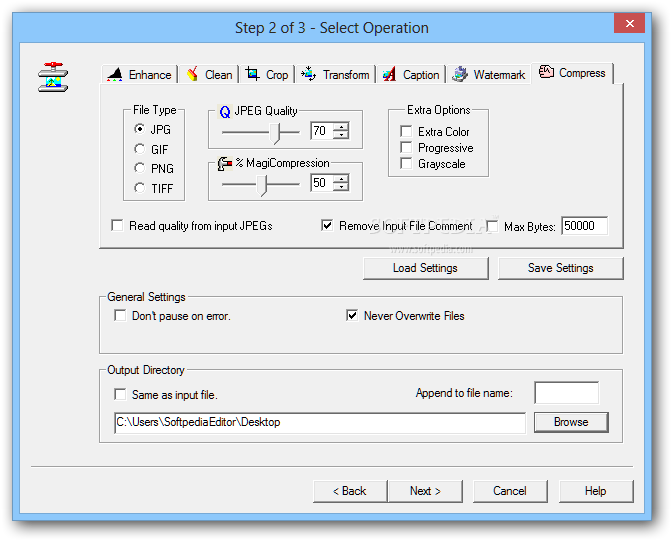
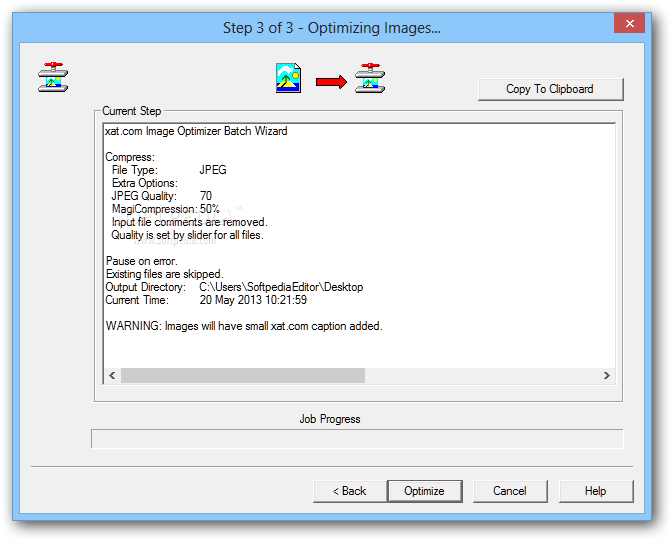
View more Image Optimizer Pro screenshots (3)
 Downloads: 4,085
Rating: | Rated by: user(s)
Add to download basket     Send us update information
 Developer: Xat | More programs by this producer
 License: Shareware , 142 $ to buy 
 Size / OS: 1.06 MB, Windows All
 Last Updated: May 21st, 2006, 12:01 GMT
 Category: C: \ Multimedia \ Graphic \ Graphic Others
 Read user reviews (0) Add a review Refer to friend Subscribe
    Download Image Optimizer Pro

Image Optimizer Pro description
Enhance and optimize your site, get more page views and save costs by creating smaller faster JPEGs, GIFs and PNGs

Image Optimizer is designed to to prepare the best possible JPEG, GIF and PNG image files for the web. File size reductions of up to 50% or often much more are possible, which can considerably decrease web page download times, reduce server load, reduce bandwidth charges and save on disk space.

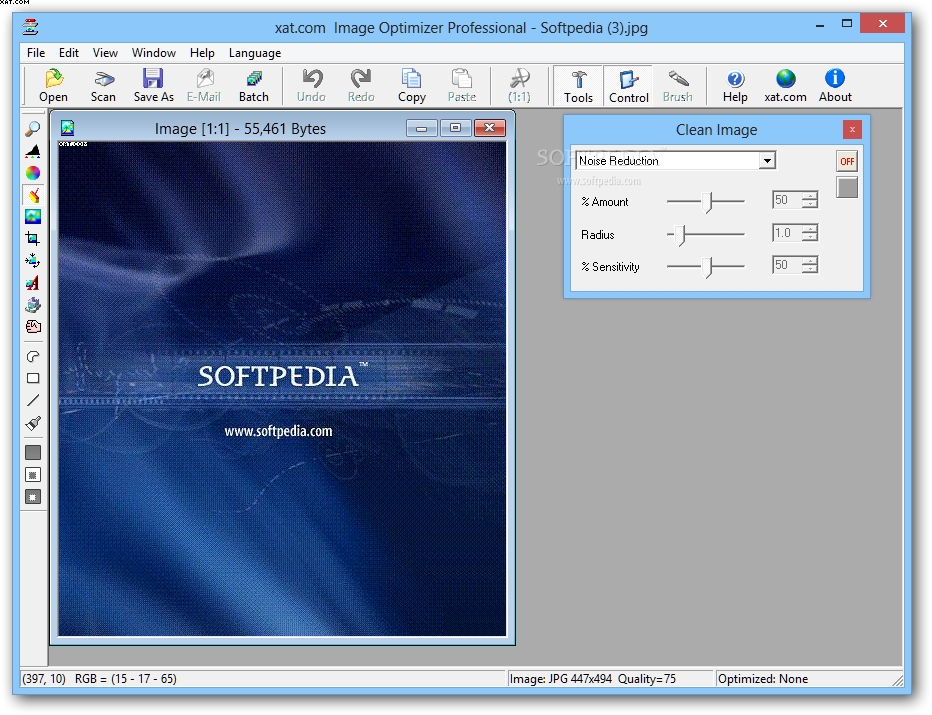
Image Optimizer Professional includes powerful Image enhancement routines to help you prepare enhanced and optimized images ready for the web.

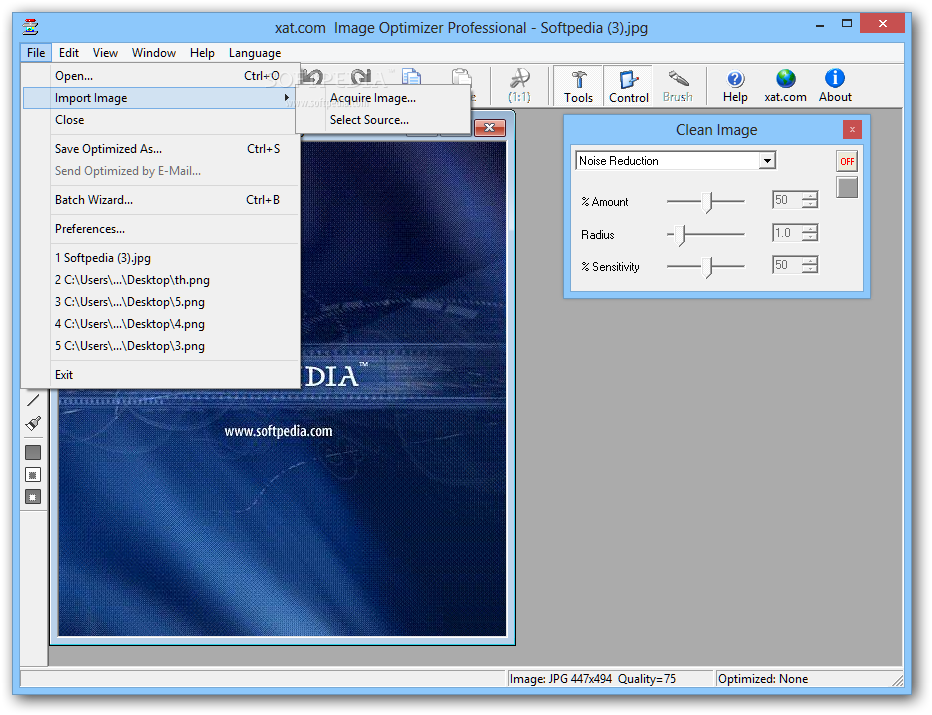
Image Optimizer includes Resize, Digimarc Watermark, Caption, Crop, Sharpen, E-Mail and Scanner & Digital camera interface and a Batch Wizard for compressing multiple images.

Image Optimizer includes and builds on the technology introduced with JPEG Optimizer. You have complete control over GIFs and PNGs, by optimizing with regions.

There are two main modes of operation, 'Work with whole image' and 'Work with regions'.

Many users will find that they get good results using 'Work with whole image' mode as this will enable them to produce compact images quickly and easily.

Advanced users will want to use the 'Work with regions' mode so they can fine-tune the optimization process to achieve even smaller file sizes.
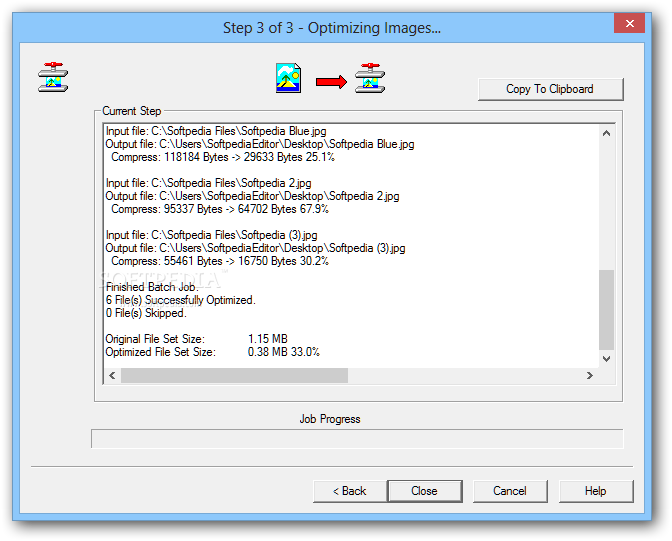
A third mode, Batch Wizard allows you to optimize multiple files.

Image Optimizer gives the user complete interactive control of the entire optimization process, from changing compression settings to the ability to apply these to some areas of the image more than others.

With Digimarc watermarking you can watermark and track your Web Images. Image Optimizer will invisibly embed hidden copyright information and a link to your website. Image Optimizer gives you complete control over how the watermark is embedded.

Digimarc Watermarks
Image Optimizer includes the ability to add Digimarc invisible digital watermarks.

At their most basic level, watermarked images are "marked" as uniquely yours. They communicate that the image is copyrighted. Watermarked
images also increase e-commerce and online marketing opportunities because their special embedded code actually allows them to do things. Digimarc images can:
· Help you find your images, wherever they go: Digimarc watermarked images become "homing beacons" on the World Wide Web. By using MarcSpider, you can track where and when your images have been moved or copied on the publicly indexible Web.
· Take you places: More than just a hyperlink, Digimarc watermarked can take viewers to a web site, a licensing database, an image archive, an internal asset management system, and much more.
· Announce your copyright: as previously described and reduce potential misuses of your images.

Anyone who licenses or publishes images, or uses them in marketing campaigns can benefit from Digimarc watermarking. A national museum currently uses them to communicate ownership of its often-copied artwork.

A record company tracks the use of its musicians' photographs throughout the Internet. A major stock photo agency embeds watermarks that link to their company name and contact information into all their digital photos. Digimarc watermarked images serve as "mini ads" for their company.

How noise reduction improves Digimarc Watermarking
Digimarc invisible watermarks are not in fact fully invisible but add what looks like noise to the image. The greater the intensity and durability of the watermark the more visible the noise will look.

xat.com's noise reduction technology can help you minimise the appearance of the watermark and also increase the intensity of watermark you use.

The images below show enlarged areas of the same image with different settings.

You can see that image D is considerably more noisy as it contains noise from the original image added to the watermarking signal.

Image C and D contain the same intensity of watermark so image C has would allow for increased watermarking intensity to give your image greater protection.

As a bonus image C will be easier to compress than image D and will have a smaller file size.

Here are some key features of "Image Optimizer Pro":

· Speed up web pages, reduce server load, cut bandwidth costs and save disk space
· JPEG, PNG and GIF compression
· MagiCompression of JPEGs
· Crop and Resize
· Add text and image captions (place text and/or logos on each image)
· Digimarc watermarking
· Acquire image directly from TWAIN scanner or camera
· E-Mail image
· Real-time Preview
· Regional optimization - compress and dither some areas more than others
· Batch mode to compress 100s of Images at a time
· 100% standard file formats, no plug in required
· A free copy of of JPEG Optimizer is included
· Enhance image: Levels, equalization, brightness and contrast
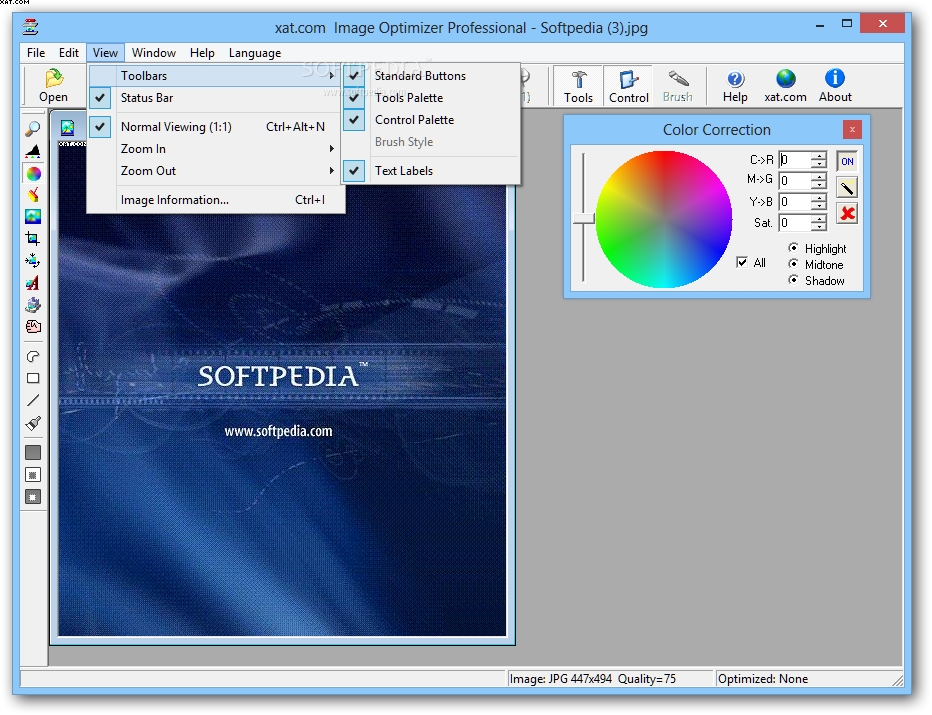
· Color correction
· Clean image: de-noise and spot/dead pixel removal
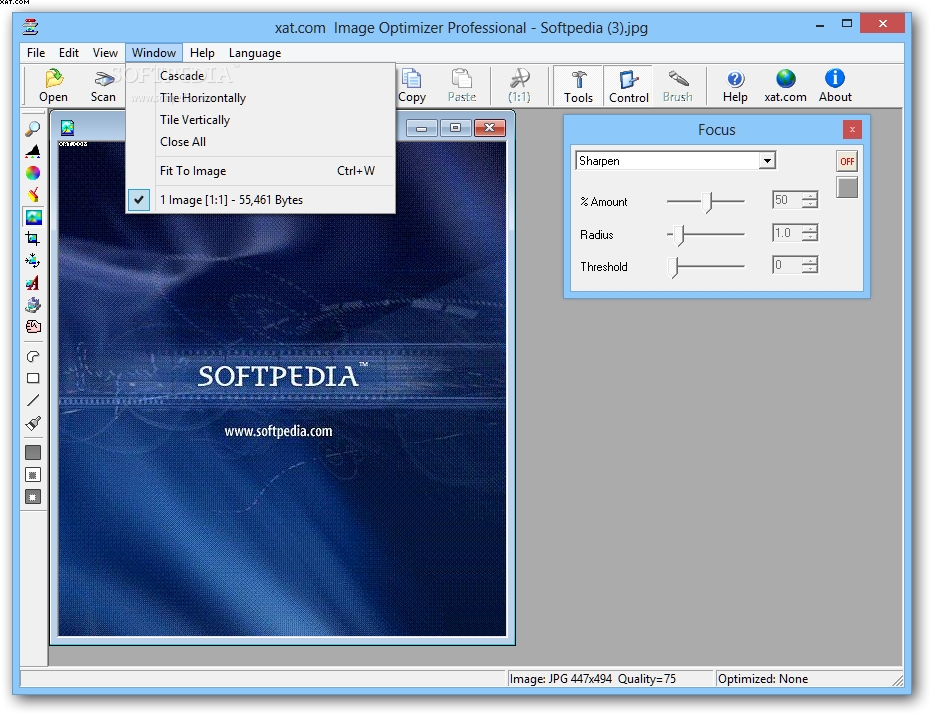
· Focus image: sharpen and blur
· Batch text and image caption
· Batch Digimarc watermark
· Batch Resize and thumbnail
· Batch Enhance, Crop
· Batch compress a folder (up to 1000 images)


Image Optimizer Professional adds the following enhancements over the standard edition:

· Enhance
· Color correction
· Clean (de-noise)
· Focus (sharpen/blur)
· Batch watermark
· Batch Transform (resize and thumbnail a batch of images)
· Batch Enhance, Crop, Clean
· Batch compress a folder

Limitations:

· Batch Wizard i.e. compressing multiple files automatically in one go.
· MagiCompression, the unique technology that automatically selects regions of a JPEG that can be compressed more.
· The ability to use your own Digimarc Creator ID in watermarked images.
· The ability to save GIFs.
· The Trial Version writes a small invisible advertisement into the output file, when registered this is no longer written.


Softpedia guarantees that Image Optimizer 5.10 Pro is 100% CLEAN, which means it does not contain any form of malware, including but not limited to: spyware, viruses, trojans and backdoors.

This software product was tested thoroughly and was found absolutely clean, therefore it can be installed with no concern by any computer user.

However, it should be noted that this product will be retested periodically and the award may be withdrawn, so you should check back on this page from time to time. (click here for more information)


Related downloads IT News Popular downloads New additions   Latest reviews  
Paint.NET 3.35
A slim, but very powerful image and photo manipulation software
PhotoFiltre 9.2.1 / 6.3.1
A complete image retouching program
ISO Commander 1.6 build 043
A CD-ROM image file utility that can extract/edit/create ISO files
Photo Pos Pro 1.61
This advanced image editor offers a variety of enhancements for digital photos
PaintBuster 12.1
PaintBuster is a fast, compact and innovative paint and photo manipulation tool
Screen Shot Maker 2.5 Build 009
Besides actual capturing, this software guarantees professional results for your most demanding image processing requirements.
Imagination Image Map Editor 6.0.0
Create Web site image maps with this easy to use tool from Multimedia Australia.
Batch It! 4.85
An automated batch imaging editor for Webmasters
Imaging Express 1.4.2
Imaging Express - Low cost image viewer and editor specially designed to handle document imaging
Batch It! Pro 3.81
Automated Batch Imaging Editor + Thumbnail Gallery Creator Program

go to top Use the following code to link to this page:


Welcome!
Hello, Guest

Login if you have a Softpedia.com account.

Otherwise, register for one.

Main categories:
  • Antivirus
  • Compression tools
  • CD/DVD Tools
  • Office tools
  • Programming
  • Authoring tools
  • File managers
  • Desktop Enhancements
  • Internet
  • Network Tools
  • IPOD TOOLS
  • Mobile Phone Tools
  • Multimedia
  • Tweak
  • System
  • Security
  • Others
  • Science / CAD
  • UNIX
  • Windows Widgets
  • PORTABLE SOFTWARE

  • Week's best:
  • Adobe Media Player 1...
  • Registry Mechanic 8....
  • BitSpirit 3.3.2.263
  • AnyDVD 6.4.5.6
  • Firefox 3.0.1 / 2.0....
  • AutoCAD 2009
  • Norton AntiVirus 200...
  • Norton Internet Secu...
  • The Bat! Professiona...
  • WinRAR 3.80 Beta 3 /...
  • GMail Drive shell ex...
  • DAEMON Tools Lite 4....
  • UBCD4WIN 3.2.0
  • Adobe Reader 9.0.0 /...
  • Total Commander Ulti...
  • System Mechanic 8.0....
  • Adobe Acrobat Profes...
  • iPhone PC Suite 1.0....
  • Portable Firefox 3.0...
  • MPlayer for Windows ...
  • Vista Codec Package ...
  • Windows Live Messeng...
  • WinBubble 1.73
  • Kaspersky Anti-Virus...
  • Malware Removal Tool...
  • Royale Noir Theme fo...
  • IBM Lotus Symphony 1...
  • Adobe Dreamweaver 10...
  • Adobe Fireworks 10.0...
  • BitDefender Total Se...
  • © 2001 - 2008 Softpedia. All rights reserved.
    Softpedia™ and Softpedia™ logo are registered trademarks of SoftNews NET SRL.
    Copyright Information | Privacy Policy | Terms of Use | Contact Softpedia | Update your software | Archive