
This software is a picture database program that can help you manage and organize your picture collections. #Picture Library #Image cataloging #Picture organizer #Library #Collection #Organize
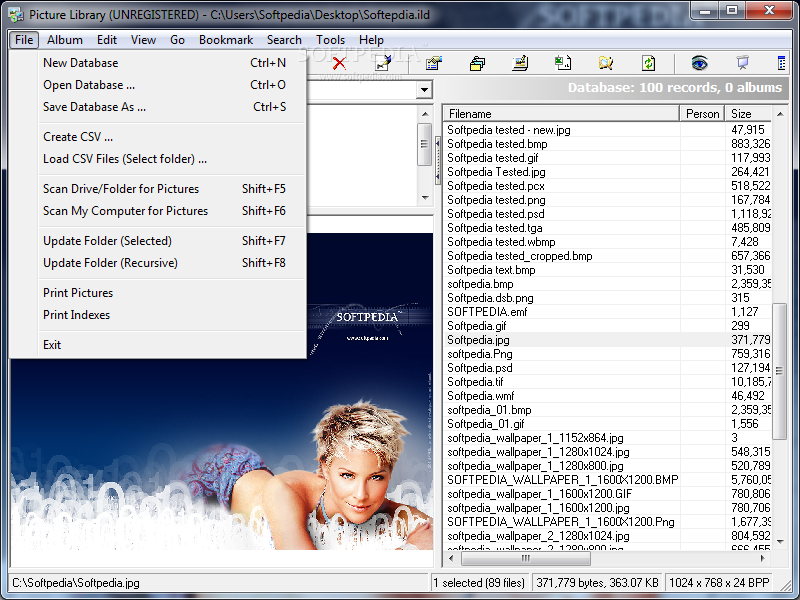
Picture Library is a useful picture database utility that allows you to manage and organize your picture collections.
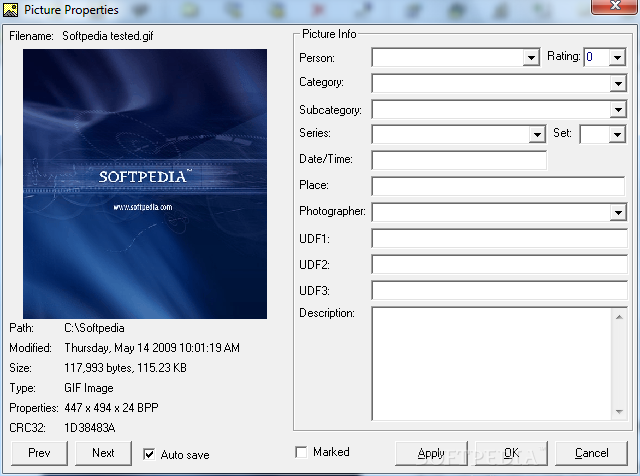
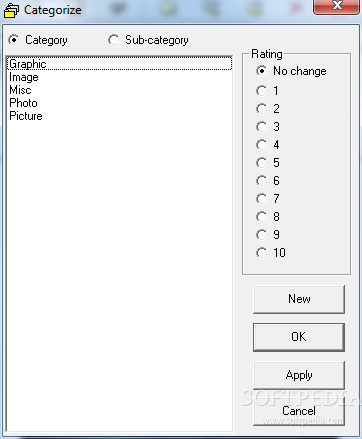
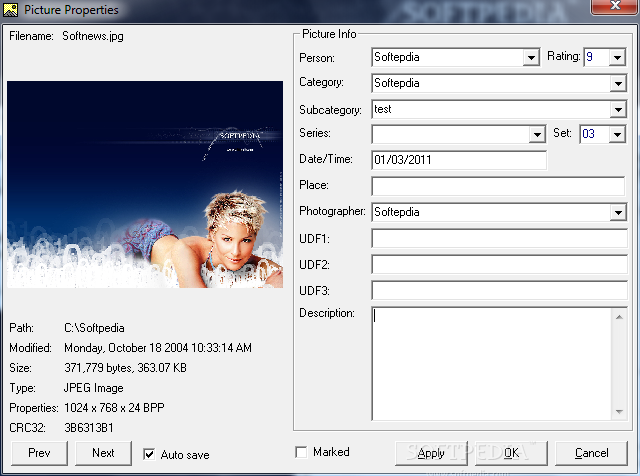
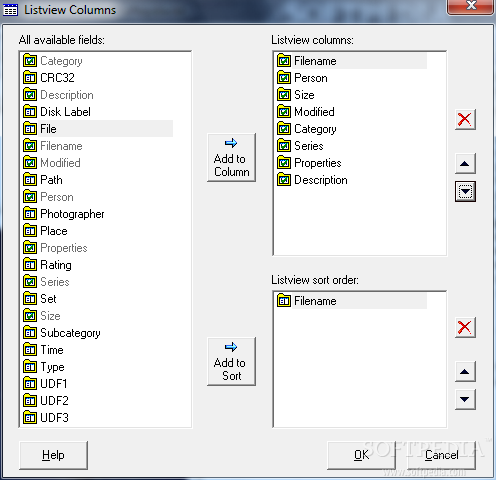
Unlike other image cataloging programs, Picture Library provides many useful database fields such as category, album, series, photographer, place, time, rating, description etc.
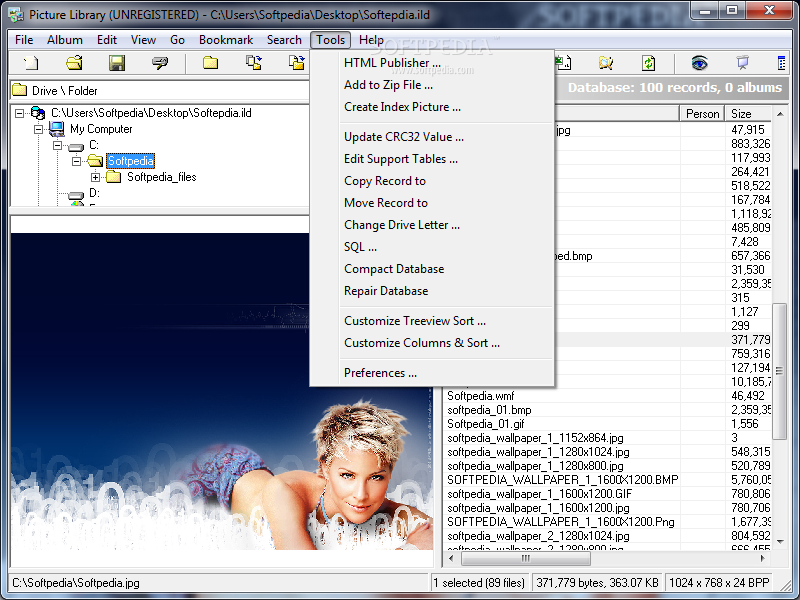
It supports all popular image file formats. The user-friendly explorer-like interface lets you categorize, group and sort your image files by any fields and in any combination. It supports all file management functions, such as copy, move, delete files and folders. The Batch Editor lets you batch edit database fields and rename files.
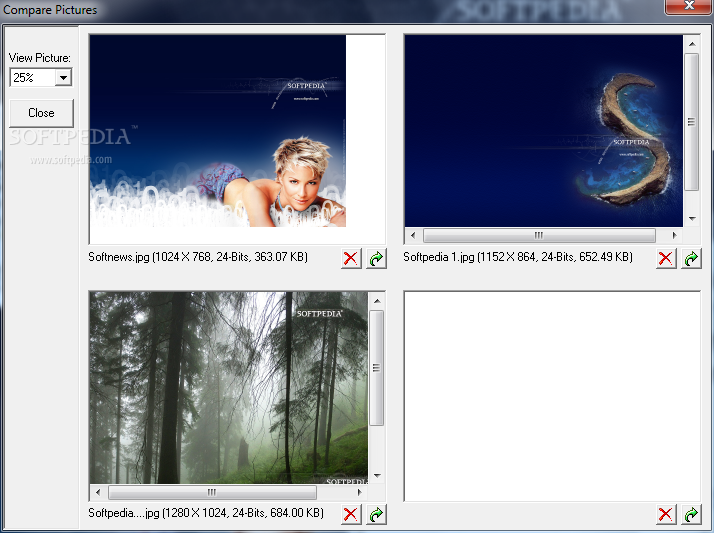
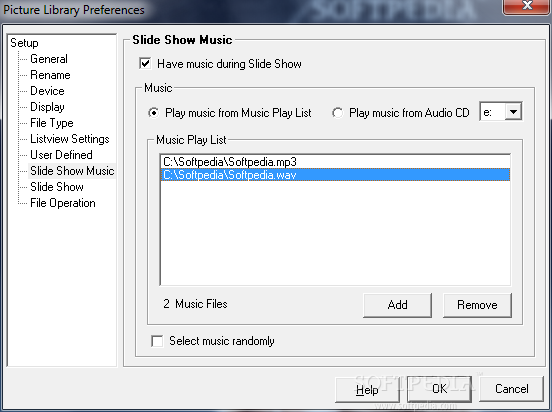
The powerful search functions can help you locate files quickly and efficiently, it also allows you to find duplicates by filename and size. The picture viewer lets you view and edit image files and create slide shows.
System requirements
- CPU : Pentium 166 or better
- Memory : 32 MB RAM recommended.
- Hard drive : 10 MB for program files and database.
- Screen Resolution : 800X600, high color or better.
Limitations in the unregistered version
- 30 days trial period
Picture Library 1.4.085
add to watchlist add to download basket send us an update REPORT- runs on:
- Windows All
- file size:
- 5.4 MB
- filename:
- picsetup.zip
- main category:
- Multimedia
- developer:
- visit homepage
Microsoft Teams

Windows Sandbox Launcher

ShareX

IrfanView

Bitdefender Antivirus Free

7-Zip

calibre

4k Video Downloader

Context Menu Manager

Zoom Client

- 4k Video Downloader
- Context Menu Manager
- Zoom Client
- Microsoft Teams
- Windows Sandbox Launcher
- ShareX
- IrfanView
- Bitdefender Antivirus Free
- 7-Zip
- calibre