
Design dynamic slideshows and export them into video or executable format using this comprehensive utility with support for background tracks #Create slideshow #Pictures to exe #Share images #Presentation #Slideshow #Animation


In an effort to modernize the workflows of the business sector, Microsoft sought to revolutionize the ways in which data is handled and showcased, thus giving life to the original Office Suite meant to provide the document editing process with a more flexible format that allows for more customization.
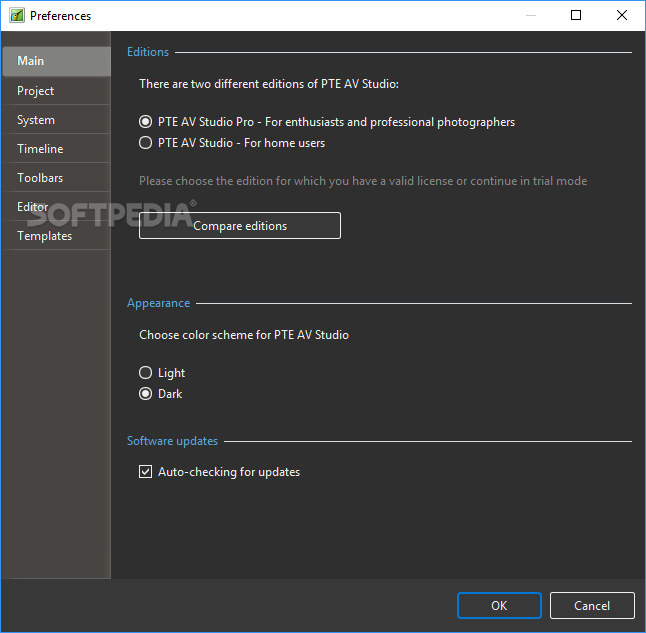
While nowadays, it remains the most popular solution for enterprise, educational and personal use, those who require a more specialized alternative focused on showcasing the processed data are better off giving apps the likes of PTE AV Studio Pro a chance.
Words usually suffice when it comes to conveying a variety of ideas, depending on their complexity. However, images can help instill the broader topic of a discussion and serve as reminders of the initial scope of a debate when the speaker starts focusing on highly specific details.
In order to enhance the process and provide users with the ability to tweak the contents with more granularity, slideshows have emerged to combine multiple media forms in seamless ways that cater to your needs.
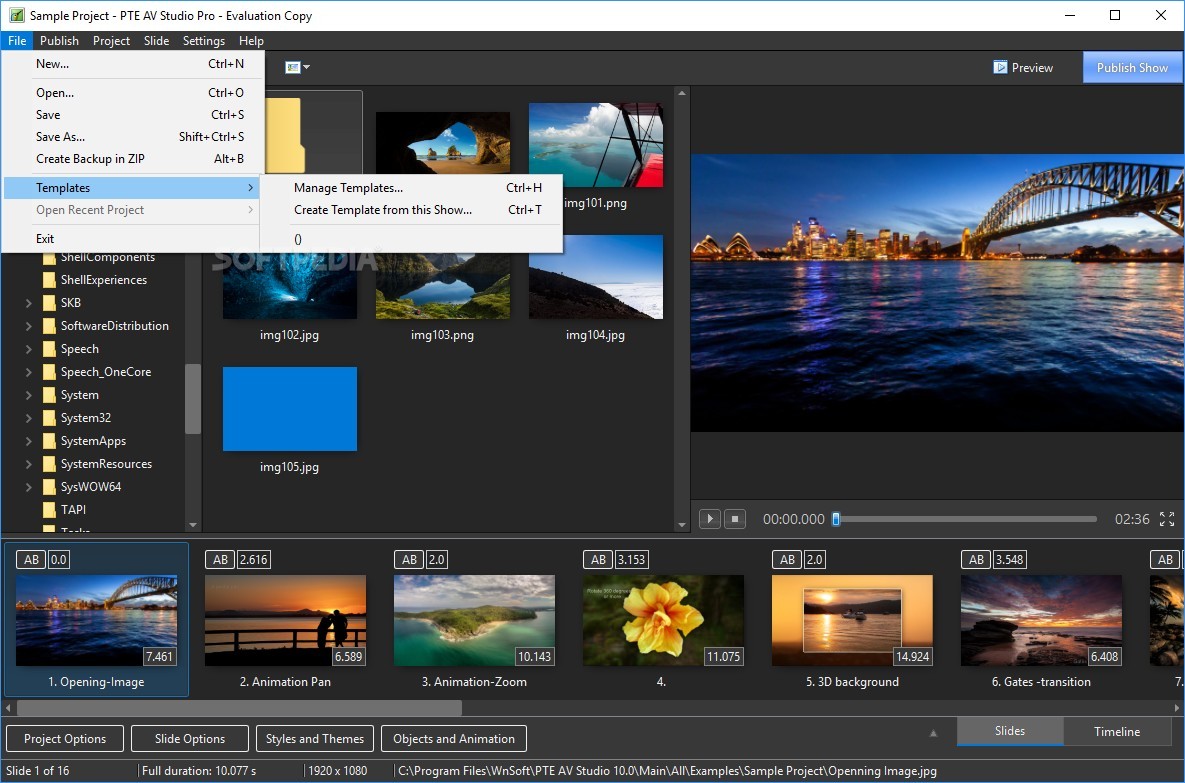
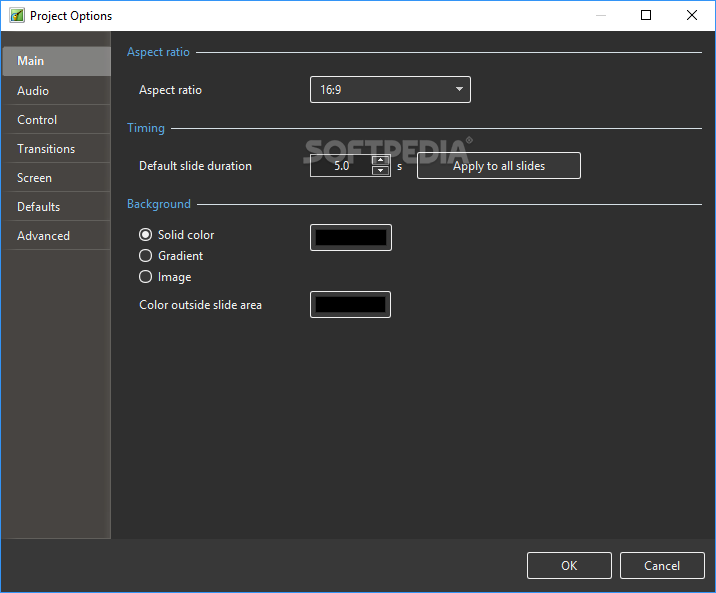
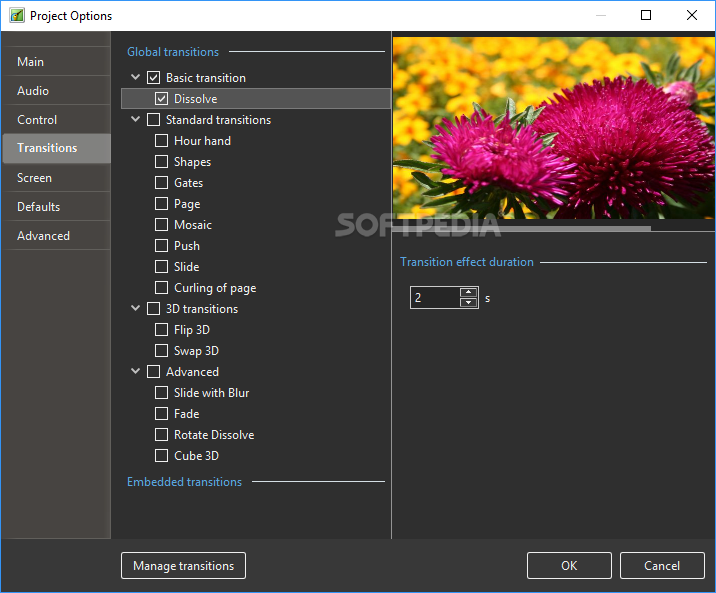
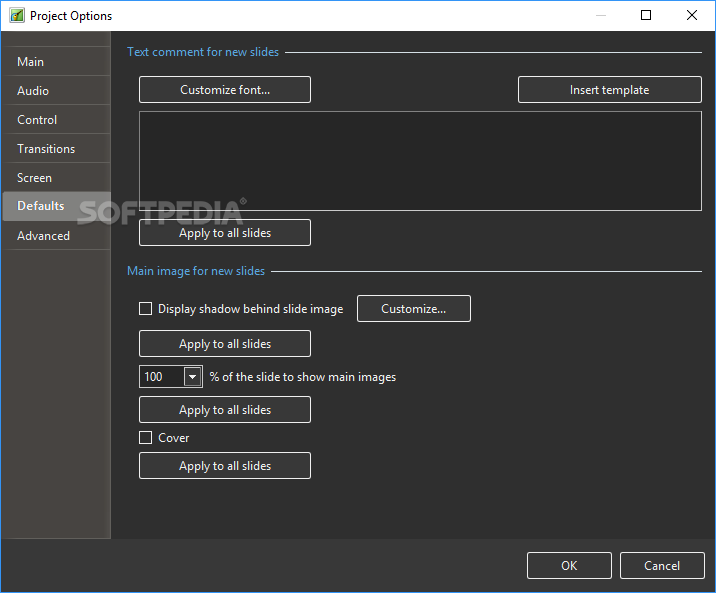
Once installed, the app lets you not only select the images you wish to include and the exact moment they are supposed to appear on the screen down to the millisecond, but also decide what type of animated transition best suits your setup to avoid abrupt changes or painfully slow jumps from one picture to another.
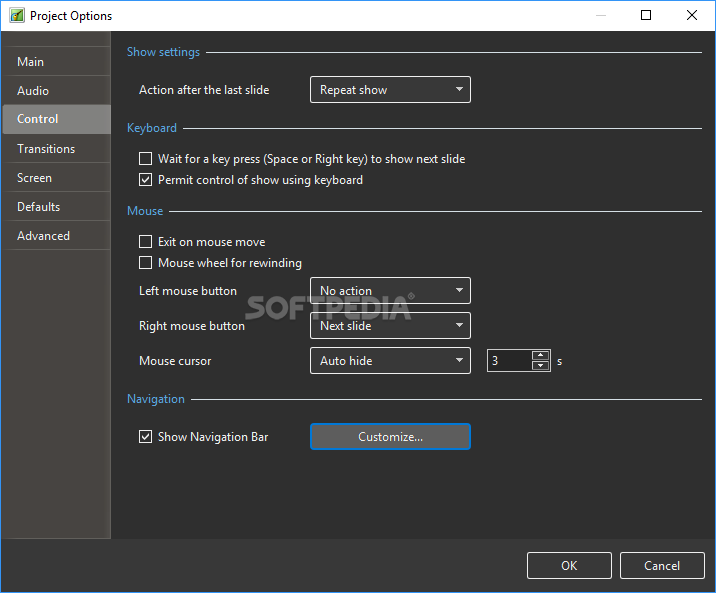
On top of that, since not all those who need to present the details in question have access to a dedicated wireless remote, one can make use of the mouse’s clicks by assigning custom functions to them and rewind the video using the scroll-wheel.
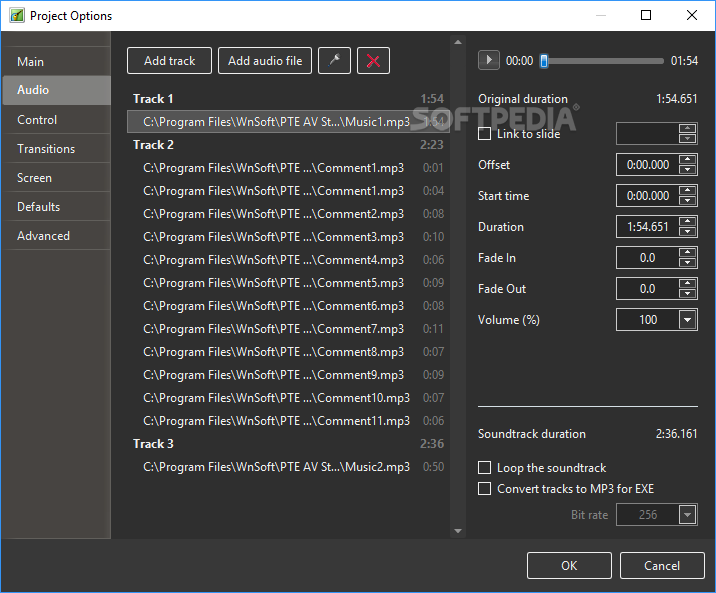
Moreover, the app provides support for background tracks that either let you avoid facing an overly quiet audience by enhancing the theme of the presentation or insert commentary excerpts that would become the subject of discussion after the slideshow.
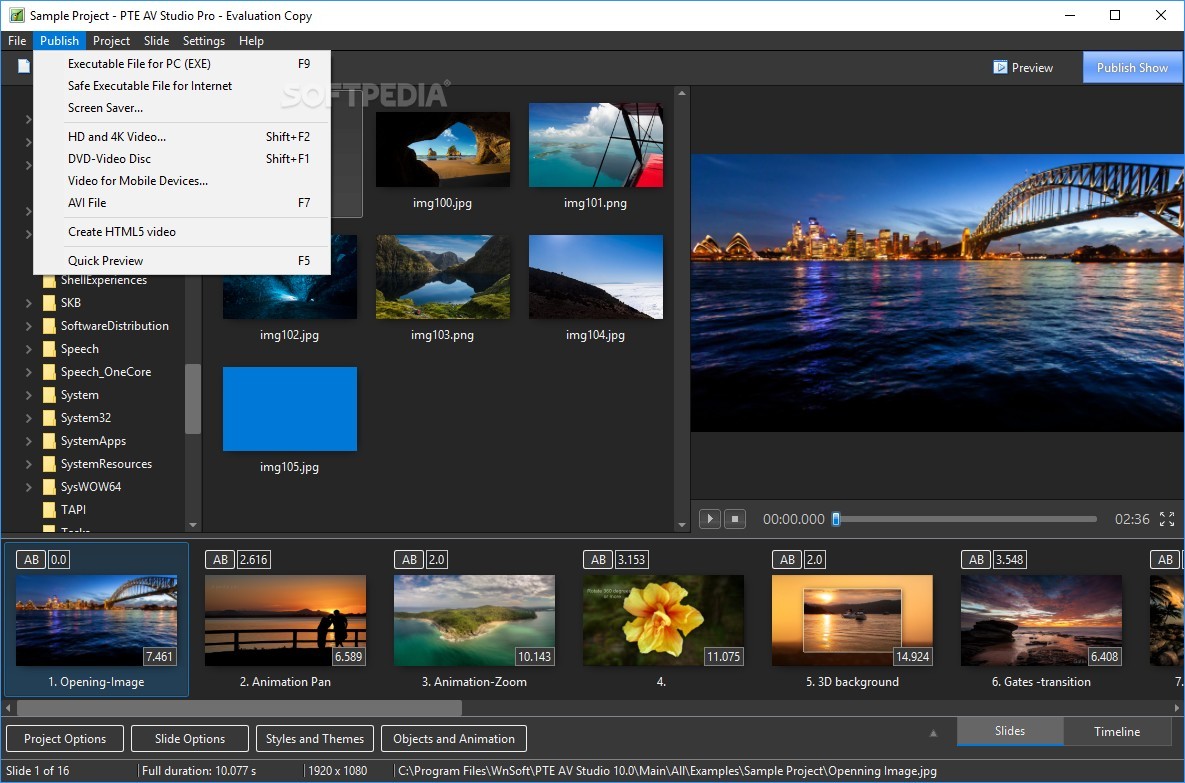
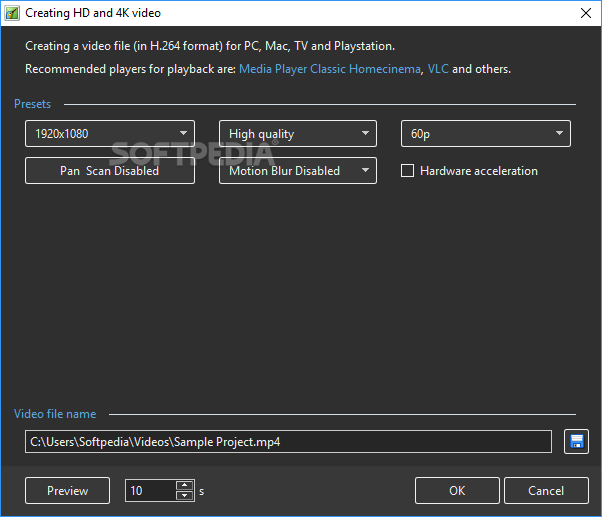
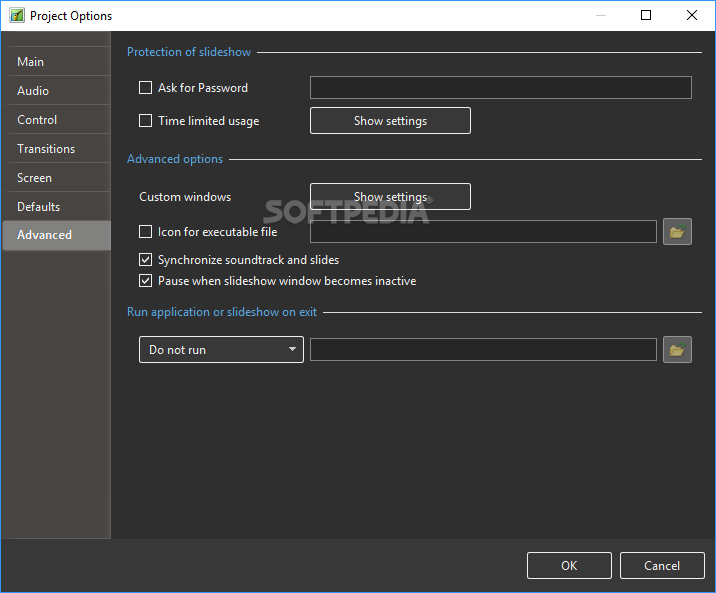
Once the slideshow is complete, PTE AV Studio Pro lets you turn the end result into a standalone executable that requires no external utilities to run or an AVI file for older projectors with USB OTG support.
What's new in PTE AV Studio 11.0.13:
- Text animations
- Displacement Map effect
- Directional Blur and Blur with bokeh
- Export Slides to Images
PTE AV Studio 11.0.13
add to watchlist add to download basket send us an update REPORT- runs on:
-
Windows 11
Windows 10 64 bit
Windows 8 64 bit
Windows 7 64 bit - file size:
- 72.1 MB
- filename:
- pteavstudio-setup.exe
- main category:
- Multimedia
- developer:
- visit homepage
Bitdefender Antivirus Free

Zoom Client

IrfanView

calibre

7-Zip

ShareX

Microsoft Teams

4k Video Downloader

Windows Sandbox Launcher

Context Menu Manager

- 4k Video Downloader
- Windows Sandbox Launcher
- Context Menu Manager
- Bitdefender Antivirus Free
- Zoom Client
- IrfanView
- calibre
- 7-Zip
- ShareX
- Microsoft Teams