
This utility will allow you to morph between images #Photo morpher #Morph photo #Create animation #Morpher #Morph #Animation

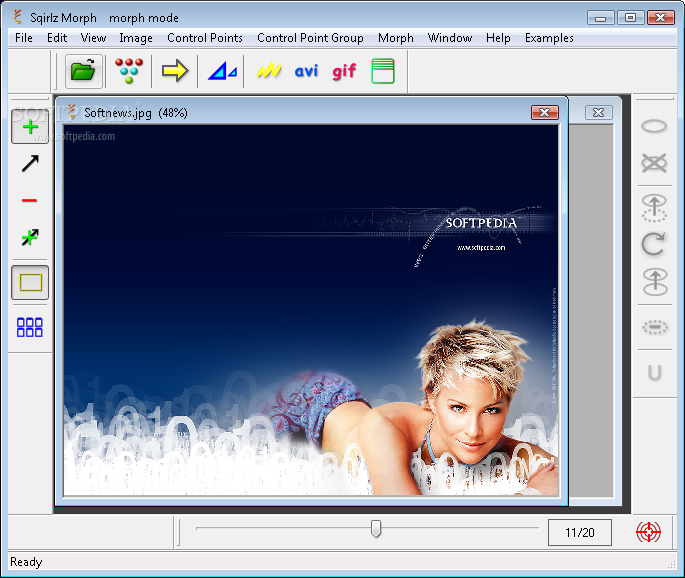
Sqirlz Morph is a very simple-to-use program which allows you to morph two or more images (for example, faces).
The user interface of the program is plain and simple. You can import pictures by using the file browser or the "drag and drop" method.
You can add, move and delete a control point, enable to automatically toggle between the "Add" and "Move" modes when changing images, fix image boundaries and arrange windows as non-overlapping tiles.
For example, in the case of faces, you can use the control points to synchronize features between two or more images (e.g. left corner of the eye, tip of the nose). The more control points you add, the more accurate the morphing will be.
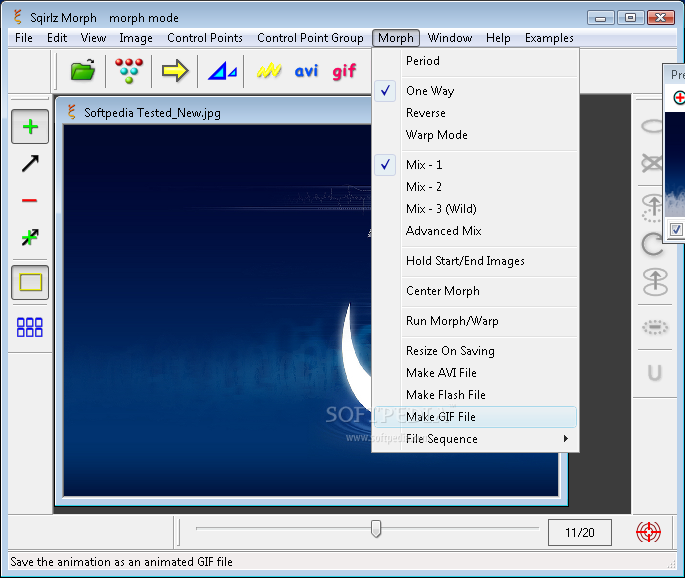
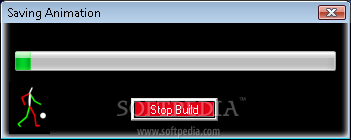
You can preview results in a small window in which you can zoom in and out, specify the animation period (number of frames per cycle), run the morph or warp animation, resize the animation on saving, as well as save it as a Flash movie or GIF file.
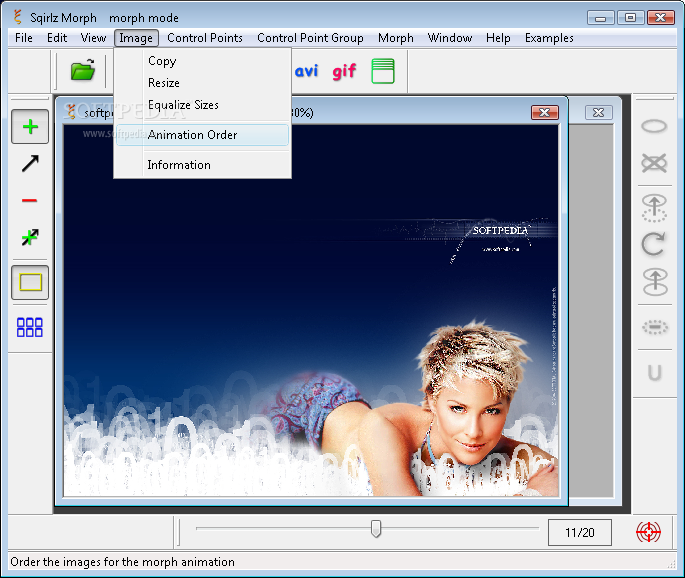
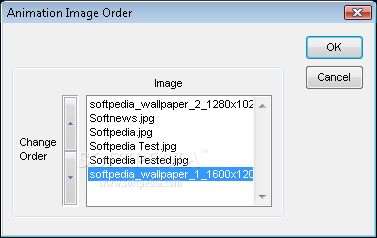
Moreover, you can equalizes sizes between pictures, set the animation order, view image dimensions and control point coordinates, use the "Undo" button, select, rotate, copy and paste a control point group.
But you can also run the animation one way only or reverse, use warp mode, add extra start and end image frames to a saved animation, save the file sequence, and more.
The program takes up a moderate amount of system CPU and memory, includes a comprehensive help file with step-by-step guides and images, and didn't freeze or crash during our tests. We strongly recommend Sqirlz Morph to all users.
Sqirlz Morph 2.1
add to watchlist add to download basket send us an update REPORT- runs on:
-
Windows ME
Windows Vista
Windows XP
Windows 2K - file size:
- 1.7 MB
- filename:
- SqirlzMorph.zip
- main category:
- Multimedia
- developer:
- visit homepage
Microsoft Teams

Zoom Client

ShareX

7-Zip

4k Video Downloader

IrfanView

Windows Sandbox Launcher

Bitdefender Antivirus Free

calibre

Context Menu Manager

- Bitdefender Antivirus Free
- calibre
- Context Menu Manager
- Microsoft Teams
- Zoom Client
- ShareX
- 7-Zip
- 4k Video Downloader
- IrfanView
- Windows Sandbox Launcher