
A simple tool that provides users with the possibility to change the colors of an image by borrowing the color scheme of a selected template #Photoshop plug-in #Image correction #Recolor image #Photoshop #Plug-in #Repaint
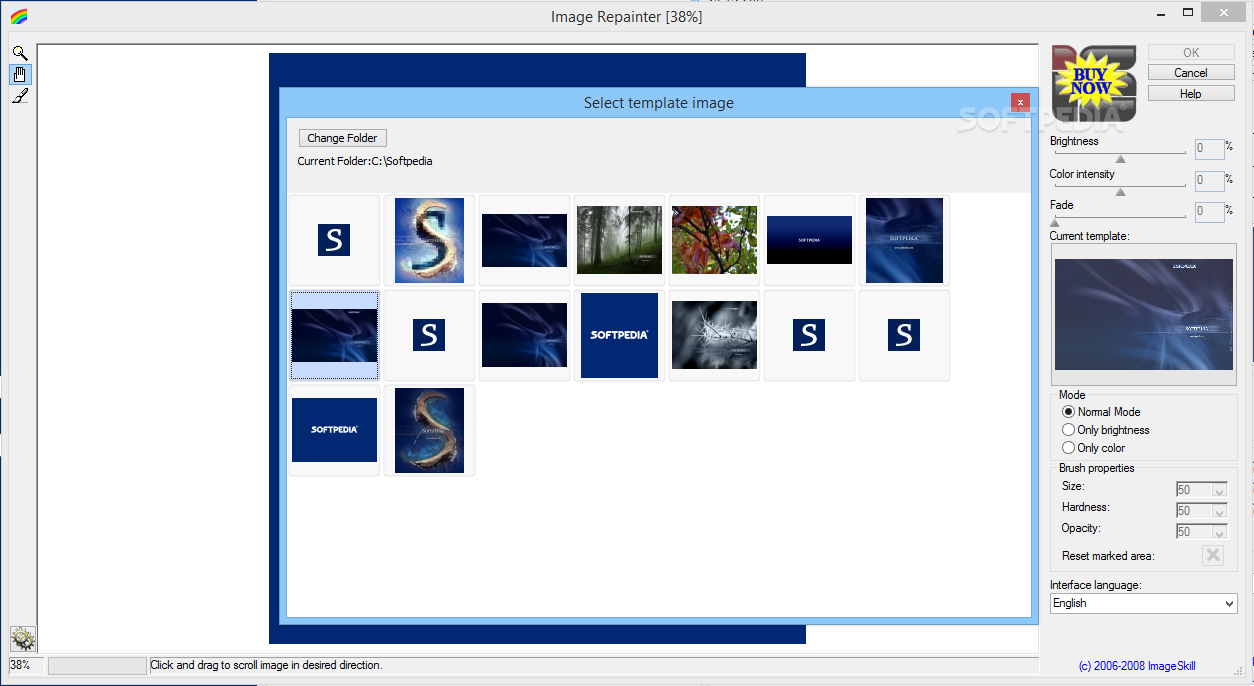
Image Repainter is a simple Photoshop plug-in designed to provide users with the possibility to easily change the colors of their photos by applying various templates to them.
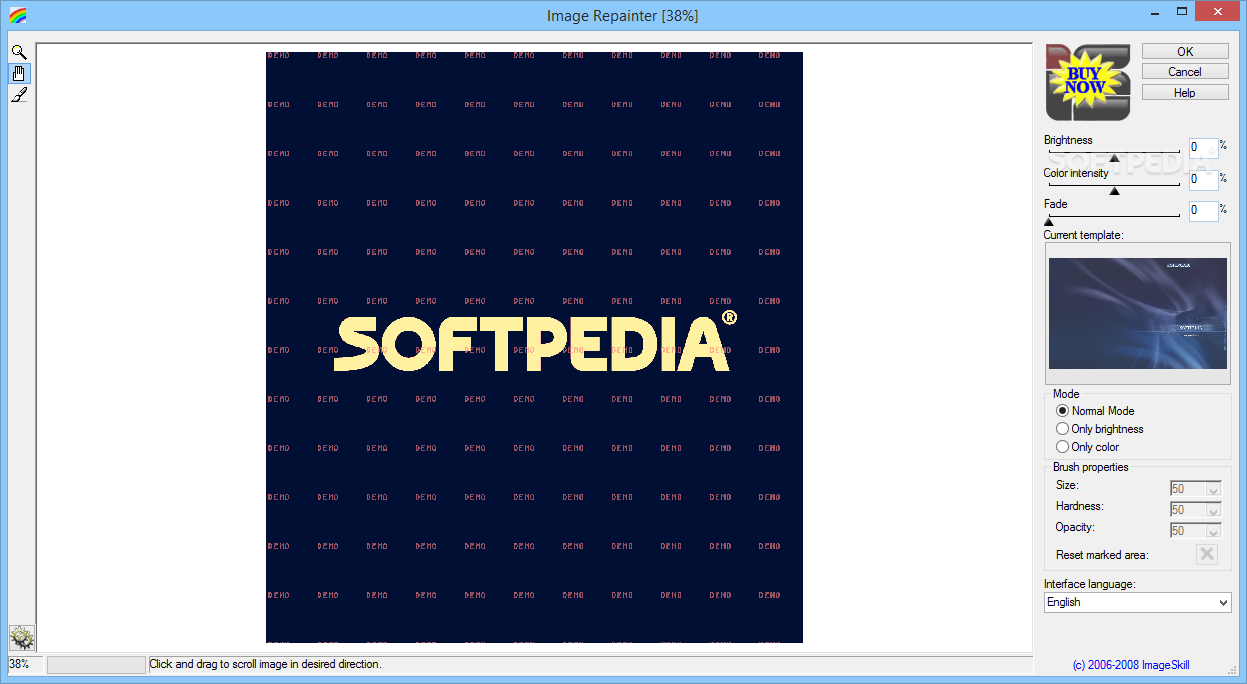
The tool works in a very simple way, by copying the color scheme of the template image and applying them to the photo that the user wants to modify. Moreover, the utility allows users to easily modify the brightness of their pictures, as well as to change their color intensity and fade.
With the help of this plug-in, users can search on the computers for already existing images and can use them as templates for modifying new photos. Thus, even if the images were taken with a different camera or light settings, they can be modified to look the same.
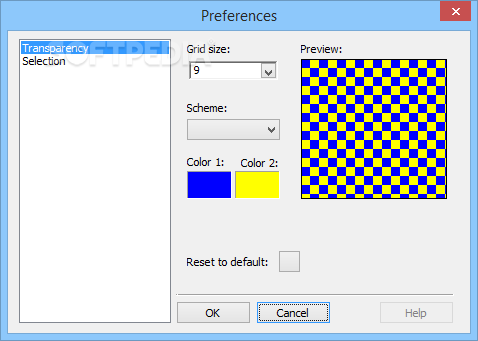
The tool comes with a brush tool, with the help of which users can apply various changes only to smaller parts of their images, so as to create the pictures they like the best. Users can also head over to the Preferences window to change the color of the brush selection.
The plug-in features three different operating modes, namely Normal Mode, Only Brightness, and Only Colors, which allow users to borrow all or only specific attributes from the image being used as a template.
Unfortunately, the utility can not be used with the latest versions of Photoshop, as it does not include support for them. Those who still have older editions of the software, however, should be able to enjoy its functionality.
We tested it with a Photoshop-compatible program and found it to perform quite fast, without issues. It does not eat up system resources either and is pretty easy-to-use.
Image Repainter can easily prove a great tool for those who want to modify their images to apply a specific color template to them, though it might require the use of older Photoshop editions to enjoy its full functionality.
What's new in Image Repainter 1.5:
- Interface was improved. Multilingual interface support was added.
- Fade brush was added
Image Repainter 1.5
add to watchlist add to download basket send us an update REPORT- runs on:
- Windows All
- file size:
- 3.1 MB
- filename:
- ImageRepainter_Demo_Setup.exe
- main category:
- Multimedia
- developer:
- visit homepage
4k Video Downloader

Windows Sandbox Launcher

ShareX

Bitdefender Antivirus Free

calibre

Zoom Client

IrfanView

Context Menu Manager

Microsoft Teams

7-Zip

- Context Menu Manager
- Microsoft Teams
- 7-Zip
- 4k Video Downloader
- Windows Sandbox Launcher
- ShareX
- Bitdefender Antivirus Free
- calibre
- Zoom Client
- IrfanView
