
Virtual lenses, filters and beyond taken directly from real photography equipment such as lenses and filters in order to provide the best possible results. #Lens effect #Photoshop plugin #Lens simulation #Lens #Filter #Effect
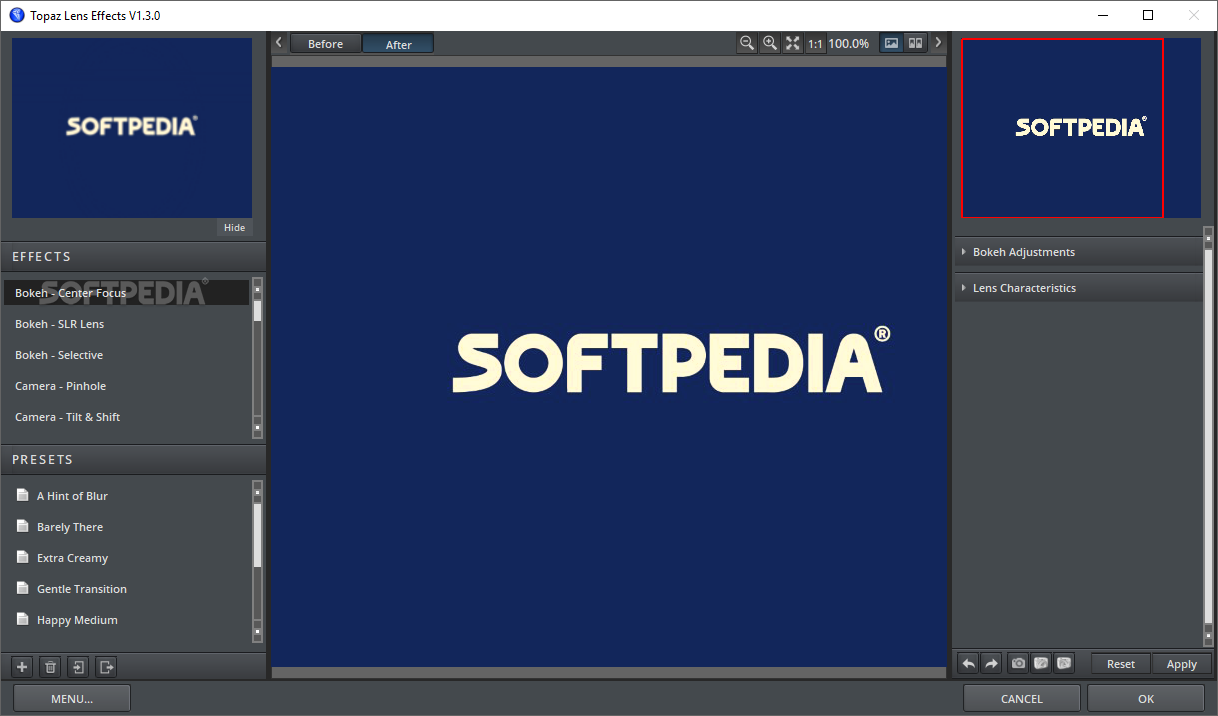
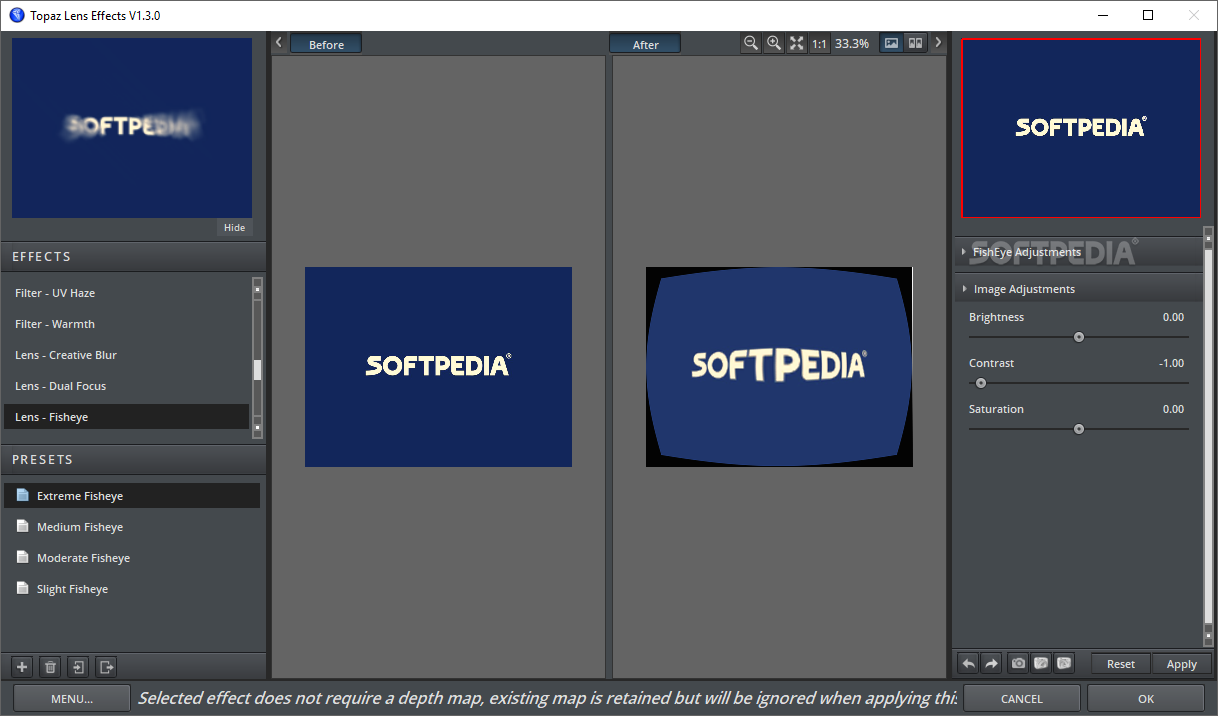
Topaz Lens Effects addresses the photographers within you and provides a set of photo realistic effects created using a unique blend of real-life camera lenses and filters.
For starters, photos you see in advertisements everywhere, in magazines or any other type of commercial photography are the result of an ample process. The photo taken by the artist is not the end-product by far.
This particular process requires a high level of know-how as well as a steady hand. This is where Topaz Lens Effects comes into play, bringing along a suite of effects that you can use on the photography to make it that special thing you can show to the whole wide world.
The contents of the Topaz Lens Effects pack feature real equipment-like technology so you can achieve the best results even if the raw material is far from great. While a very good photo can save hours of tinkering, you can’t always get it right. If you could, though, software such as Topaz Lens Effects would not had even been invented.
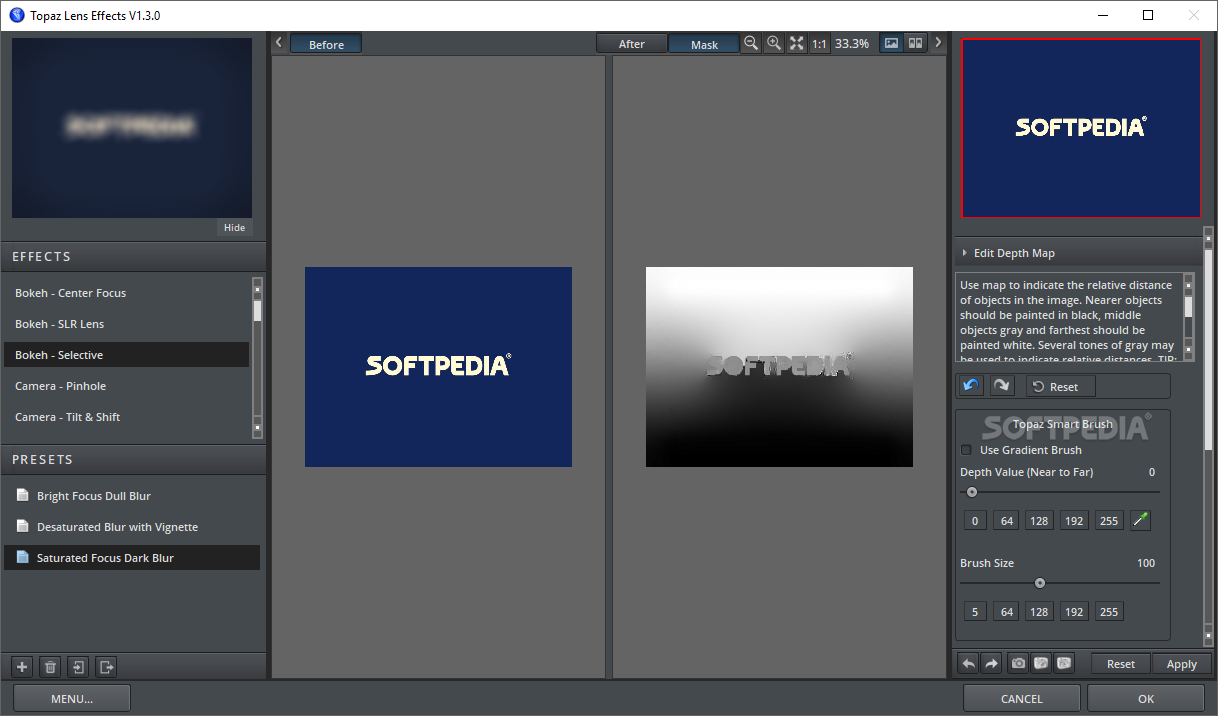
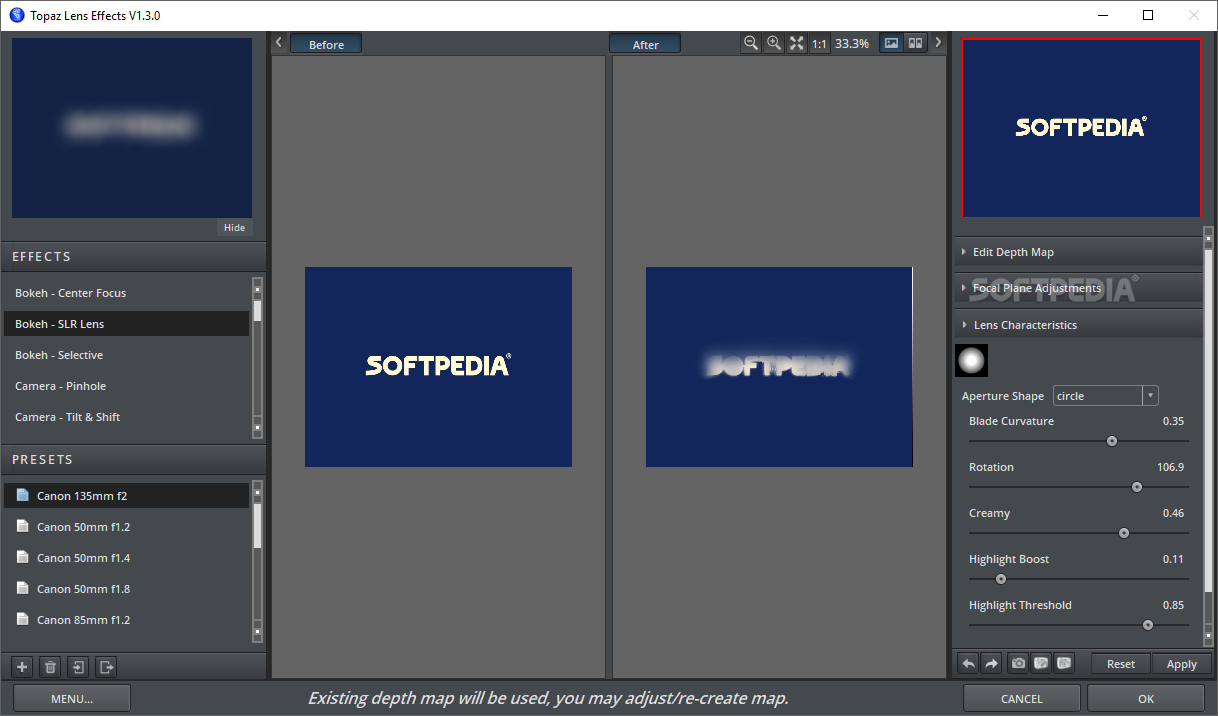
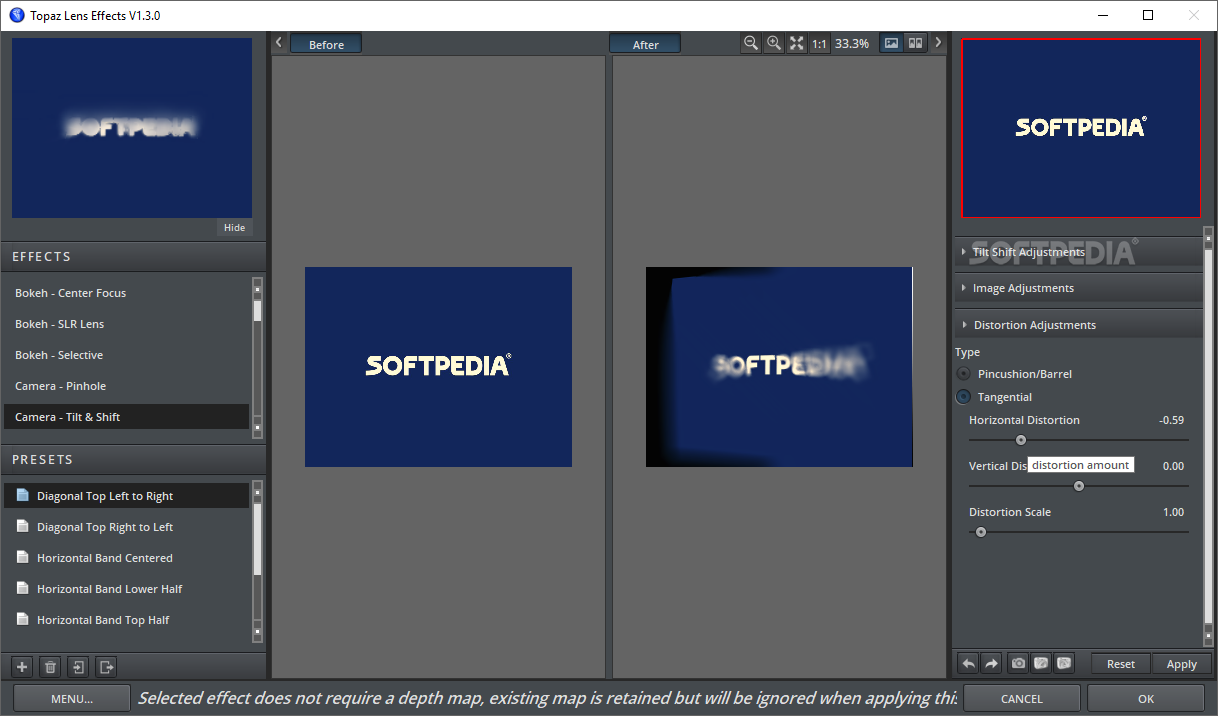
Amongst the best effects it carries, Topaz Lens Effects can brag about its bokeh effect that allows you to create a subtle difference between the subject of the photo and the background, the diffusion effect which you can use in order to get a dreamy atmosphere as well as several other blur effects, each special in its own way, such as creative or motion.
In order to really understand what Topaz Lens Effects can do for your photography, all you have to do is get it from our website and integrate it within your Adobe Photoshop, Adobe Photoshop Elements, Adobe Photoshop Lightroom, Corel PaintShop Pro, Corel PhotoImpact or even IrfanView. Only then, by watching it in action, you can really tell whether it is a marvel or not.
Topaz Lens Effects 1.3.0
add to watchlist add to download basket send us an update REPORT- runs on:
-
Windows 10 32/64 bit
Windows 8 32/64 bit
Windows 7 32/64 bit
Windows Vista 32/64 bit - file size:
- 93 MB
- filename:
- topazlenseffects_setup.exe
- main category:
- Multimedia
- developer:
- visit homepage
Bitdefender Antivirus Free

ShareX

Windows Sandbox Launcher

7-Zip

calibre

Microsoft Teams

4k Video Downloader

IrfanView

Context Menu Manager

Zoom Client

- IrfanView
- Context Menu Manager
- Zoom Client
- Bitdefender Antivirus Free
- ShareX
- Windows Sandbox Launcher
- 7-Zip
- calibre
- Microsoft Teams
- 4k Video Downloader