
Manage, edit, convert and resize pictures, apply effects to enhance their quality, create and run slideshows, and take snapshots of your desktop with this application. #Image viewer #Image browser #Image converter #Viewer #Converter #Browser

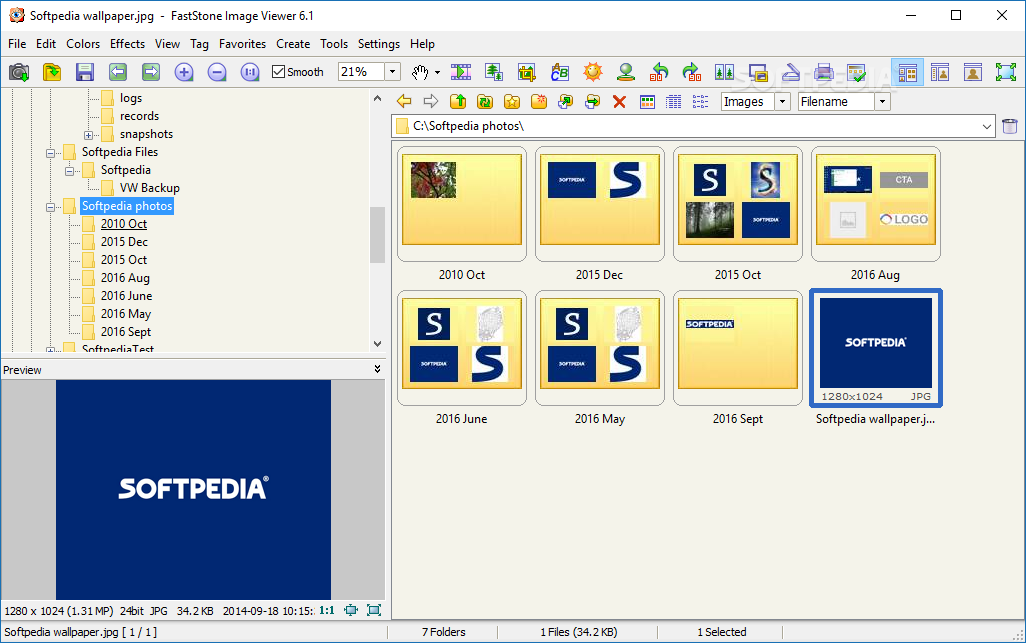
Faststone Image Viewer is a tool you can use to browse for pictures, view, edit and convert them, whether you are a novice or experienced user.
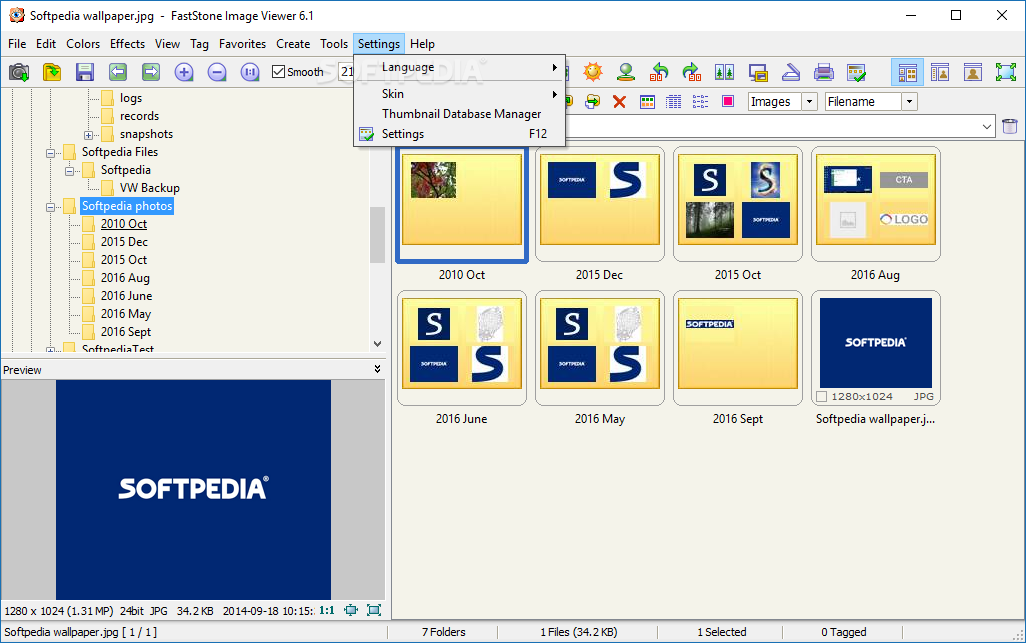
Once the quick installation finishes, you can meet the Windows Explorer-based interface which enables you to navigate it with ease, regardless of the previous experience you have when it comes to the IT world. If you are interested in bypassing the setup process, you should know that a portable edition is also available, called Portable FastStone Image Viewer.
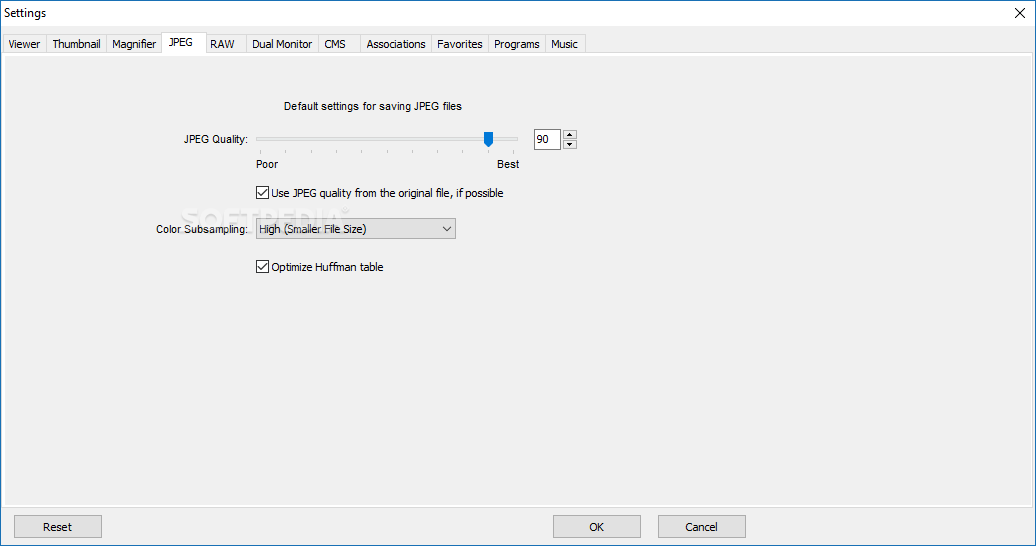
The program supports many common image formats, such as JPEG, BMP, GIF, PNG, TIFF, and PSD, and it can also save images in Portable Document Format.
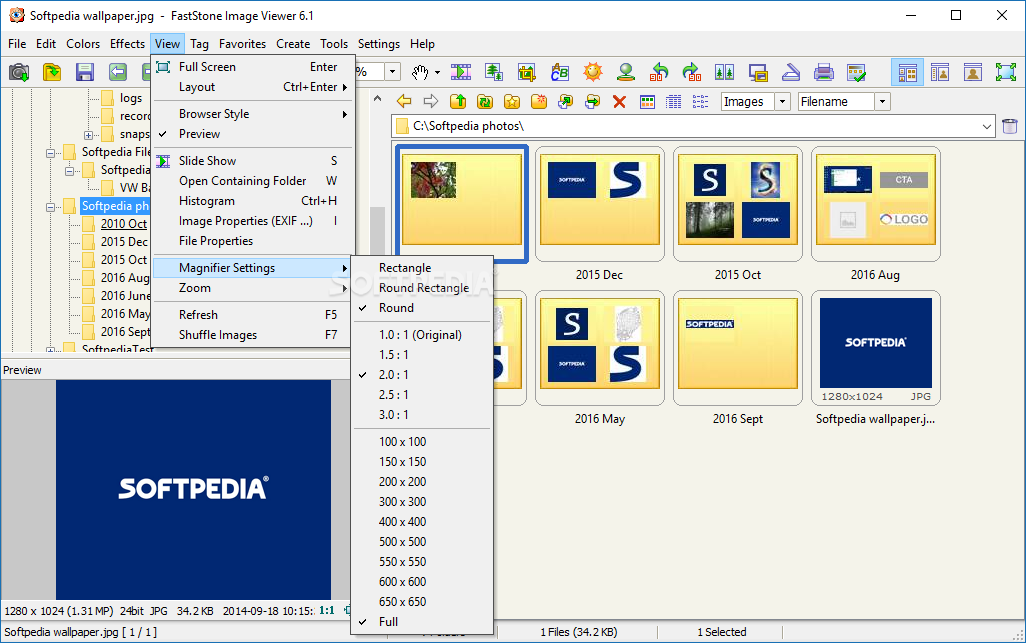
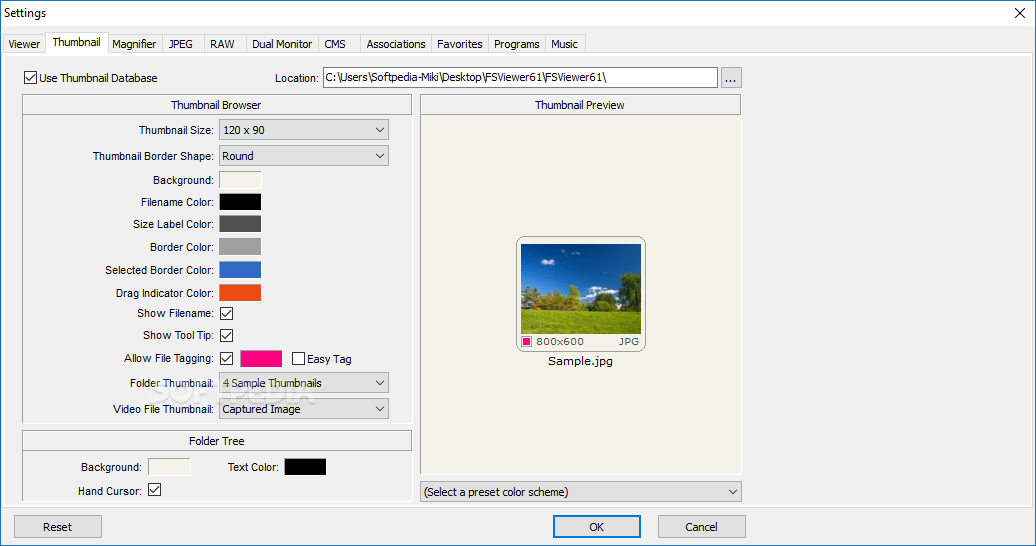
When you locate a folder with images, you can quickly glance at its content in the form of thumbnails, while double-clicking them automatically launches them in a full screen mode. Here you receive a useful tip that says you can access various features by moving the mouse cursor to each edge of the screen.
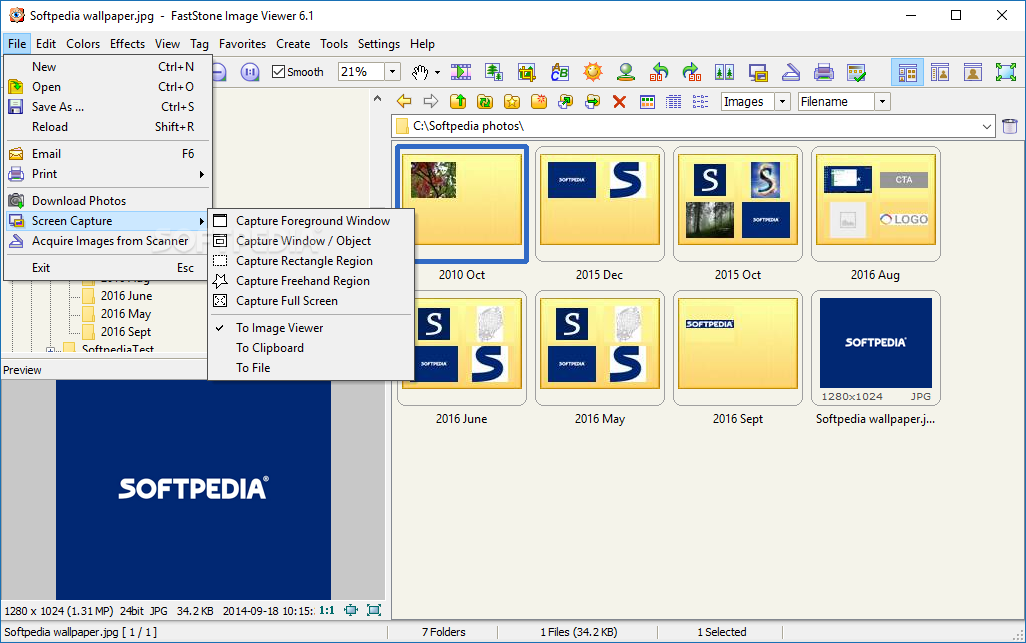
In the lower part of the main window you can find the control bar and use an image navigator as well as perform a few quick actions (e.g. resize, crop, clone and heal, adjust lighting, rotate, screen capture).
It is possible to access file properties, such as EXIF metadata, histogram, and other general information from the main screen, with great ease, while you can also create a slideshow with just a click of the button.
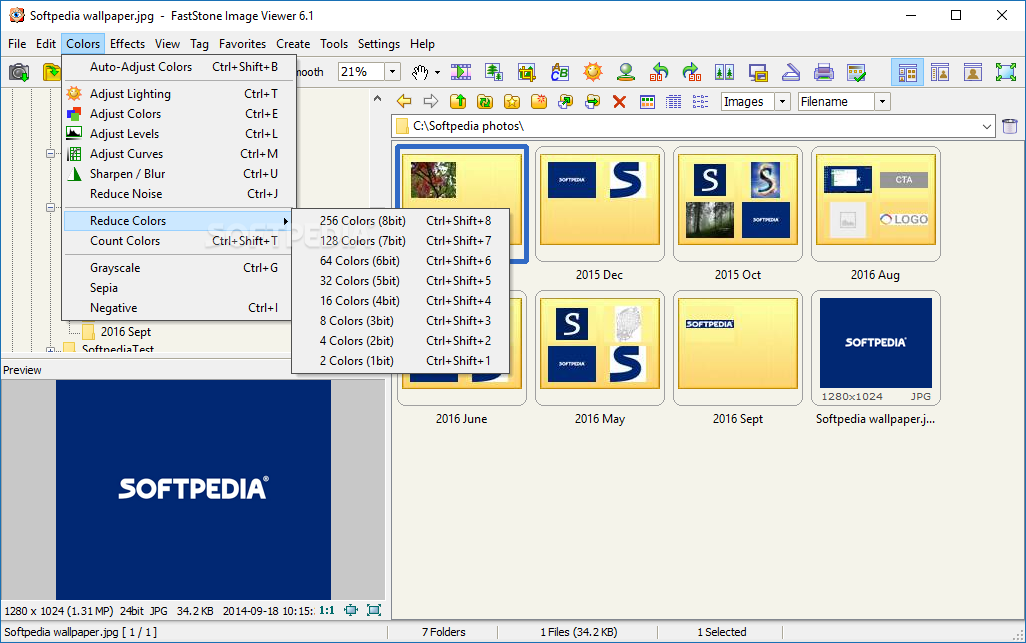
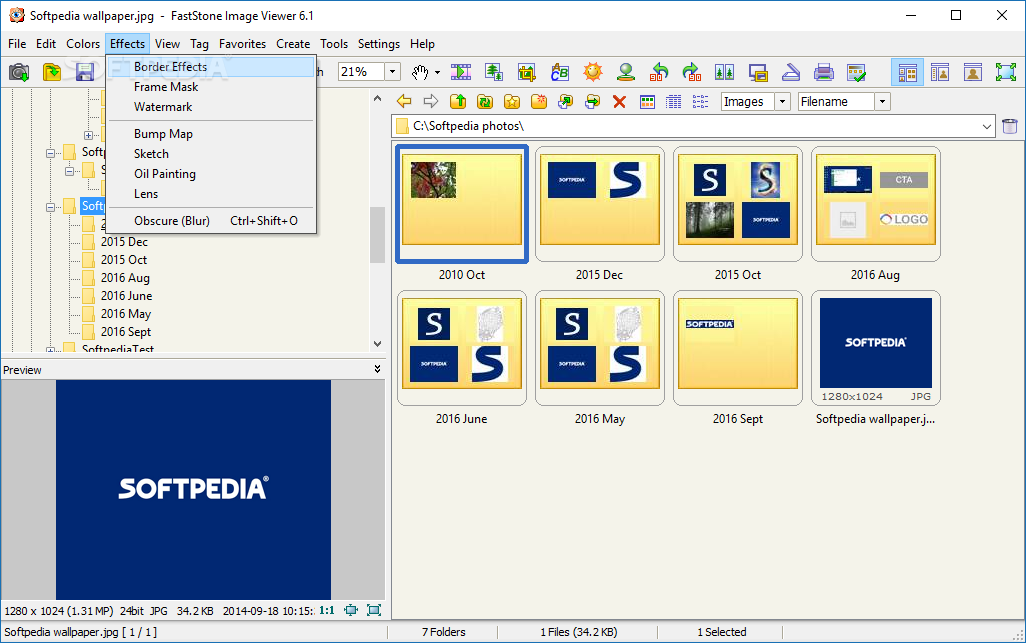
File and image editing functions are available and thus, you can easily rotate and resize pictures, insert text, remove red eyes, and add a pretty long list of effects (e.g. frame mask, border effects, bump map, oil painting etc.). Reducing colors and noise is also possible, as well as sharpening or blurring images and adjusting curves, colors and lighting.
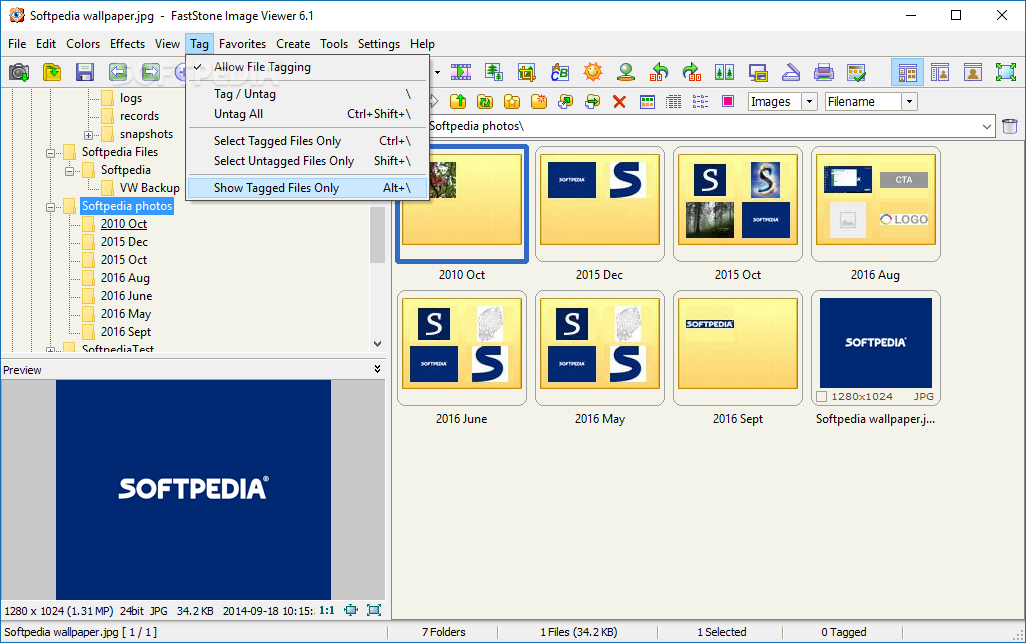
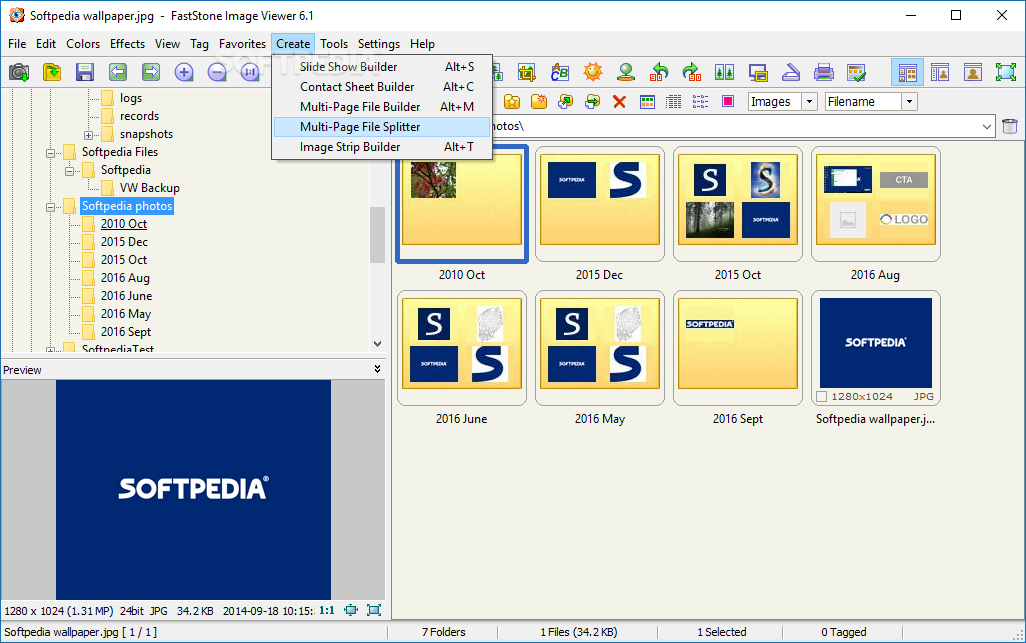
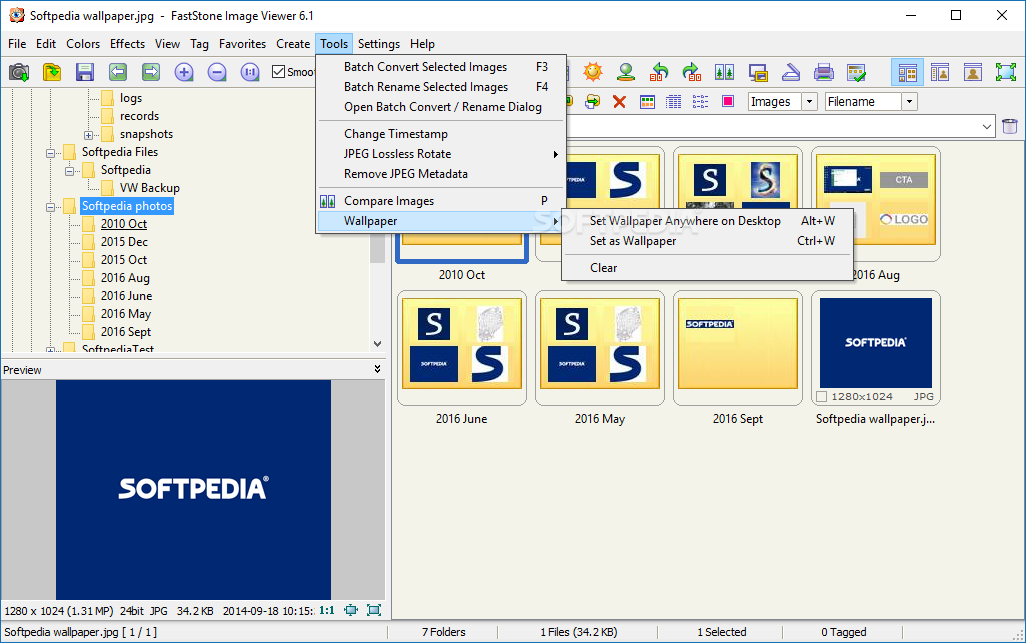
In addition to that, Faststone Image Viewer supports file tagging, creating and organizing favorites, building or splitting files with multiple pages of images (in PDF, TIFF or animated GIF), batch-converting images to other formats, and more.
We have not encountered problems while testing this software utility. It uses a small amount of system memory and the interface is suitable to all types of users, including less experienced ones.
Taking all of this into consideration, we can safely say Faststone Image Viewer is a pretty efficient and useful piece of software.
Download Hubs
Faststone Image Viewer is part of these download collections: BMP Viewers, PSD Viewer, PNG Viewer, View RW2
What's new in Faststone Image Viewer 7.8:
- Added "Search by Name" to toolbar above thumbnail browser
- Added drag-and-drop functionality to viewing panel. You can drag and drop image or video files from external sources (e.g. Windows File Explorer) into image viewing area to view files directly
- Added Shadows and Highlights to batch conversion tool (Advanced Options -> Adjustments)
- Added Contrast and Gamma options to Scan Board
Faststone Image Viewer 7.8
 Softpedia Editor's Pick
add to watchlist
add to download basket
send us an update
REPORT
Softpedia Editor's Pick
add to watchlist
add to download basket
send us an update
REPORT
- portable version
- Portable FastStone Image Viewer
- runs on:
-
Windows 11
Windows 10 32/64 bit
Windows 8 32/64 bit
Windows 7 32/64 bit
Windows Vista 32/64 bit
Windows XP 32/64 bit - file size:
- 7.8 MB
- filename:
- FSViewerSetup78.exe





- main category:
- Multimedia
- developer:
- visit homepage
Microsoft Teams

calibre

Context Menu Manager

7-Zip

Bitdefender Antivirus Free

IrfanView

4k Video Downloader

ShareX

Windows Sandbox Launcher

Zoom Client

- ShareX
- Windows Sandbox Launcher
- Zoom Client
- Microsoft Teams
- calibre
- Context Menu Manager
- 7-Zip
- Bitdefender Antivirus Free
- IrfanView
- 4k Video Downloader