Search Perform an advanced search query SOFTPEDIA
 
SOFTPEDIA
Updated one minute ago
HomeSubmit a program for being reviewedAdvertise on our websiteGet help on surfing our websitesSend us your feedbackGet information about our XML/RSS backend and how to use itBrowse the news archiveVisit our discussion forumVizitati forumul in limba romana


Program Finder NormalFreeware onlyShareware only

PMView Pro 3.51 Report spyware 

Click to download PMView Pro
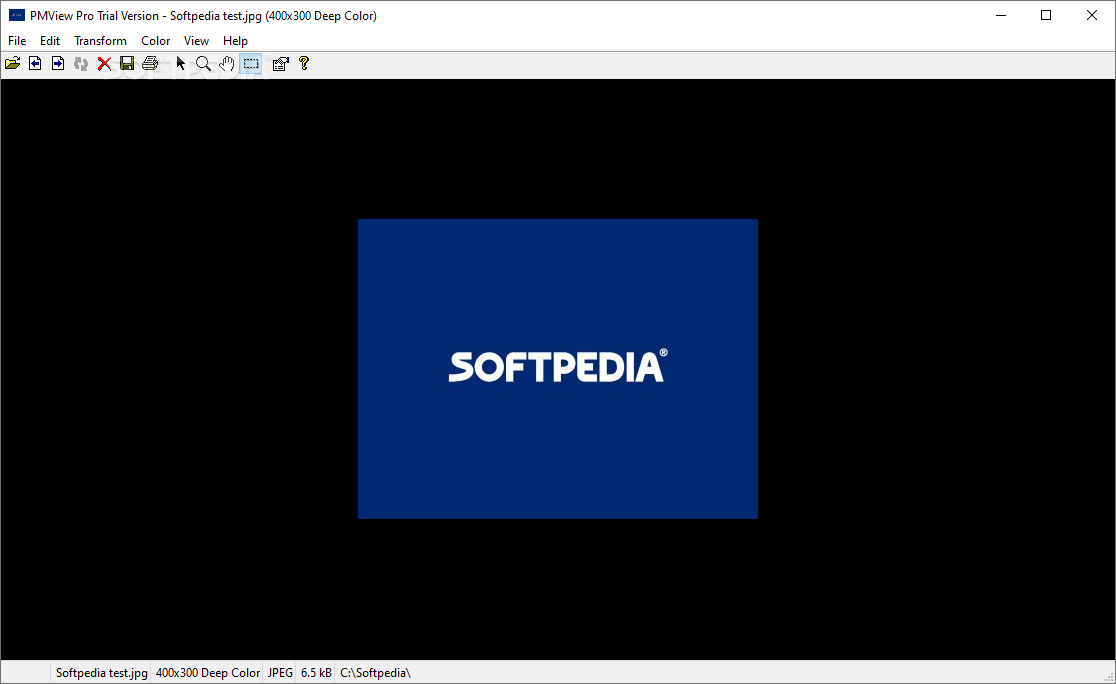
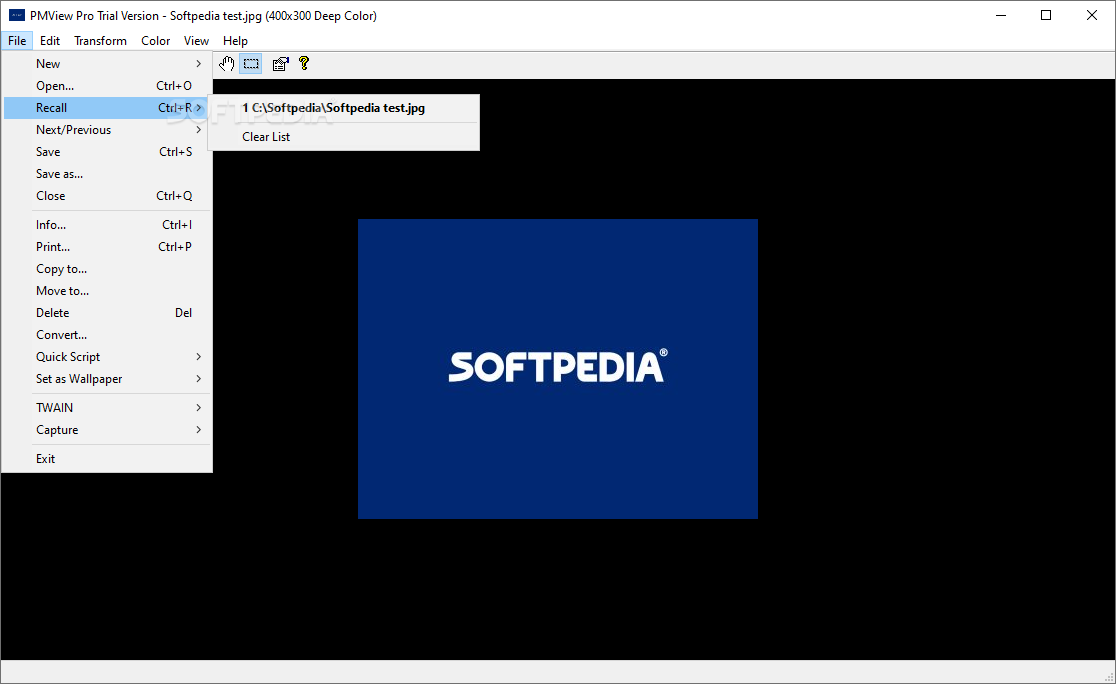
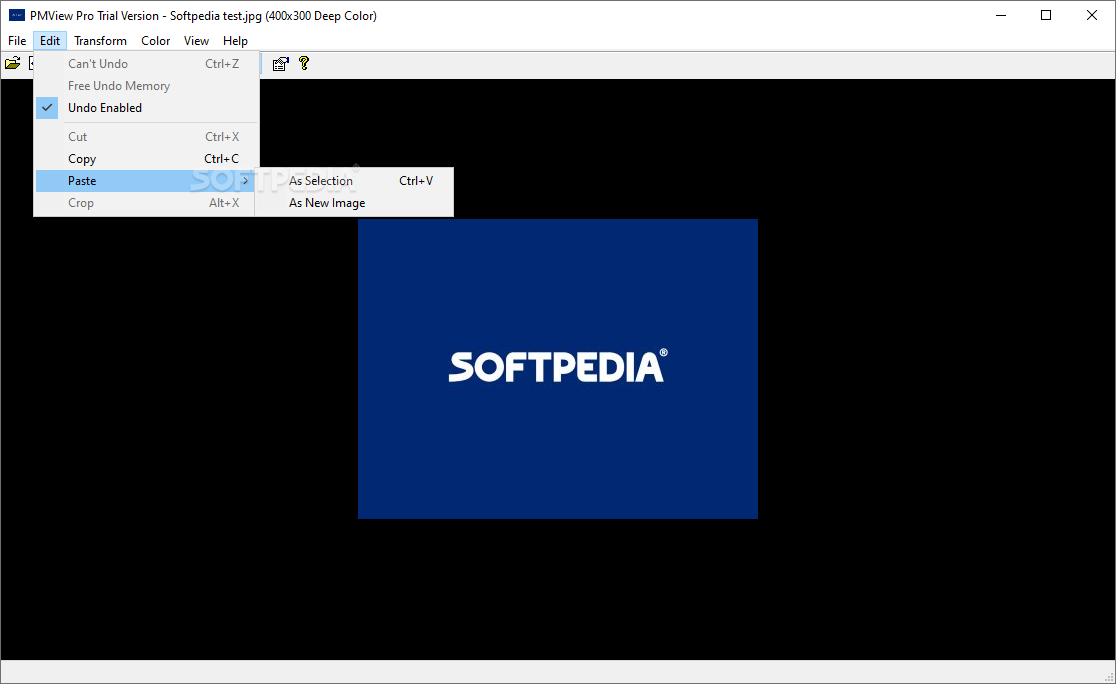
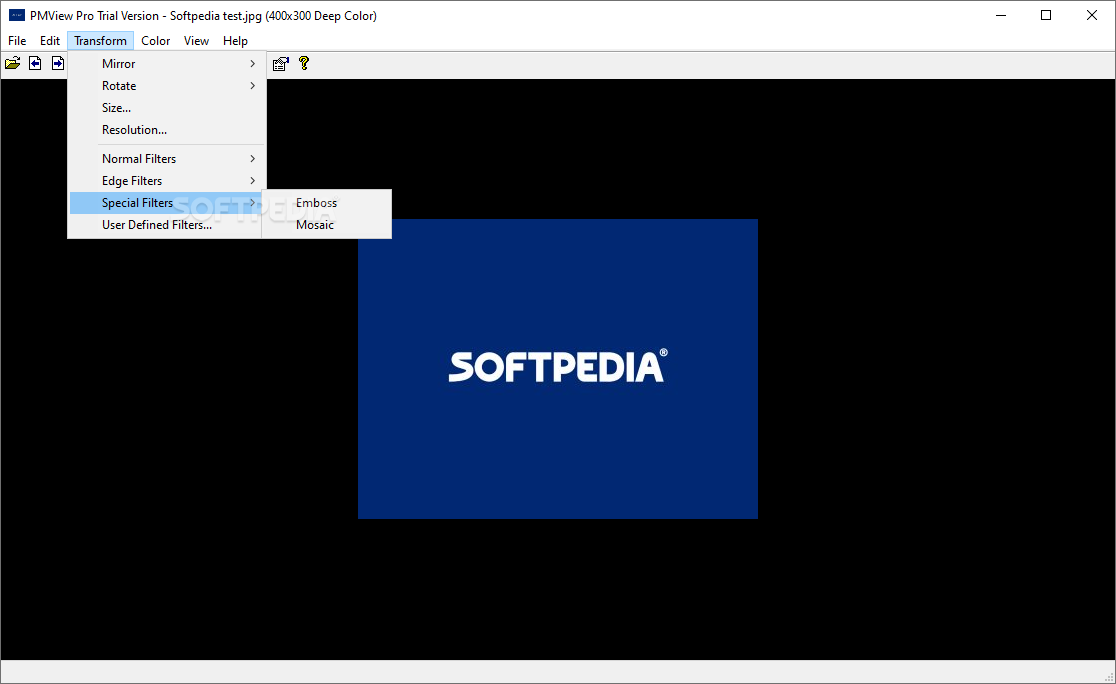
View more PMView Pro screenshots (10)
 Downloads: 999
Rating: Good (3.8/5) | Rated by: 13 user(s)
Add to download basket     Send us update information
 Developer: Peter Nielsen | More programs by this producer
 License: Trial , 39.95 $ to buy 
 Size / OS: 1.96 MB, Windows All
 Last Updated: August 3rd, 2007, 07:33 GMT
 Category: C: \ Multimedia \ Graphic \ Graphic Viewers
 Read user reviews (0) Add a review Refer to friend Subscribe
    Download PMView Pro

PMView Pro description
A robust and configurable image viewing, conversion, and editing tool for bitmapped graphics

PMView is a robust and configurable image viewing, conversion, and editing tool for bitmapped graphics. It loads your images blazingly fast, without compromising quality or robustness. PMView supports saving and loading of more than 40 different file formats, including JPEG, GIF, PNG, TIFF, and PhotoCD.

PMView Pro is a software that views, converts and edits bitmap images.

PMView offers broader and faster support for these file formats than many other programs do, since we wrote all of PMView's code for format handling ourselves. PMView also incorporates various image recovery techniques. If the image is bad, PMView will try to make the best of the situation and show the image if only possible. It does not give up easily.

PMView is intelligent. It tries to figure out what you want instead of popping up meaningless error messages. It tries to provide good default settings for most actions. PMView is also very configurable.

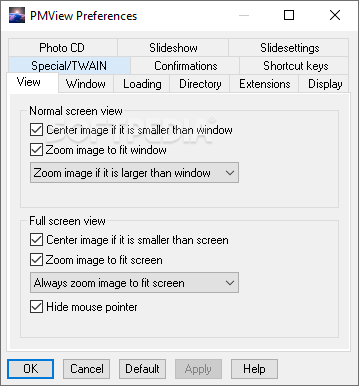
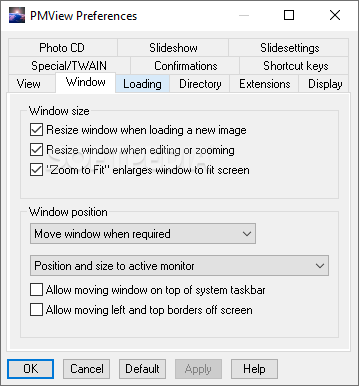
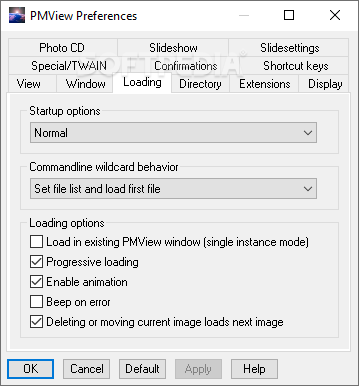
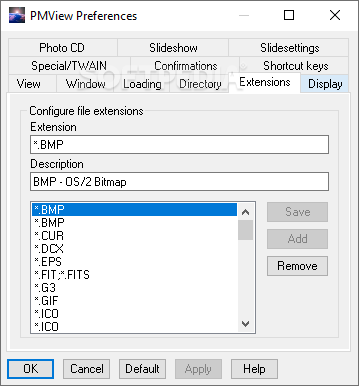
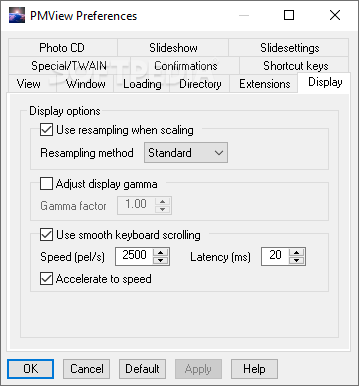
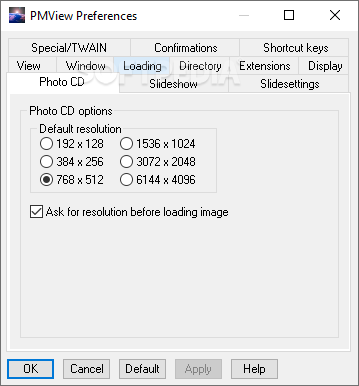
There are hundreds of different options that make it possible for you to configure PMView to your liking. For instance, PMView has fully configurable shortcut keys.

PMView is much more than a viewer. It has functions for doing screen captures including the unique feature to capture parts of a window that are outside the desktop. The print function in PMView is a true WYSIWYG (what you see is what you get) implementation that visually lets you adjust margins and see the printed output.

PMView allows for printing an image using multiple sheets of paper, enabling the user to print out a huge poster using standard letter sized paper and gluing the parts together. Naturally, PMView also has a TWAIN-interface for scanning and advanced batch and scripting functions that lets
you automate conversion of a large number of files in the background.

PMView has a unique automatic thumbnailing facility that will create thumbnails for your images. The thumbnails in the file open window make it possible for you to browse through hundreds of images in minutes. You'll never again have to load a bunch of images just because you forgot the name of the one you're looking for.

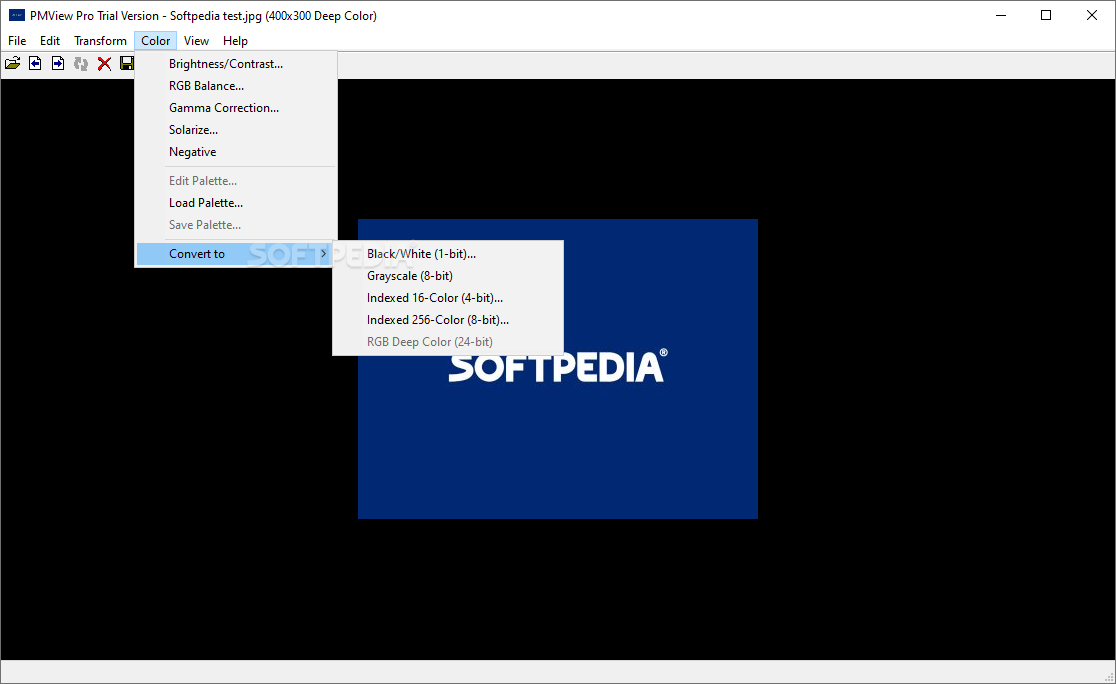
PMView lets you convert files from one file format to another with the click of a mouse button. Just right-click with your mouse on the file you want to convert and select what format to convert to. PMView will do the conversion in a background task and lets you continue working.

PMView also has an easy-to-use slideshow feature that lets you create slideshows just by dragging and dropping the images you want. The slideshow controller gives you an easy way to control your slideshow while it's running.

PMView is written in C++ and makes heavy use of C++ specific features like classes, templates and exception handling. Throughout this product, we have tried our hardest to provide you with the best possible performance.

Our memory and file management routines will provide you with blazing speed and the best use of your hardware. PMView does not lay its foundation on third party code or libraries that would limit our possibilities to provide a robust and optimized solution.

PMView is dynamically multithreaded, meaning that threads will be created and destroyed as needed. There will never be threads spinning in the background doing nothing. We have also invented a Priority Boost system that will let you use idle time priority without having to worry about locking up PMView or your system. PMView works well on single CPU systems, but also includes advanced SMP features for multi-processor systems.

Here are some key features of "PMView Pro":

Access EXIF Image Information
· With the new PMView Pro, you can get instant access to all of the EXIF (Exchangable Image Format) file information stored in your digital images. Most of the top digital camera manufacturers save this information to your images, adding a wealth of information to your images.

Convert Dialog
· Quick access to powerful tools! With the new Convert option in both the main File menu as well as the File Open Window's popup menus, you can easily select one or more images and convert them to a different format without ever opening those images.

QuickScript Utility
· Find yourself making the same changes over and over? Another new addition to the File Open Container's popup dialog is the QuickScript option.
· You can setup your own QuickScripts to perform just about any task on any number of images.

Confirm File Replace Dialog
· With the new convert options and 'Copy/Move To...' options, a new Confirm File Replace dialog alerts you before you overwrite any previously saved images, even offering thumbnails of the two images. Don't worry if the thumbnails look a little blurry, the entire dialog is resizable so you can maximize to full screen for a side by side comparison of the two images.


Requirements:

· Processor: Pentium 66MHz
· Memory: 16MB
· Video Card: VGA Video Card
· Hard Disk Space: 10MB


Limitations:

· 31 days trial


What's New in This Release:

· The File Convert dialog is unable to create a directory if a relative path is used.
· The File Copy, and Move dialogs resolve and store the fully resolved absolute directory path in the list of most recently used directories. This behavior is changed in PMView v3.51 and the relative path is now stored instead of the absolute path.
· When a spinbutton gets the focus, the cursor placement is platform dependent. This verison improves spinbutton behavior. Now the cursor is always placed at the end of the last character. In addition, the text in the spinbutton is selected, which makes it possible to directly type in a new value.
· It is not possible to tab between the fields of the Selection Info dialog.... [ read full changelog ]


Softpedia guarantees that PMView Pro 3.51 is 100% CLEAN, which means it does not contain any form of malware, including but not limited to: spyware, viruses, trojans and backdoors.

This software product was tested thoroughly and was found absolutely clean, therefore it can be installed with no concern by any computer user.

However, it should be noted that this product will be retested periodically and the award may be withdrawn, so you should check back on this page from time to time. (click here for more information)


Related downloads IT News Popular downloads New additions   Latest reviews  
Acme CAD Converter 7.9
A program that lets you batch convert DWG DXF DWF to PDF WMF BMP JPEG ...
Turbo Browser 11
Turbo Browser is Your friendly Web Design Tool
Solid Converter GX 1.1
Solid Converter GX - Easily convert graphics between formats
ConvIm 4.00.6
ConvIm - Batch Image Converter
EZ-Pix 8.0
EZ-Pix is a fast, powerful viewer with support for all common image formats
Kinesics Text Editor 1.1.028
Kinesics Text Editor - Efficient cross platform console and GUI text editing
BmpExt 1.7
BmpExt - Asymmetric Converter/Transparency Editor
Show 4.00.40
Show is a general purpose Image viewing and converting program
PS to Tiff 2.0
Creates the images that are perfect representations of the original print files.
PDF OCR Compressor SDK 2.0
Batch convert TIFF, TIF,JPEG,JPG, BMP, PNG, image files to PDF and PDF/A files

go to top Use the following code to link to this page:


Welcome!
Hello, Guest

Login if you have a Softpedia.com account.

Otherwise, register for one.

Main categories:
  • Antivirus
  • Compression tools
  • CD/DVD Tools
  • Office tools
  • Programming
  • Authoring tools
  • File managers
  • Desktop Enhancements
  • Internet
  • Network Tools
  • IPOD TOOLS
  • Mobile Phone Tools
  • Multimedia
  • Tweak
  • System
  • Security
  • Others
  • Science / CAD
  • UNIX
  • Windows Widgets
  • PORTABLE SOFTWARE

  • Week's best:
  • Adobe Flash Player 1...
  • Intel Chipset Softwa...
  • Uxtheme Multi-patche...
  • SRS Audio Sandbox 1....
  • SP3 UxTheme Patcher ...
  • PECompact 2.82
  • Sony Vegas Movie Stu...
  • 3DMark Vantage 1.0
  • Total Commander 7.03
  • VistaMizer 2.5.1.0
  • AVG Free Edition 8.0...
  • Windows XP Service P...
  • Ashampoo Burning Stu...
  • XviD Media Codec 1.1...
  • Blu-ray Disc Ripper ...
  • Blu-ray Region Code ...
  • Adobe Photoshop Ligh...
  • PowerDVD 8.0.1531
  • EF Commander 6.54
  • Microsoft Windows In...
  • Nero 8 Lite 8.3.2.1
  • WebSite-Watcher 4.41...
  • EVEREST Ultimate Edi...
  • Nokia PC Suite 6.86....
  • VMware Workstation 6...
  • AnyDVD HD 6.4.2.2
  • Messenger Plus! Live...
  • The Bat! Voyager 4.0...
  • Windows Vista Servic...
  • Nero 8 8.3.2.1
  • © 2001 - 2008 Softpedia. All rights reserved.
    Softpedia™ and Softpedia™ logo are registered trademarks of SoftNews NET SRL.
    Copyright Information | Privacy Policy | Terms of Use | Contact Softpedia | Update your software | Archive