
Converts image, audio, video and text files to various formats, carries out image editing tasks, as well as splits videos and extracts frames and audio files from clips. #Multimedia converter #Audio converter #Image editor #Converter #EXIF #IPTC

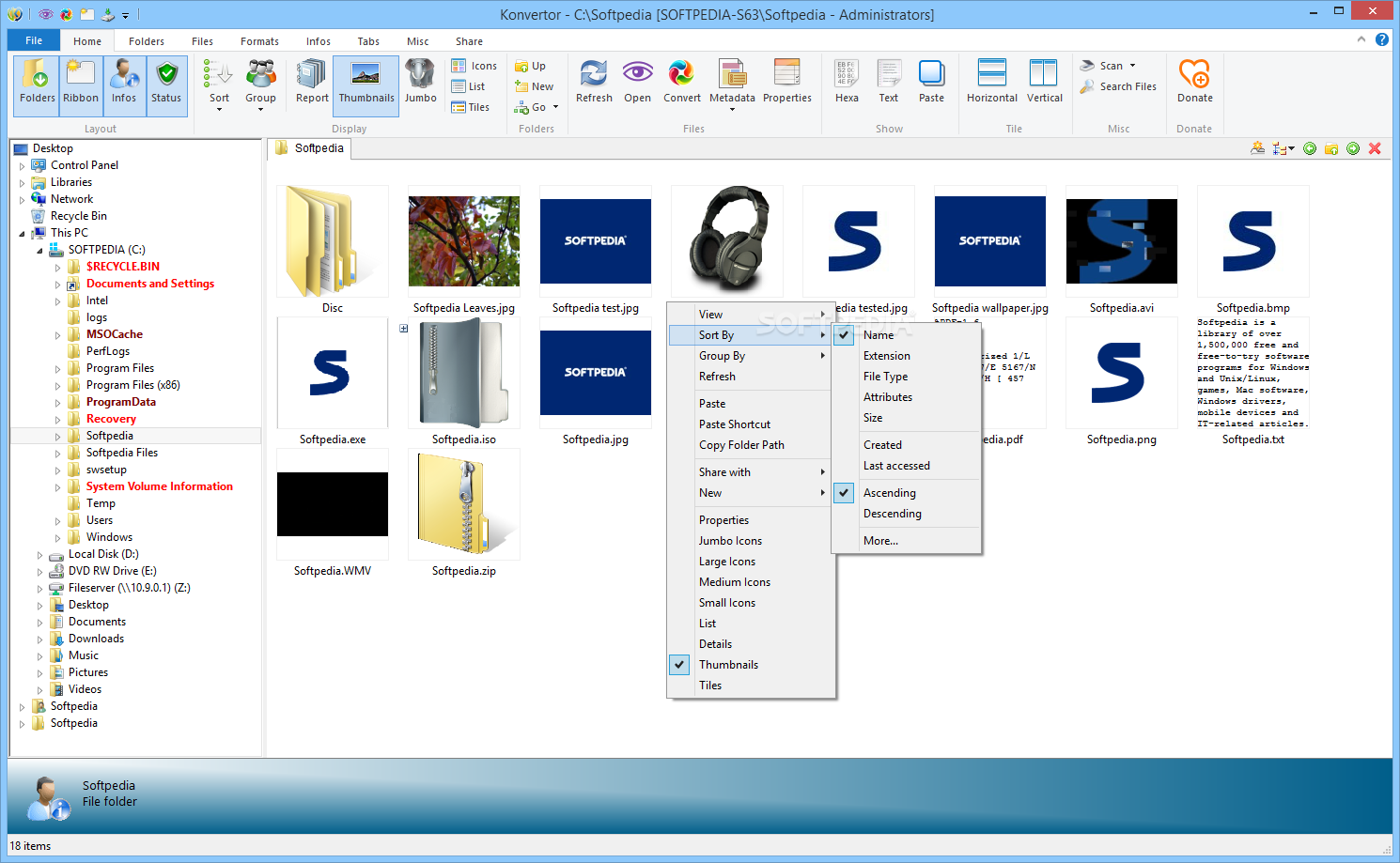
Konvertor FM is a software application designed specifically for helping you convert image, audio, video and text files to a wide range of file formats.
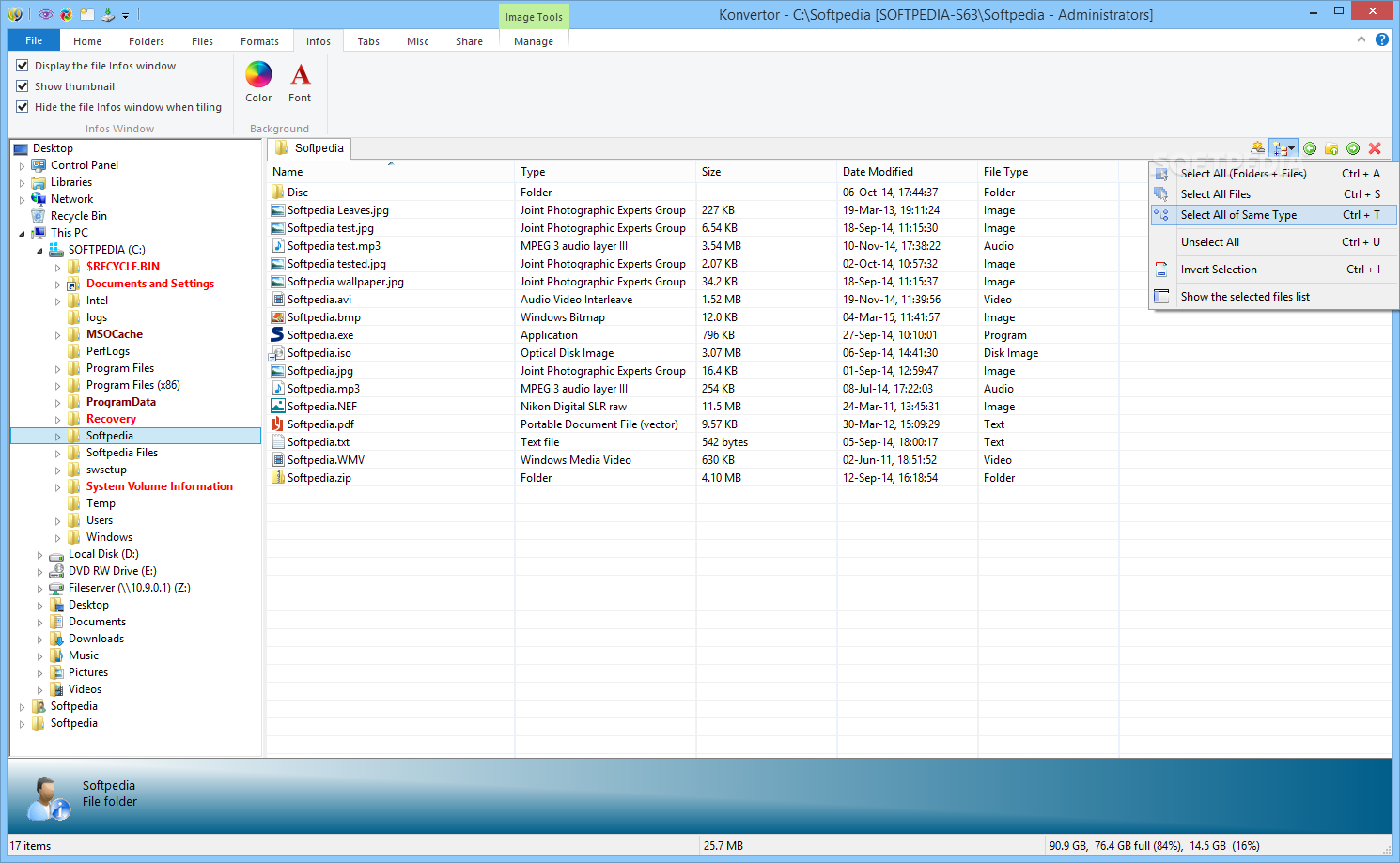
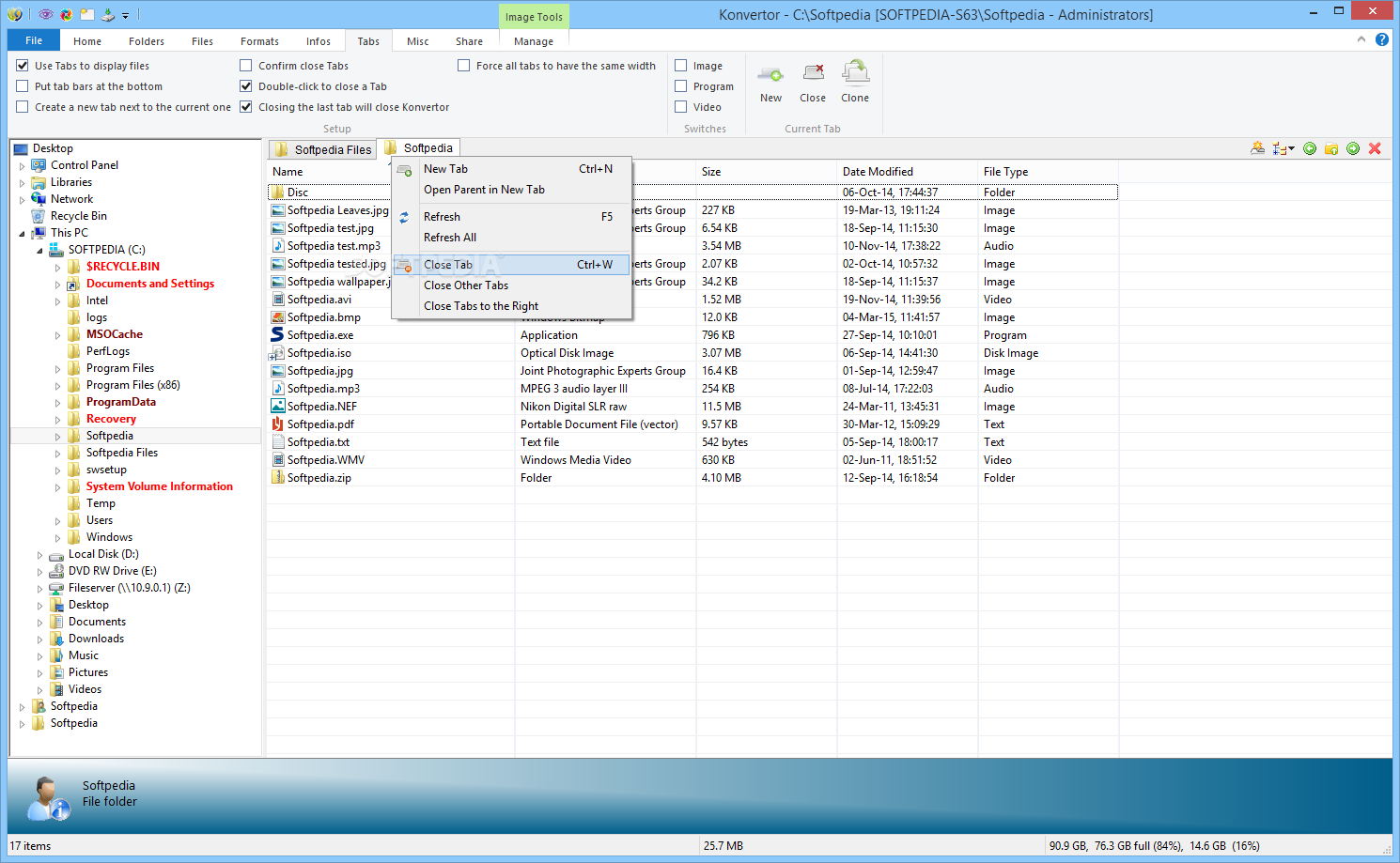
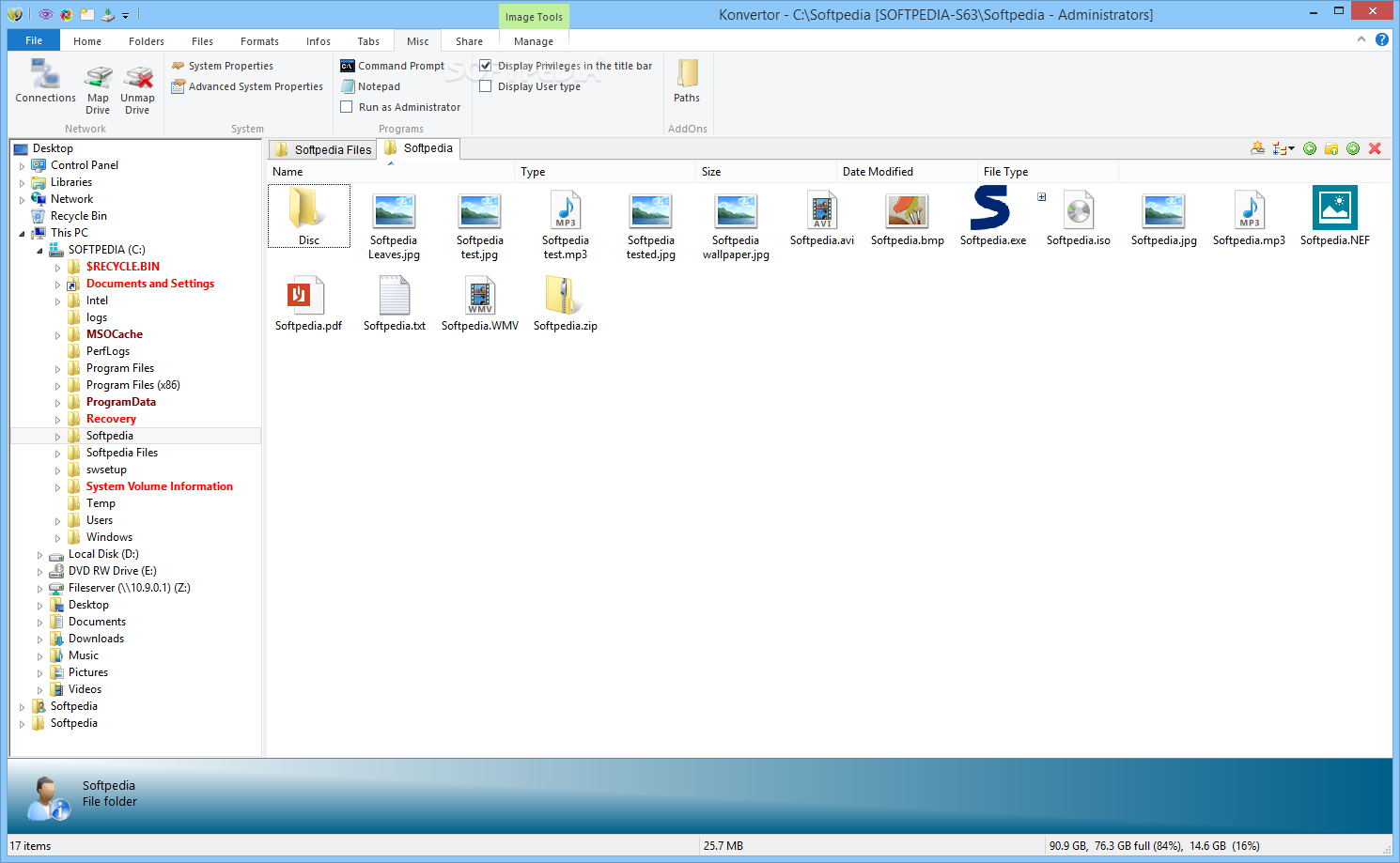
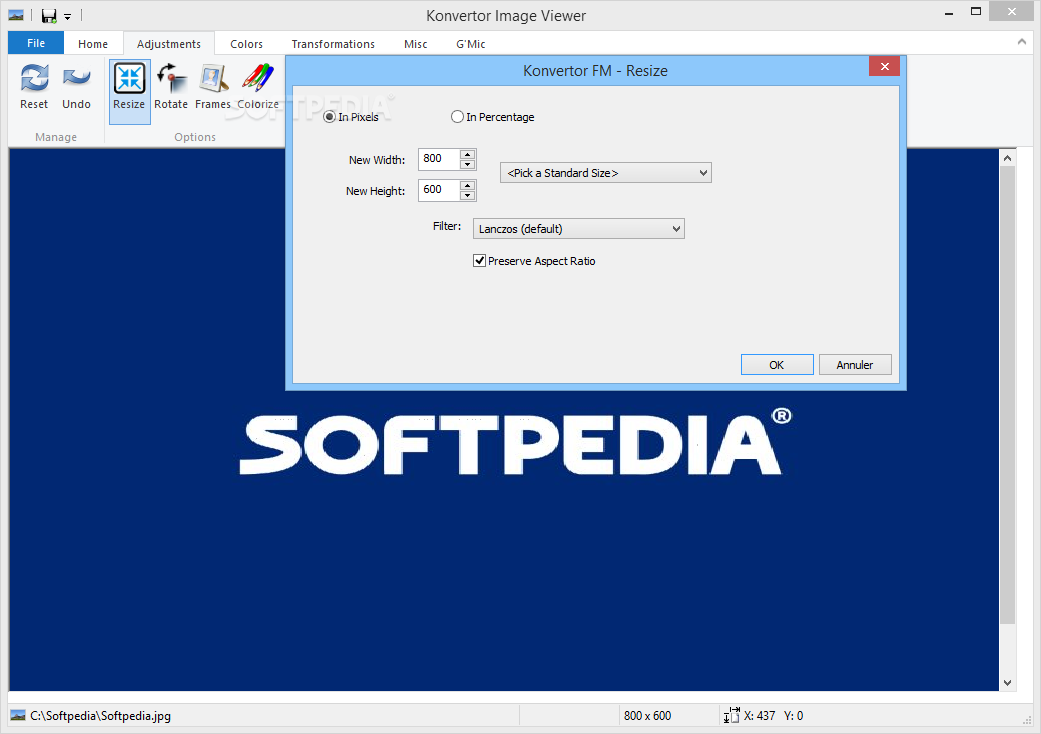
The tool adopts a ribbon layout that allows you to switch between several tabs with different configuration settings. Although the GUI is pretty well organized, the program’s features are not very intuitive so you need to take some time and experiment with them.
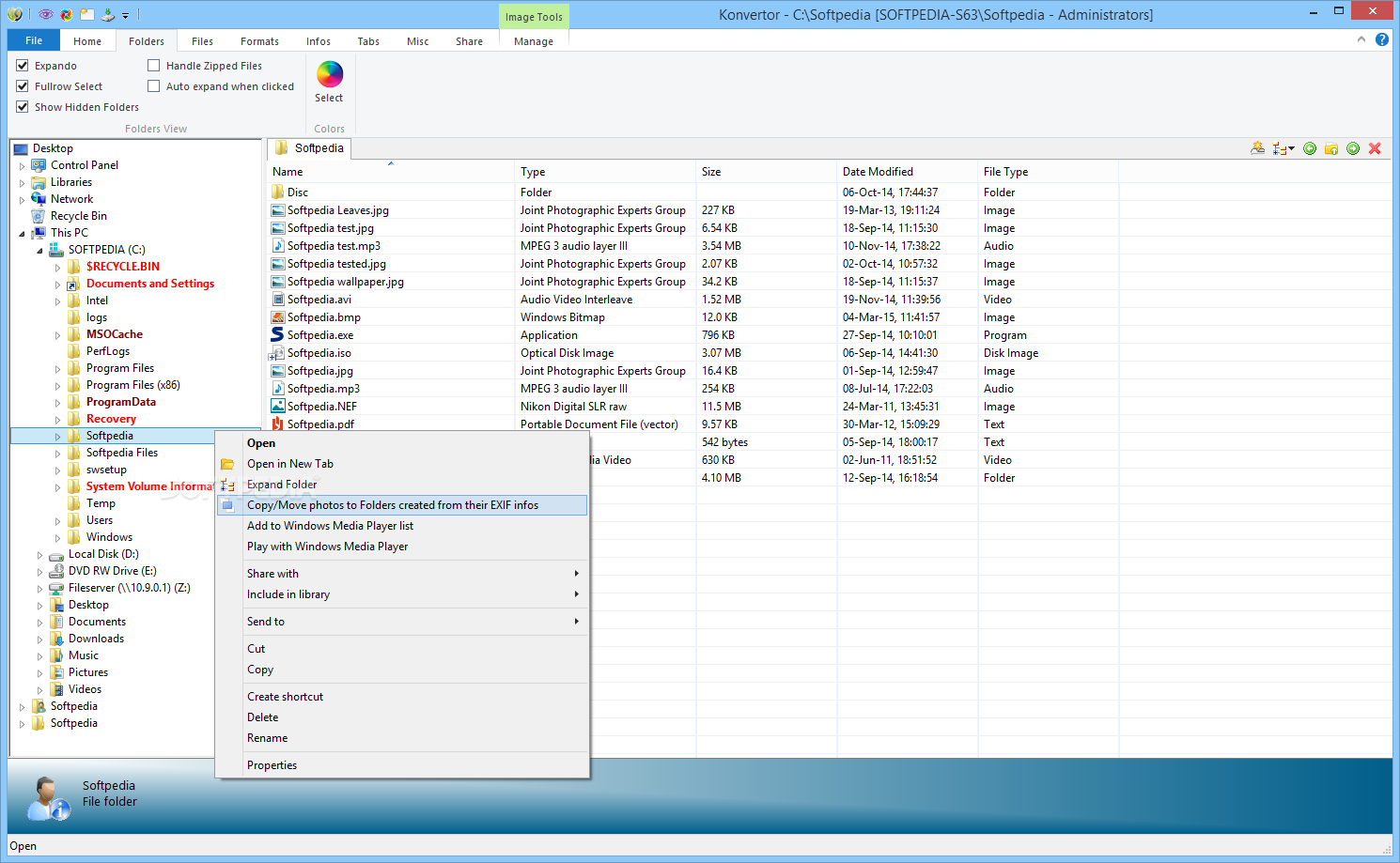
Thanks to the Explorer-based layout, you are offered quick access to the files and folders stored in your computer so you can easily pick the ones that you want to process.
Batch processing is included on the feature list, and you only need to select the items that you want to convert and pick the output format. Plus, you can open multiple tabs simultaneously.
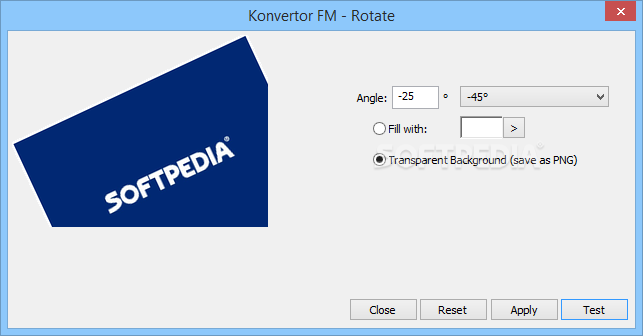
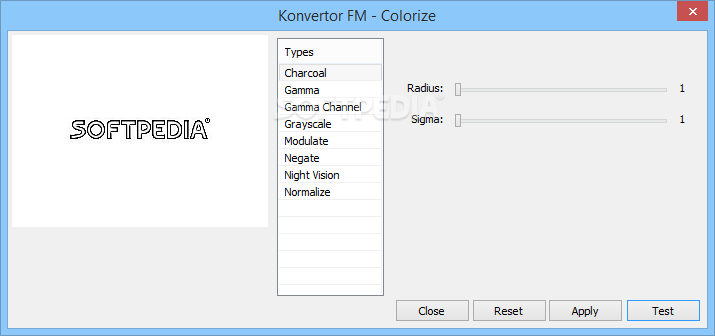
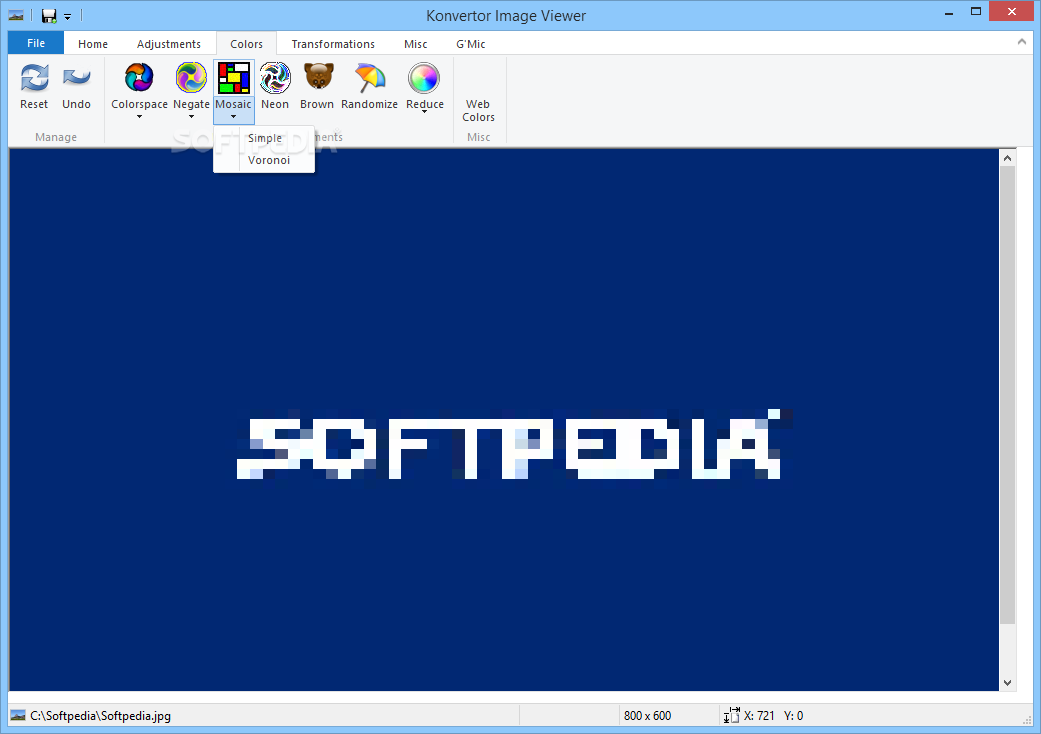
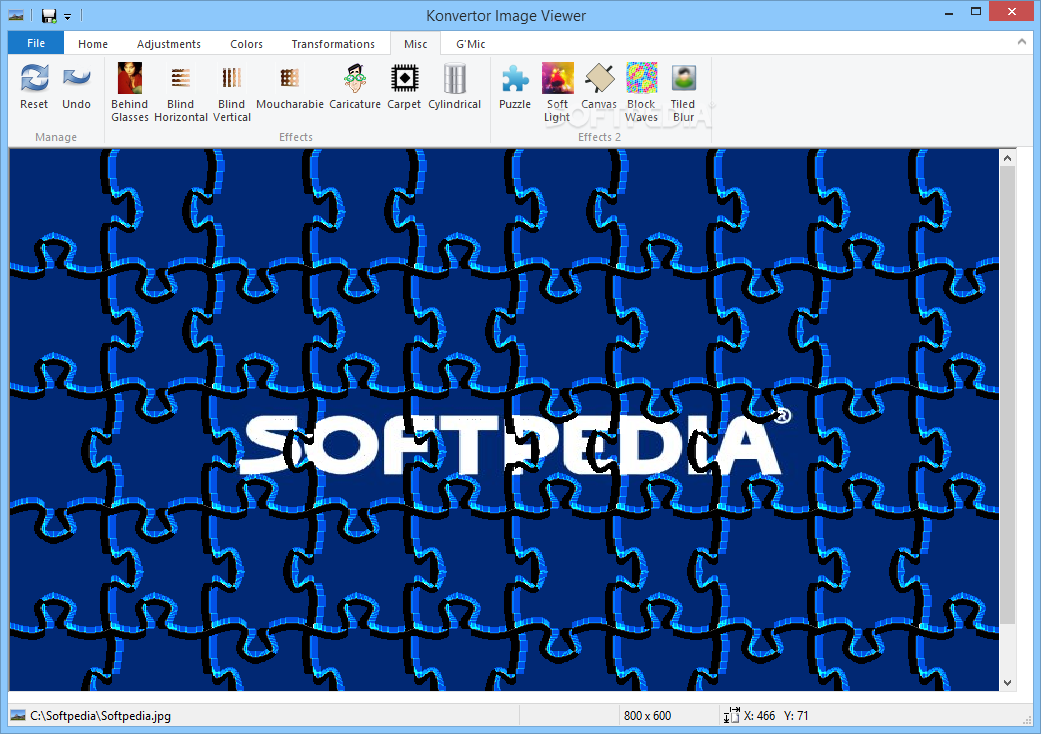
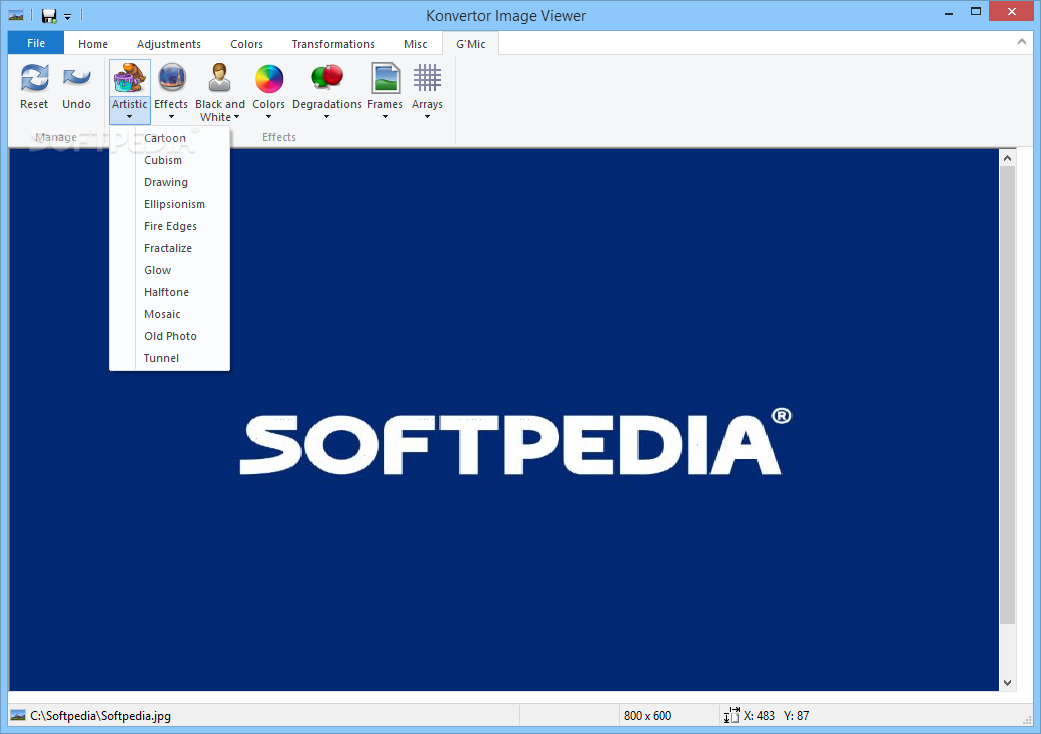
Konvertor offers support for video and audio players as well as text and image viewers. The image viewer provides special features that help you apply several filters for altering the color, create mosaic-like pictures, enable neon effects, undo or redo your actions, and revert all changes with a single click.
You can sort or group items by name, extension, size, creation date or other criteria, switch between different view modes (e.g. report, thumbnails or jumbo, icons, list or tiles), and work with hexadecimal and text editors.
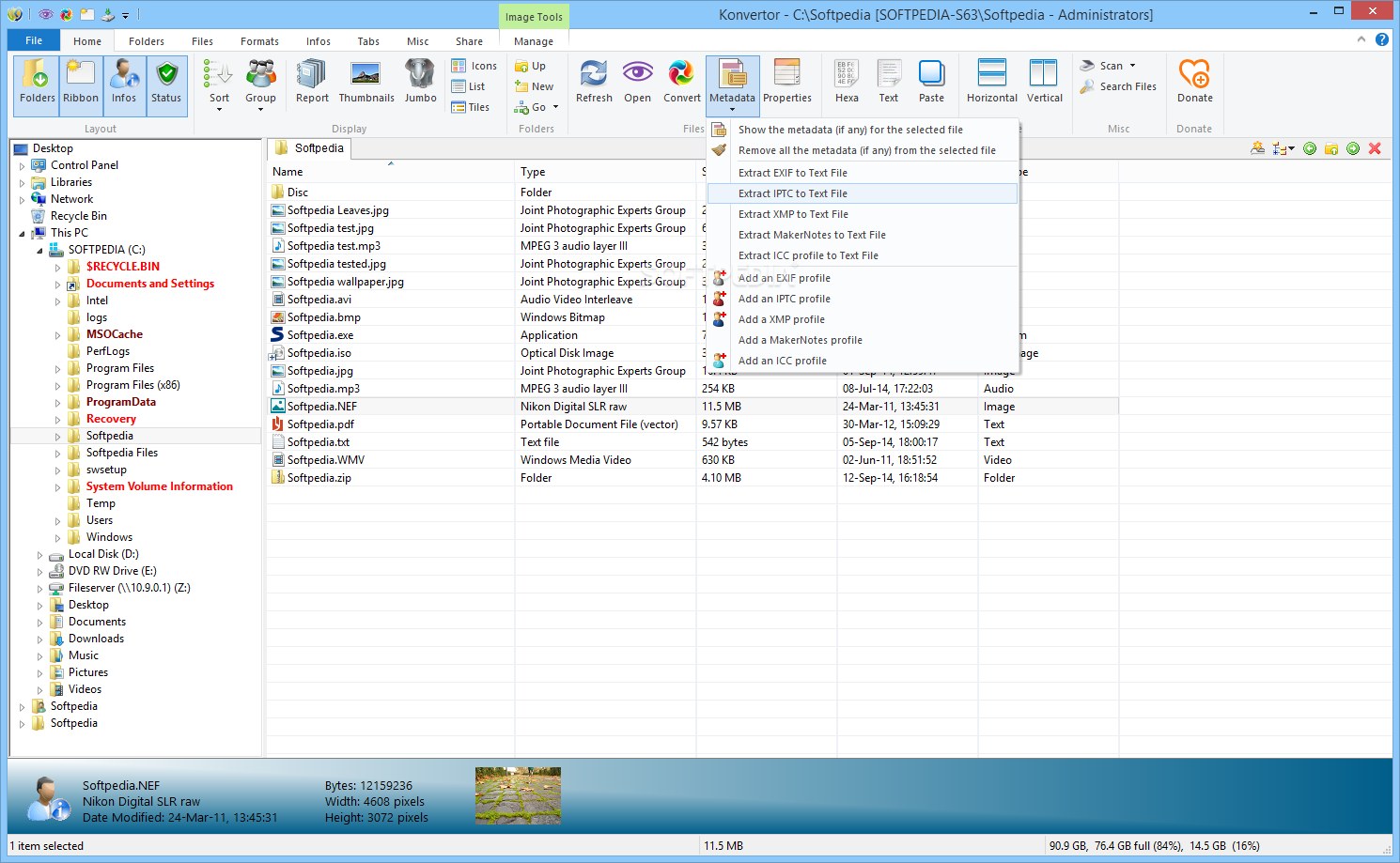
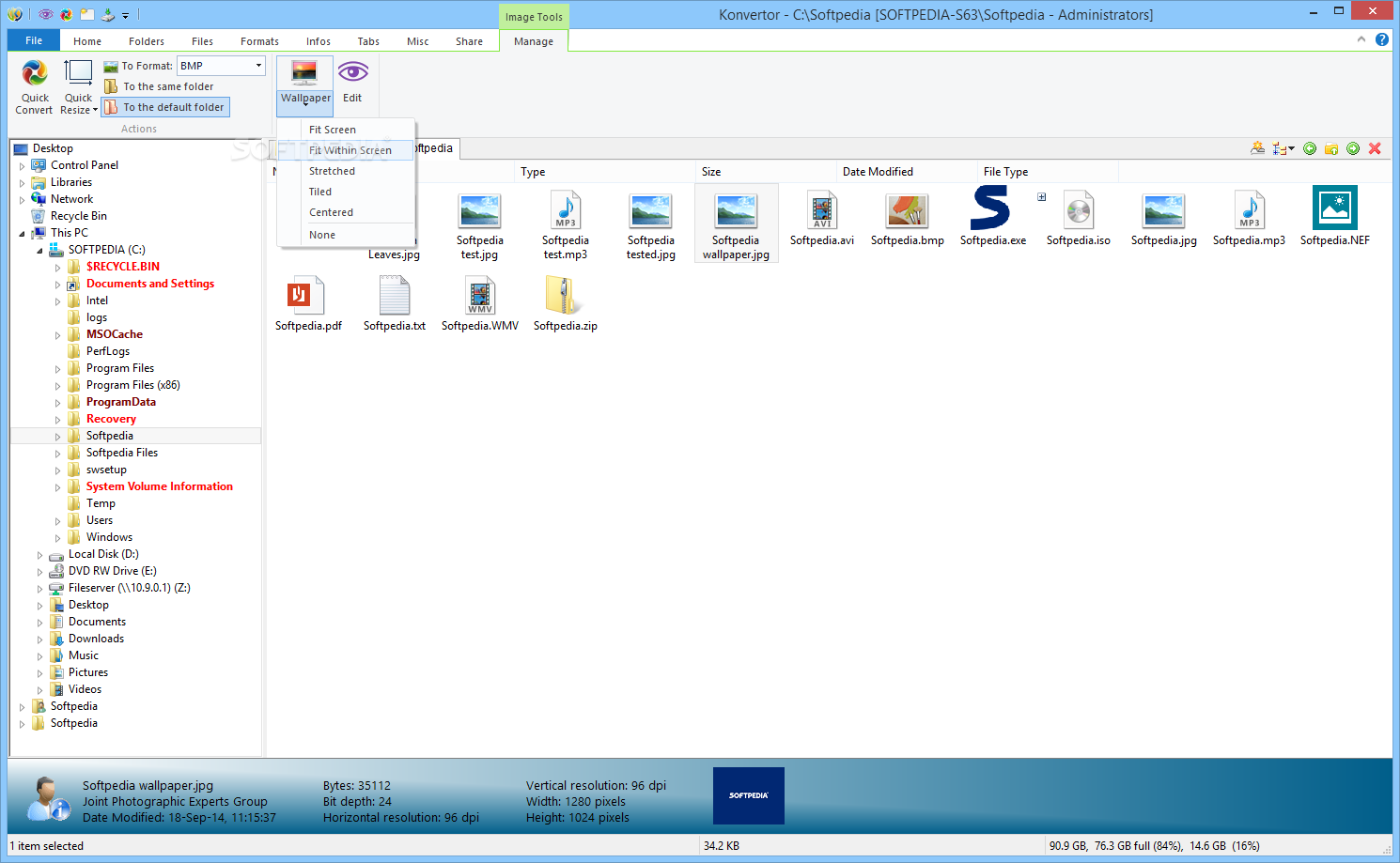
The tool lets you view comprehensive info about each file (e.g. size, resolution, camera profile, creation date, permissions, name, aperture, ISO, sharpness) which can be printed or exported to XML or plain text file format.
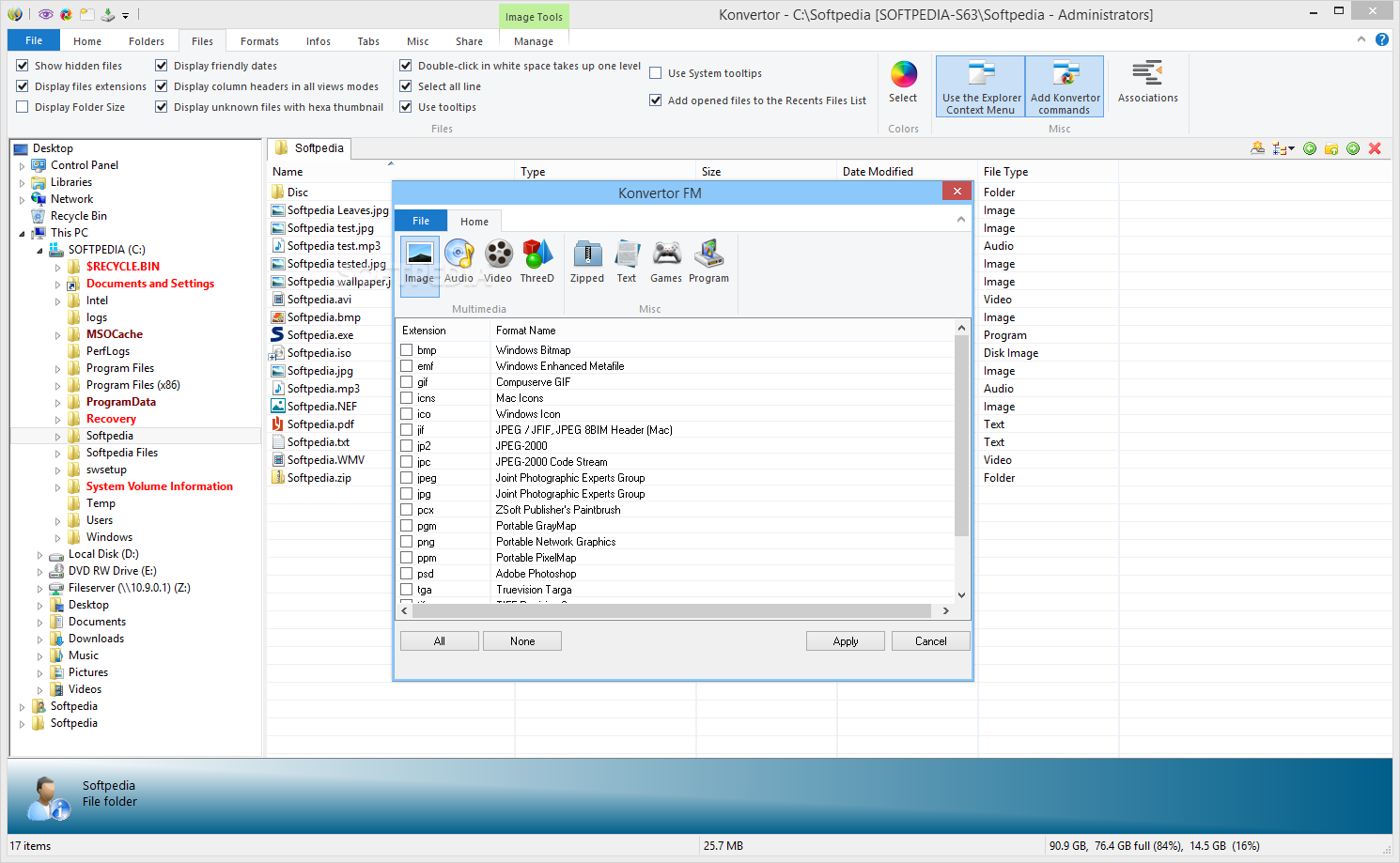
Konvertor gives you the possibility to convert images to BMP, GIF, PNG, PPM, TIFF, TGA or other format and set the current photo as your wallpaper, while audio files can be encoded to WAV, WMA, OGG, MP3, RA or other format.
What’s more, you can convert videos to MKV, MP4, MOV, SWF, VOB or 3GP and text files to DOC, PDF, RTF, WPS or XLS. Extra features embedded in the package allow you to extract frames and audio files from clips, as well as split video files.
The tool finishes a conversion task quickly but this pretty much depends on the size of the files and your computer performance. It eats up CPU and memory, so the overall performance of the PC may be hampered.
Konvertor comes with support for a wide range of file formats for helping you carry out conversion tasks. However, it still needs improvements in the GUI area to make the entire process more intuitive.
Download Hubs
Konvertor FM is part of these download collections: Convert BMP to Text, Make YUV, ASCII Creator, Open DjVU
What's new in Konvertor FM 5.04 Build 18:
- 49 new formats
Konvertor FM 5.04 Build 18
add to watchlist add to download basket send us an update REPORT- runs on:
-
Windows 10 32/64 bit
Windows 8 32/64 bit
Windows 7 32/64 bit - file size:
- 695 KB
- filename:
- konvertor_5.04.18.exe





- main category:
- Multimedia
- developer:
- visit homepage
Windows Sandbox Launcher

IrfanView

Context Menu Manager

calibre

Bitdefender Antivirus Free

7-Zip

Zoom Client

ShareX

Microsoft Teams

4k Video Downloader

- ShareX
- Microsoft Teams
- 4k Video Downloader
- Windows Sandbox Launcher
- IrfanView
- Context Menu Manager
- calibre
- Bitdefender Antivirus Free
- 7-Zip
- Zoom Client