
An application that allows you to resize multiple images at the same time using various interpolation algorithms, as well as edit their DPI resolution. #Image Resizer #Resize Image #Batch Resizer #Resize #Resizer #Rescale
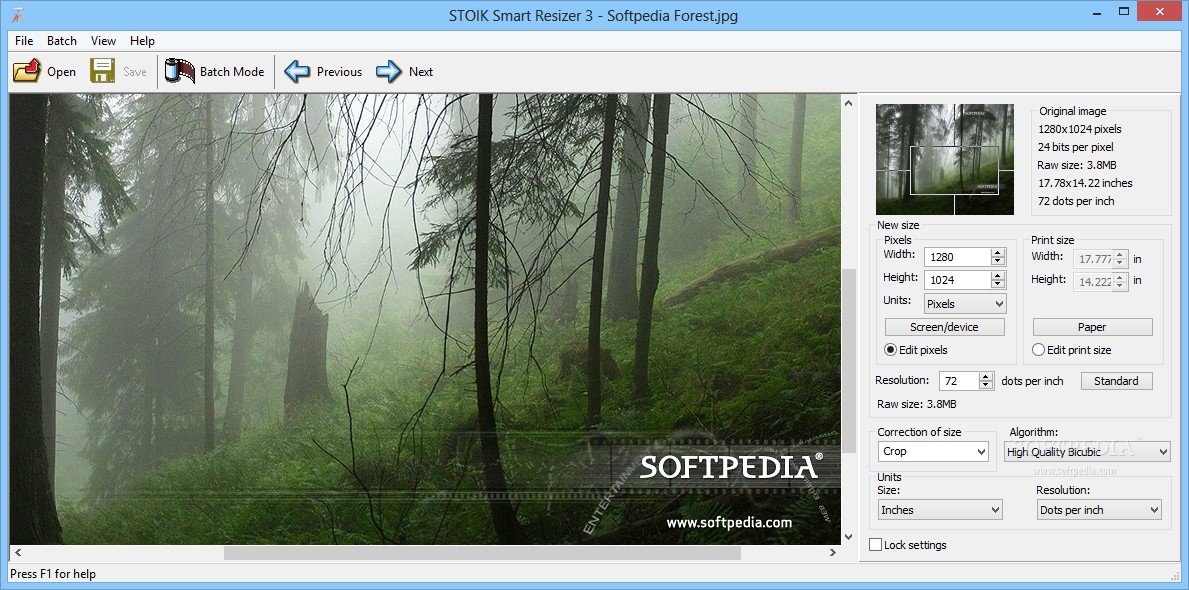
Depending on the camera used to take the photo, images come in a variety of resolutions and sizes, as well as different DPI resolutions. Their file size is also directly proportional to their resolution, so you can shave off a few megabytes by rescaling the pictures and exporting them under a different file format.
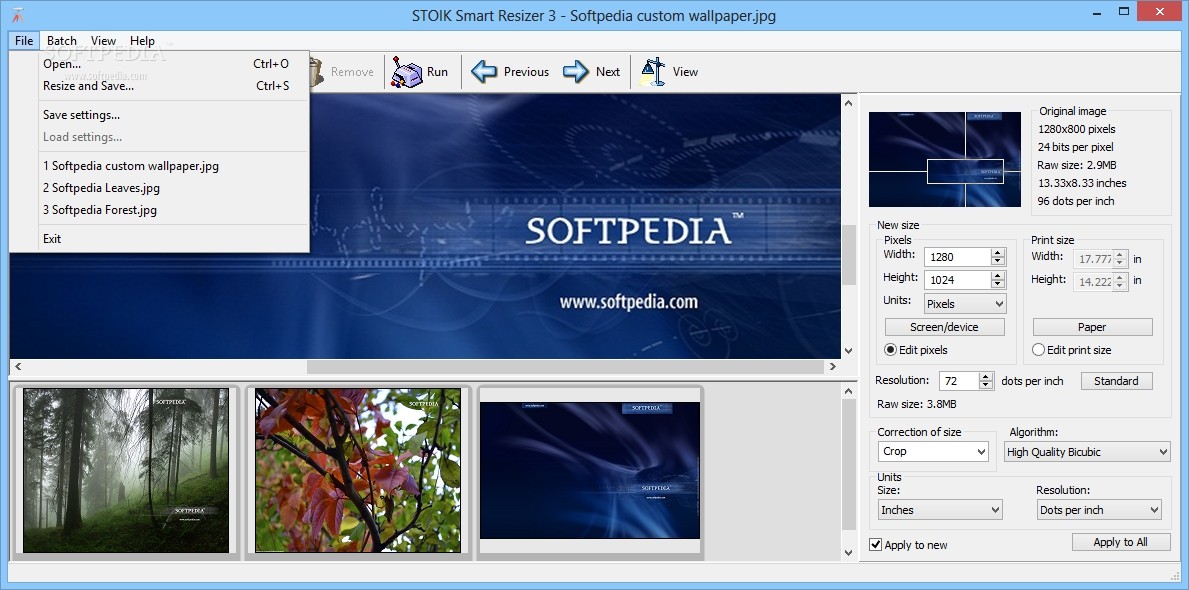
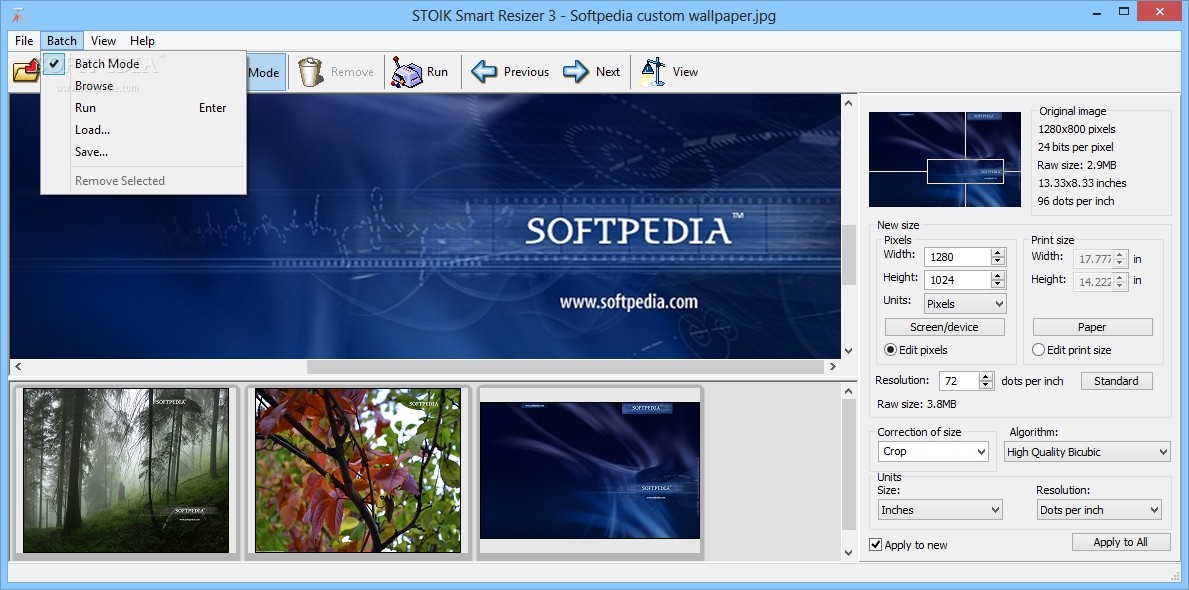
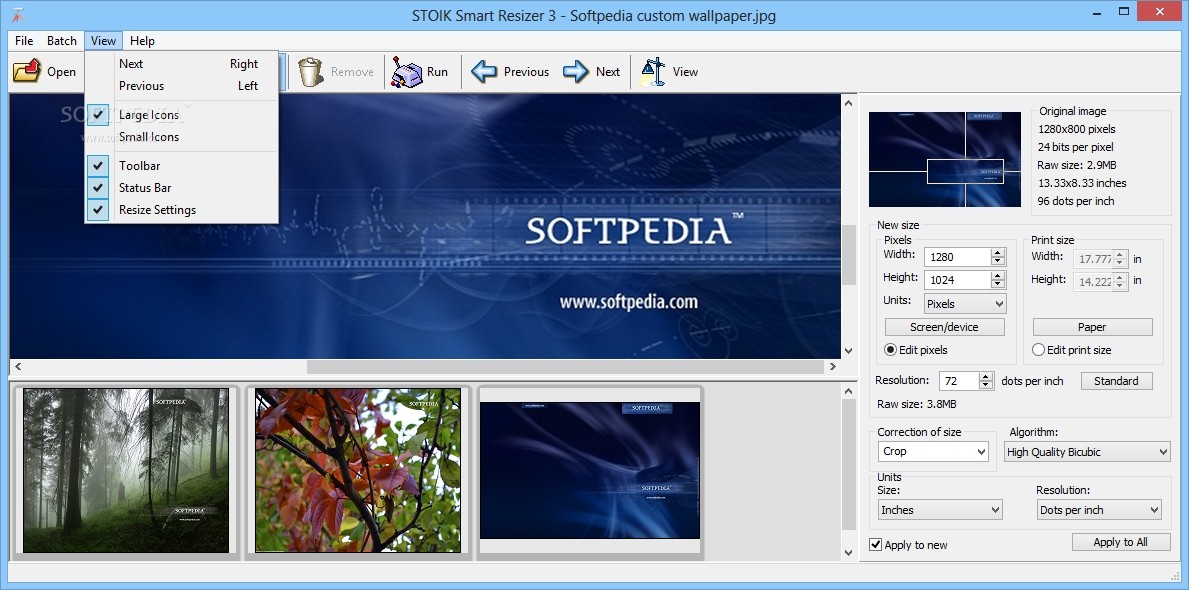
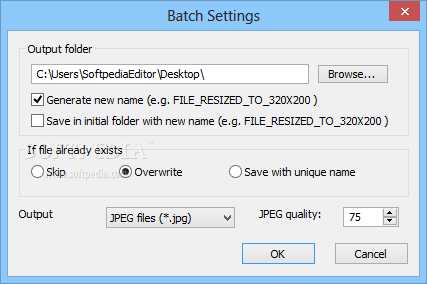
STOIK Smart Resizer is a software utility designed to lend you a helping hand in this matter, by enabling you to resize your photo collection in a few easy steps. It can handle files in batch mode, which means that you can add as many images as you want to the list and export them all at once to the desired folder on your computer.
The additional pictures can be added by using the drag-and-drop functionality, although you cannot drag them from outside the application, so you still have to open them one by one. You can choose the new size and apply it to all of them, as well as modify their paper print size using the measurement units of your choosing.
Before heading on and starting the procedure, you can tweak the results even further, by changing the desired number of dots per inch, which controls the resolution and the maximum level of details for every image. You can also choose whether to keep the original aspect ratio, or crop the photo in order to fit the new dimensions.
As for the interpolation algorithms, they are responsible for the way your files are actually resized and each one of them is recommended for various tasks. You can choose between high quality bicubic, nearest neighbor or bilinear algorithms, as well as a few others, depending on your preferences and the type of resizing you are trying to achieve.
Thanks to the batch processing capabilities and the large amount of customization options, STOIK Smart Resizer enables you to personalize your resized pictures in great detail, especially when it comes to the desired interpolation methods used. The fairly simple user interface and intuitive controls make it an easy-to-use application for any type of user, regardless of previous computer experience.
Download Hubs
STOIK Smart Resizer is part of these download collections: Enlarge Photo
STOIK Smart Resizer 3.0.1.4918
add to watchlist add to download basket send us an update REPORT- runs on:
-
Windows 10 32/64 bit
Windows 8 32/64 bit
Windows 7
Windows Vista
Windows XP - file size:
- 7.9 MB
- main category:
- Multimedia
- developer:
- visit homepage
Zoom Client

Windows Sandbox Launcher

Bitdefender Antivirus Free

4k Video Downloader

ShareX

Context Menu Manager

calibre

7-Zip

IrfanView

Microsoft Teams

- 7-Zip
- IrfanView
- Microsoft Teams
- Zoom Client
- Windows Sandbox Launcher
- Bitdefender Antivirus Free
- 4k Video Downloader
- ShareX
- Context Menu Manager
- calibre