
An application that allows users to convert existing videos to various video file formats, as well as to extract the audio from videos. #Video converter #Convert video #Video conversion #Converter #Conversion #Convert

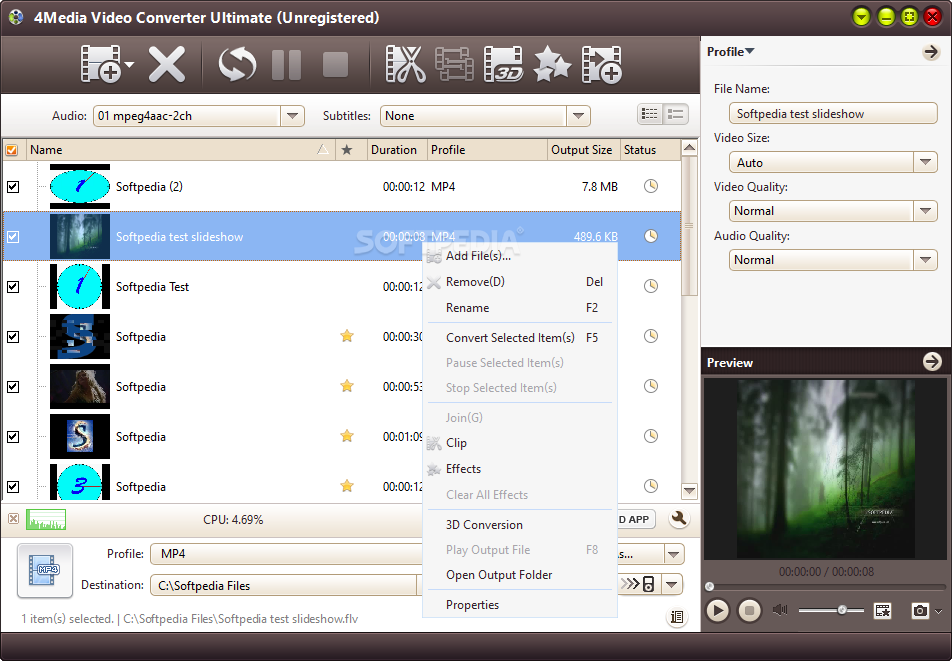
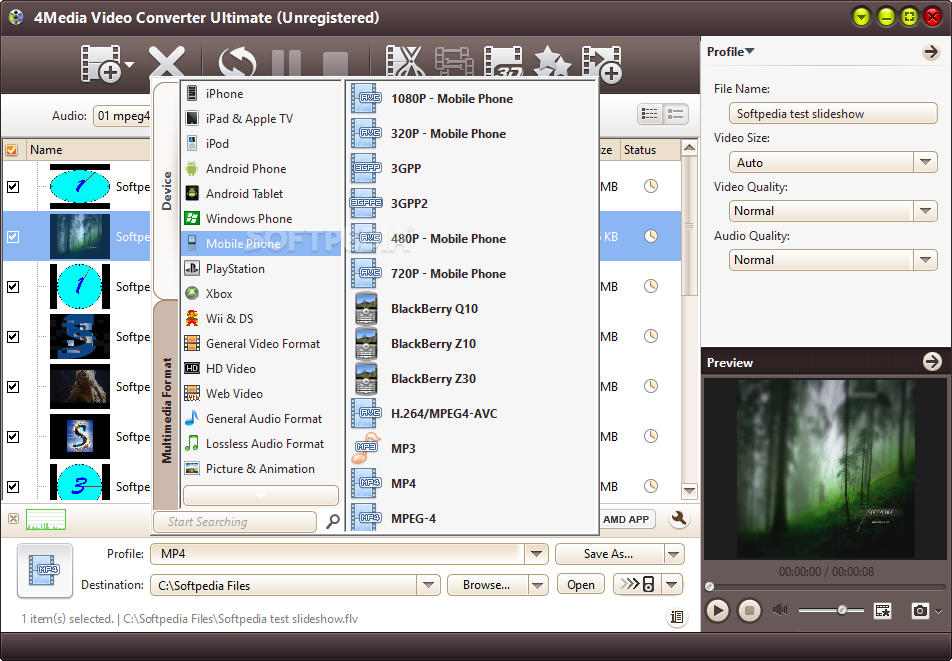
4Media Video Converter Ultimate is an application which enables you to encode video clips to multiple formats, including ASF, AVI, MOV, MP3, WAV and MKV.
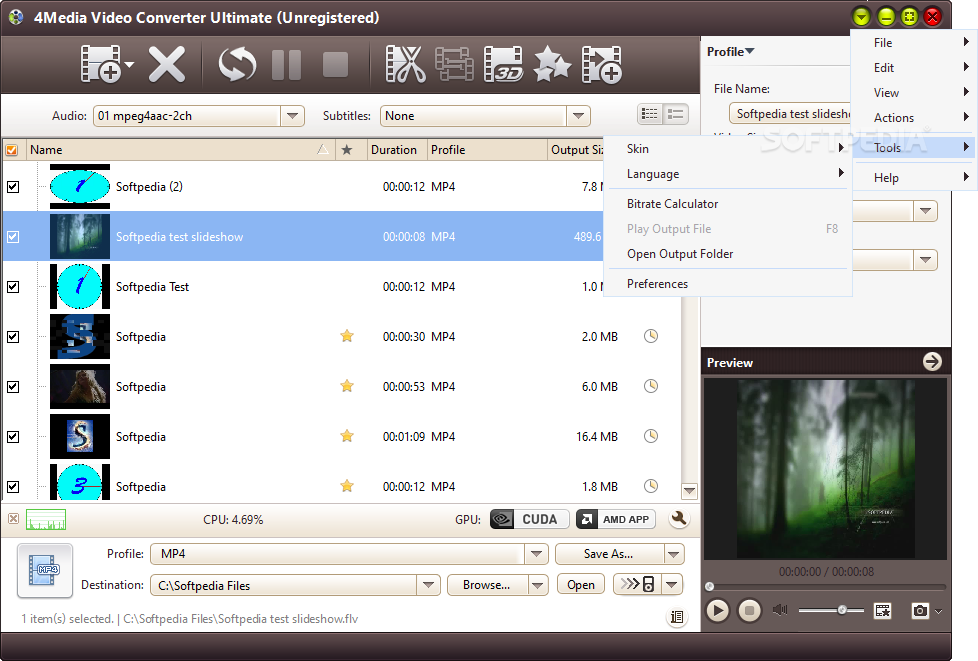
The interface of the program is clean and intuitive. Media files can be imported into the list by using either the file browser, treeview or "drag and drop" method. Batch processing is supported.
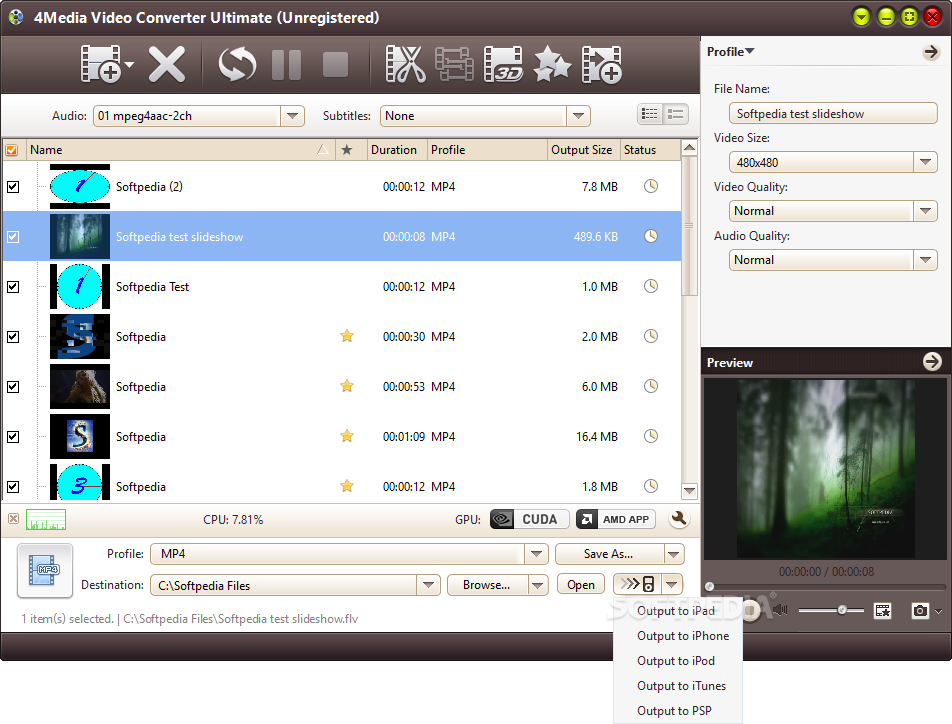
In the queue you can check out the name, duration, output profile and size, along with status of each file. After you establish the output profile and directory, you can proceed with the encoding job.
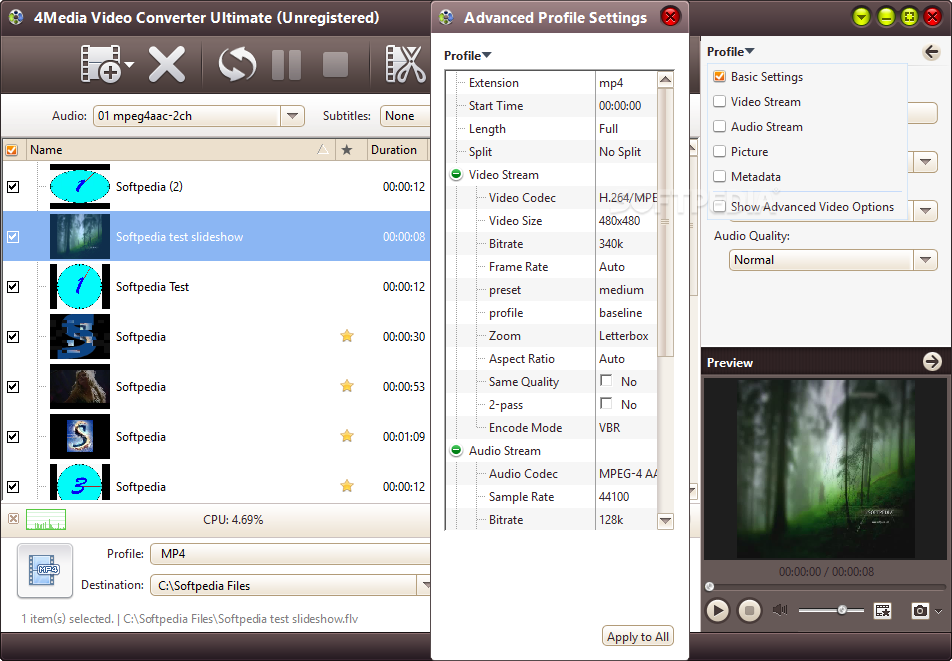
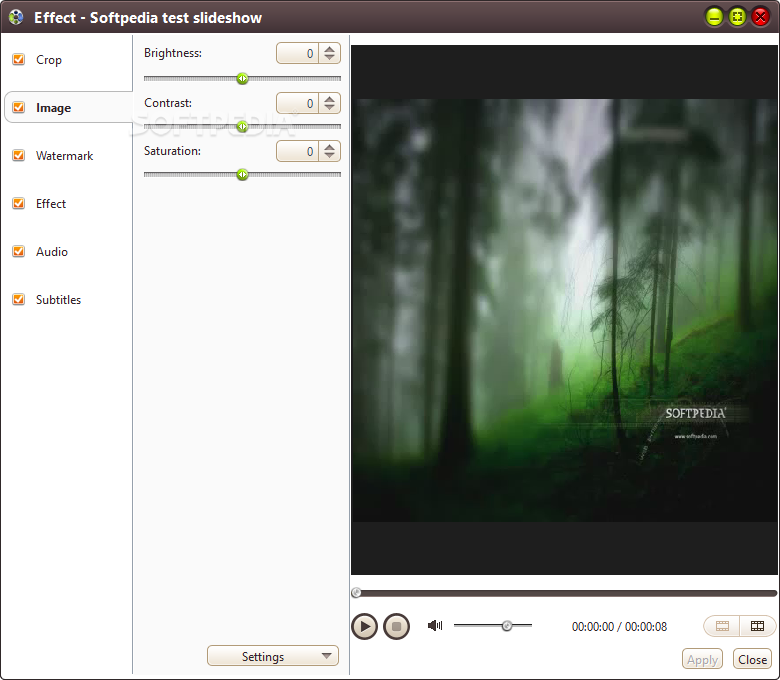
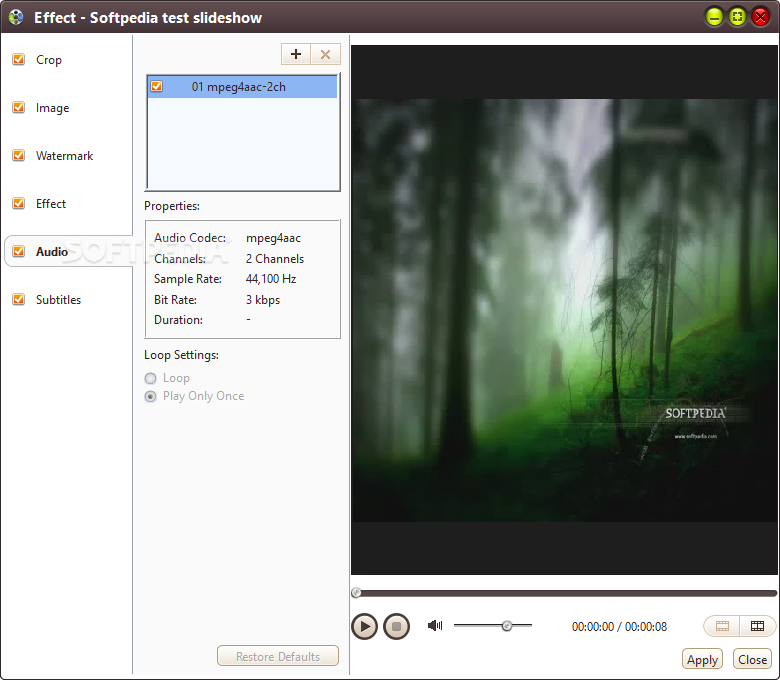
You can configure audio and video settings when it comes to the quality, size, channels, volume, aspect ratio, frame rate, bit rate and others.
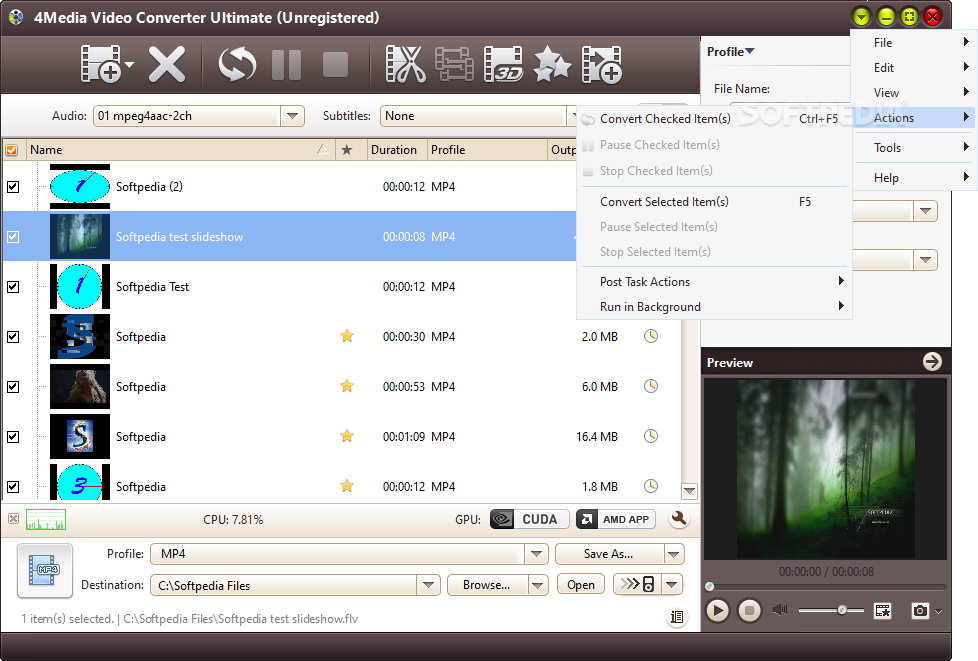
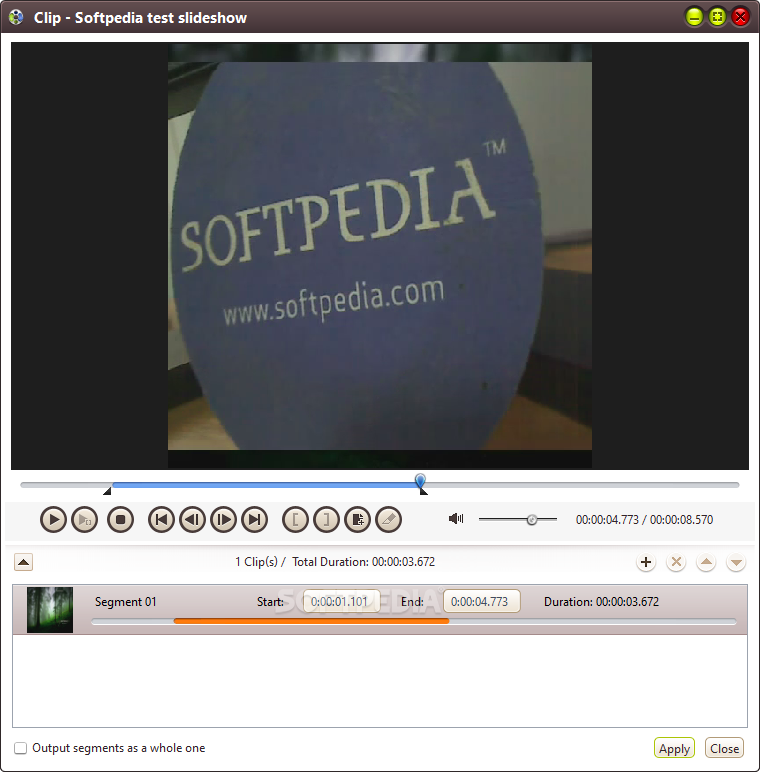
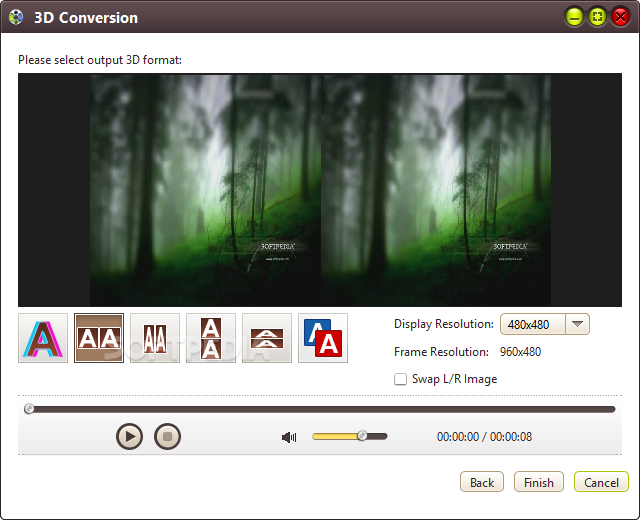
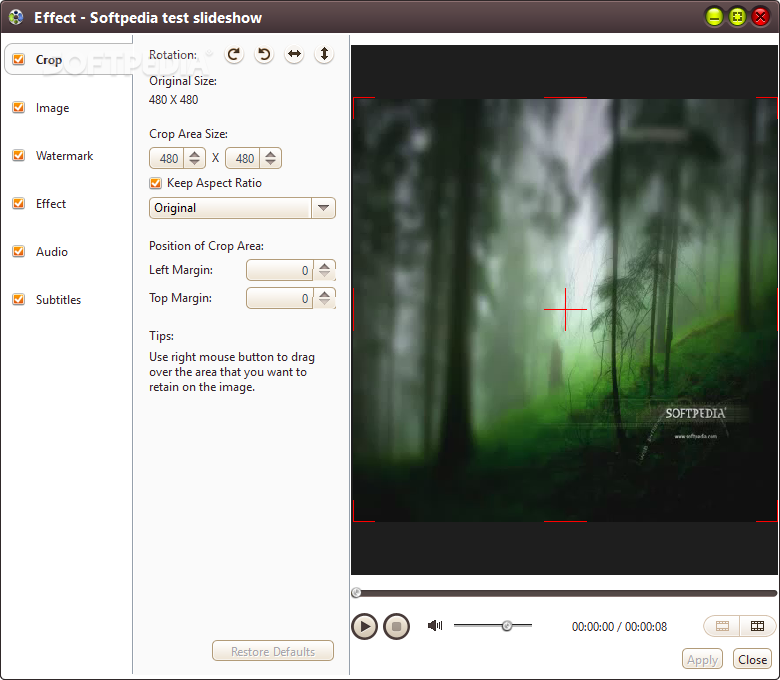
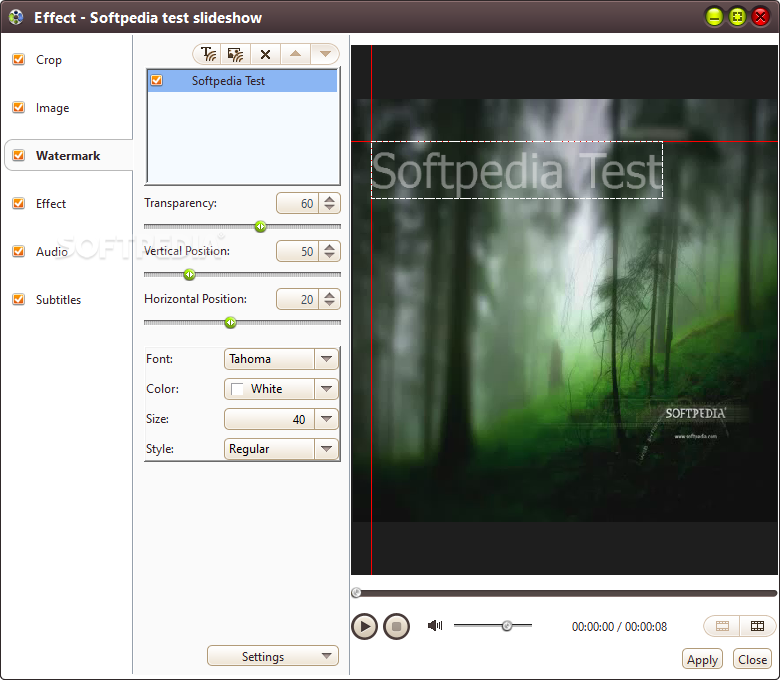
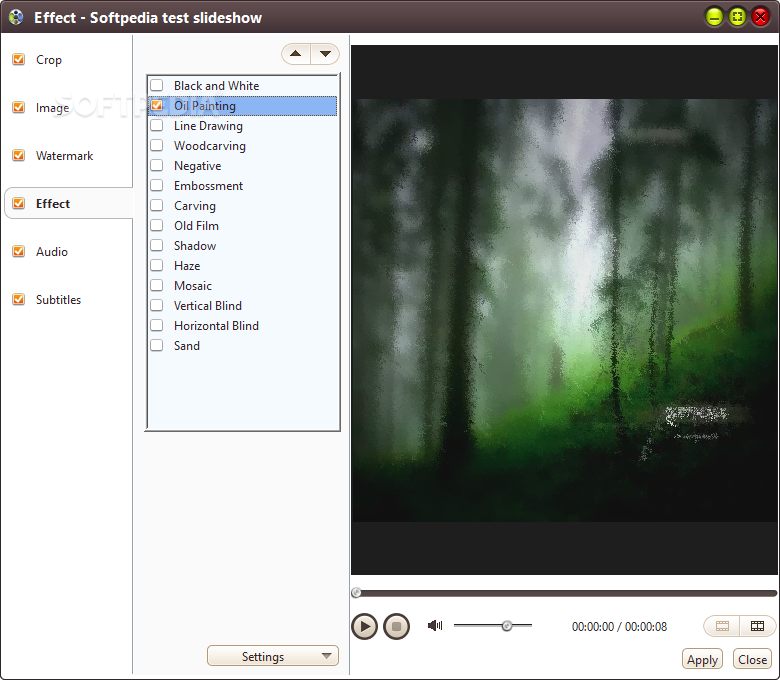
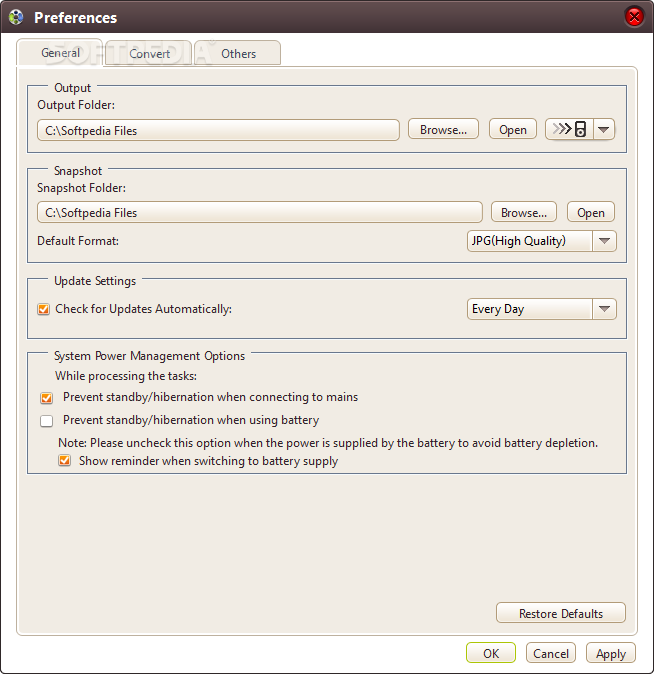
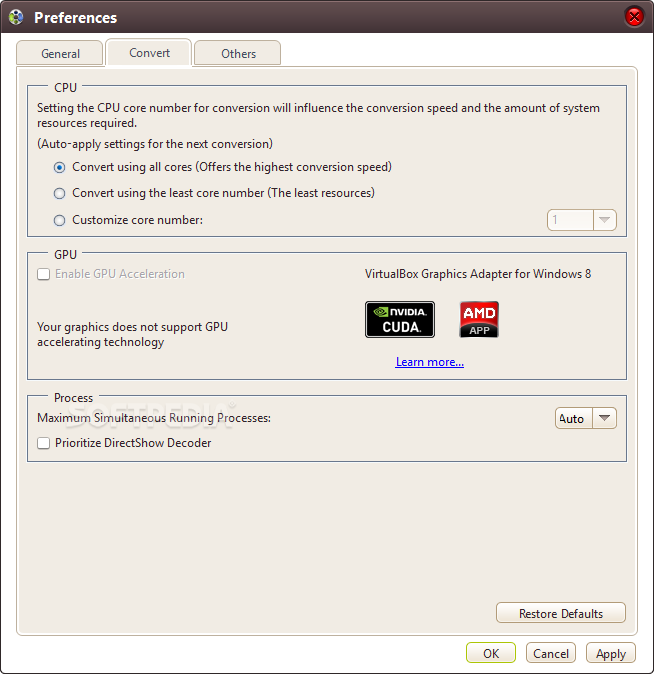
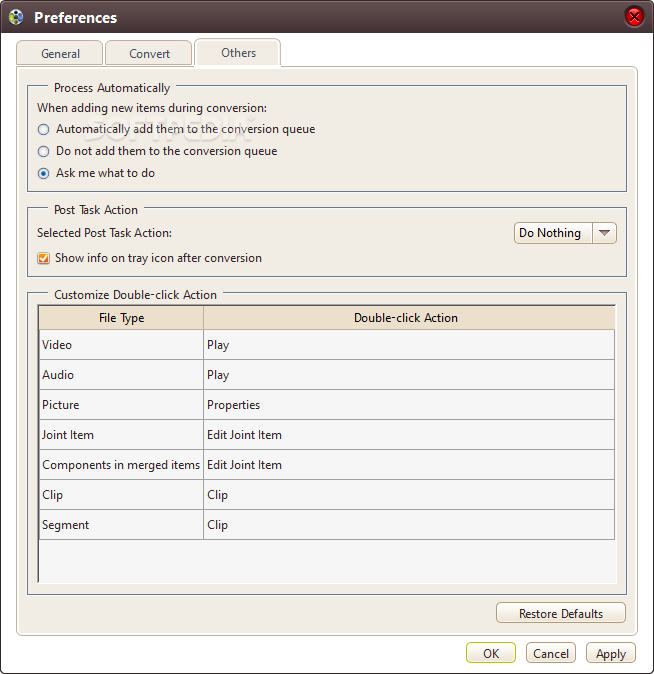
But you can also edit metadata and lyrics, preview clips in a small, built-in media player and take snapshots, cut videos by marking their start and end position, load an audio CD, check out a log window, set post-task actions (e.g. exit program, turn off computer), enable 4Media Video Converter Ultimate to run in the background in low priority mode, customize the CPU core number, and more.
The media conversion software requires a pretty high amount of system resources, has a brief step-by-step tutorial, quickly finishes a task and manages to preserve a good image and sound quality. No errors have occurred during our tests and 4Media Video Converter Ultimate did not freeze or crash. Apart from the fact that the unregistered version has some harsh limitations, we strongly recommend 4Media Video Converter Ultimate to all users.
Download Hubs
4Media Video Converter Ultimate is part of these download collections: Play DIF, Convert 3G2, Edit 3G2, Edit NUT
4Media Video Converter Ultimate 7.8.25 Build 20200718
add to watchlist add to download basket send us an update REPORT- runs on:
-
Windows 10 32/64 bit
Windows 8 32/64 bit
Windows 7 32/64 bit
Windows Vista 32/64 bit
Windows XP - file size:
- 37.5 MB
- filename:
- m-video-converter-ultimate7.exe
- main category:
- Multimedia
- developer:
- visit homepage
calibre

ShareX

IrfanView

Bitdefender Antivirus Free

Context Menu Manager

Zoom Client

Windows Sandbox Launcher

Microsoft Teams

4k Video Downloader

7-Zip

- Microsoft Teams
- 4k Video Downloader
- 7-Zip
- calibre
- ShareX
- IrfanView
- Bitdefender Antivirus Free
- Context Menu Manager
- Zoom Client
- Windows Sandbox Launcher