
A simple software application used for converting audio and video files to a wide variety of media formats in a high quality output #Video Converter #Audio Converter #Video Encoder #Converter #Convert #Encoder
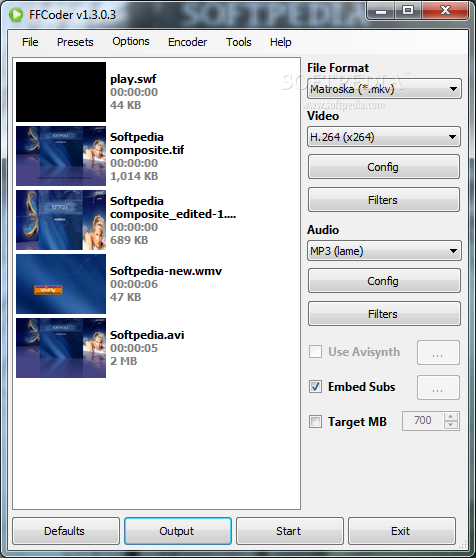
FFCoder is a simple software application capable of transcoding audio and video files to a wide variety of media formats.
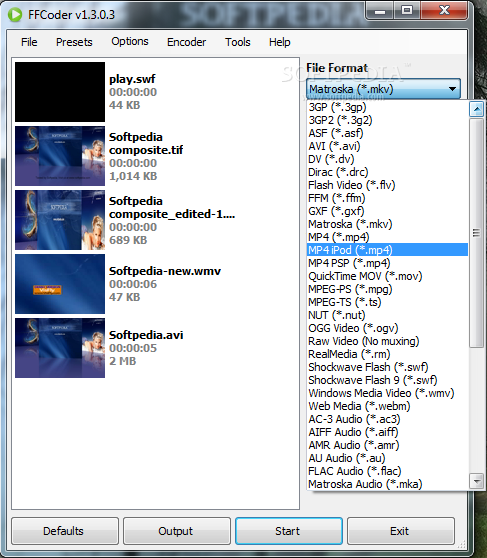
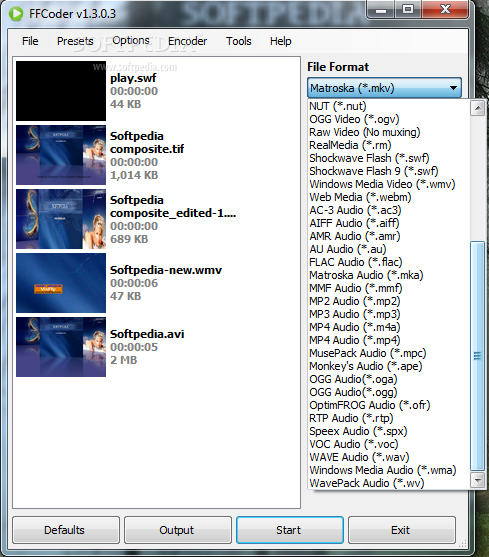
The program offers to install codecs that it requires to fully function, but these components can be excluded from the setup. It supports multiple file formats like 3GP, AVI, MP3, OGG, RM, and more.
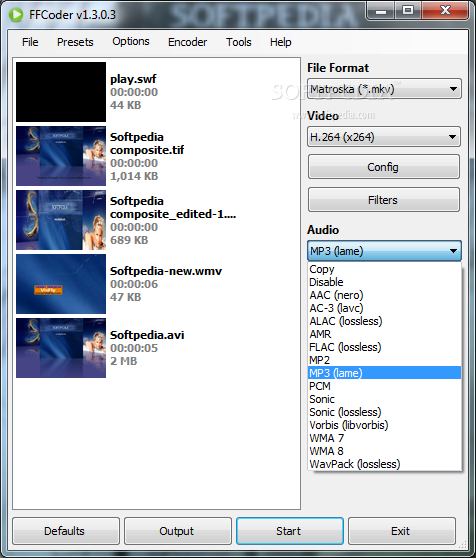
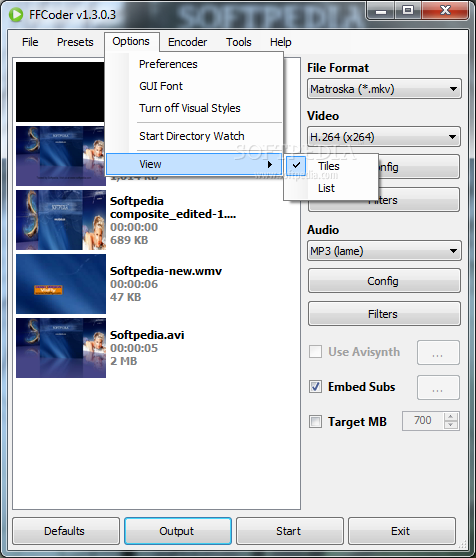
The window displays all the main parameters for the conversion and creates a thumbnail in the preview area, so you can rest assured that the correct file was picked. Information like format, duration and size is displayed after a file is loaded into the app. There is no drag-and-drop support, so files and folders are added from the top menu area instead.
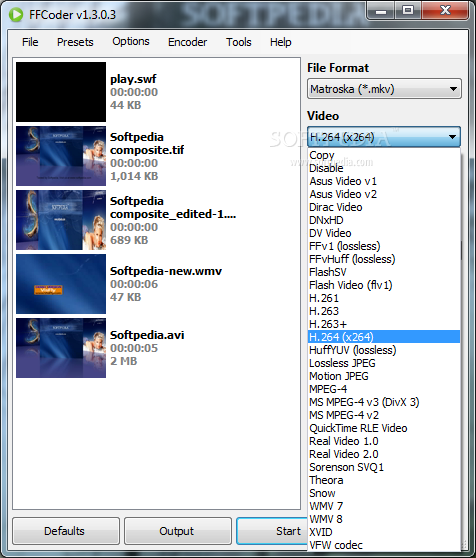
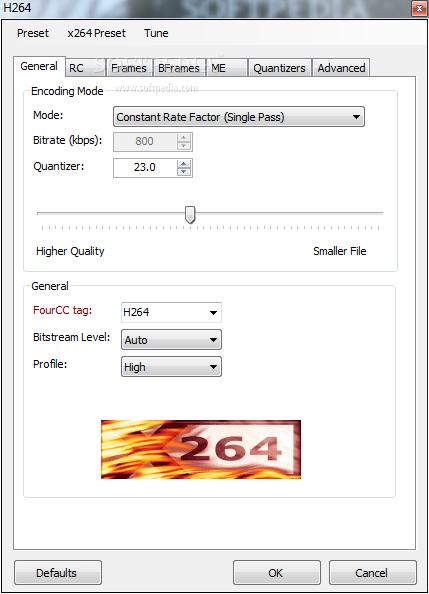
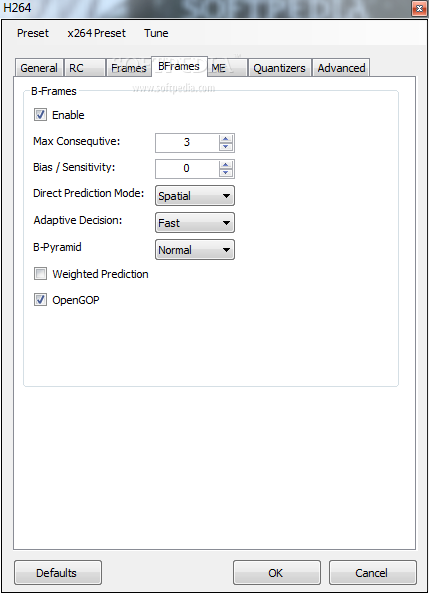
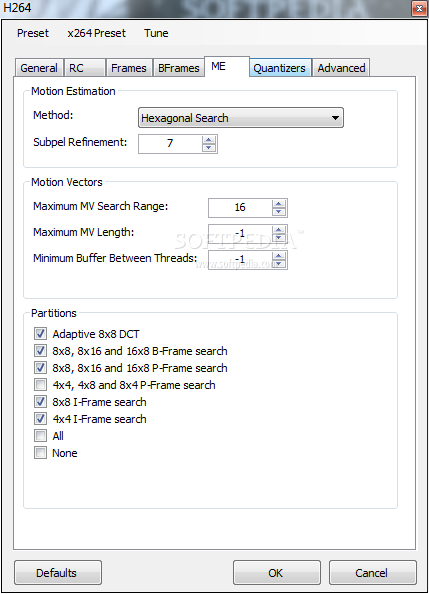
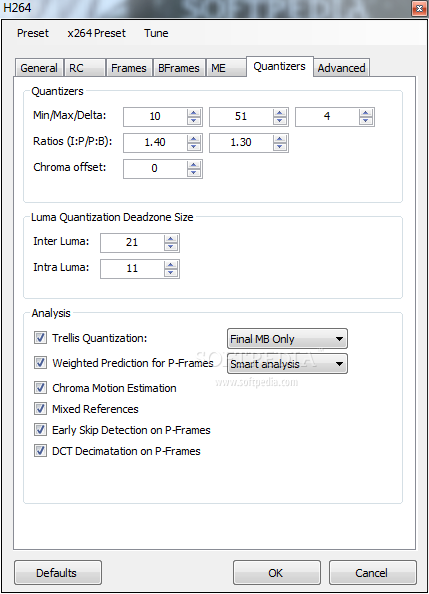
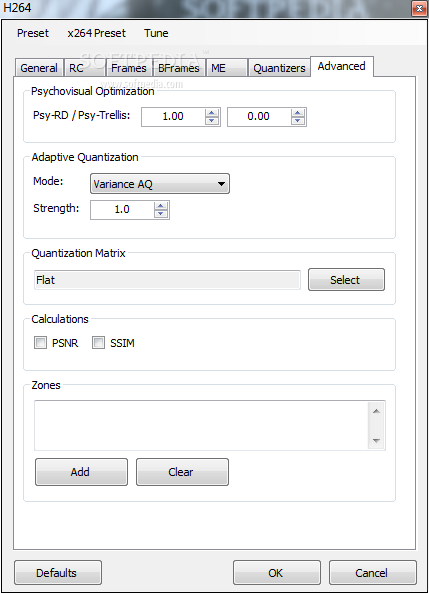
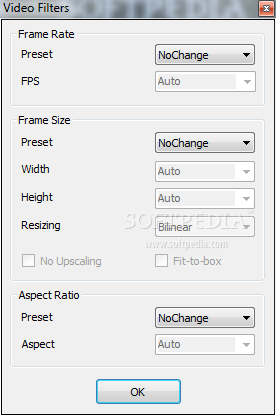
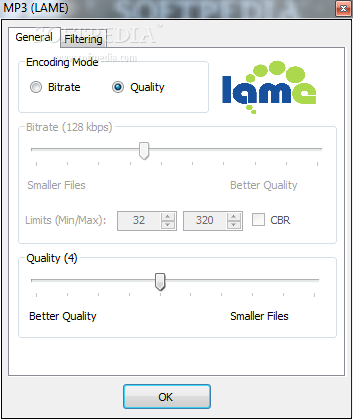
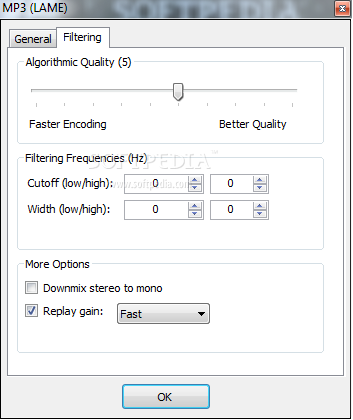
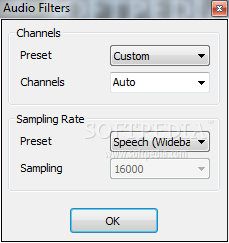
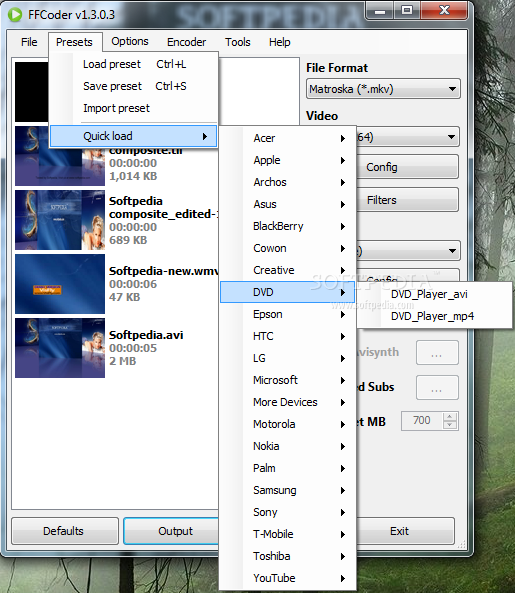
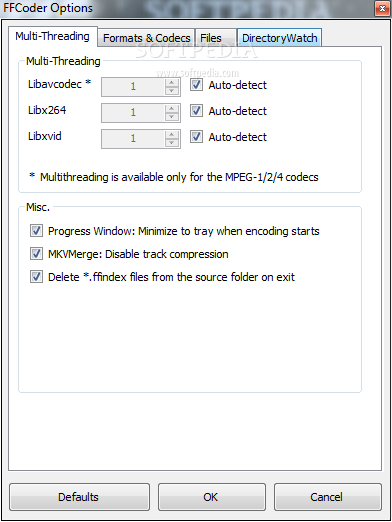
To change the format just select the desired extension, along with video and audio encoder settings. When the conversion process begins, the software application minimizes to tray. A target size can also be set to make sure the converted file fits the requirements. Many presets are available for your projects, including different resolutions for MP4 and FLV YouTube files, along with phone format files from main producers like Nokia, BlackBerry or Apple.
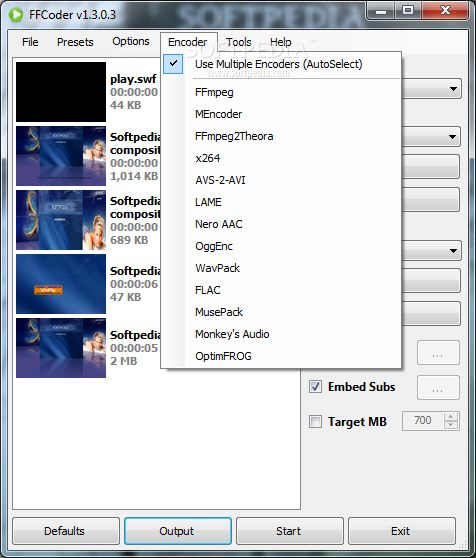
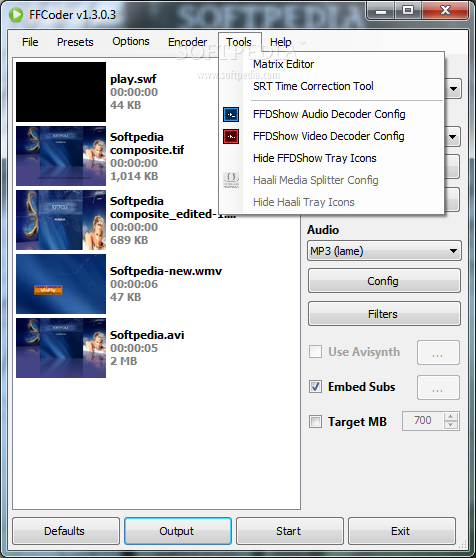
Moreover, presets can be loaded, imported or saved, if you have a favorite setting and want to use it later. The app works with multiple encoders by default, and you can pick one from the drop-down list. It includes widely used encoders like FFmpeg, x264, LAME, OggEnc, or WavPack. FFCoder features a matrix editor as well as a SRT time correction tool. The latter one lets you fix delayed subtitle files. You can use FFDShow Audio and video decoder and Haali Media Splitter. To remove a file from the conversion window, just hit "Delete" on the keyboard or use the top menu option.
FFCoder is a simple and handy app with many options for converting different file types, making it a top option for users who need to create files in multiple formats. The program worked fine and did not affect system performance during our tests.
FFCoder 1.3.0.3 Beta
add to watchlist add to download basket send us an update REPORT- runs on:
-
Windows 7 32/64 bit
Windows Vista
Windows XP
Windows 2K - file size:
- 37.3 MB
- filename:
- FFCoder_v1.3.0.3_Setup_Full.exe
- main category:
- Multimedia
- developer:
- visit homepage
4k Video Downloader

calibre

7-Zip

Zoom Client

Bitdefender Antivirus Free

Windows Sandbox Launcher

IrfanView

Microsoft Teams

ShareX

Context Menu Manager

- Microsoft Teams
- ShareX
- Context Menu Manager
- 4k Video Downloader
- calibre
- 7-Zip
- Zoom Client
- Bitdefender Antivirus Free
- Windows Sandbox Launcher
- IrfanView