
Video codec identification utility that provides detailed information about media files and lets you check out the codecs installed on your system. #Codec identification #Video codec #Detect codec #Codec #Identify #Identification

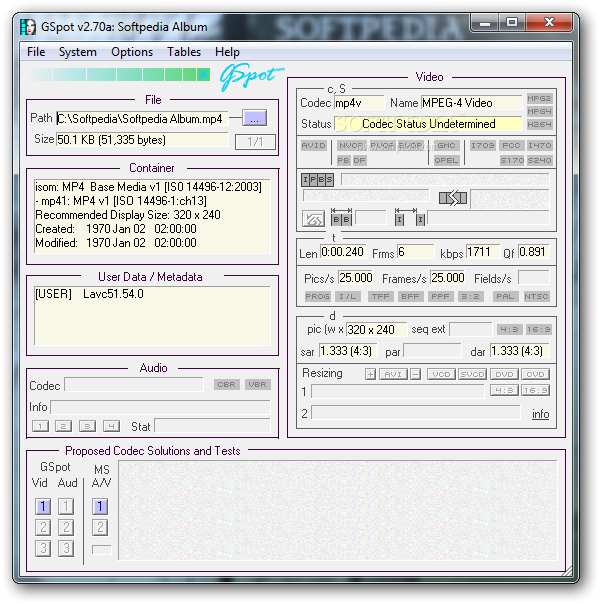
GSpot is able to identify what codecs are needed for playing a certain media file, spearing you the time-consuming labor of researching it yourself. It tells you what codecs are already installed on your machine.
Viewing a particular video file is not always possible, and that's probably due to the fact that you don't have the codecs it requires. Dismissing the chance to watch a movie because it requires a codec that you just can’t put your finger on is not the solution. GSpot can help you in that matter.
G-Spot is a nifty application that you can use to identify the shortcomings of a video format. In other words, if a movie needs a certain codec, then G-Spot will tell you what it is, and maybe even guide you to a possible solution.
The application doesn't need to be installed; you can just keep it on a Flash drive and run it without leaving a footprint on the computer’s registry.
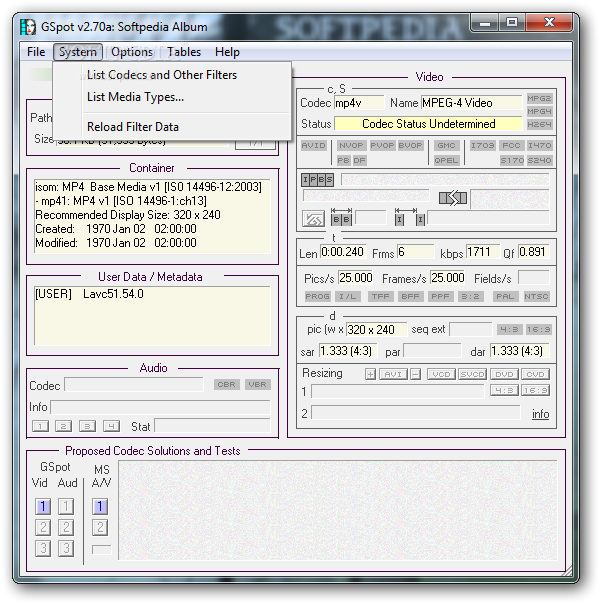
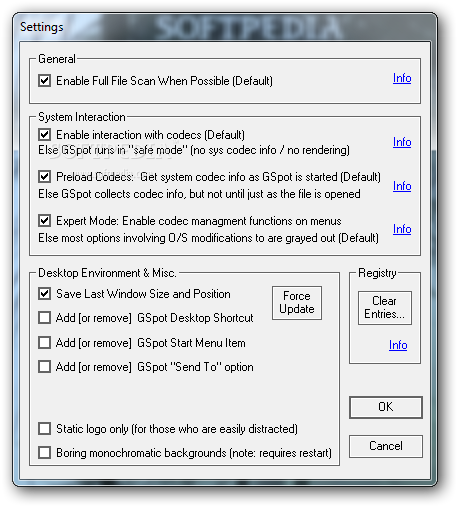
The whole program consists of a single window, that you might find plain at first, but it offers all the information you need about a video file. Simply browse for a clip and G-Spot will instantly load additional information.
It is divided into several portions - File, Container, User Data/Metadata, Audio, Video, and Proposed Codec Solutions. The part you are mostly interested in is the status for video and audio. It should read "Codec(s) are Installed", else start looking for them (begin with G-Spot's proposed solutions, if any).
In conclusion, GSpot offers you full reports on video codecs. It reduces the time you would normally spend searching for codec information to just a few seconds.
What's new in GSpot 2.70a Build 20070222 Final:
- Windows Vista Compatible (tested on 32-bit version only)
- Added MOV and WMV support (not fully complete)
- Extended MP4 support including ftyp identification
- Many bug fixes
GSpot 2.70a Build 20070222 Final
add to watchlist add to download basket send us an update REPORT- runs on:
- Windows All
- file size:
- 401 KB
- filename:
- GSpot270a.zip
- main category:
- Multimedia
- developer:
- visit homepage
Zoom Client

calibre

4k Video Downloader

ShareX

Context Menu Manager

IrfanView

Windows Sandbox Launcher

Bitdefender Antivirus Free

7-Zip

Microsoft Teams

- Bitdefender Antivirus Free
- 7-Zip
- Microsoft Teams
- Zoom Client
- calibre
- 4k Video Downloader
- ShareX
- Context Menu Manager
- IrfanView
- Windows Sandbox Launcher