
Advanced software designed for power users in order to help them convert between various audio and video formats (e.g. VOB, AVI, MP3, OGG). #Audio encoder #Video encoder #Multimedia converter #Convert #Converter #Transcoder

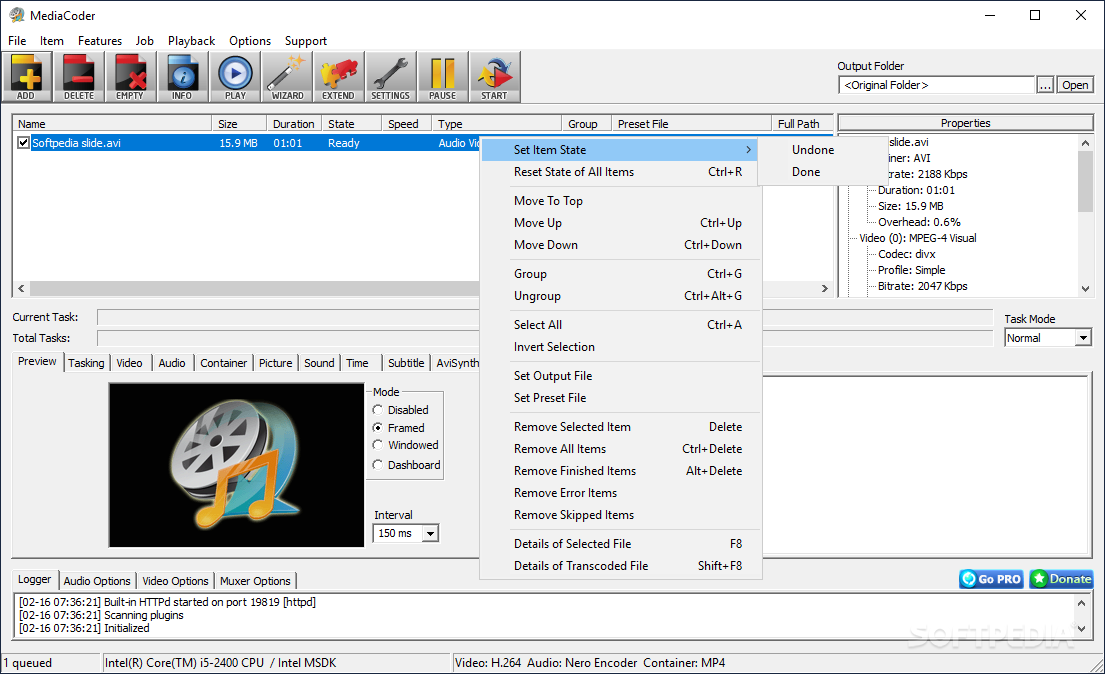
MediaCoder is a universal audio / video encoder that bundles a wide range of well-known media codecs and tools in one simple, intuitive GUI. The software is updated on a regular basis in order to provide users with the latest versions of the applications it includes.
In other words, Media Coder converts between various audio and video formats. It might come in handy for encoding files to fit the media format requirements of modern playback devices.
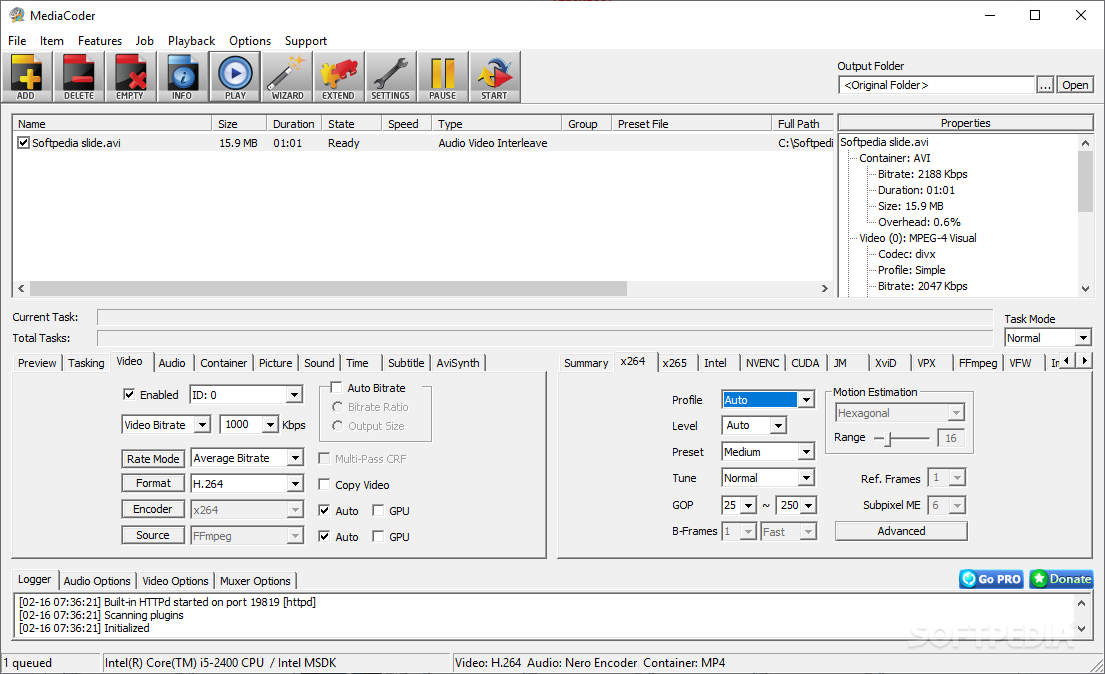
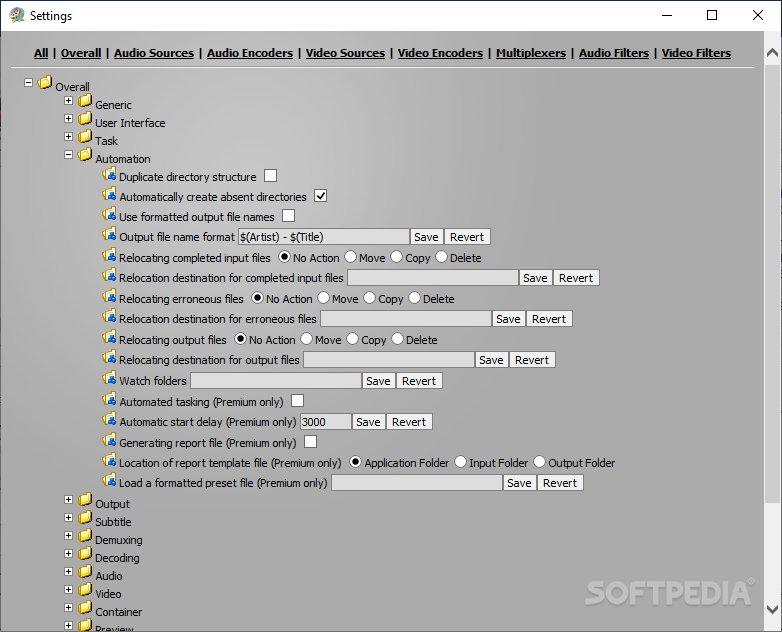
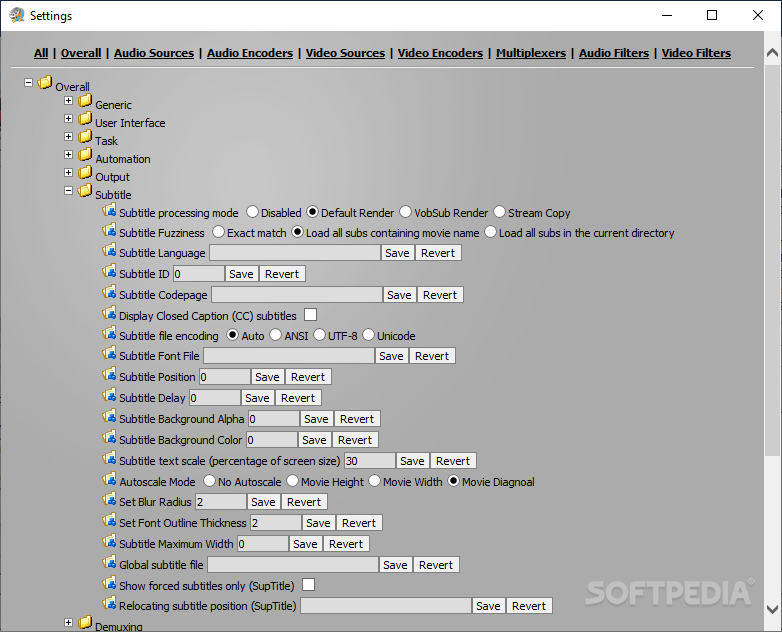
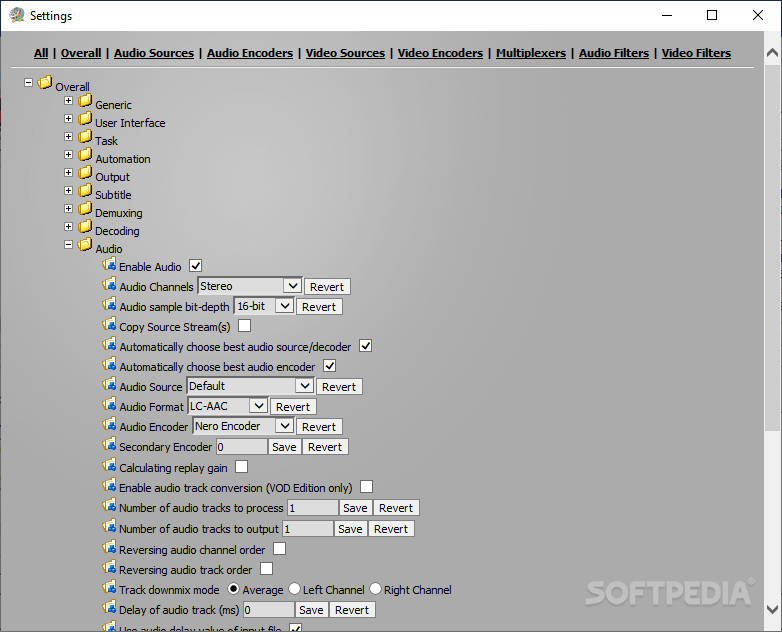
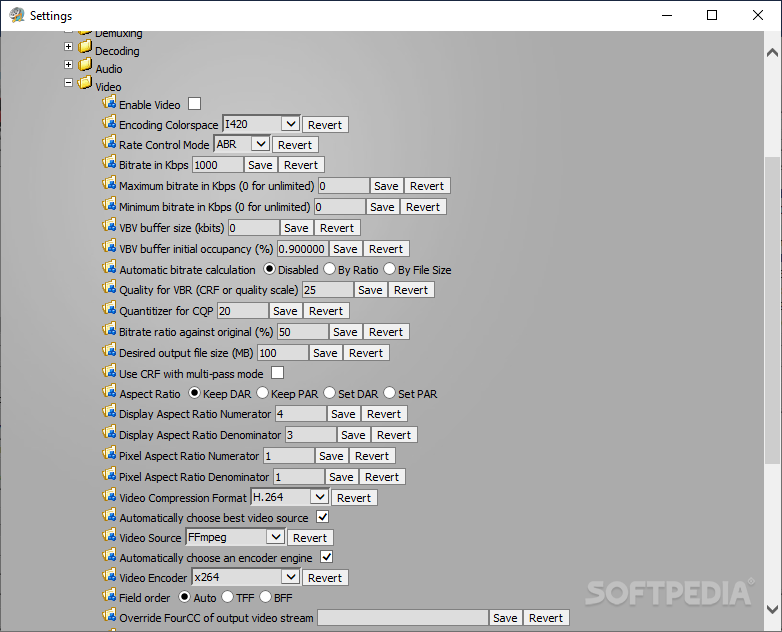
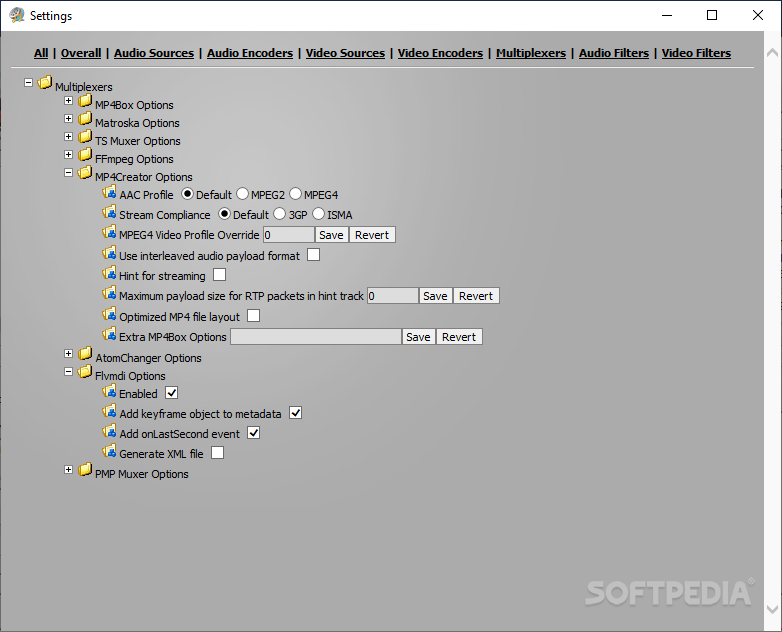
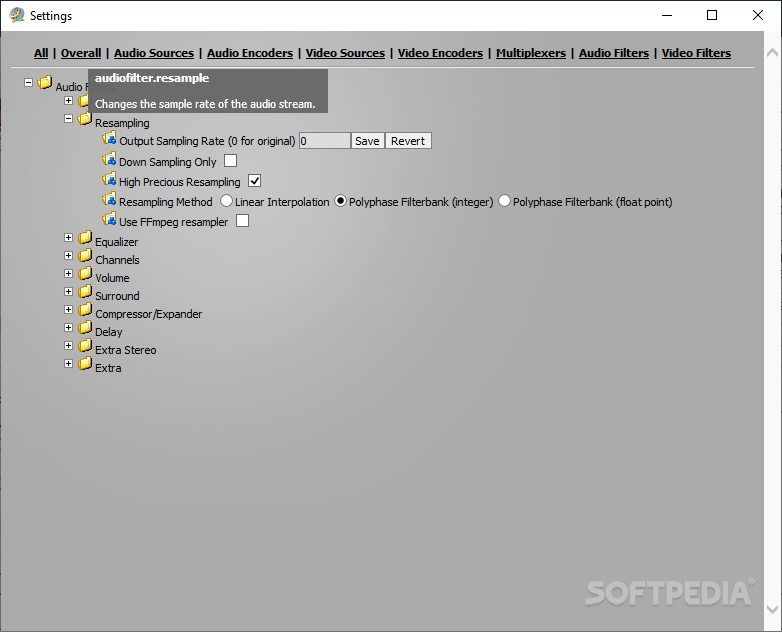
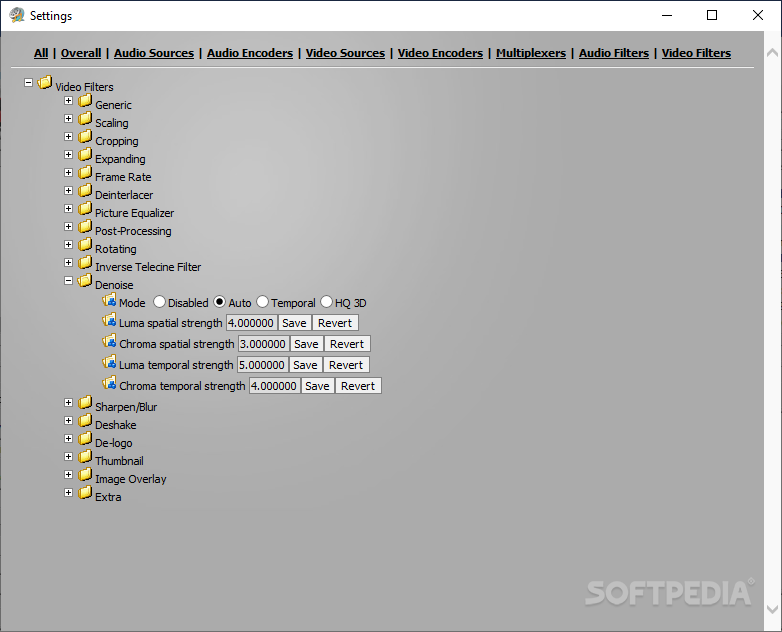
The interface may be a little overwhelming at first because there are so many features included here. Advanced users will surely get a kick out of MediaCoder, while rookies may activate the "Simple" mode for hiding several tweaking parameters from the main panel or use the configuration wizard and follow the built-in steps.
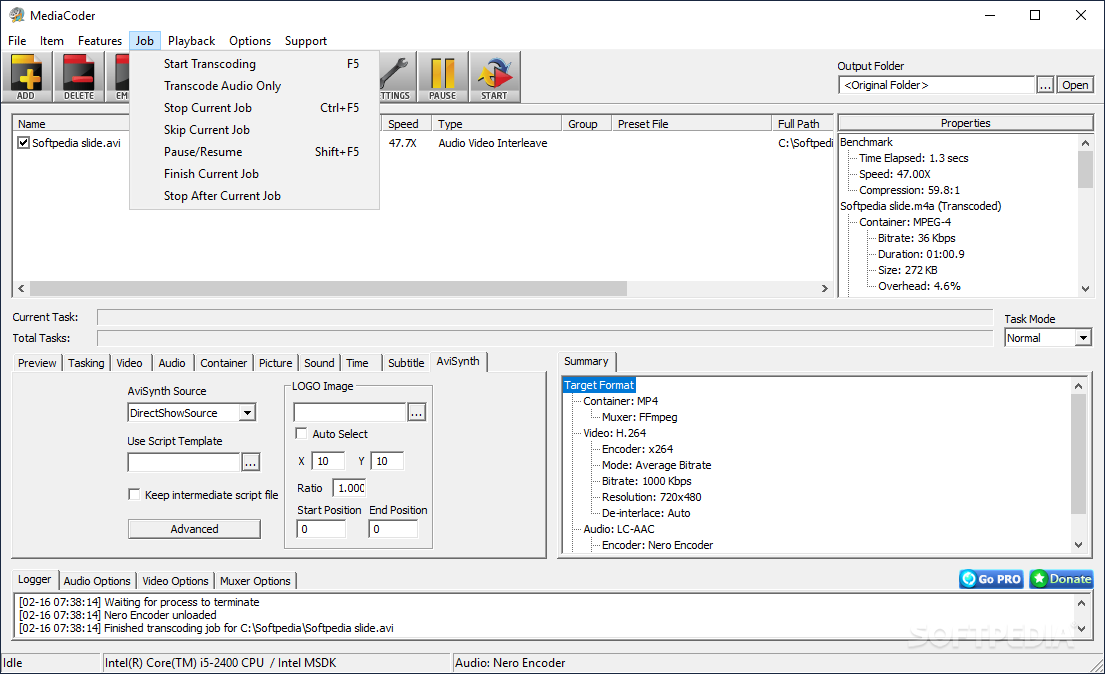
You first need to select the source file you wish to convert, whether it's a video or audio track, the format of the output file, additional settings if you want to, and Start Transcoding (or hit F5 on your keyboard).
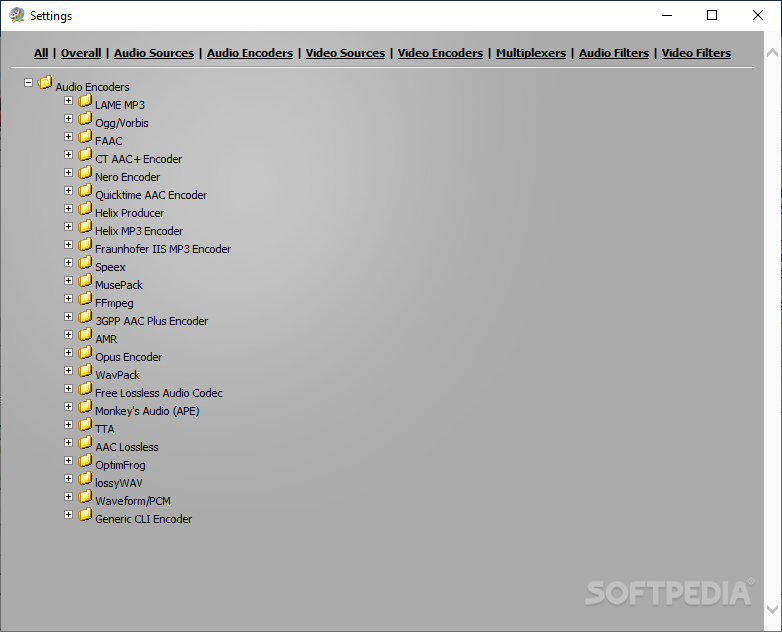
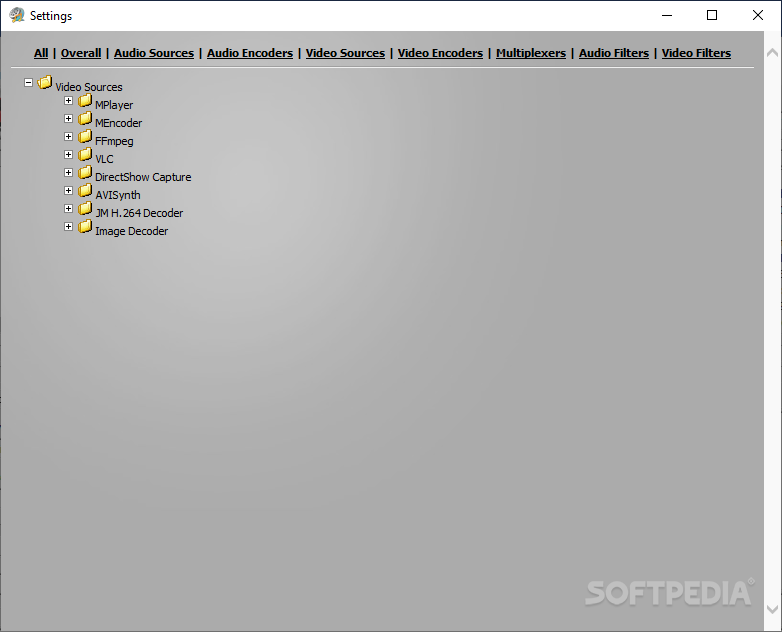
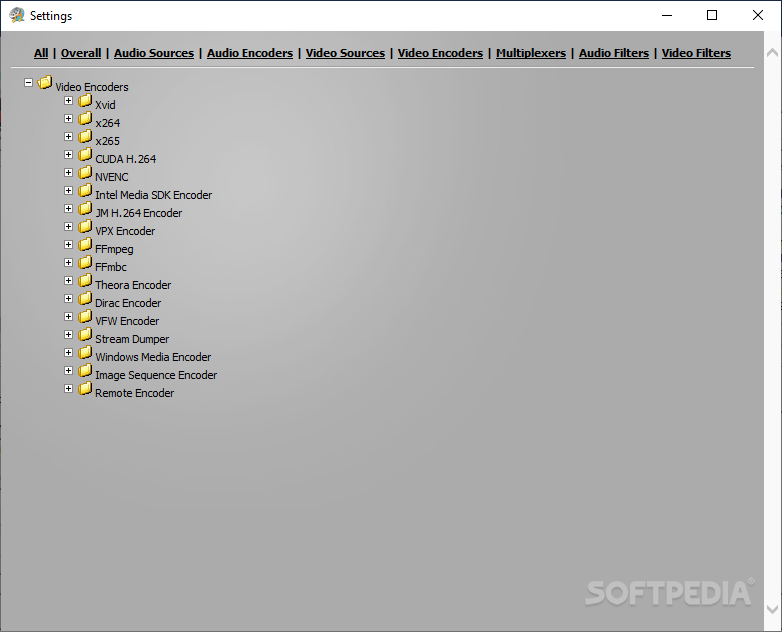
MediaCoder’s list of supported formats includes MPG, VOB, AVI, RMVB, MOV, MP4, MP3, OGG, AAC, WAV for input and AVI, MKV, MP4, Xvid, DivX, H.264, MPEG for output, to name the most important ones.
There are a lot of additional features for each file type, too. For example, if you want to convert a file to XviD format, you can enable high quality mode, greyscale, cartoon, quarter-pixel, or global motion compensation, while a FLAC output file's compression level can be configured. The time for each file to complete conversion is excellent, and the quality is fairly maintained overall.
To conclude, the general look and feel for MediaCoder is that it was created for advanced users. The wide range of parameter options is outstanding, but it cannot be comprehended by computer beginners.
Download Hubs
MediaCoder is part of these download collections: Convert 3GP, Make MKV, Make 3GP, Convert FLV
What's new in MediaCoder 0.8.65 Build 6050:
- Built with Visual Studio 2022
- Updated x265 3.5 (AVX2)
- Updated x264 159.2991 (AVX2)
- Updated FFmpeg 5.1.2
MediaCoder 0.8.65 Build 6050
 Softpedia Editor's Pick
add to watchlist
add to download basket
send us an update
REPORT
Softpedia Editor's Pick
add to watchlist
add to download basket
send us an update
REPORT
- portable version
- Portable MediaCoder
- runs on:
-
Windows 11
Windows 10 32/64 bit
Windows Server 2012
Windows 2008
Windows 8 32/64 bit
Windows 7 32/64 bit - file size:
- 101.1 MB
- filename:
- MediaCoder-x64-0.8.65.exe
- main category:
- Multimedia
- developer:
- visit homepage
Microsoft Teams

Bitdefender Antivirus Free

Windows Sandbox Launcher

Zoom Client

IrfanView

7-Zip

ShareX

calibre

4k Video Downloader

Context Menu Manager

- calibre
- 4k Video Downloader
- Context Menu Manager
- Microsoft Teams
- Bitdefender Antivirus Free
- Windows Sandbox Launcher
- Zoom Client
- IrfanView
- 7-Zip
- ShareX