
Convert video files to various formats with ease. #Video converter #Video encoder #Convert video #Converter #Encoder #Convert

The need to convert video files to another format can come at any time due to incompatibilities between your regular player and the video file. Video Performer is a tool that was designed to help you change the format of the videos at any time.
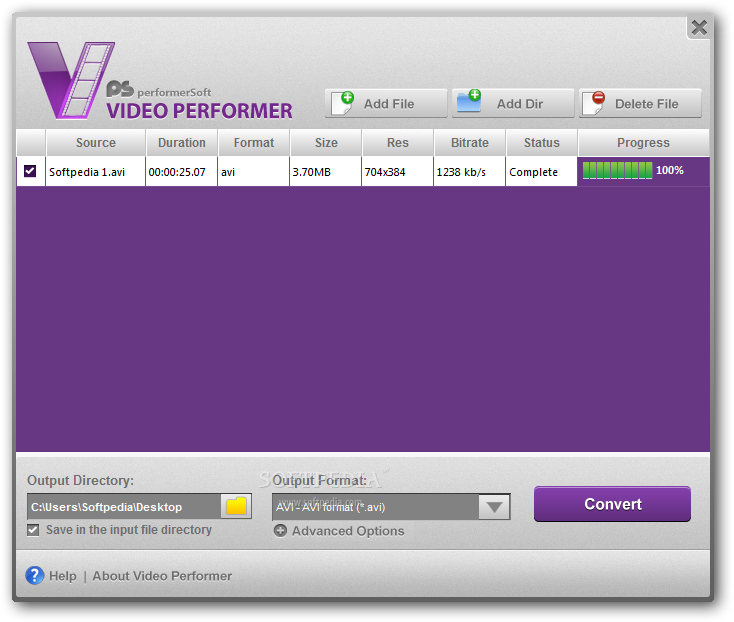
The program comes with a simple interface that is quite easy to figure out.
Since the app doesn’t support the “drag and drop” feature, you must browse the computer in search for the files you want to add. These may be loaded individually or as entire folders.
Various details regarding the files in the list may be seen in the app’s interface. Thus, you can view the video’s duration, format, size, resolution, bitrate and status. A progress bar is also present.
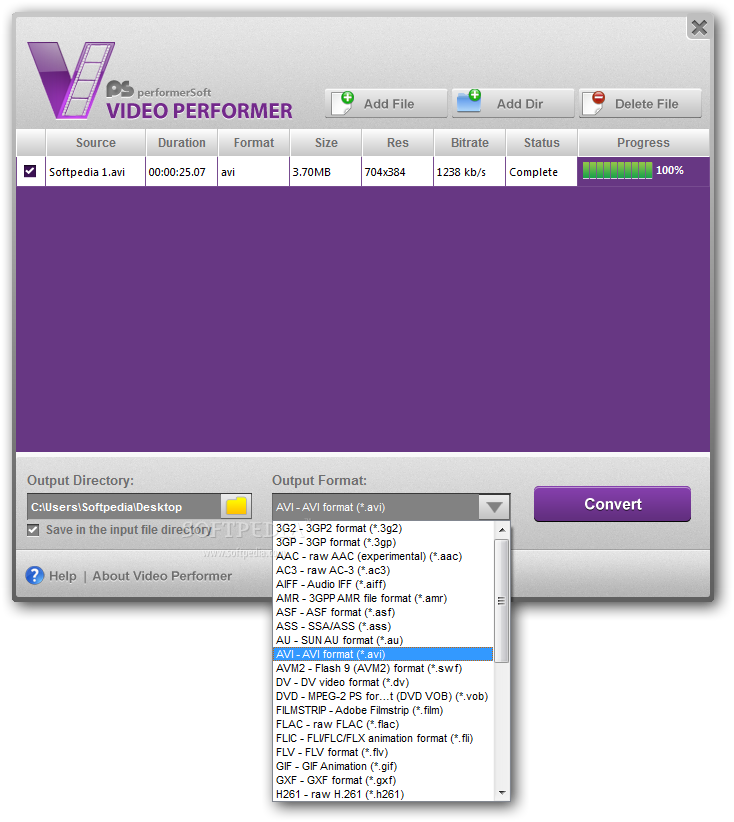
The utility lets you choose an output directory or save the file in the input folder. An output format may also be selected from the long list of supported types, such as AVI, DivX, MP4, WMV, MOV, QT, DVD, VOB, MPEG, MOD, MPG, VCD, SVCD, RM, RMVB, H.264, DVR-MS, MKV and FLV.
Some advanced options are available. For instance, you can modify the video’s size, number of frames per second and bitrate, as well as the sound frequency and audio bitrate.
The entire process doesn’t take long, but it depends on the size of the file and the number of videos in queue.
The bottom line is that Video Performer is a nice tool that works well. Inexperienced users should find it easy to work with, particularly thanks to the intuitive layout and overall simplicity of the task.
Video Performer 1.4.0.0
add to watchlist add to download basket send us an update REPORT- runs on:
-
Windows 7 32/64 bit
Windows Vista 32/64 bit
Windows XP 32/64 bit
Windows 2K - file size:
- 9.9 MB
- filename:
- VideoPerformerSetup.exe

- main category:
- Multimedia
- developer:
- visit homepage
7-Zip

Context Menu Manager

IrfanView

4k Video Downloader

Zoom Client

Microsoft Teams

calibre

Windows Sandbox Launcher

ShareX

Bitdefender Antivirus Free

- Windows Sandbox Launcher
- ShareX
- Bitdefender Antivirus Free
- 7-Zip
- Context Menu Manager
- IrfanView
- 4k Video Downloader
- Zoom Client
- Microsoft Teams
- calibre