
A practical tool that you can use to encode a wide range of multimedia files located on your computer to different formats, including those used by PSP and iPhone devices. #Video converter #Audio converter #Multimedia converter #Enccoder #Decoder #Conversion

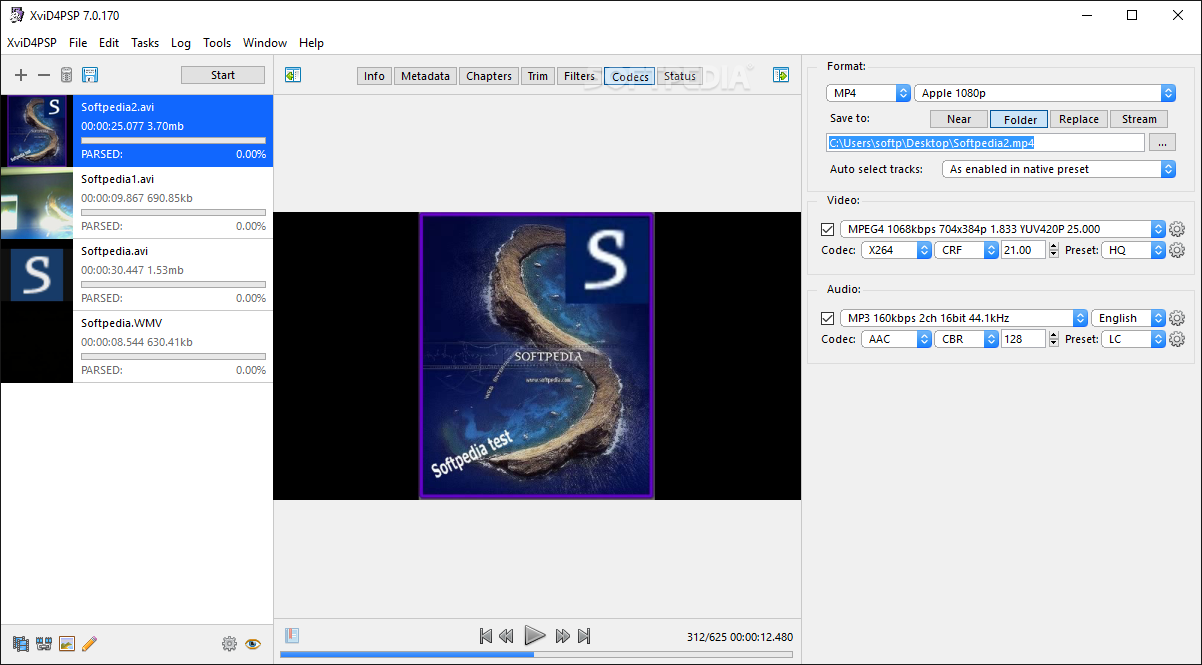
Although video conversions are not on the daily agenda for most users, when that time does come it's essential to have a powerful software solution that's able to convert one format into another fast and easy without any compromise in terms of quality.
That's exactly what XviD4PSP was developed to achieve, but the most important thing is that it supports the most popular formats out there, including those used by PSP and iPhone devices.
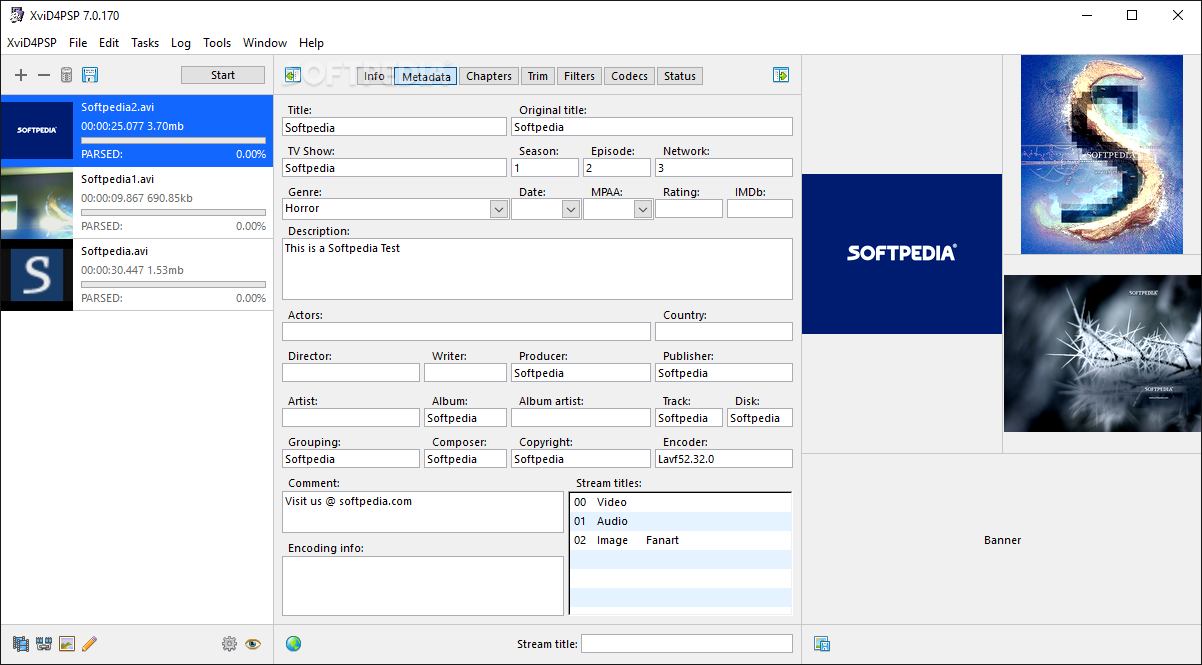
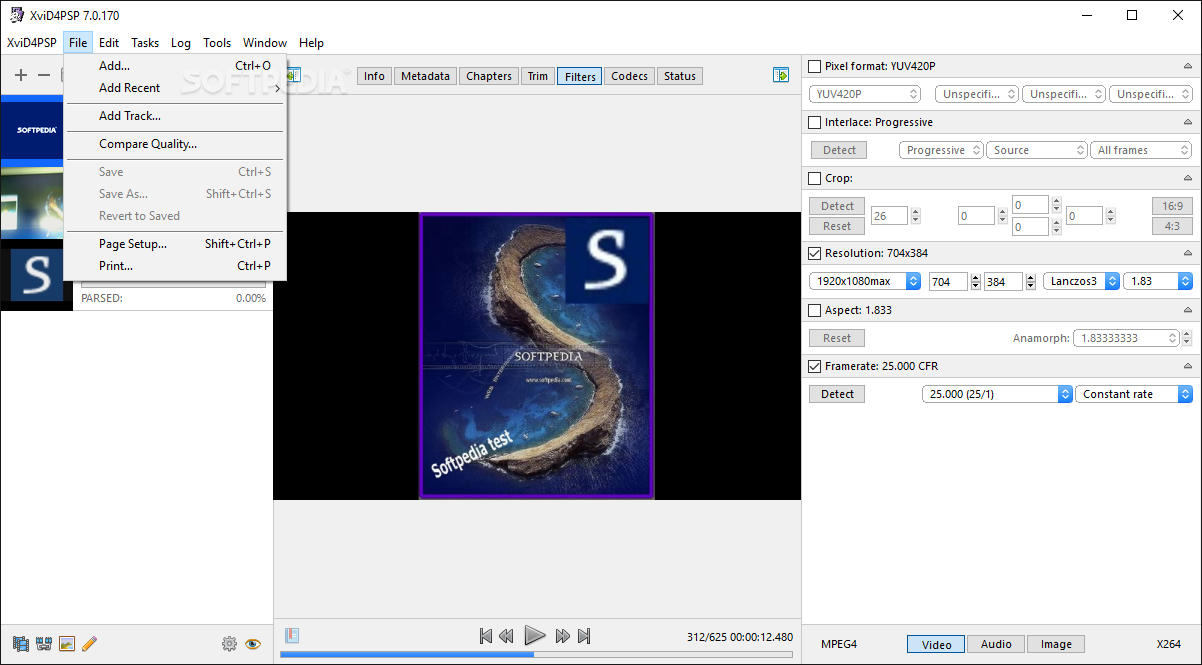
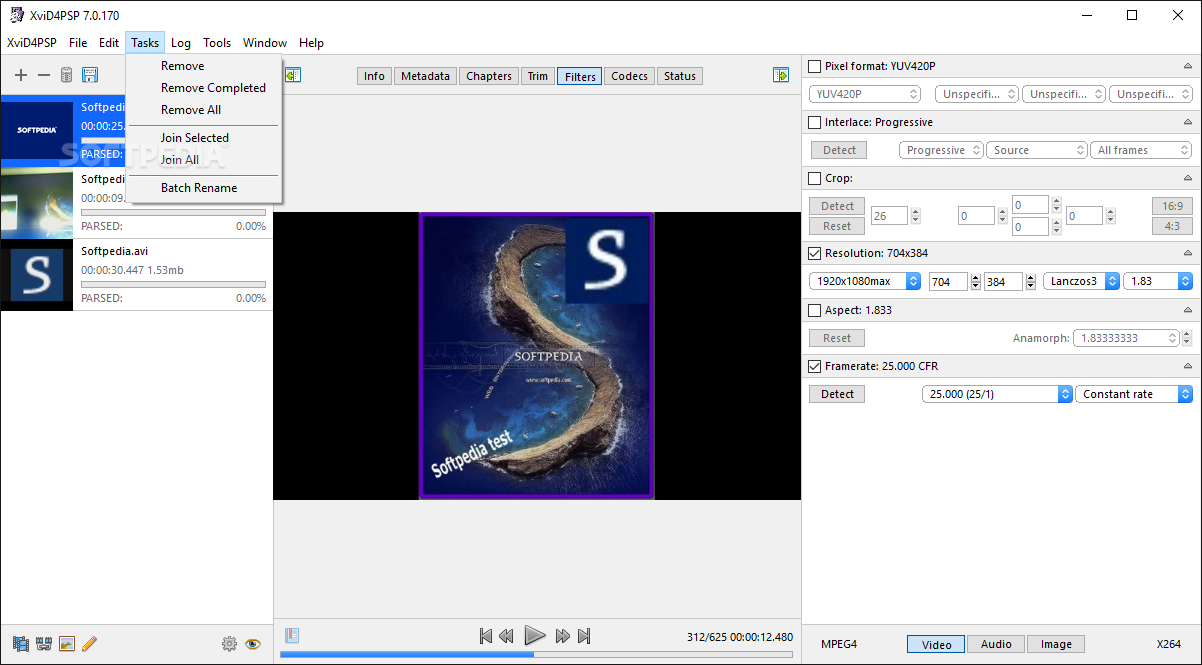
Even though it's supposed to do such a simple task as video converting, XviD4PSP is the kind of application that's aimed at both beginners and power users. To support this goal, the interface was designed to be pretty user friendly, so you won't have problems getting used to it.
An interesting thing about XviD4PSP is that those with less experience can benefit from its great features by choosing only the formats they wish to work with and leave all the other settings unchanged and still get a great result.
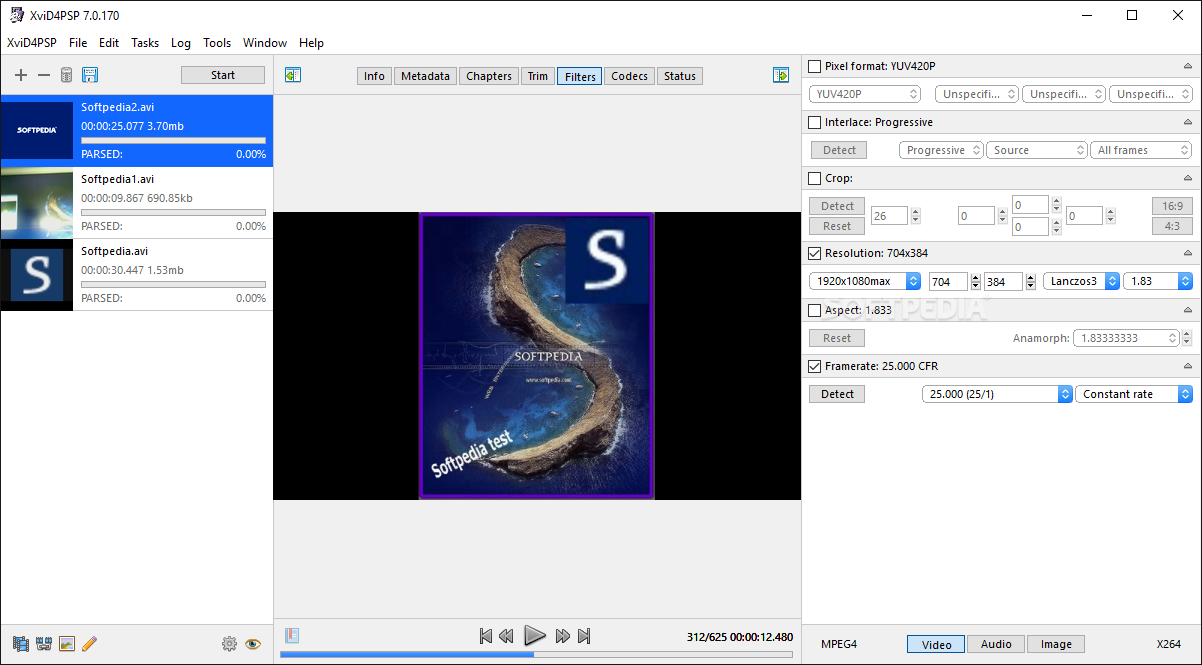
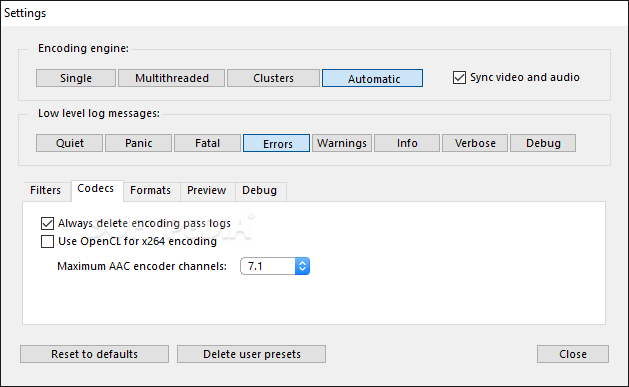
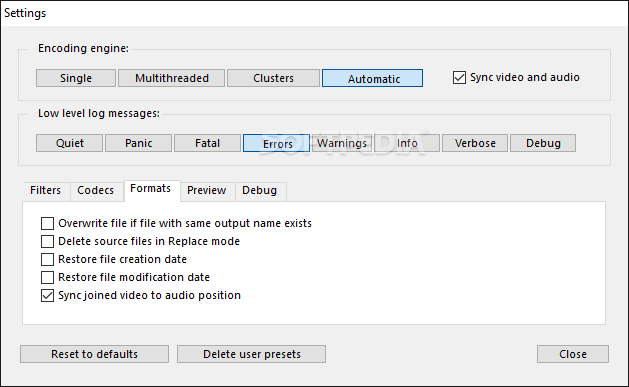
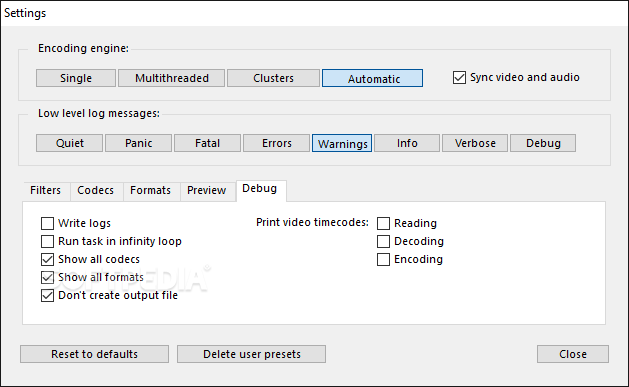
More skilled users, on the other hand, can play with options a little bit, changing not only the video and the audio encoder settings, but also brightness and contrast, apply a sharpening effect or include subtitles in the final video.
During our test, the conversion process took a while, but as this is generally the case with similar software, it all depends on the quality you want to have in the new video and the size of the source file as well.
To conclude, it's safe to say that XviD4PSP is the right tool if you wish to create videos for iPhones or PSPs without spending too much time with complex software solutions that require intricate configurations.
Download Hubs
XviD4PSP is part of these download collections: Convert MPEG, Make FLV, Convert MOV, Create FLV
What's new in XviD4PSP 8.1.78 Daily:
- Fixed errors when creating and reading slider images.
- Fixed crashes when rewinding files with PGS subtitles.
- Volume rendering errors in merged files have been fixed.
- Fixed adding external tracks.
XviD4PSP 8.1.78 Daily / 8.0.130 Daily / 7.0.502
 Softpedia Editor's Pick
add to watchlist
add to download basket
send us an update
REPORT
Softpedia Editor's Pick
add to watchlist
add to download basket
send us an update
REPORT
- runs on:
-
Windows 11
Windows 10 32/64 bit - file size:
- 50 MB
- filename:
- XviD4PSP-Win64.zip


- main category:
- Multimedia
- developer:
- visit homepage
Bitdefender Antivirus Free

ShareX

Windows Sandbox Launcher

Microsoft Teams

7-Zip

IrfanView

Context Menu Manager

calibre

4k Video Downloader

Zoom Client

- calibre
- 4k Video Downloader
- Zoom Client
- Bitdefender Antivirus Free
- ShareX
- Windows Sandbox Launcher
- Microsoft Teams
- 7-Zip
- IrfanView
- Context Menu Manager