
Convert video files to a range of popular formats, download clips from the web and watch them easily, with this intuitive application. #Video converter #Video downloader #Record video #Convert #Encode #Downloader

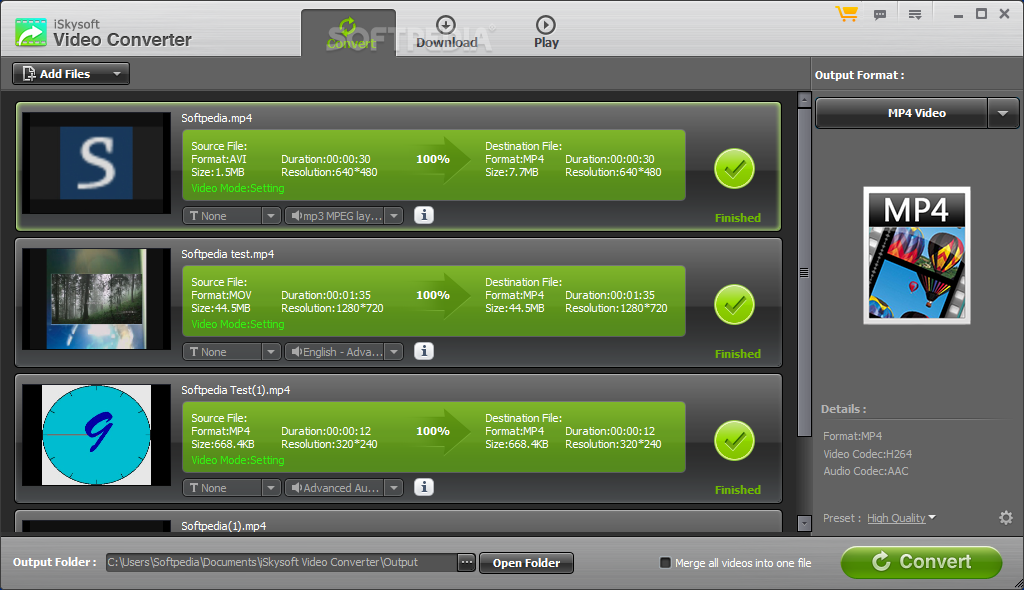
iSkysoft Video Converter is a software that allows you to encode video files between various formats, including ASF, AVI, MOV, MKV, WMV and MP4.
The interface of the application is clean and intuitive. Videos can be imported into the list via the file browser or by using the drag and drop method. Batch conversion is permitted, and multiple videos stored in a single folder can be imported at once.
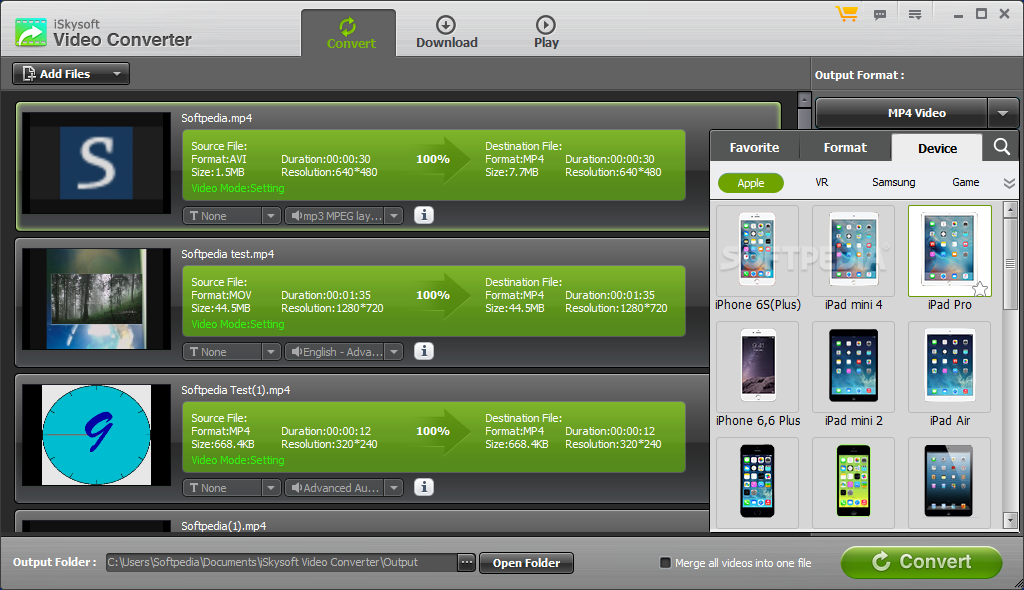
In the queue you can check out the language and subtitle stream, output target, length, resolution, size and status of each file. Once you choose the output profile and directory, you can proceed with the conversion process.
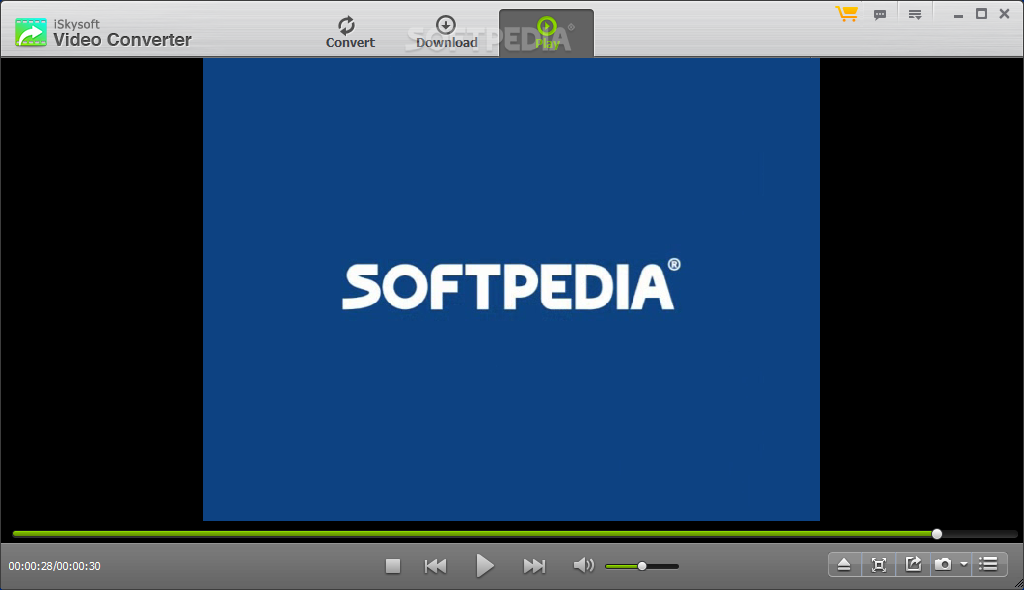
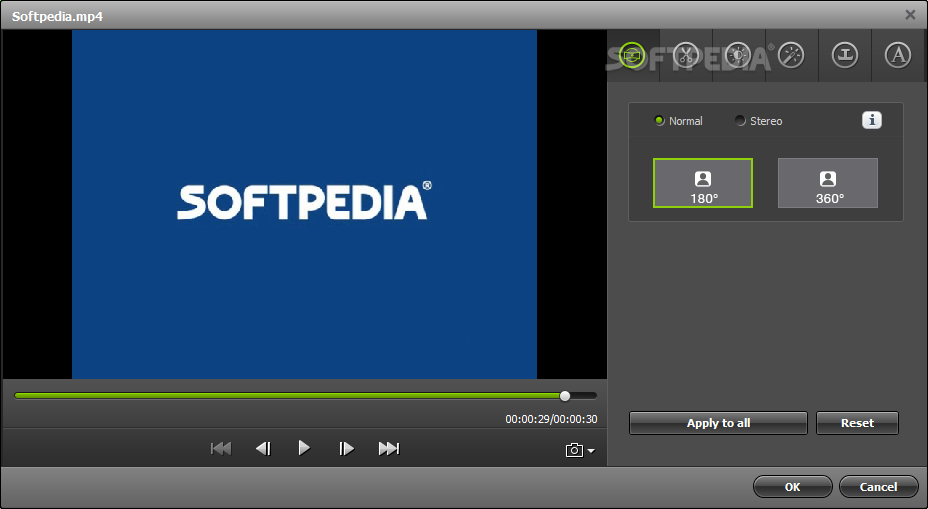
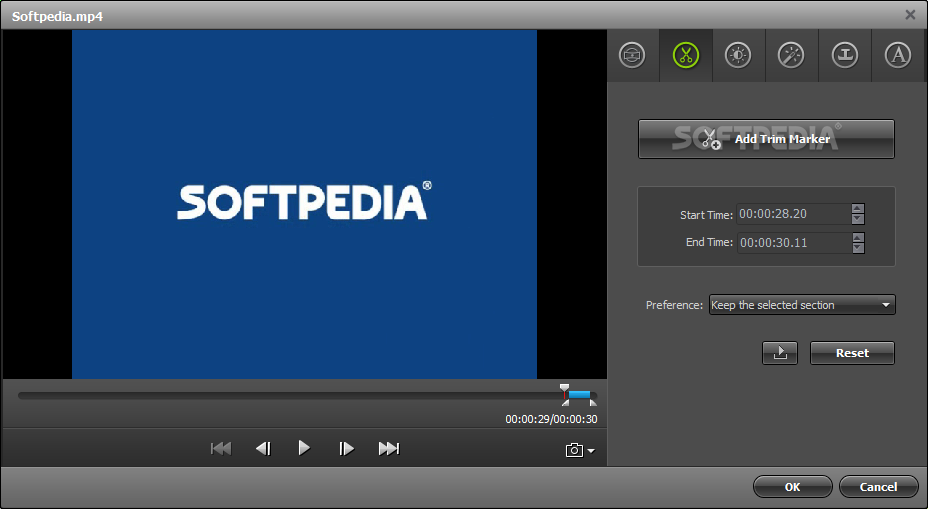
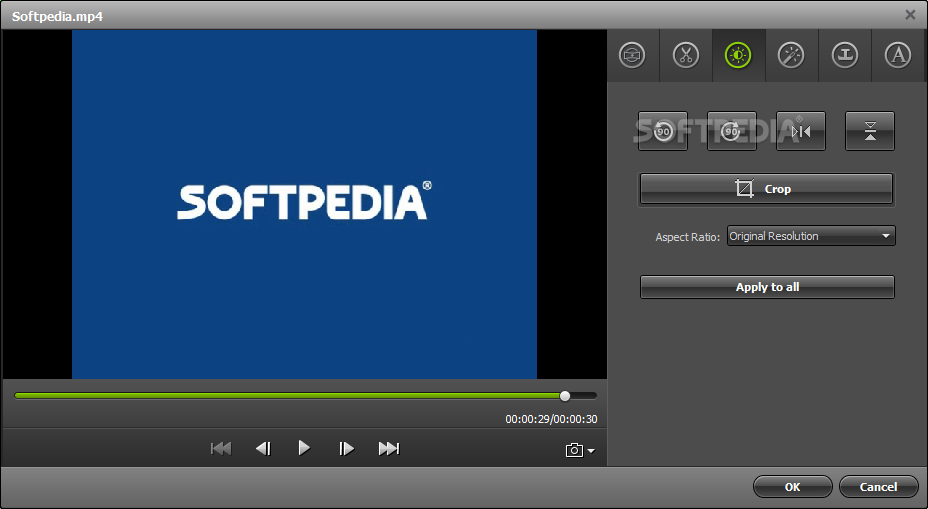
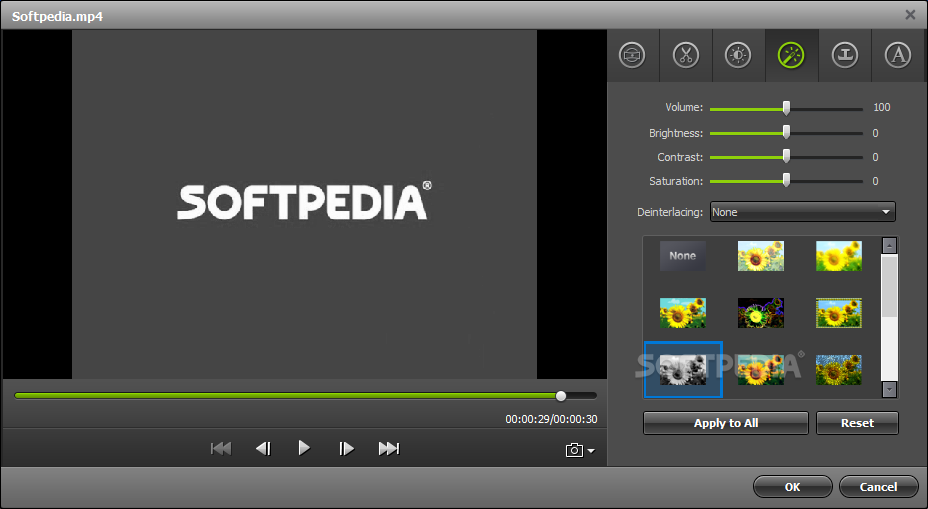
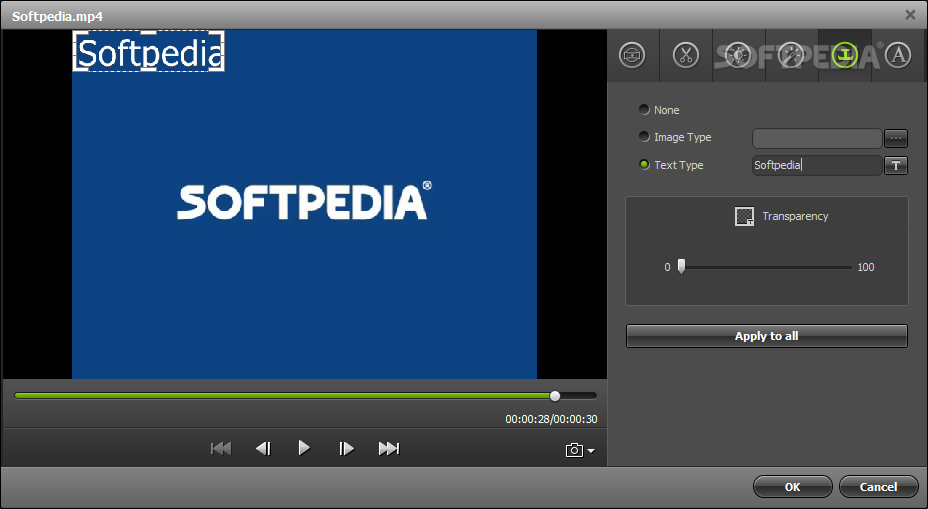
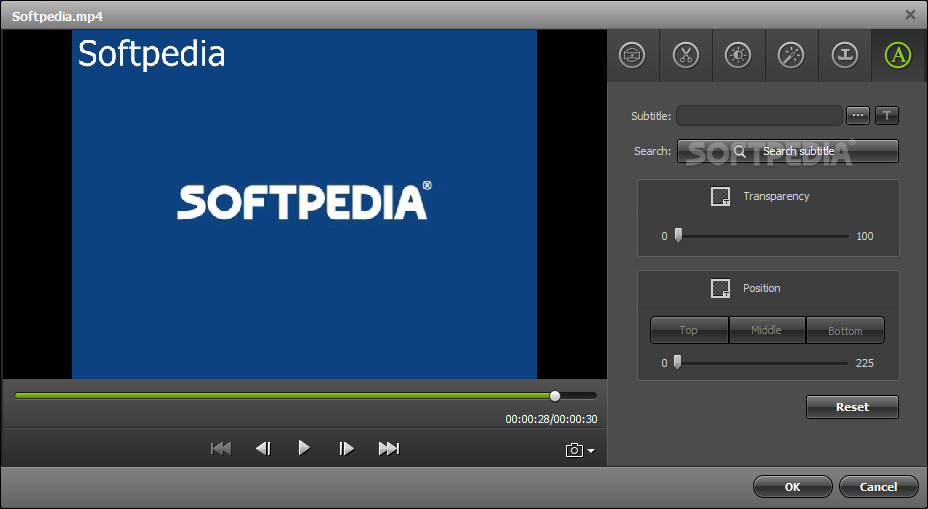
You can preview the clips and take snapshots, trim, split, rename and duplicate videos, as well as load subtitles, crop the clip and apply effects (e.g. brightness, contrast, saturation, amplifier).
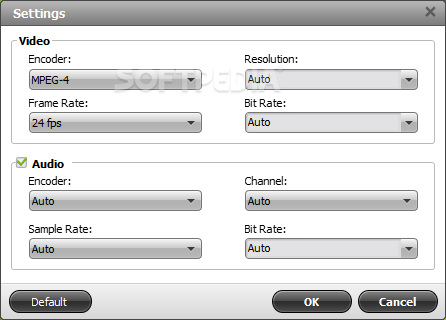
You can modify audio and video preferences when it comes to the encoder, resolution, frame rate, bit rate, sample frequency rate, channel and others. Settings can be restored to their default values at any time.
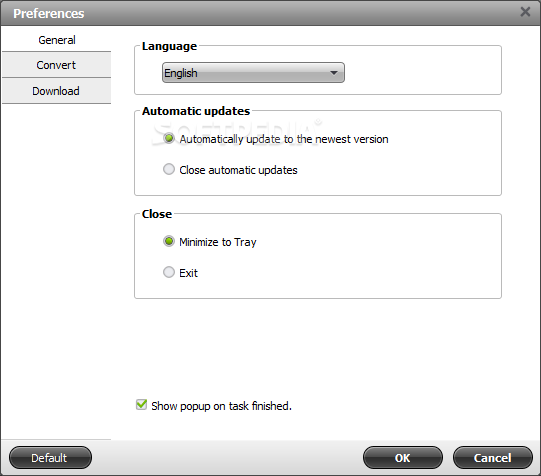
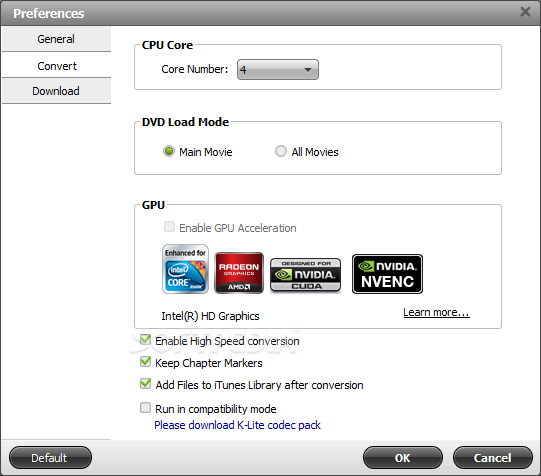
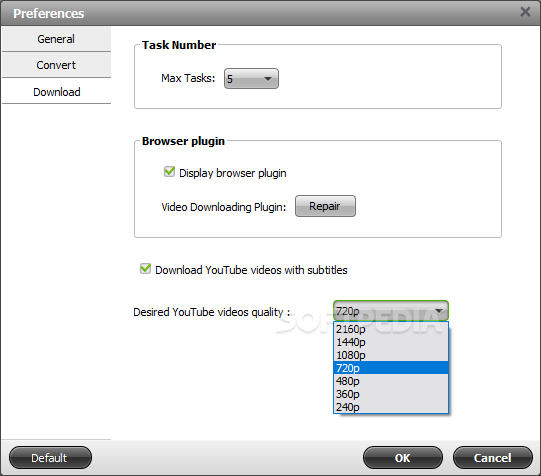
In the "Preferences" window, you can define the maximum number of tasks, switch to a different language for the interface, customize the CPU core number, check and enable GPU encoding, enable the optional browser plug-in, and more.
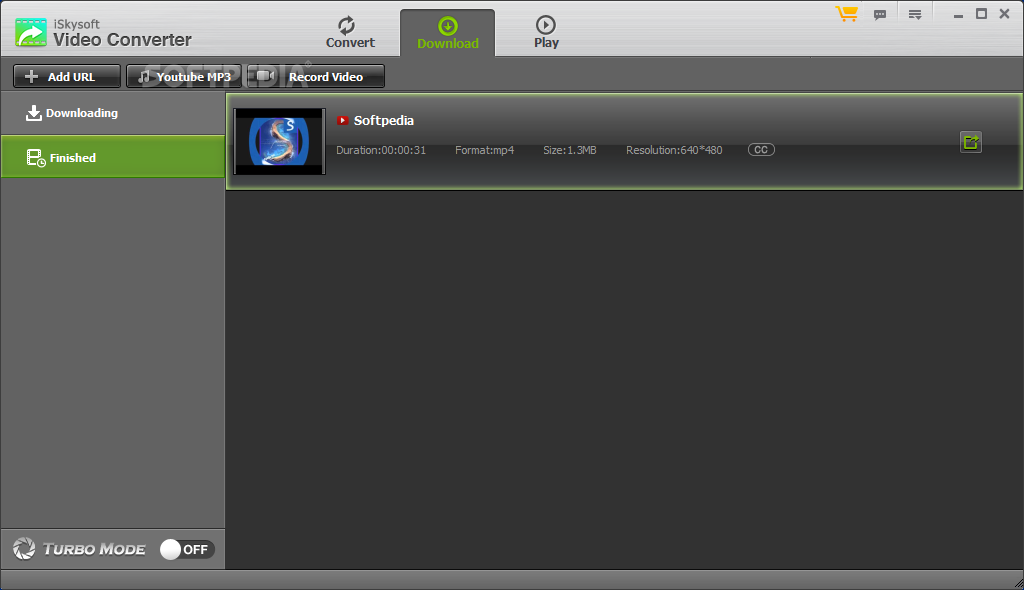
In addition to converting local clips, iSkysoft Video Converter also enables you to download content from popular hosting websites and record videos. Moreover, it comes equipped with a basic media player.
The video conversion tool requires a moderate amount of system resources, and quickly finishes an encoding job while preserving a very good image and sound quality. We haven't come across any issues and highly recommend iSkysoft Video Converter to all users.
Download Hubs
iSkysoft Video Converter is part of these download collections: Edit F4V, Play M4R, Play RMVB, Open AAX
iSkysoft Video Converter 1.2.1.1
add to watchlist add to download basket send us an update REPORT- runs on:
-
Windows 10 32/64 bit
Windows 2003
Windows 8
Windows 7
Windows Vista
Windows XP - file size:
- 783 KB
- filename:
- video-converter-win_setup_full165.exe
- main category:
- Multimedia
- developer:
- visit homepage
IrfanView

ShareX

Context Menu Manager

Windows Sandbox Launcher

Zoom Client

4k Video Downloader

Microsoft Teams

Bitdefender Antivirus Free

calibre

7-Zip

- Bitdefender Antivirus Free
- calibre
- 7-Zip
- IrfanView
- ShareX
- Context Menu Manager
- Windows Sandbox Launcher
- Zoom Client
- 4k Video Downloader
- Microsoft Teams