
Create subtitles, customize their fonts, size, and color, convert subtitle formats, and synchronize text to frame-by-frame video content using a free application. #Subtitle Maker #Create Subtitle #Subtitle Editor #Subtitle #Editor #Movie
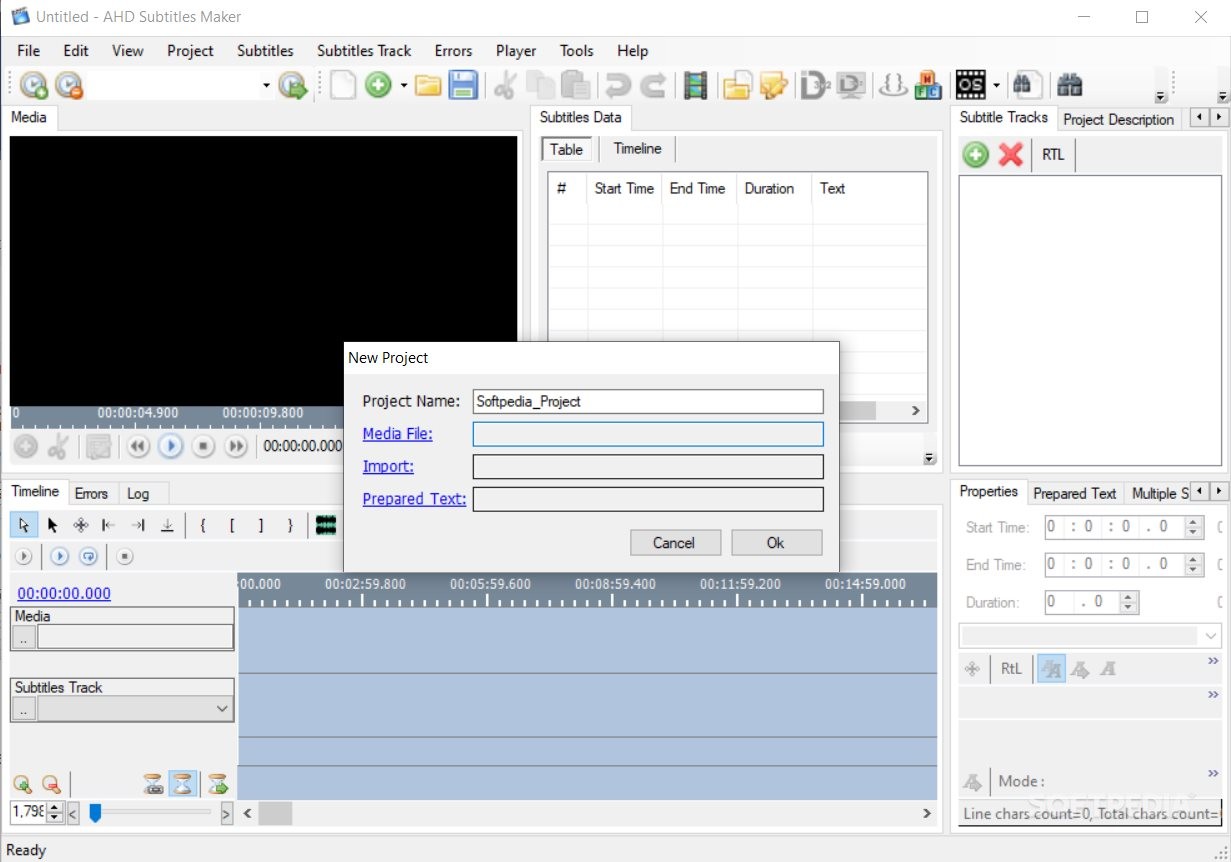
AHD Subtitles Maker is a versatile instrument, an open-source tool for creating and editing subtitles using the time control embedded functionality and other available customizations.
AHD Subtitles Maker is a free resource. The open-source project was entirely built using C#, a low-level programming language. As a consequence, the app integrates well with most Windows OS. Also, the tool is part of a suite that includes other purpose-oriented applications, for subtitle creation, downloading, encoding, and management.
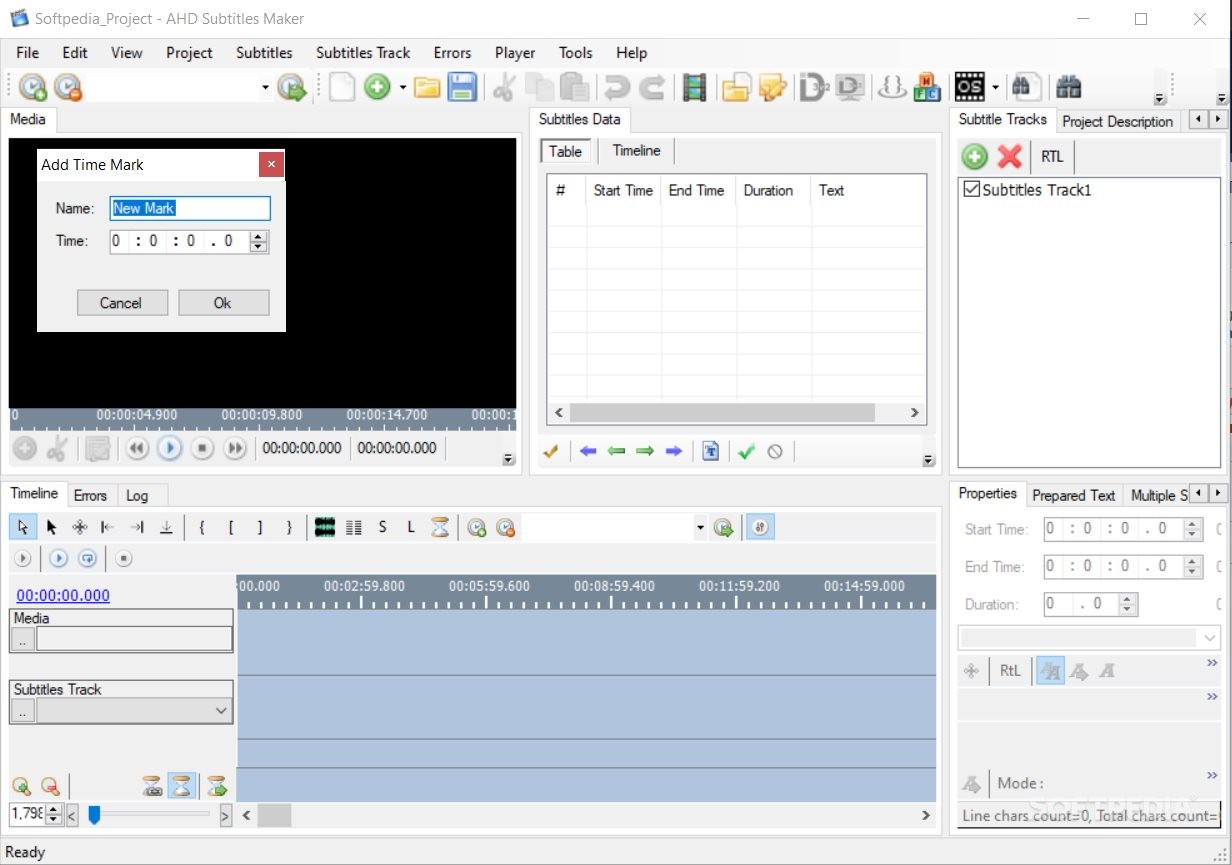
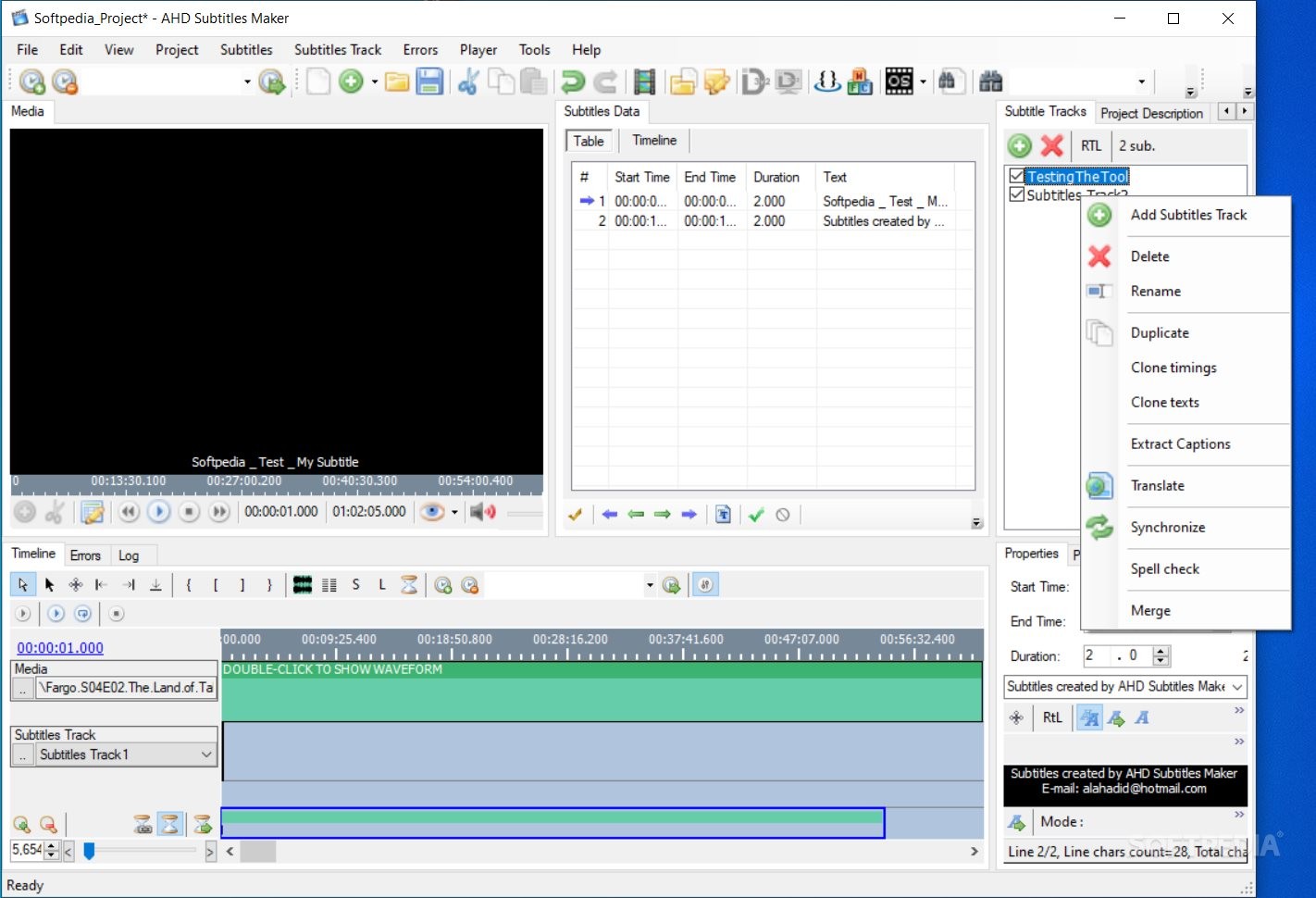
This program is super small in size for the level of complexity it provides. At the same time, the installation process is simple and uneventful. You can use AHD Subtitles Maker as a professional subtitle maker/editor or as a complete novice. The program has a systematic, organized, and super-intuitive interface, and every command seems to be in place.
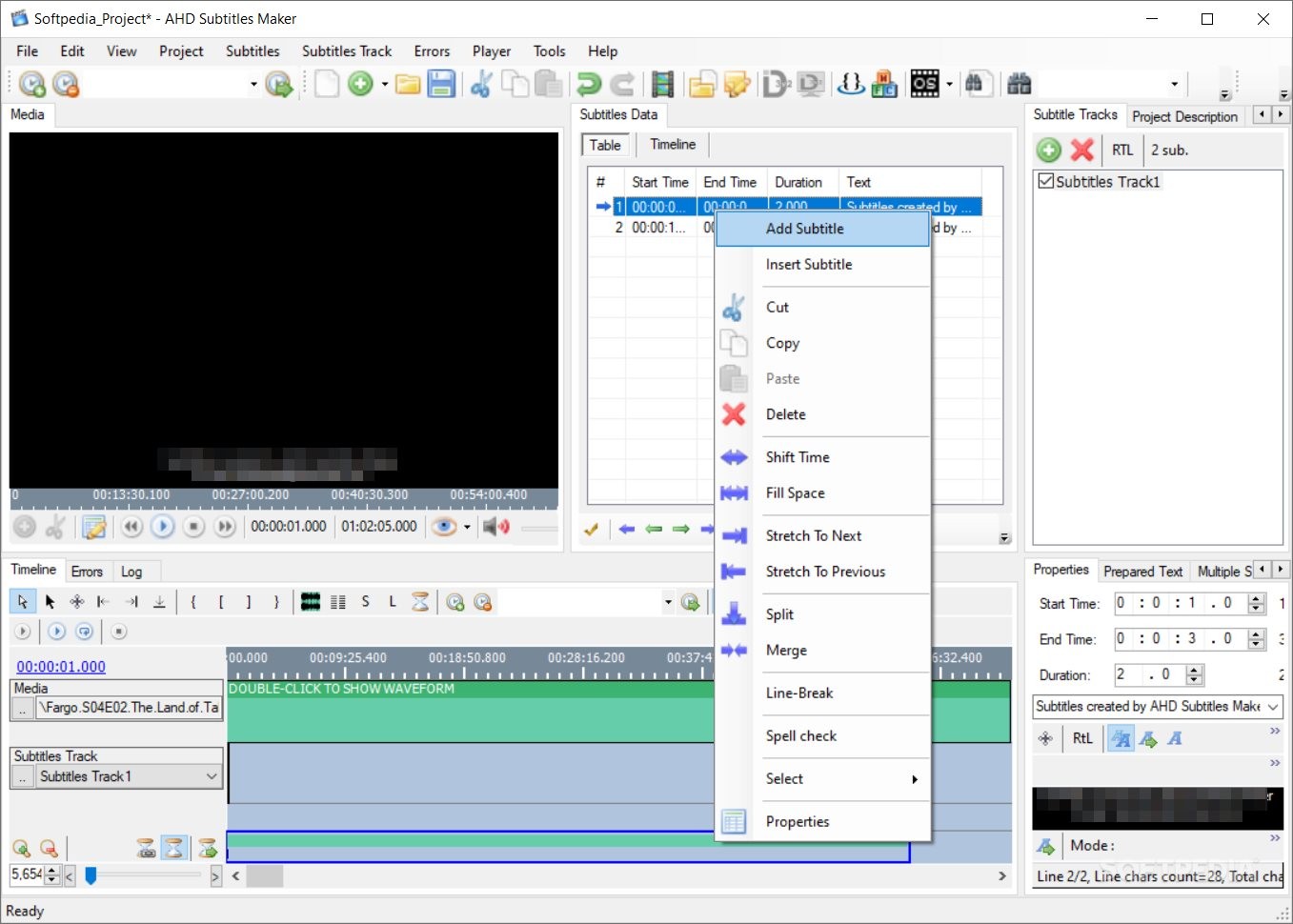
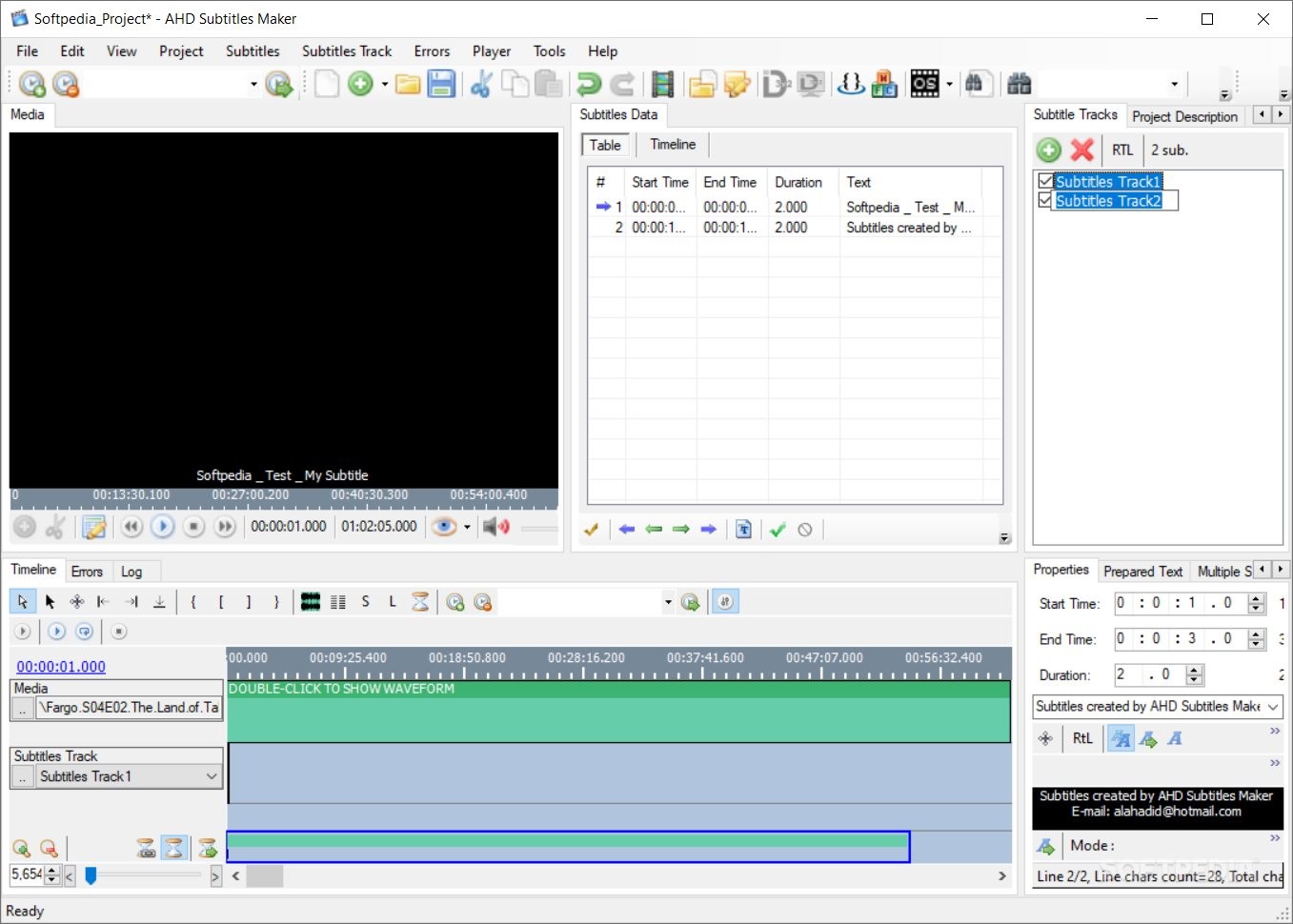
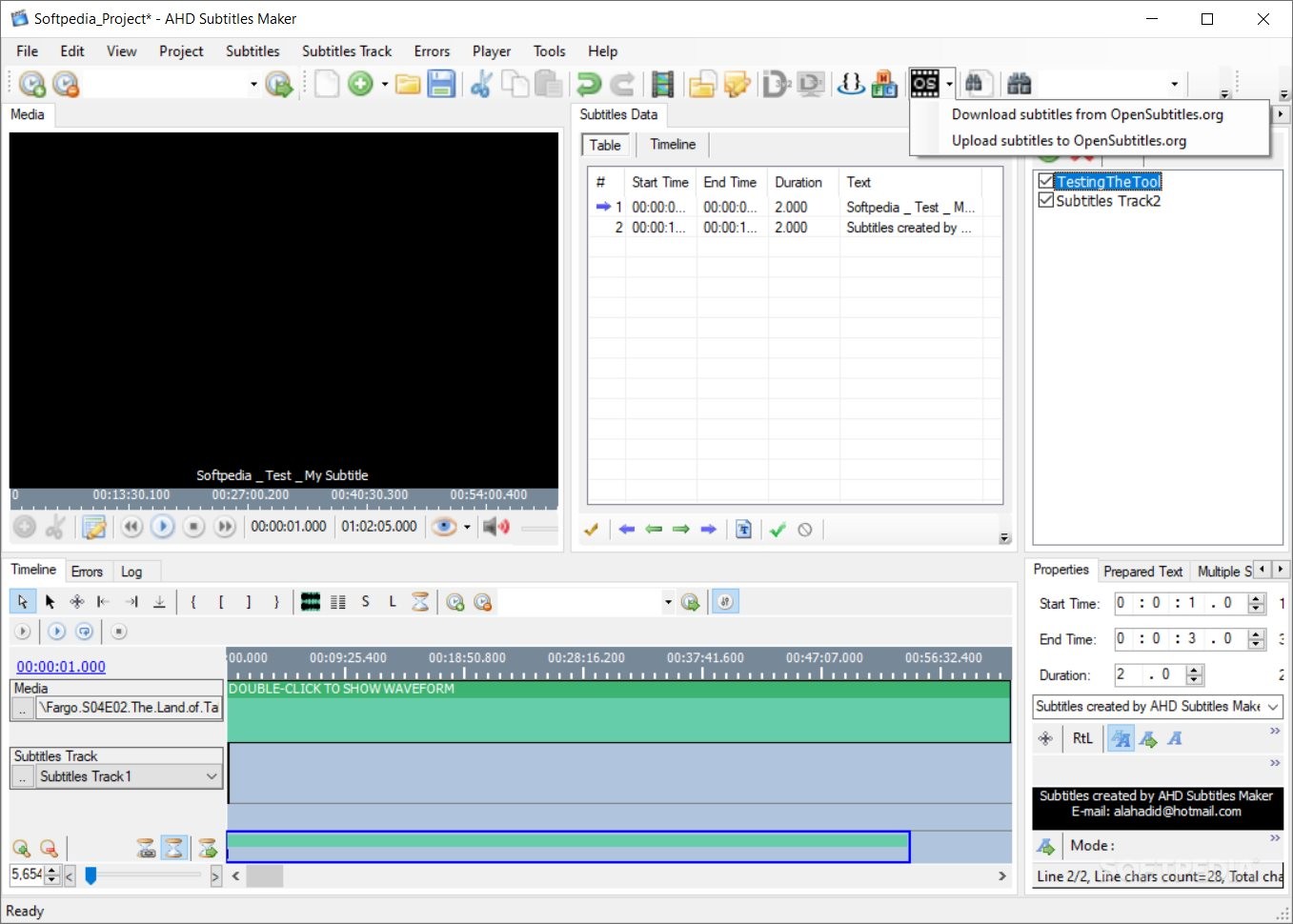
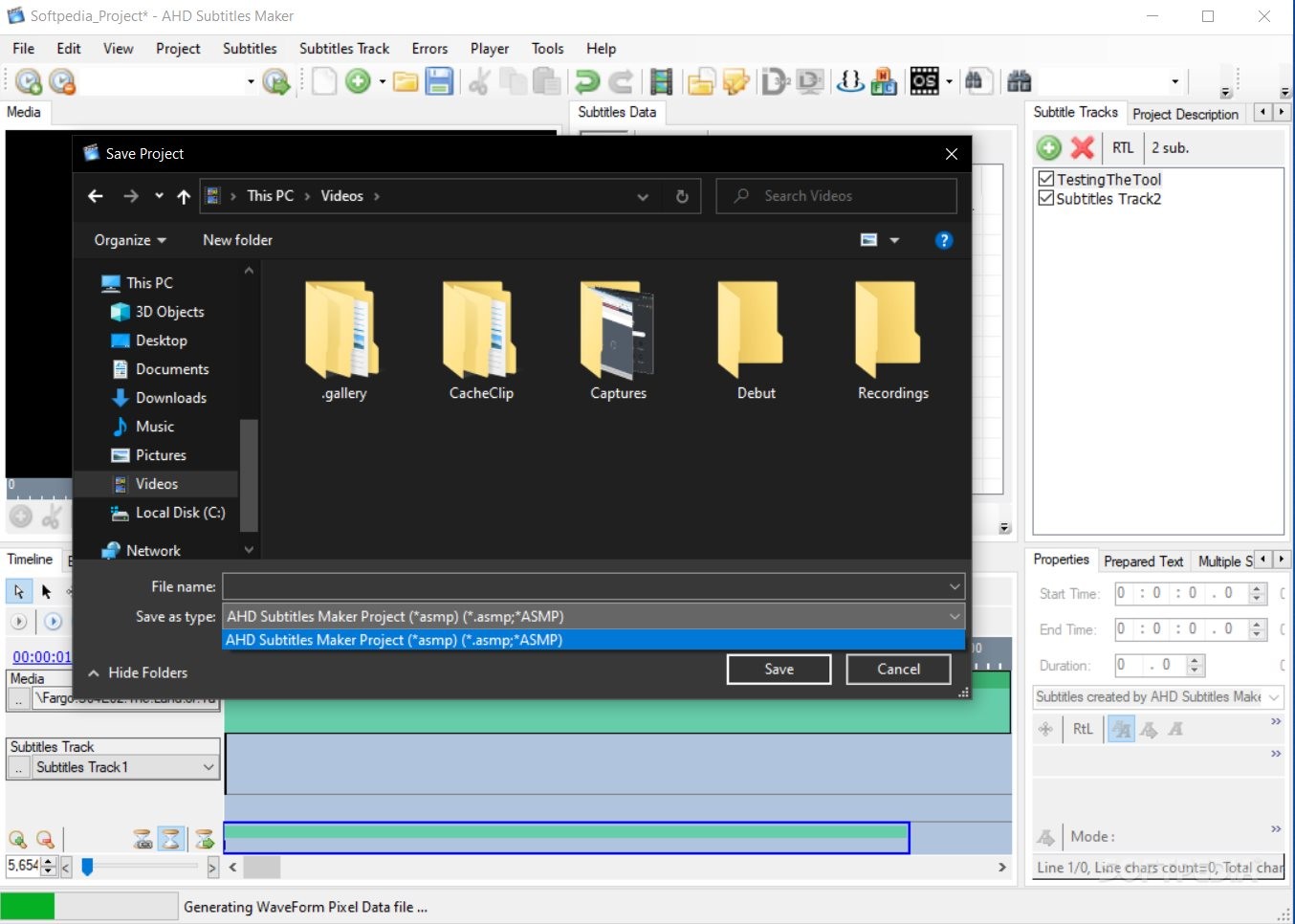
Most times, having a tool that helps obtain qualitative results is fundamentally opposed to accessibility or ease of use. AHD Subtitles Maker is one of those exceptional applications that is extra resourceful and simple, managing to bring together the best of both worlds. It allows customizing your layouts, downloading other subtitles from well-known websites and editing them, translating existing subtitles, converting the original subtitle format, choosing the appropriate encoding for import/export, and more.
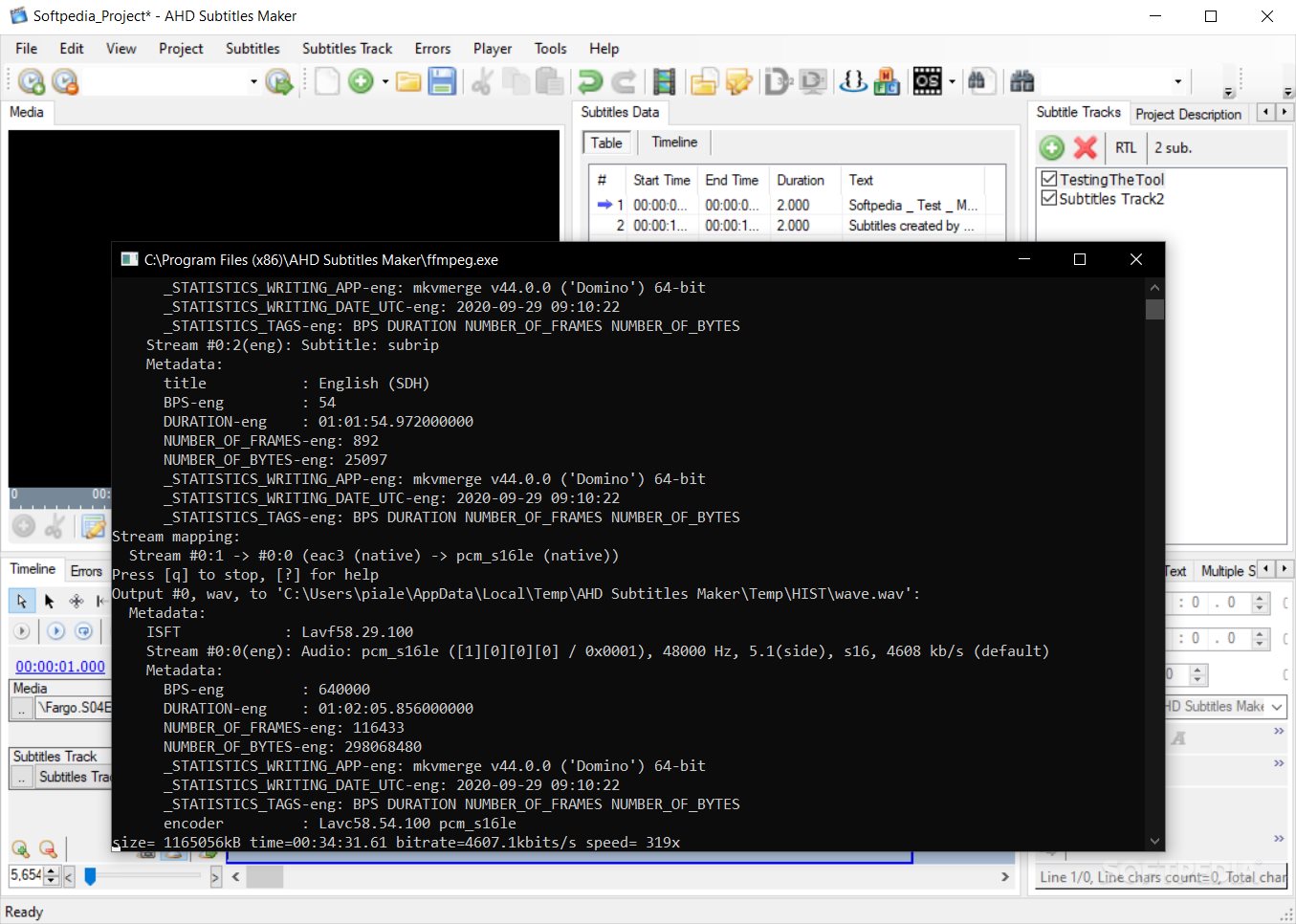
Also, AHD Subtitles Maker is perfect for synchronizing subtitle timings, ripping subtitles from existing MKV files, creating and displaying a waveform of loaded media to line subtitles, using the ID3 Tag function for synchronizing lyrics to the videos' exact frames, spellchecking inserted texts, or using the time formatting options for increasing accuracy.
To summarize, AHD Subtitles Maker looks like the perfect choice for users who need to create, edit, or adjust online, existing subtitle content. This program is free, complex, flexible, and has an extensive pack of resources for beginners and users who want to learn more about it.
Download Hubs
AHD Subtitles Maker is part of these download collections: Edit Subtitles
What's new in AHD Subtitles Maker 5.24.8155.39279:
- This package include these language interfaces:
- English (US), Arabic (Syria), Chinese (Simplified, PRC), Portuguese (Portugal) and Portuguese (Brazil).
- Please make sure the program is not blocked via Firewall and allowed to access the internet so that some program features function correctly.
AHD Subtitles Maker 5.24.8155.39279
add to watchlist add to download basket send us an update REPORT- PRICE: Free
- portable version
- Portable AHD Subtitles Maker
- runs on:
-
Windows 11
Windows 10 32/64 bit
Windows 8 32/64 bit
Windows 7 32/64 bit
Windows Vista 32/64 bit
Windows XP 32/64 bit - file size:
- 18.5 MB
- filename:
- ASM.X86.5.24.8155.39279.Setup.exe
- main category:
- Multimedia
- developer:
- visit homepage
Context Menu Manager

ShareX

IrfanView

Microsoft Teams

Zoom Client

Windows Sandbox Launcher

4k Video Downloader

calibre

Bitdefender Antivirus Free

7-Zip

- calibre
- Bitdefender Antivirus Free
- 7-Zip
- Context Menu Manager
- ShareX
- IrfanView
- Microsoft Teams
- Zoom Client
- Windows Sandbox Launcher
- 4k Video Downloader