
A software application that enables you to create TV recordings straight from your PC with multiple features for optimal imaging. #TV tuner #Video recorder #Capture TV #Tuner #Recorder #Record
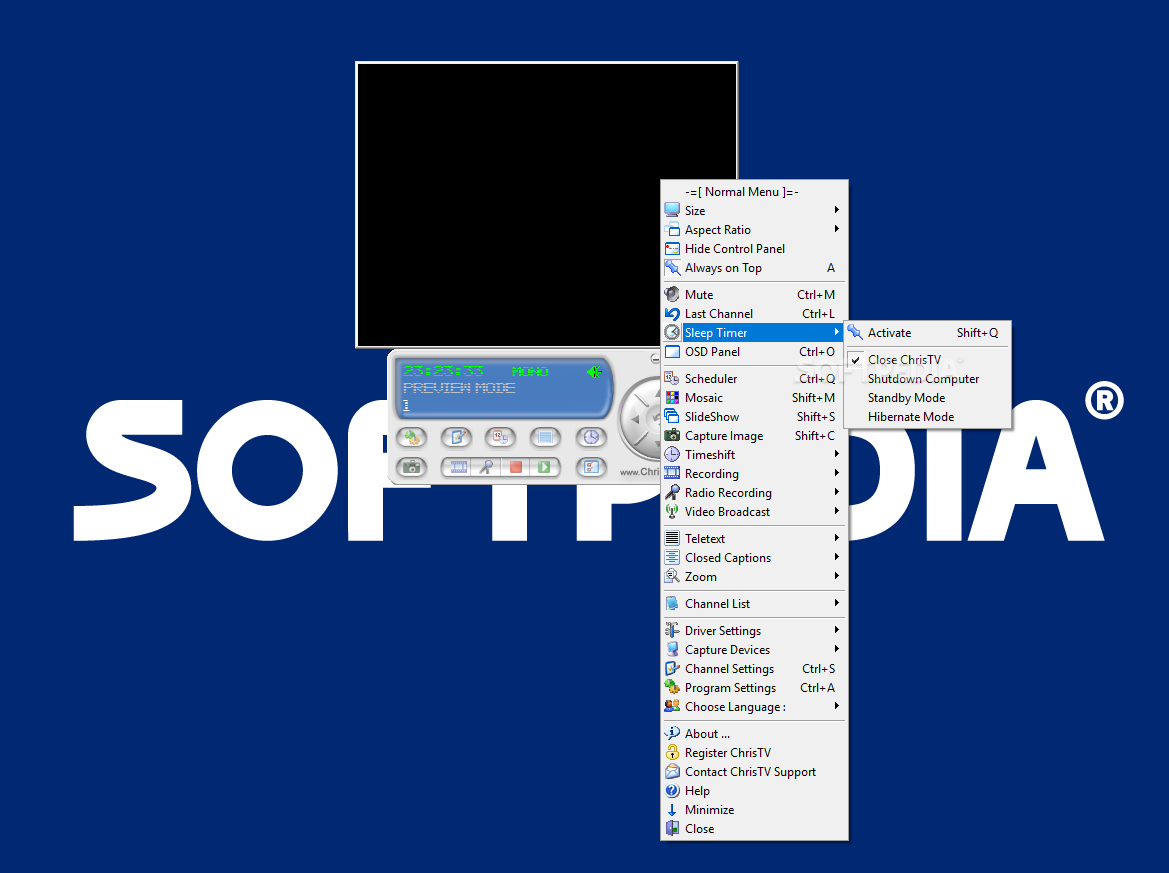
Nowadays, television channels can be viewed and recorded from a computer with minimal effort. All you need to get this job done is a TV card and a recording software. If the one accompanying your hardware device is not satisfactory in terms of usability, features or anything else, you can try a different program designed especially for that purpose.
Such a utility is ChrisTV Professional, which includes a lot more than simple TV viewing and recording. A special note goes for the installation procedure which requires you to pay close attention unless you want to end-up with some third-party software installed on your system.
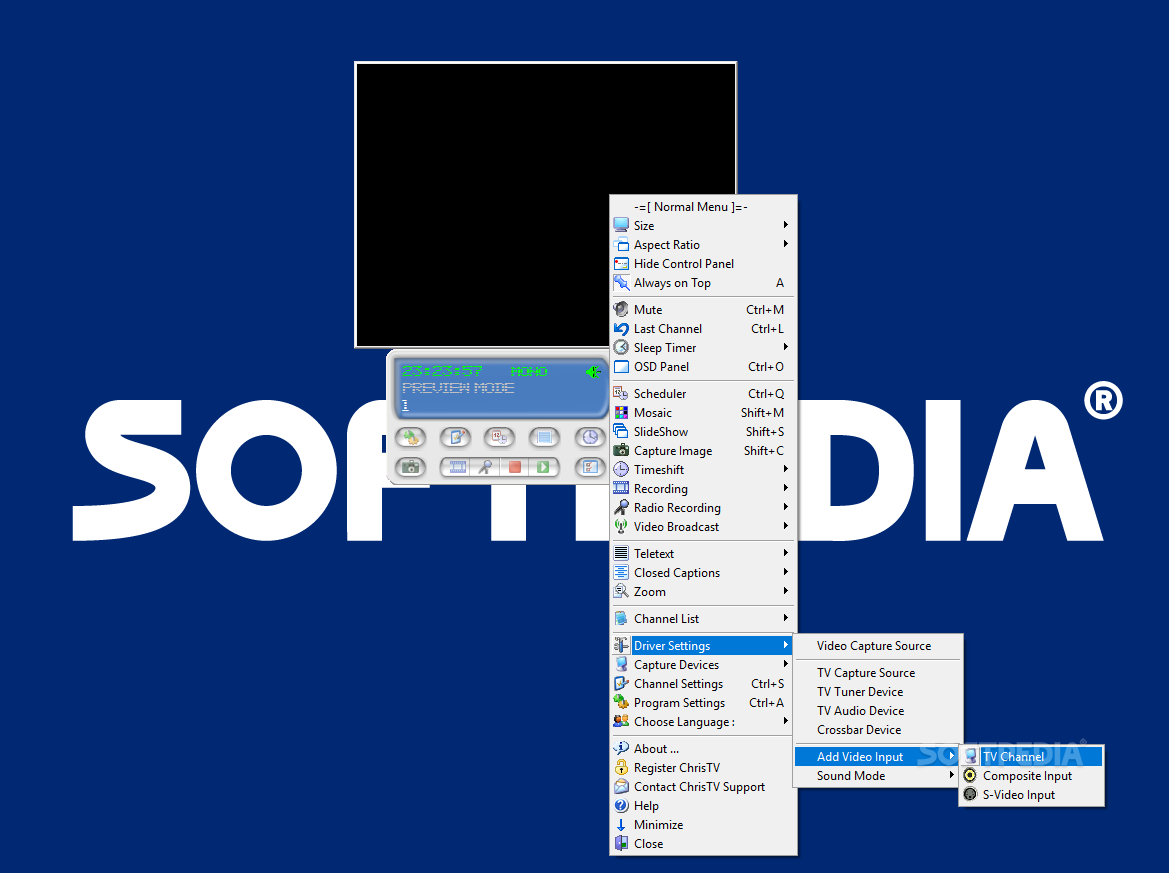
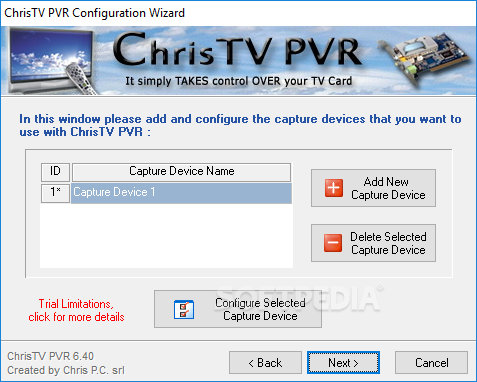
As soon as the setup completes, you will have to go through the 'Configuration Wizard' in order to set the video capture device options and have it work correctly. The controls are easily accessible from the practical and compact user interface and to gain access to all the settings and functions you can right-click in the TV window then choose the needed items from the menu.
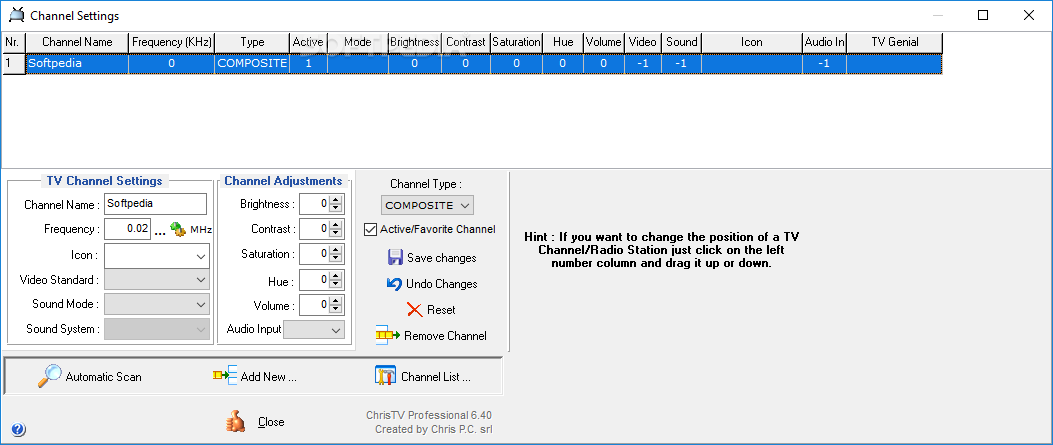
The first thing you will probably do is scan to find all the available channels and ChrisTV Professional offers you several ways of performing this task: by frequency, channel number or channel table. Once you get them sorted out, channel fine tuning and management can be done from the 'Channel Settings' window. Here you can also find the commands for configuring the stations and frequency options.
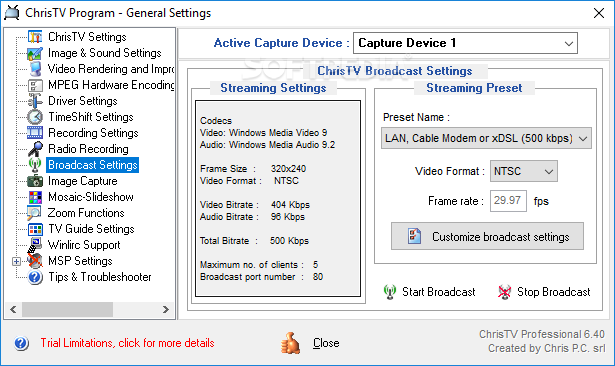
This application supports time shifting based recording which enables you to pause the live transmission and skip commercials and even create instant replays. Another feature you might find quite appealing is the broadcast capability. It gives you the possibility to share your preferred TV shows on your LAN or via the Internet.
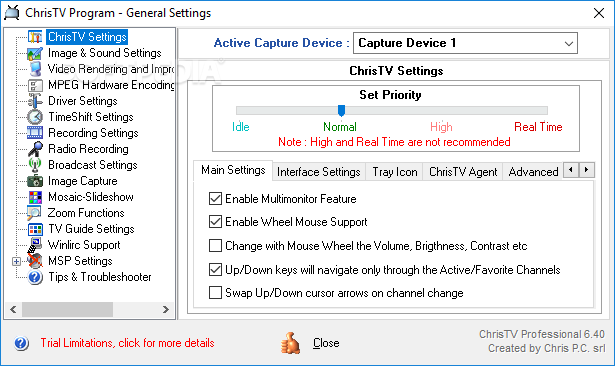
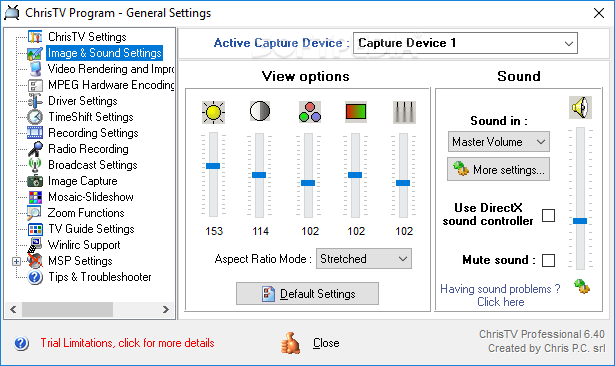
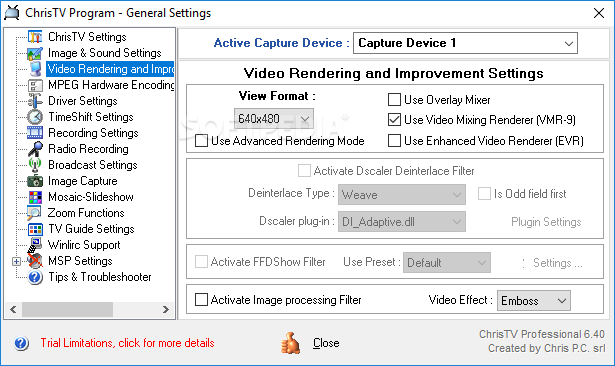
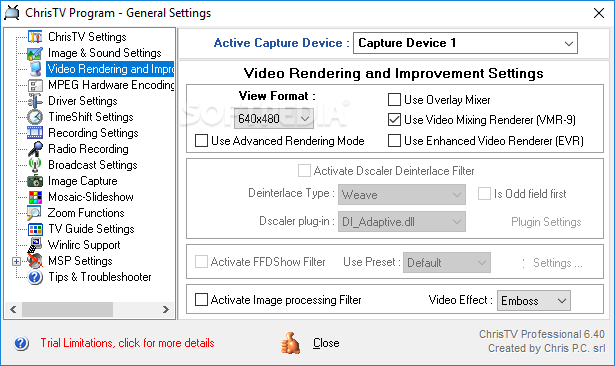
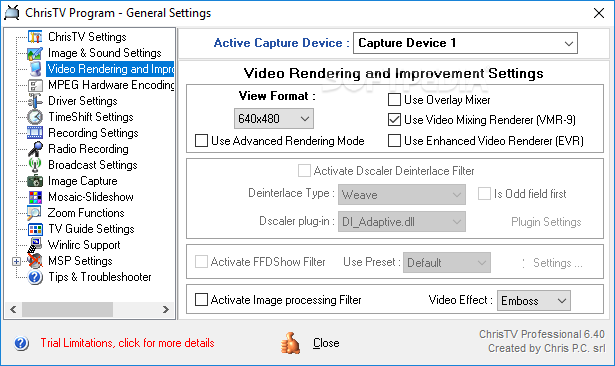
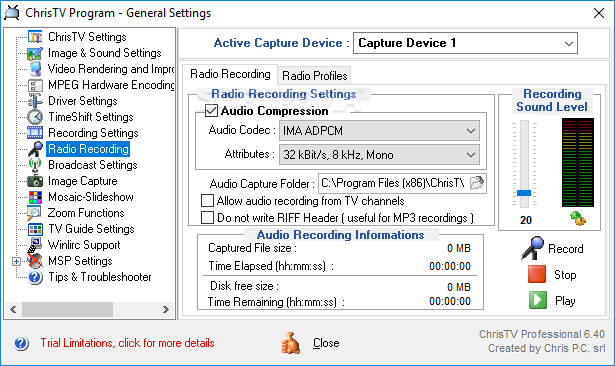
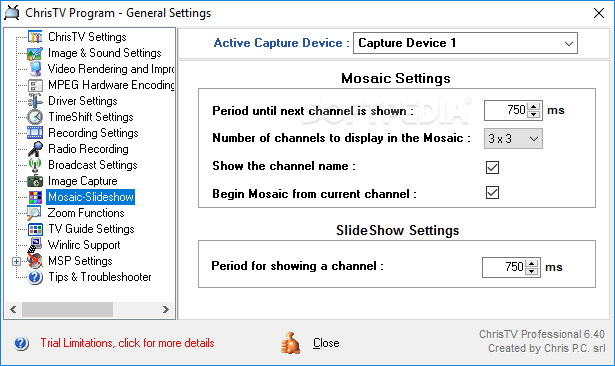
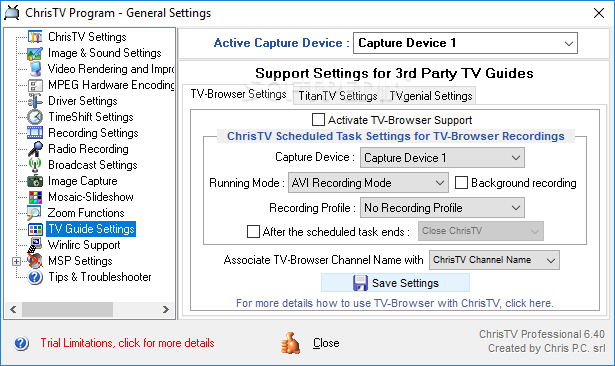
If you don't need to have a task carried out straightaway, you can use the built-in scheduler to have the shows recorded at a time of your liking. Advanced customizations for this function, as well as for image, sound, recording and many more, are easily accessible via the 'General Settings' section.
Packing a respectable set of features, most of them highly customizable, ChrisTV Professional is definitely a good PVR software. Easy to use and with all the functions at hand, the program is set to fulfill the needs of all users for TV viewing, streaming and recording.
What's new in ChrisTV Professional 6.85:
- Improved support for Windows 11.
- Small fixes and improvements.
ChrisTV Professional 6.85
 Softpedia Editor's Pick
add to watchlist
add to download basket
send us an update
REPORT
Softpedia Editor's Pick
add to watchlist
add to download basket
send us an update
REPORT
- runs on:
-
Windows 11
Windows 10 32/64 bit
Windows 8 32/64 bit
Windows 7 32/64 bit
Windows Vista 32/64 bit
Windows XP 32/64 bit - file size:
- 3.7 MB

- main category:
- Multimedia
- developer:
- visit homepage
IrfanView

ShareX

Microsoft Teams

Windows Sandbox Launcher

calibre

7-Zip

Zoom Client

Context Menu Manager

Bitdefender Antivirus Free

4k Video Downloader

- Context Menu Manager
- Bitdefender Antivirus Free
- 4k Video Downloader
- IrfanView
- ShareX
- Microsoft Teams
- Windows Sandbox Launcher
- calibre
- 7-Zip
- Zoom Client
