Softpedia
 

WINDOWS CATEGORIES:


GLOBAL PAGES >>
SOFTPEDIA REVIEWS >>
MEET THE EDITORS >>
WEEK'S BEST
  • Bitdefender Total ...
  • Ocster Backup Pro ...
  • Hard Disk Sentinel...
  • FlashFXP [DISCOUNT...
  • DVDFab DVD Copy [D...
  • Kaspersky Internet...
  • Avast! Internet Se...
  • Avira Internet Sec...
  • Webroot SecureAnyw...
  • McAfee Total Prote...
  • Home > Windows > Multimedia > Video > Other VIDEO Tools
     Report malware

    DubIt 2.0.11

    download button

    Downloads: 52,907  View global page  Tell us about an update
    User Rating:
    Rated by:
    Good (3.2/5)
    68 user(s)
    Developer:

    License / Price:

    Size / OS:

    Last Updated:

    Category:

    Freeware / $0
    1.9 MB / Windows All
    [view history]
    C: \ Multimedia \ Video \ Other VIDEO Tools

     Read user reviews (2)  Send to friend   Follow (1 user)

    Softpedia Editor's Review for DubIt

    EDITOR'S RATING:

    Add audio to your AVI video fies in real-time

    Written by Sorin Cirneala on January 19th, 2012

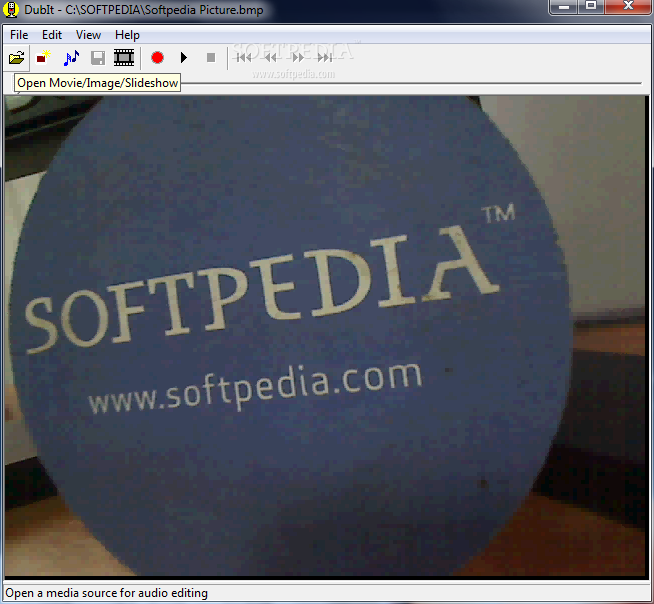
    DubIt is a program that allows you to add sound file to an image or a movie. You should try this program if you want to create a presentation with multiple images and a custom soundtrack.

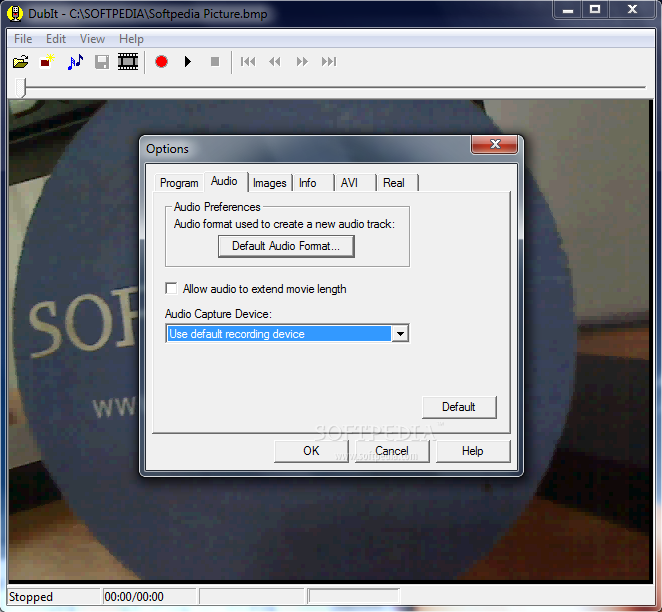
    The program can work with AVI video files and the most popular image files such as JPG, GIF or BMP. In order to add a soundtrack to an image or a video file you just need to open the file and add an audio file. The program also allows you to record a sound from the microphone. This feature can be useful when you want to create a tutorial.

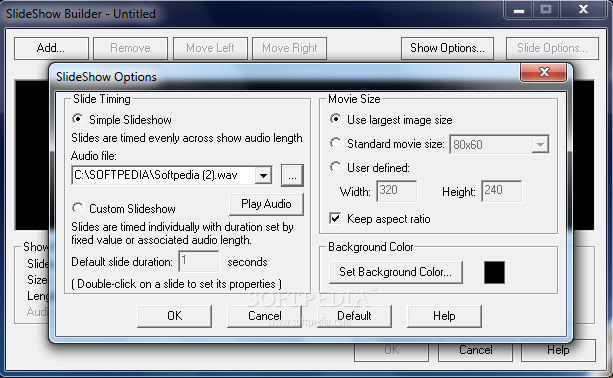
    The procedure is reversed when creating a slideshow: you are required to select the audio file first and to choose how the images are timed across the duration of the audio file. You can distribute the images evenly over the audio file or create a custom slideshow without the audio track and add it later.

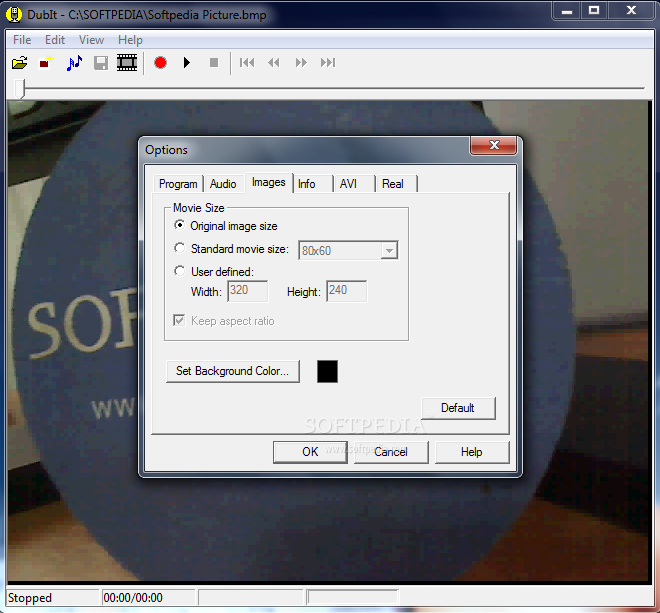
    The slideshow mode is more flexible because it allows you to set the size of the video file. You can set the size of the slideshow to use the largest image or resize all images to a preset video size. The images that are too small are displayed on a colored background that you can set.

    You can extract the sound or the video from another AVI file by using the Split function that allows you to save the video as AVI or Real Media files. This can come in handy when you want to use the same images and change the soundtrack in order to personalize the output. In this situation you can also delete the audio soundtrack in order to achieve the same effect.

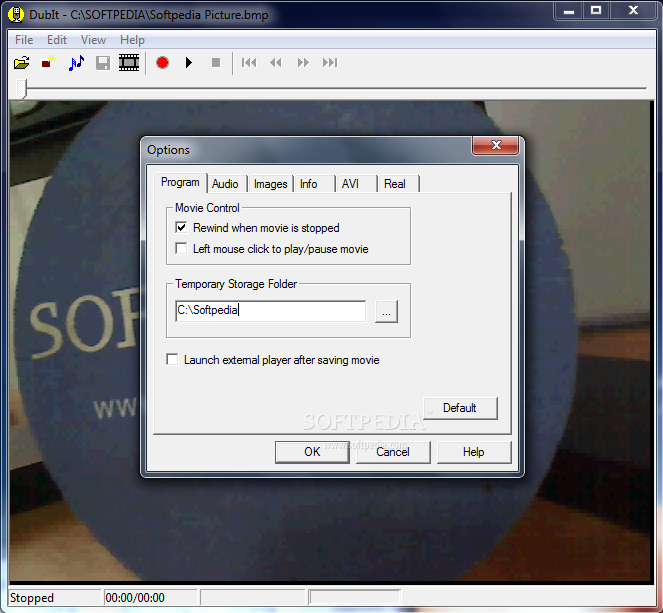
    The interface of the program is easy to understand and it requires no other knowledge than basic computer skills. The resource usage is insignificant during all the operations that we performed.

    Overall we can say that the program is lightweight and performed well in all the tests.

    DubIt description

    Here are some key features of "DubIt":

    · DubIt can add audio to the following file types: AVI, BMP, GIF,
    · and JPG. Also, DubIt can add audio to any image copied to the
    · Windows clipboard.
    · DubIt can easily produce a SlideShow presentation of your
    · BMP, GIF and JPG image files. You can quickly create a simple
    · show or a professional presentation with full audio editing for
    · each slide.
    · DubIt creates a standard AVI movie file that can be played
    · on most Windows systems without any special software.
    · DubIt creates standard Windows Media and RealNetworks
    · streaming video files so you can share your presentations
    · on the web or attach them to an e-mail message. Streaming
    · media files are highly compressed and can be played using the
    · standard Windows Media Player and the RealNetworks RealPlayer.
    · DubIt allows you to record from the microphone or insert a WAV
    · audio file anywhere in your movie sound track.
    · You can add/modify/delete the movie sound track anywhere, any number of times, with instant playback, until you are happy with the result.
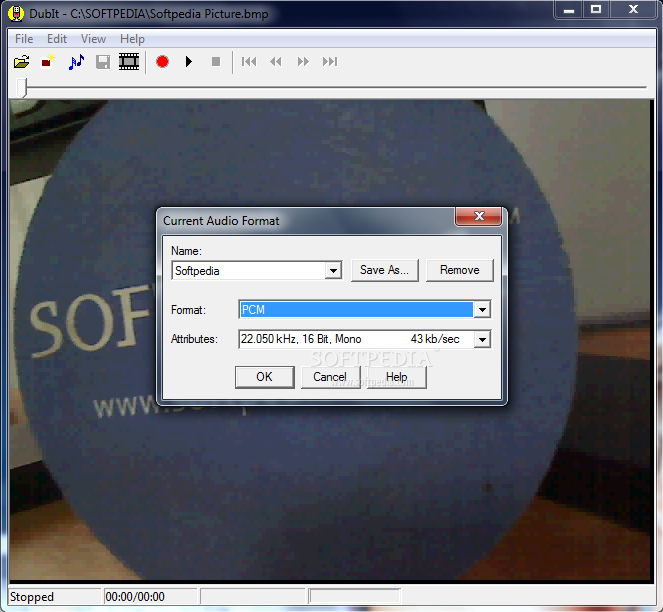
    · DubIt allows you to select the audio format to control the
    · quality of your sound track and the size of the movie file.
    · DubIt allows you to "extend" the length of a movie or image to
    · hold a sound track of any length. And, DubIt can optimize the
    · extended video to make the movie file size as small as
    · possible.
    · DubIt performs absolutely no video re-compression. So your
    · video quality is always preserved and audio editing is fast.
    · DubIt lets you select the movie size created for still image
    · annotation. Options include the original image size, a standard
    · movie size, or any specified movie width and height.
    · DubIt gives you full control over the movie playback size while
    · you are adding audio. Full screen size movies can be played
    · without any resizing.
    · DubIt is nicely integrated with SnagIt, TechSmith's premier
    · screen capture tool. If you need to grab a picture or movie of
    · anything on your screen and then browse your images or movies with a thumbnail browser, you need SnagIt! In SnagIt's Catalog Browser, select Add Audio from the File menu to add audio using DubIt.

    What's New in This Release: [ read full changelog ]

    · Changes for Camtasia Studio compatibility.

     Softpedia guarantees that DubIt 2.0.11 is 100% CLEAN, which means it does not contain any form of malware, including spyware, viruses, trojans and backdoors. [read more >]


    TAGS:

    video dub | dubbed video | add sound | dub | recorder | slideshow

    Go to top

    WindowsGamesDriversMacLinuxScriptsMobileHandheldNews

    SUBMIT PROGRAM   |   ADVERTISE   |   GET HELP   |   SEND US FEEDBACK   |   RSS FEEDS   |   UPDATE YOUR SOFTWARE   |   ROMANIAN FORUM