
Remotely control the undergoing of a time-lapse project, with this tool that works with a tethered DSLR camera and supervises the capturing of multiple photos. #Capture timelapse #Timelapse sequence #Remote capture #Capture #Timelapse #Sequence
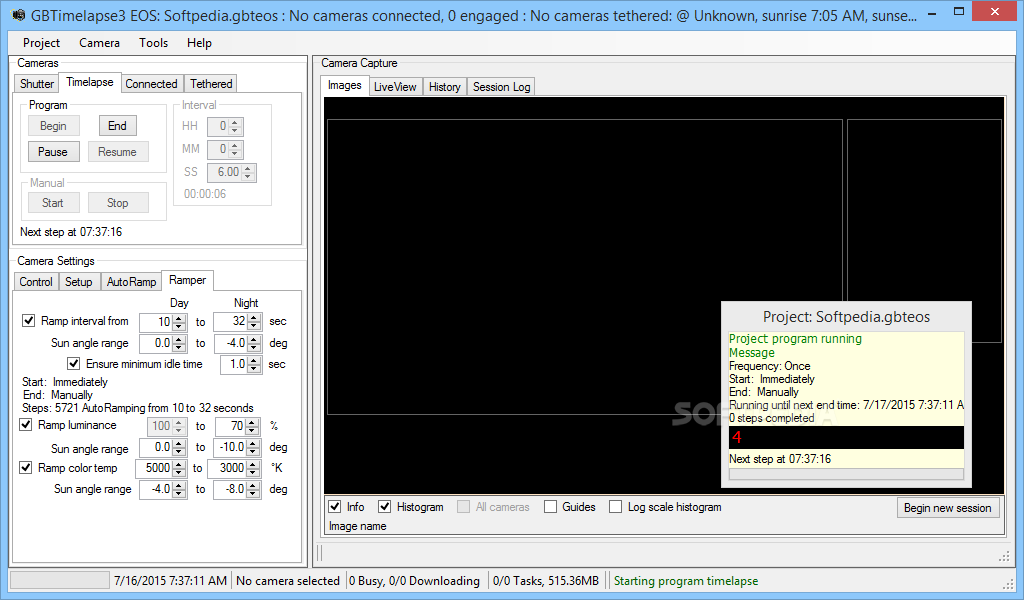
GBTimelapse is a reliable tool that allows professional photographers capture time-lapse images that they can later process. The application is designed to control the camera shutter and take still images of the same spot at specified time intervals. It can help you acquire smooth photo compositions with little effort.
The time lapse is a photography concept in which a single object is captured in still pictures in multiple moments of the same day. A series of photos are taken at a specified time interval, from a fixed spot, with different camera settings based on the environment luminance.
The time lapse is usually a video or a composite picture. The fast sequence of images, from dawn till dusk, for instance, consists of hundreds or thousands of shots that GBTimelapse can help you acquire.
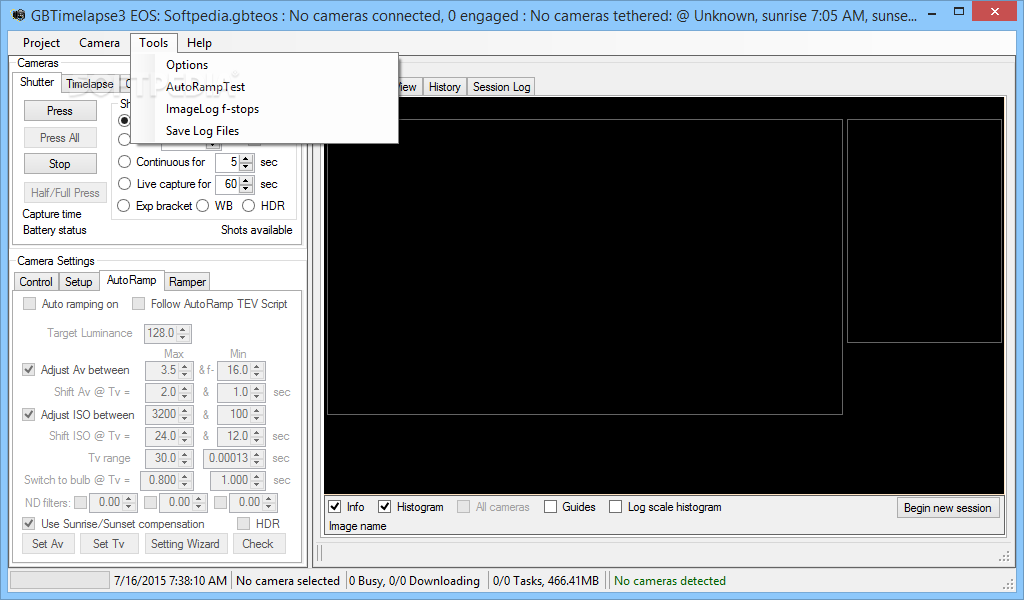
GBTimelapse allows you to capture the time lapse picture sequence, with the help of a DSLR camera connected to the computer. You can also control a camera that is tethered to your computer by a USB cable. The program allows you to quickly manage the camera settings, as well as the environment, to facilitate capturing pictures.
You can set the time interval for each picture, from a few seconds to a few minutes. The smaller the interval, the smoother the transition can be, especially when the video oversees span of a few hours.
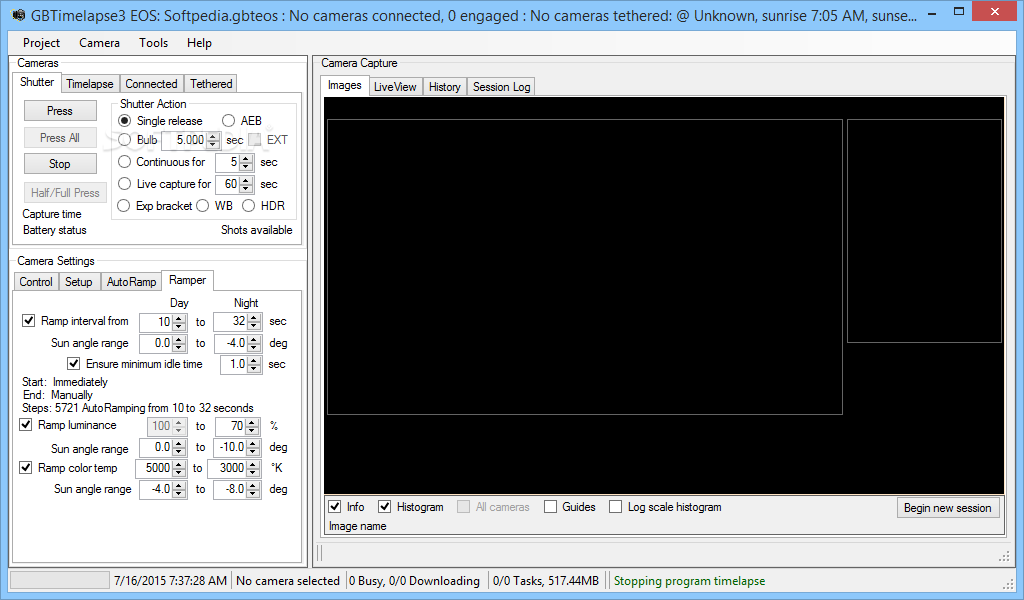
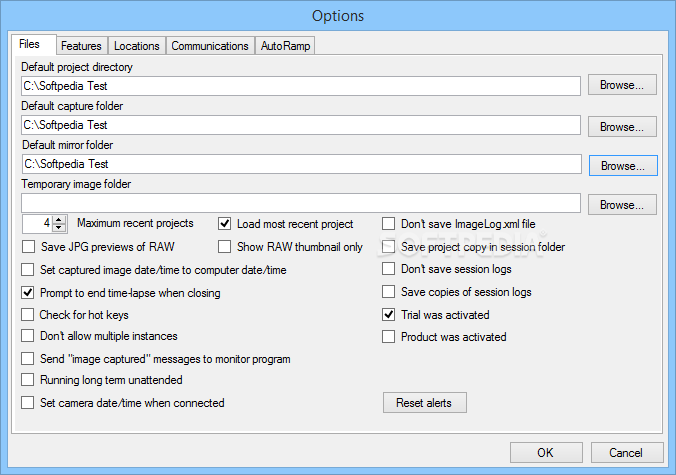
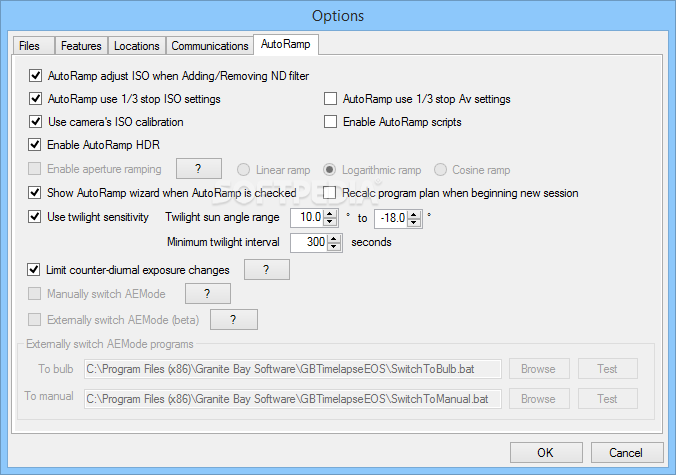
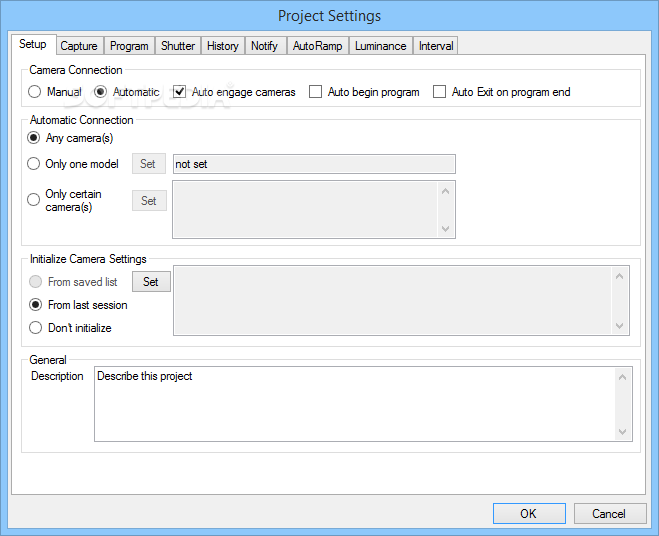
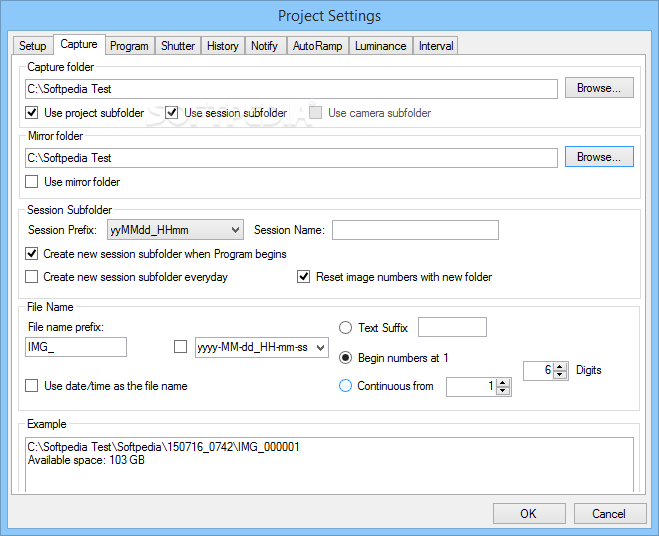
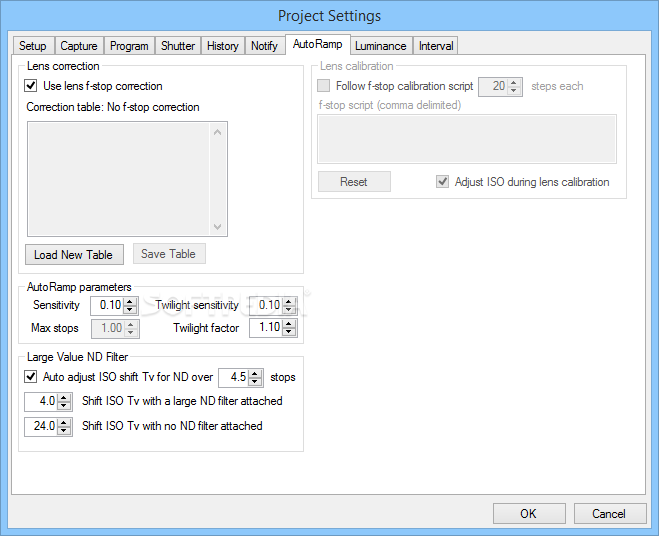
GBTimelapse is simple to configure, which makes it a suitable tool for projects that oversee a span of several days or even months. The program can work with the camera settings and saves the pictures either in JPEG or RAW format. You may also set the ramper options, switch to bulb setting for the camera or select whether the pictures should be taken in single or multiple shots.
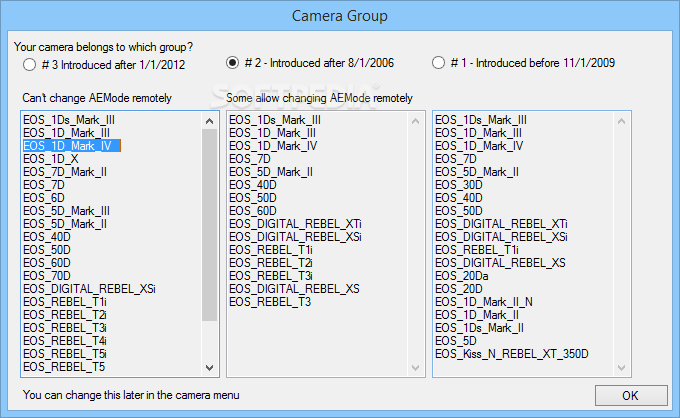
NOTE: GBTimelapse is compatible with several Canon camera models, a list of which is displayed in its interface.
GBTimelapse 4.1.3
add to watchlist add to download basket send us an update REPORT- runs on:
-
Windows 8 32/64 bit
Windows 7 32/64 bit
Windows Vista 32/64 bit
Windows XP - file size:
- 32.3 MB

- main category:
- Multimedia
- developer:
- visit homepage
Bitdefender Antivirus Free

Windows Sandbox Launcher

7-Zip

Microsoft Teams

Zoom Client

ShareX

4k Video Downloader

calibre

Context Menu Manager

IrfanView

- calibre
- Context Menu Manager
- IrfanView
- Bitdefender Antivirus Free
- Windows Sandbox Launcher
- 7-Zip
- Microsoft Teams
- Zoom Client
- ShareX
- 4k Video Downloader